AI Virtual Fitting Room

AI Virtual Try On Clothes

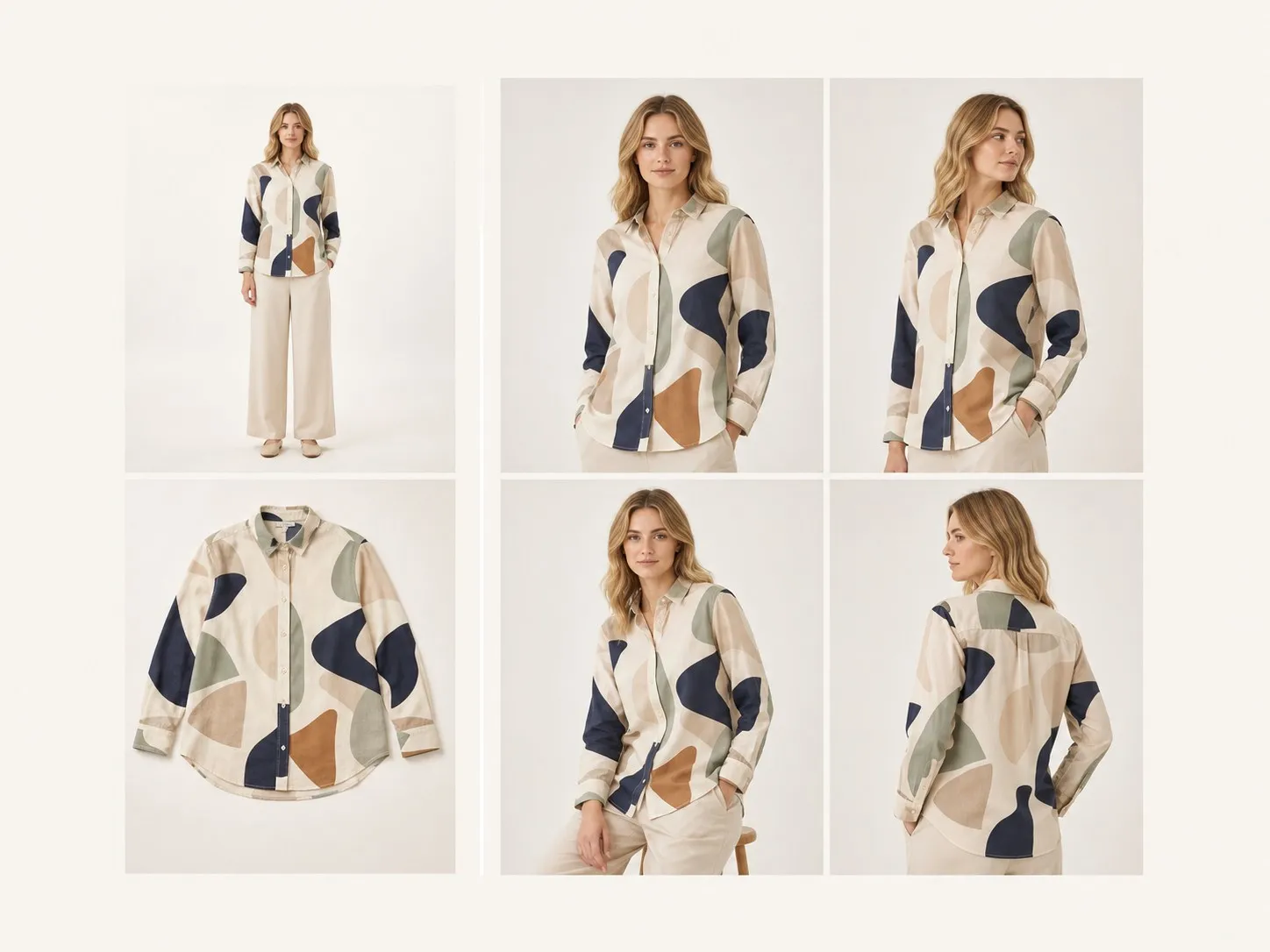
Upload a front-facing model photo and the garment pieces. Four differentiated try-on images come back, with the pose and framing varying between them while the model stays recognisably themselves and each garment keeps its exact design, seams and drape.

Input
Front-facing model image · RequiredGarment images · RequiredStyling notes · Optional
Output
On-model try-on image × 4

Front-facing model image

Required

Drop the model photo

Your image is uploaded on the canvas — this form carries the settings.

Garment imagesRequired

What AI virtual try on clothes does with your own garments

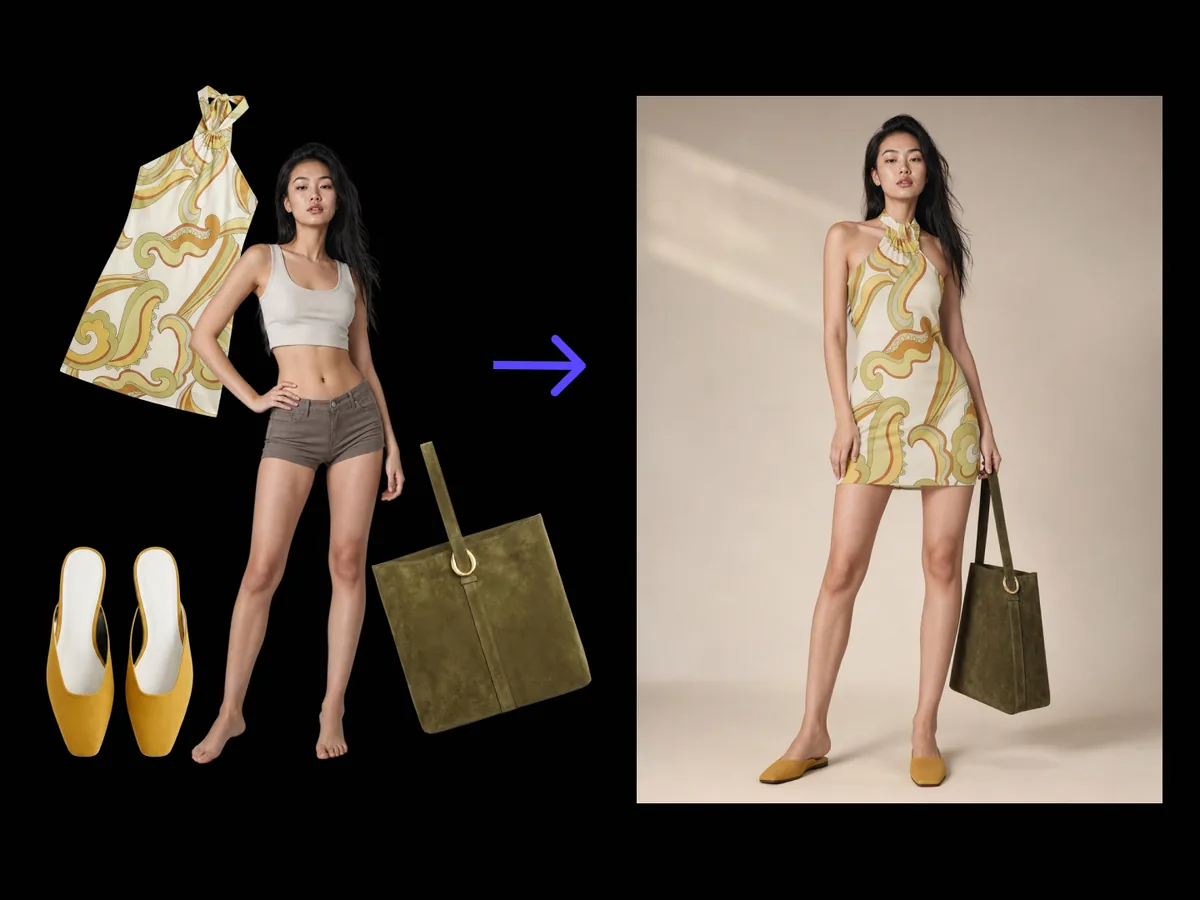
AI virtual try on clothes puts a real garment onto a real model without a shoot. This one treats the clothing as the ground truth: cut, colour, print placement and hardware carry over as designed, and what varies between the four shots is the pose and the light.

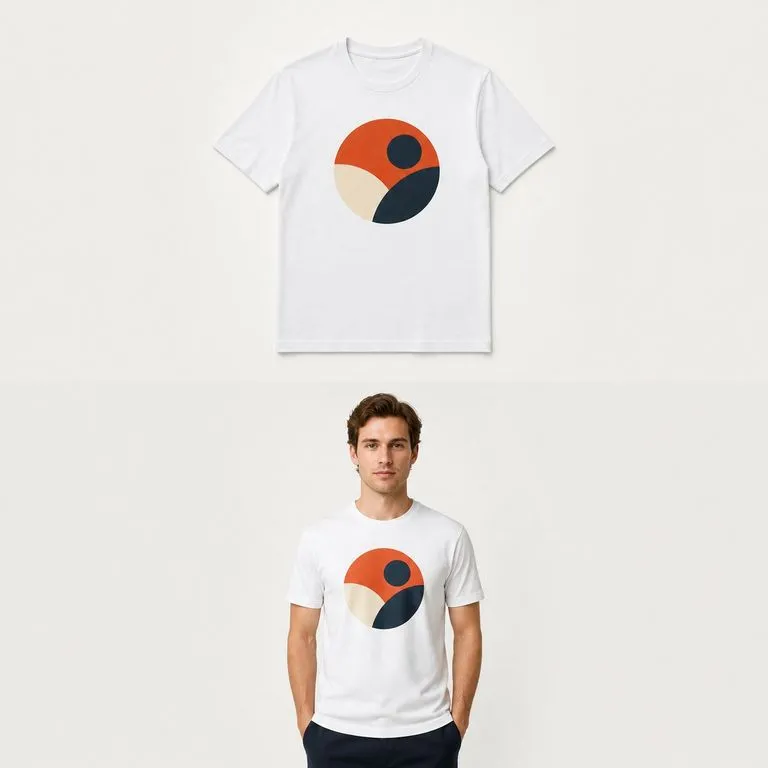
A model photo and a flat garment on the left, four on-model try-on shots on the right
A model photo, a garment, and four try-on shots

What AI clothes try on holds and what it varies

Two required uploads and one styling note. The split between fixed and varied is what makes the output usable.

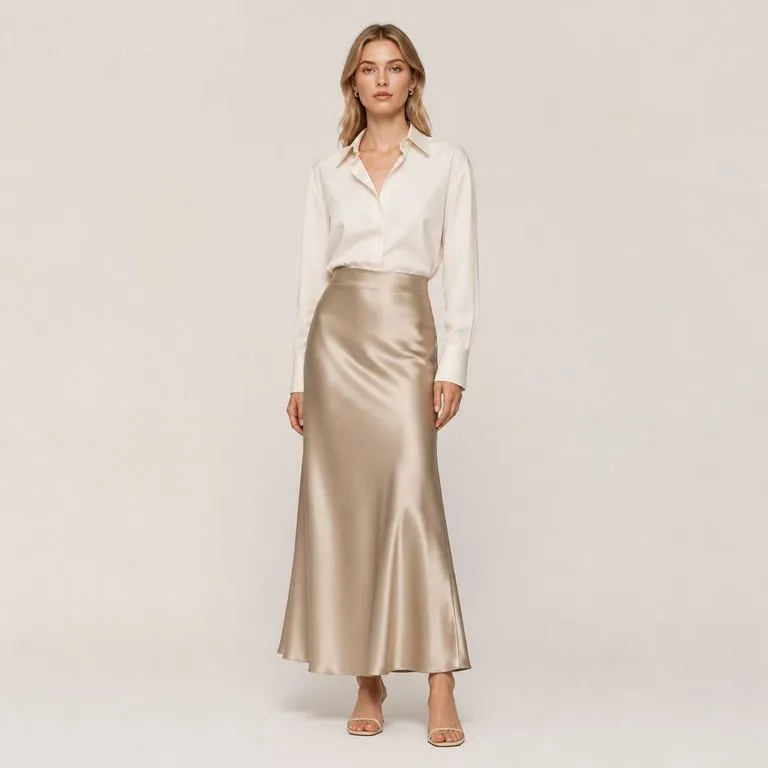
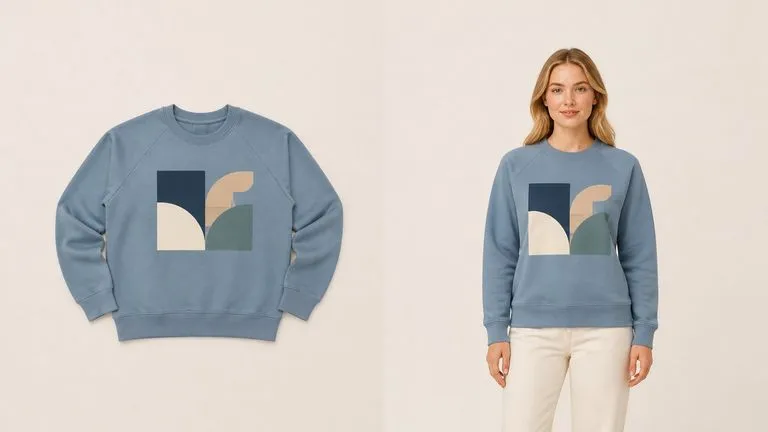
A flat garment beside the worn version with print placement and seams identical
Fixed

The garment is the ground truth

Cut, colour, print placement and hardware carry over as designed. A print that slid two centimetres across the chest or a button that changed shape is a defect, not a variation.
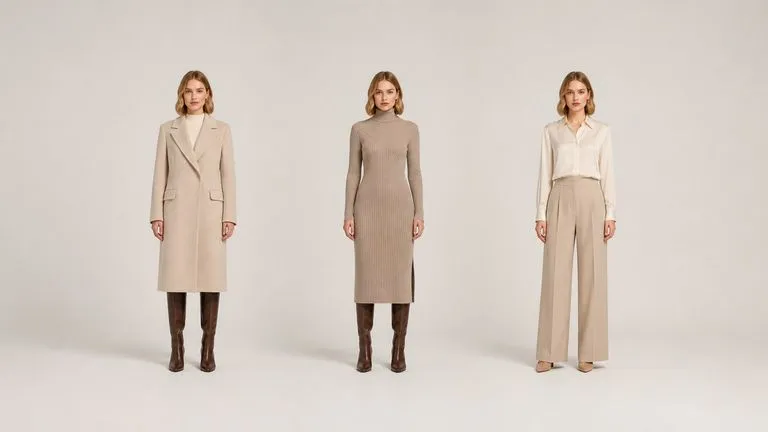
One model wearing three different garments with an identical face throughout
Fixed

The model stays themselves

Face and proportions come through from the photo you supplied. This matters when you have booked the model, because the person in the lookbook has to be the person you paid.
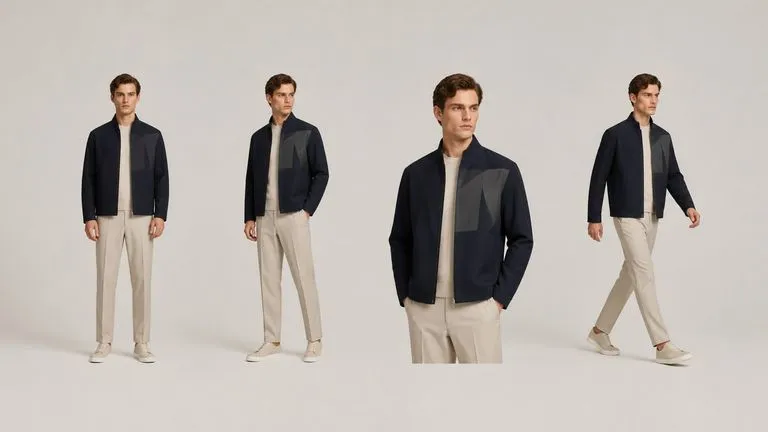
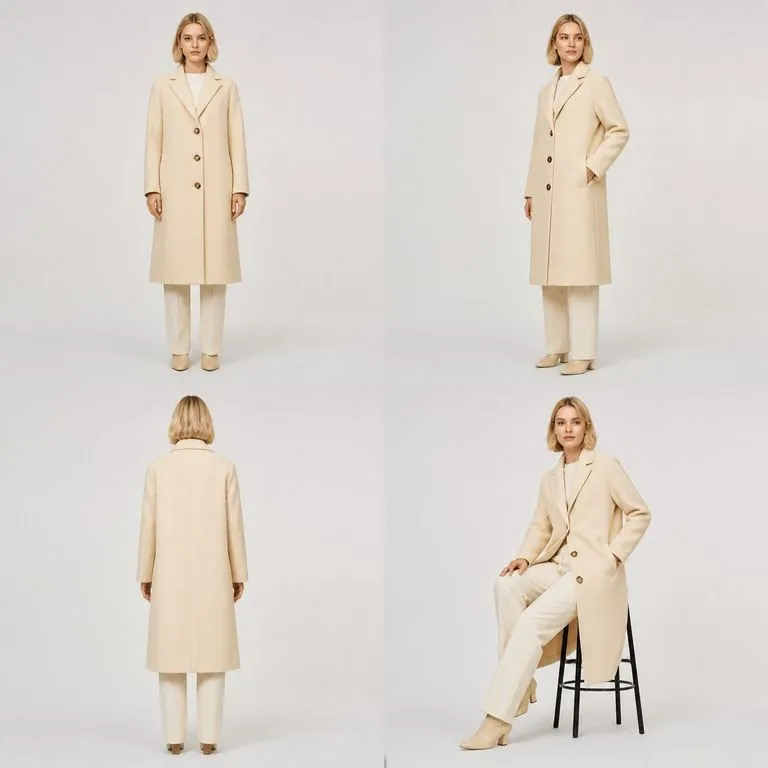
Four genuinely different poses and framings of one look
Four shots

Pose, framing and light vary

The four images differ from each other rather than being one shot repeated. That is what makes them cover a product page, where a single angle is not enough to sell a garment.

How to run a virtual try on for clothes in four steps

  1. Choose the model photo

    Front-facing, full or three-quarter length, plain background works best. The person comes through as they are, so use the model you actually work with.

  2. Upload the garment pieces

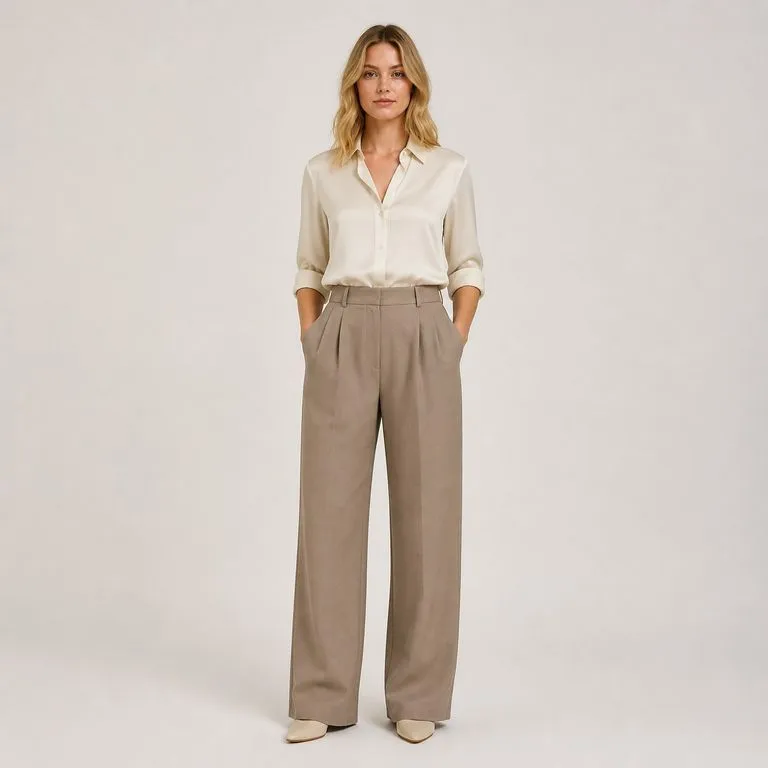
    Flat shots or product photos. Upload the pieces you want worn together, such as a top and trousers, rather than running them separately.

  3. Say how it should be styled

    Tucked or loose, sleeves rolled, which layer goes over which, what backdrop. This is where a full look stops being a guess.

  4. Create, then keep working

    Four shots land on a fresh Virse canvas. Re-run the one that missed, change the styling note, or take a shot into an edit without exporting.

Who uses a virtual fitting room

Brands with the samples made and a launch date that will not move.
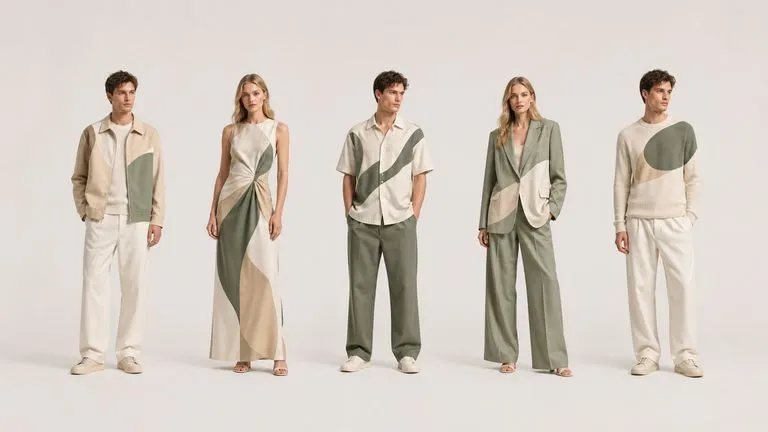
Five looks from one collection shown on model in a consistent row

Fashion & Apparel Brands

Photograph a collection on a model before the sample rail has finished travelling between cities.
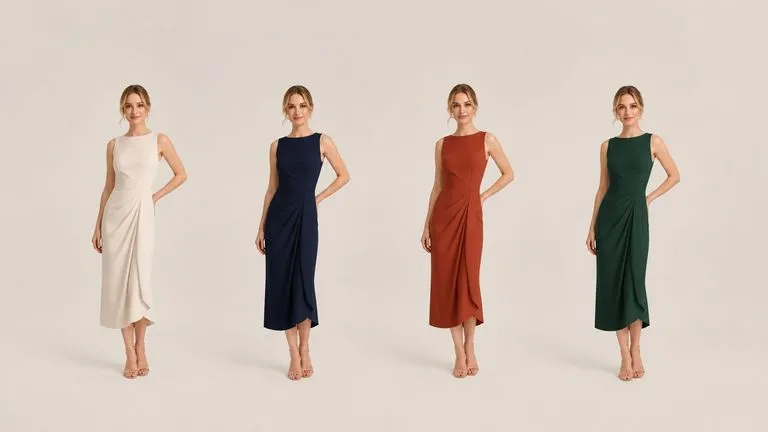
One garment shown on model in four colourways from the same pose

E-commerce & Marketplace Teams

Fill the on-model slots of a product page for every colourway, instead of shooting the ones that fit the budget.
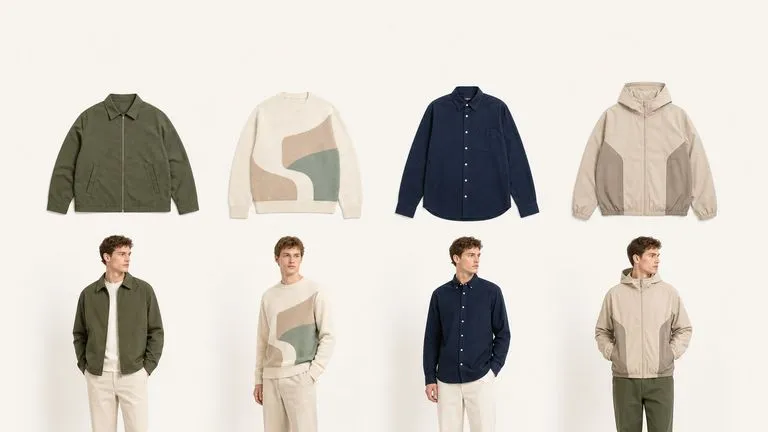
A row of flat garment shots above the same pieces shown worn

Buyers & Wholesale Sellers

Show a line sheet as worn garments rather than as flats, which is a different conversation with a buyer.
What an AI clothes try on set returns

A chest print sitting exactly where the flat garment placed it
Print Placement Held: the graphic sitting where the tech pack put it
One model and one garment shown in four distinct poses
Four Poses, One Model: the same person shot four ways in one run
A top and trousers worn together as a styled full look
Full Look, Layered as Noted: top and trousers combined the way the styling note asked
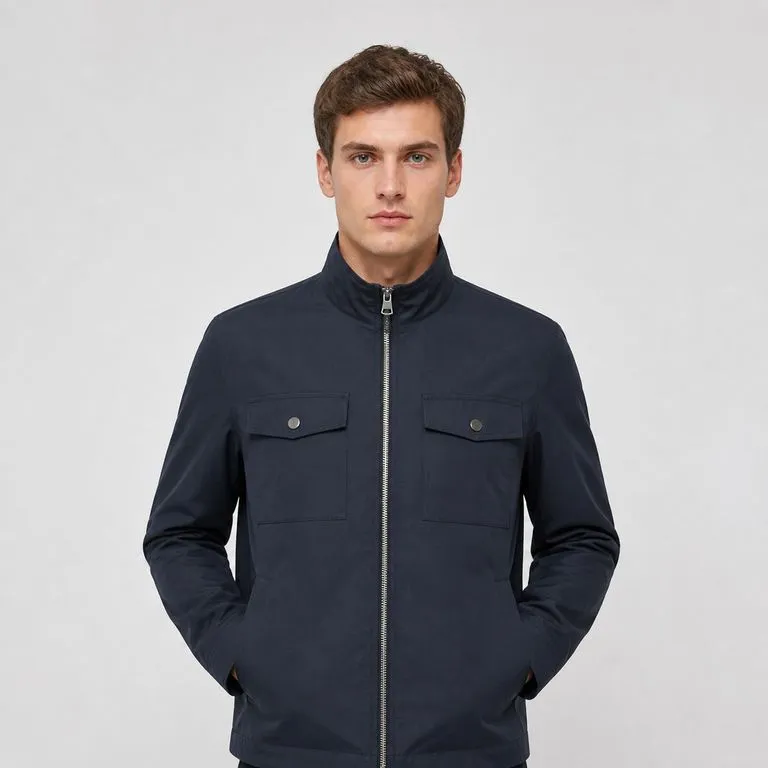
Buttons, zip and trims carried over correctly onto the worn garment
Hardware Intact: buttons, zips and trims carried over from the product shots
Fabric falling the way the garment's cut says it should
Drape That Follows the Cut: fabric behaving the way the garment was patterned
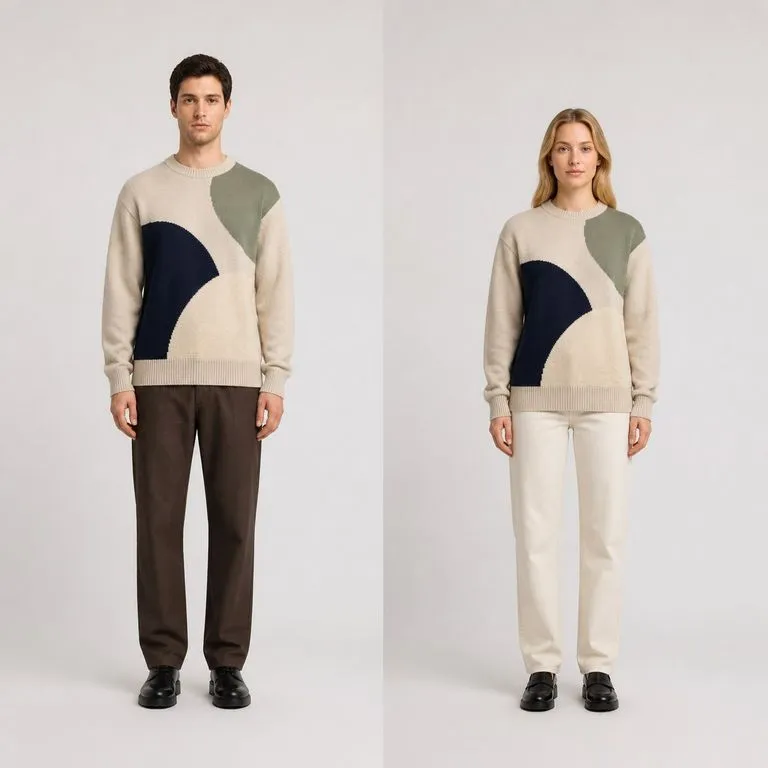
One garment shown on two different models in matching frames
Same Garment, Two Models: one piece shown on two different people

Why this is a try-on tool, not a fitting room platform

The phrase covers two different products. It is worth being clear which one this is.

In-store and on-site fitting room systems

  • Built for shoppers to try things on themselves, live on a product page
  • Needs integration work, a catalogue feed and a developer to install
  • Priced and sold as a platform, with a contract rather than a run
  • The output is an experience for a customer, not a file for your team

The Virse try-on tool

  • Built for the brand, to produce the images before anyone shops
  • One model photo and your garment files, with nothing to integrate
  • Run it when you need shots, on the pieces you choose
  • The output is four images on a canvas, ready for a page or a lookbook
FAQ

Questions

Will the garment stay true to the product?
Yes. The garment is treated as the ground truth. Cut, colour, print placement and hardware carry over as designed, and the tool varies the pose and the light rather than the clothes.
Can I try several pieces together?
Yes. Upload the pieces you want worn together, such as a top and trousers or a full look, and note in the styling box how they should be combined.
Can shoppers use this on my website?
No. This is a tool your team runs to produce images, not a widget you install on a product page. If you need customers trying garments on themselves in a browser, that is a fitting room platform and a different kind of purchase.
Will it show how the garment fits a different body?
Treat the output as a styling image rather than as a fit prediction. It dresses the model in the photo you supplied, and it is not measuring anything or telling a customer what size to order.
Does pressing Create run the tool straight away?
No. Your inputs travel into a fresh canvas and land on the tool already filled in, but nothing runs until you press Start there. A link can never spend your credits on your behalf.
Can I keep working on the result afterwards?
Yes. Everything the tool produces arrives on a normal Virse canvas, so you can re-run a single output, adjust it, or take it into an edit without exporting and re-importing.

See the collection worn before it exists

Start here. Your model and garments travel into a fresh Virse canvas with the tool already filled in, and nothing runs until you press Start.