Photo input
Restyle Any Uploaded Reference Photo
Upload a portrait, travel snapshot, architectural render, or rough pencil sketch and name the target medium to redraw the scene without losing its composition.
Upload a photo or write a prompt to redraw any scene in the artistic medium you describe. This AI style transfer tool converts portraits, street scenes, and sketches into oil impasto, watercolor, cel-shaded anime, pixel art, ink linework, or stained glass.
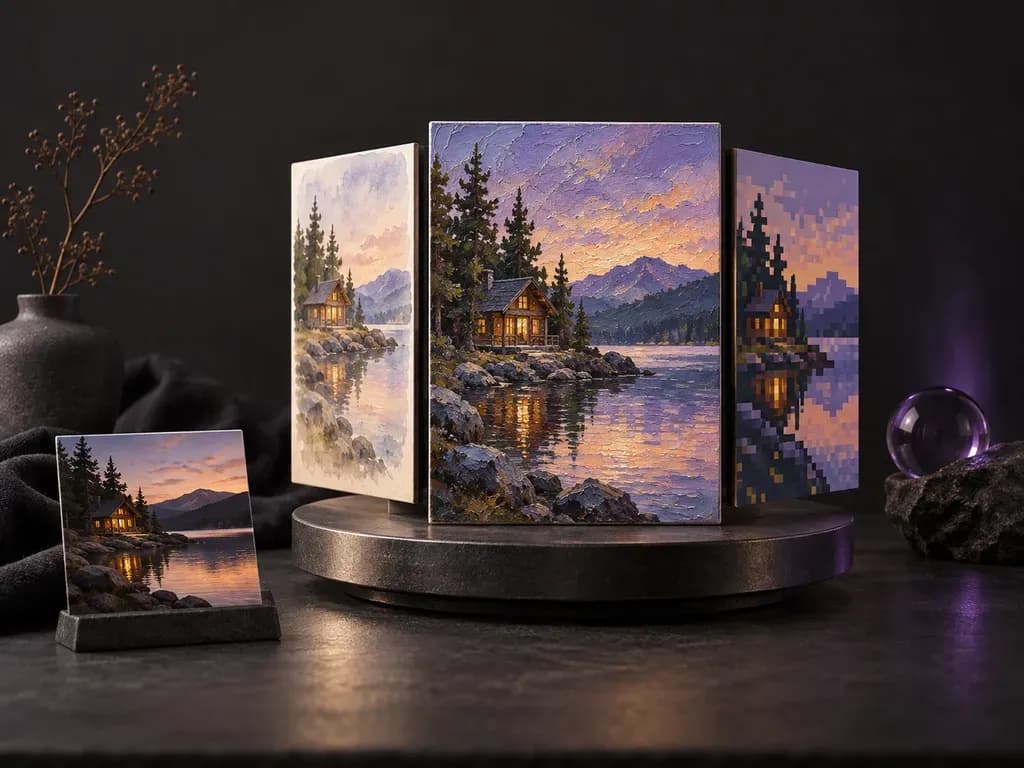
AI style transfer (also called an AI art style generator or image style converter) redraws a photo or prompt in a new artistic medium while keeping the subject intact. Virse reconstructs stroke structure and surface grain across three key dimensions:
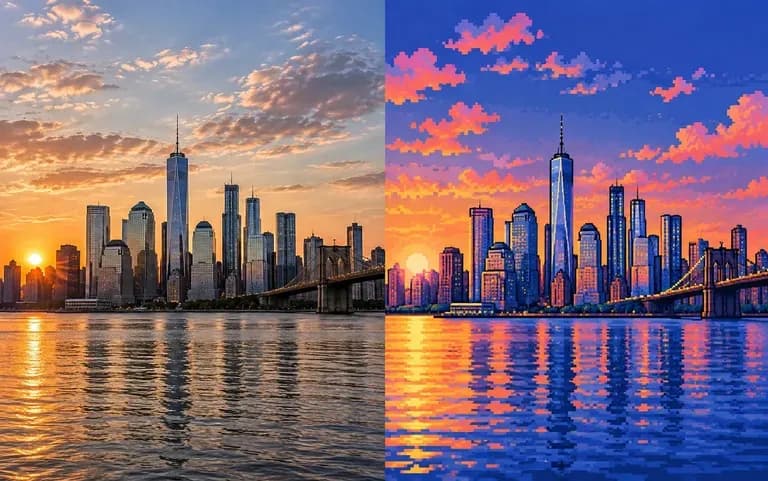
• Brushwork and line weight: Build palette-knife oil ridges, wet-on-wet watercolor edges, dip-pen cross-hatching, or 16-bit pixel grids.
• Surface and paper substrate: Simulate linen canvas weave, cold-press cotton paper, stained-glass solder lines, or Risograph ink grain.
• Subject and pose retention: Keep posture, architectural perspective, or pet silhouettes recognizable inside the new medium.
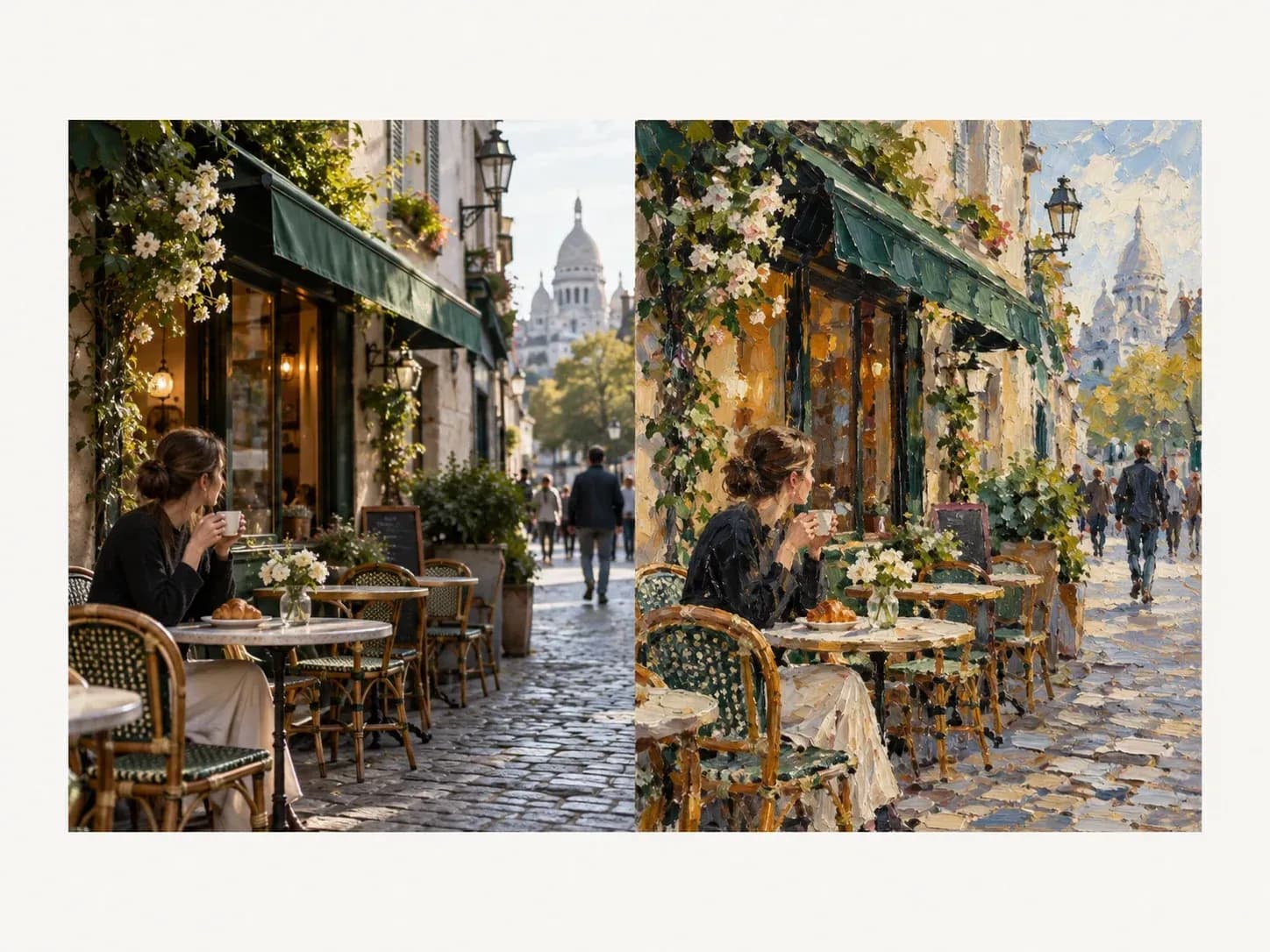
Three workflow options that let you restyle existing photography or test new visual directions on a single workspace board.
Upload a portrait, travel snapshot, architectural render, or rough pencil sketch and name the target medium to redraw the scene without losing its composition.
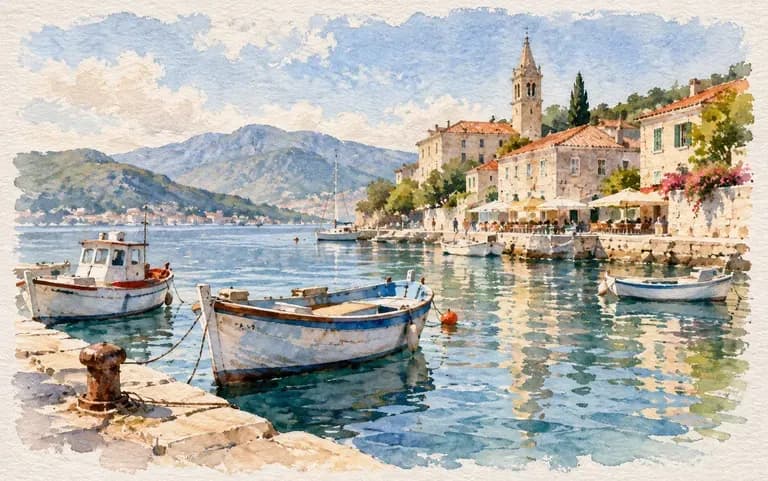
Skip the file upload whenever you are starting from a blank page. Describe both the subject and the artistic medium in one prompt to create stylized artwork from scratch.
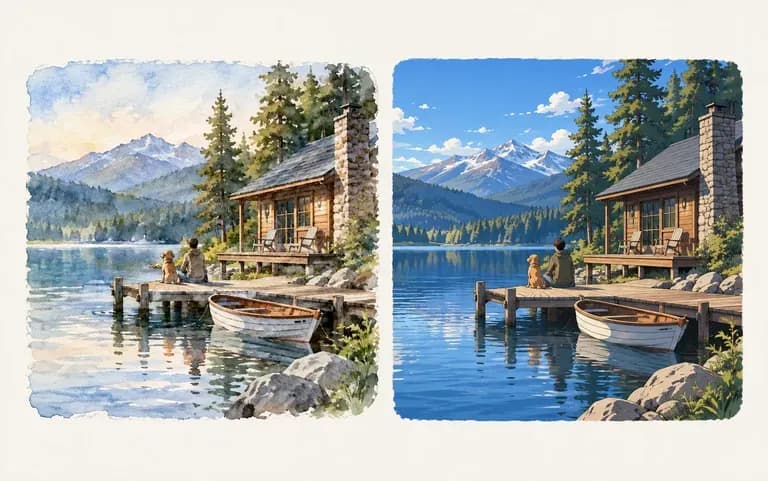
Run the same photo through watercolor, anime, and ink-sketch prompts and inspect every version next to your original upload on the Virse Infinite Canvas.
How redrawing medium and brushwork with style transfer AI compares against one-click photo filters and manual illustration studies.
Basic Photo Filters & Manual Redraws
Virse AI Style Transfer
Open the workspace and attach a clear, evenly lit reference photo, or type a subject description to start from text.
Describe the physical art technique in concrete terms, such as wet-on-wet watercolor on cotton paper or cel-shaded anime art.
Click Apply style to generate the redrawn image on your Virse Infinite Canvas while preserving the framing of your source photo.
Swap medium keywords to test another look, like charcoal sketch or stained glass, and compare both takes side by side.
Naming the physical tool, pigment behavior, and surface texture produces stronger results. Copy any of these three prompts:
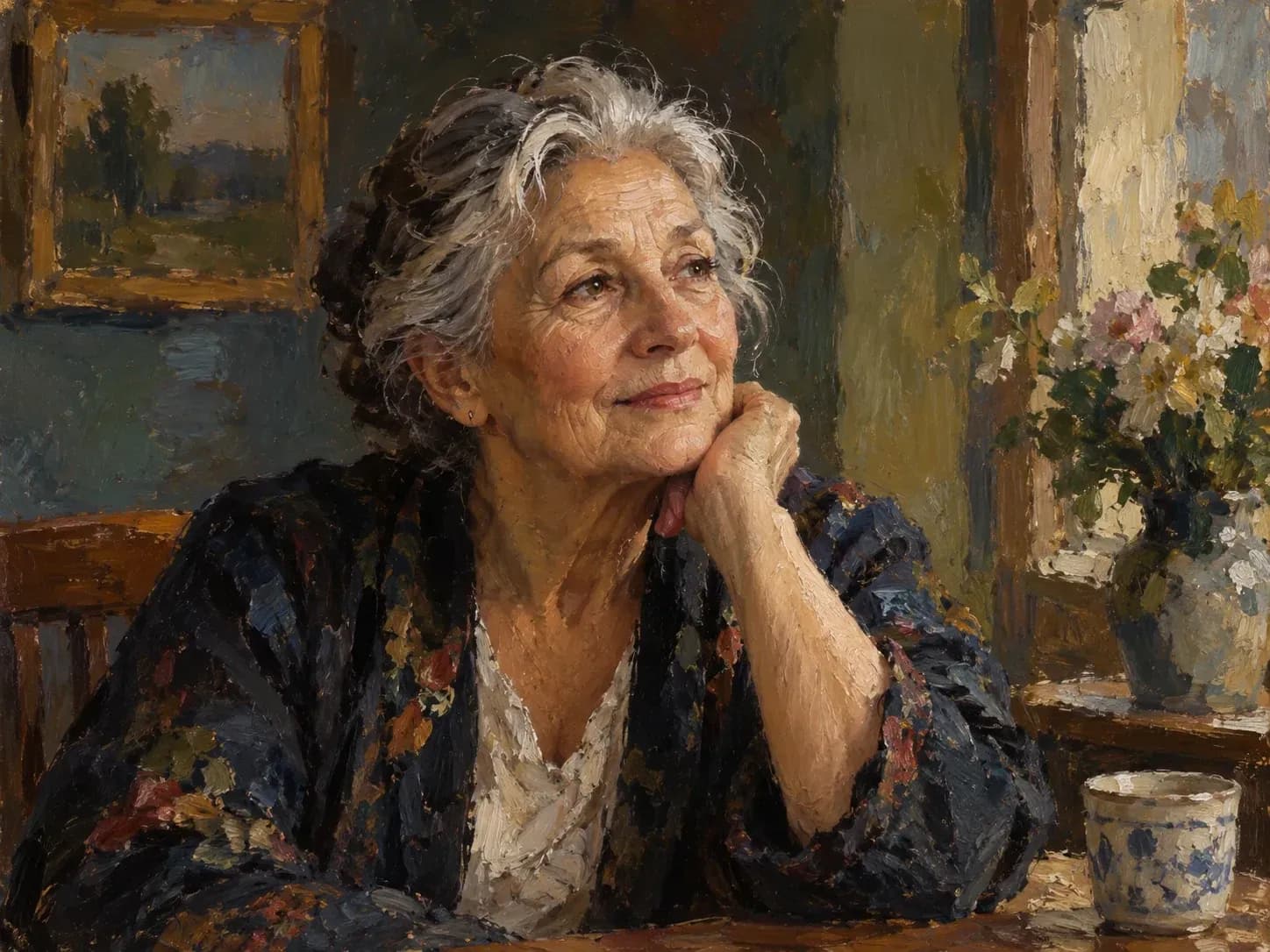
• Palette-knife oil impasto: "Redraw the uploaded image as a palette-knife oil impasto painting with thick ridges, warm ochre highlights, and linen canvas grain."
• Hand-painted anime scenery: "Restyle the street photo into hand-painted anime background art with crisp linework, gouache clouds, and golden-hour pavement light."
• Two-color Risograph print: "Convert the image into a vintage Risograph print using coral and teal soy inks on recycled paper with halftone dot grain."
Four creative, publishing, and educational groups that use medium conversion for social series, concept boards, custom prints, and classroom visuals.
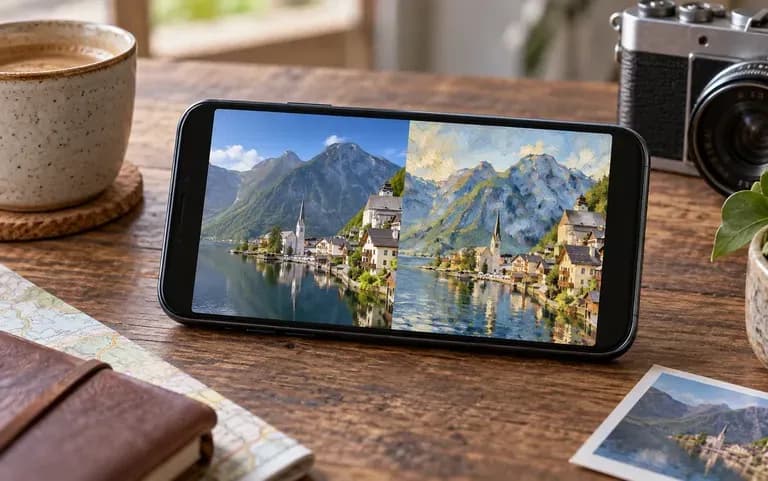
Give a multi-part travel carousel, podcast cover series, or blog header set a unified gouache, comic-ink, or retro pixel-art aesthetic across posts.
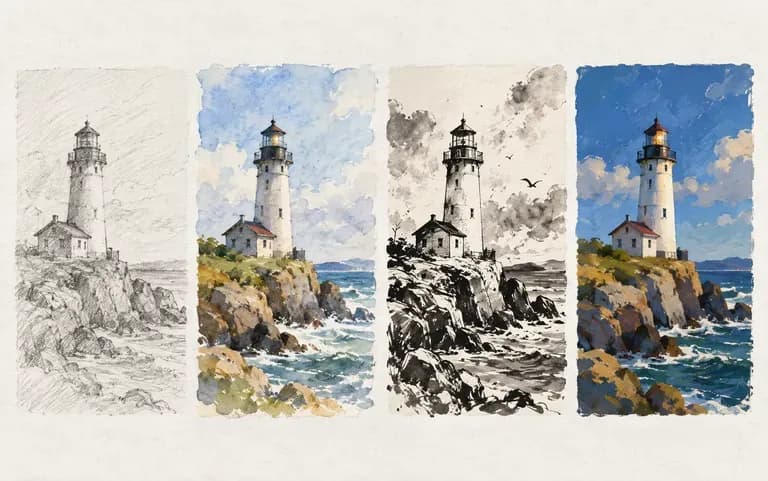
Test how a rough greyscale thumbnail or architectural blockout reads in watercolor, oil impasto, or cel-shaded lighting before committing to final brushwork.
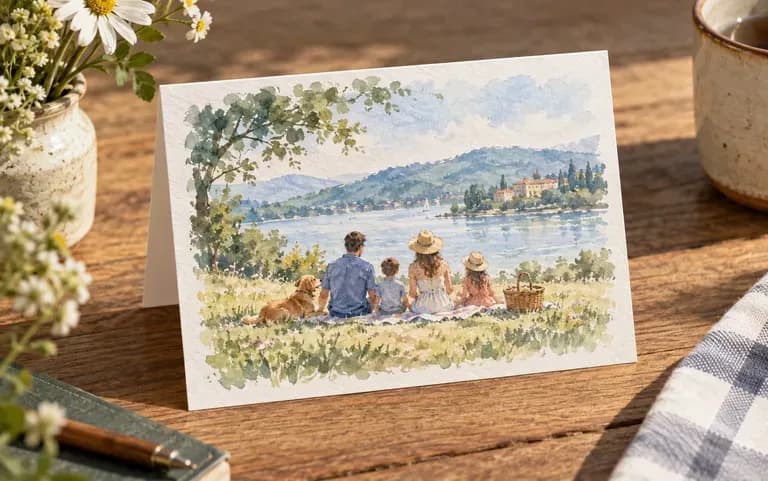
Transform family portraits, wedding venues, and pet snapshots into custom watercolor cards, ink house portraits, or stained-glass keepsakes.
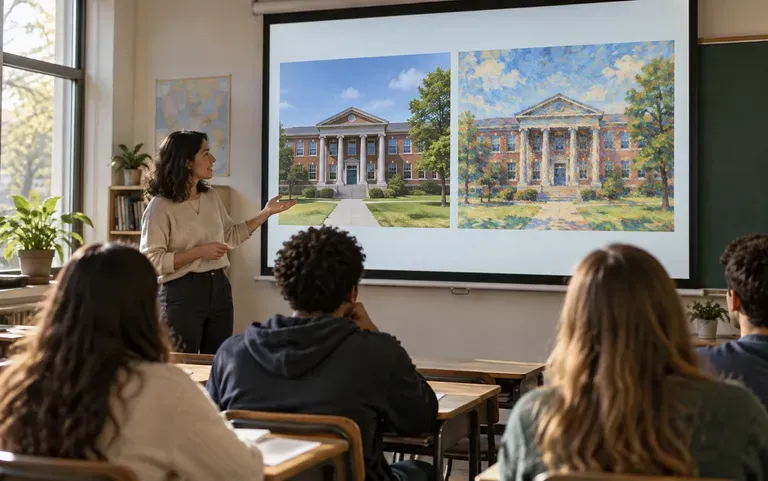
Show how the same street scene or still-life composition changes across impressionist brushwork, woodblock prints, or pointillism.
Six medium conversions generated in Virse, spanning classical oil portraiture, urban watercolors, anime backgrounds, retro pixel sprites, pen-and-ink sketches, and stained glass.
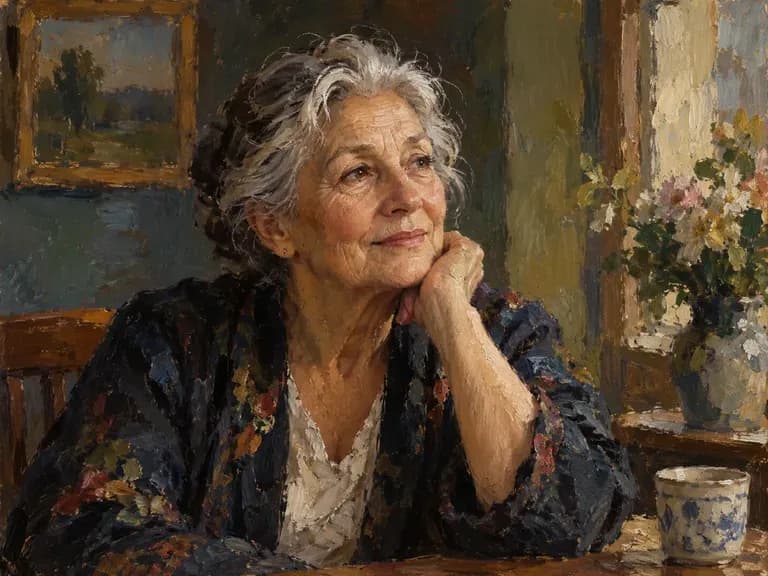
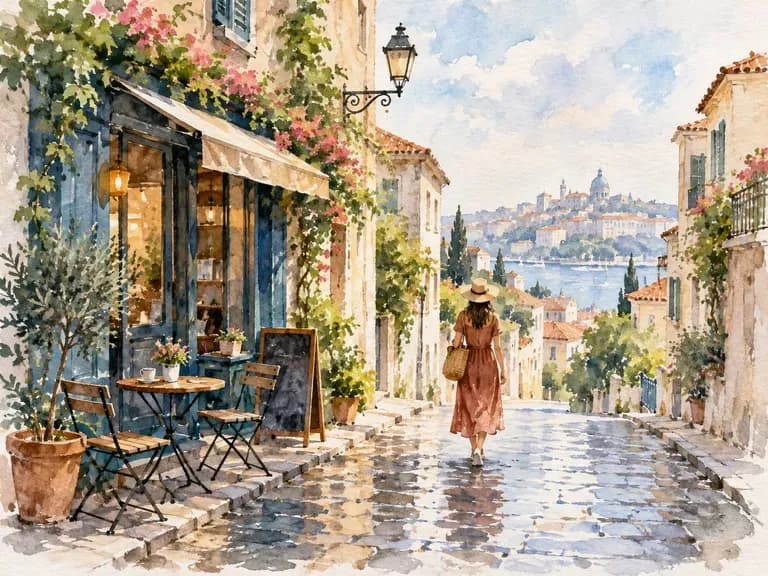
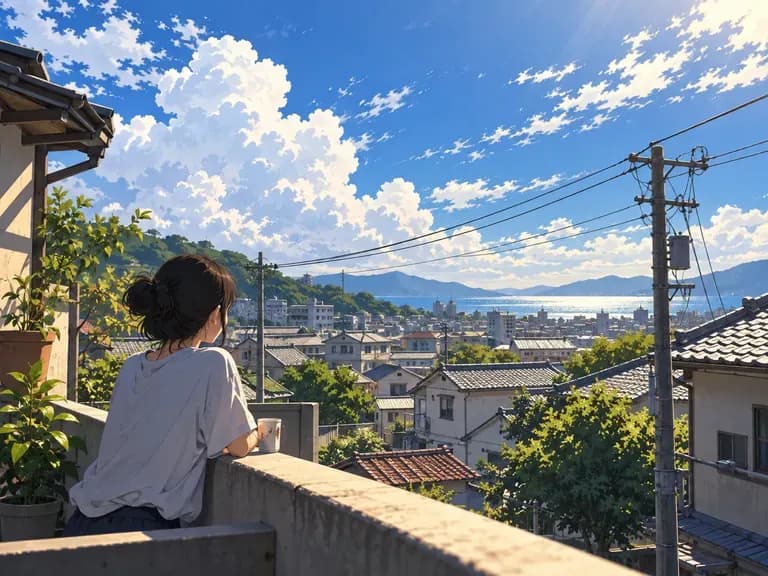
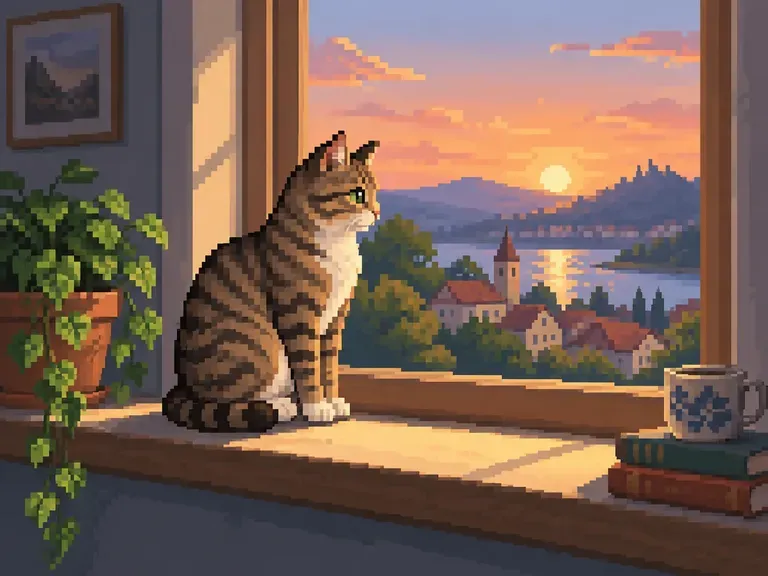
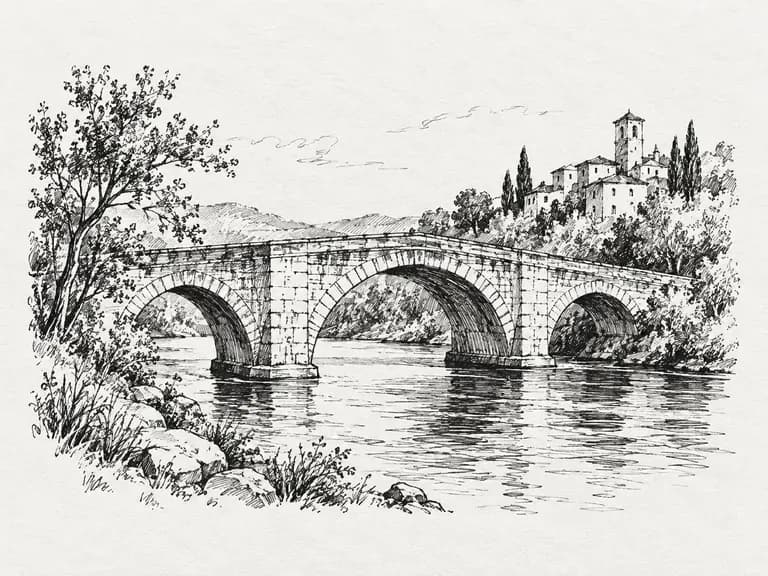
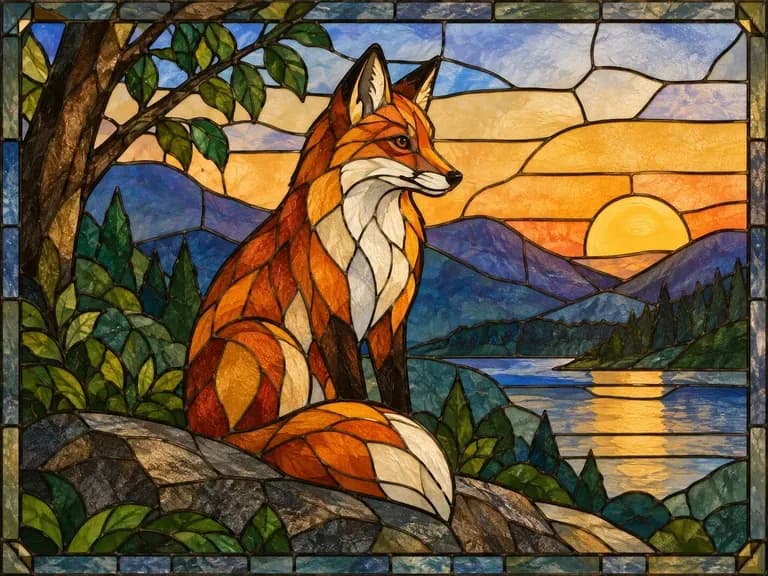
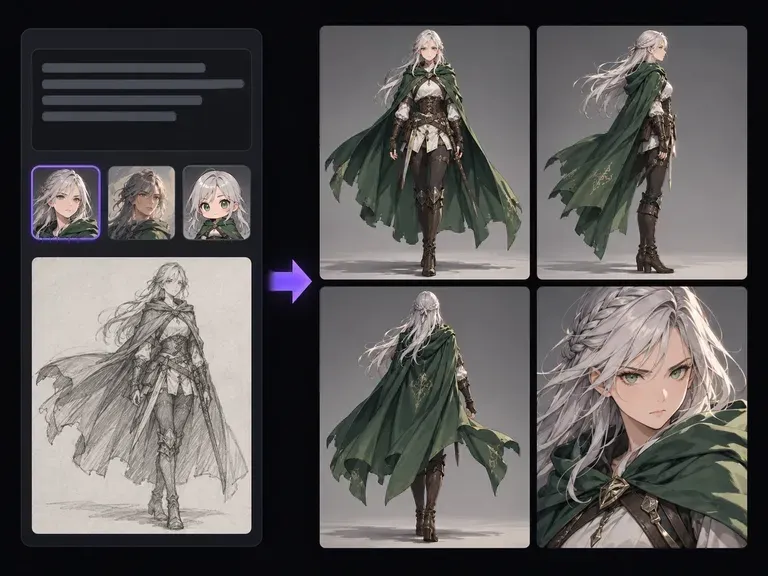
Turn your favorite anime, watercolor, or oil painting style direction into a full character design sheet.
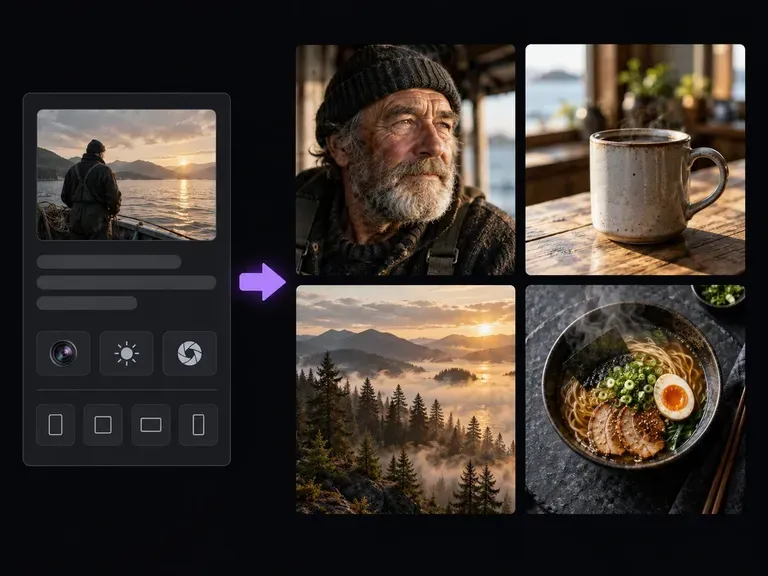
Generate clean photographic base scenes and studio portraits before testing artistic style conversions.
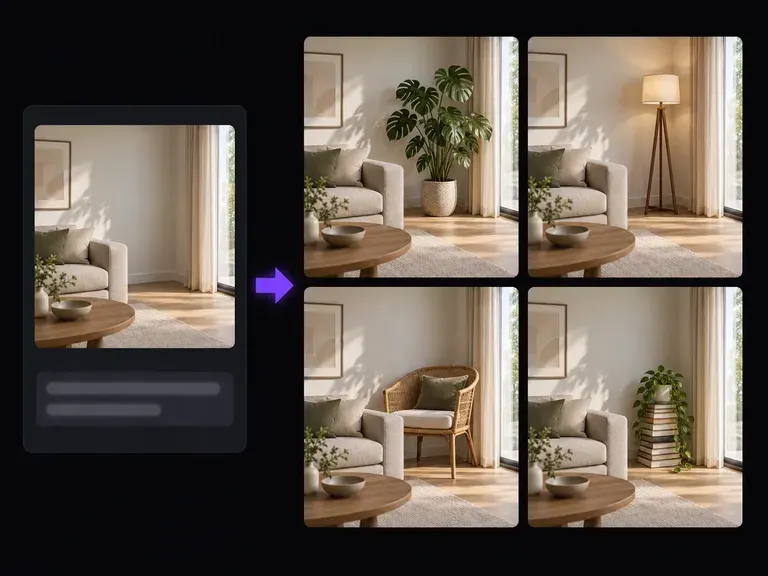
Retouch specific areas of a restyled painting or add new elements that match the surrounding brushwork.
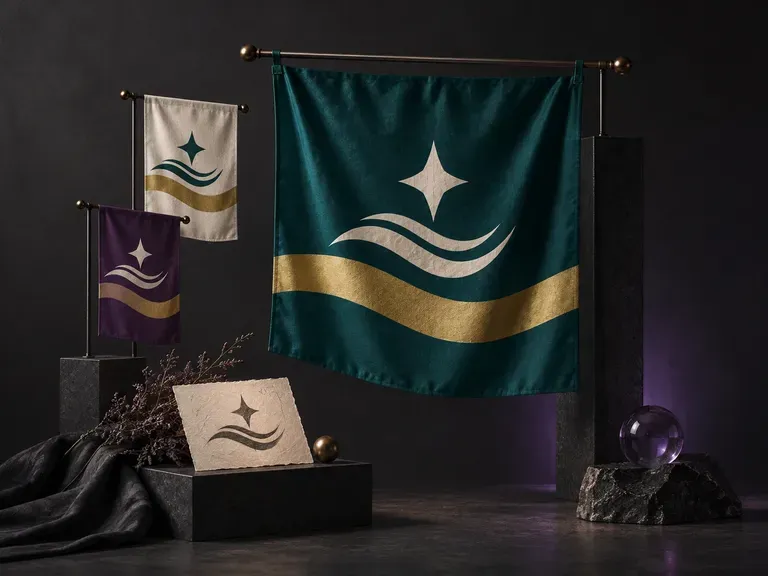
Compose bold vexillological divisions, charges, and color ratios that read clearly from afar.
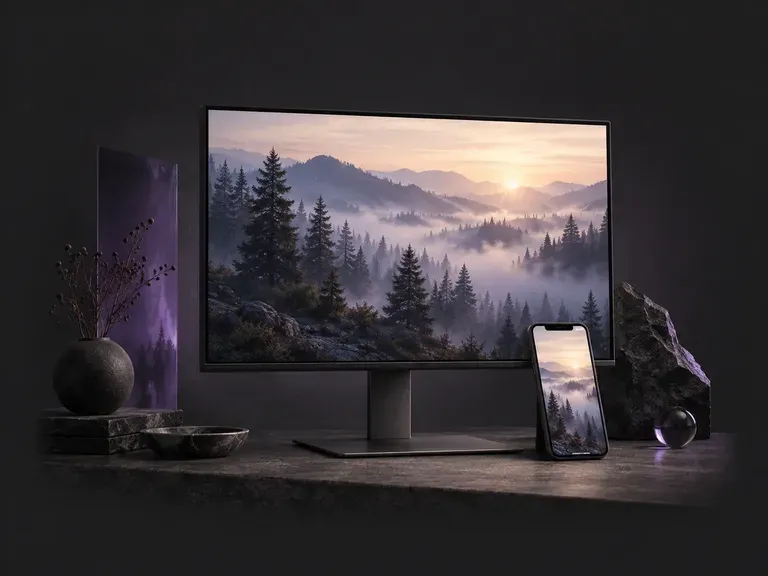
Generate high-resolution desktop and phone backgrounds with uncluttered icon zones.
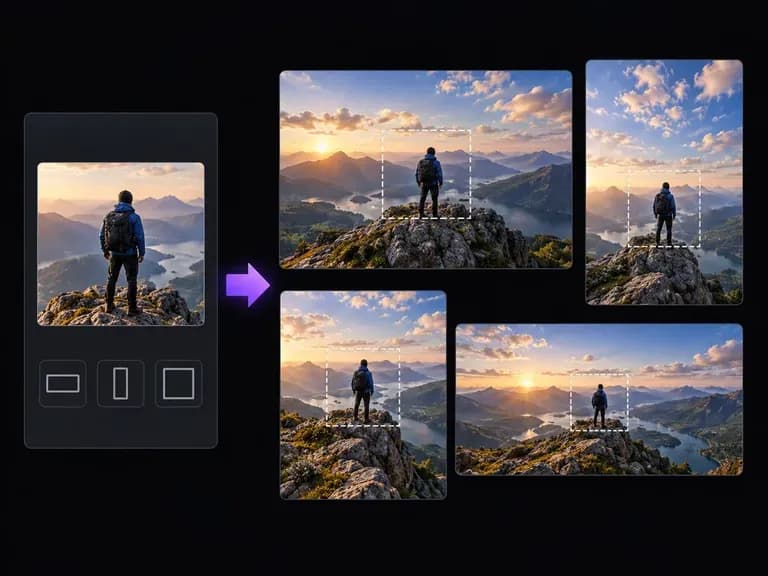
Outpaint tight vertical or square frames into wide 16:9 banners without stretching the subject.
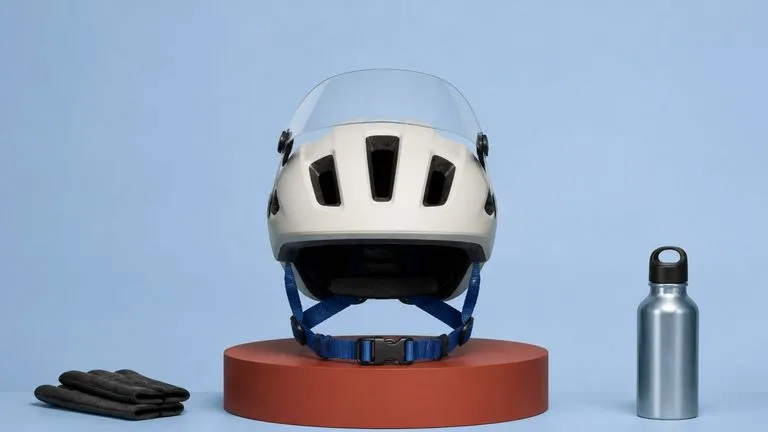
Produce realistic studio lighting, crisp contact shadows, and natural material grain for product shots.
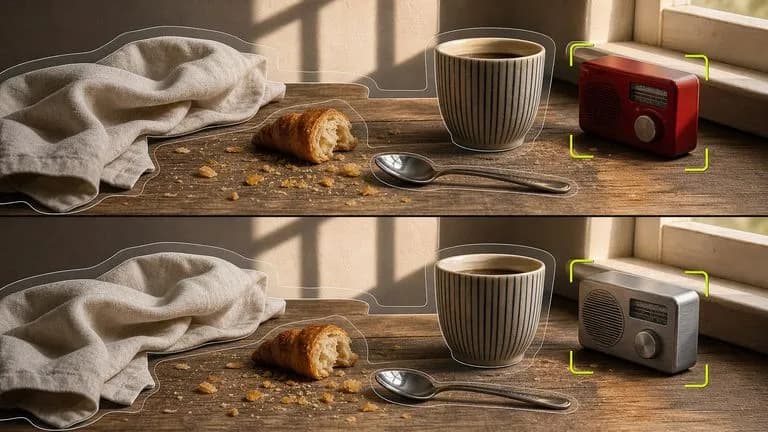
Swap backgrounds, lighting setups, or colorways while keeping your core subject geometry locked.

Explore four distinct framing and styling variations side by side on the canvas in a single run.
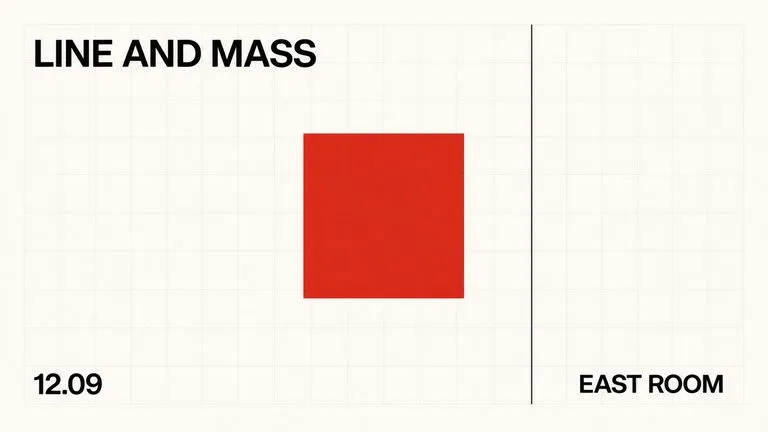
Keep display headlines, packaging wordmarks, and monogram badges sharp inside generated visuals.
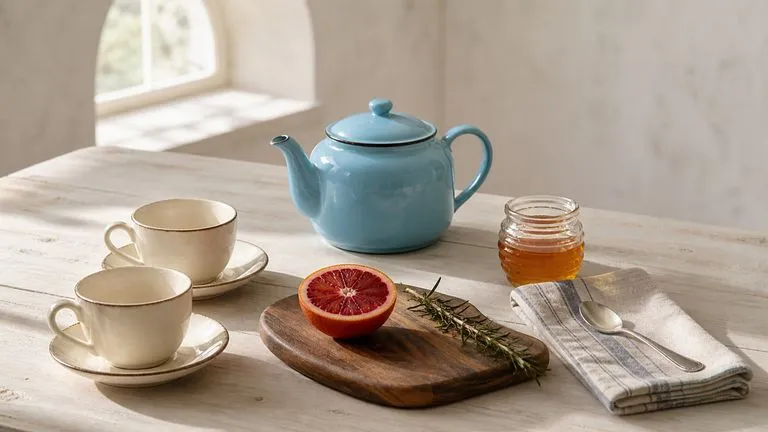
Translate detailed creative briefs into balanced compositions with reliable spatial relationships.
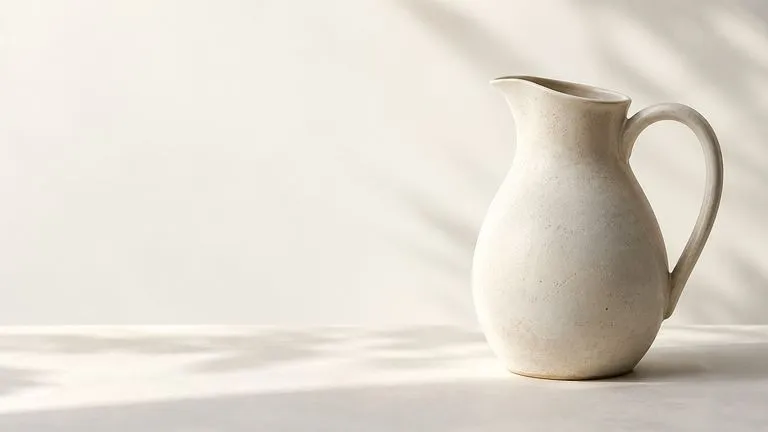
Render high-contrast metallic reflections, fabric weaves, and shallow depth of field.
Open the Virse Infinite Canvas to test oil impasto, watercolor, anime, pixel art, and ink sketch styles side by side.