

Describe What Should Continue
Tell Virse whether the new space should contain sky, a wall, foliage or another part of the setting. Explain the light and texture when they matter to the composition.
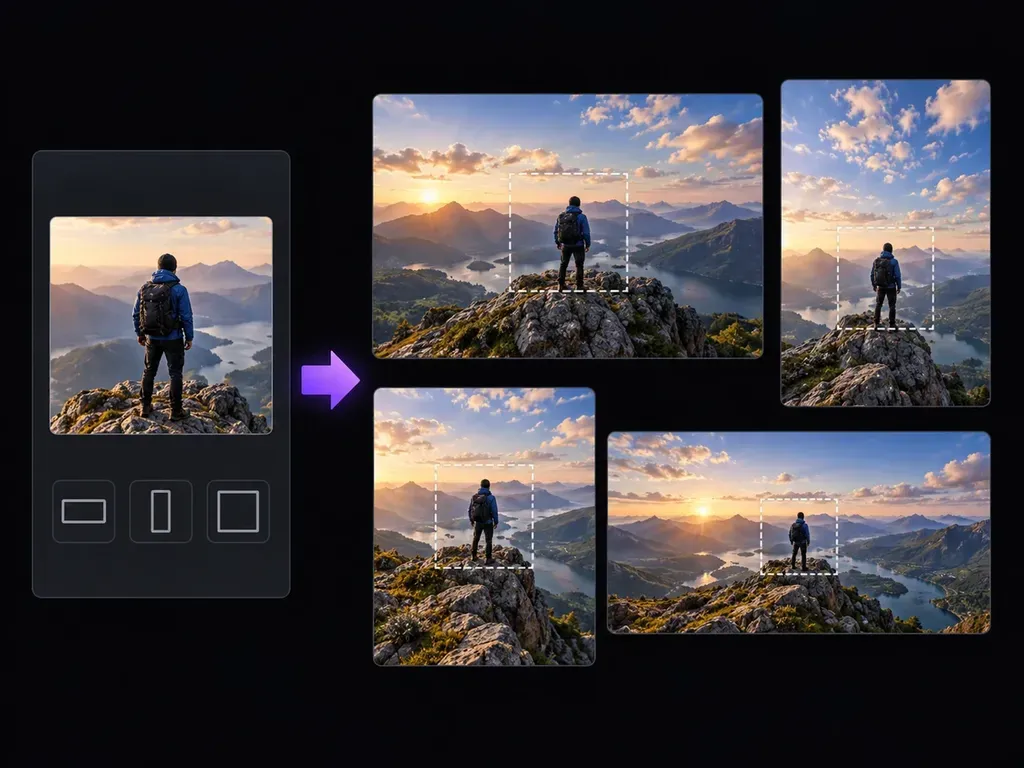
A close crop can leave too little sky, scenery or space around your subject. Upload the image, describe the wider composition and let Virse generate the surroundings beyond the frame. Use the result to explore a new layout while keeping the original nearby for comparison.
An AI image expander creates new visual content beyond an image's edges. In Virse, your source and description guide the wider composition. The added surroundings are generated, rather than recovered parts of the original photograph.
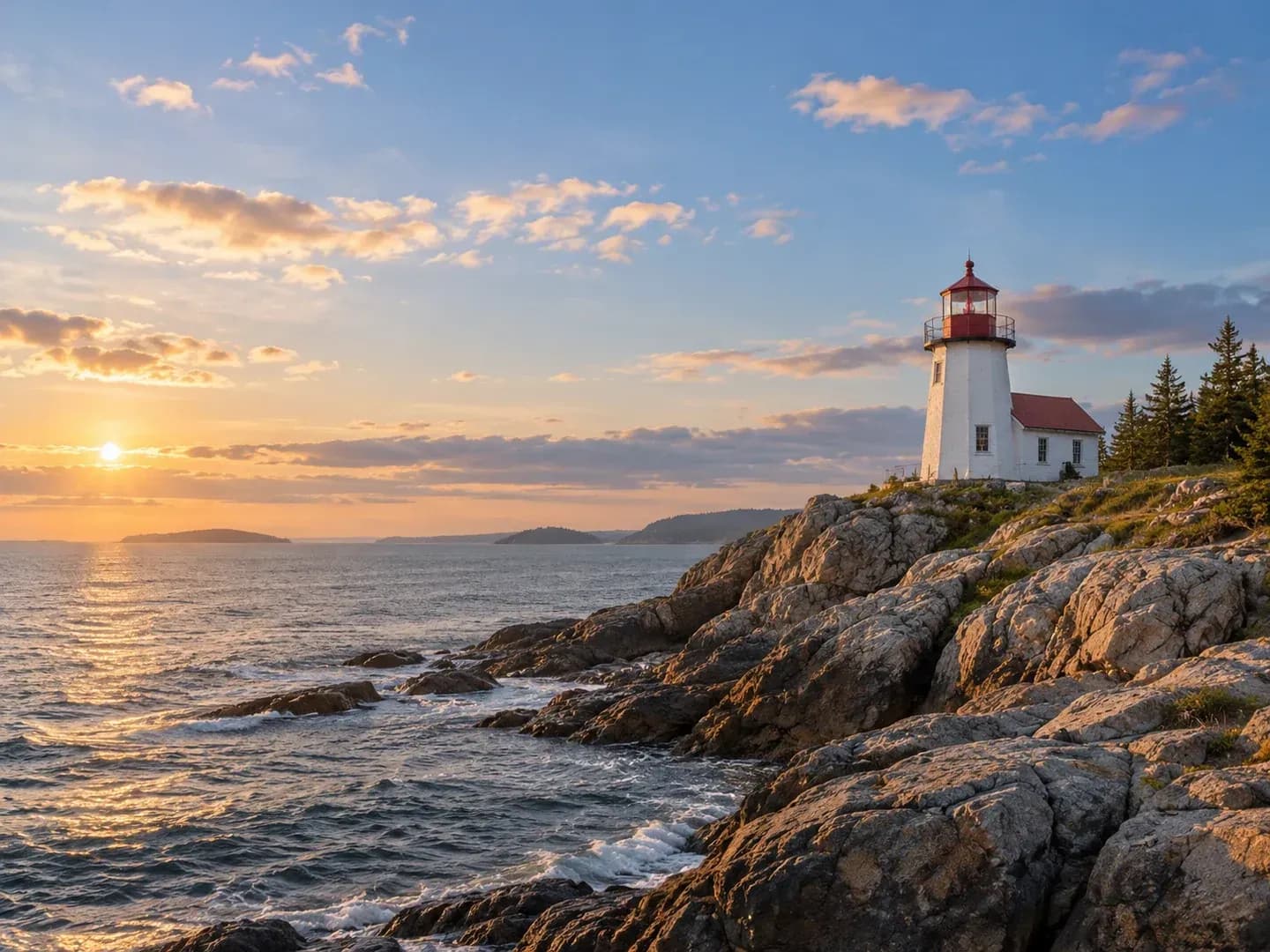
Think about the space the composition needs: more landscape, room above a subject or a calmer area for a later design element.
Tell Virse whether the new space should contain sky, a wall, foliage or another part of the setting. Explain the light and texture when they matter to the composition.
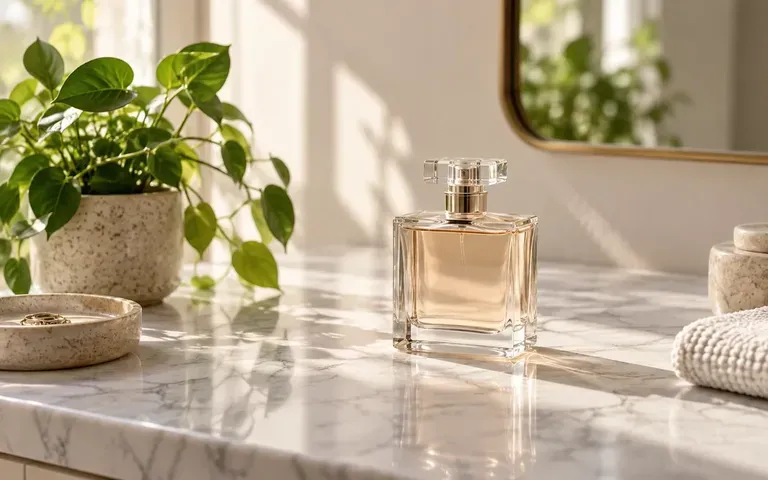
Explore a wider view around a product or scene. Judge the spacing and visual balance before using the image as a background in a design.
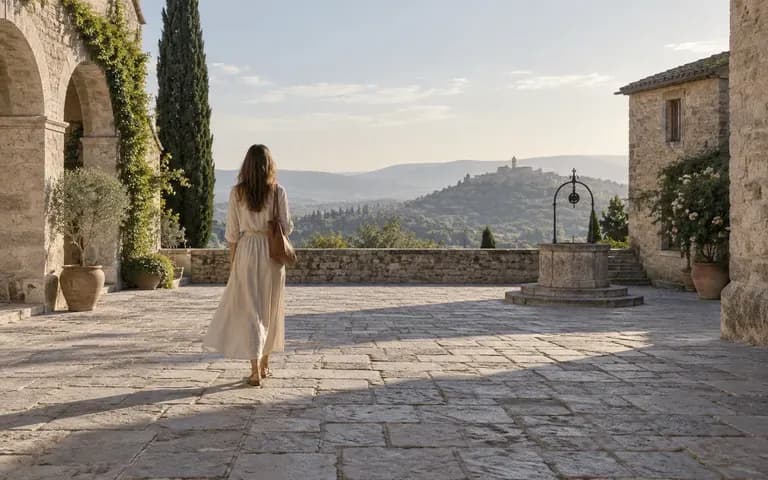
Keep the original and expanded version together. Check repeated objects, straight lines and changes in perspective before choosing the result.
Upload the photo or image you want to extend. Identify the edge where the composition feels cramped.
Describe the surrounding content and target shape. Mention where you need open space and what the extension should continue.
Continue in the Virse workspace and review the wider composition. Look first at the transition between the source scene and the added surroundings.
Inspect horizons, walls and repeating details. Adjust the brief if the new region changes the scene's balance or introduces distracting objects.
Image expansion helps with composition when the existing subject works but the surrounding space does not.
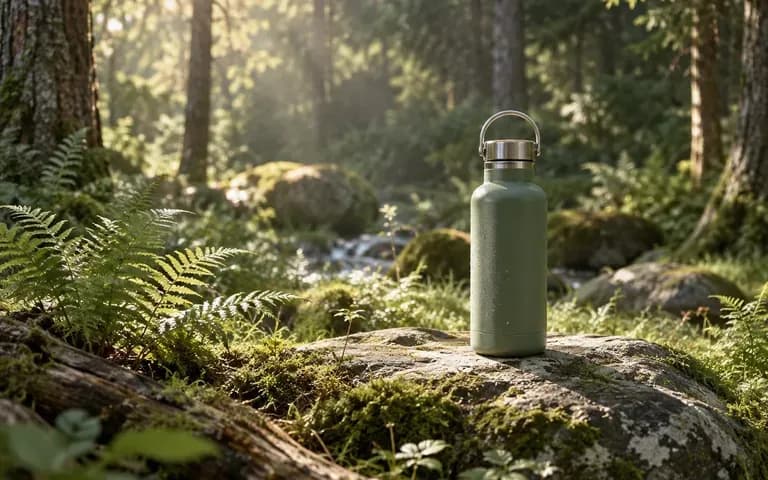
Explore a wider image with space beside the main subject. Add your final headline separately after the composition is settled.
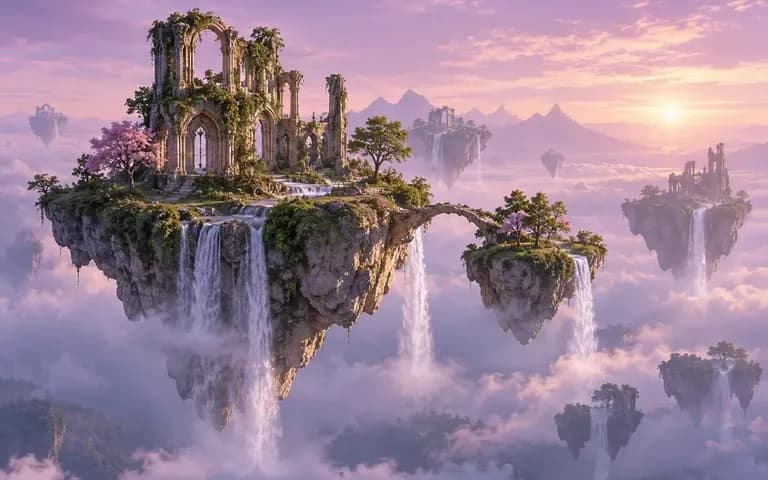
Give an illustration more atmosphere around its focal point. Treat the extension as new artwork that needs its own review.

Create room around a product for a later composition. Check the product itself against the source before using the result.
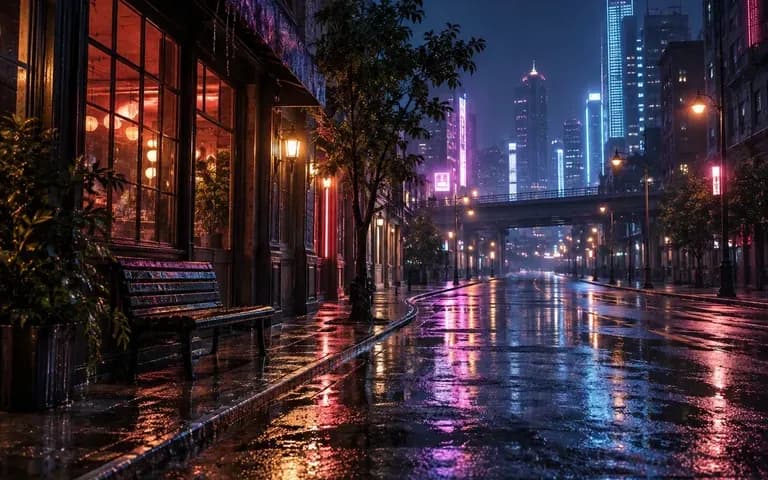
Try an imagined view beyond a crop for creative work. Keep generated extensions separate from claims about what the camera captured.

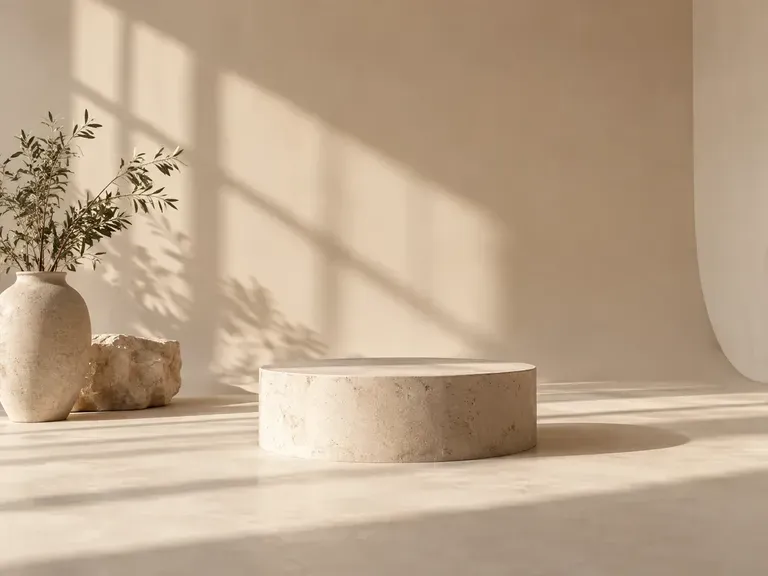
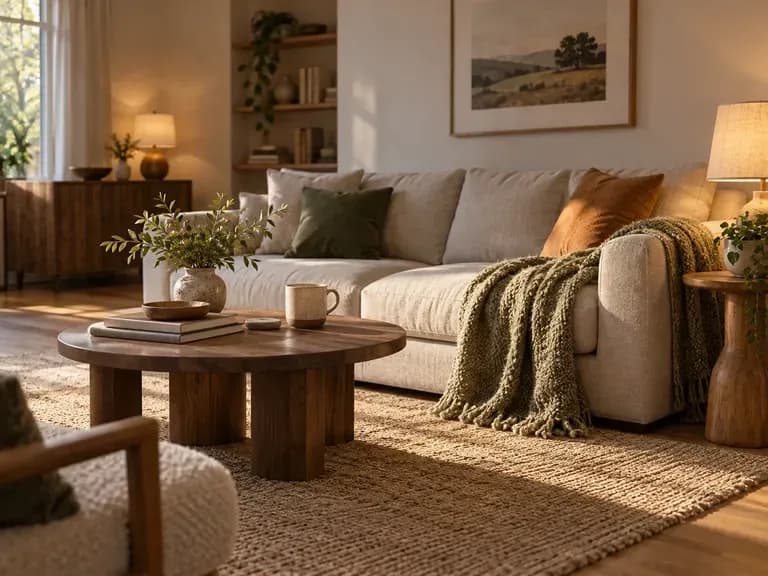
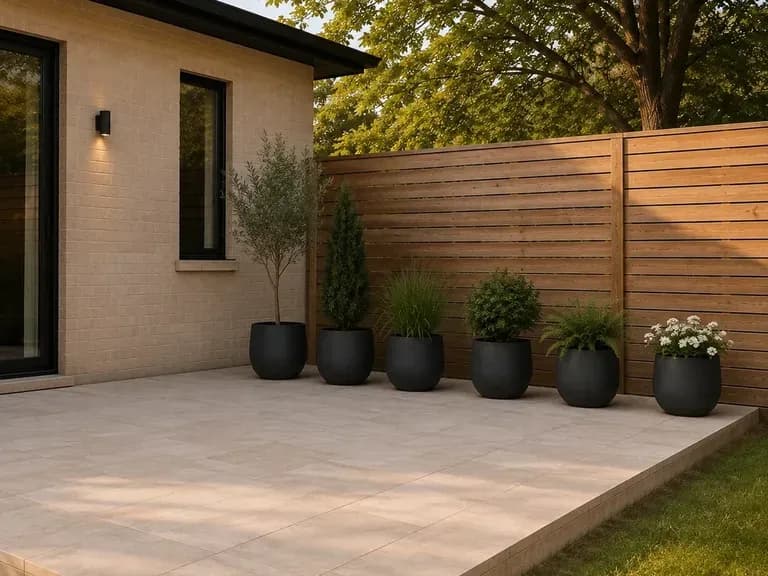
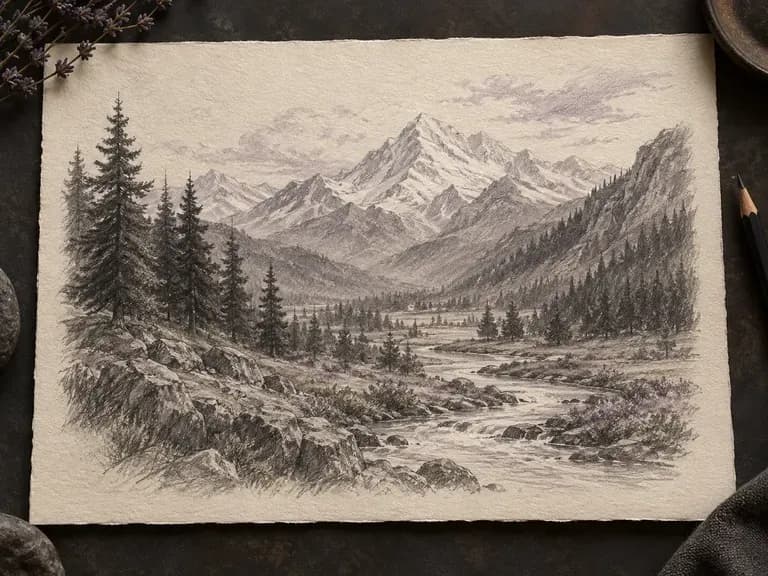
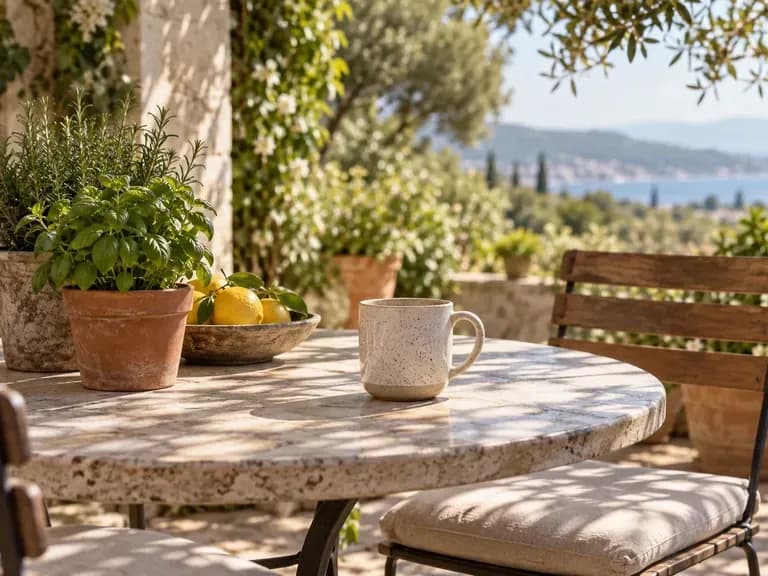
Upload a source and describe what should continue outside the frame. Review the added surroundings, then choose the composition that gives your idea enough space.