AI Style Transfer

AI Style Transfer

Want a beach photo as a gouache painting, or a text prompt drawn as a comic panel? AI style transfer gives the picture the look you describe.

输入
原图 · 必填风格参考图 · 选填风格描述 · 选填风格预设 · 选填风格强度 · 选填保留重点 · 选填补充要求 · 选填
输出
每张原图 1 张风格化结果图,画幅跟随原图,与原图在画布上相邻排布便于比对

原图必填

图片在画布里上传,这里填的是参数。

风格参考图选填

风格预设选填
风格强度选填
保留重点选填

What is AI style transfer?

AI style transfer redraws an image in a different visual style, such as oil paint or anime, based on how you describe that style. It changes one image's look and does not produce a brand style guide with palettes, fonts or logo rules.

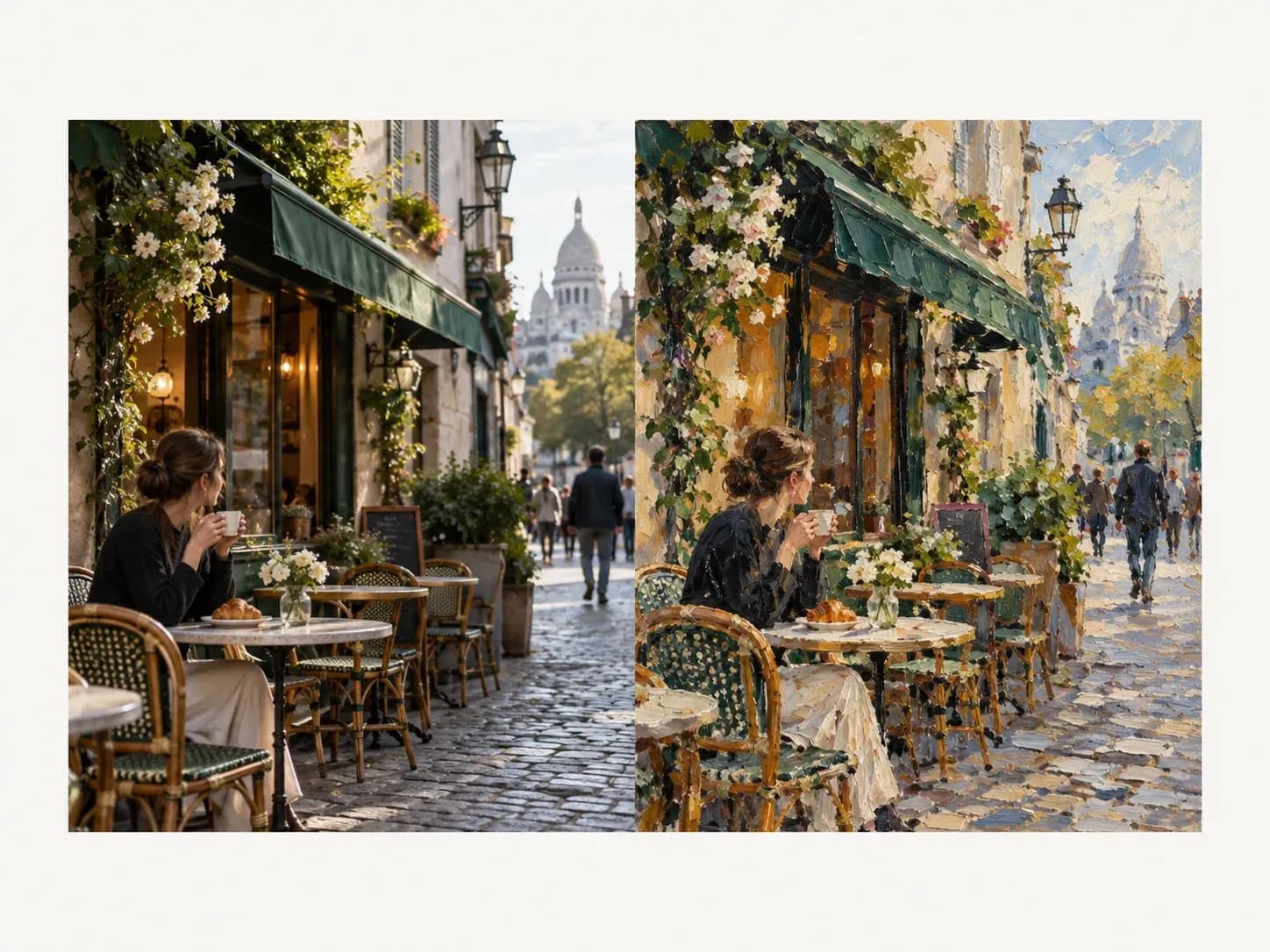
A street photo redrawn as an oil painting

Why use Virse as an image style converter?

Start from a picture you have, or from nothing but words.

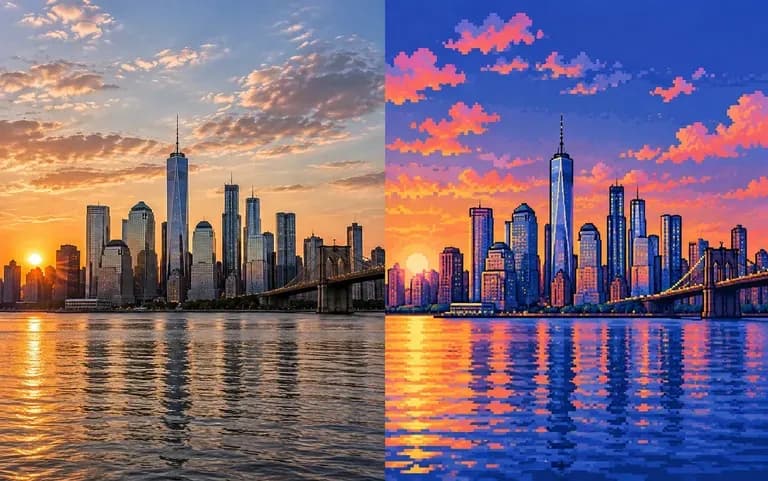
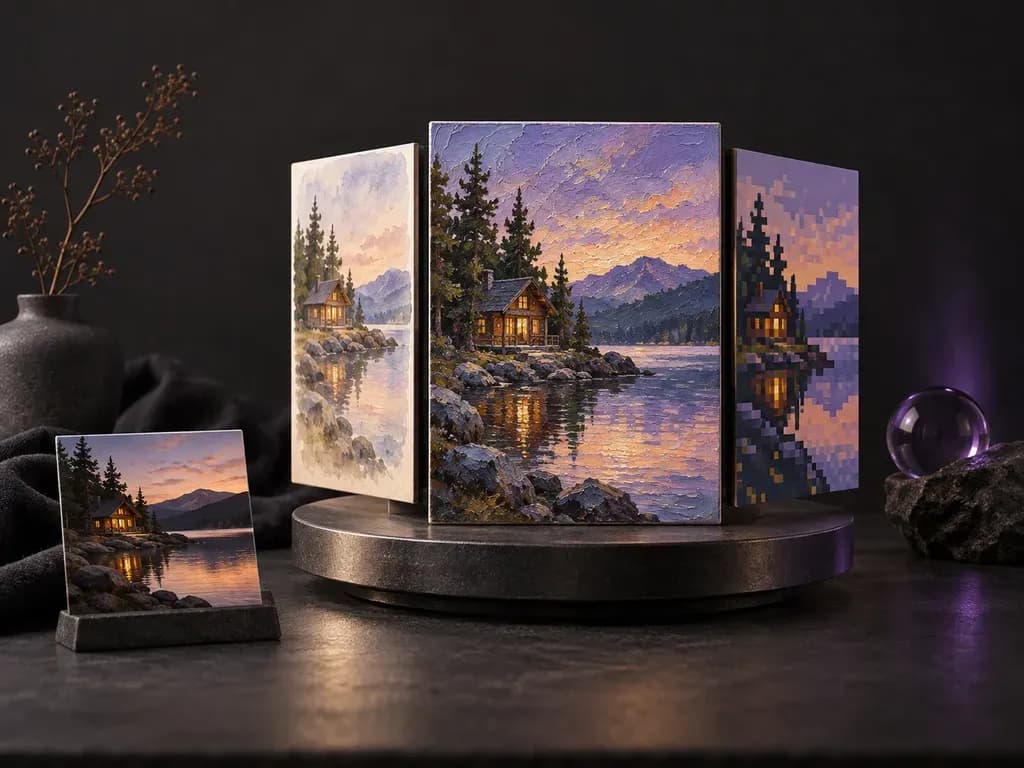
A city photo turned into pixel art
Photo

Restyle a photo

Upload a photo and describe the style you want it in, from oil paint to pixel art.
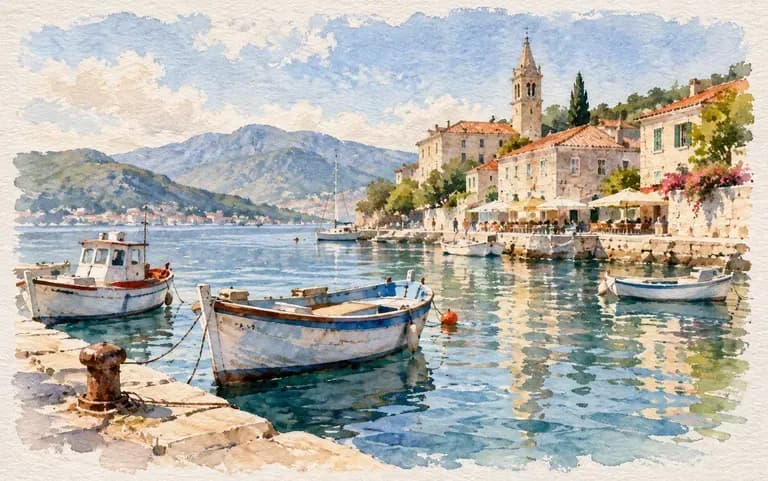
A watercolor harbor made from a text prompt
Text

Words only

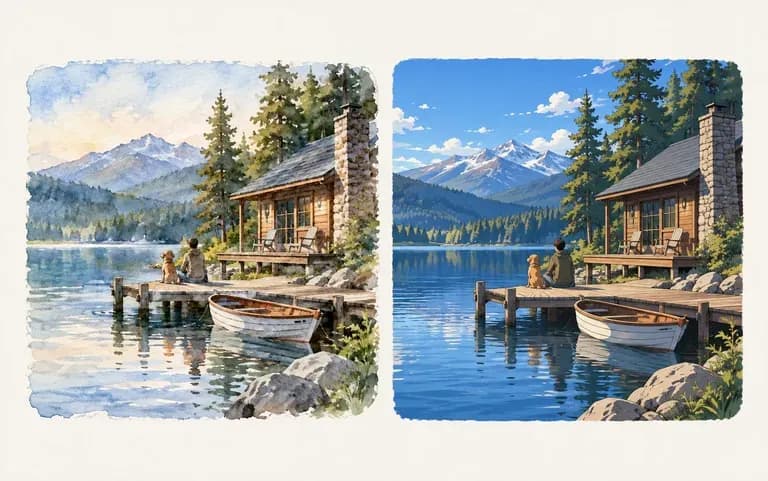
Skip the upload and describe the whole image, style included.
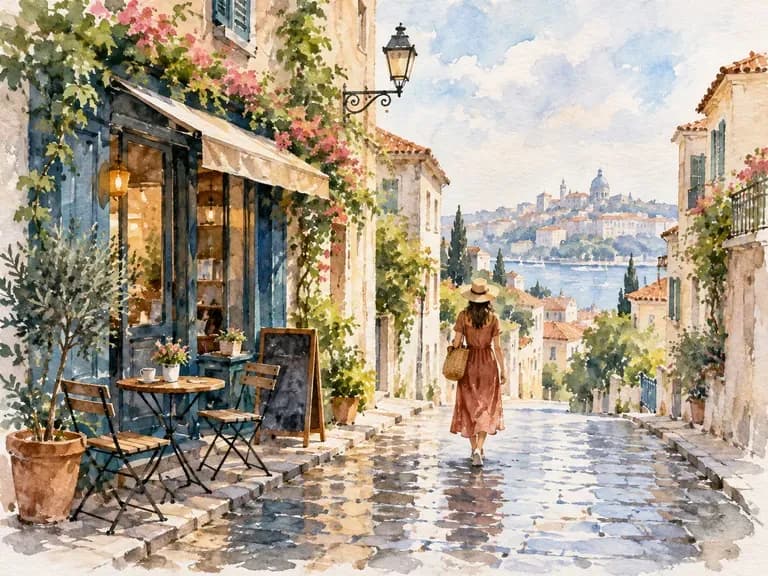
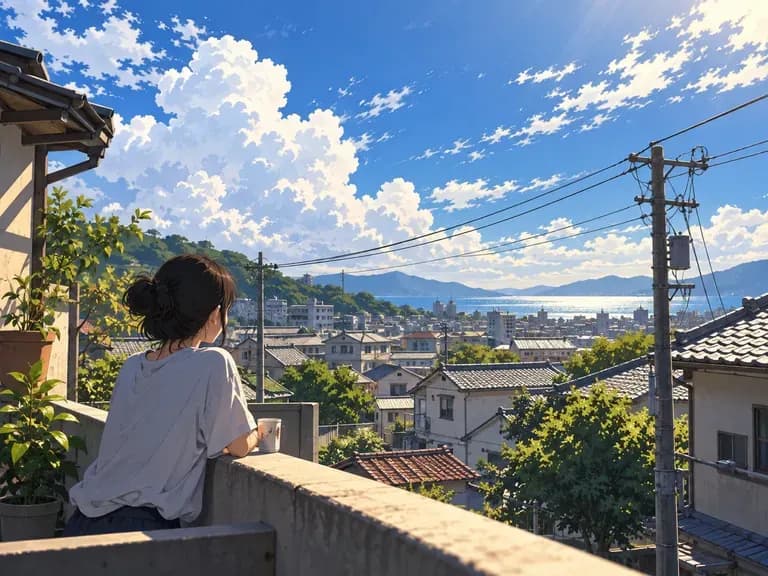
The same photo in watercolor and anime
Canvas

Compare looks

Try watercolor, then anime, and look at the two results together on your canvas before picking one.

How to use the photo style changer

  1. Choose the start

    A photo, or a text prompt on its own.

  2. Name the style

    Oil paint, watercolor, anime, pixel art or your own description.

  3. Generate

    Run it to get the restyled image.

  4. Try a second style

    Change the style words and run it again.

Who uses an art style generator?

For anyone who wants a picture to take on a different look.
A travel photo posted as a painting

Content creators

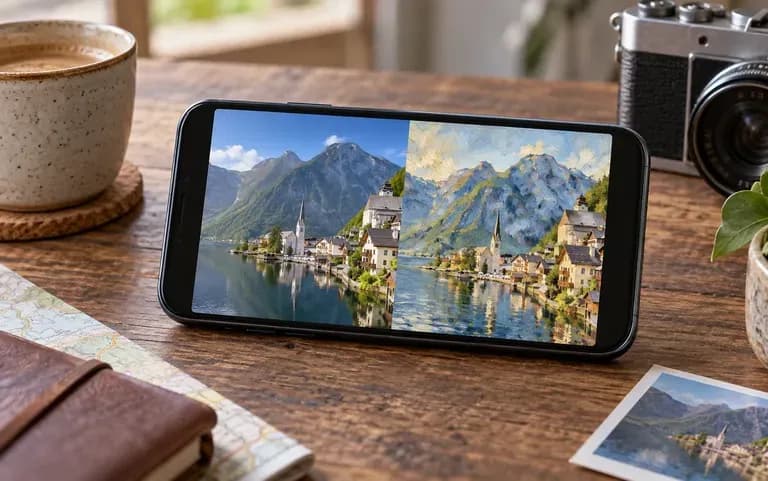
Give a series of travel photos the same illustrated look, one at a time, for a themed run of posts.
A sketch idea tried in three styles

Illustrators

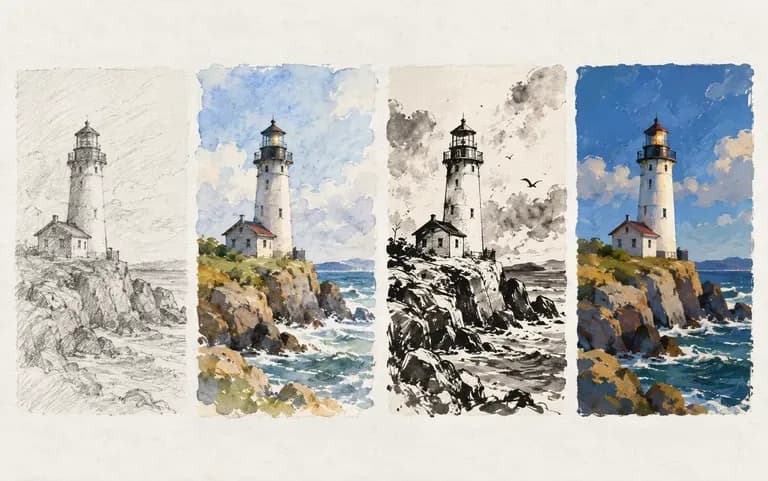
Test how a sketch idea looks in different styles.
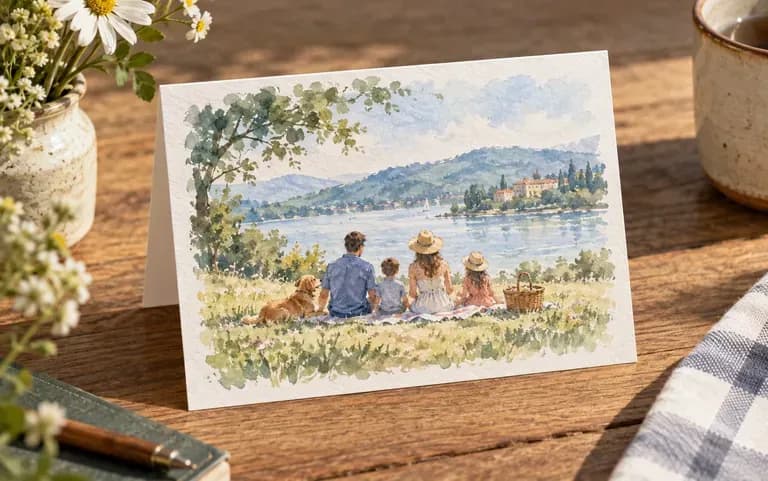
A family photo as a watercolor card

Gift makers

Turn a family photo into a watercolor for a card.
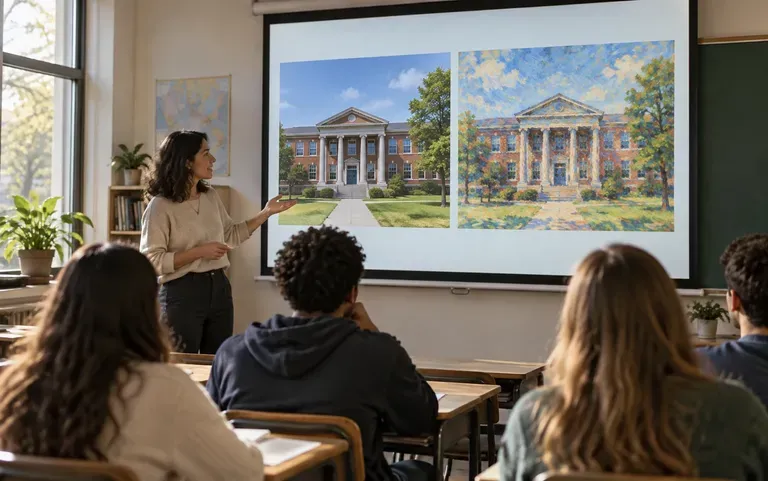
A school photo redrawn as an impressionist painting

Art teachers

Show a class a familiar photo redrawn as an impressionist painting.
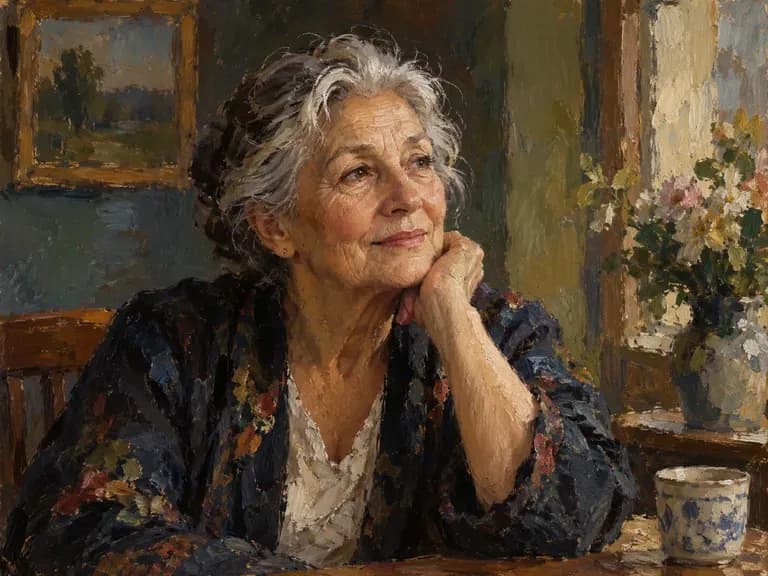
Style transfer ideas

Oil Paint Portraits: thick strokes and rich shadows
Watercolor Cities: soft washes over streets
Anime Scenery: bright skies and clean lines
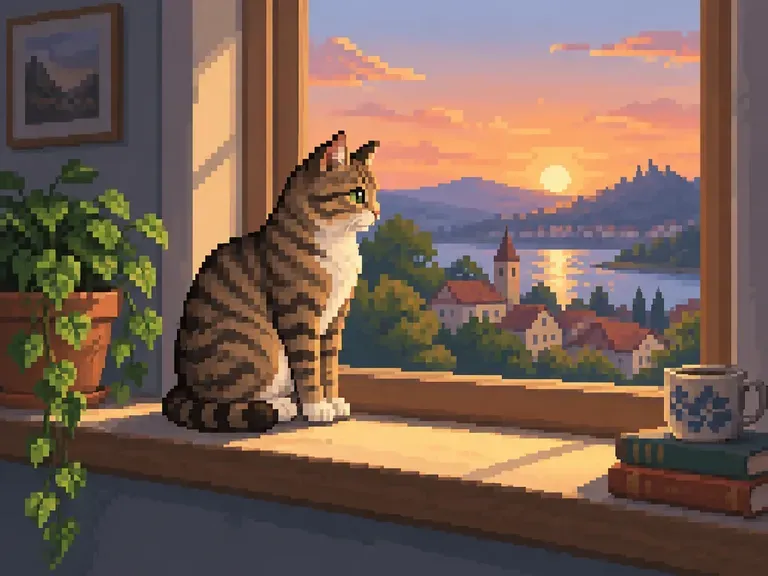
Pixel Art Pets: a retro game version of your cat
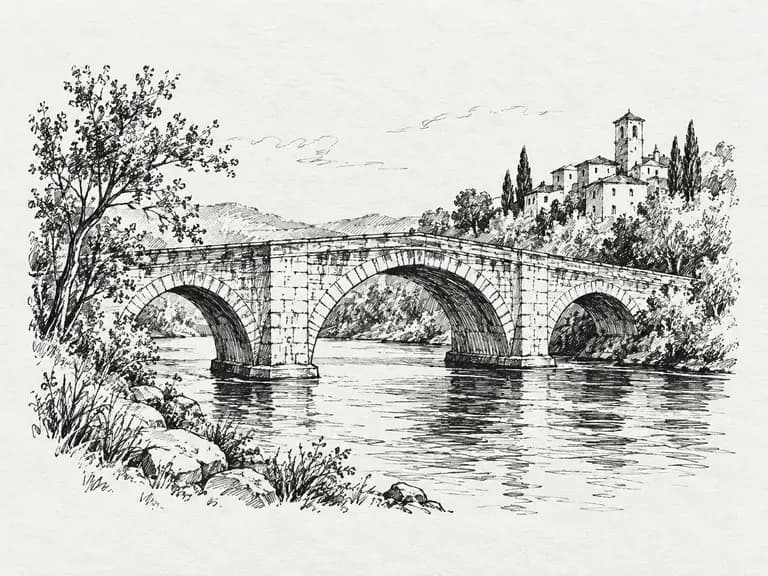
Ink Sketches: black lines on white paper
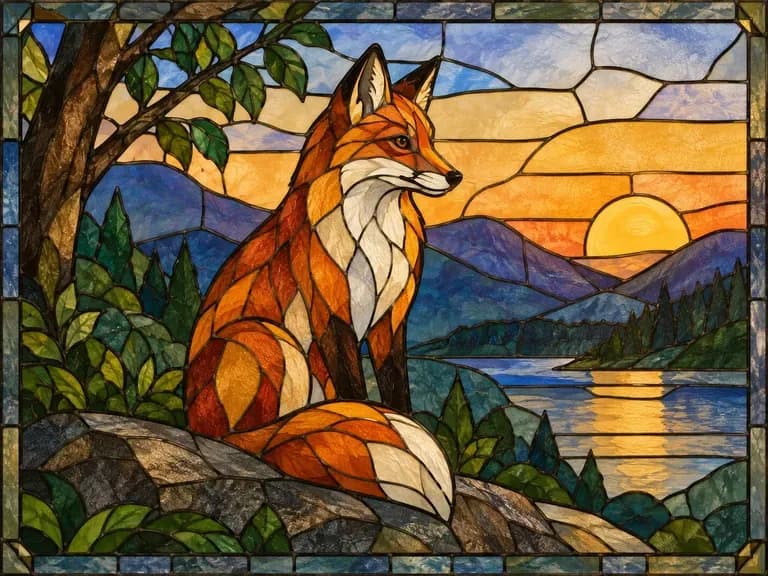
Stained Glass Looks: bold outlines and jewel colors
FAQ

Frequently asked questions

Can I use text only, without a photo?
Yes. Write the subject and the style in one prompt and the image is created from scratch.
Does it make a brand style guide?
No. The output is a restyled image, not a document. For a written guide to your brand's look, use a style guide tool instead.
Is Virse's AI style transfer free?
Yes. The Free plan opens with 200 compute and adds 50 each day the balance is under 200. Free restyled images are 1K, and every image model can be used.
How is this different from a color grading tool?
Color grading changes tones and color only. Style transfer redraws the image itself, including brushwork, lines and texture.
Can I apply the same style to several images?
Yes, one at a time. Use the same style words for each image; results can still vary a little between runs.
Can it copy the style of a famous artist?
You can describe broad movements such as impressionism or pop art. Copying a living artist's signature style for commercial work can raise legal and ethical issues, so check before you publish.

Restyle your image with AI

Name the look you want, with or without a photo.