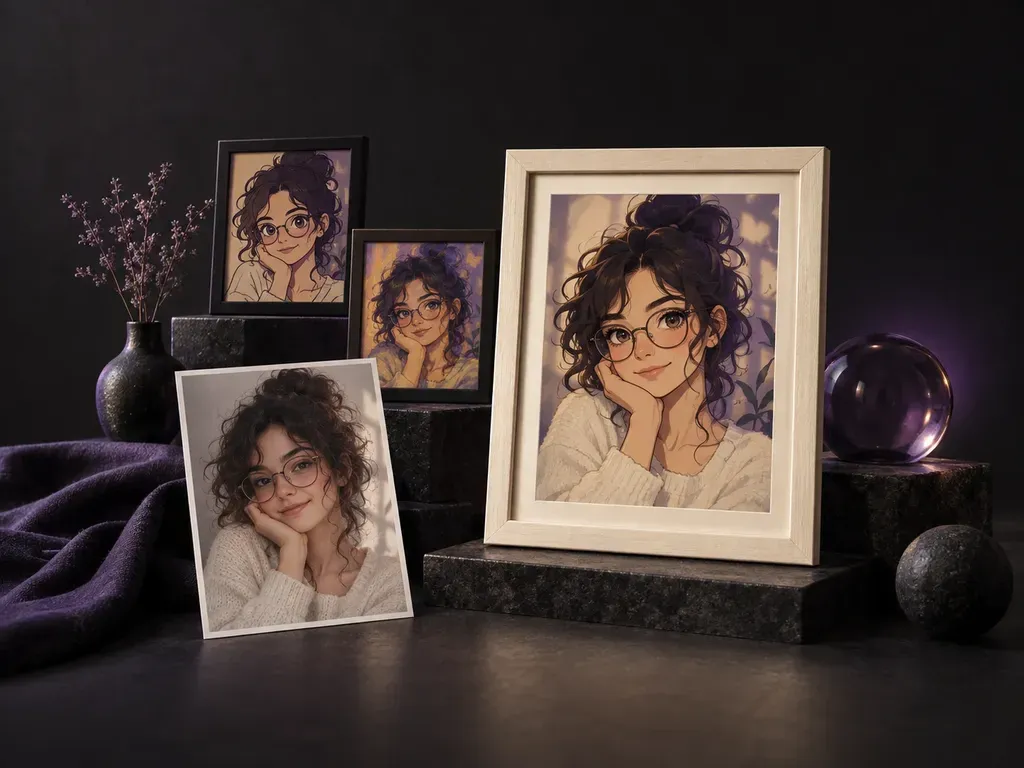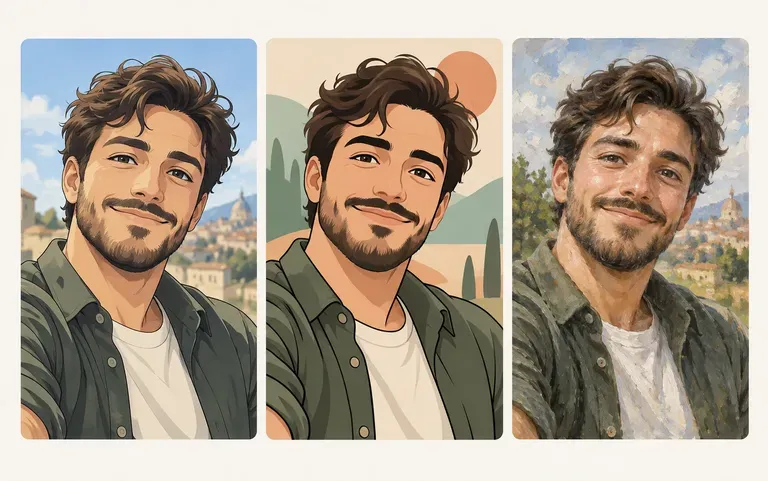
Multi-style
Explore Anime, Cartoon, and Painted Styles
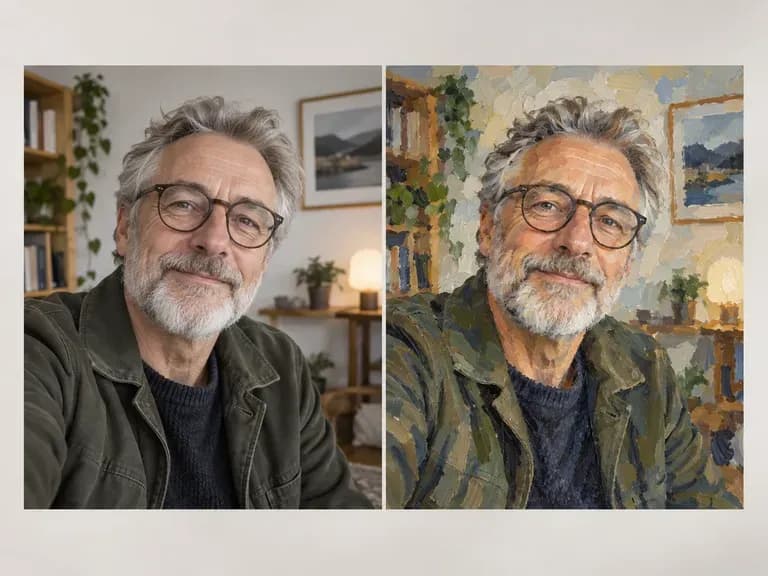
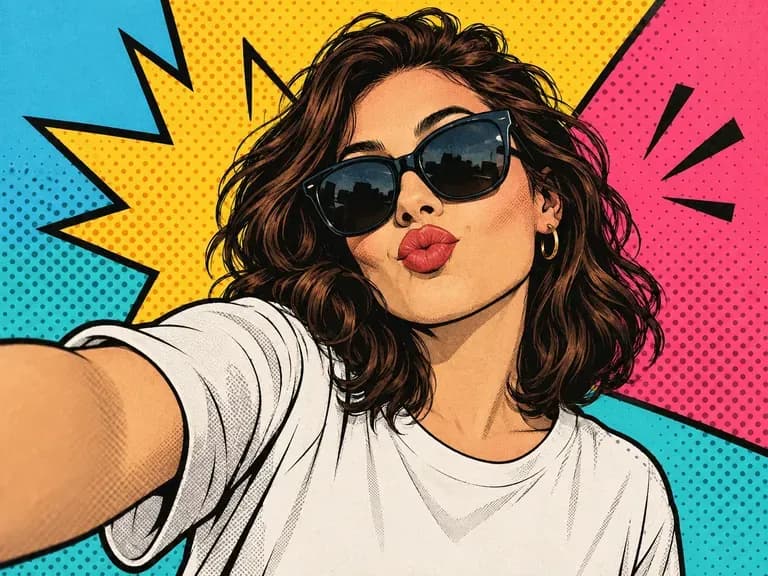
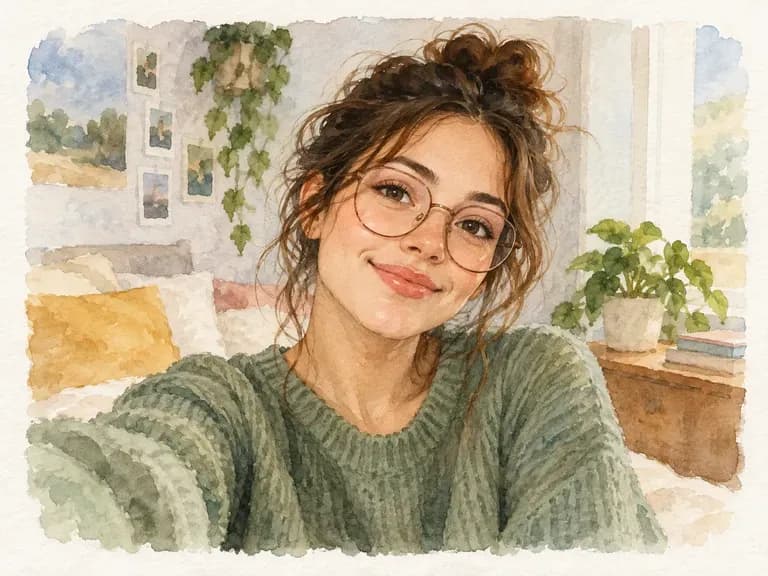
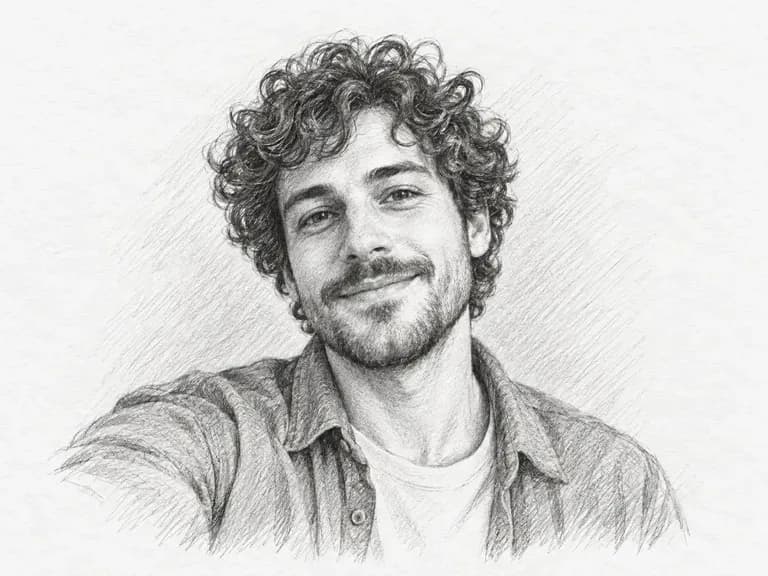
Run the same front-camera or mirror selfie through anime, cartoon, oil paint, pop art, watercolor, and pencil sketch treatments to see which aesthetic fits your feed.
Upload a front-camera, mirror, cafe, or travel shot to restyle your portrait for social profiles. This AI selfie generator and AI selfie photo generator keeps your natural smartphone framing, head tilt, and lighting across anime, cartoon, and art styles.
An AI selfie generator (also called an AI selfie photo generator or selfie AI generator) reworks a single phone photo into a stylized social portrait while keeping your spontaneous angle and expression. Virse preserves three smartphone-native details:
• Smartphone-angle framing: Retain the natural arm's-length 24mm lens perspective, mirror reflection, or cafe posture of your shot.
• Casual lighting and cues: Carry over golden-hour sun, neon room glow, freckles, glasses, and recognizable hairstyle silhouettes.
• Multi-style redrawing: Test anime cel shading, bold cartoon ink, oil brushwork, pop art blocks, watercolor, or pencil sketch.
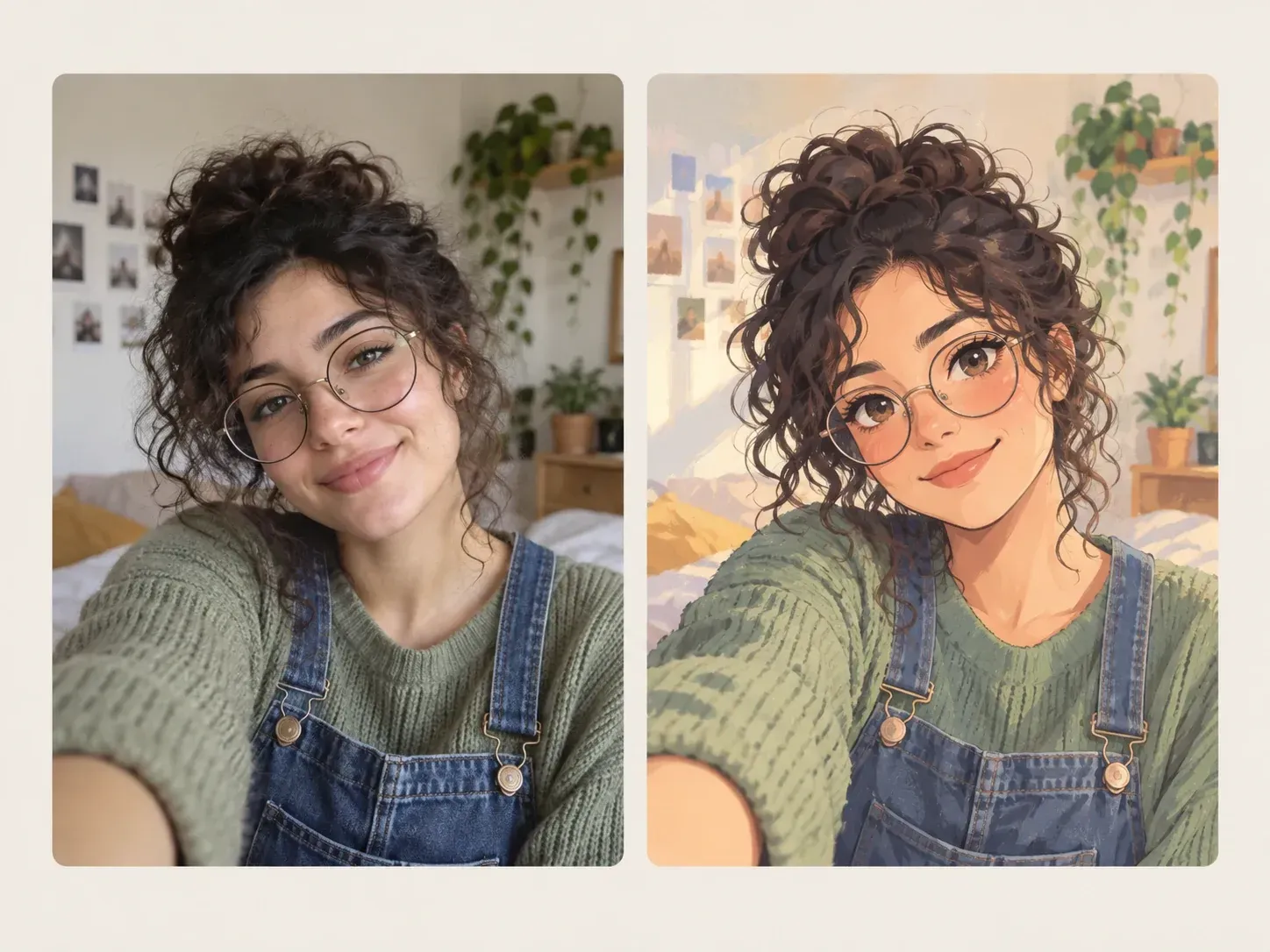
Three reasons single-photo restyling is faster and more personal than multi-photo avatar training packs.
Run the same front-camera or mirror selfie through anime, cartoon, oil paint, pop art, watercolor, and pencil sketch treatments to see which aesthetic fits your feed.
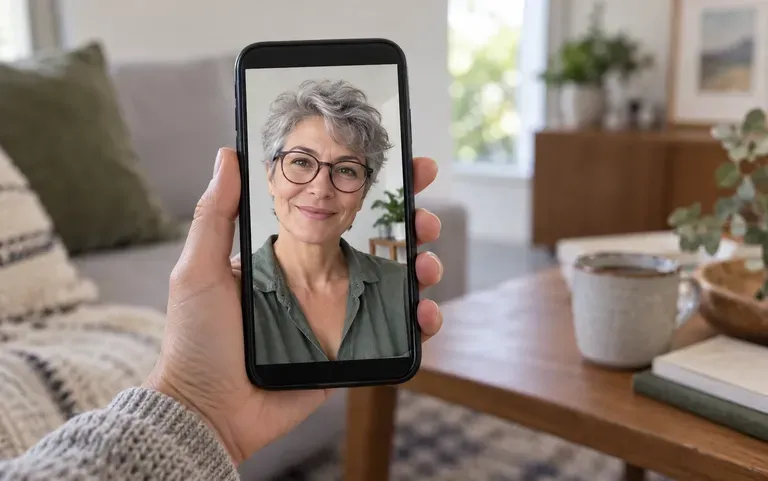
Skip collecting side profiles and multi-angle training folders; one well-lit front-camera, car, or travel selfie is all you need for every style on the page.
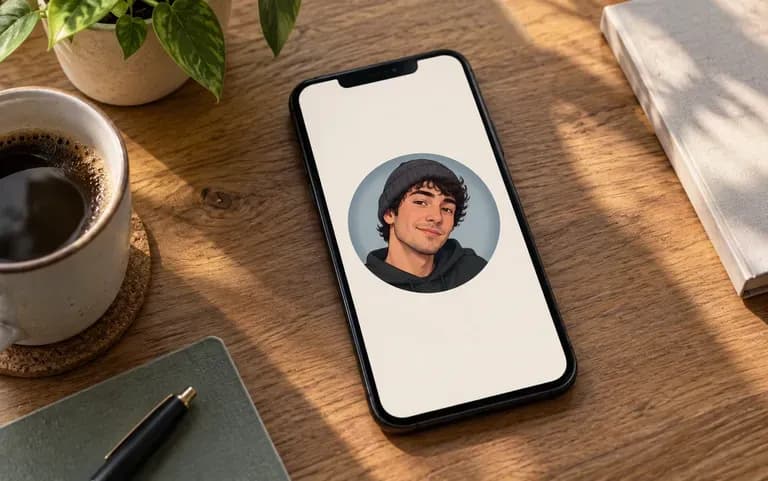
Export square or vertical stylized portraits ready for Discord, TikTok, Instagram, gaming channels, and personal keepsakes without stiff corporate headshot staging.
How restyling one smartphone shot on the Virse canvas compares with uploading twenty training photos to a mobile avatar pack app.
Multi-Photo Avatar Apps & Basic Tints
Virse AI Selfie Generator
Choose a well-lit front-camera, mirror, cafe, or travel selfie where your face is clear and you have permission to edit the photo.
Drop your phone photo into the AI generator selfie upload slot without needing extra side profiles or background removal first.
Pick the Anime, Cartoon, or Art preset, or add a note naming watercolor washes, pop art color blocks, pencil sketch, or lighting.
Run a second style from the same uploaded selfie and compare both versions side by side on the canvas before saving your avatar.
Adding a short style and lighting note tailors the redraw to your phone setting. Copy any of these three selfie briefs:
• Golden-hour travel anime: "Keep the front-camera framing, sunglasses on head, and sunset backdrop; redraw as a warm anime portrait with cel shading and rim light."
• Cafe selfie to cartoon: "Preserve the coffee-shop posture, glasses, and smile; restyle into a graphic novel cartoon portrait with bold ink lines and flat colors."
• Mirror selfie watercolor: "Keep the indoor lighting and facial proportions of the uploaded shot; restyle as an expressive watercolor and ink sketch on cotton paper."
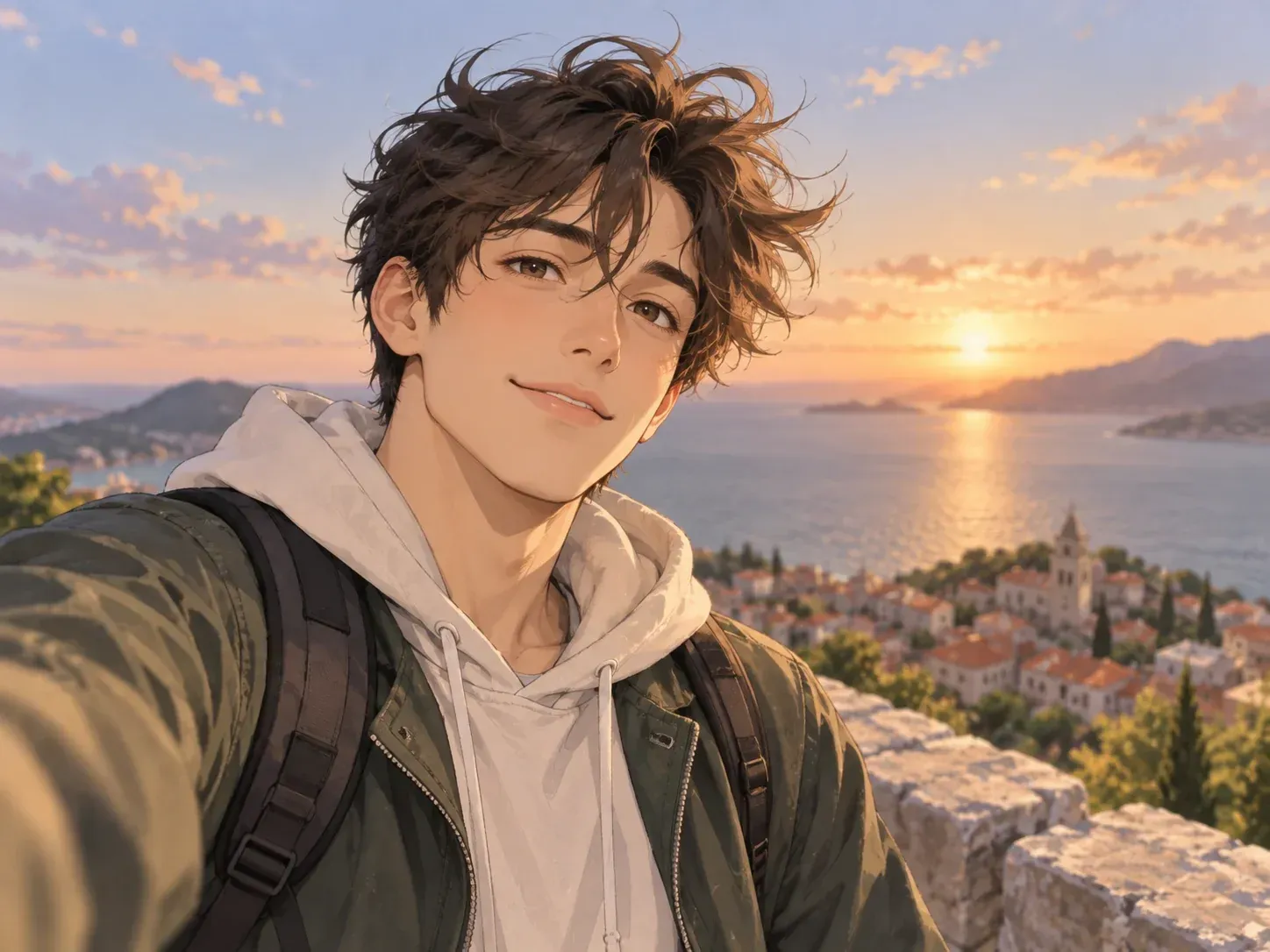
Four personal and creative scenarios where a stylized phone selfie fits better than a formal corporate headshot.
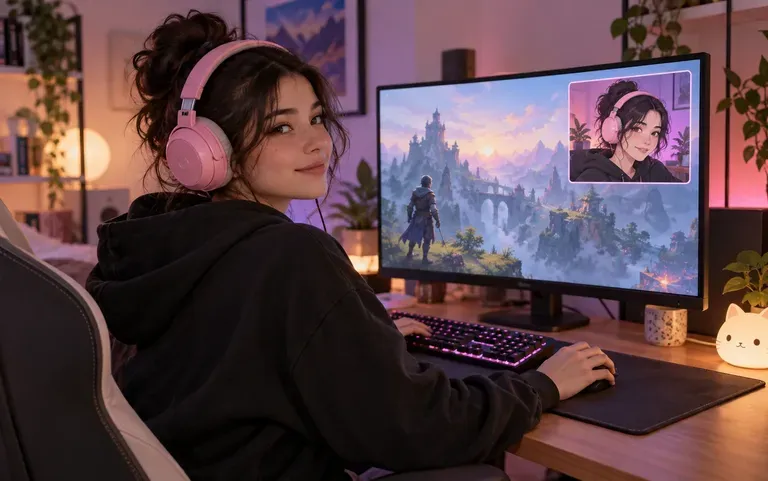
Turn a casual front-camera selfie into an anime or comic-style avatar for Twitch overlays, Discord icons, YouTube banners, and gaming profiles.
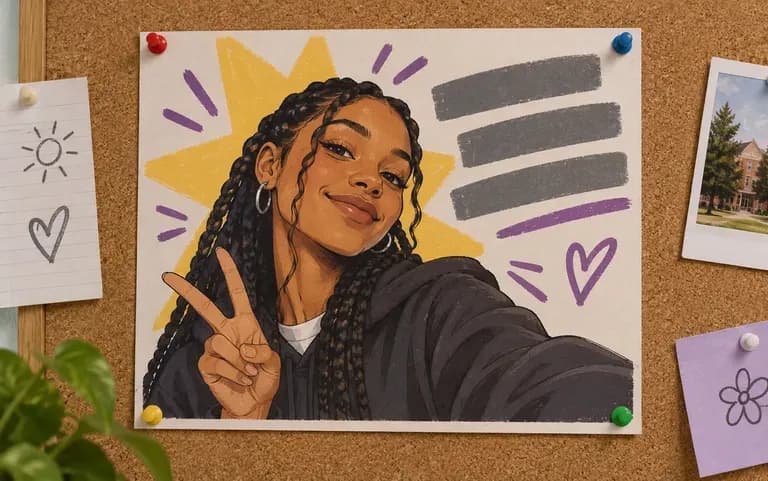
Create playful cartoon or pop-art portraits for club introductions, event flyers, zines, and group chat icons without booking a photo booth.
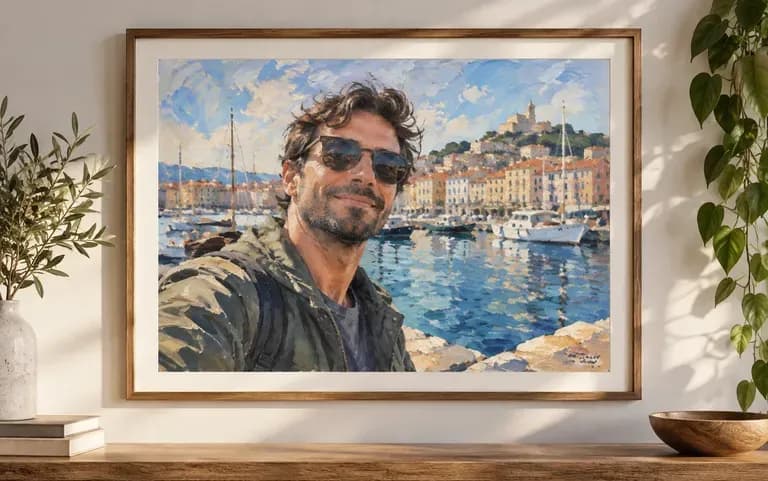
Transform a favorite golden-hour beach, mountain, or street selfie from a trip into an oil-painted or watercolor keepsake worth framing or sharing.
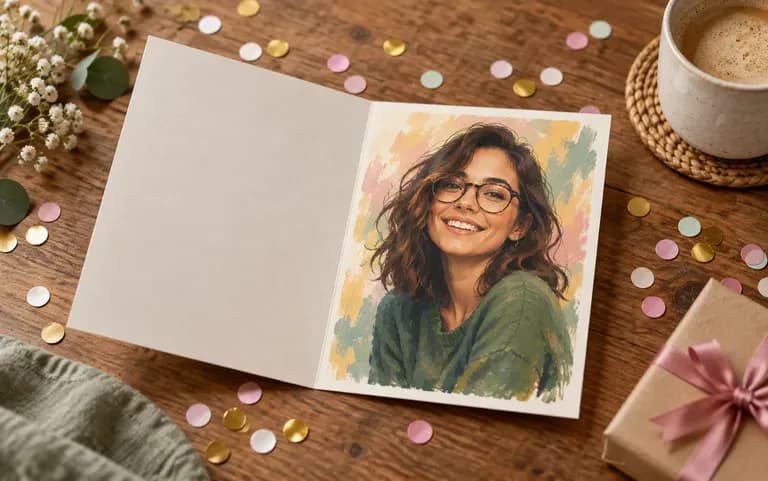
Restyle an authorized selfie of a friend or relative into a pencil sketch or pop-art print to slip inside a custom birthday card.
Six artistic treatments generated from single smartphone selfies across anime, cartoon, fine art, and sketch aesthetics.
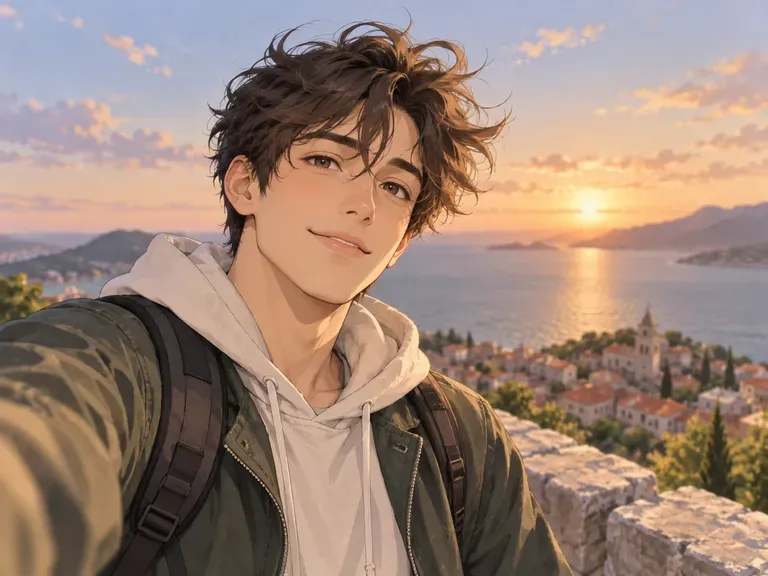
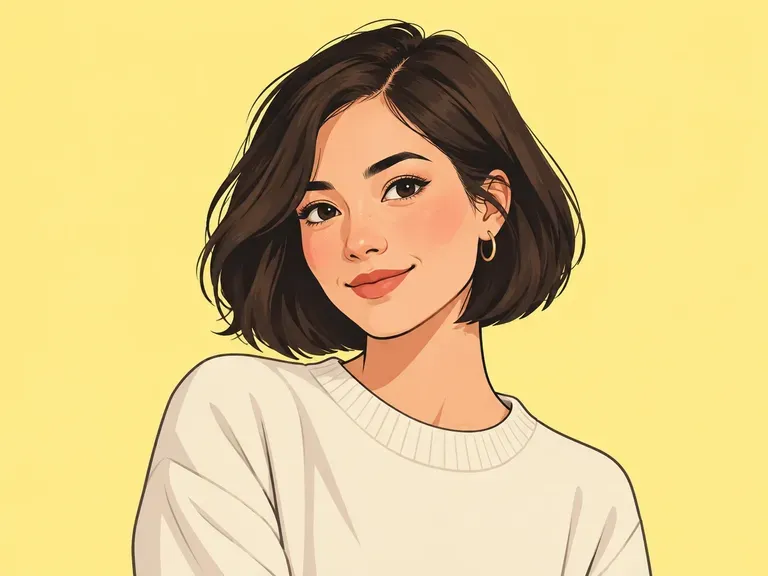
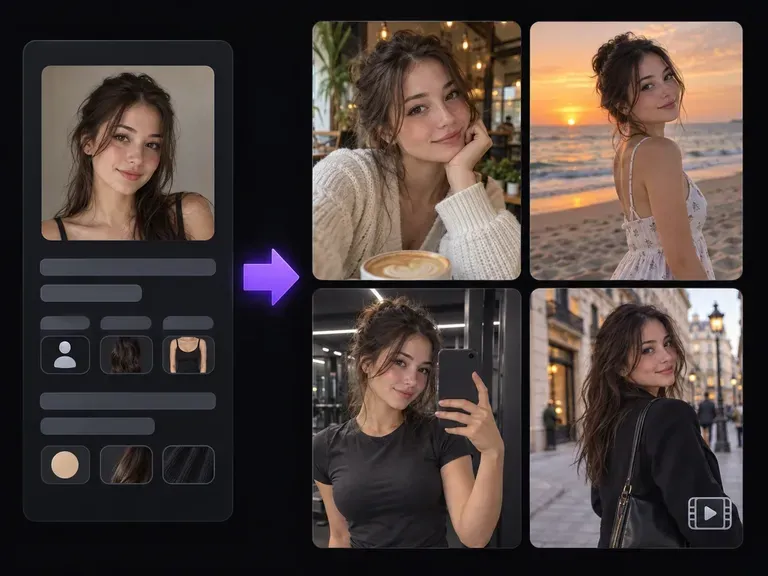
Design an original virtual persona and consistent visual world from scratch without a personal photo.
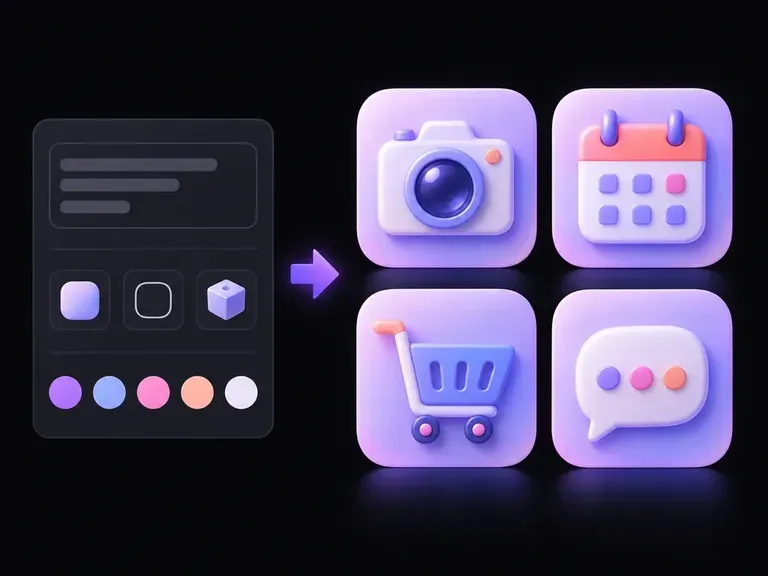
Create custom graphic symbols, badges, and channel icons to pair with your stylized profile picture.
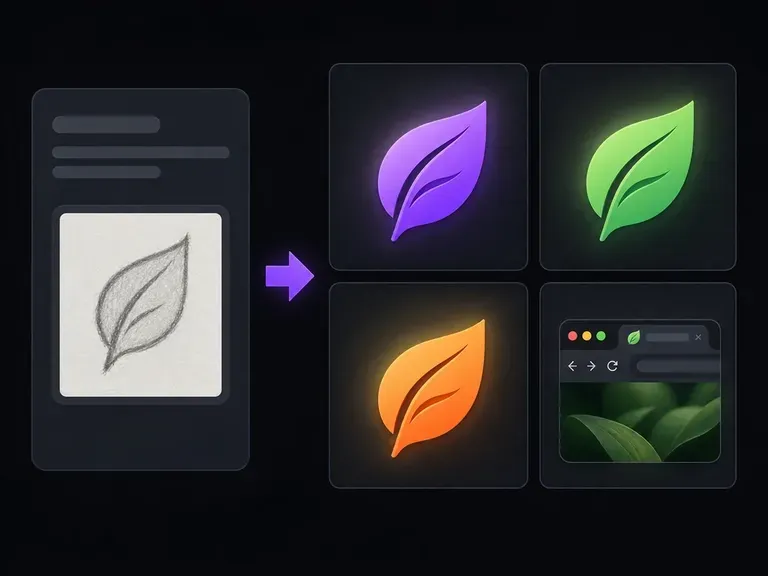
Distill your personal initials or channel emblem into a high-contrast square icon for browser tabs.
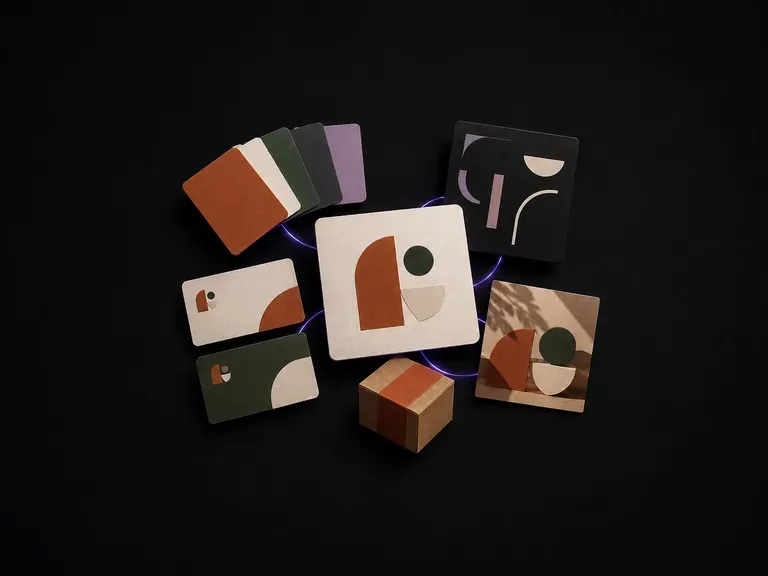
Assemble primary marks, color tokens, and visual direction boards from one brand brief.
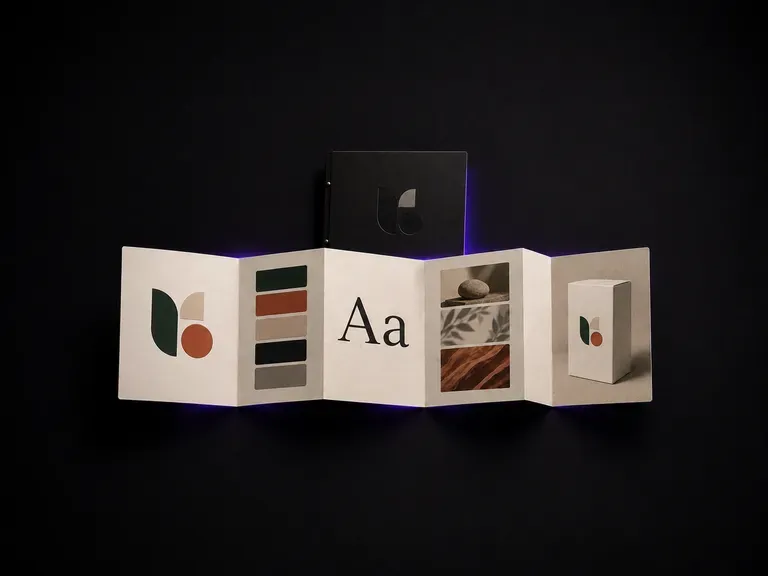
Compile typography rules, swatch proportions, and imagery standards into a clear style sheet.
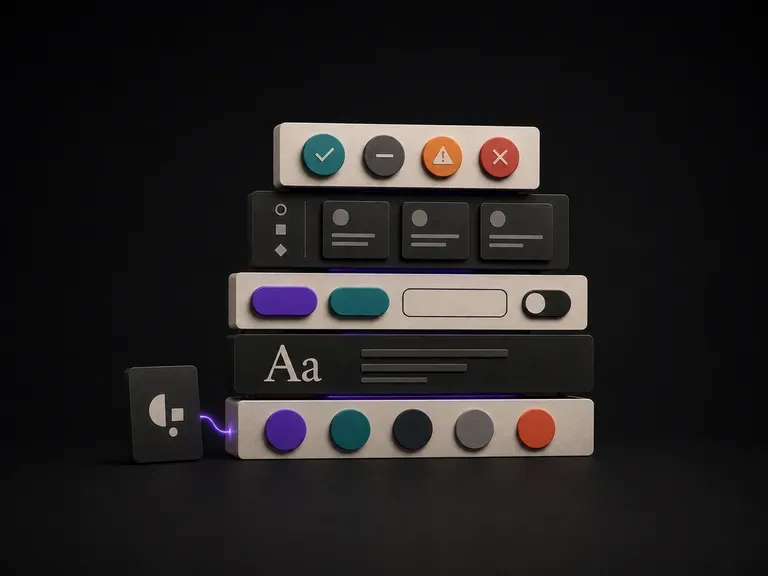
Map out UI color scales, button states, and component spacing for digital product teams.

Explore four distinct framing and styling variations side by side on the canvas in a single run.
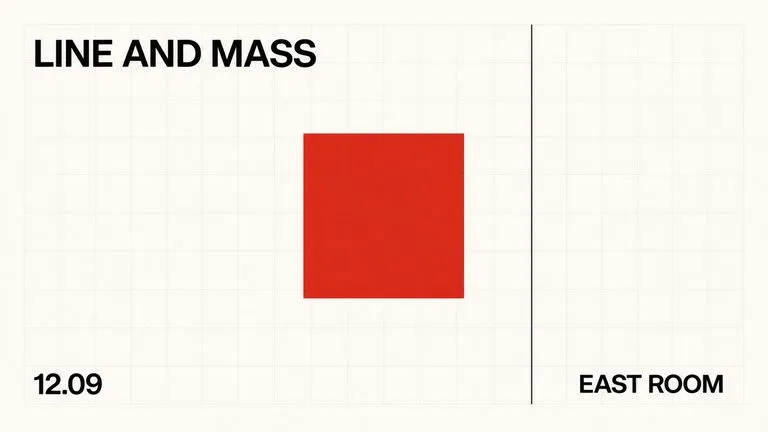
Keep display headlines, packaging wordmarks, and monogram badges sharp inside generated visuals.
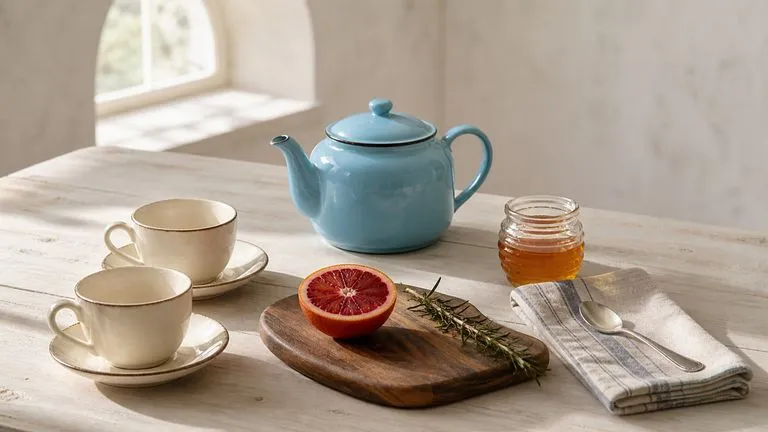
Translate detailed creative briefs into balanced compositions with reliable spatial relationships.
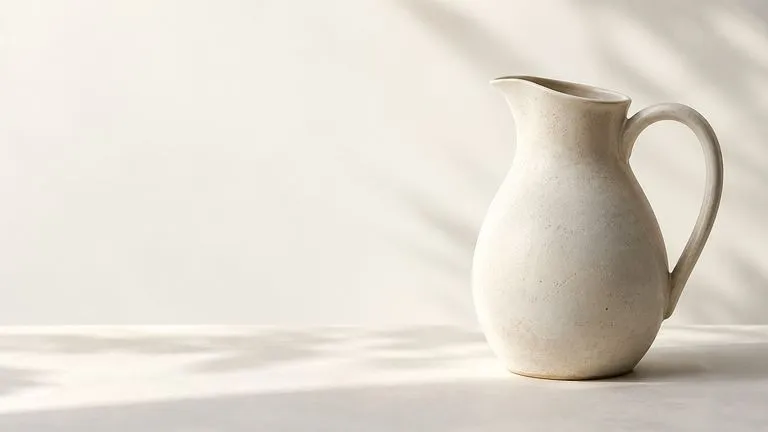
Render high-contrast metallic reflections, fabric weaves, and shallow depth of field.

Guide subject posture, materials, and lighting using up to 14 reference images at 1K to 4K.
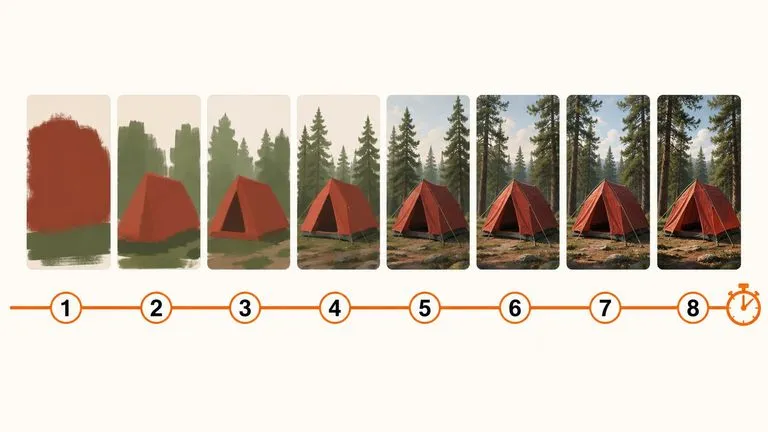
Draft rapid concept thumbnails and layout options before committing compute to final high-res renders.
Upload one clear phone photo to compare anime, cartoon, painted, and sketch portrait styles on the Virse canvas.