
Free
Start with Free Generations
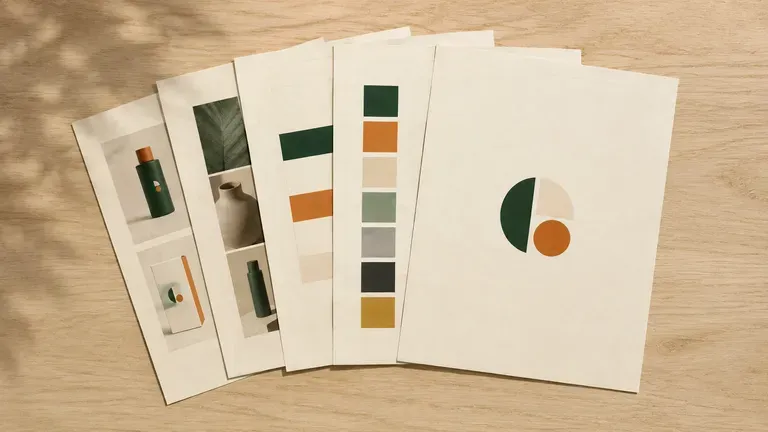
Try your first style guide draft on Virse credits. New users can generate up to 10 images, enough to see whether the direction fits before committing a full documentation project to it.
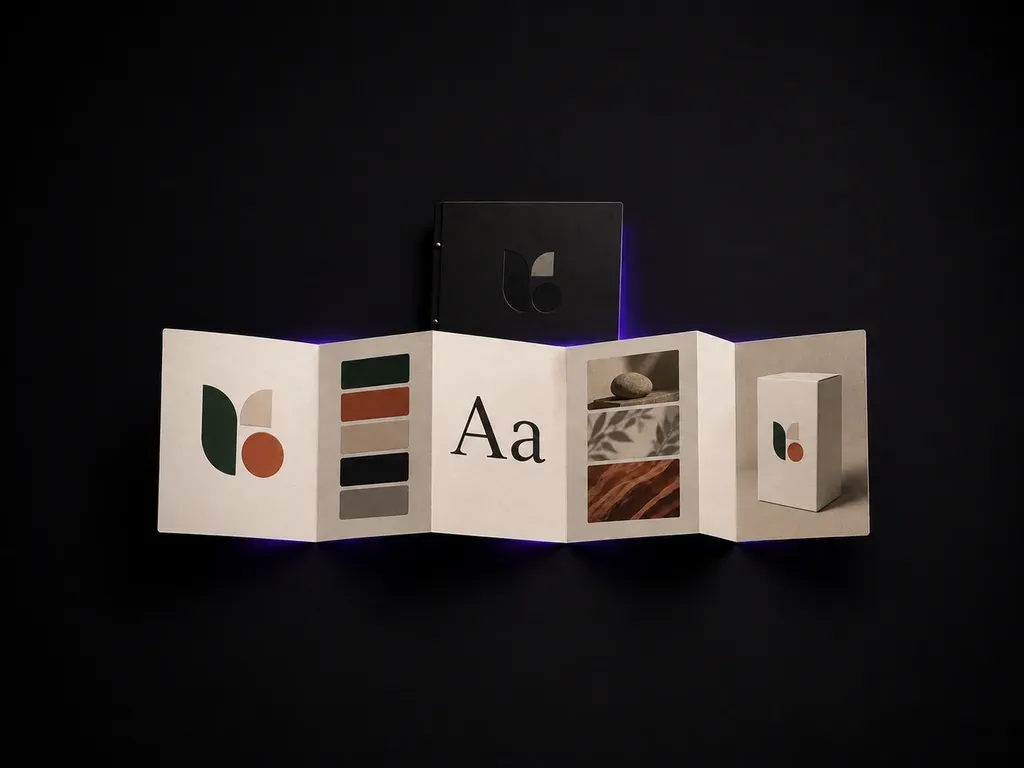
Upload your logo and brand assets to generate a practical style guide draft covering colour, typography and application examples on the Virse canvas, starting on free credits.
An AI style guide generator turns a logo, a brand positioning and existing visual assets into a draft covering colour, type, image style and application examples. In Virse you upload what you have, generate a first pass, and refine the pages worth developing further—built around three core workflow advantages:
· Starts from your real logo: Uses your uploaded logo mark and existing brand assets as the foundation.
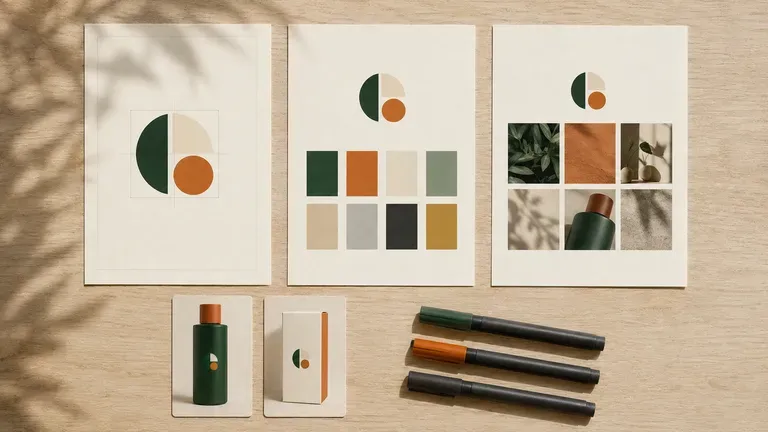
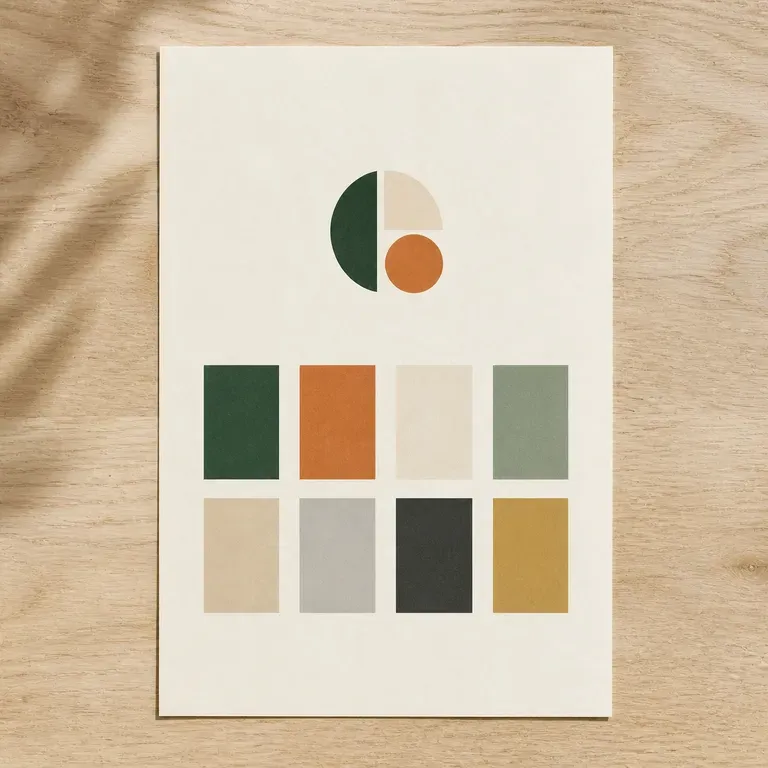
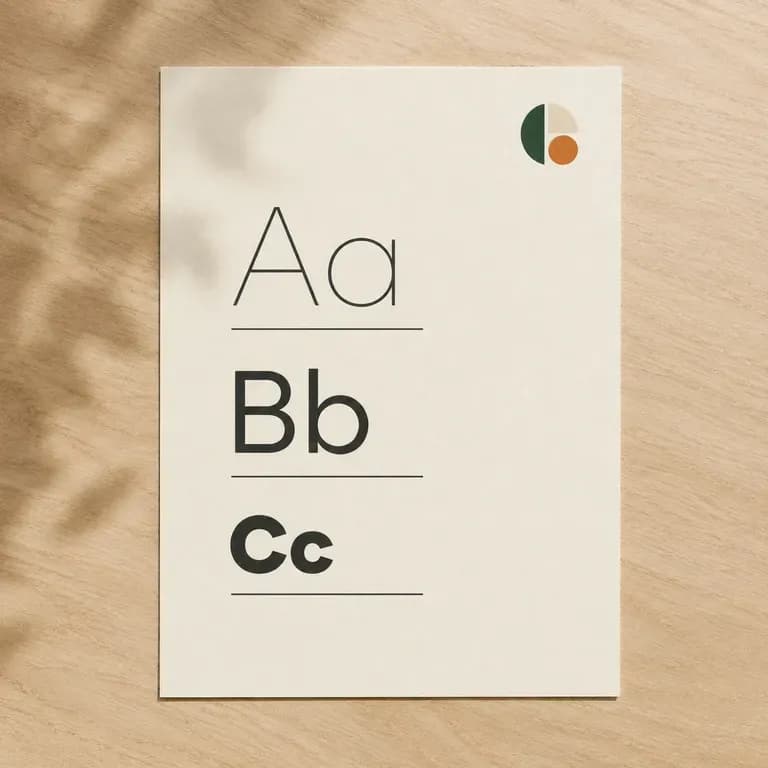
· Structured guideline boards: Covers logo clearspace, primary/secondary hex palettes, typography hierarchy, and imagery mood.
· Ready for team handoff: Creates a concrete visual reference for freelancers, social teams, and deck builders.
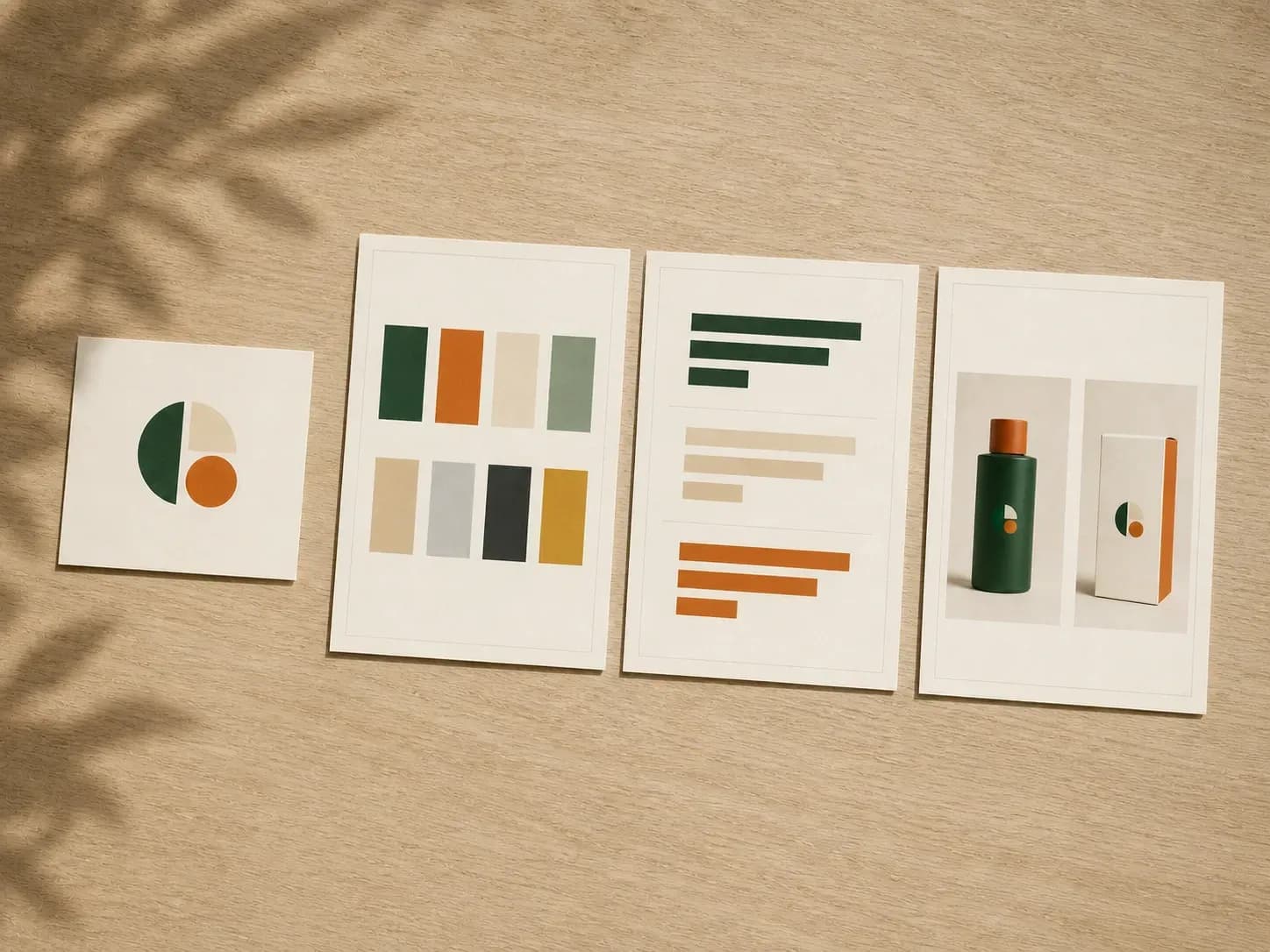
A style guide only works if people actually follow it. A clear first draft is what makes that likely.
Try your first style guide draft on Virse credits. New users can generate up to 10 images, enough to see whether the direction fits before committing a full documentation project to it.
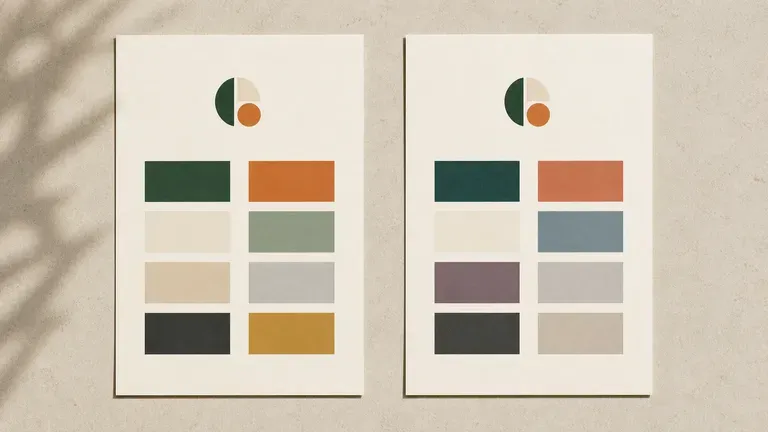
Virse brings 40+ AI models into one workspace with unlimited usage on paid plans to see how different models extend your logo and palette.
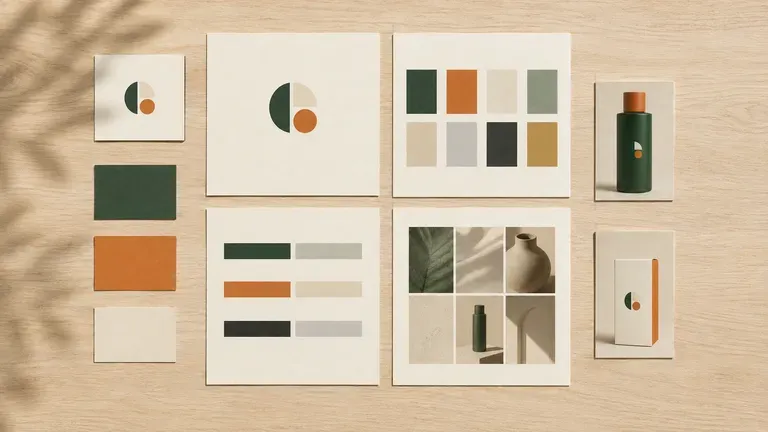
Logos, references, generated pages and alternative directions stay together on an infinite canvas. Virse keeps the brand assets in context, so the next page builds on the direction already picked.
Compare manual multi-page slide formatting against fast visual style guide drafts built from your logo.
Blank Slide Decks & Ad-Hoc Notes
Virse Brand Style Guide Generator
Add your existing logo and any visual assets you already have, then describe your brand positioning in a sentence or two.
Build a guide around the logo you uploaded, extend a reference image you like, or refresh an existing guide while keeping the core identity.
Run an available AI image model and let it produce pages covering colour, type, image style and a few application examples.
Refine the pages that need work on the canvas and keep the sections that fit as your team's shared reference document.
Upload your logo file and add a short summary of your brand tone, colour preferences, and primary touchpoints:
· Fintech SaaS visual standard: Clean geometric wordmark, deep navy + electric teal palette, Inter/JetBrains Mono type scale, dark/light UI cards.
· Artisanal bakery & café guide: Hand-drawn stamp emblem, warm wheat, espresso, and terracotta swatches, classic serif + humanist sans, cup & box rules.
· Modern wellness studio identity: Minimalist monogram, sage, stone, and charcoal palette, editorial high-contrast serif headings, social post templates.
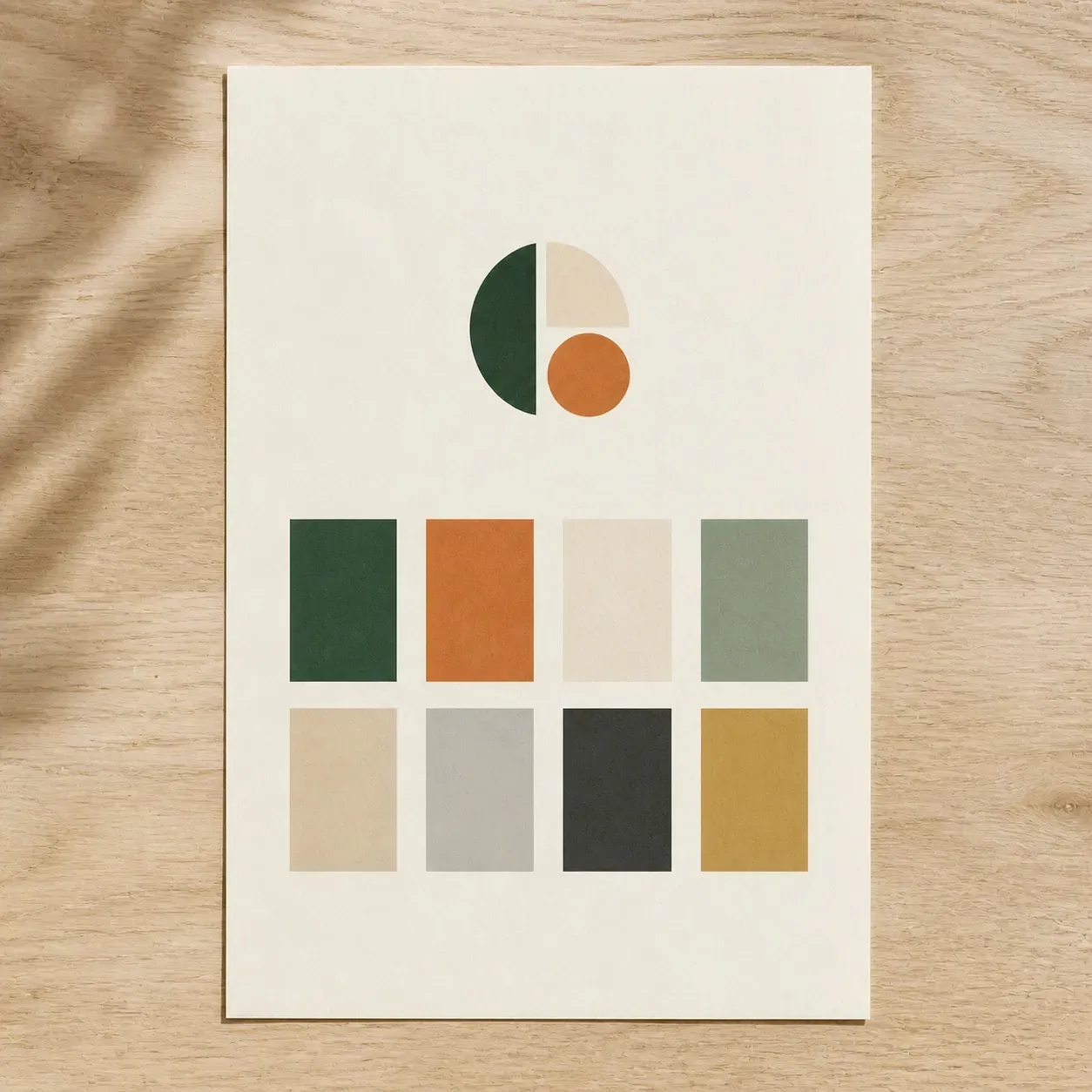
People who need a brand's rules written down somewhere everyone can see them.
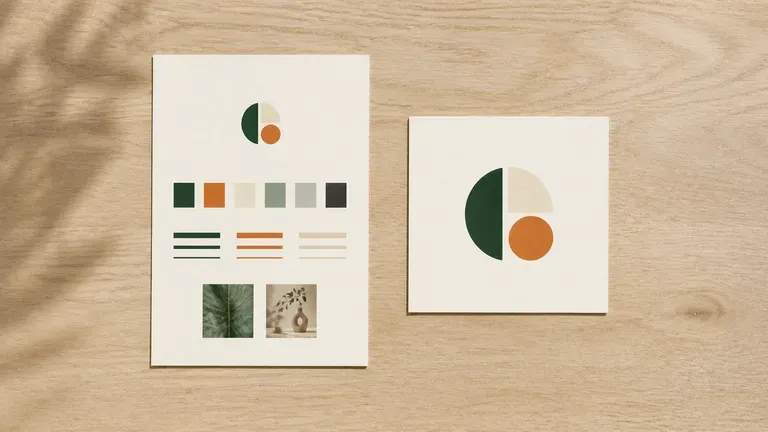
Turn a logo and a positioning line into a first style guide before hiring a design team.
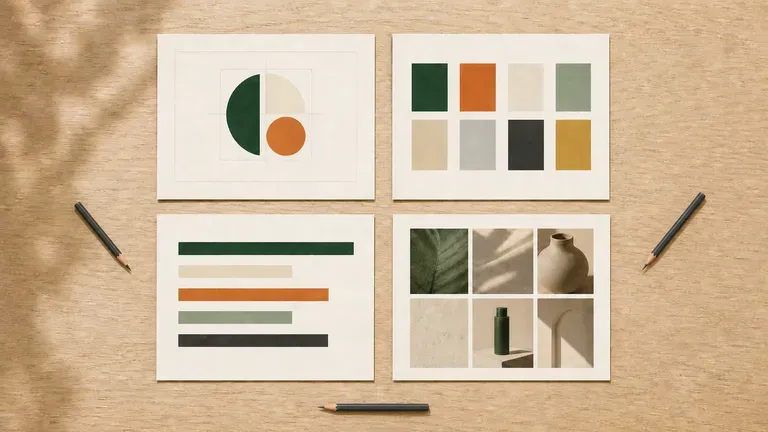
Document colour, type and imagery rules so a growing team stays consistent.
Generate a fast first draft to react to, then take the promising pages into a full documentation pass.
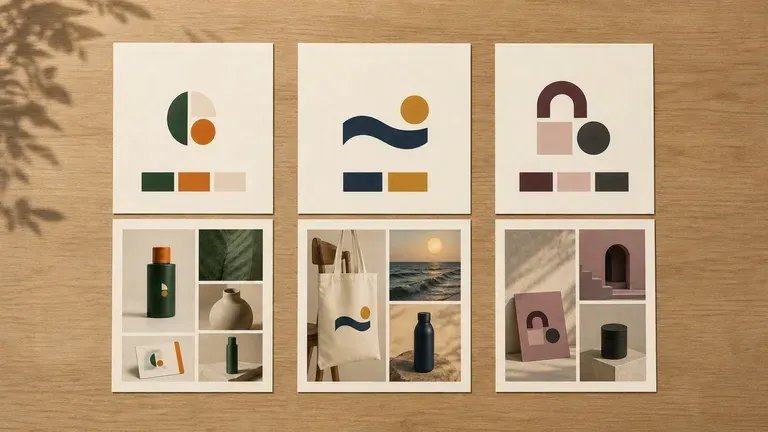
Produce a style guide draft for a client whose identity was never formally written down.
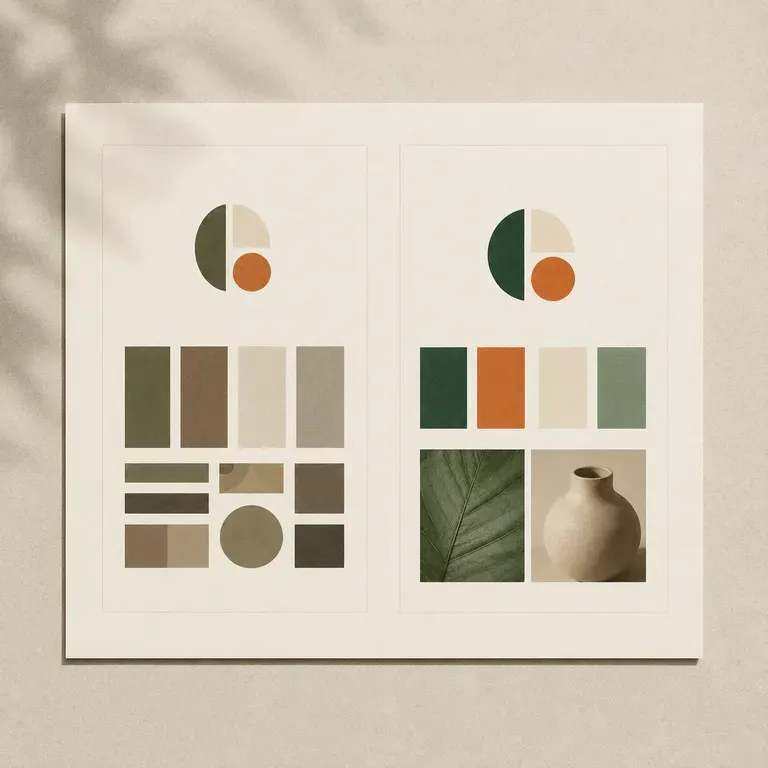
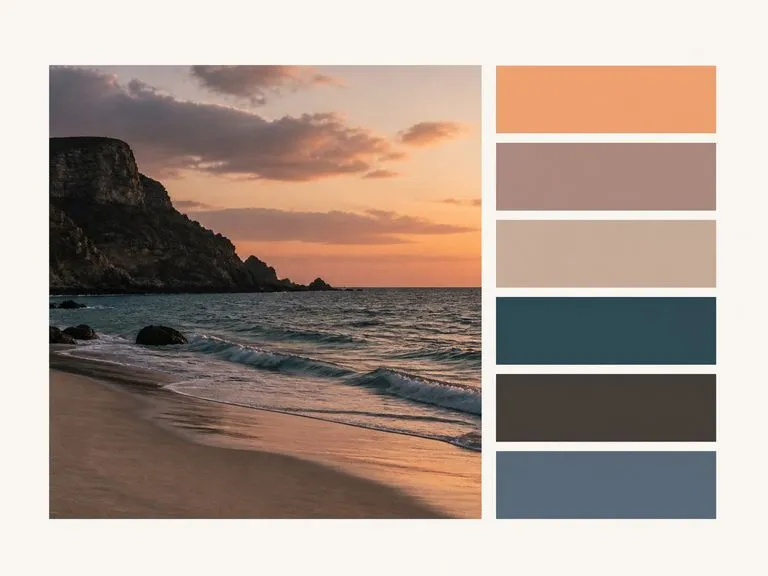
Upload a photo, brand logo, or UI screenshot, choose 4, 6, or 8 swatches, and pick a Bars, Grid, or Proportional layout. This color palette extractor clusters pixels deterministically into a labelled swatch sheet with HEX codes and image shares.

Enter two or three initials, upload an optional reference, and describe how the letters weave together. This free monogram design generator explores interlocking serif, geometric sans, script, and wax-seal monograms on one canvas.
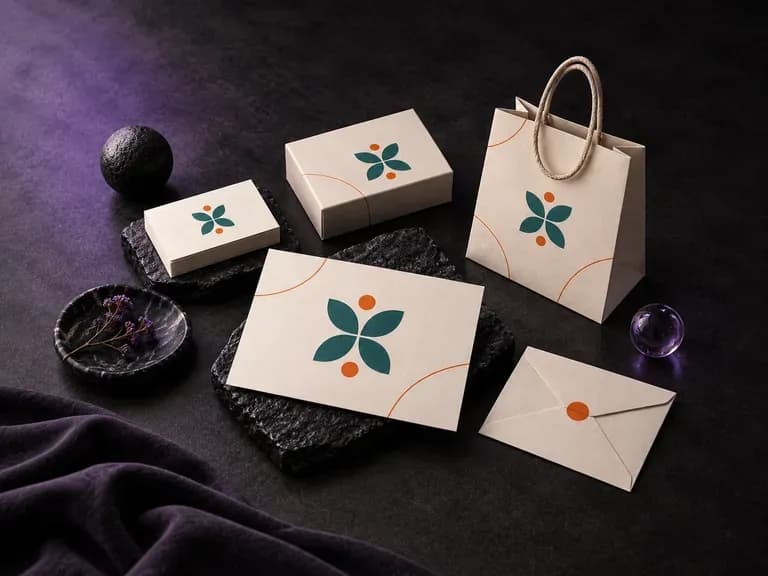
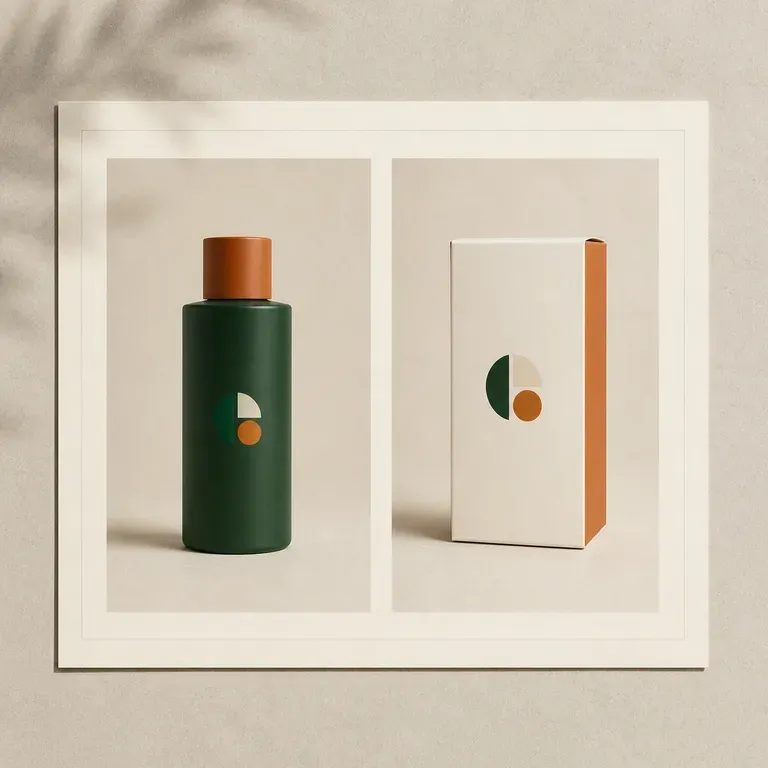
Upload your existing logo, color palette, and supporting brand graphics, then list the physical items you want in the frame. This branding mockup generator composes a coordinated presentation board across stationery, packaging, menus, or event collateral.
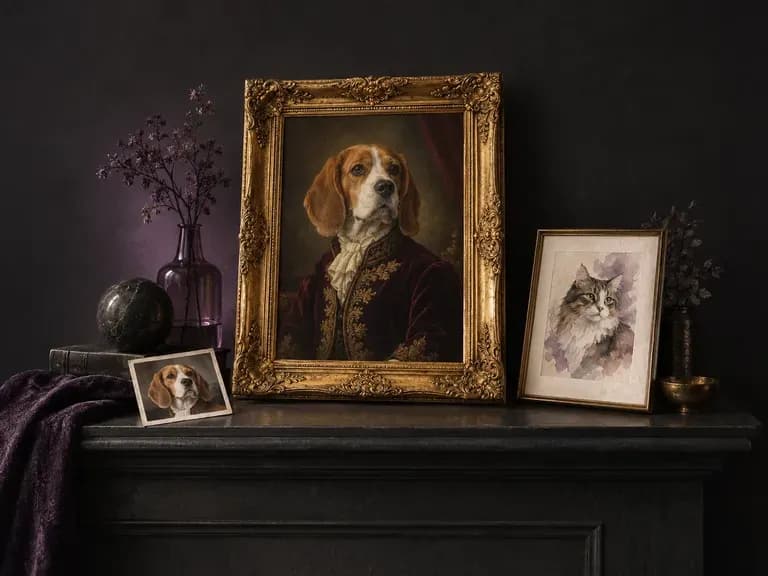
Upload a clear photo of your dog, cat, or rabbit, choose an art style, and note any special markings. Virse's AI pet portrait generator turns your pet's likeness into a royal 18th-century oil painting, loose watercolor, or cheerful cartoon avatar.
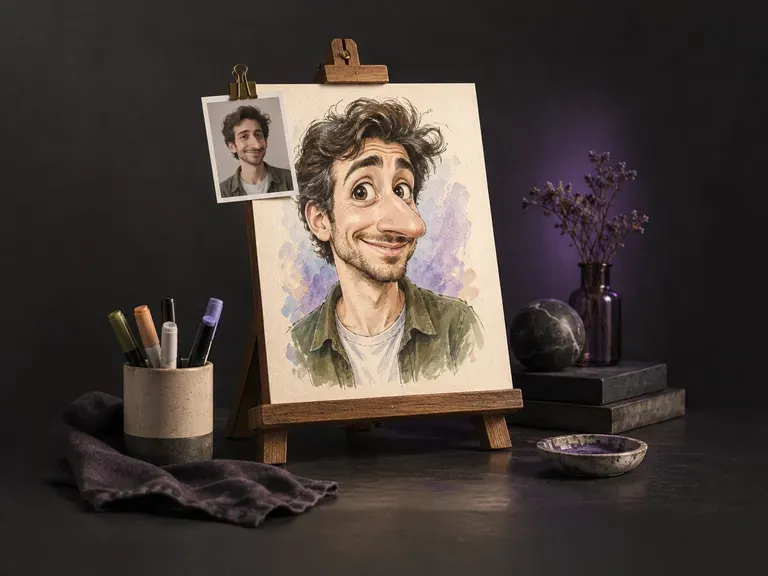
A great caricature amplifies the features friends recognize first while keeping the likeness clear. Upload a front-facing photo of one person, and this AI caricature generator pushes facial proportions across boardwalk marker, ink, watercolor, or 3D clay.
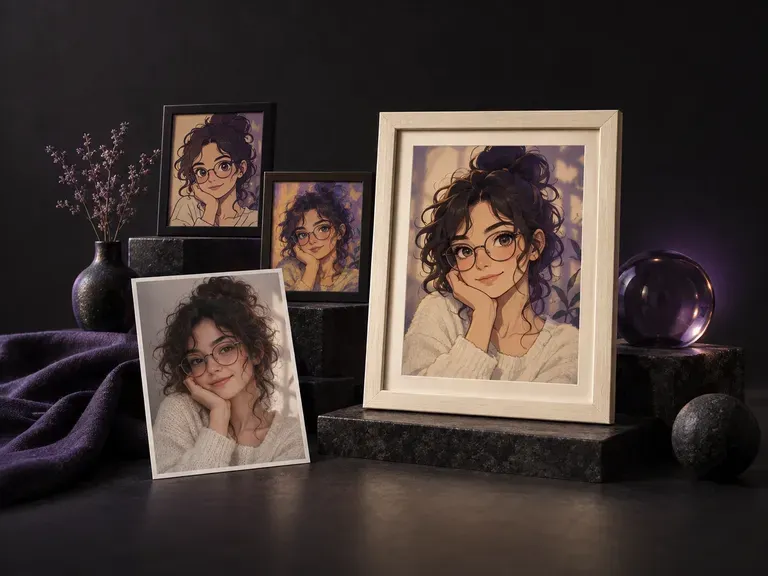
Upload a front-camera, mirror, cafe, or travel shot to restyle your portrait for social profiles. This AI selfie generator and AI selfie photo generator keeps your natural smartphone framing, head tilt, and lighting across anime, cartoon, and art styles.

Generate and edit images with Nano Banana 2.1 in Virse. Choose 1K, 2K or 4K output and use up to 14 reference images to guide the subject, setting and materials.
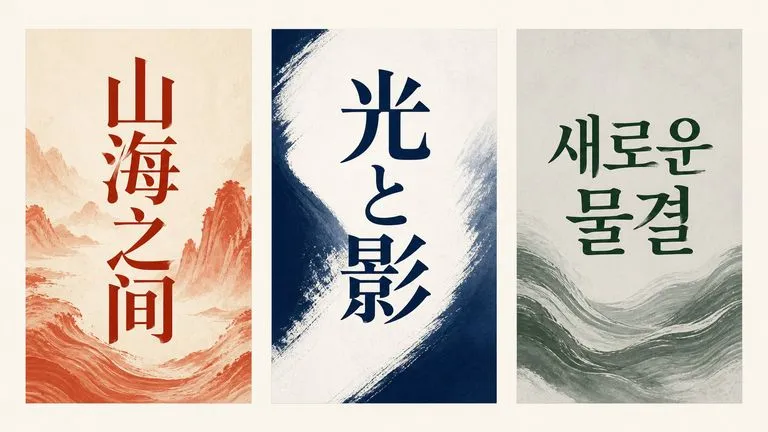
Alibaba's Qwen Image 3.0 Pro renders type as language across a dozen scripts, holding legibility down to ten pixels in dense layouts.
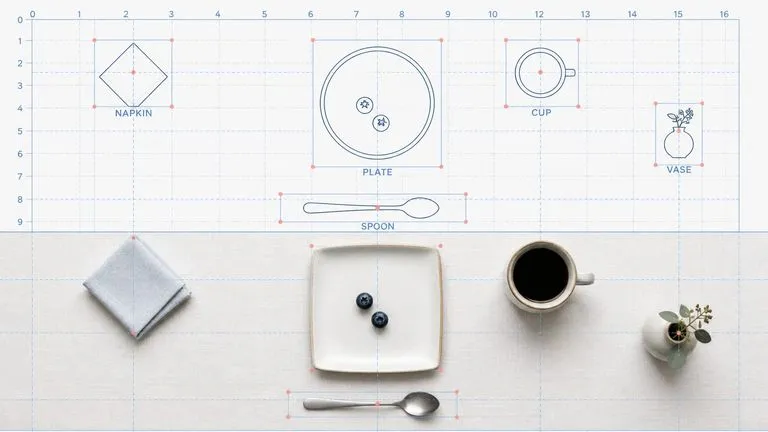
Reve AI's second-generation model builds an addressable layout of positioned elements before it renders, so a specified arrangement comes back arranged.
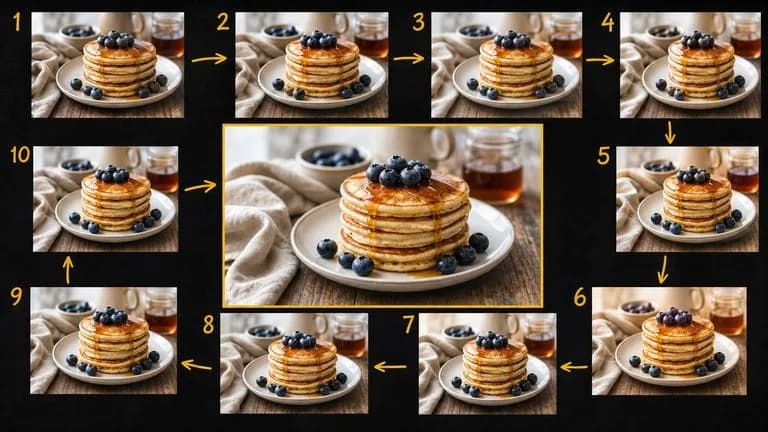
Google's Gemini 2.5 Flash Image — the original Nano Banana — generates and edits pictures at conversation speed, so a correction takes a sentence instead of a session.
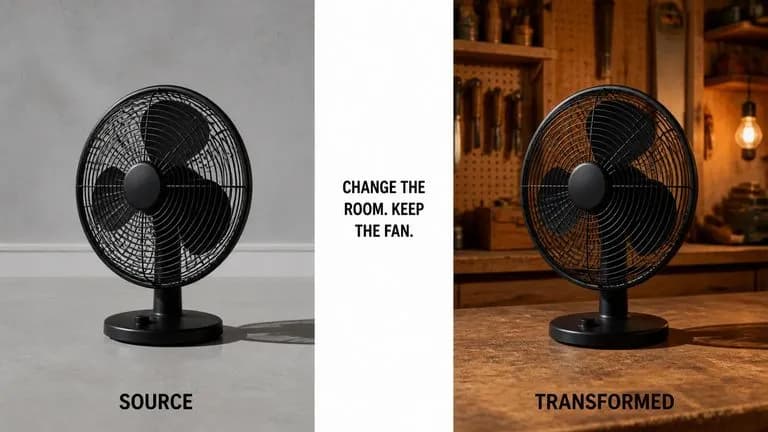
ByteDance's Seedream 4.0 and Seedream 4.5 generate from written descriptions and from images you supply, turning one source picture into as many directions as a project needs.
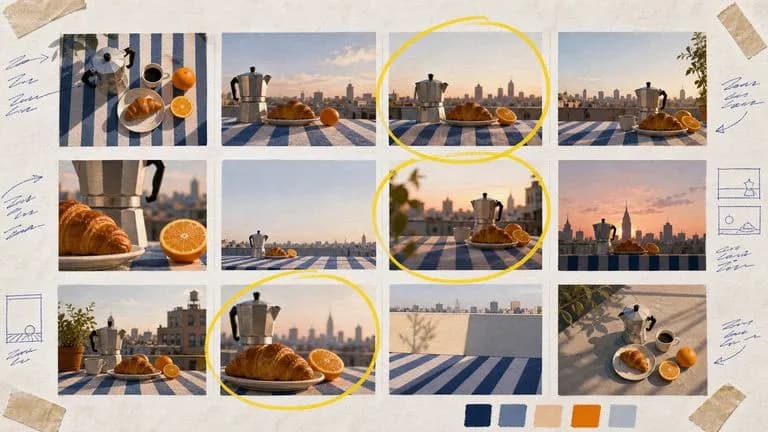
Google's Nano Banana 2 pairs flagship-level image quality with Flash-class speed, across four output sizes from rapid 0.5K prototypes to finished 4K.
Upload your logo and assets, generate a style guide draft covering colour, type and application, and refine it into the document your team follows.