

Clear silhouette
Describe the Symbol's Purpose
Name the core object and the feature it represents, keeping unnecessary micro-detail out of the brief so the silhouette stays legible down to 16px or 24px UI sizes.
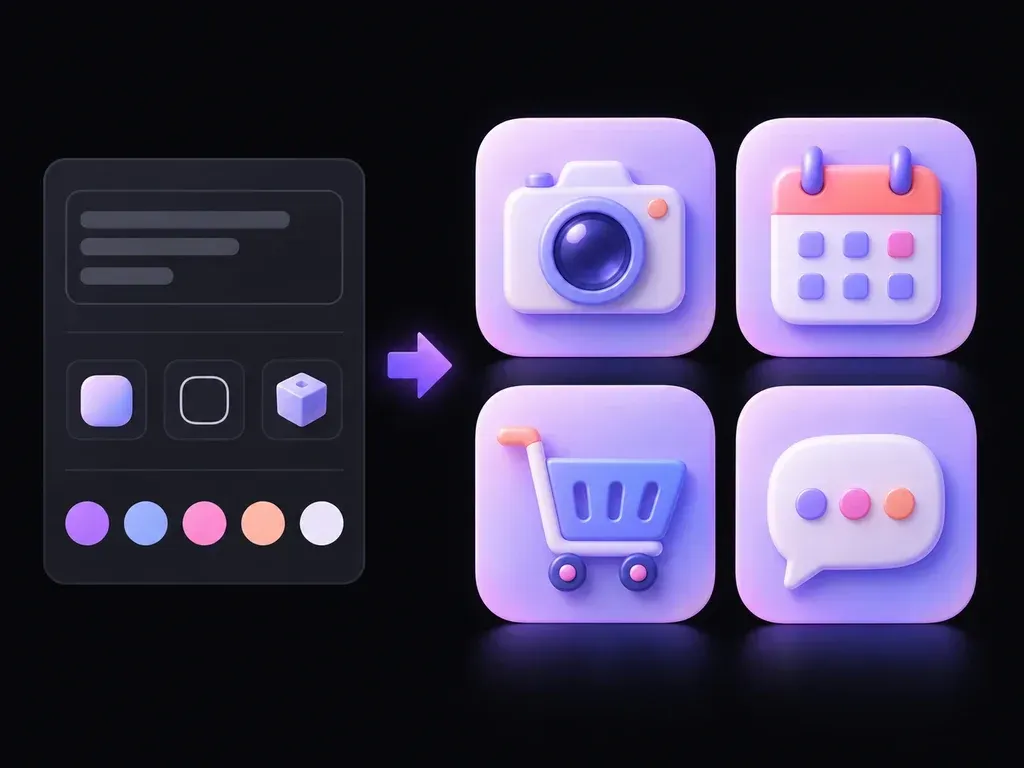
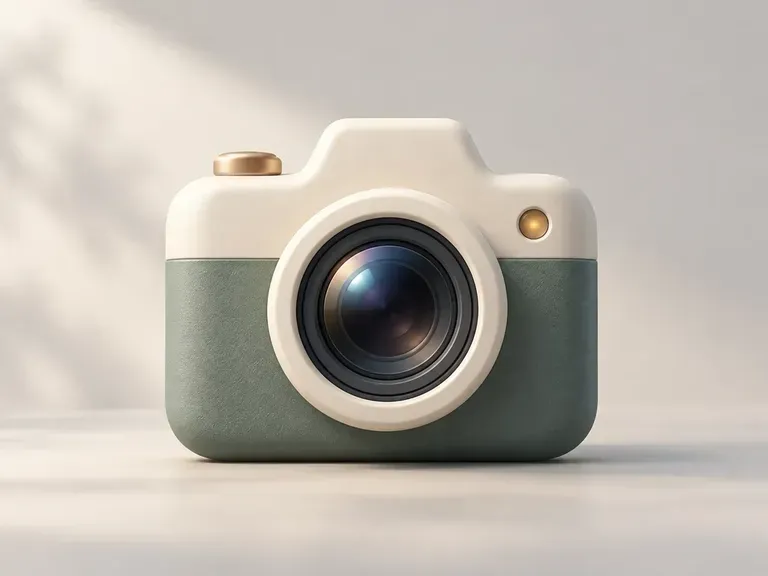
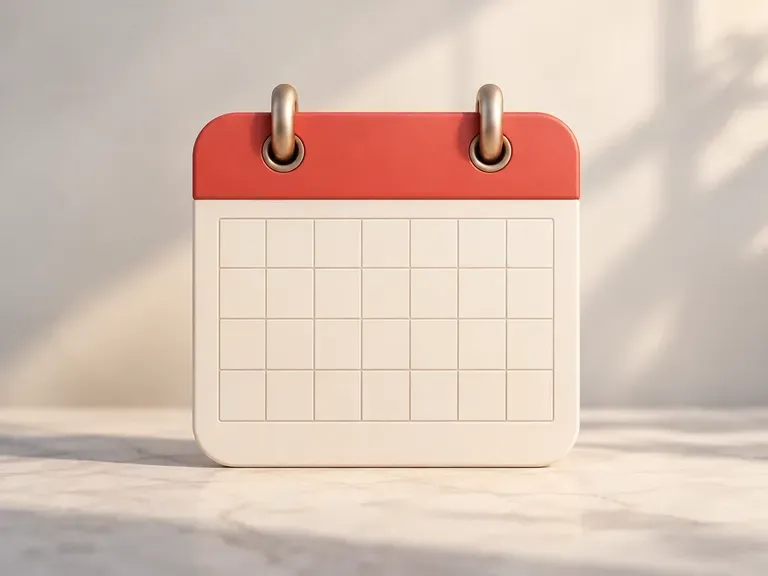
A camera, calendar, or gear can read as a crisp outline, flat geometric badge, or tactile 3D object. Describe your symbol and style, and this AI icon generator builds icon artwork you can compare on one canvas for mobile apps and UI sets.
An AI icon generator (or icon generator AI and AI app icon generator) turns object descriptions and style rules into symbol artwork on a clean background:
• App Store launcher concepts: Explore central motifs for iOS squircle masks and Android adaptive grids with bold silhouettes that shrink cleanly.
• UI and SaaS feature icon sets: Compare outline, duotone, and filled symbols for navigation drawers and cards with uniform stroke weights.
• 3D clay and glassmorphic styles: Test dimensional icons with soft studio lighting, translucent layers, or isometric depth for marketing headers.
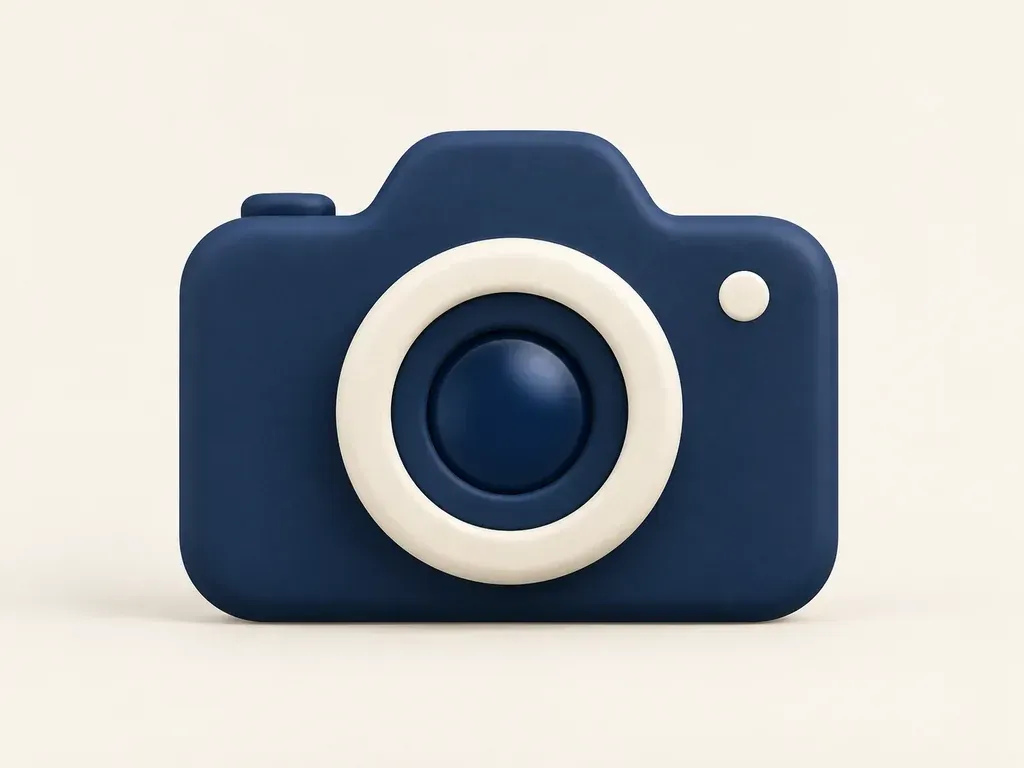
Three ways to keep symbol exploration focused, legible, and stylistically connected.
Name the core object and the feature it represents, keeping unnecessary micro-detail out of the brief so the silhouette stays legible down to 16px or 24px UI sizes.
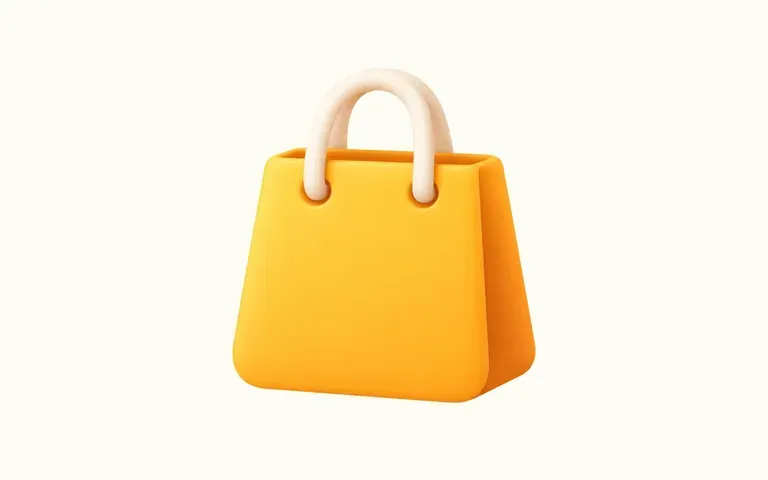
Switch between flat geometric fills, monoline strokes, or 3D clay and glassmorphic shading to see which treatment fits your app theme or brand palette.
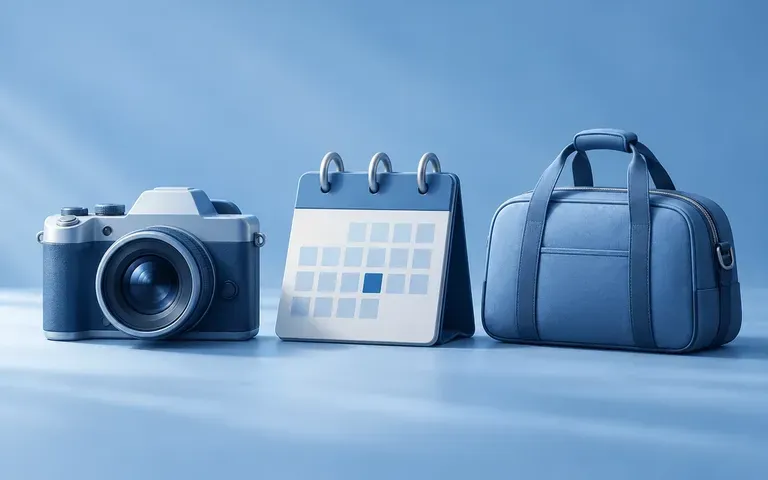
Place multiple candidate symbols side by side on the Virse canvas to inspect stroke thickness, corner radii, optical weight, and color balance across a set.
How generating bespoke symbol concepts from a unified style brief compares with combining stock icon packs.
Generic Stock Icon Packs
Virse AI Icon Generator
Specify the physical object or metaphor to draw, such as a camera lens, calendar grid, or shield, without text labels.
Choose a flat symbol, line style, or dimensional concept, then note the corner radius, stroke weight, and color palette.
Run the generator and compare square icon concepts on the Virse canvas, checking that the metaphor reads at a glance.
Test the chosen symbol at small display sizes and vectorize or export the required platform sizes in your UI tool.
Specific geometry and lighting rules keep icons clean and scalable. Copy any of these three AI app icon generator prompts:
• App launcher icon: "Centered 3D clay compass symbol for an iOS squircle app icon, matte cobalt body with an ivory needle, soft studio light, pale gray ground."
• SaaS monoline icon: "Minimalist line icon of a calendar with rounded corners, uniform charcoal stroke weight, two mint accent dots inside the grid, white square."
• Glassmorphic badge: "Isometric frosted glass folder icon with a violet and cyan inner card, translucent edge highlight, clean geometry on a dark slate background."
Four product and creative teams that explore symbol directions before locking final UI or brand assets.
Test visual metaphors and style treatments for new product modules, then trace or refine the chosen geometry to match an existing Figma or SVG design system.
Create custom visual markers for pitch decks, keynote slides, and feature roadmaps that stay legible beside slide headings without visual clutter.

Explore supporting brand badges, category markers, and illustration styles while checking stroke weight and color harmony against the primary logo.
Prototype mobile app launcher icons and onboarding graphics during early sprints so stakeholders can react before engineering handoff.
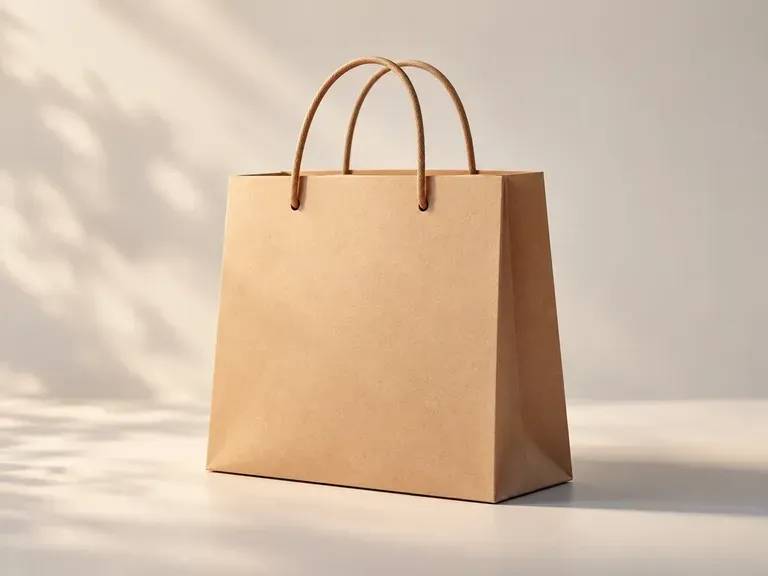
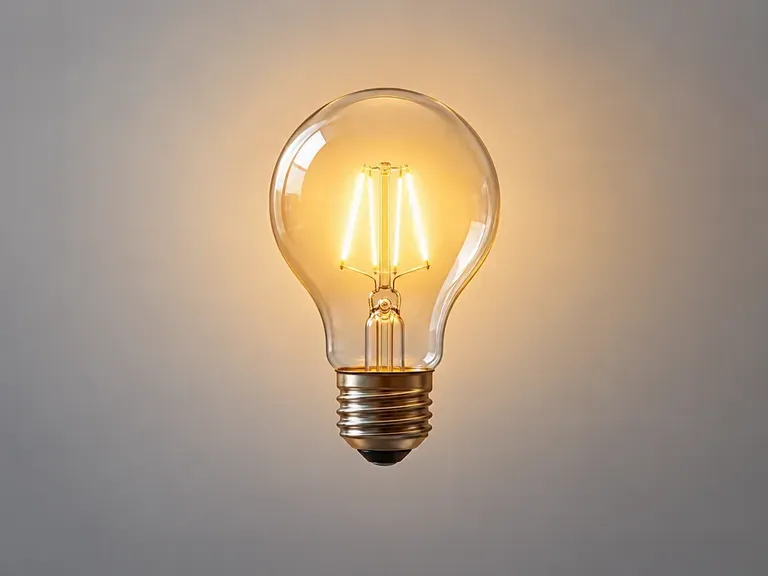
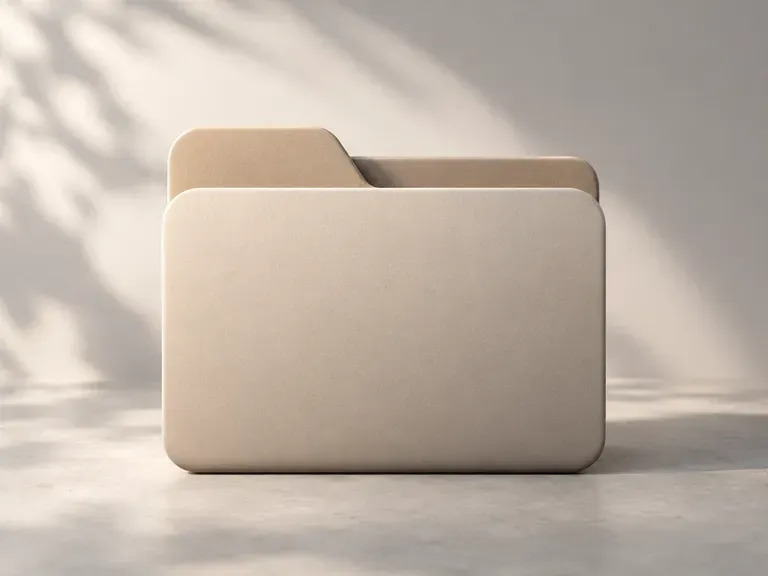
Six symbol concepts demonstrating photography, scheduling, commerce, settings, ideation, and file management icons.

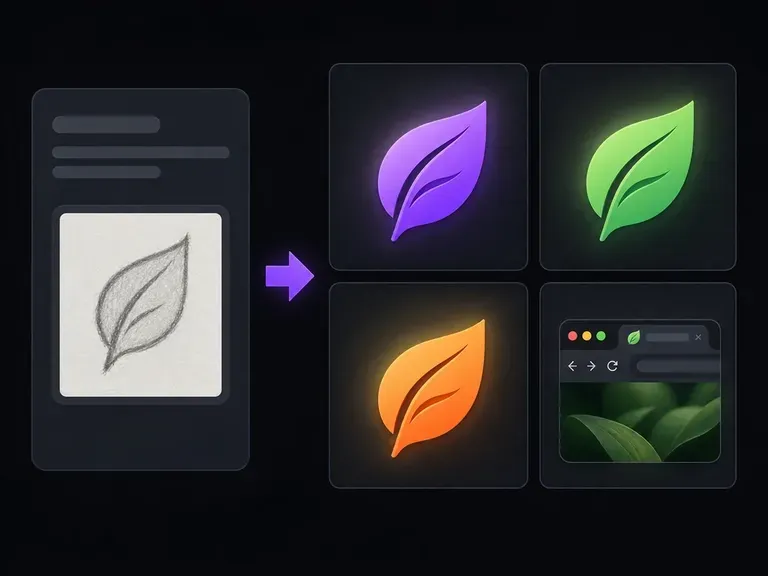
Develop a simplified high-contrast symbol or initial mark built specifically for tiny browser-tab sizes.
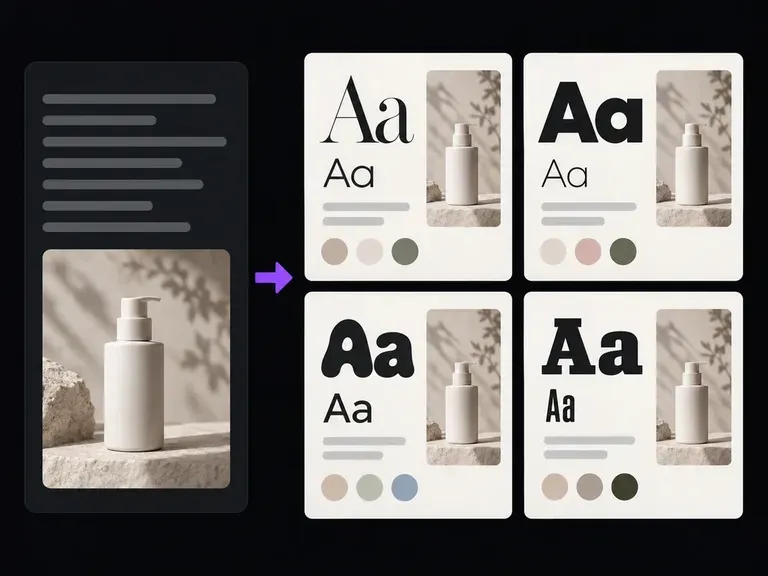
Compare heading and UI body typography pairings alongside your icon and brand palette.
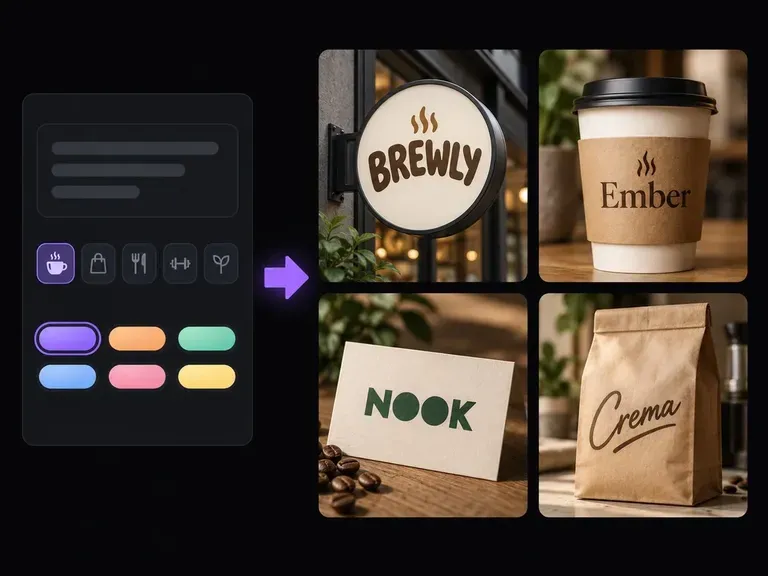
Brainstorm brand and product names together with the visual identity directions they suggest.
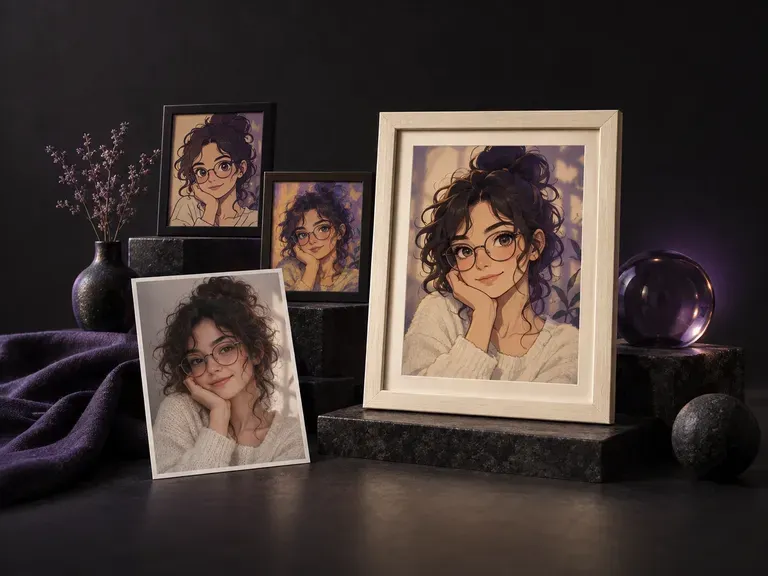
Create natural-looking portrait frames with realistic camera focal lengths and ambient lighting.
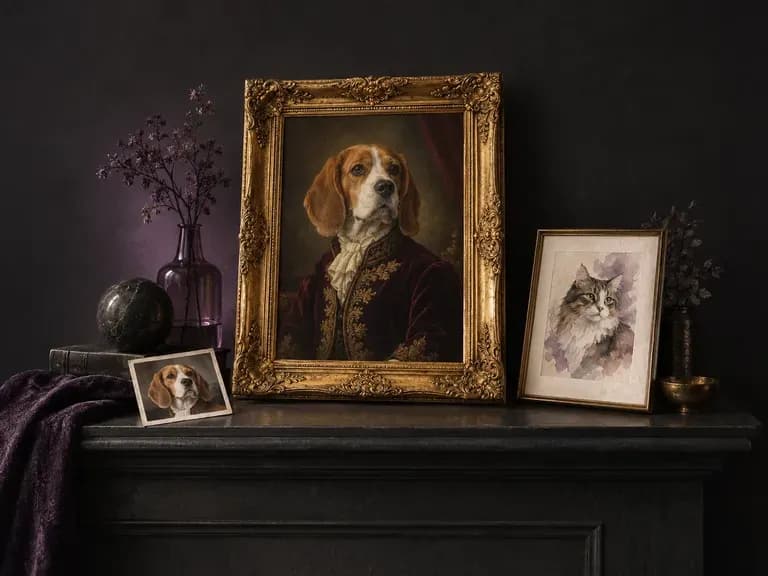
Render custom illustrated or studio-style portraits from a photo of a dog, cat, or pet.
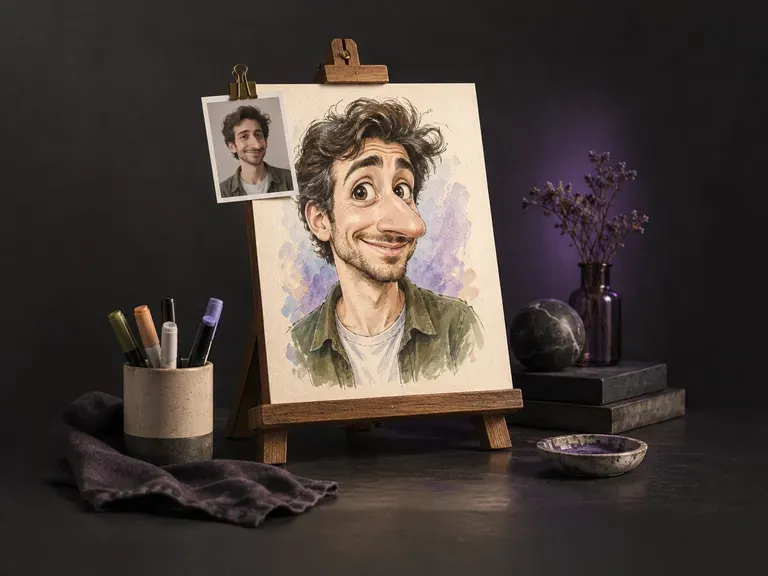
Create playful exaggerated portrait illustrations while keeping the subject recognizable.
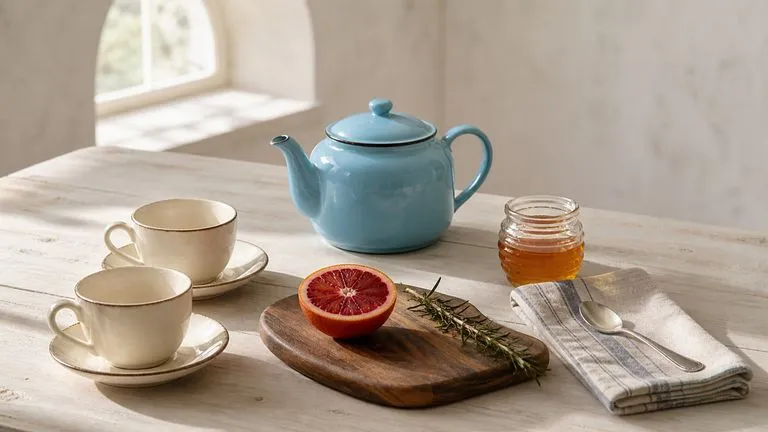
Translate detailed creative briefs into balanced compositions with reliable spatial relationships.
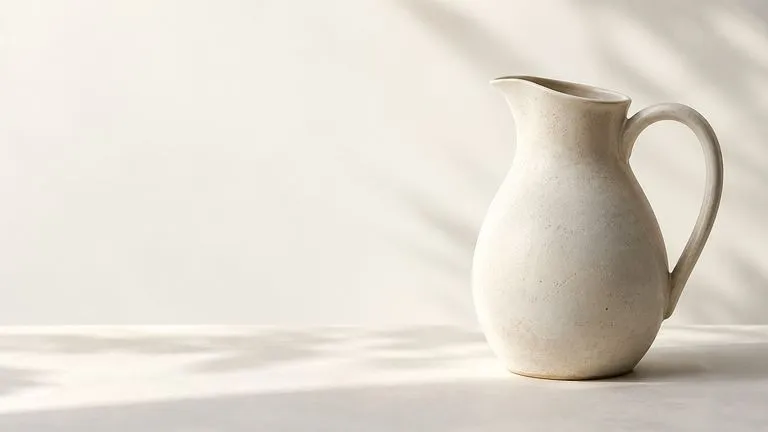
Render high-contrast metallic reflections, fabric weaves, and shallow depth of field.

Guide subject posture, materials, and lighting using up to 14 reference images at 1K to 4K.
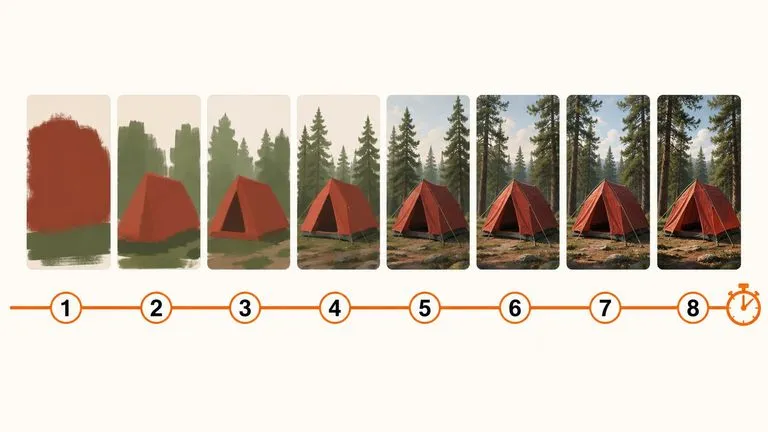
Draft rapid concept thumbnails and layout options before committing compute to final high-res renders.
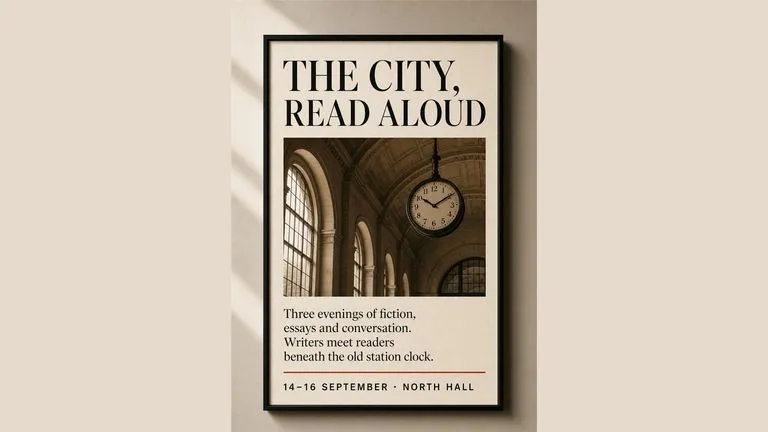
Render crisp labels, fine surface textures, and multi-reference compositions up to 4K resolution.

Follow complex multi-part written briefs that combine uploaded reference photos with strict layout rules.
Describe your object, pick flat, line, or dimensional styling, and compare icon concepts side by side in Virse.