AI Selfie Photo Generator

AI Selfie Photo Generator

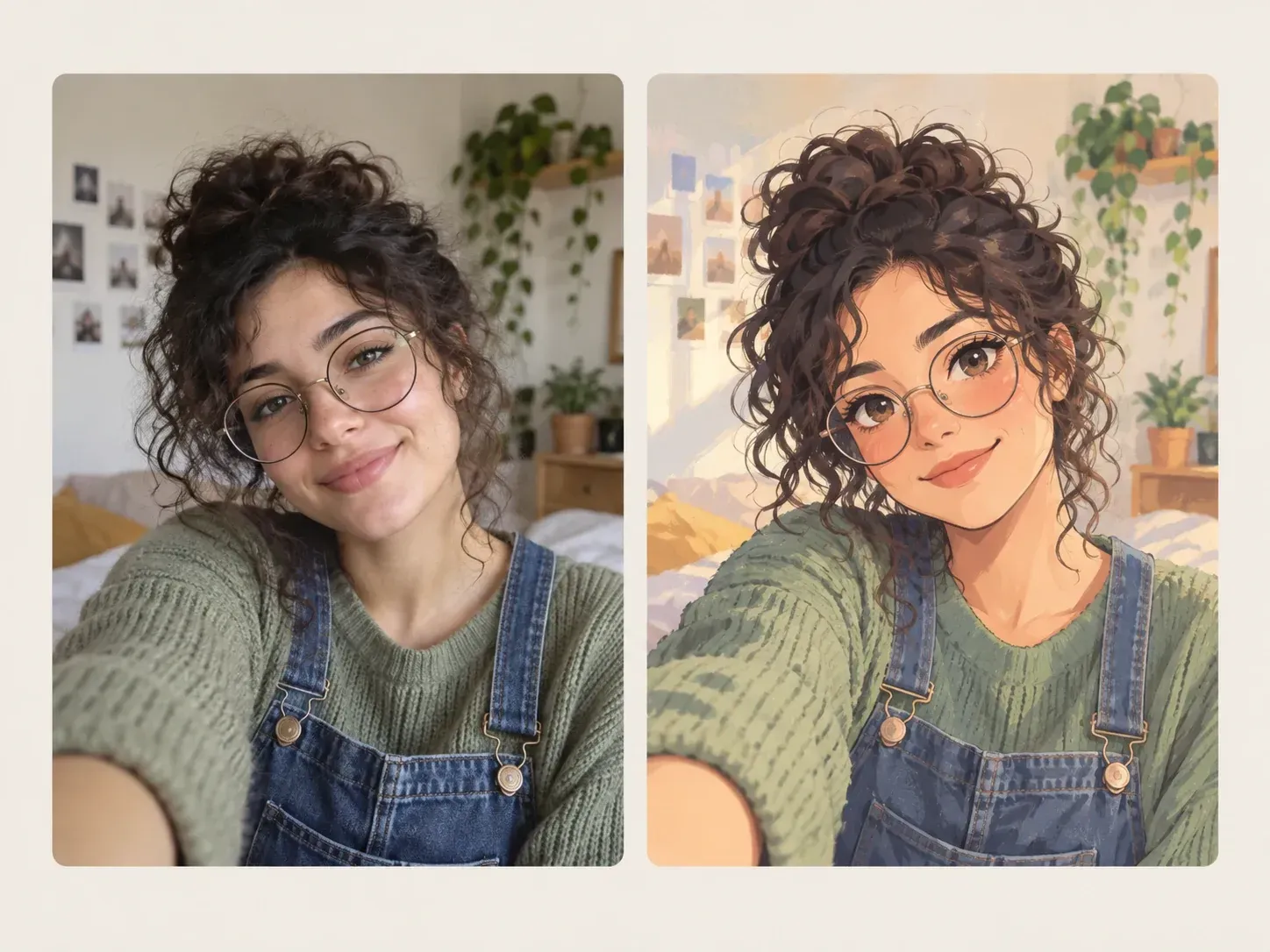
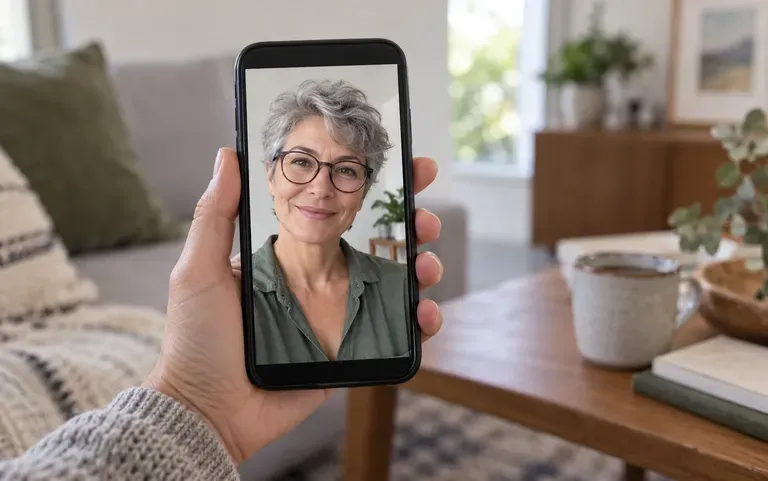
Pick a selfie from your phone, and the AI selfie photo generator redraws it in a new style.

Entrée
Selfie photo · ObligatoireStyle references · FacultatifSelfie style · FacultatifBackground treatment · FacultatifNumber of images · FacultatifExtra requirements · Facultatif
Sortie
1 stylized selfie; optionally 2 or 4 independent variants differing in style intensity or lighting mood, aspect ratio following the original selfie

Selfie photo

Obligatoire

Upload a selfie

L’image se téléverse sur le canevas ; ce formulaire transporte les réglages.

Style referencesFacultatif

Selfie styleFacultatif
Background treatmentFacultatif
Number of imagesFacultatif

What is an AI selfie photo generator?

Think of an AI selfie photo generator as a style filter that redraws the photo instead of tinting it. It is built for personal social media, one selfie at a time, rather than for matching portrait sets for a whole team.

A selfie redrawn in a soft anime style

Why use Virse as a stylized selfie generator?

Every card below is about getting a look you would actually post.

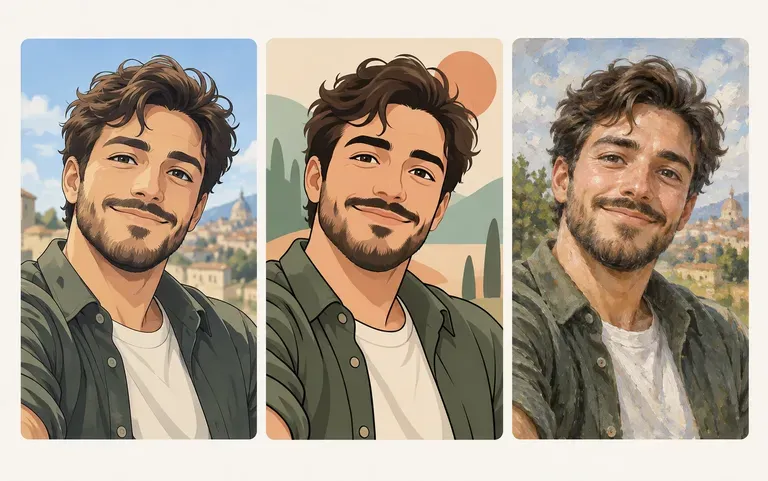
One selfie in anime, cartoon and painted styles
Styles

Several styles

Try anime, cartoon and artistic filter looks on the same selfie and keep the one that suits you.
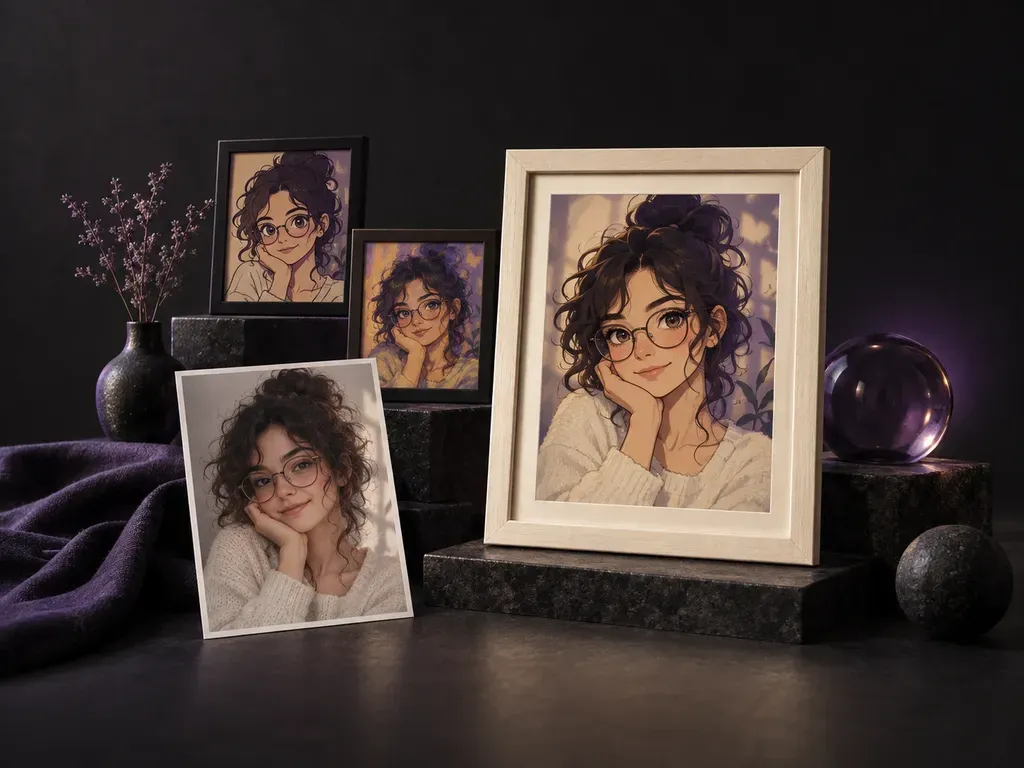
One front-facing selfie ready to upload
Single upload

No extra angles needed

There are no side profiles or extra shots to collect: a single selfie covers every style on offer.
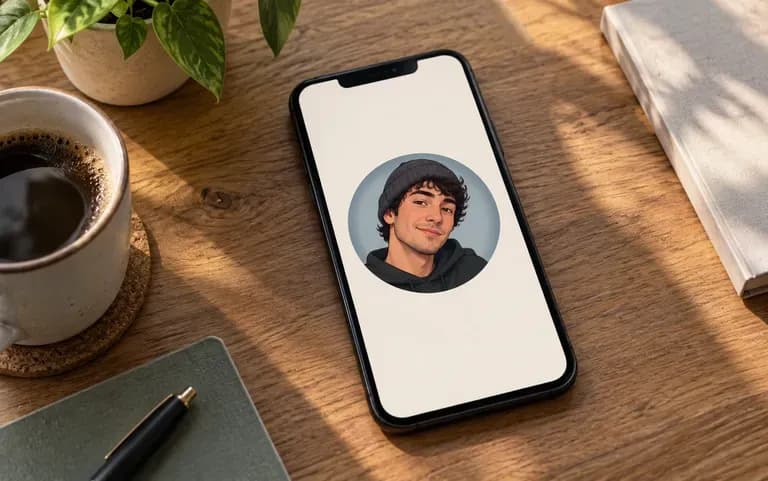
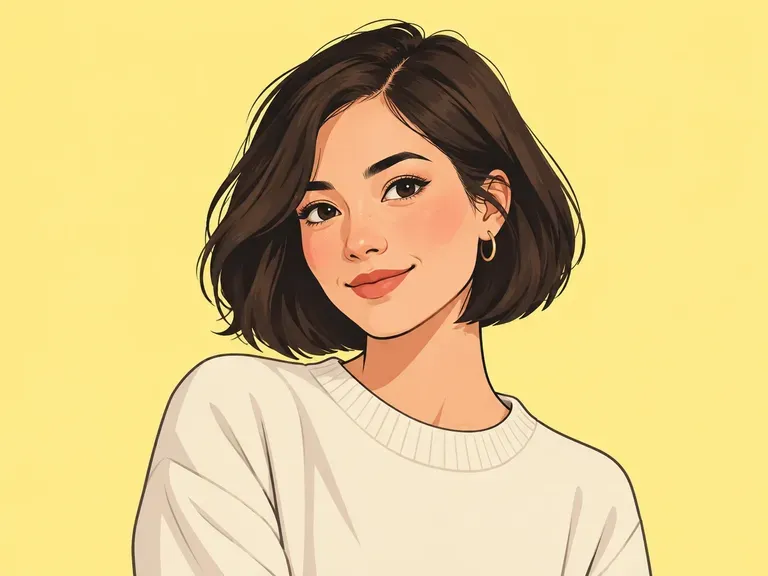
A stylized selfie used as a profile picture
Social

Ready to share

The result is an image you can set as a profile picture or share in a post.

How to use the selfie filter AI

  1. Take a clear selfie

    Face the camera in even light, without heavy shadows across your face.

  2. Upload it

    Add the photo to the upload area.

  3. Pick a style

    Choose the look you want for this run.

  4. Try another look

    Run it again with a different style and compare the two.

Who makes an AI avatar selfie?

Mostly people refreshing how they show up online.
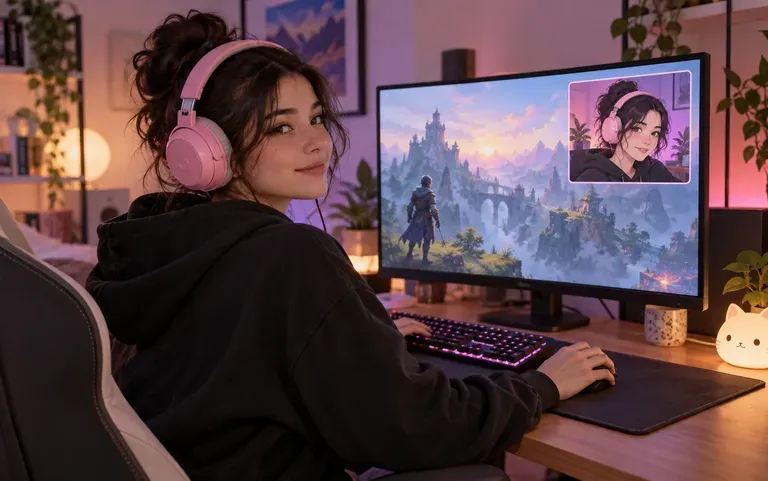
An anime self-portrait on a stream overlay

Gamers and streamers

Put an anime version of yourself on your stream overlays.
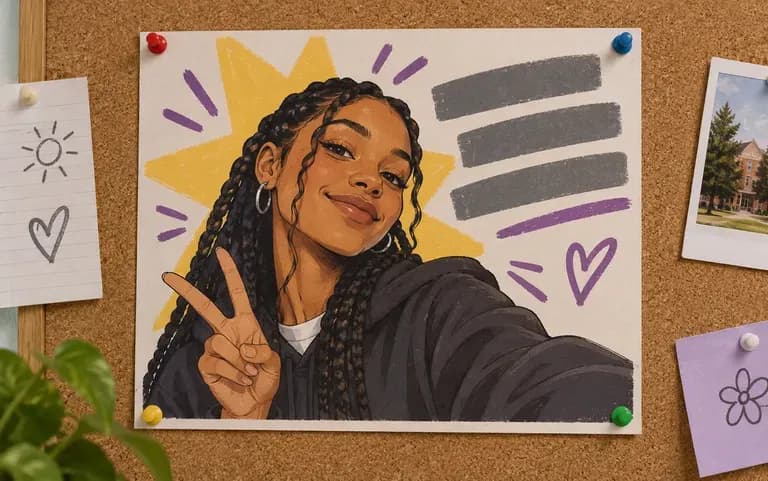
A cartoon selfie on a club poster

Student clubs

Try a cartoon look for a class project or a club poster.
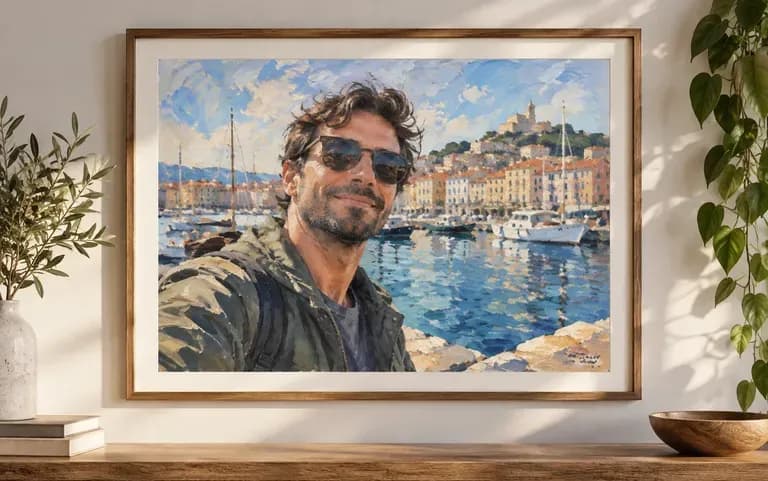
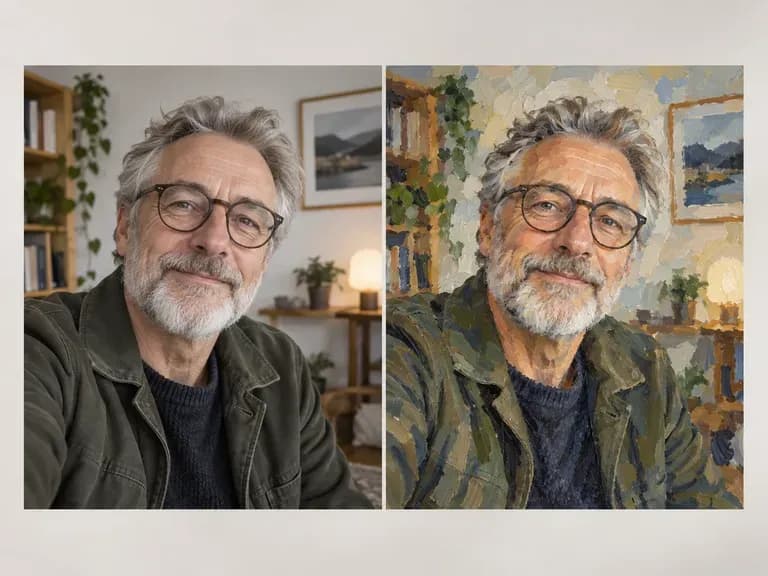
A travel selfie redrawn as a painting

Travelers

Turn a selfie from a trip into a painted keepsake of the place.
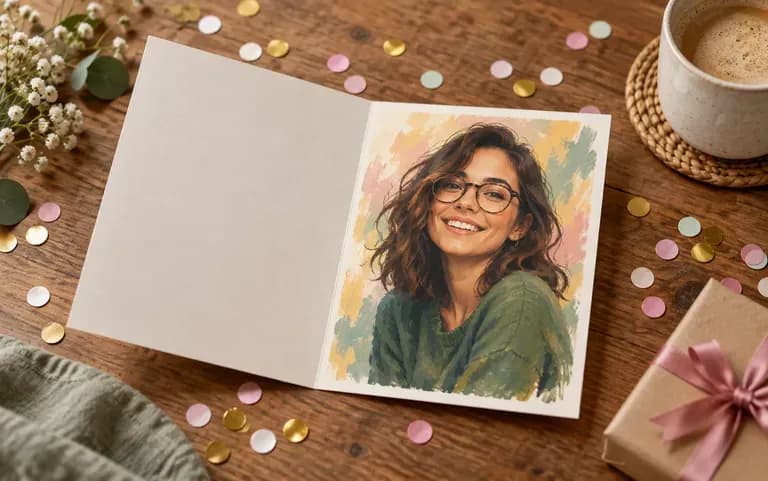
An art-filter portrait inside a birthday card

Birthday card makers

Slip an art-filter portrait of a friend into their birthday card.
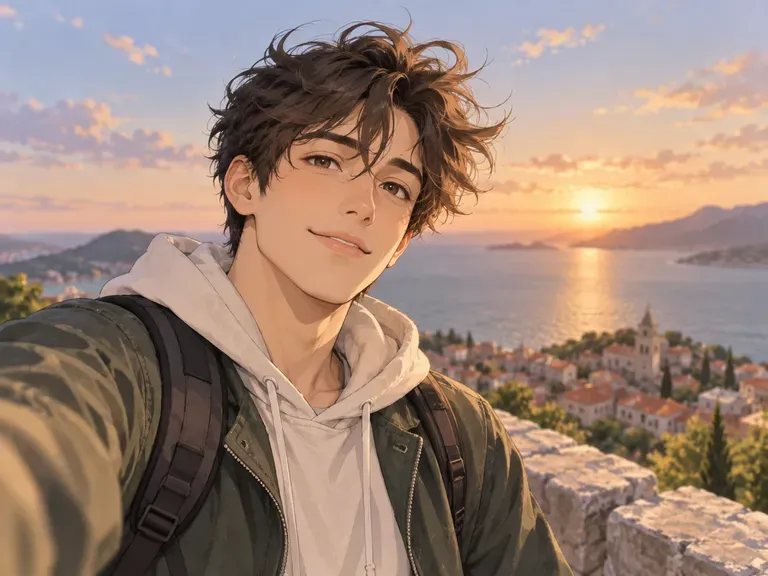
Stylized selfie ideas

Anime Selfies: soft colors and expressive eyes
Cartoon Portraits: bold lines and flat shading
Oil Paint Filters: visible brushstrokes over your face
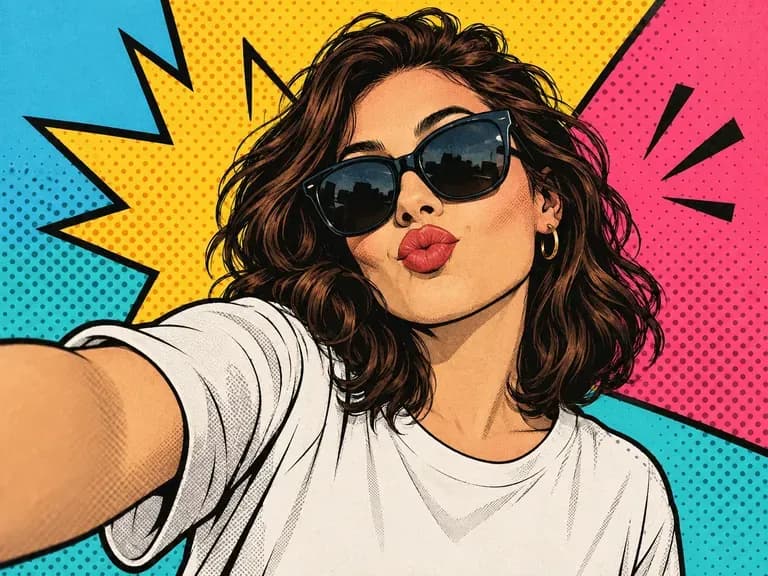
Pop Art Selfies: bright color blocks and bold outlines
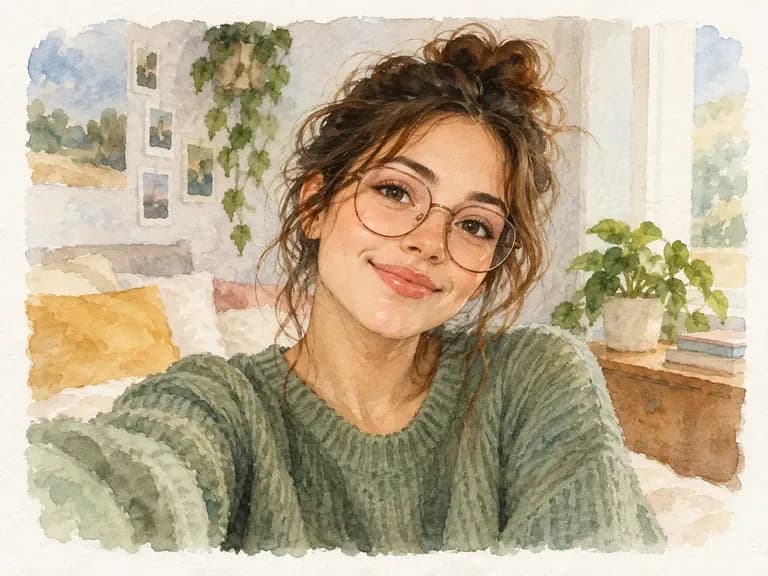
Watercolor Looks: soft washes and paper texture
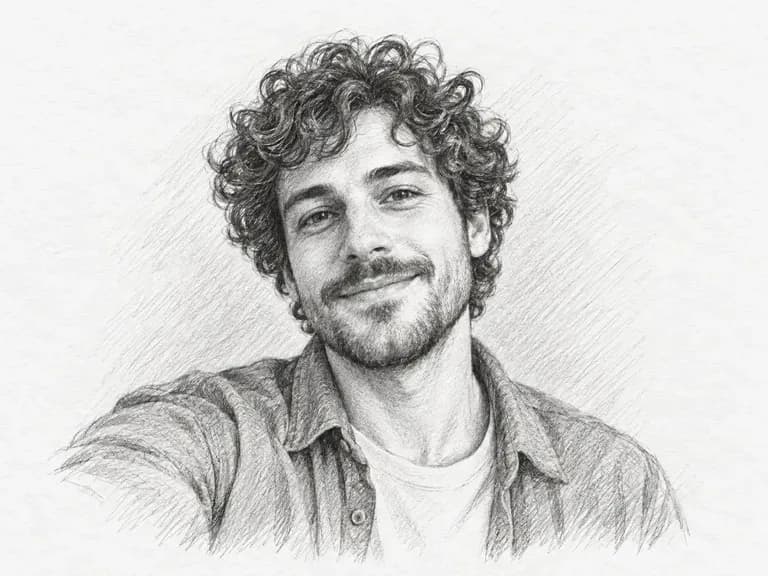
Sketch Filters: pencil lines over your photo
FAQ

Frequently asked questions

Can I use this for a LinkedIn or passport photo?
No. It makes stylized pictures for fun and social media. For a LinkedIn photo or a passport picture, you need a tool built for realistic headshots or official ID rules.
Can I make matching avatars for my whole team?
It is not built for that. The tool restyles one personal selfie at a time and does not keep a matching look across a group of people.
Can I start from just one selfie?
Yes. Each run works from the one selfie you upload, so pick your sharpest recent shot taken in good light.
Is Virse's AI selfie photo generator free?
Yes. Every new account gets 200 compute, topped up by 50 a day whenever you drop below 200. Selfies styled on the Free plan come out at 1K, using any image model.
Can I use the result as a profile picture?
Yes. Save the image and upload it wherever you keep a profile picture, from chat apps to gaming accounts.
Which styles can I turn my selfie into?
You can choose from anime, cartoon and artistic filter styles. Pick the art filter when you want brushstroke texture over your photo instead of drawn outlines.

Restyle your selfie with AI

Upload a selfie and see it in a new style.