
Free
Start From a Live Website URL or a Written Brief
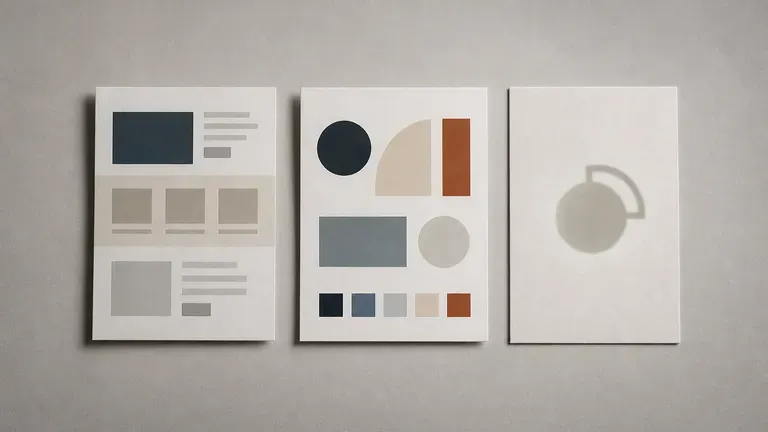
Paste an existing website URL to audit or refresh its current visual cues, or type a positioning brief from scratch—industry, audience, tone of voice and visual preferences.
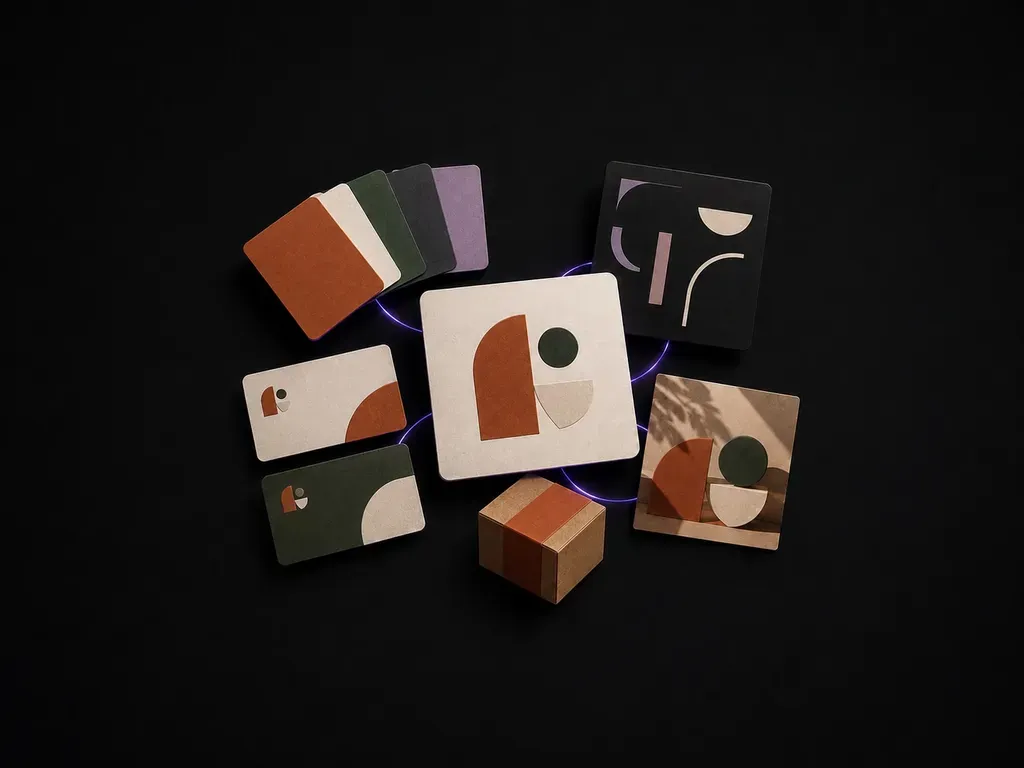
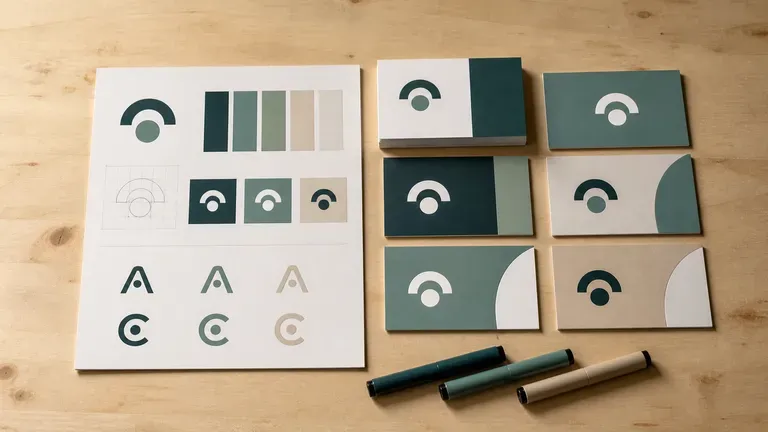
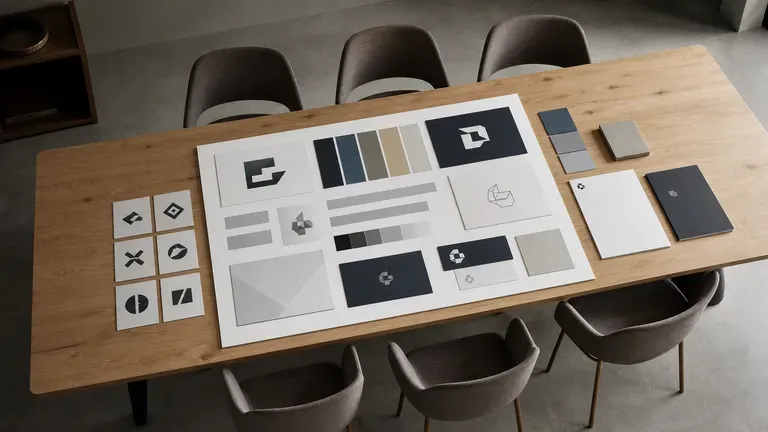
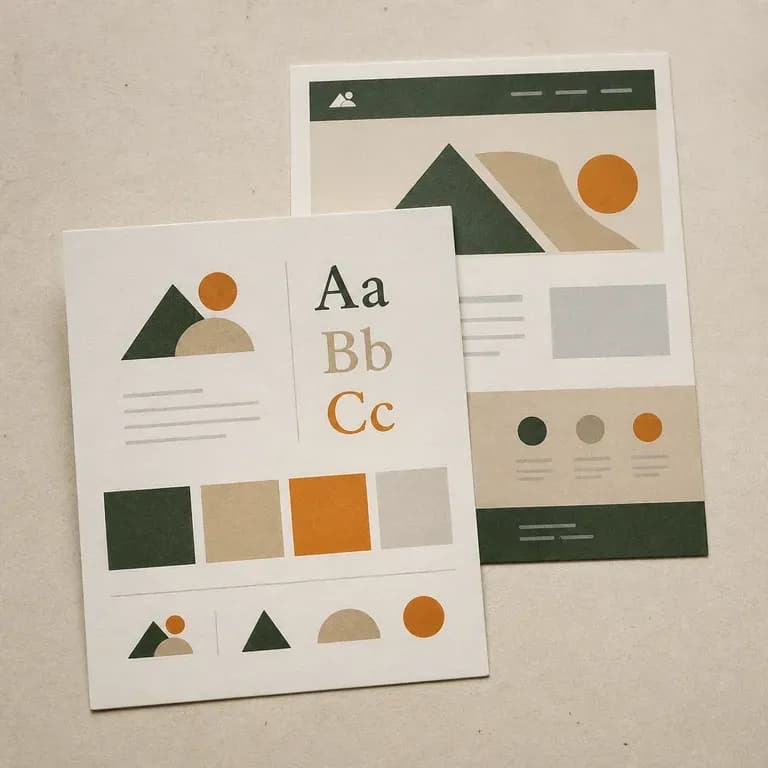
Start from a live website URL or a written brand brief and generate a cohesive identity concept board covering logo direction, color palette, typography pairings and real-world applications on the Virse canvas, starting with free credits.
An AI brand kit generator reads a live website URL or a written brand brief and assembles a visual identity concept board—bringing together logo direction, primary and secondary color swatches, heading and body typography pairings, and real-world application previews. In Virse you generate multiple visual directions on one canvas, compare how they hold together as a system, and refine the direction worth building into a full brand:
· URL or text brief: Audit an existing website or start from a positioning brief.
· Unified identity board: See logo marks, hex swatches, type, and mockups together.
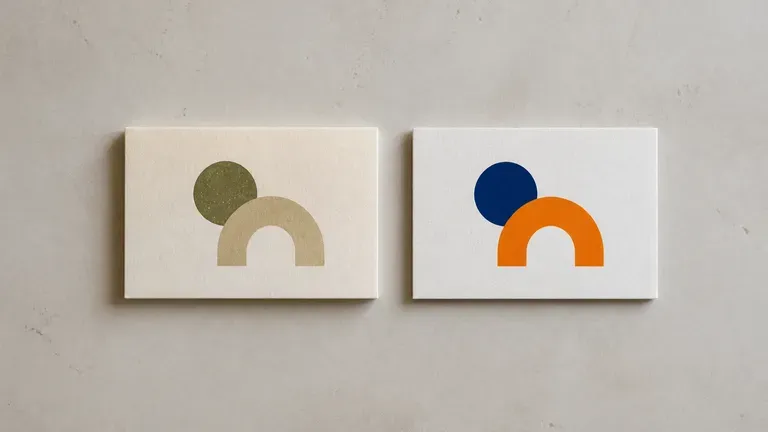
· Canvas comparison: Compare minimalist, editorial, and bold systems side by side.
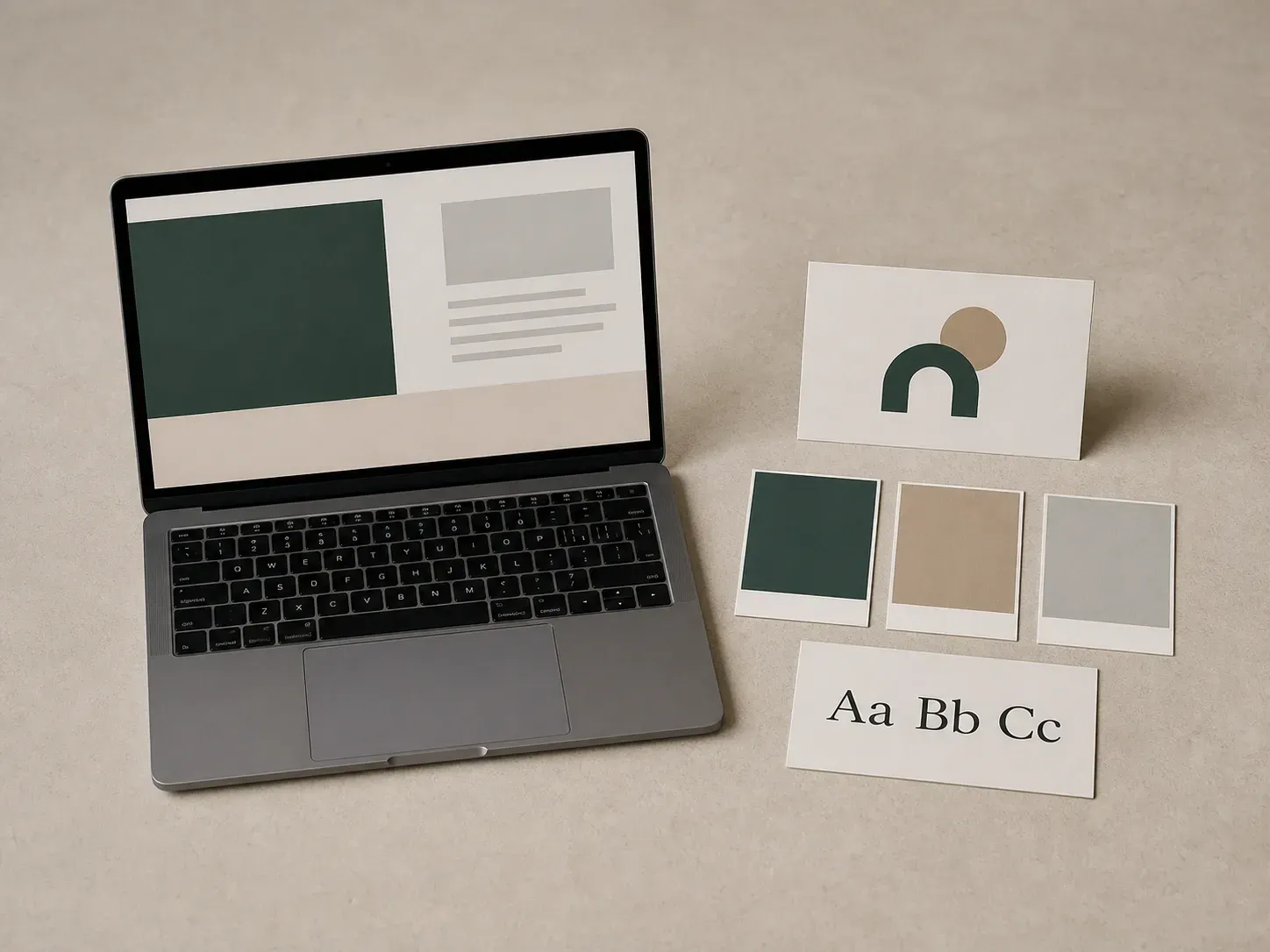
Most brand kits start from a blank page. This one starts from whatever you already have.
Paste an existing website URL to audit or refresh its current visual cues, or type a positioning brief from scratch—industry, audience, tone of voice and visual preferences.
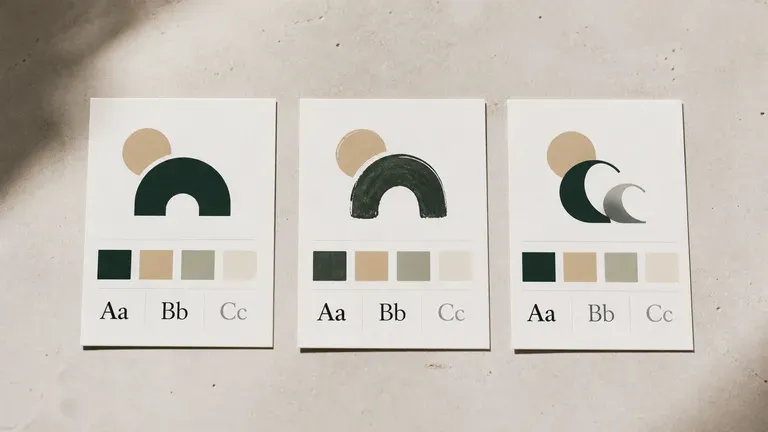
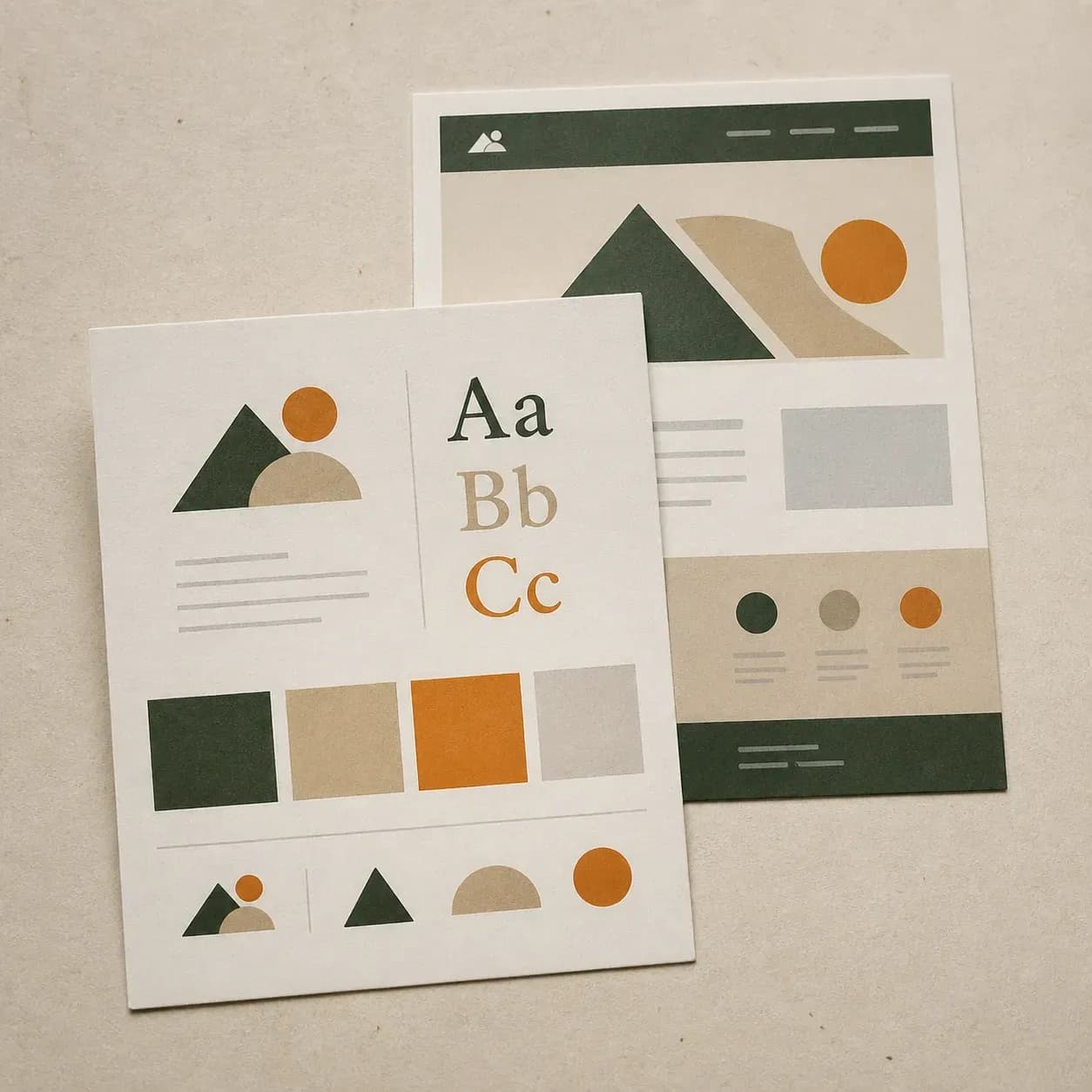
Instead of picking colors in one tool and fonts in another, see logo marks, hex color swatches, type hierarchy and mockup applications arranged together on a single concept board.
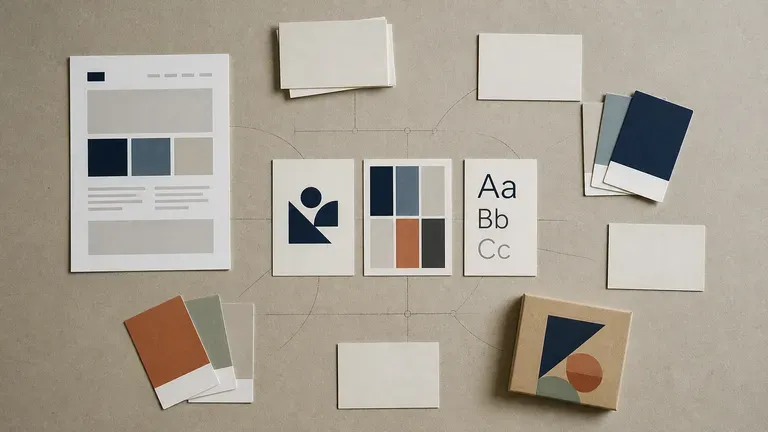
Generate minimalist, editorial, playful or heritage directions side by side on the Virse canvas so stakeholders can react to concrete visual systems before design production begins.
Compare disconnected colour and font pickers against unified AI brand kit concept boards.
Fragmented Swatch & Font Pickers
Virse AI Brand Kit Generator
Paste a public website URL or write your brand name, positioning and audience, plus any existing logo to keep.
Pick whether the generator should read visual cues from a live site, work from a written brief, or extend assets you already have.
Run an available AI image model and let it produce a board covering logo direction, colour, type and a few application mockups.
Pick the elements that work and refine them with short notes on the canvas as your board grows into a style guide.
Whether you paste a URL or write a brief from scratch, naming your product category, target audience, tone adjectives, and preferred surface applications produces a sharper identity board:
· Botanical skincare launch: Organic facial oil brand, calm clinical-botanical tone, sage and warm alabaster palette, serif headline + clean grotesque body, dropper bottle and carton preview.
· B2B developer platform: Cloud observability startup, precise technical tone, deep slate, electric mint accent, geometric sans + monospace code pairing, dark-mode web UI cards.
· Specialty coffee roaster: Single-origin micro-roaster, tactile craft-editorial voice, terracotta, espresso brown, and unbleached paper palette, stamp emblem and bag label.
People who need a starting point for an identity, not a blank page.
Turn a name and a positioning line into a first visual direction before hiring a designer.
Read an existing site to see what a refreshed version of the current identity could look like.
Generate a fast first pass to react to, then take the promising pieces into a full identity process.
Produce a quick concept board for a pitch before investing full design hours in it.
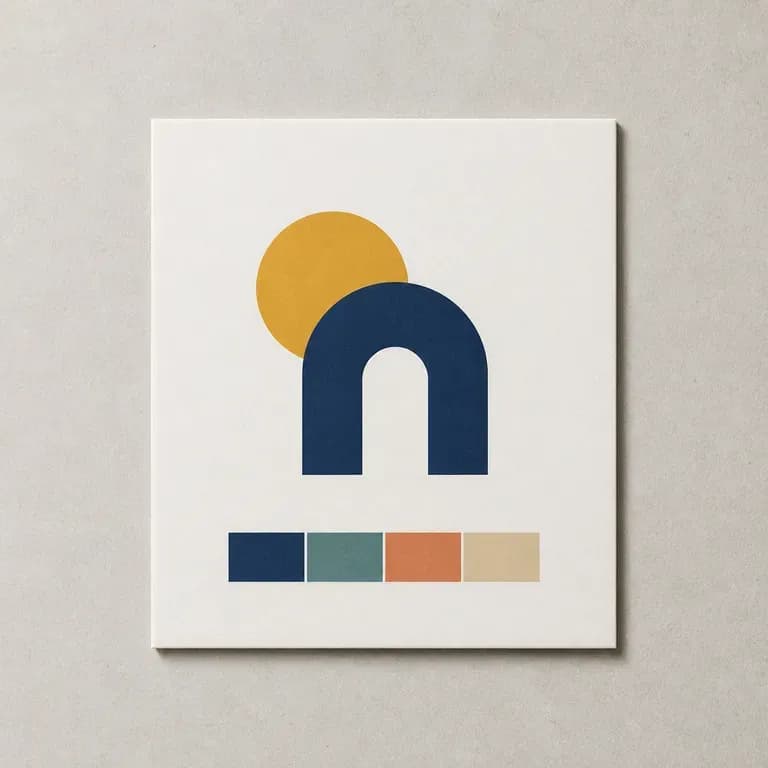
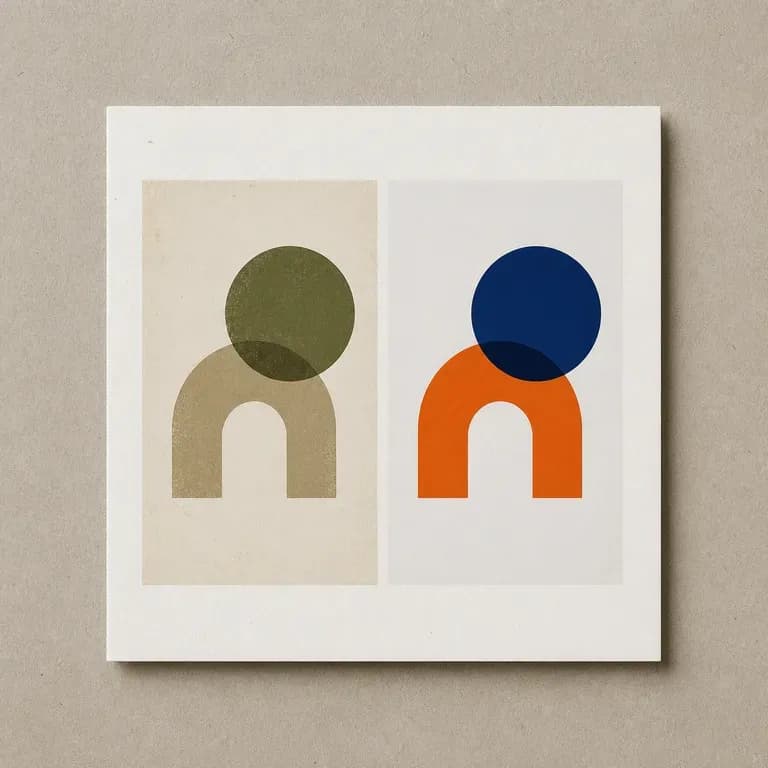
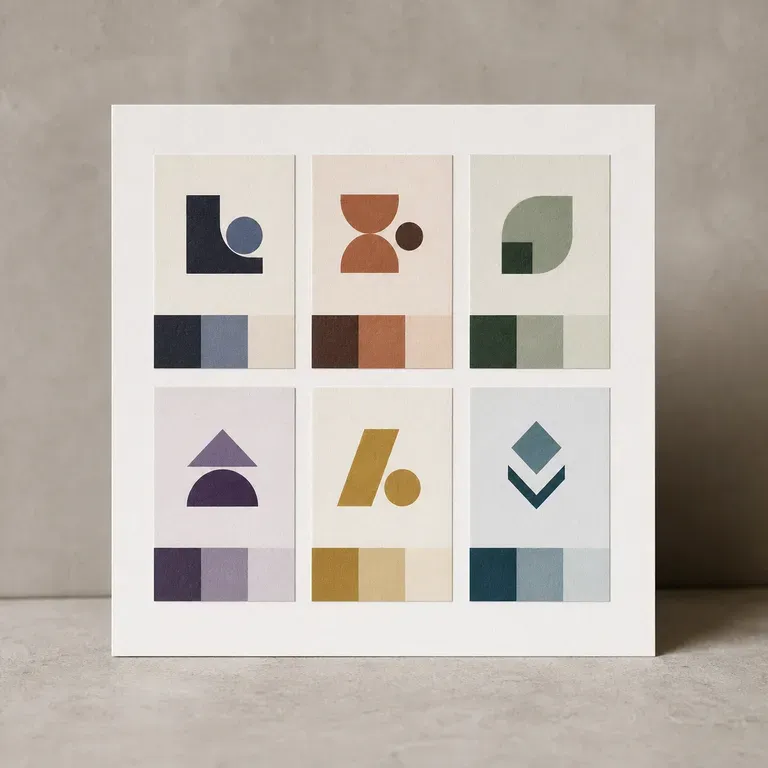
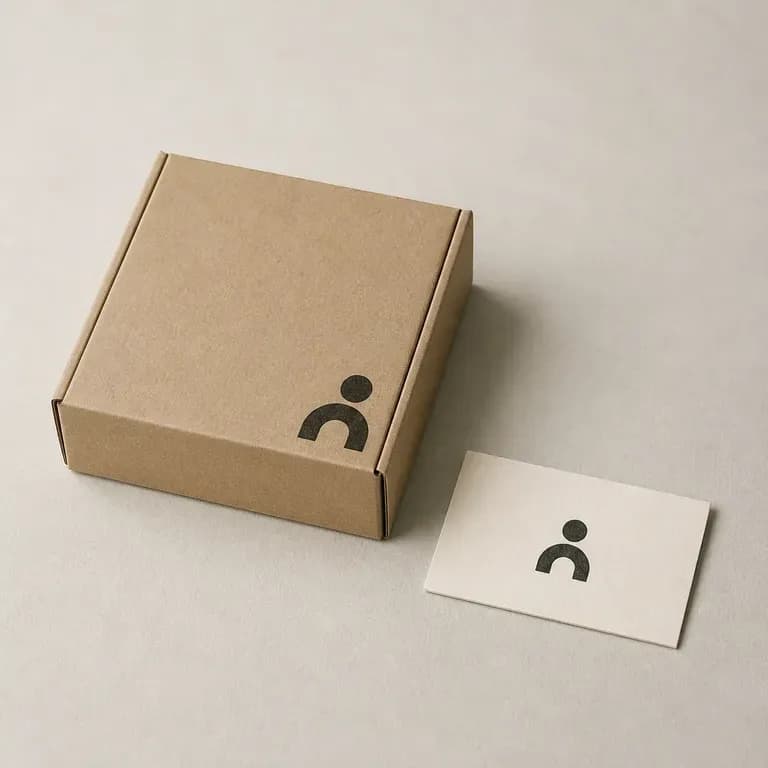
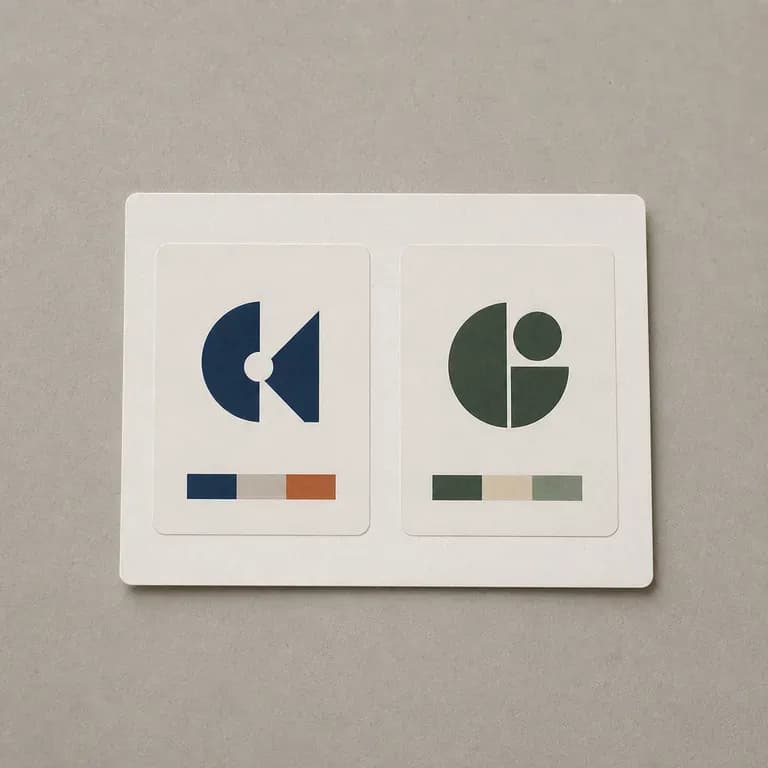
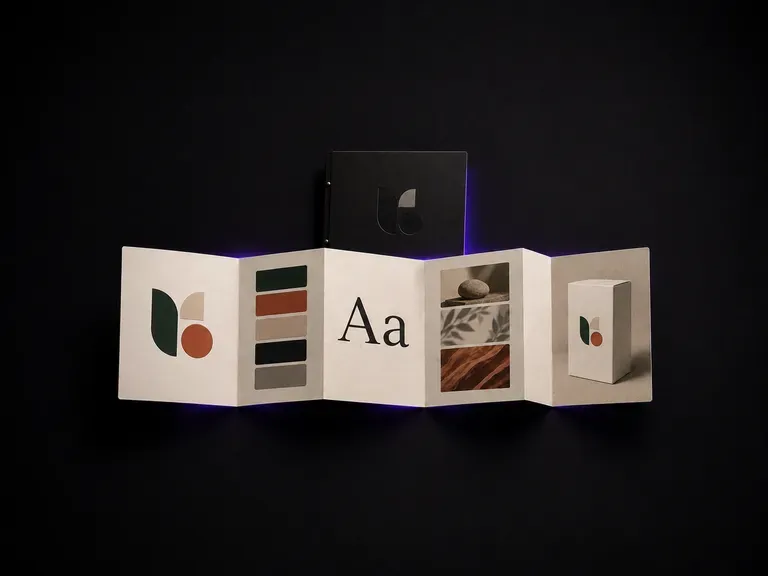
Upload your logo and brand assets to generate a practical style guide draft covering colour, typography and application examples on the Virse canvas, starting on free credits.
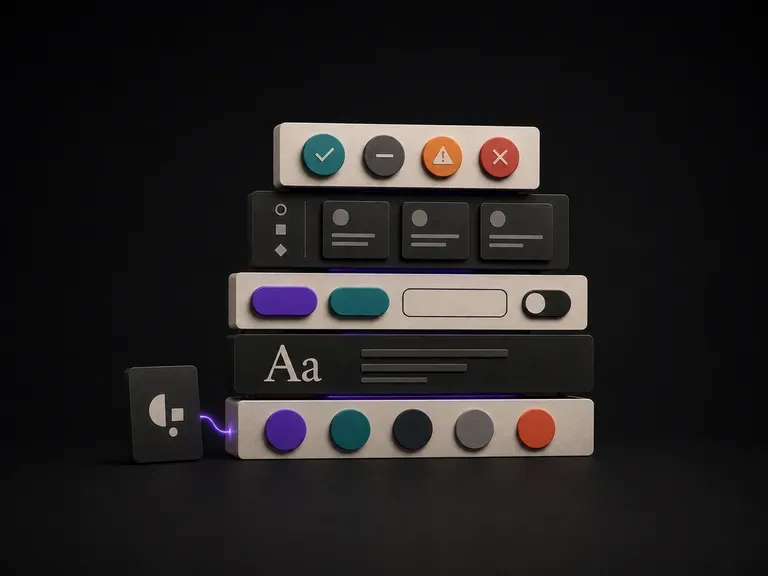
Upload your brand guidelines or existing screens, list the UI components you need, and generate a concrete visual component draft your team can build from, starting on free Virse credits.
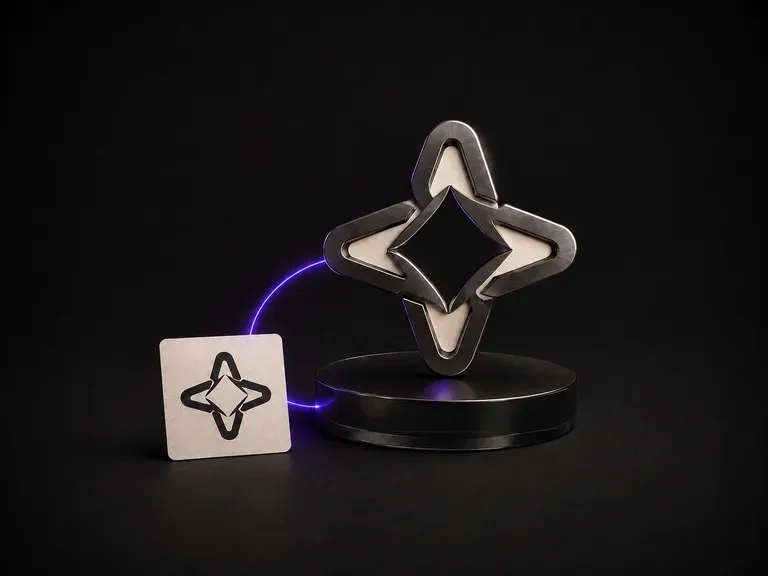
Give it a flat logo and a material reference. Brushed metal, cast glass, walnut, anything you have photographed. It renders the mark as a dimensional object in that material, with the silhouette and the letterforms exactly as drawn.
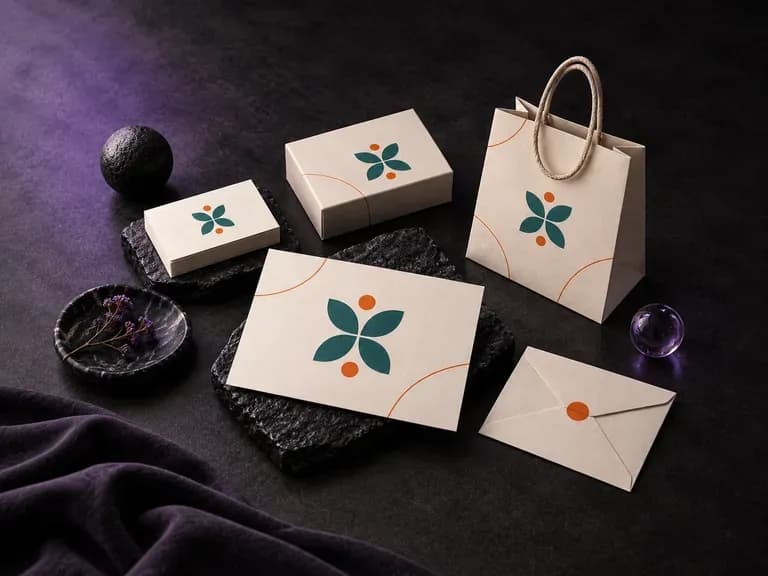
Upload your existing logo, color palette, and supporting brand graphics, then list the physical items you want in the frame. This branding mockup generator composes a coordinated presentation board across stationery, packaging, menus, or event collateral.
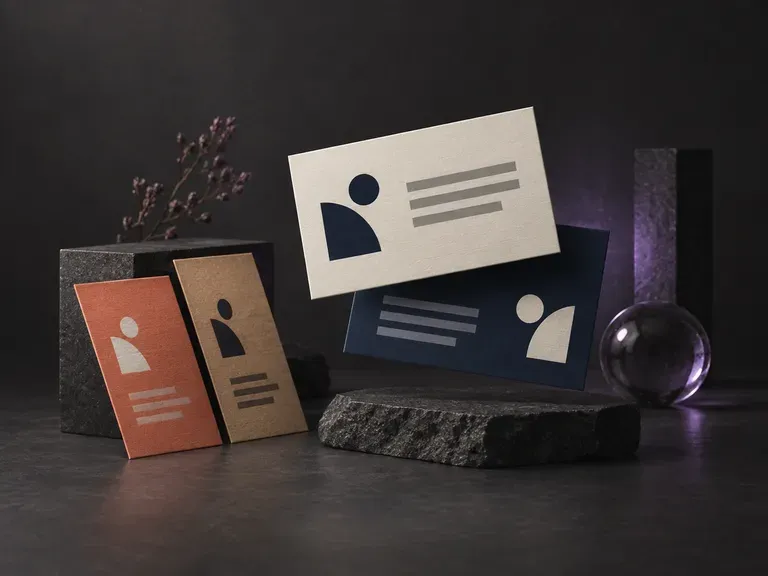
Type your name, title, company and contact details, and the AI business card generator places them on a card design for you.
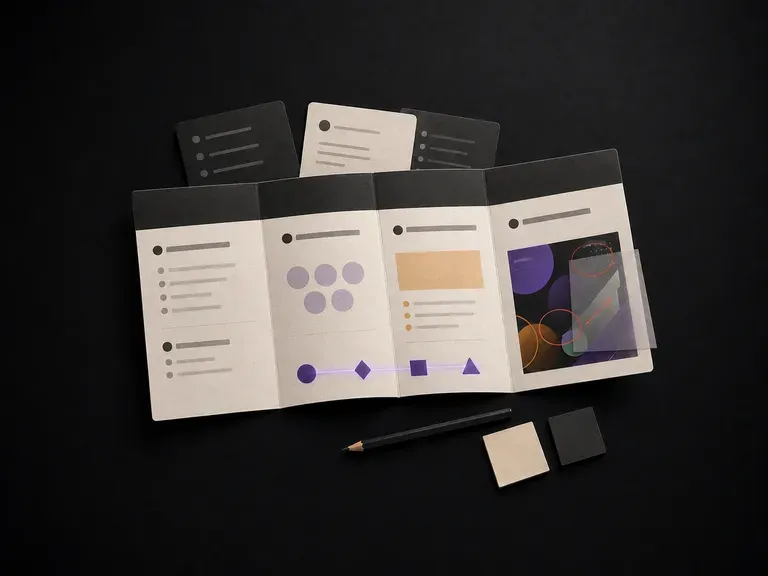
Describe a project to get a structured brief covering background, goals, audience and deliverables, or upload an in-progress design for strategy feedback on a Virse canvas, starting on free credits.
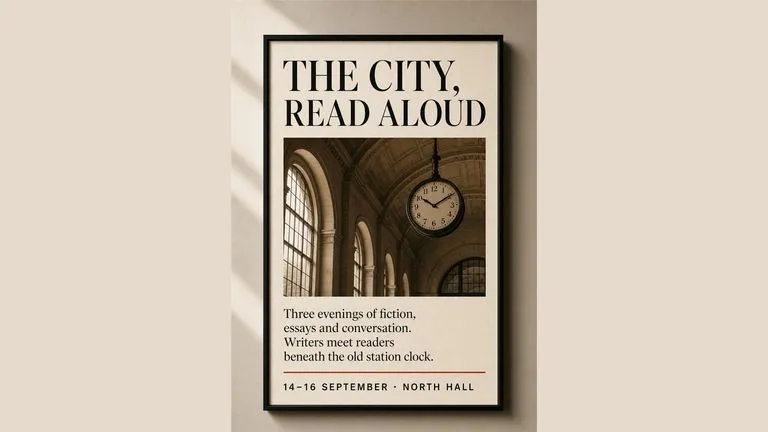
Generate studio-grade 4K images with Nano Banana Pro, blending multiple references while holding characters, products, and typography consistent.

OpenAI's ChatGPT Images 2.5 arrives in Virse as both API editions, GPT Image 2.5 Flare and GPT Image 2.5 Sunburst, with six quality grades and output up to 4K.
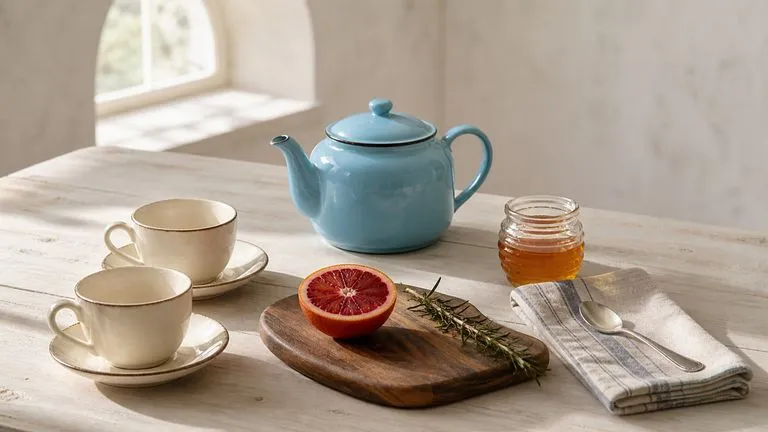
OpenAI's GPT Image 2.0 reads a hundred-word brief and attempts all of it, with independent quality and resolution controls from 1K to 4K.
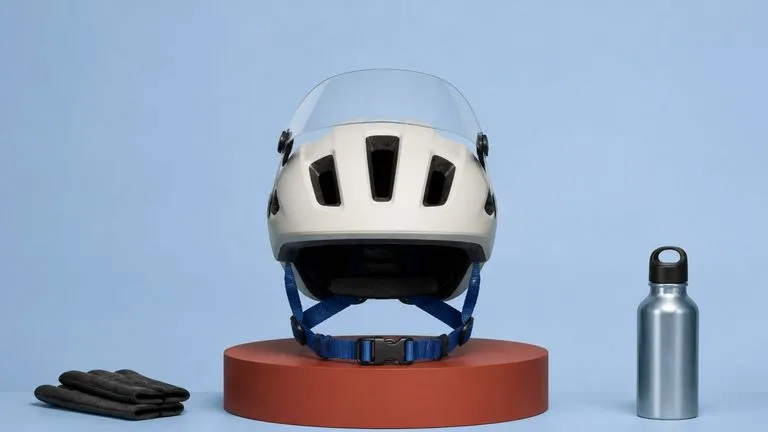
Black Forest Labs' production model reads briefs up to 32,000 tokens, so brand rules, colour values, and compositional constraints can all go in at once.
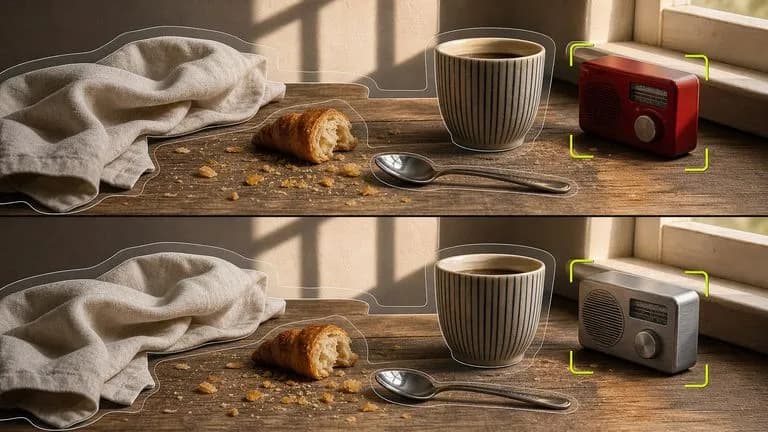
Black Forest Labs' editing models, FLUX Kontext Pro and Kontext Max, built to apply one described change while the rest of the frame survives untouched.

ByteDance's newest Seedream generation, available as Seedream 5.0 Pro and Seedream V5 Lite, both taking the same written brief.
Point it at a website or a brief, generate a concept board covering logo, colour and type, and keep refining the direction worth building on.