無料コンピュート
無料生成から開始
新しいVirseアカウントには200の無料スターターコンピュート(200未満の場合は1日あたり50コンピュートを追加)が付与されるため、プリプレス作業に進む前に、ボトル、カートン、パウチのコンセプトが3Dで成立するかをテストできます。

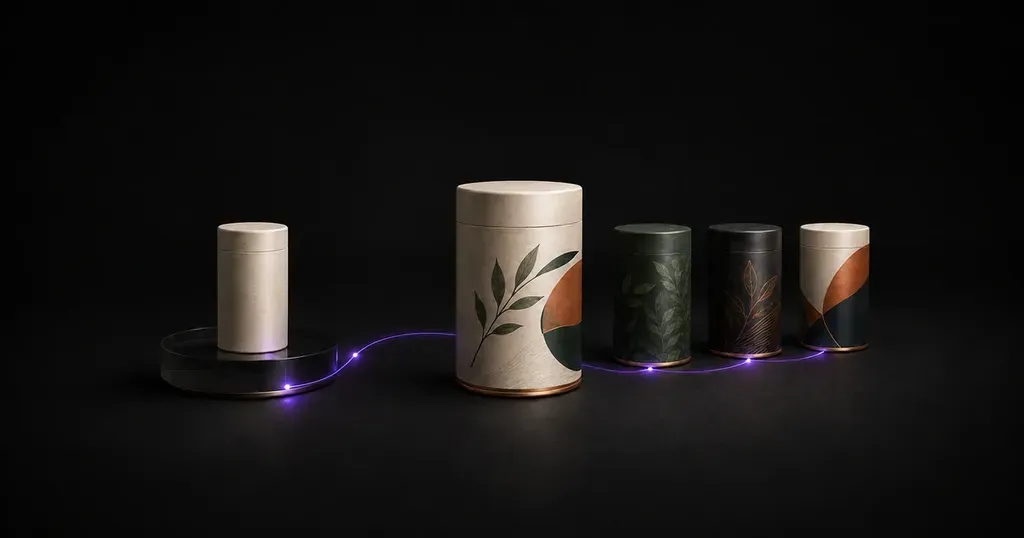
アートボード上ではバランスよく見えるフラットなグラフィックも、曲面のボトル、アルミ缶、折りたたみカートンに巻き付けると、階層性が失われることがあります。製品、容器の形状、ブランドアセットを説明すると、このAIパッケージデザインジェネレーターが、1つのキャンバス上に3Dプレビュー付きのオリジナルパッケージコンセプトを作成します。
AIパッケージデザインジェネレーターは、製品メモ、容器タイプ、アップロードされたブランドアセットをもとに、構造用のダイラインを依頼する前に、表面グラフィック、素材の仕上げ、3Dのフォームファクターを探求しながら、独自のパッケージング方向性へと変換するコンセプト発想ツールです。
完成した印刷アートワークを固定された無地の箱に貼り込むだけの単一テンプレート型モックアップツールとは異なり、VirseのAI製品パッケージデザインワークフローは、チームが上流工程における3つのデザイン判断を探求するのに役立ちます。
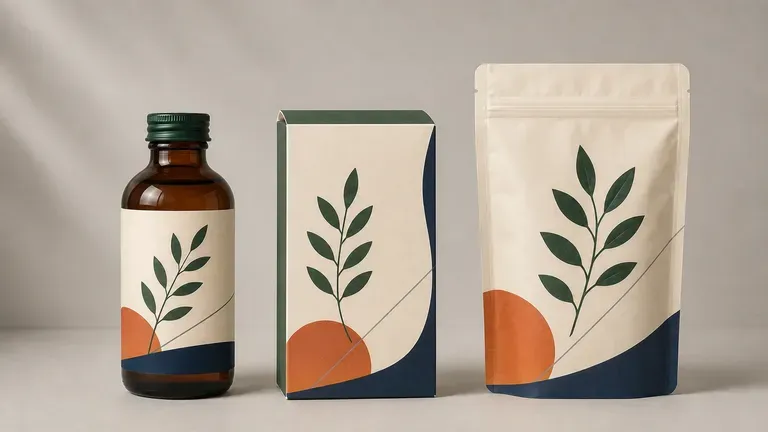
• 構造的なフォームファクターの探求: デビュー製品が、硬質のテレスコープボックス、タックエンド式折りたたみカートン、スタンドアップ型マイラーパウチ、洗練された飲料缶、琥珀色のガラス瓶、またはスポイトボトルの中でどのように見えるかを比較します。
• 表面グラフィックと素材の手がかり: タイポグラフィの配置、フレーバー別のカラーブロッキング、植物イラスト、そしてマットな板紙、メタリック箔、フロストガラスなどの触感を伴う仕上げを、全体像の中でテストします。
• 棚での存在感を示すムードボード: 創業者、デザイナー、代理店がプリプレス設計の前にビジュアルシステムについて足並みをそろえられるよう、無限キャンバス上で複数のクリエイティブ方向性を並べて評価します。
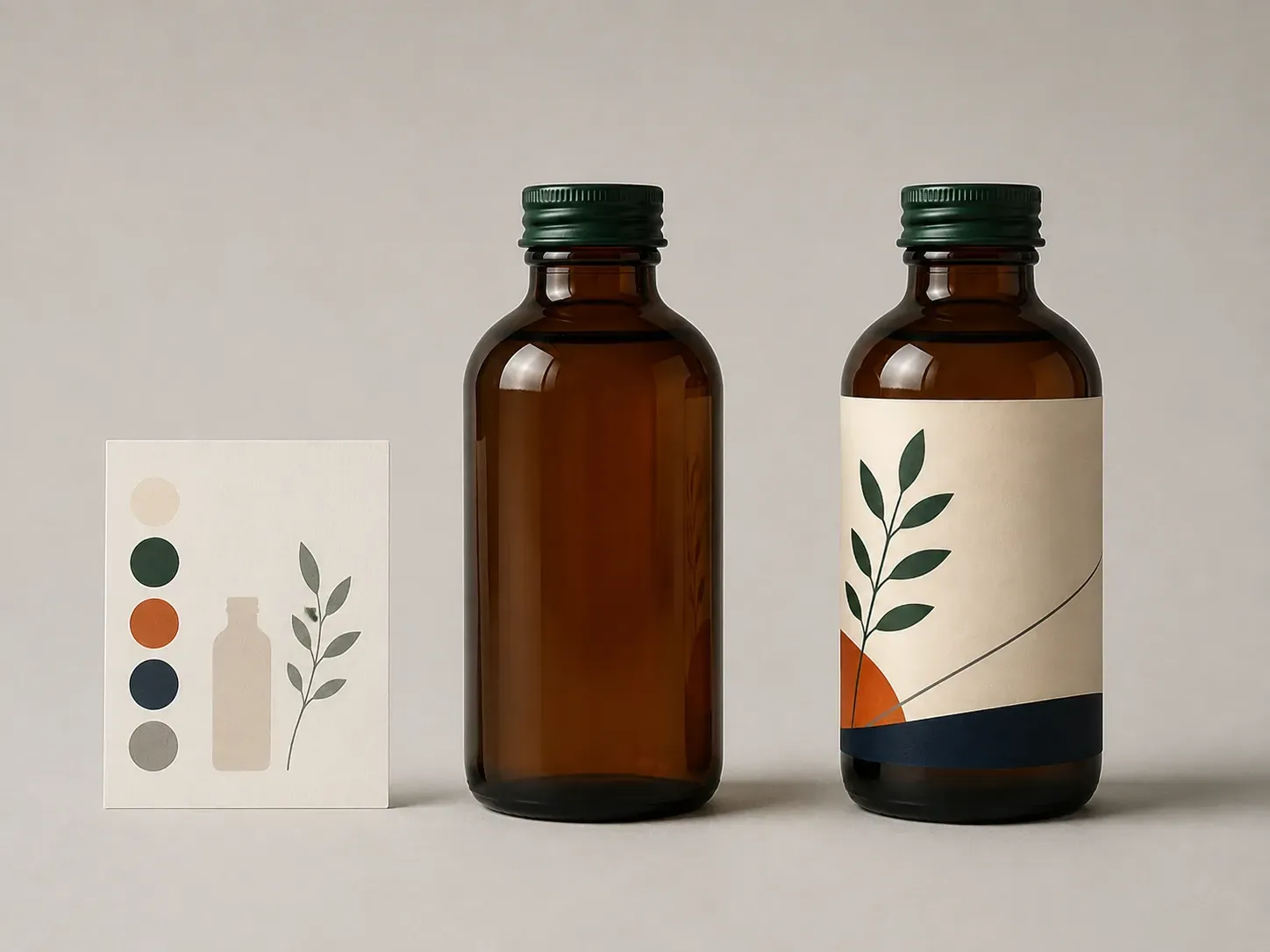
初期段階のパッケージコンセプト作成を、より速く、より現実に即したものにする3つの機能。
新しいVirseアカウントには200の無料スターターコンピュート(200未満の場合は1日あたり50コンピュートを追加)が付与されるため、プリプレス作業に進む前に、ボトル、カートン、パウチのコンセプトが3Dで成立するかをテストできます。
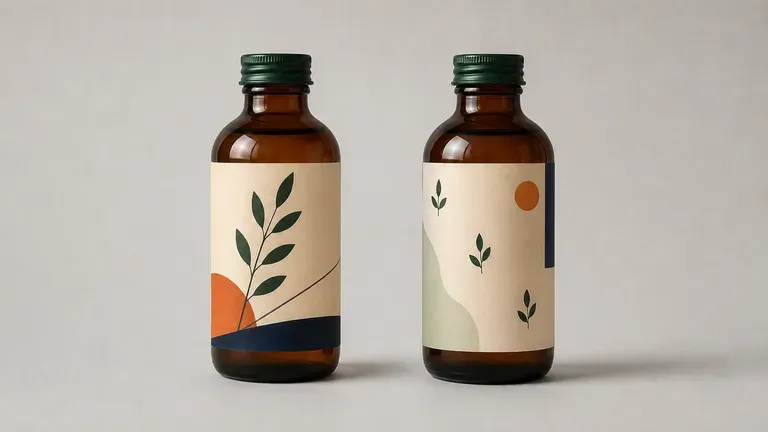
Virseは40+のAIモデル(21の画像モデルを含む)を1つのワークスペースで接続するため、同じパッケージングブリーフを複数のモデルで実行し、タイポグラフィ、イラスト、写真表現の強みを比較できます。
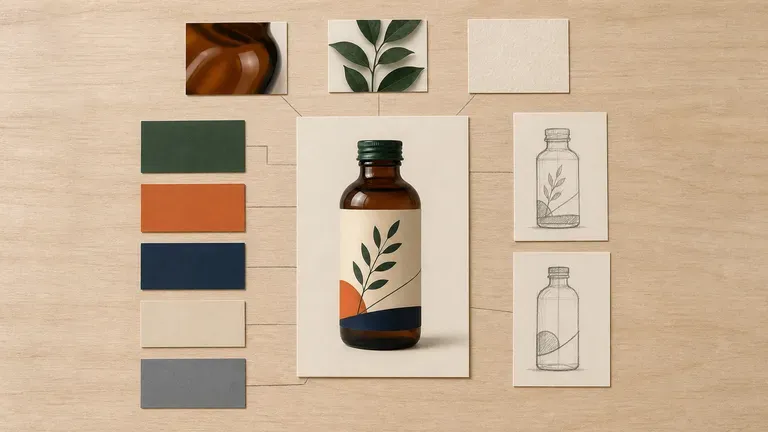
アップロードしたブランドロゴ、カラーリファレンス、生成された3Dパッケージコンセプトを1つのキャンバス上にまとめておけるため、各修正は最も有望な方向性を直接発展させる形で進められます。
ブリーフから新しいパッケージングの方向性を生成する方法と、完成したアートワークを静的テンプレートに貼り付ける方法の比較。
固定された単一形式のモックアップテンプレート
Virse AIパッケージデザインジェネレーター
製品カテゴリー、対象容器(マット仕上げのアルミ缶、ガラス瓶、折りたたみカートン、スタンドアップパウチなど)、素材仕上げ、ビジュアルムードを明記した明確なブリーフを作成します。
既存のロゴ、カラースウォッチ、または製品参考写真を追加し、Label & bottle、Box & carton、Pouch & sachetなどのプリセット方向性を選択します。
パッケージデザインAIワークフローを実行して、曲面、パネルバランス、棚でのコントラストを判断できるよう、全周にわたってレンダリングされたオリジナルの表面グラフィックコンセプトを生成します。
Virseキャンバス上で候補となる方向性を比較し、フォローアップのメモで採用コンセプトを反復改善して、承認済みのビジュアル方向性を構造パッケージデザイナーに渡し、CADダイラインを作成してもらいます。
具体的な容器の形状、基材の質感、階層構造の注記は、汎用的なプロンプトよりもはるかに実用的なコンセプトを生み出します。これら3つのブリーフのいずれかをコピーして、AIによるパッケージデザインの方向性を探ってください:
• 飲料缶&ボトルラベルのコンセプト: "シングルサーブ用250mlスリムアルミニウム製コールドブリューコーヒー缶、マットチャコールのアルマイト仕上げ、クリーム色の紙ラベルをぐるりと巻き、太字の幾何学的サンセリフ体タイトル『NIGHT ROAST』、控えめな銅箔アクセントバンド、スタジオ3Dの斜め四分の三ビュー。"
• リジッドボックス&折りたたみカートンのコンセプト: "コーティングなしのセージグリーン板紙を用いた、タックエンド式のボタニカルスキンケア用折りたたみカートン。前面パネルにブラインドデボス加工のボーダーフレーム、クリーンでミニマルな薬局風タイポグラフィ、柔らかな日光の中でアンバーガラスのスポイトボトルの横に立っている。"
• フレキシブルなスタンドアップパウチのコンセプト: "職人製グラノーラ用の再封可能なクラフト紙スタンドアップジッパーパウチ。前面に広い窓状バンド、テラコッタとオーツ色のカラーブロッキング、正面パック上で明確なフレーバー階層、くっきりとしたスタジオの棚照明。"
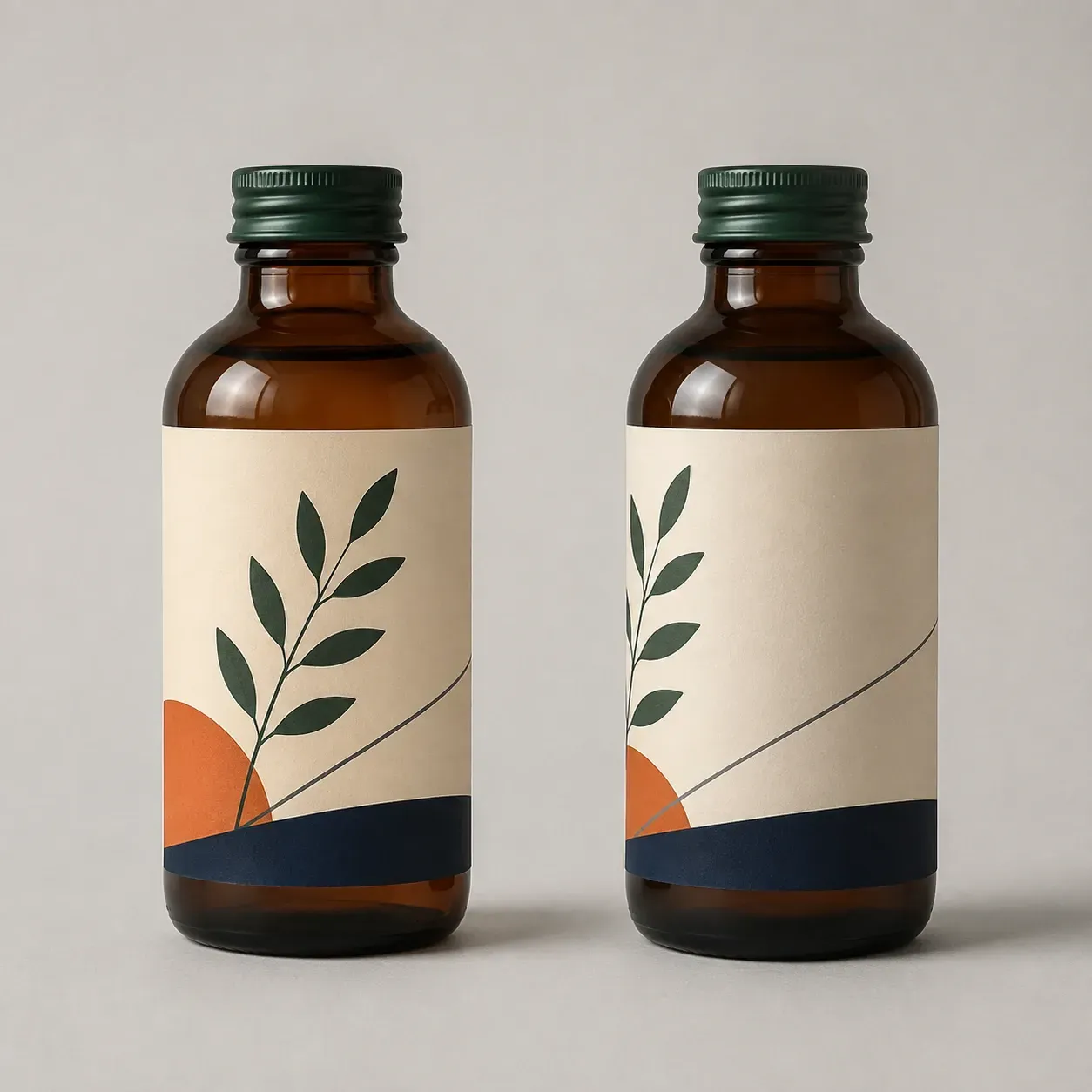
構造設計や印刷用の型への投資前に、3Dパッケージコンセプトを探索する4つのチーム。
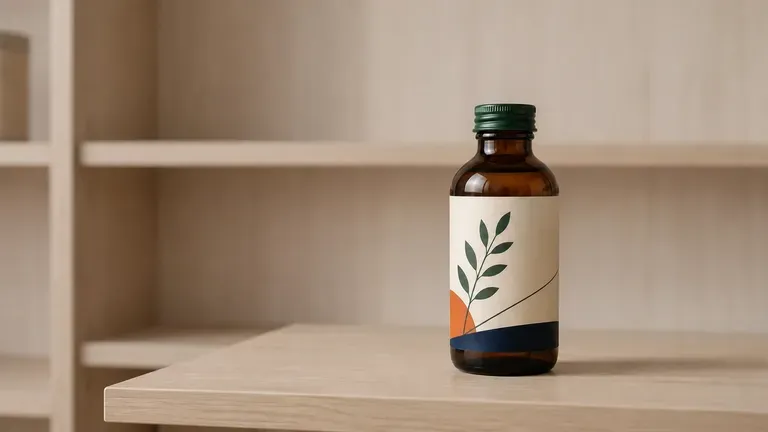
構造設計者にブリーフィングする前に、新しいSKU展開、フレーバーごとのカラーバリエーション、容器の移行(サプリメントをボトルから1回分のサシェに移すなど)をテストできます。
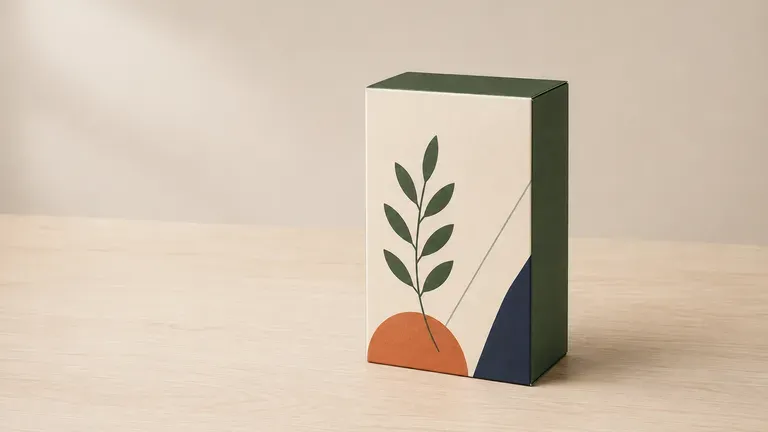
製品アイデアとロゴから具体的なビジュアルパッケージの方向性を作成し、受託包装業者、投資家、フリーランスデザイナーが意図した棚でのポジショニングを把握できるようにします。
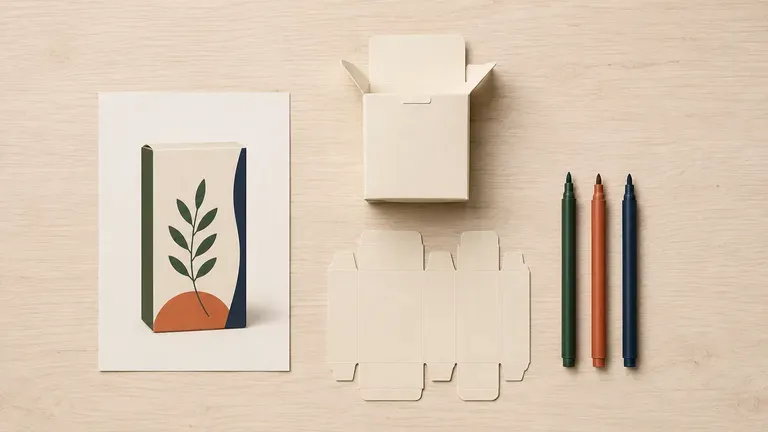
硬質ボックス、瓶、パウチにわたるビジュアルムードボードをすばやく生成し、Illustratorで製造用ダイラインを描く前に、タイポグラフィと素材仕上げについてクライアントと認識を合わせます。
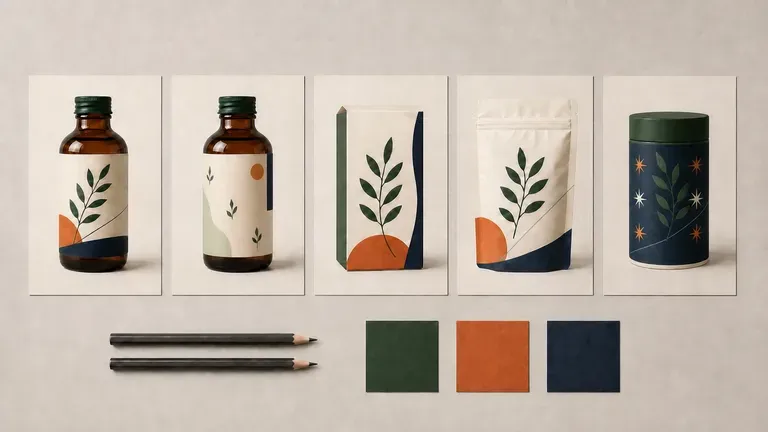
未承認の方向性をモデリングおよびレンダリングするためにスタジオ制作の工数をフルに費やすことなく、クライアント向けピッチデッキで3つの明確に異なる3Dパッケージングの方向性を提示します。
巻き付けボトルラベル、折りたたみカートン、フレキシブルパウチ、製品ローンチ、季節限定版、複数方向の比較を網羅する6つのパッケージコンセプト探索。
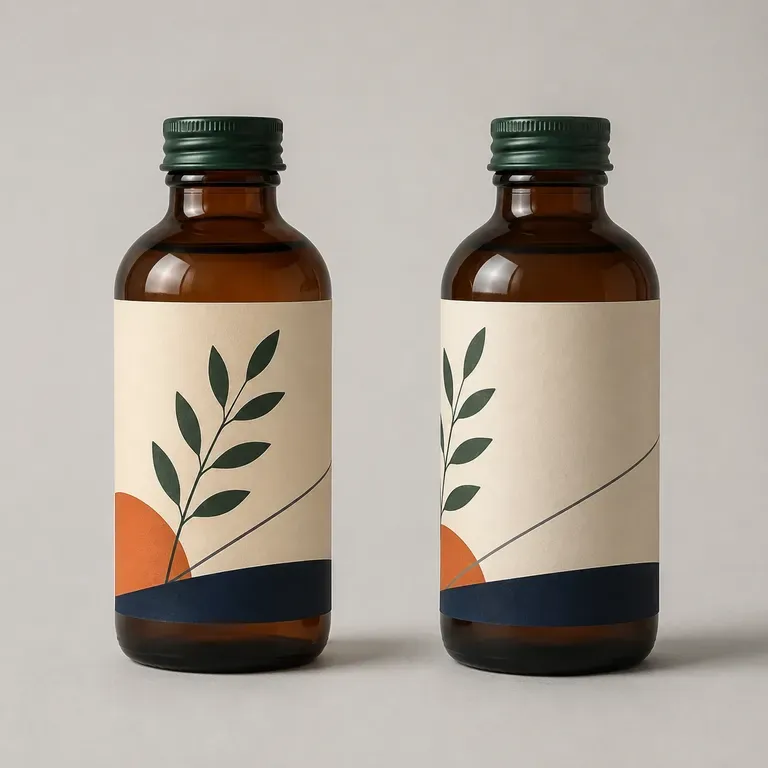
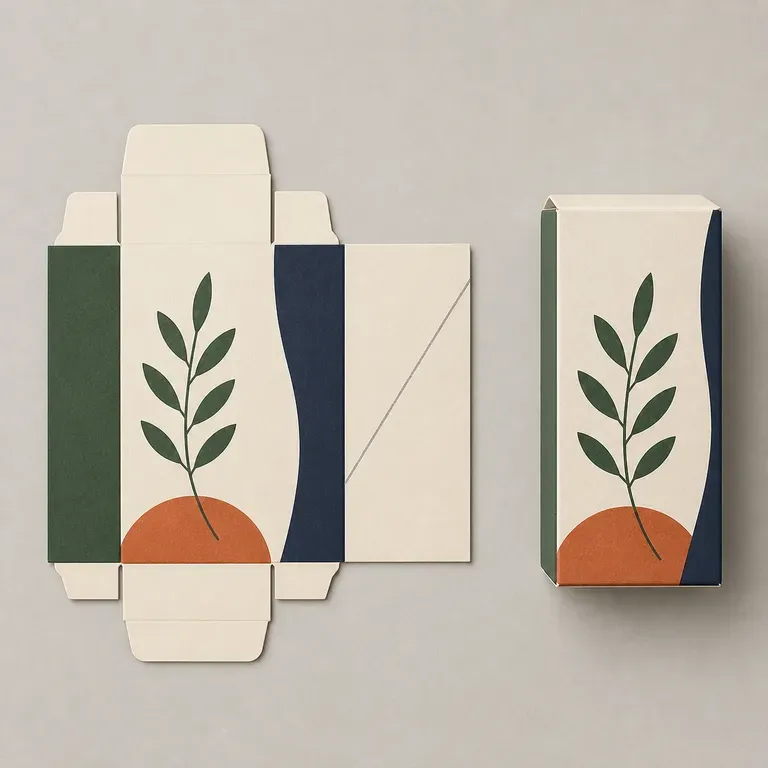
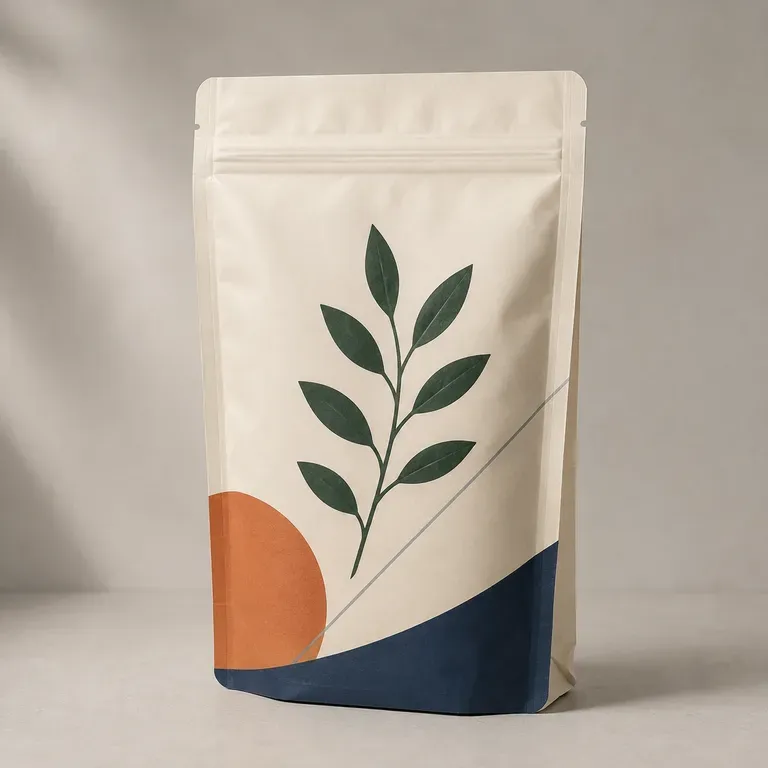
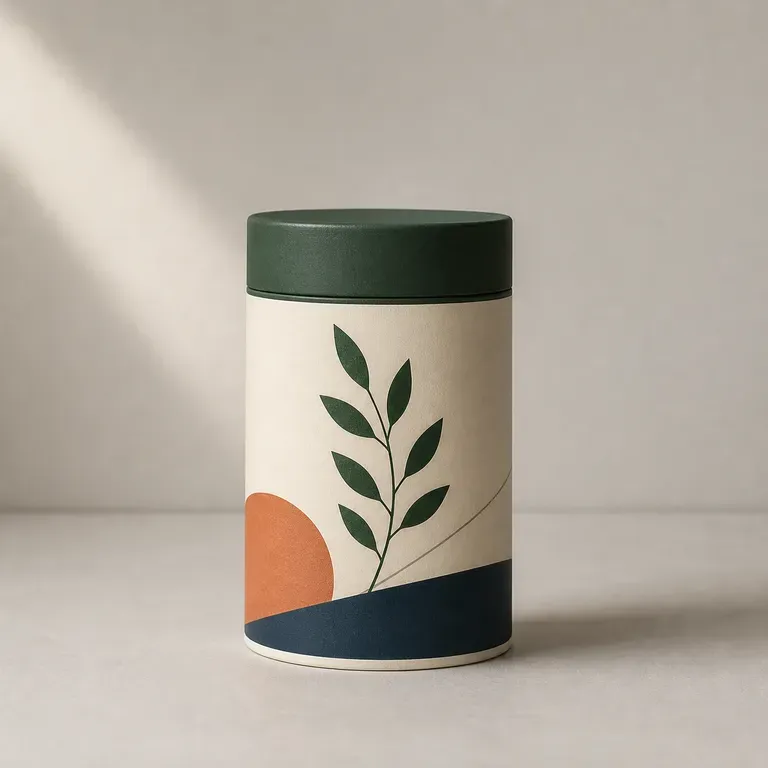
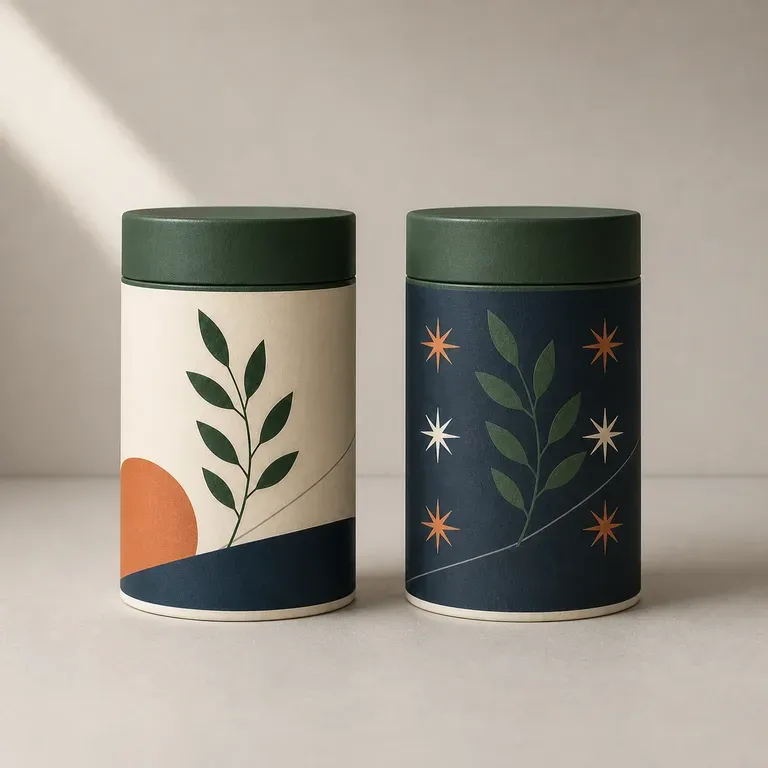
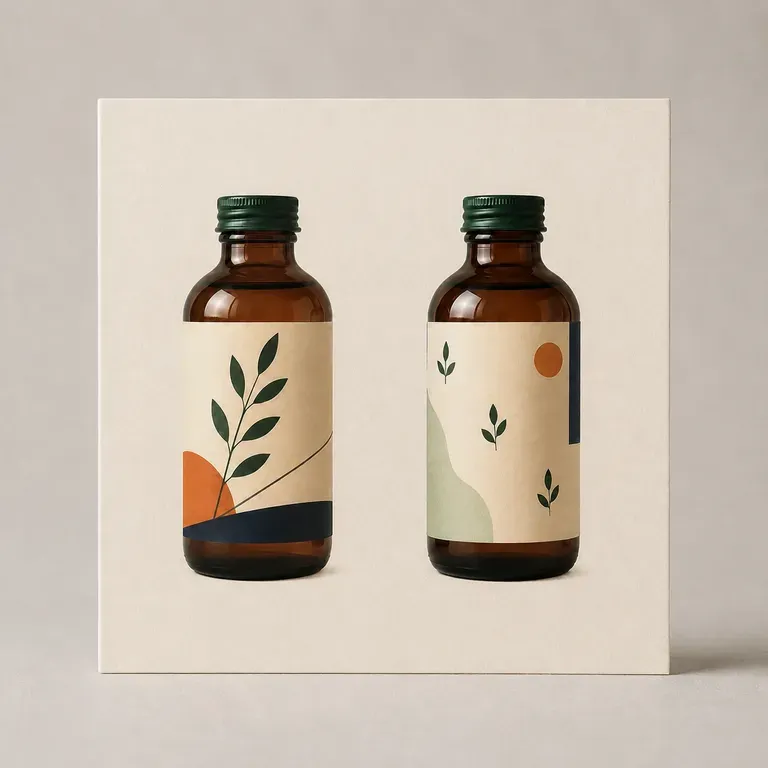
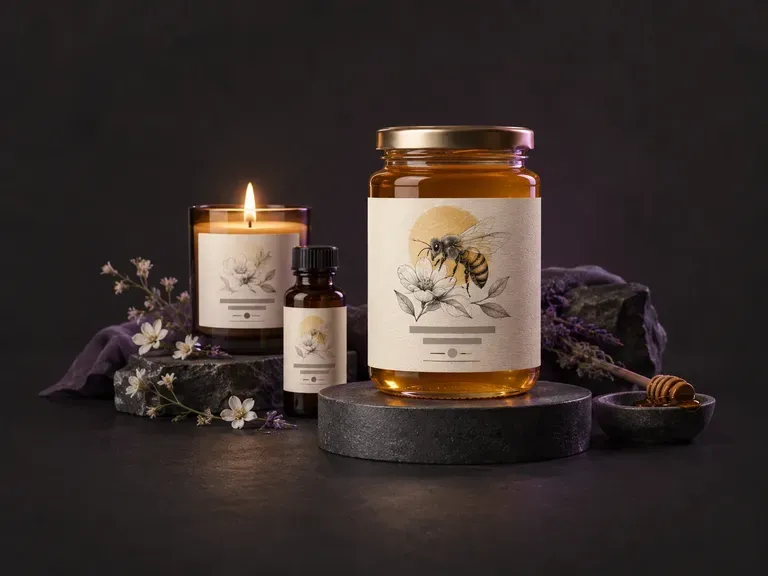
ブランド名、フレーバーノート、ビジュアルスタイルから、正面パッケージと巻き付けラベルのコンセプトをデザインします。
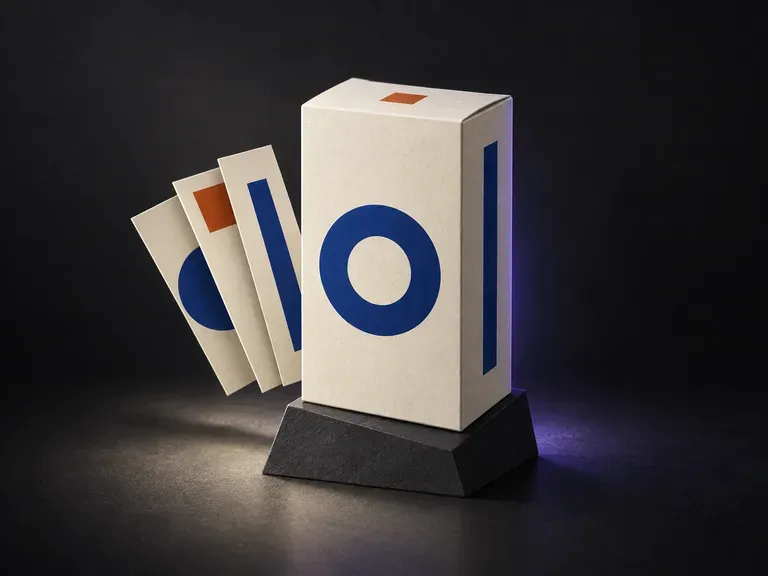
完成済みのパネルアートワークをお持ちですか?箱の見える面全体で、完成したグラフィックをプレビューできます。
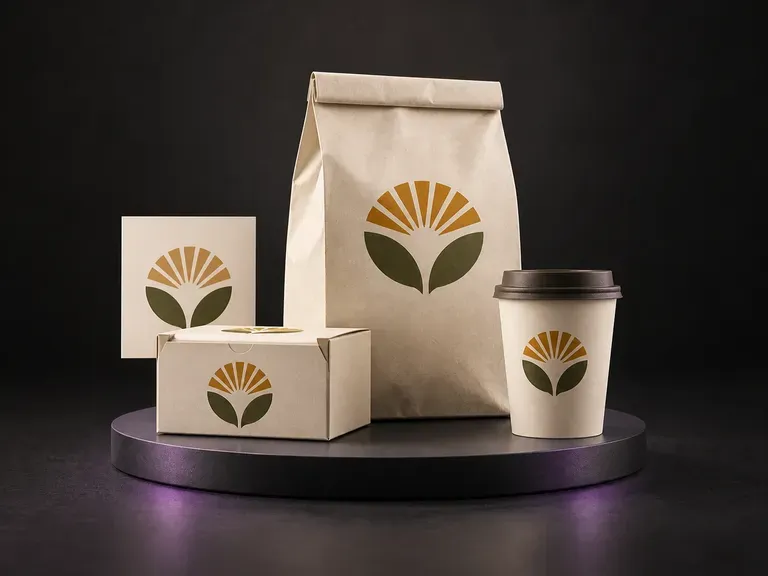
承認済みの食品ブランドアイデンティティを、統一感のある箱、袋、パウチ、カップに展開して提示します。
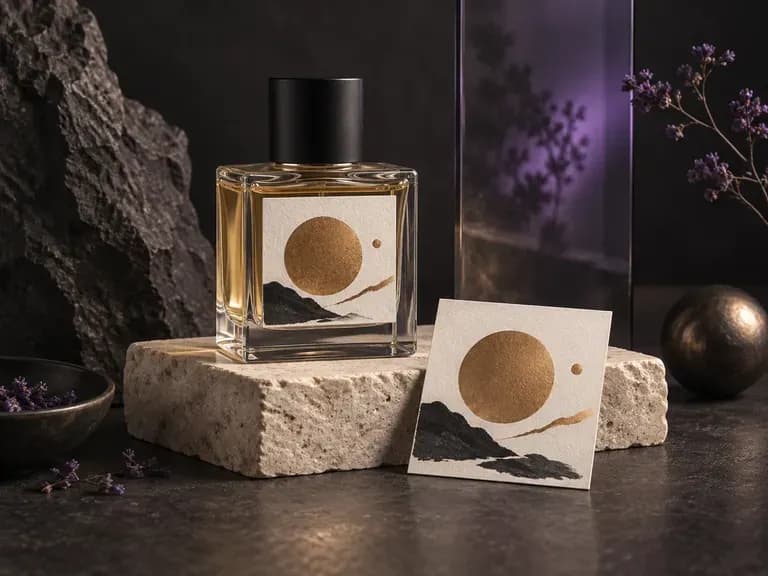
フレグランスのローンチ向けに、カットガラスのフラコン、アトマイザーカラー、高級カートンの組み合わせをレンダリングします。
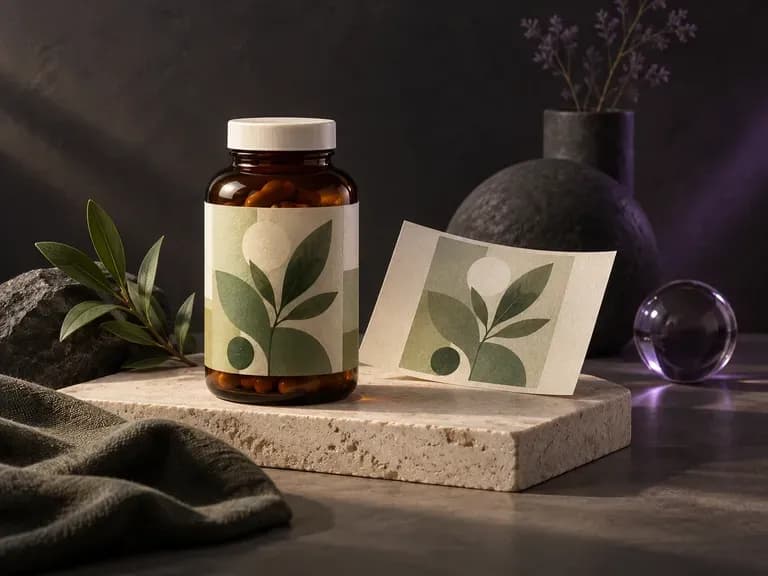
ウェルネス用ジャーやスポイトボトルの用量表、安全シール、メタリックラベルを確認します。
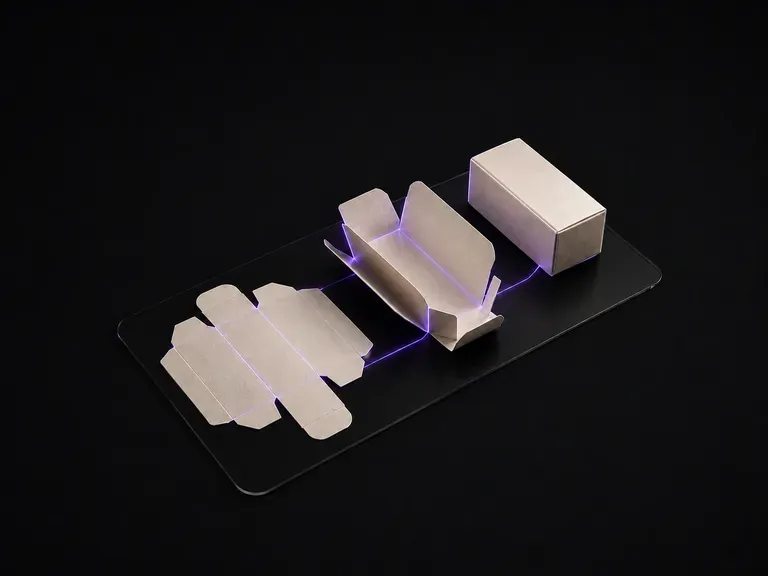
平面的な2Dパッケージのダイラインを、陰影付きの3D構造プレゼンテーションへ直接変換します。

商用撮影向けに、リアルなスタジオ照明、正確な接地影、自然な素材の粒子感を生成します。

主要な被写体のジオメトリを固定したまま、背景、ライティング設定、またはカラーバリエーションを差し替えます。

1回の実行で、キャンバス上に4つの異なるフレーミングとスタイリングのバリエーションを並べて検討できます。
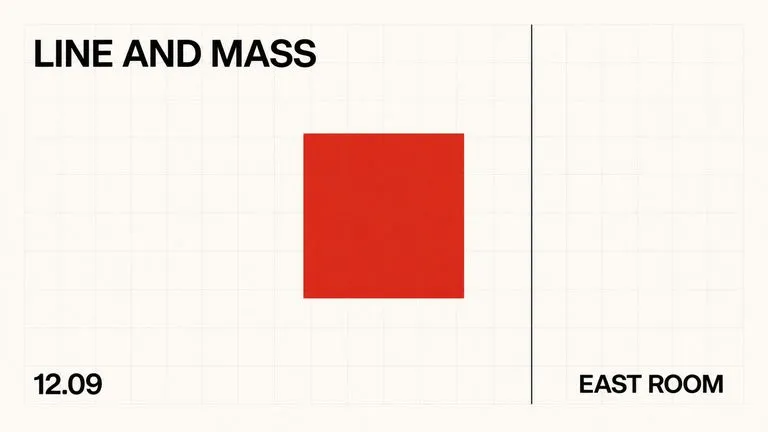
生成されたビジュアル内で、ディスプレイ用の見出し、パッケージのワードマーク、モノグラムバッジをシャープに保ちます。

詳細なクリエイティブブリーフを、信頼性の高い空間関係を備えたバランスのよい構図へ変換します。

高コントラストな金属反射、織物の織り目、浅い被写界深度をレンダリングします。
ブランドの参考資料と製品ブリーフを Virse に取り込み、1つの共有キャンバス上でボトル、カートン、缶、パウチのコンセプトをテストできます。