AI Motion Graphics Generator for Animated Clips and Logo Reveals

Turn movement notes or an uploaded brand graphic into a rendered short video clip. This AI motion graphics generator creates title animations, kinetic lettering, particle bursts, and abstract loops in 16:9, 9:16, and 1:1 without manual keyframe rigging.

What Is an AI Motion Graphics Generator?

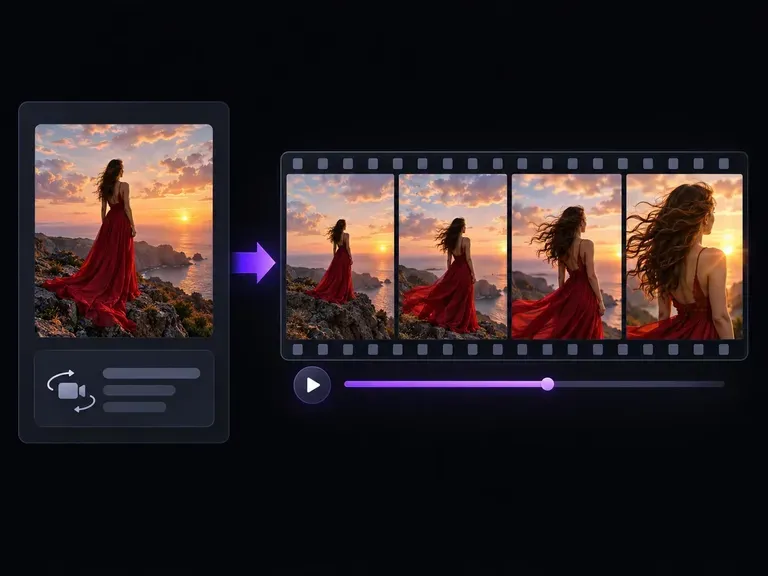
An AI motion graphics generator (also called an AI motion designer or motion graphic video generator) turns a movement brief and optional reference image into a short animated clip on your Virse canvas, letting creative teams control three core elements:

• Movement and easing: Direct how a headline, emblem, or 3D form settles, rotates, or drifts while keeping the camera locked.

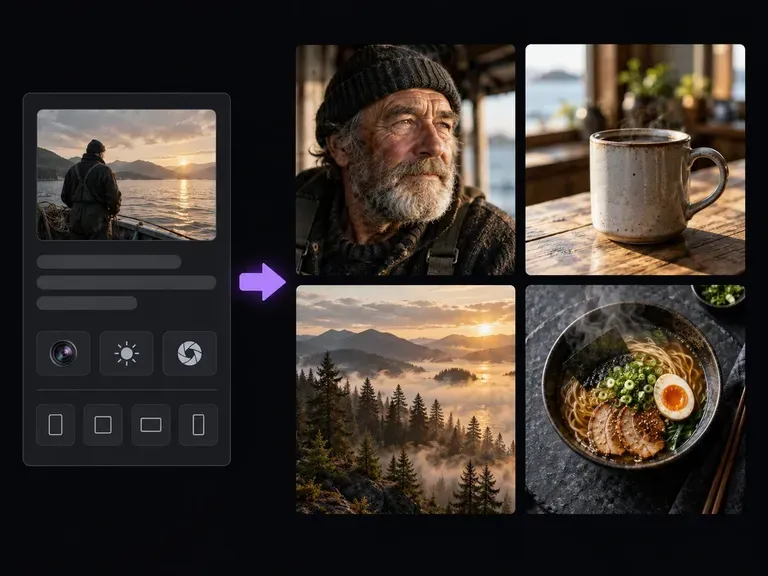
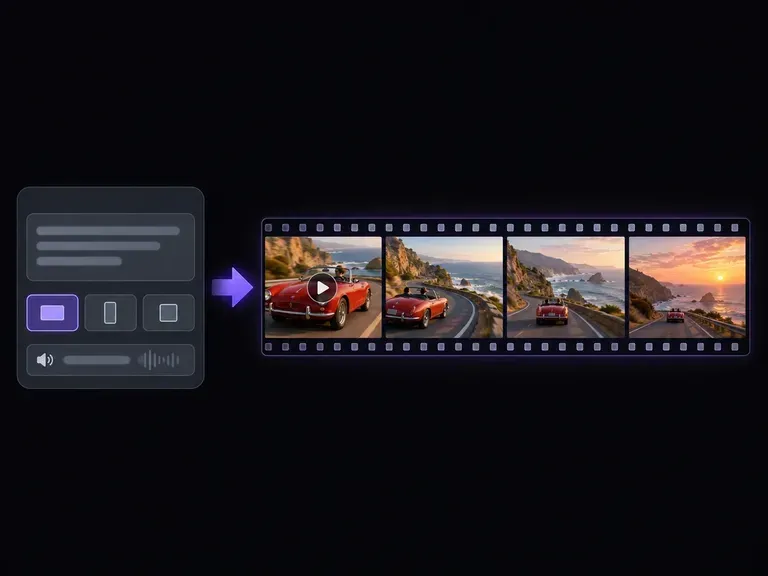
• Aspect ratio framing: Stage animations in 16:9 widescreen openers, 9:16 vertical Reels and Shorts, or 1:1 square feed posts.

• Brand asset continuity: Transition an uploaded PNG logo, UI card, or static campaign poster smoothly into motion.

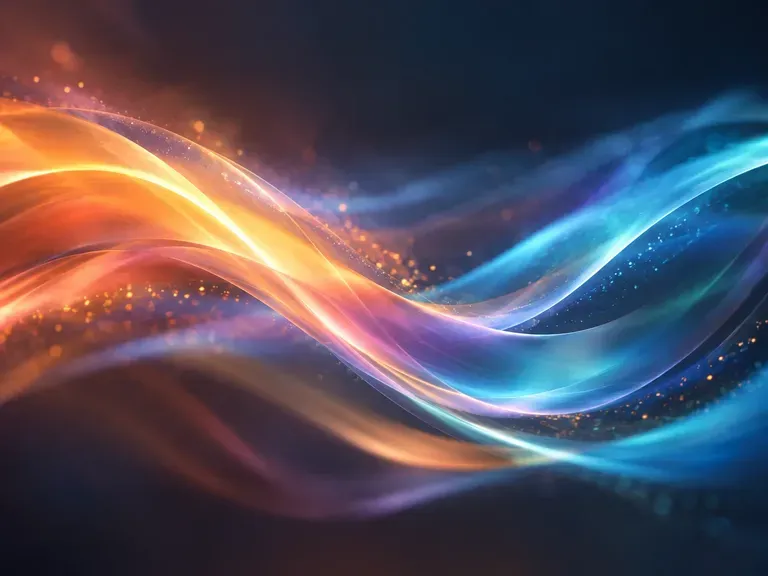
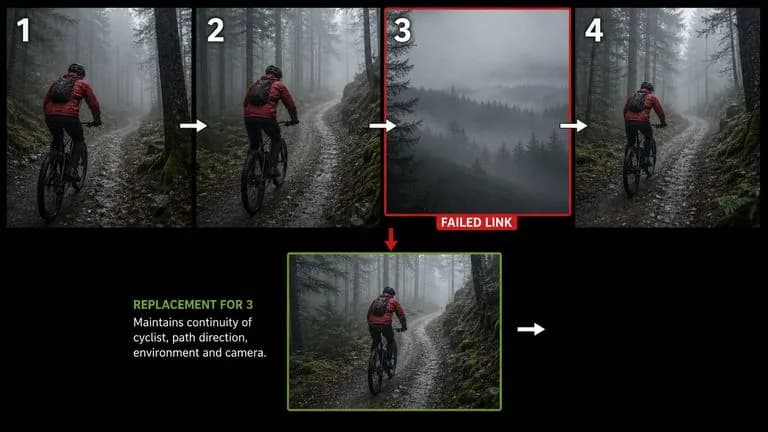
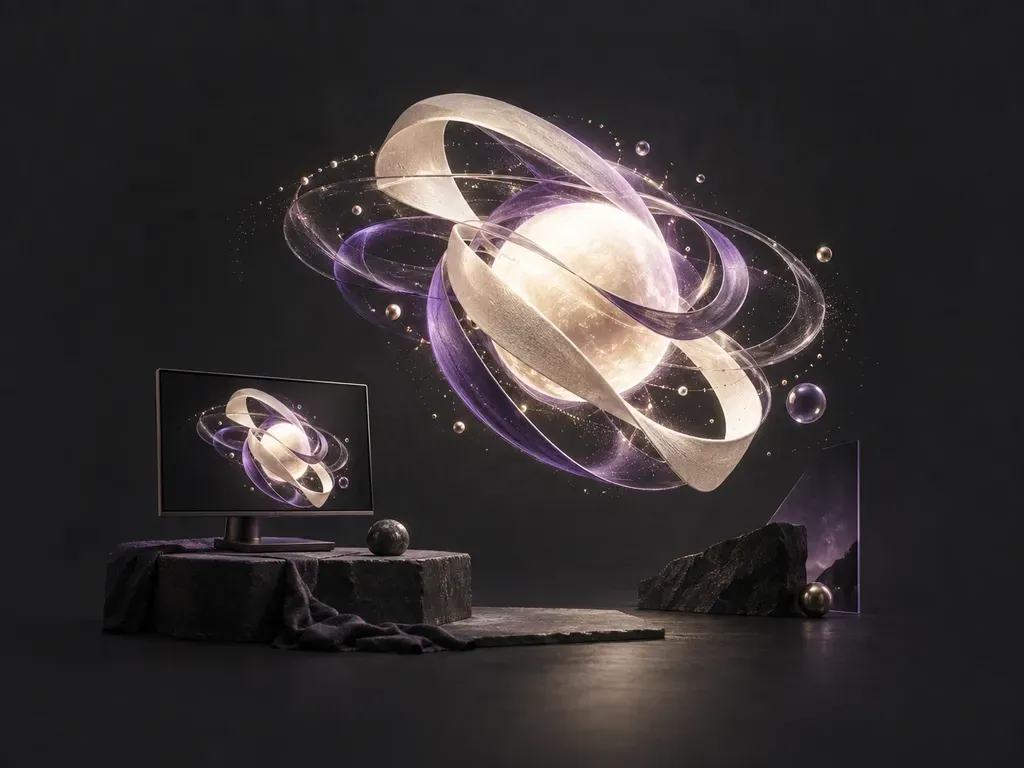
A still frame from a short particle animation
Still frame from a short particle animation rendered with controlled camera lock

Key Features of Virse's Motion Graphics Generator

Three controls that make short title cards, logo stingers, and background loops faster to direct than building a timeline from scratch.

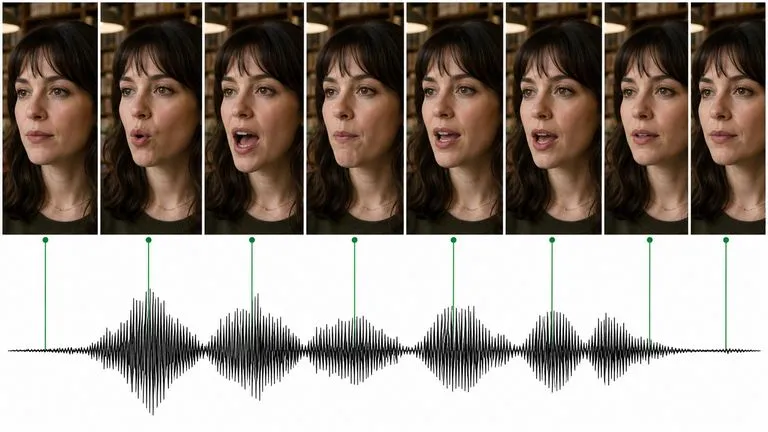
A kinetic type clip with text arriving before the shapes
Motion control

Direct Movement and Easing Behavior

Write prompts with concrete motion terms like smooth ease-out deceleration, slow orbital drift, or vertical float. Specifying one clear movement per clip keeps trajectories clean and prevents warping.

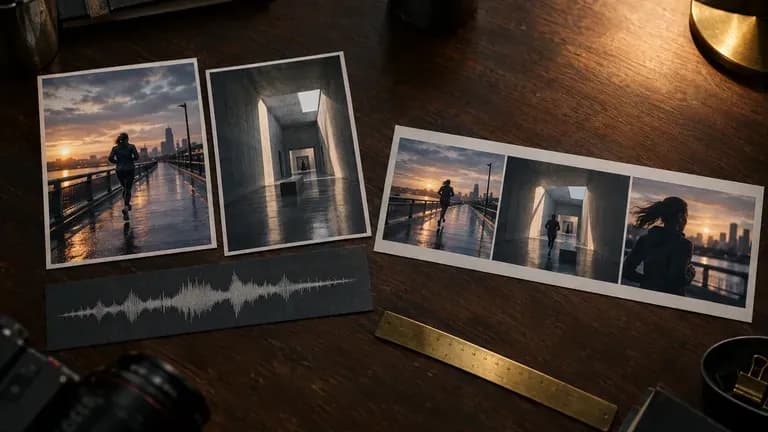
A motion clip used as the opener of a short ad
Aspect ratios

Frame Widescreen, Vertical, and Square Clips

Select your target screen ratio before rendering: widescreen 16:9 for YouTube episodes and keynote slides, vertical 9:16 for Reels, Shorts, and TikTok openers, or square 1:1 for social carousels.

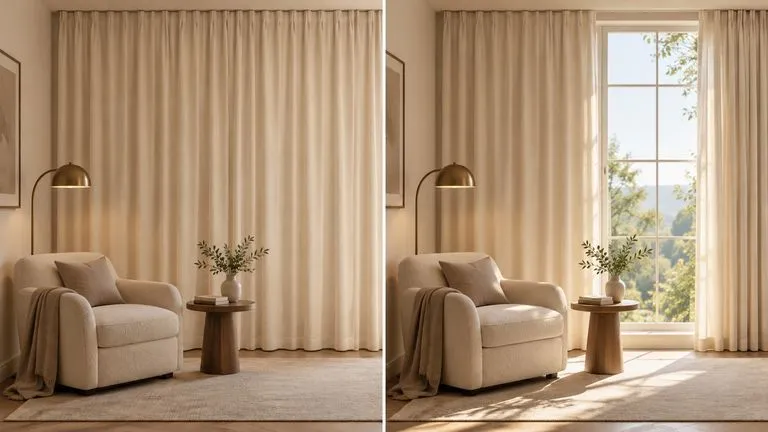
A logo revealed in a short animation
Image anchor

Animate Uploaded Logos and Still Frames

Start from an existing brand mark, UI card, or static poster. The model anchors on your uploaded image and adds light sweeps, particle trails, or dimensional depth around it.

Manual Keyframe Timelines vs. Generative AI Motion Graphics

How generating short animated clips on the Virse canvas compares with rigging a motion timeline in desktop compositing software.

Manual Keyframe Timelines

  • Requires setting position, scale, and bezier speed-graph keyframes for even a three-second title bumper
  • Takes hours of particle emitter tuning and lighting setup before previewing a single take
  • Forces manual re-layout when adapting a 16:9 widescreen intro into a 9:16 vertical social cut
  • Separates static brand moodboards from animated video tests across different desktop apps

Virse AI Motion Graphics Generator

  • Renders short animated clips from a plain-language movement brief and an optional reference image
  • Tests particle bursts, metallic light sweeps, and abstract background waves in minutes
  • Generates dedicated 16:9, 9:16, and 1:1 framing variations on the same workspace board
  • Keeps still style frames, uploaded logos, and finished video clips together on one Infinite Canvas

How to Create Clips with the AI Motion Graphic Generator

  1. Open the Workspace Tool

    Launch the generator in Virse (?tool=ai-motion-designer) or pick it from the Smart Tools menu inside your Infinite Canvas project.

  2. Upload Artwork or Write a Scene Brief

    Attach a clean PNG logo, UI card, or poster to animate an existing asset, or write a prompt for abstract loops and kinetic titles.

  3. Set One Movement Verb and Camera Rule

    Name one primary action like an edge light sweep or ember drift, state "locked static camera", and pick widescreen, vertical, or square.

  4. Compare Takes and Export MP4

    Compare takes side by side on your canvas for edge stability and pacing, then download the MP4 clip for Premiere, Final Cut, or CapCut.

Prompts for the AI Motion Graphic Video Generator

Separate moving elements from static framing using subject, motion, camera state, and ratio. Copy any of these three briefs:

• Brushed metal logo stinger: "Brushed-titanium emblem on matte charcoal, warm amber rim light sweeping across beveled edges into a soft glow, locked camera, 16:9."

• UI card product reveal: "Floating frosted-glass UI card tilting forward with ease-out settle, cyan backlight pulsing once on dark slate, static camera, 9:16."

• Abstract geometric wave loop: "Layered terracotta and cream isometric arches with a slow continuous wave rippling evenly, soft studio shadows, static camera, 1:1."

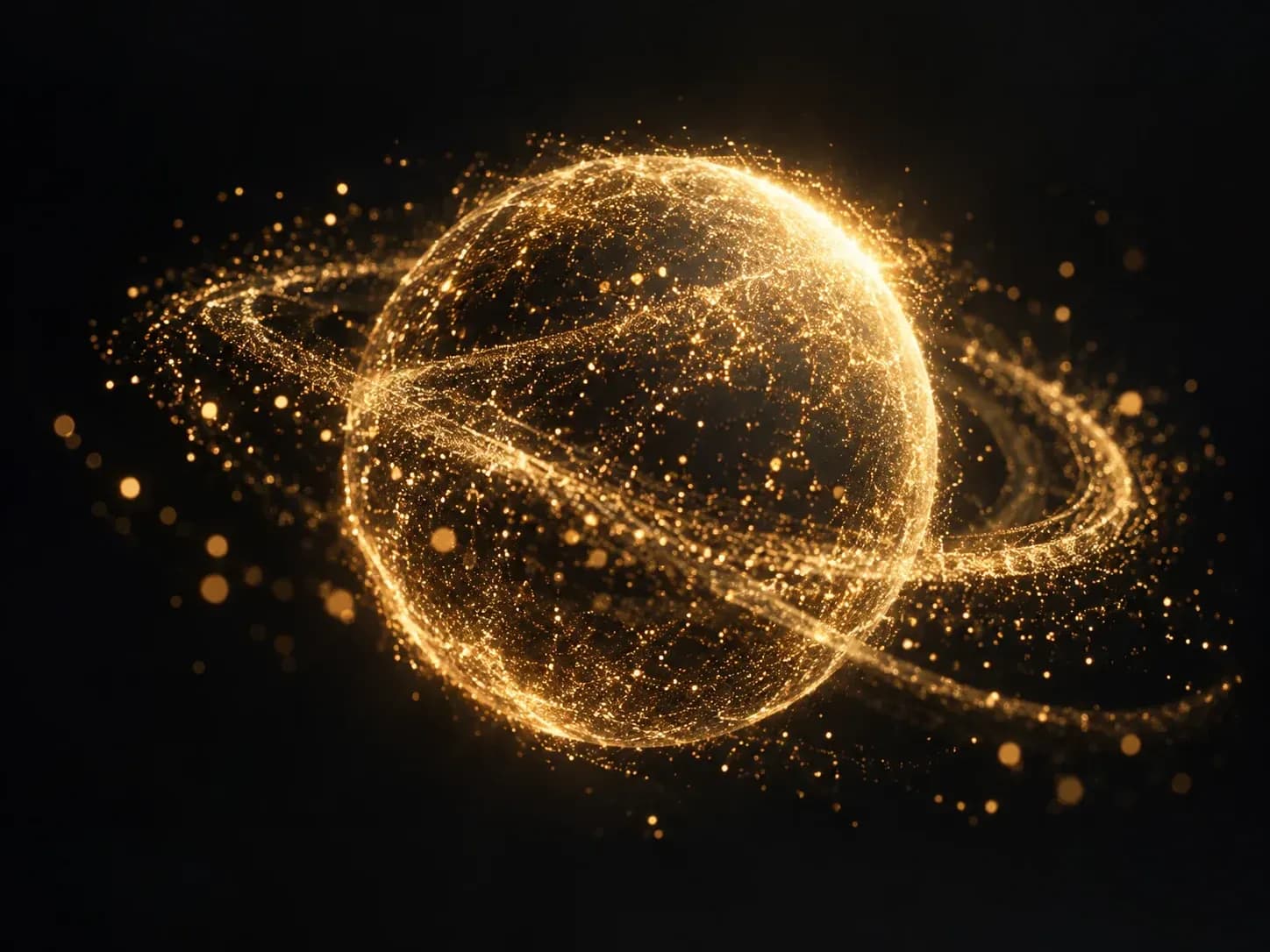
Logo Reveals: a mark that builds itself
Logo reveal frame generated from a structured motion and lighting prompt

Who Uses Our AI Motion Designer Workflow?

Four creative and production roles that use prompt-driven clips for social campaigns, channel branding, presentations, and pitch boards.

A moving post among still images in a feed

Social Media and Campaign Managers

Turn static launch announcements, quote cards, and seasonal promos into thumb-stopping 9:16 and 1:1 animated posts without waiting on an external studio queue.

A short branded intro before a video

YouTubers, Podcasters, and Streamers

Build cohesive channel openers, topic transition stingers, lower-third background plates, and stream starting-soon screens that match your show identity.

An animated clip opening a conference talk

Keynote Speakers and Course Creators

Replace flat slide dividers in conference talks, webinars, and courses with three-second animated chapter cards that reset audience attention.

A rough motion idea next to a design board

Art Directors and Motion Designers

Pitch movement directions, lighting moods, and kinetic concepts on an Infinite Canvas before committing days to manual keyframe rigging and 3D rendering.

AI Motion Graphics Generator Examples and Styles

Six short animated clip styles covering brand stingers, kinetic titles, particle effects, channel bumpers, abstract backgrounds, and product reveals.

Logo Reveals: a mark that builds itself
Logo Reveals: Brand emblems animated with edge light sweeps, subtle 3D rotation, or particles
Kinetic Headlines: words that slide and stack
Kinetic Headlines: Short display titles brought to life with clean scale-in settles
Particle Bursts: shapes scattering and regrouping
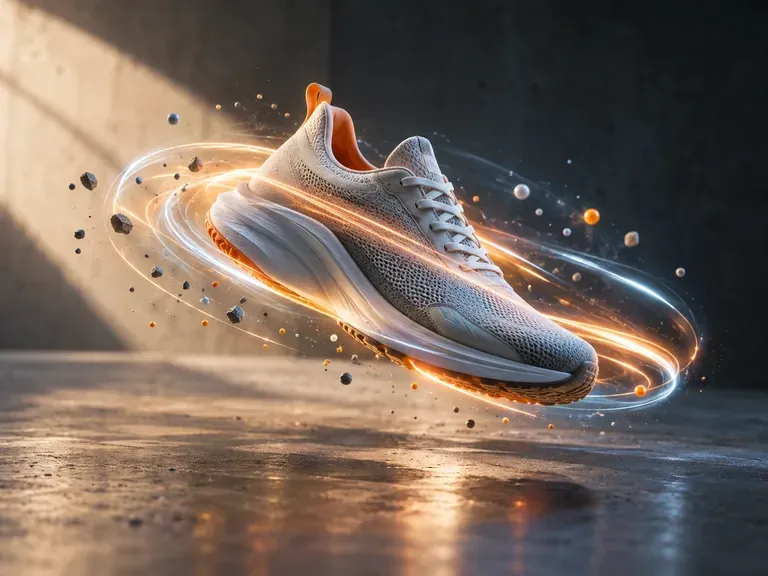
Particle Bursts: Glowing embers, dust motes, or geometric shards dispersing around a subject
Channel Intros: a few seconds of branded motion
Channel Intros: Widescreen 16x9 title openers and transition stingers for YouTube series
Abstract Motion: flowing color for backgrounds
Abstract Motion: Calm architectural waves, liquid metal ripples, and glassmorphic slide loops
Product Teasers: a still product shot brought to life
Product Teasers: Rim-lit silhouette reveals and pedestal rotations around uploaded products
FAQ

AI Motion Graphics Generator FAQs

Does the AI Motion Graphics Generator output video files or After Effects project files?
It outputs rendered short video clips (such as MP4 files) ready to drop into Premiere Pro, Final Cut Pro, DaVinci Resolve, CapCut, or presentation decks. It does not export editable After Effects .aep timelines, separate vector rigs, or CSS/Lottie code for live web buttons.
Can I animate my own brand logo or product image?
Yes. Upload a high-resolution PNG or JPG (transparent PNG logos placed over a clean contrast backdrop work best) and describe how the light, particles, or object should move. The model anchors the animation to your uploaded visual rather than inventing a random mark.
How do I keep kinetic text and headlines readable during movement?
Keep text to one or two short words per clip, specify bold high-contrast lettering, and request one slow action like a gentle zoom-in or ease-out settle. For dense body copy or exact subtitle timing, generate the animated background in Virse and add vector text in your editor.
Why do some prompts produce chaotic or morphing movement?
Asking for three or four simultaneous actions (for example, spinning the emblem, exploding particles, zooming the lens, and shifting colors at once) overloads short clip timing. Limit each prompt to one primary subject action and explicitly add "locked static camera" when you want only the object to move.
What aspect ratios and clip durations work best?
You can generate clips in horizontal 16:9, vertical 9:16, or square 1:1 formats depending on where the video will be published. Short three-to-five-second beats with a single clear trajectory and settle point cut together far more cleanly in an edit than long wandering takes.
Can I use the AI Motion Designer on the free plan?
Motion generation runs on video models, which require a paid Virse subscription plan. The Free plan includes daily compute for image generation models, so you can design and refine your still style frames first and upgrade when you are ready to render animated video clips.

Turn Still Concepts into Animated Motion Clips

Open the Virse Infinite Canvas to generate logo reveals, kinetic title cards, and custom background loops in 16:9, 9:16, and 1:1.