
Text to Video
Start with a scene and a description of what happens.
Create 2–30-second videos with Wan 3 in Virse, from text or first and last frames. Choose 480P, 720P or 1080P and turn generated audio on or off.
Open this page on a desktop browser to start creating.
A product reveal, a short exchange or a walk through a room needs a beginning and an ending. Write the changes between them in order. Keep the first version focused on one action so you can judge timing, camera movement and continuity together.
Wan 3.0, also searched as Wan3 or Wan 3, is Alibaba's video generation model. Alibaba Cloud documents text-to-video, first-frame and first/last-frame generation, and reference-based creation. The publisher supports clips up to 30 seconds at up to 1080P.
Start with a scene and a description of what happens.
Optional source images define the start and finish.
The verified Virse entry offers text and first/last images.
Choose a duration from 2 to 30 seconds in Virse.
480P, 720P or 1080P; the default is 720P.
Generated audio is optional in the current entry.
Describe the first composition and the final state. The scene has a clearer purpose when you know what should change between them.
Use a clean source frame when the product or character has already been decided. Remove temporary text and unwanted objects before planning motion.
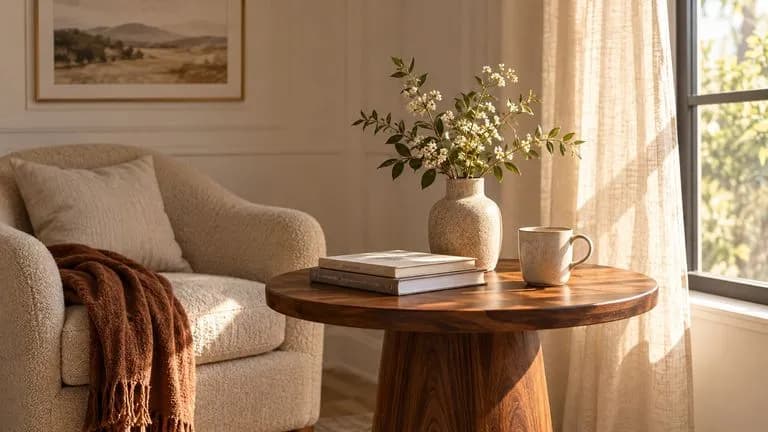
Virse accepts a closing image. Prepare a finish the action can reach without an implausible jump.
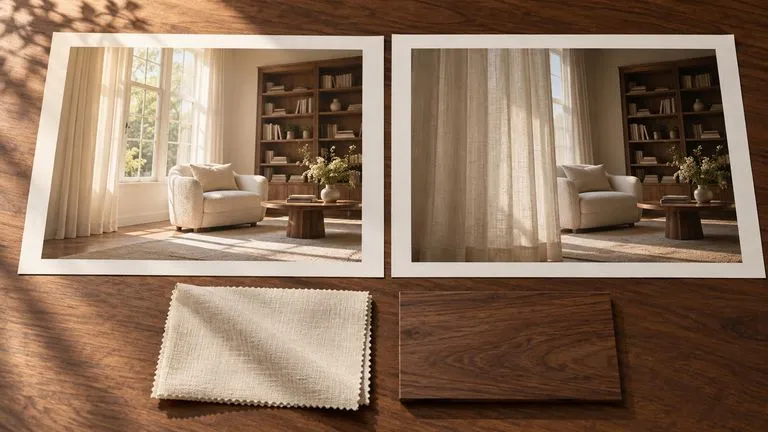
Virse’s entry uses text and optional first and last frames. The publisher’s broader video and audio reference workflows are separate capabilities.

Turn generated audio on or off in Virse. When it is on, describe ambient sound and the important sound event, then review the soundtrack.
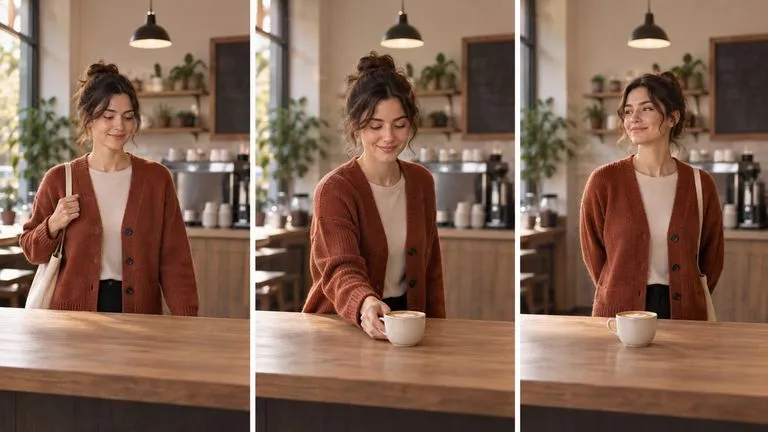
A longer clip needs continuity from start to finish. Review identity, motion and pacing across the whole scene, not only its first frame.
Select Wan 3 in the workspace, prepare the text or source frames, then choose duration, resolution and sound.
Choose a clear image that establishes the subject and scene. Prepare any alternative frame before writing the motion brief.
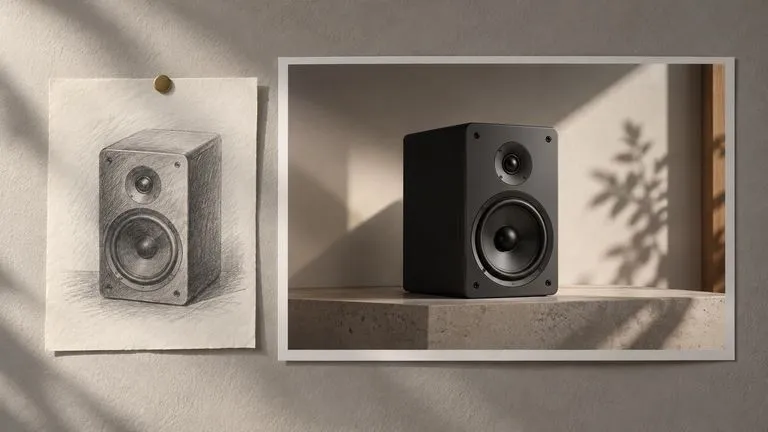
If the ending is already decided, add a last-frame image. Keep the subject and setting compatible with the opening frame.
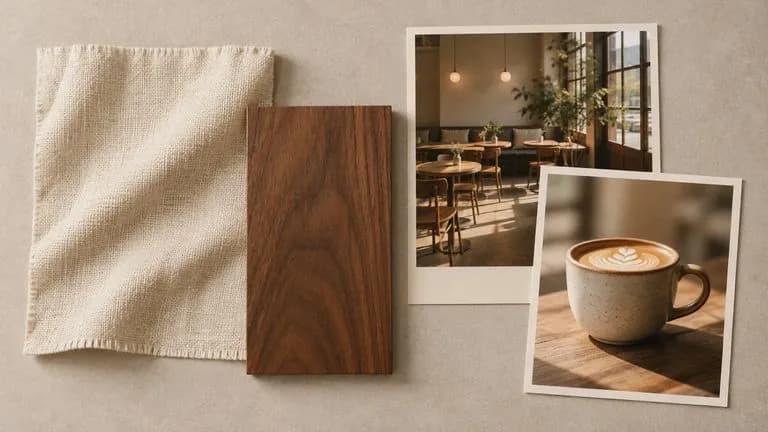
Keep the opening frame while changing the action or camera direction. Review each attempt against the intended ending.
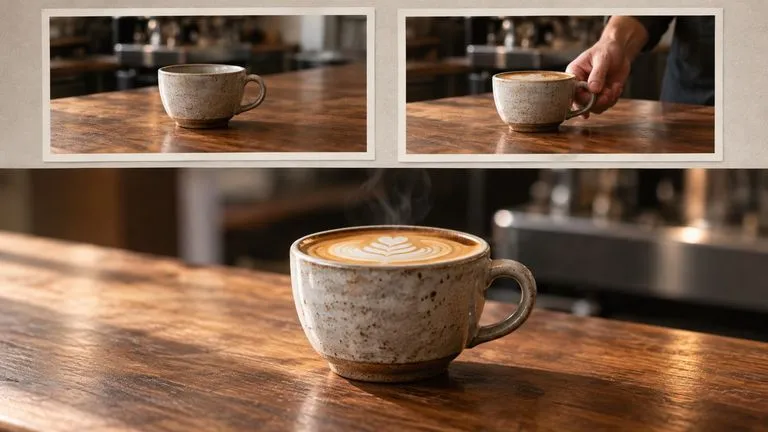
The catalog displays estimated rates of 8, 15 and 30 compute per second at 480P, 720P and 1080P. Review the quote for the duration you choose.
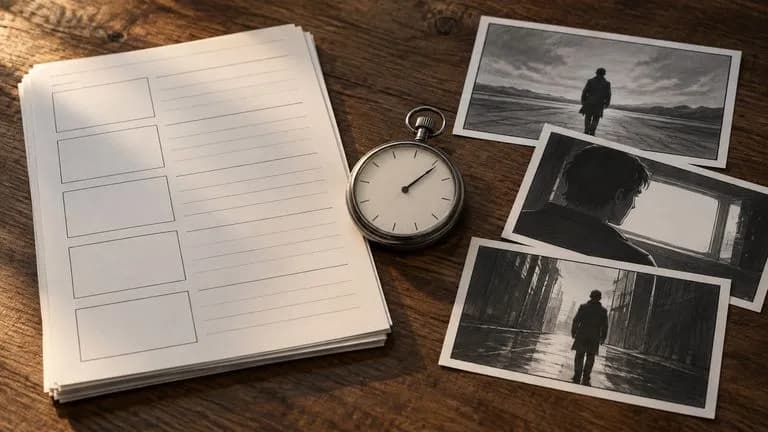
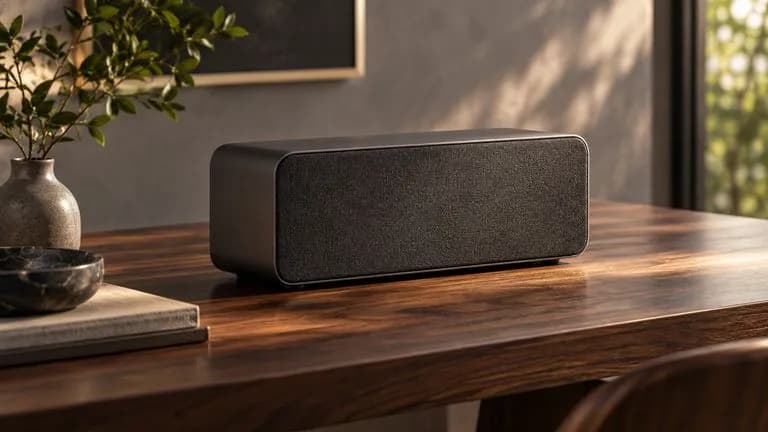
Plan a clear camera move around one finished product.
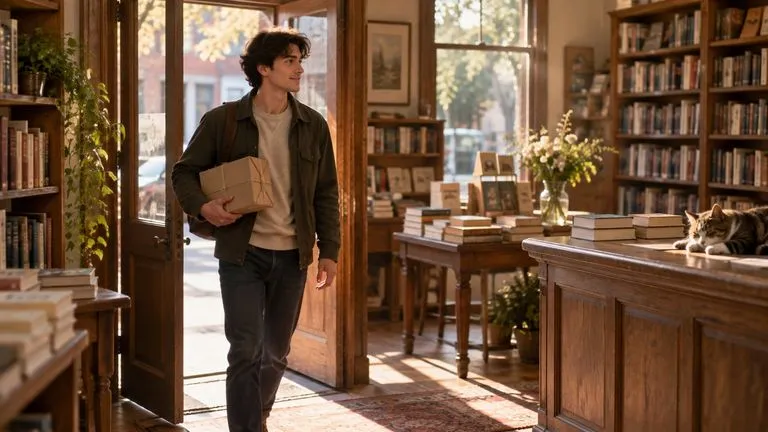
Write one event with an opening situation and a visible resolution.
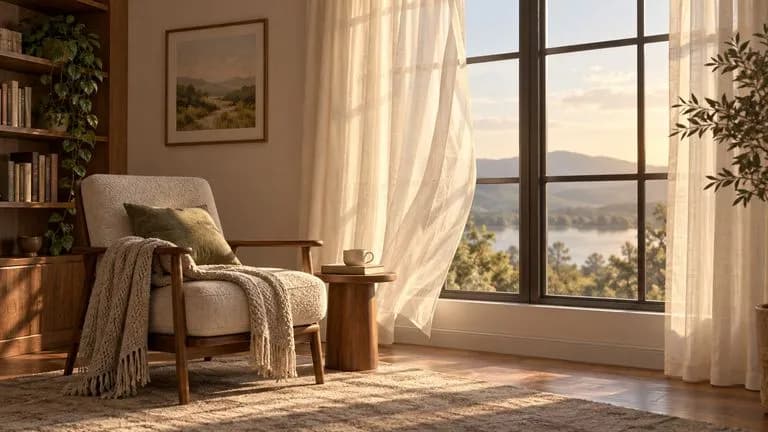
Add restrained movement to an approved still frame.
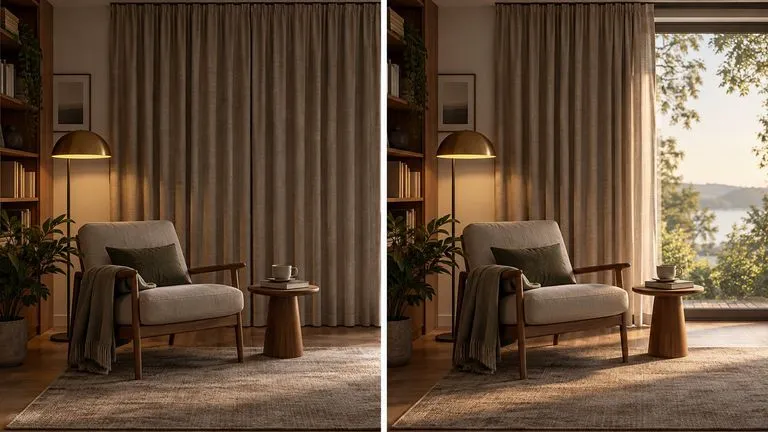
Design a plausible passage between two chosen compositions.
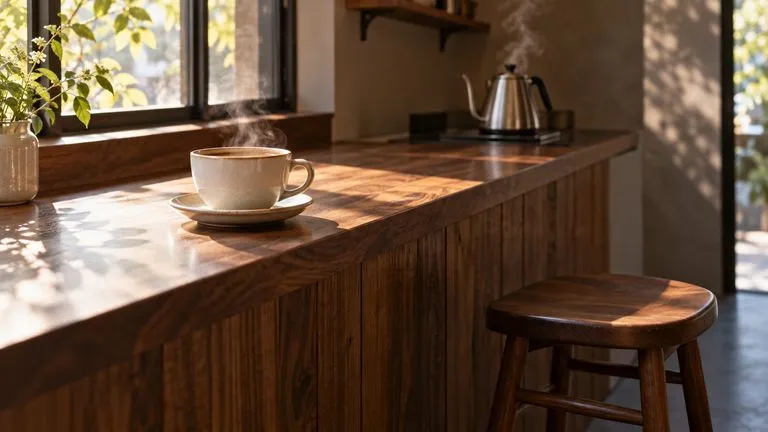
Choose whether the scene needs generated sound, then plan the action to suit that decision.

Prepare a short scene in the format required by its destination.
Open the workspace and choose Wan 3, then set duration and resolution.
Write a scene brief and optionally add its first and last images. Check that the frames describe the same subject and environment.
Describe what changes over time, how the camera moves and what should be heard.
Check the opening, transitions and ending. Review audio and continuity before exporting.
Describe the scene in concrete terms, then add the change or action you want.
Instead of writing
Cinematic coffee shop, amazing camera, emotional atmosphere, high quality.
Write
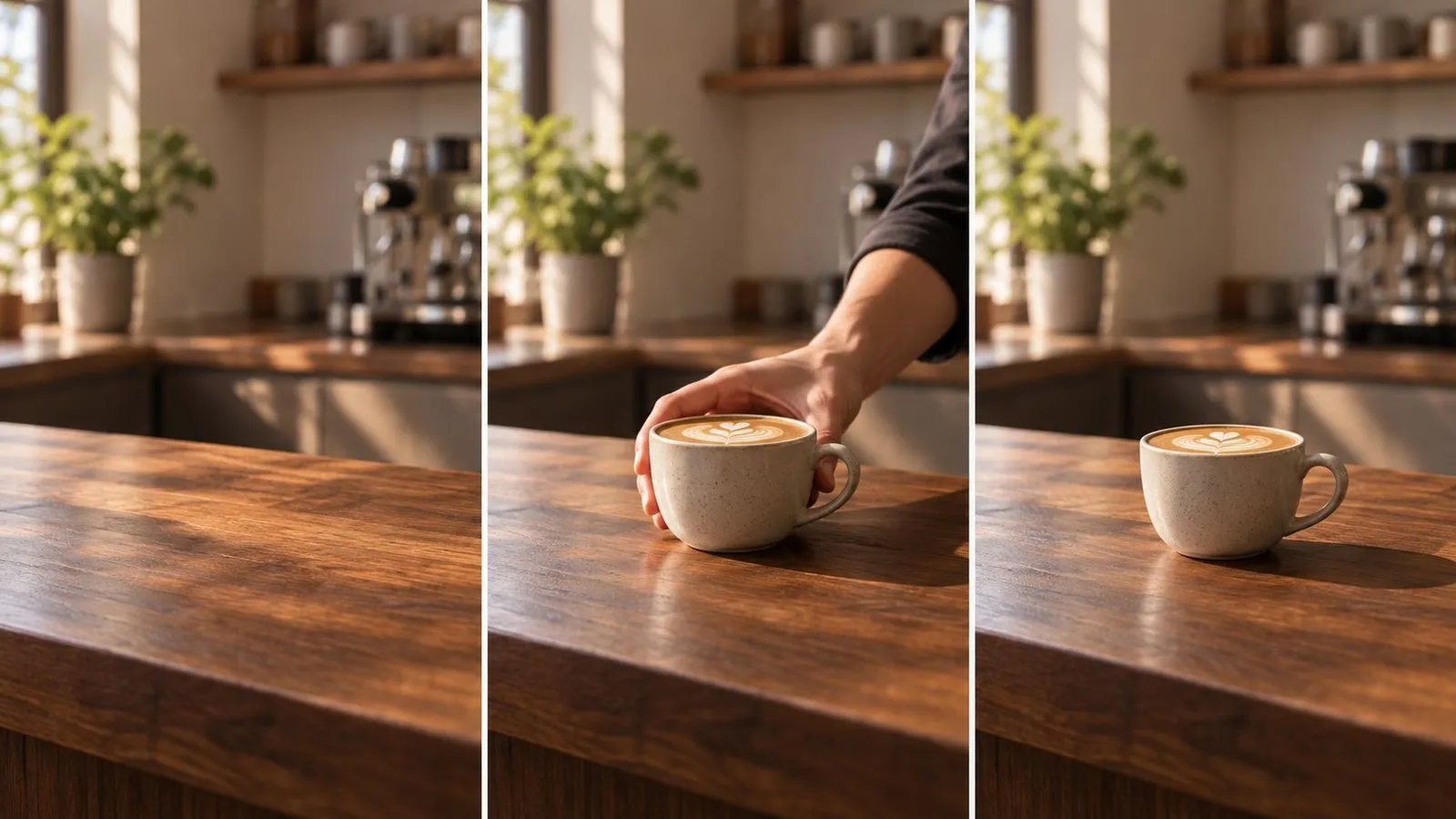
A small cafe before opening, with one ceramic cup on a walnut counter. Steam rises as morning light reaches the cup. The camera moves slowly forward and stops at a close view. Quiet room tone and a faint kettle sound, no music or dialogue. End with the cup still and the background soft.
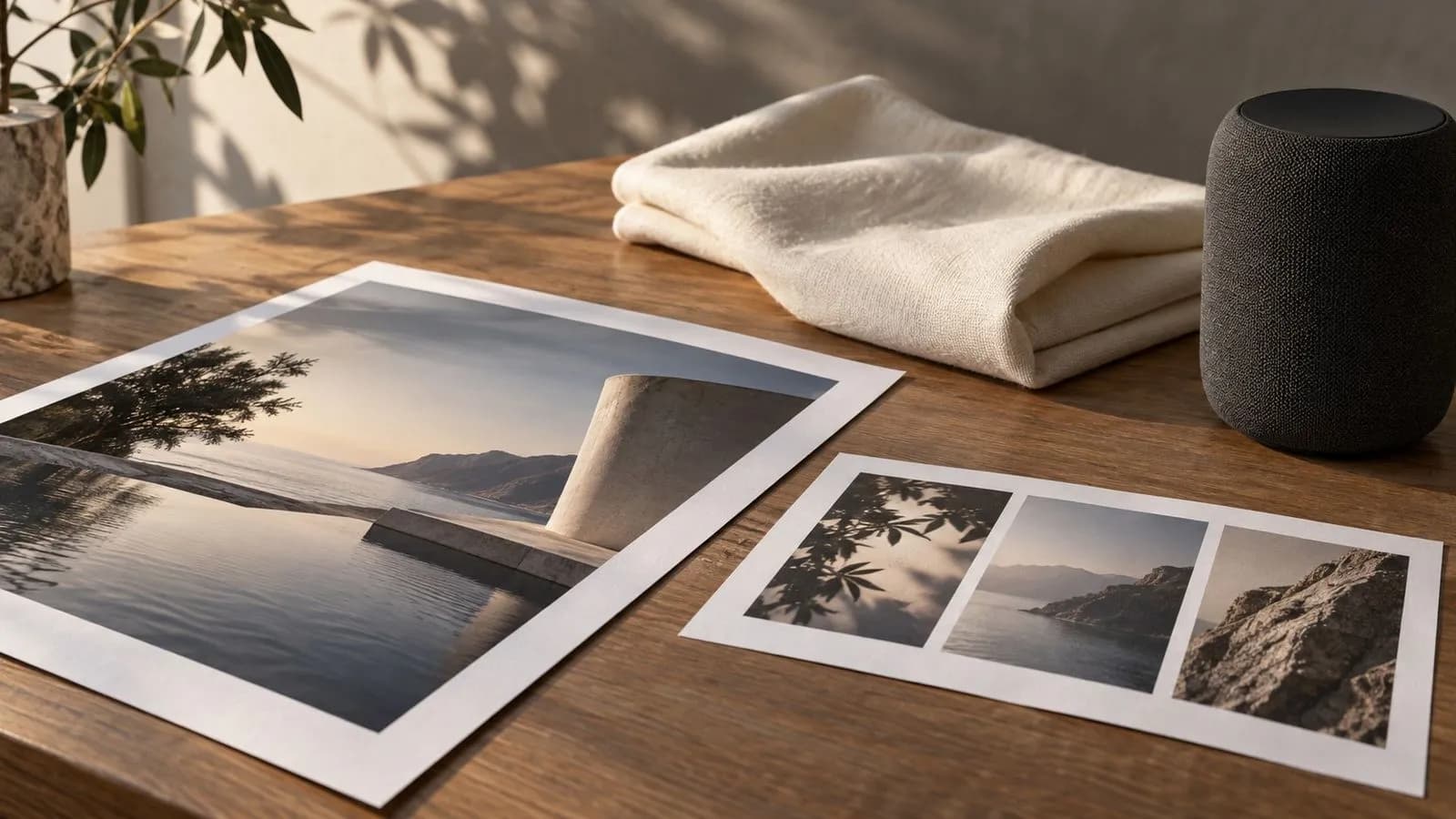
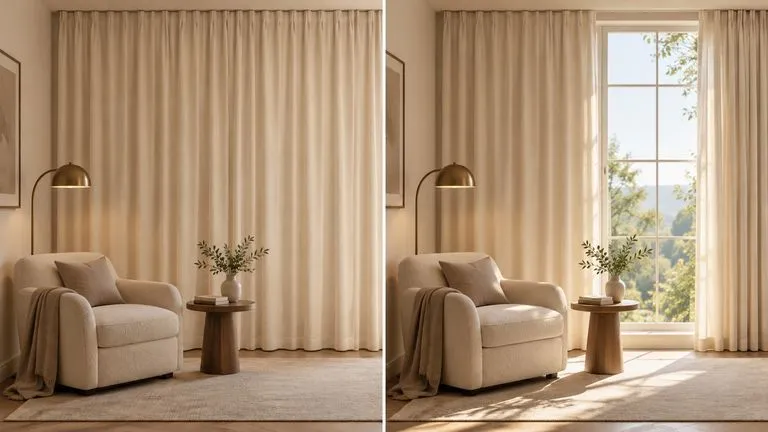
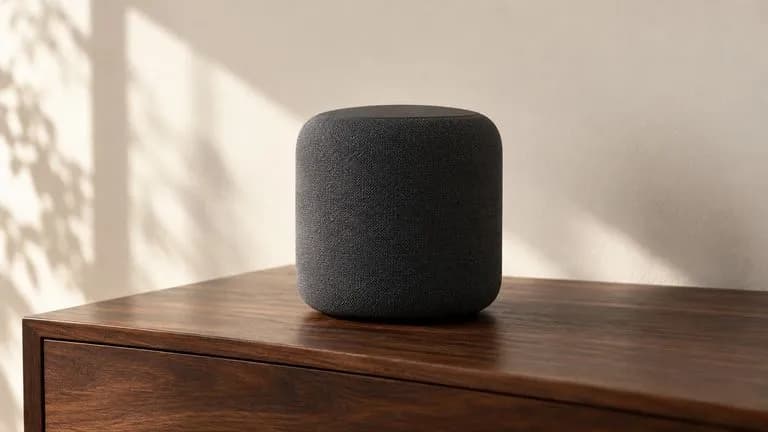
Concept illustrations generated for these briefs. They are not verified outputs from this model; video scenes are static images.
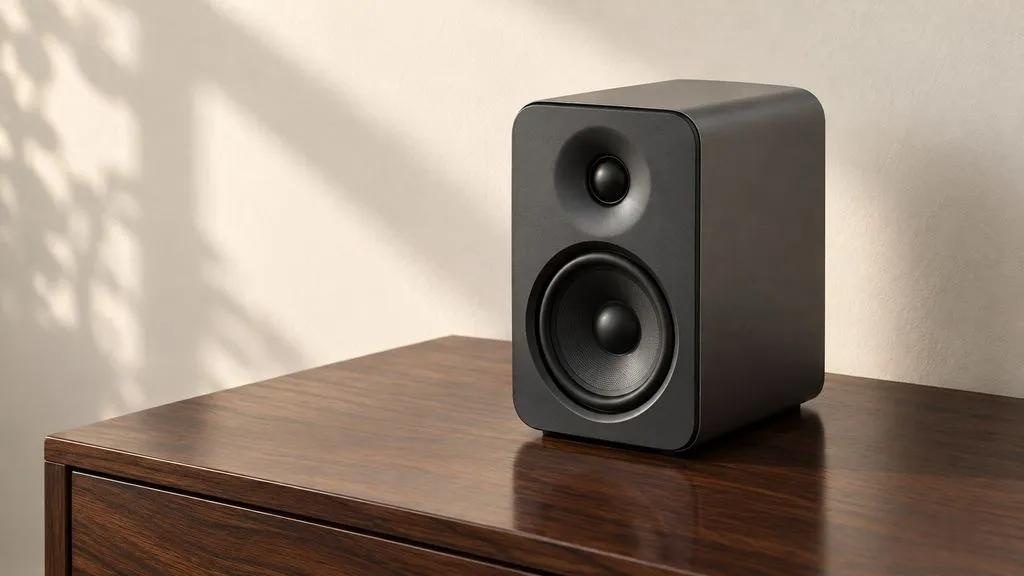
A graphite desk speaker sits on a dark walnut table beside a plain cream wall. The camera moves slowly from a wide three-quarter view toward a closer view while the speaker stays still. A soft reflection travels across the top as the angle changes. Quiet room tone, no music or dialogue. End with the speaker fully in frame. No text or logos.
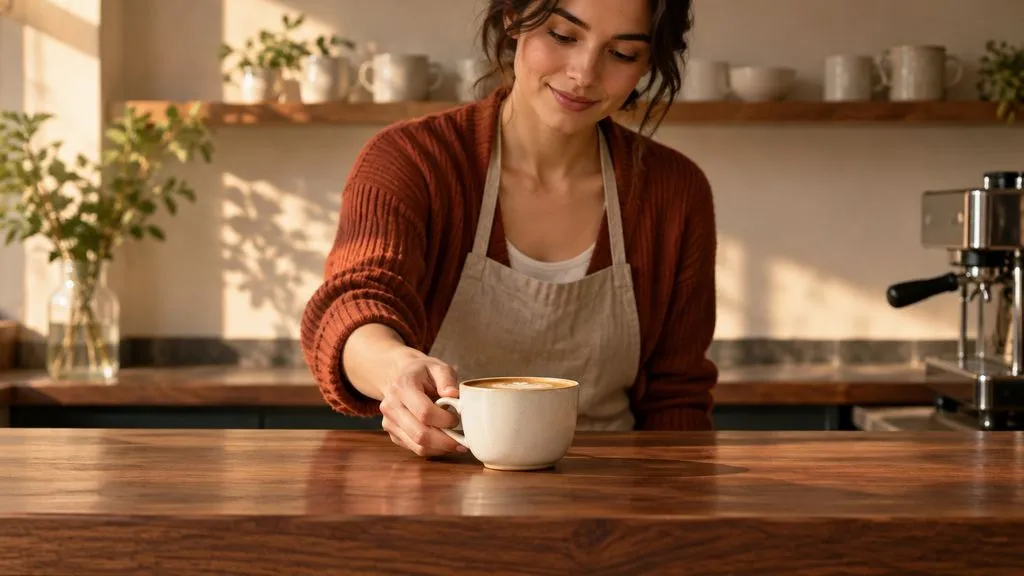
A fictional woman in a rust cardigan stands behind a small cafe counter. She places one cream ceramic cup on the walnut counter, then steps back. Camera fixed at counter height, warm morning light. A soft ceramic contact sound and quiet room tone; no dialogue or music. End on the cup with her hands clear of the frame.
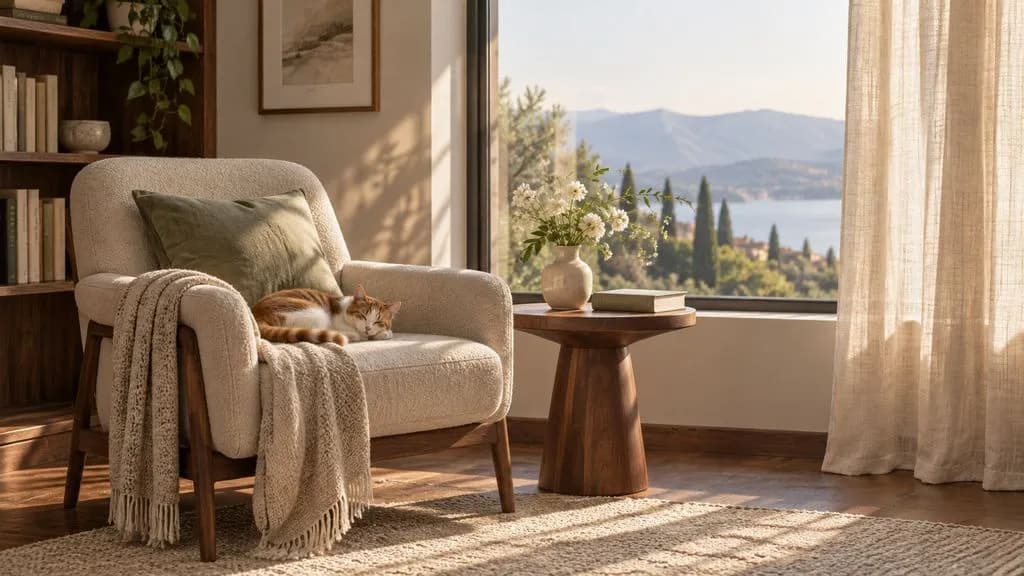
Opening frame: a cream linen curtain covers a tall window in a quiet reading room. Closing frame: the curtain is drawn halfway to the right and sunlight falls across a walnut side table. Between the two, a gentle breeze moves the fabric while the camera remains fixed. Soft fabric movement and distant outdoor birds, no music. Keep the furniture and room geometry consistent.
| Dimension | Text to Video | First Frame | First and Last Frames | Source |
|---|---|---|---|---|
| Starting point | A written scene | One approved opening image | An opening and closing image | Source |
| Brief focus | Subject, action and setting | What changes from the chosen image | A plausible passage between the two frames | Source |
| Preparation | Describe the visible sequence | Clean and approve the source image | Match subject, geometry and camera direction | Source |
| Virse access | Enabled | Enabled | Enabled | Source |
Start with a simple change that has a visible finish. Add a second beat after the first is working.
Separate subject motion from camera motion so a stationary product stays stationary.
Remove temporary captions and unwanted objects before using an image as the scene's starting point.
Check the requested sound and any unexpected dialogue across the whole clip.
Google DeepMind's Veo 3.1 generates short clips with synchronised 48kHz audio and extends them into longer sequences by carrying the closing frames forward.
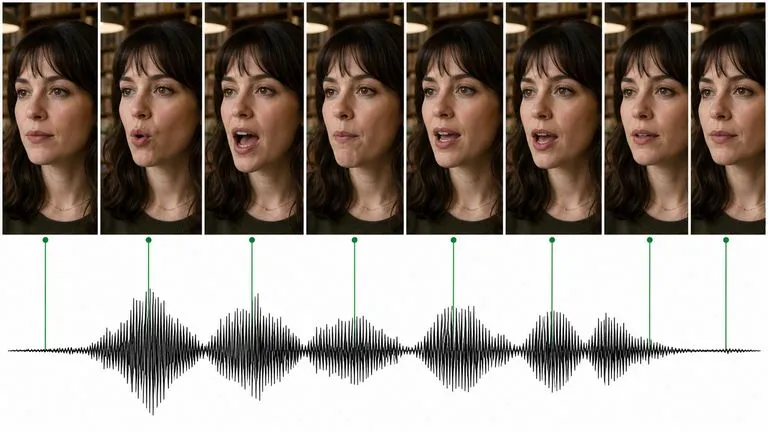
Kuaishou's Kling 3.0 speaks — lip-synced dialogue in five languages, a different voice per character, and a storyboard mode that lays out a whole sequence.
ByteDance's Seedance 2.0 produces picture and sound in one pass, from a first and last frame or from reference images, at sizes from 480P to native 4K.
Open Virse, select Wan 3 and set the scene’s duration, resolution and audio option before generating.