AI Motion Graphics Generator

AI Motion Graphics Generator

With the AI motion graphics generator, your description of what moves, and how, comes back as a short video clip.

입력
Motion brief · 필수Brand assets · 선택Style reference · 선택Motion type · 선택Duration · 선택Aspect ratio · 선택Playback · 선택
출력
1 short motion clip with its actual duration, aspect ratio and resolution; silent × 1

Brand assets선택

이미지는 캔버스에서 업로드합니다. 여기서는 설정만 입력합니다.

Style reference선택

Motion type선택
Duration선택
Aspect ratio선택
Playback선택

What is an AI motion graphics generator?

Instead of keyframes placed by hand, an AI motion graphics generator works from a written description. The clip is finished footage, not an After Effects project, so the moves cannot be adjusted frame by frame.

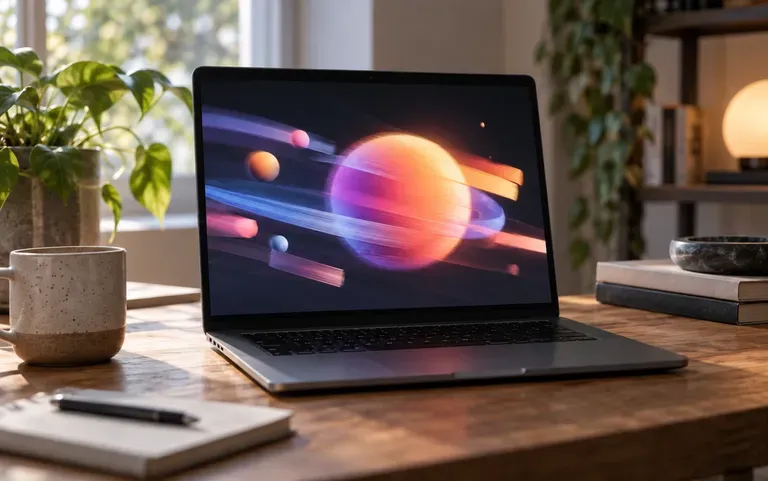
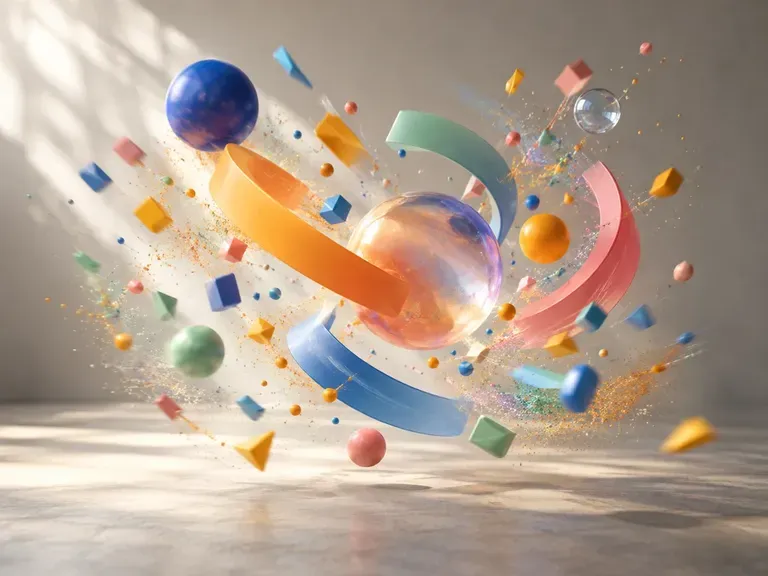
A still frame from a short particle animation

Why use Virse as a motion design AI?

Each card answers one question: what moves, where the clip plays and which brand material goes in.

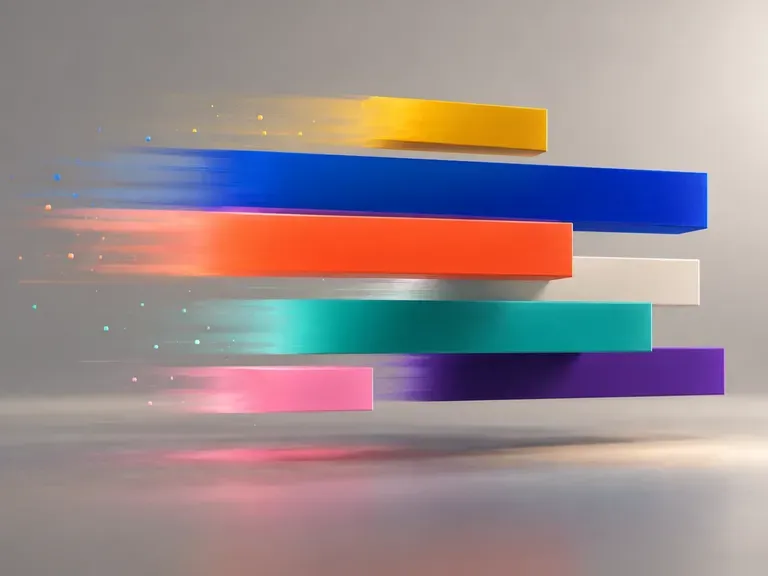
A kinetic type clip with text arriving before the shapes
Text to motion

Describe the movement

Write the order of events, such as text arriving first and shapes following, and say whether the pace should feel quick or calm.
A motion clip used as the opener of a short ad
Social

Clips for posts and intros

Use the result as a social post, a channel intro or a short ad opener.
A logo revealed in a short animation
Brand assets

Your logo, moving

Add a logo or a still image and it becomes part of the animation.

How to use the AI animation generator

  1. Describe the motion

    What appears first, how it moves and the mood of the piece.

  2. Add brand assets

    Include brand material only if the clip should show it.

  3. Generate the clip

    Run it and wait for the video to render.

  4. Review and download

    Watch it through before you download; tweak the wording for another pass.

Who uses an AI motion graphics generator?

For people who need a few seconds of motion, whether it ships as is or only tests an idea.
A moving post among still images in a feed

Social media managers

Add a moving post to a feed full of still images.
A short branded intro before a video

YouTubers and streamers

Open each video with a short branded intro.
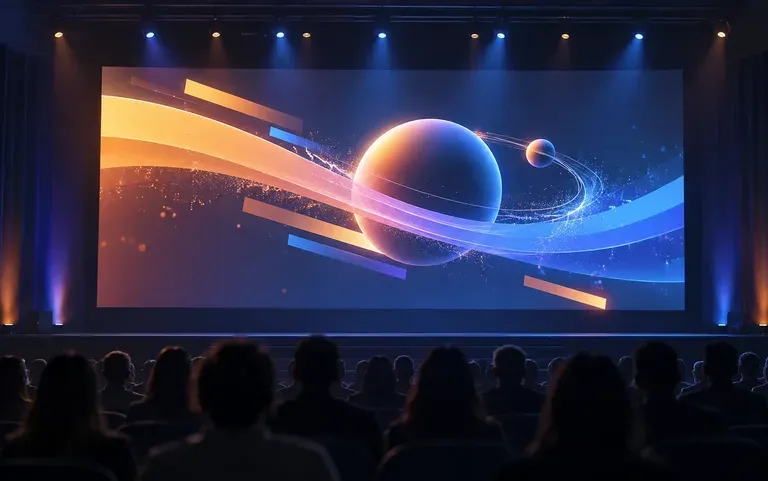
An animated clip opening a conference talk

Speakers and trainers

Play an animated title card from the slide deck as a talk begins.
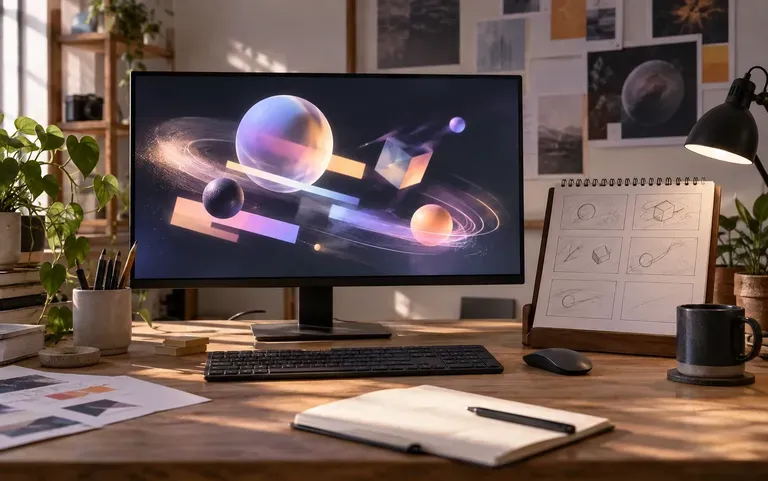
A rough motion idea next to a design board

Motion designers

Try a rough idea before building it properly in After Effects.
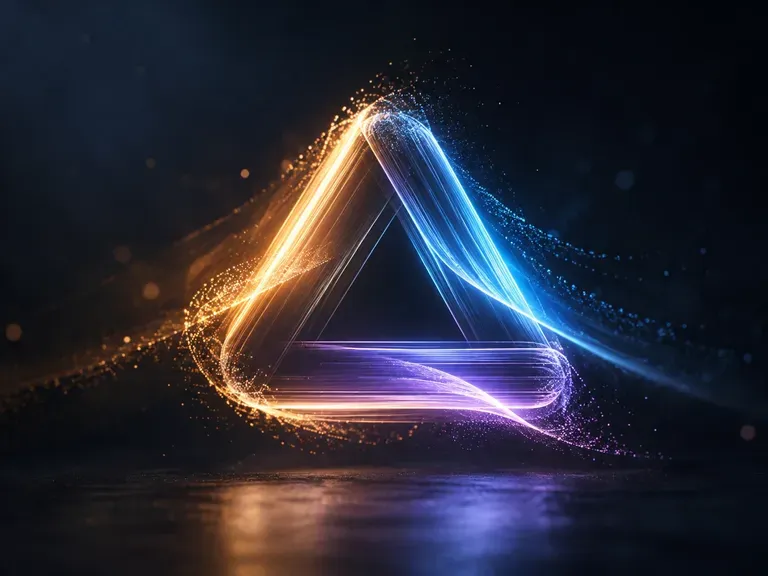
AI video motion effects ideas

Logo Reveals: a mark that builds itself
Kinetic Headlines: words that slide and stack
Particle Bursts: shapes scattering and regrouping
Channel Intros: a few seconds of branded motion
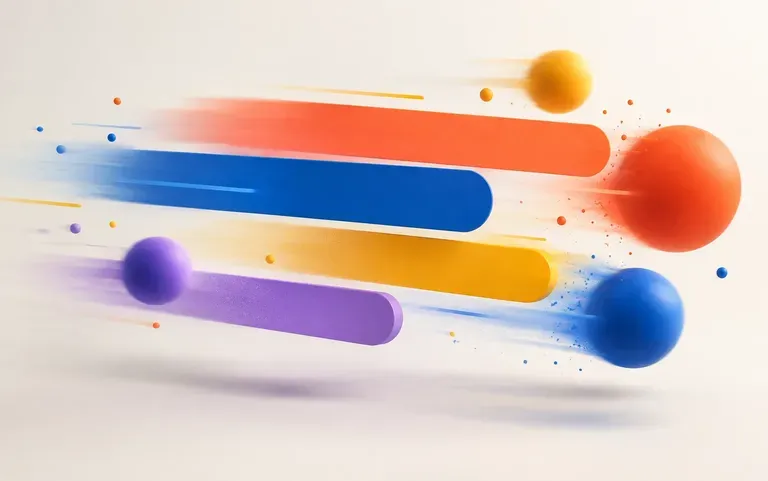
Abstract Motion: flowing color for backgrounds
Product Teasers: a still product shot brought to life
FAQ

Frequently asked questions

Do I get an After Effects project file?
No. You get a rendered video clip, not an After Effects or other project file with layers and keyframes.
Can I edit the animation frame by frame?
No. To change the motion, adjust the description and generate the clip again; the timing cannot be tweaked frame by frame.
Can it replace a motion designer?
No. It is useful for quick clips and early ideas. Polished brand animation, precise timing and rounds of client changes still call for a motion designer.
Can I animate my logo?
Yes. Include the logo and say how it should enter, for example assembling from particles. Compare the mark in the clip with your original file, because fine details can shift.
Does it make UI micro-interactions?
No. It makes video clips, not interface animations or code for buttons and menus in an app or a website.
Can I use it on the Free plan?
No. Motion clips are made with video models, and video models need a paid plan. The Free plan's compute covers image models, not video.

Make a motion clip with AI

What should be moving on your screen? Put it in a sentence.