
Free
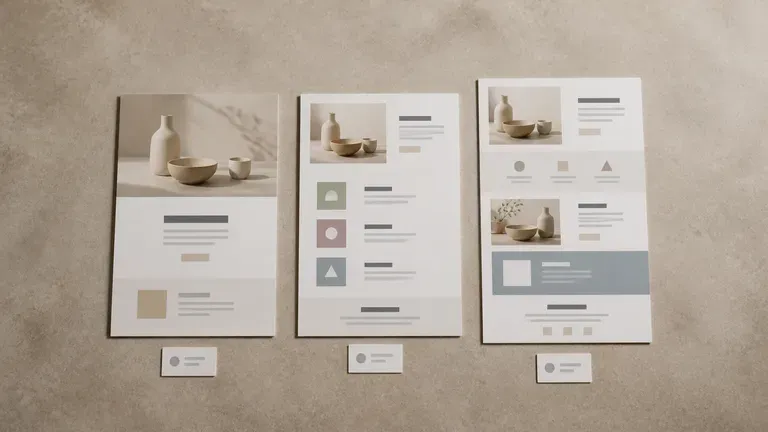
Start with Free Generations
Try your first landing page directions on free Virse credits, with up to 10 images to test layout and story before a full design build.
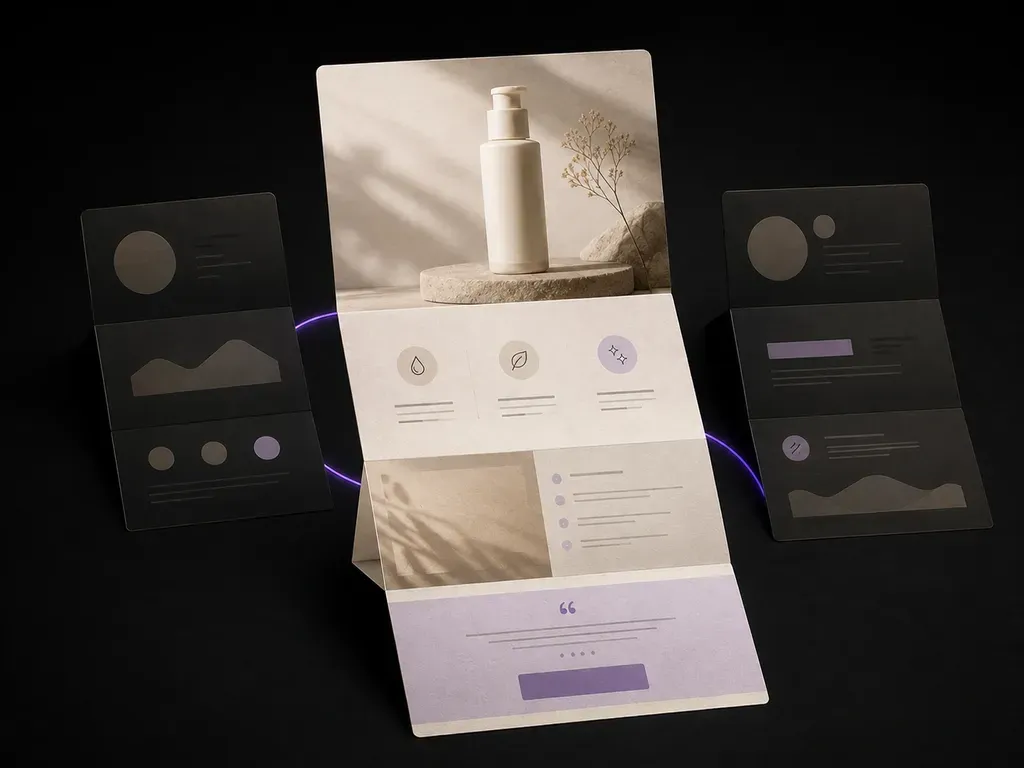
Upload your product photos and selling points to preview a full-page landing page layout with hero shot, benefit blocks and closing offer in one scroll before touching a page builder, starting on free credits.
An AI landing page design generator produces the full-page visual, hero, benefit blocks, proof, closing offer, that a page builder would otherwise take a day to assemble. It works from the product photos and selling points you already have, so what comes back is closer to a real page than a wireframe—built around three core workflow advantages:
· Full-scroll conversion arc: Lays out hero headline, product visual, benefit blocks, social proof, and closing CTA in one cohesive view.
· Built around your real packshots: Uses your uploaded product photos and actual selling points instead of lorem ipsum placeholders.
· Pre-build stakeholder sign-off: Compare dark-mode tech, warm DTC editorial, and high-contrast conversion directions before touching Webflow or Figma.
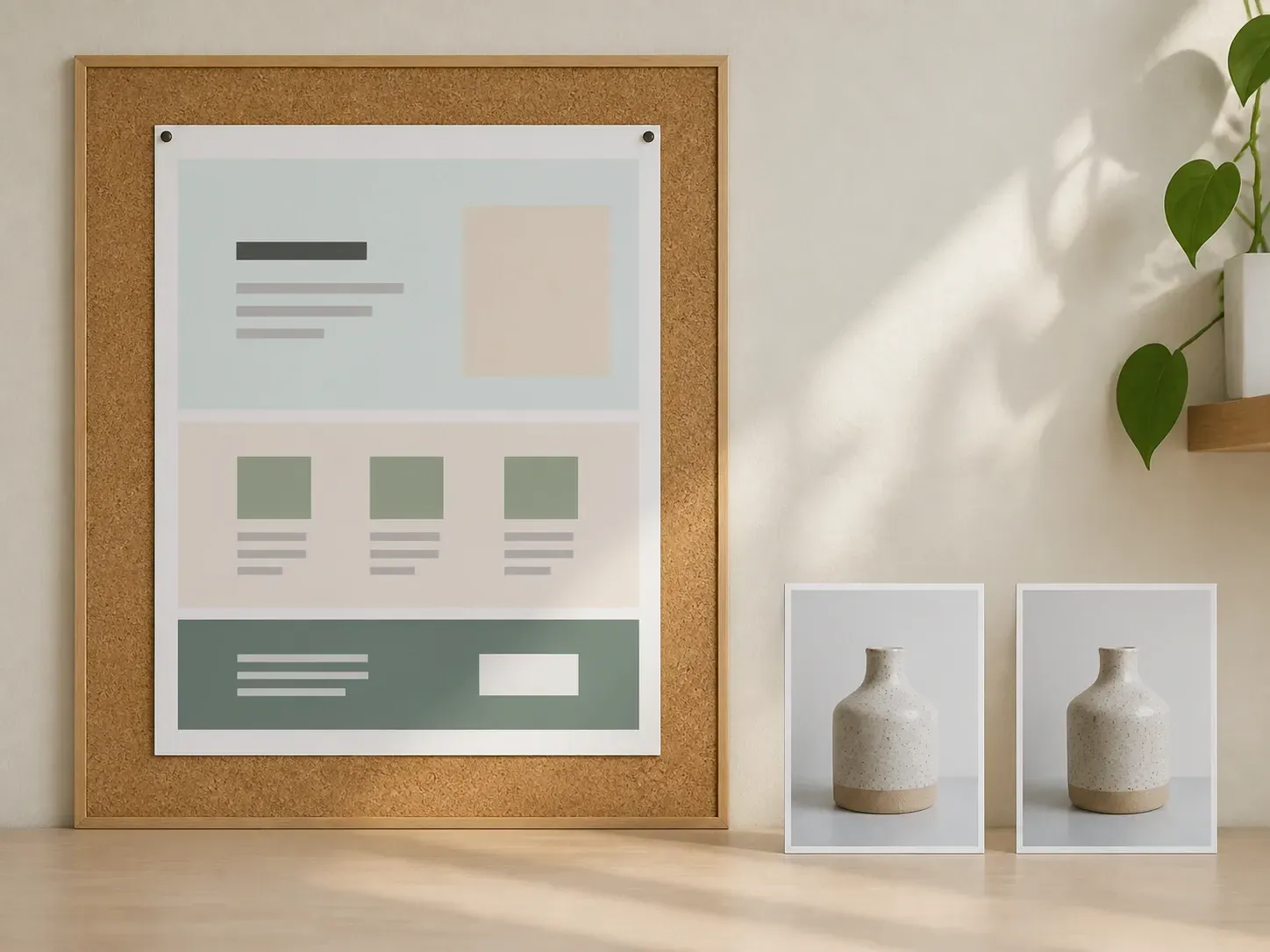
A landing page lives or dies on the first scroll. Getting several directions in front of you fast is what makes that call easier.
Try your first landing page directions on free Virse credits, with up to 10 images to test layout and story before a full design build.
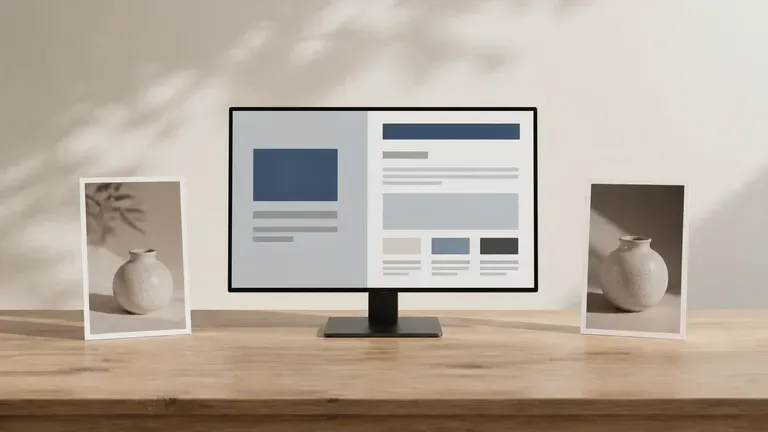
Virse brings 40+ AI models into one workspace with unlimited usage on paid plans so you can compare how different models stage your offer.
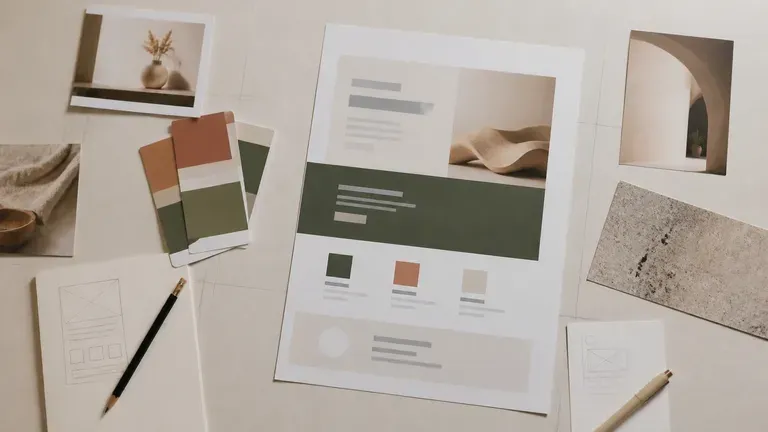
Product photos, brand assets, generated pages and alternate layouts stay on an infinite canvas with your palette and offer kept in context.
Compare grey wireframes and slow page builders against cohesive full-scroll landing page concepts.
Grey Wireframes & Slow Page Builders
Virse Landing Page Visual Generator
Upload your product shots, logo and brand palette, then write your core selling points in one or two short sentences.
Pick a module structure like hero-led, benefit stack or launch page, and note whether the style is minimal or bold.
Run an AI image model to generate several full-page visuals and place the strongest candidates side by side on canvas.
Refine the winning layout with updated notes and hand it off as the visual reference for your page builder or design team.
Upload your hero product shots and list your primary value proposition, 3 key benefits, and visual aesthetic:
· DTC functional beverage launch: Bright citrus & mint palette, split hero with chilled can + headline, 3 ingredient benefit cards, subscription tier block.
· AI developer tool landing page: Dark obsidian UI theme, centered headline + glowing dashboard hero, 3 bento-grid feature blocks, pricing comparison footer.
· Luxury industrial coffee brewer: Warm editorial alabaster & espresso theme, full-bleed countertop hero, precision engineering callouts, review carousel.
People who need a page to sell something, and need to see the option before it gets built.
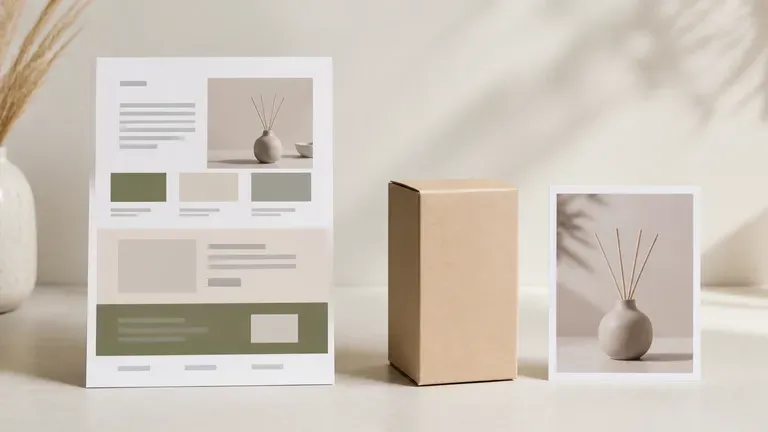
Test a product launch page or seasonal campaign visual before committing developer time to it.
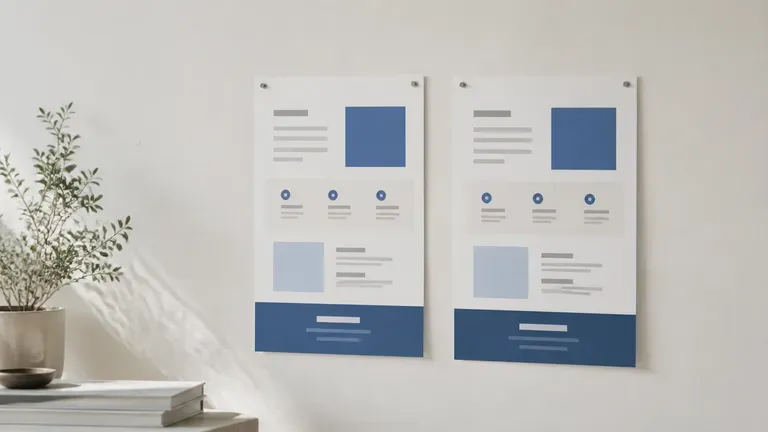
Generate several visual directions for an A/B test without waiting on a design queue for every variant.
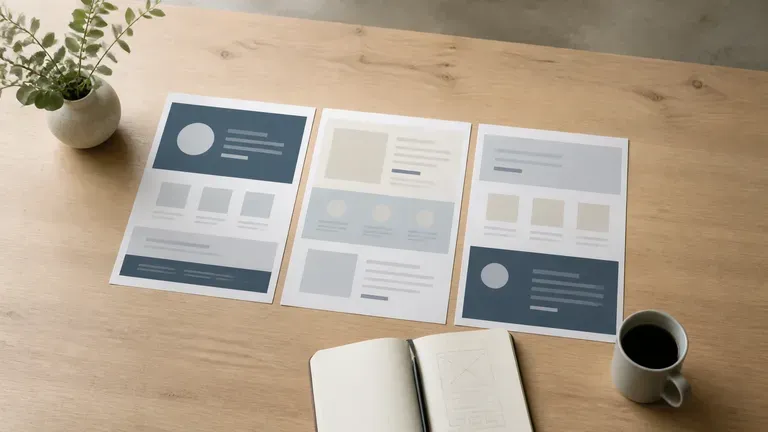
Bring a client several page concepts for review, with references and notes staying together on one canvas.
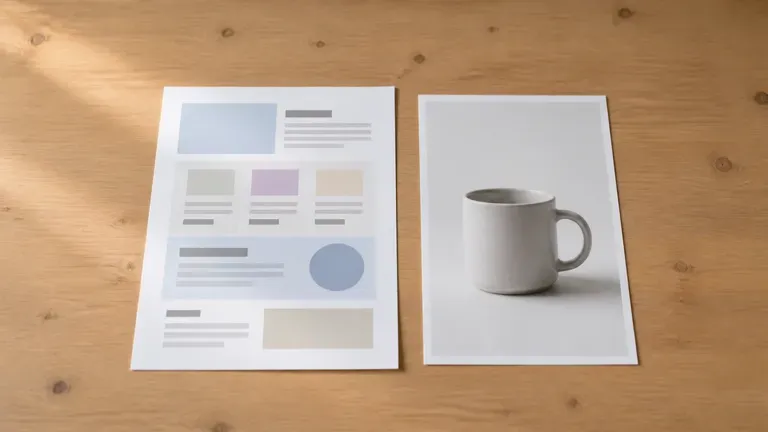
Turn product photos and a few selling points into a page visual without hiring a designer for the first draft.
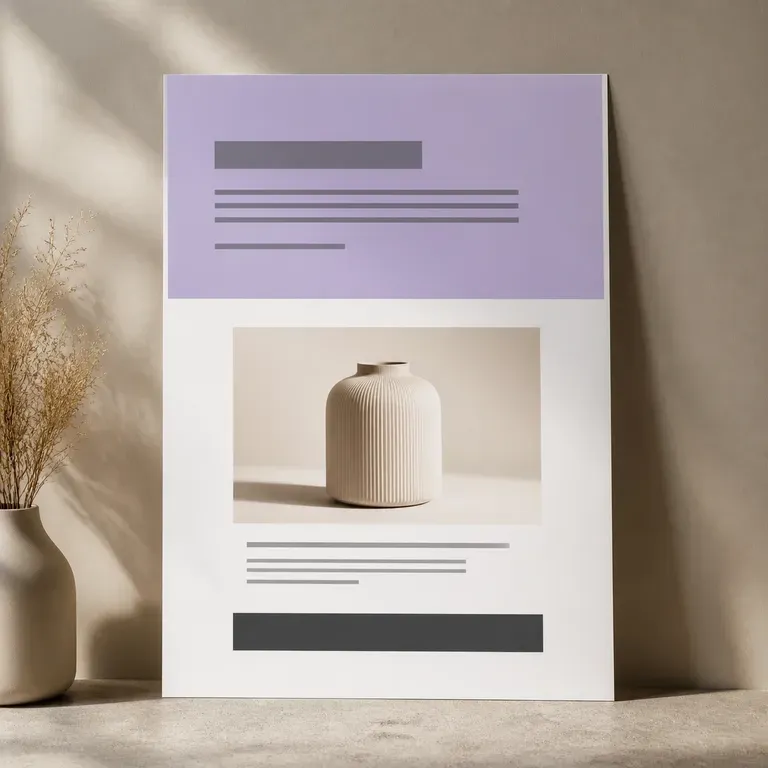
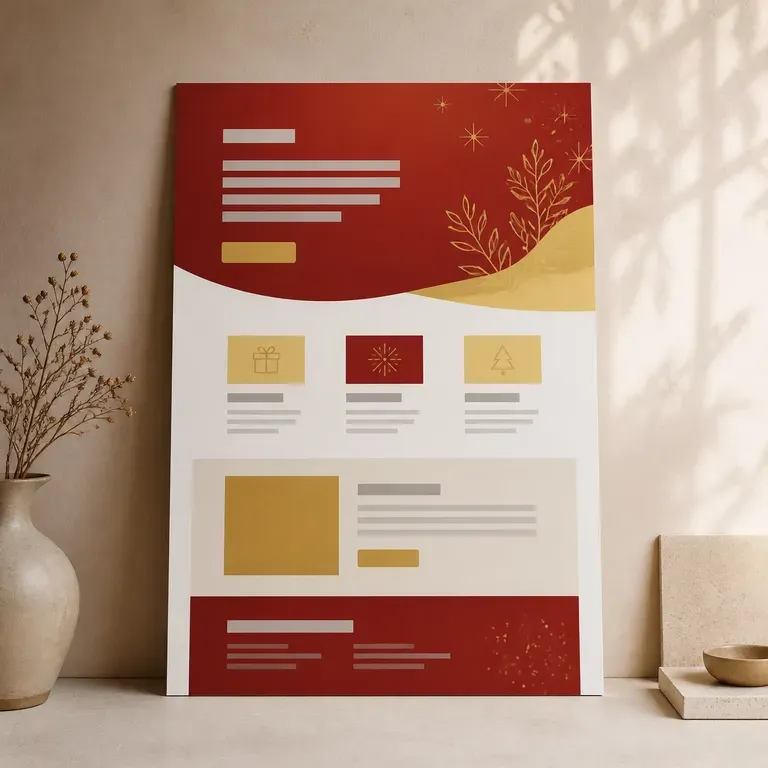
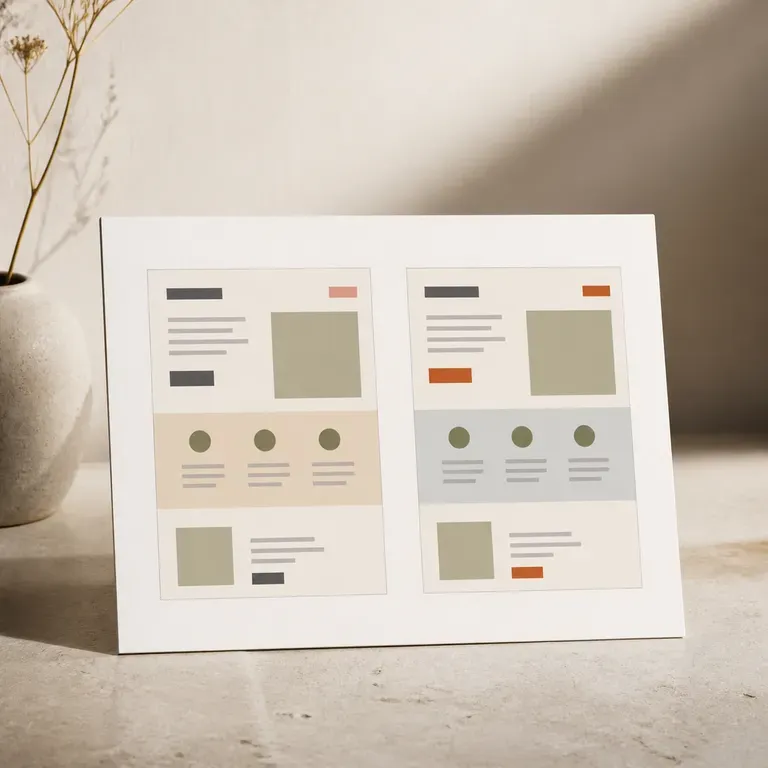
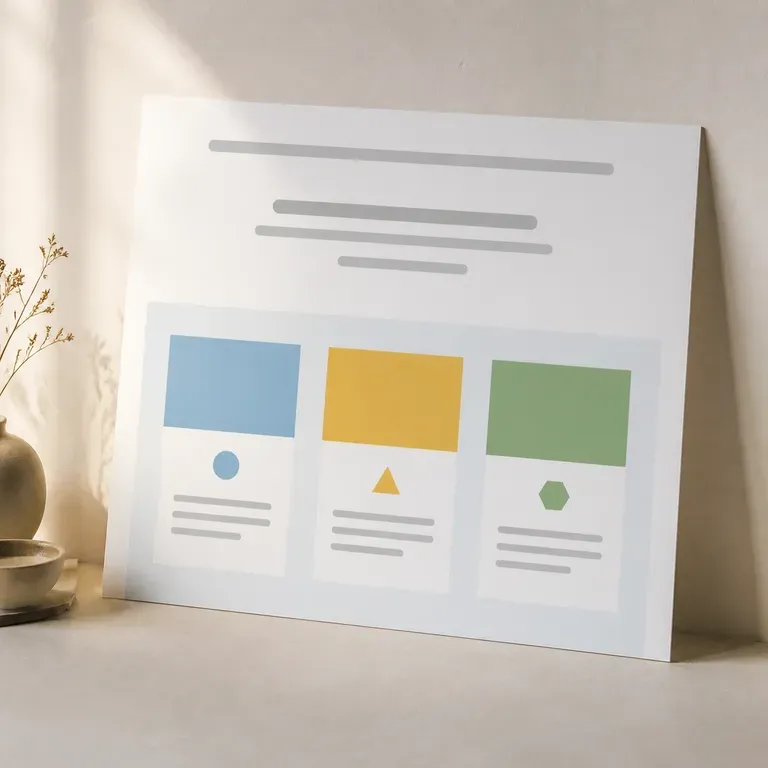
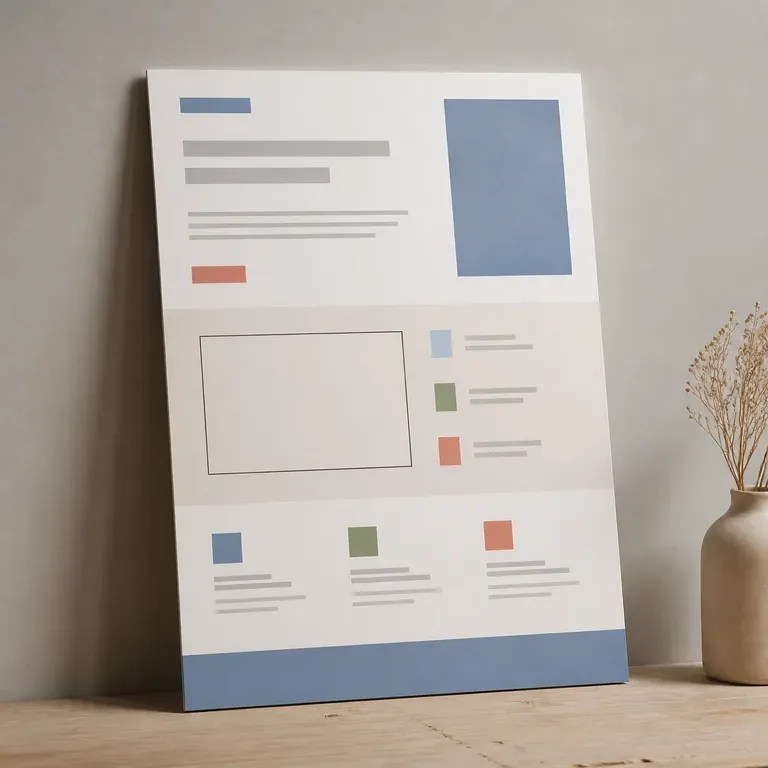
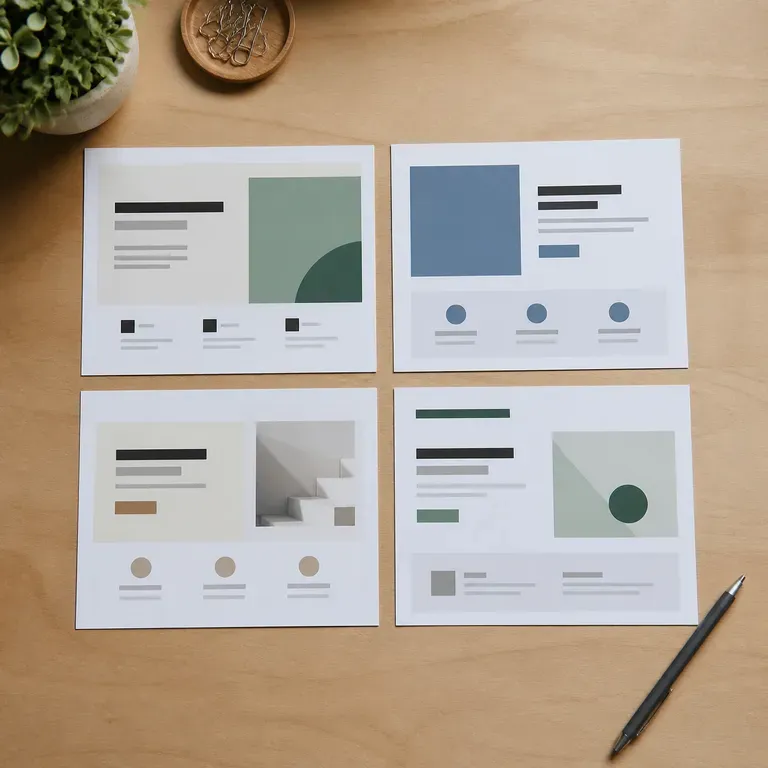
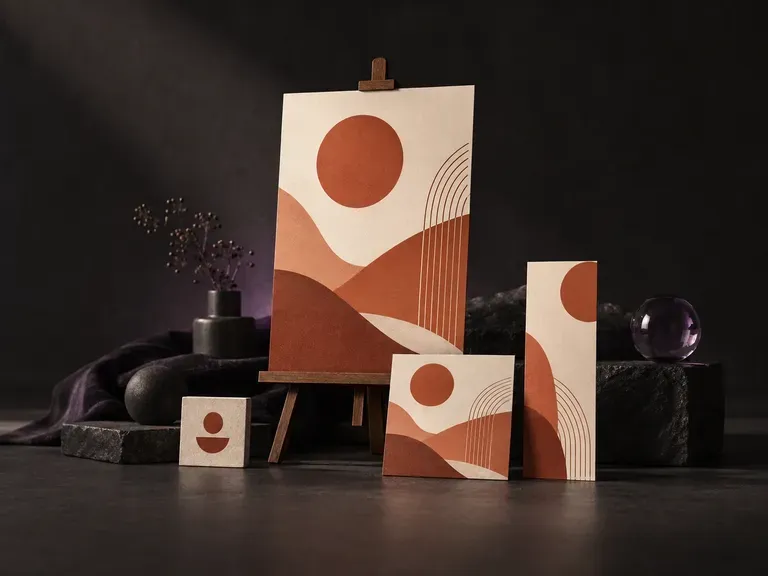
Pick a format, upload your product photo and logo, and enter your headline, offer copy, and brand hex colors. This AI template generator and AI template editor composes finished social media posts, event posters, sale flyers, and web banners with clear hierarchy.
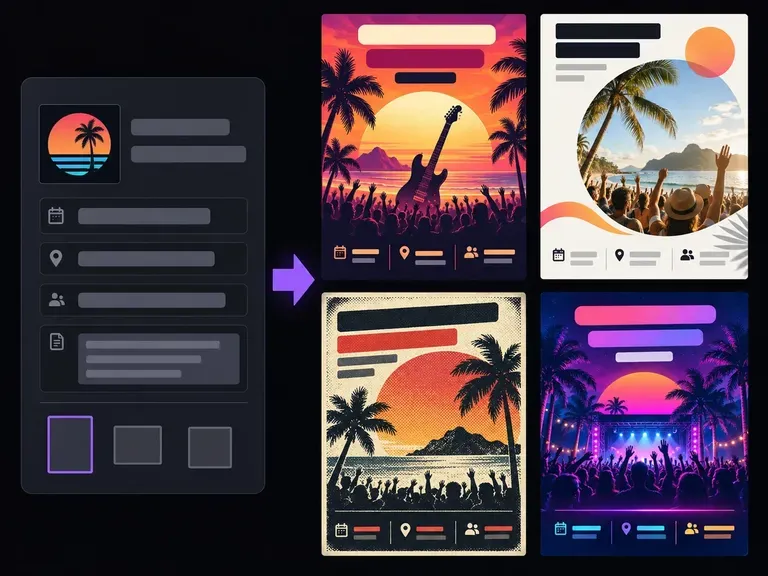
Start with the core facts people scan first: the headline, date, time, venue, and call to action. Add your visual tone and format notes, and this AI flyer generator builds complete flyer compositions so you can compare hierarchy, mood, and layout.
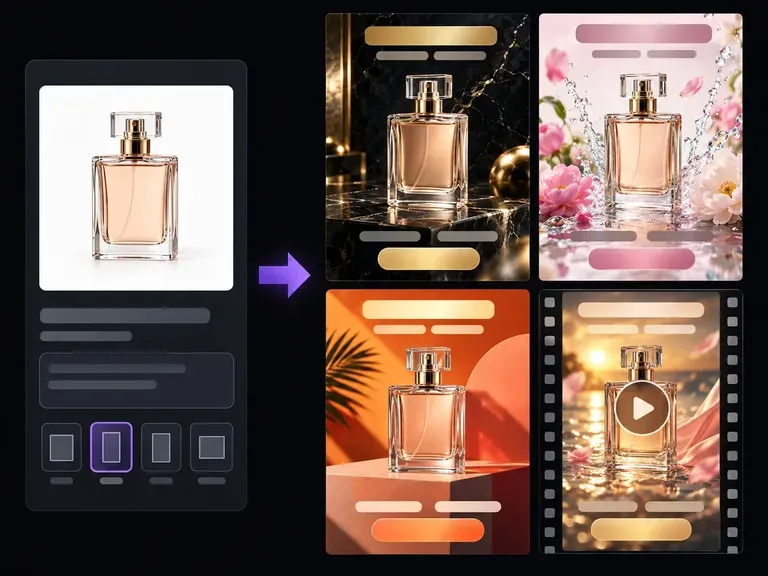
Upload a clear product photo and describe your target audience, setting, and campaign hook. Virse's AI ad generator stages your item across studio plinths, everyday lifestyle scenes, and seasonal backdrops with clean safe zones for Meta and Google Display ads.
Upload a picture that is not good enough to use. It works out what actually went wrong, whether that is blur, noise, compression artefacts or simply not enough pixels, repairs that first, then renders at the resolution you pick.
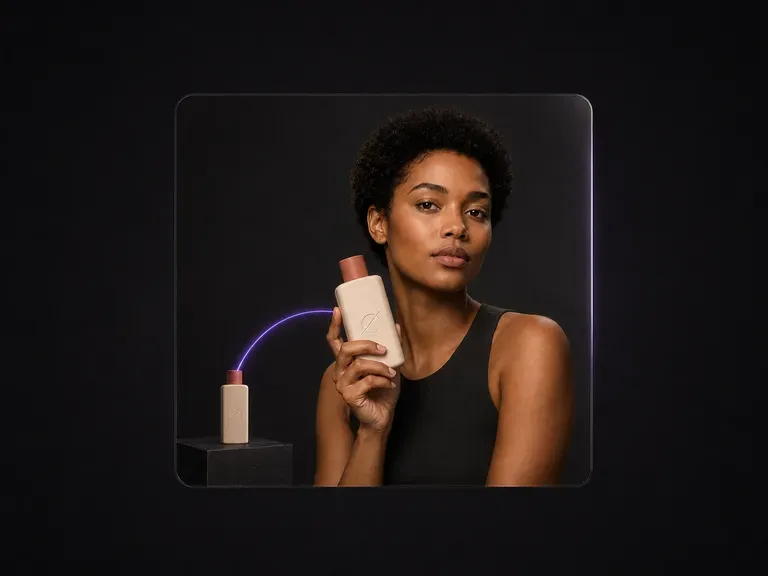
Upload a model photo and a product shot. You get one polished commercial image of the model holding the product, with a natural grip, correct scale and perspective, and unified light. The face and the product both stay exactly as photographed.
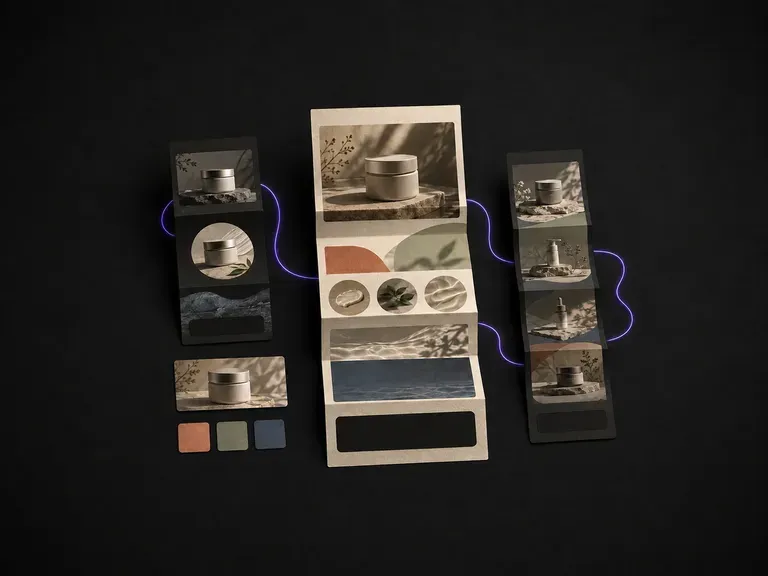
Supply your campaign goal and product photos to preview full marketing email layouts for promos, roundups or newsletters before touching an email builder, starting on free Virse credits.
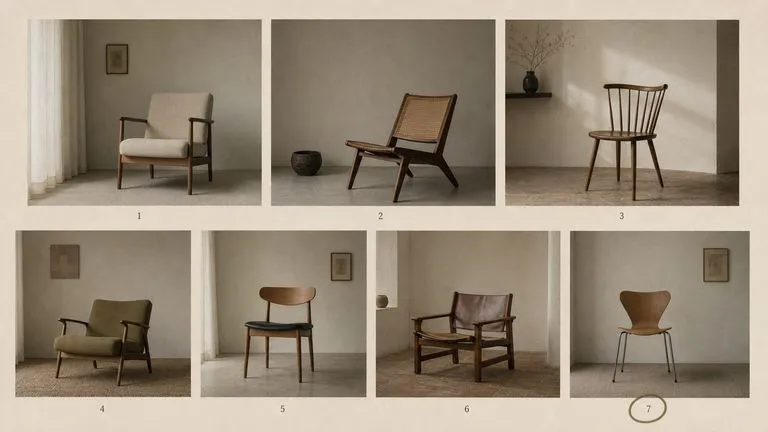
The generation of Black Forest Labs' FLUX line that came before FLUX 2, kept available as two entries — the standard model and Ultra.
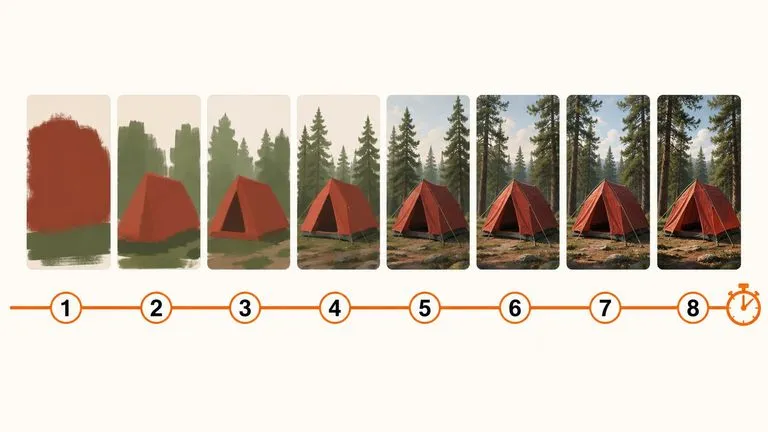
A 6-billion-parameter model compressed to an eight-step inference pipeline, built to return a usable picture before your train of thought moves on.
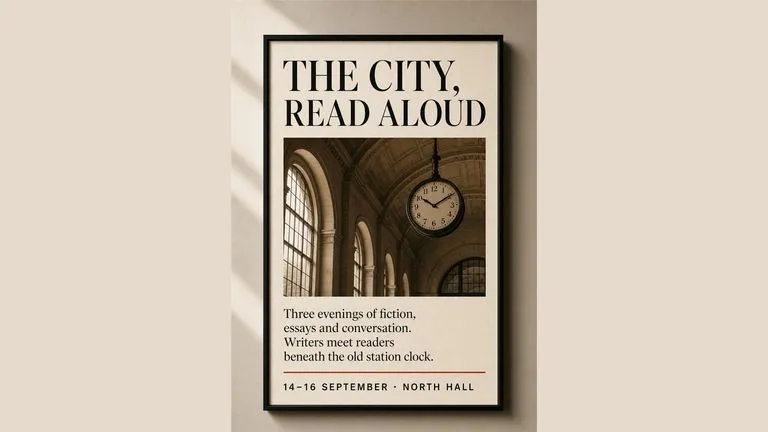
Generate studio-grade 4K images with Nano Banana Pro, blending multiple references while holding characters, products, and typography consistent.

OpenAI's ChatGPT Images 2.5 arrives in Virse as both API editions, GPT Image 2.5 Flare and GPT Image 2.5 Sunburst, with six quality grades and output up to 4K.
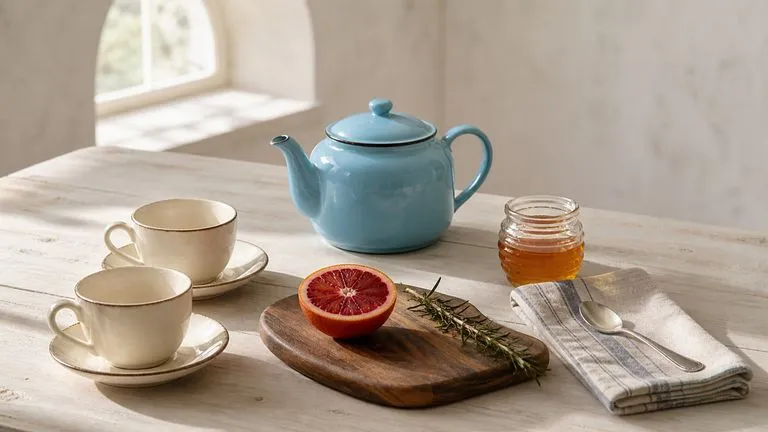
OpenAI's GPT Image 2.0 reads a hundred-word brief and attempts all of it, with independent quality and resolution controls from 1K to 4K.
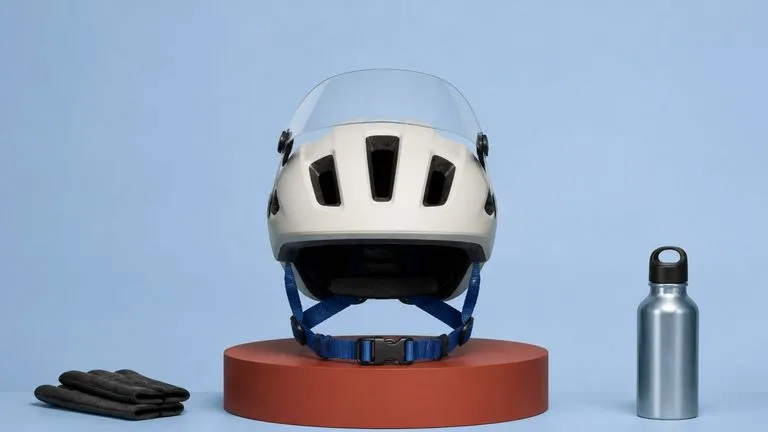
Black Forest Labs' production model reads briefs up to 32,000 tokens, so brand rules, colour values, and compositional constraints can all go in at once.
Turn your product photos and selling points into landing page visuals, compare the directions side by side, and hand the strongest one to your build process.