Landing Page Visual Generator

Landing Page Visual Generator

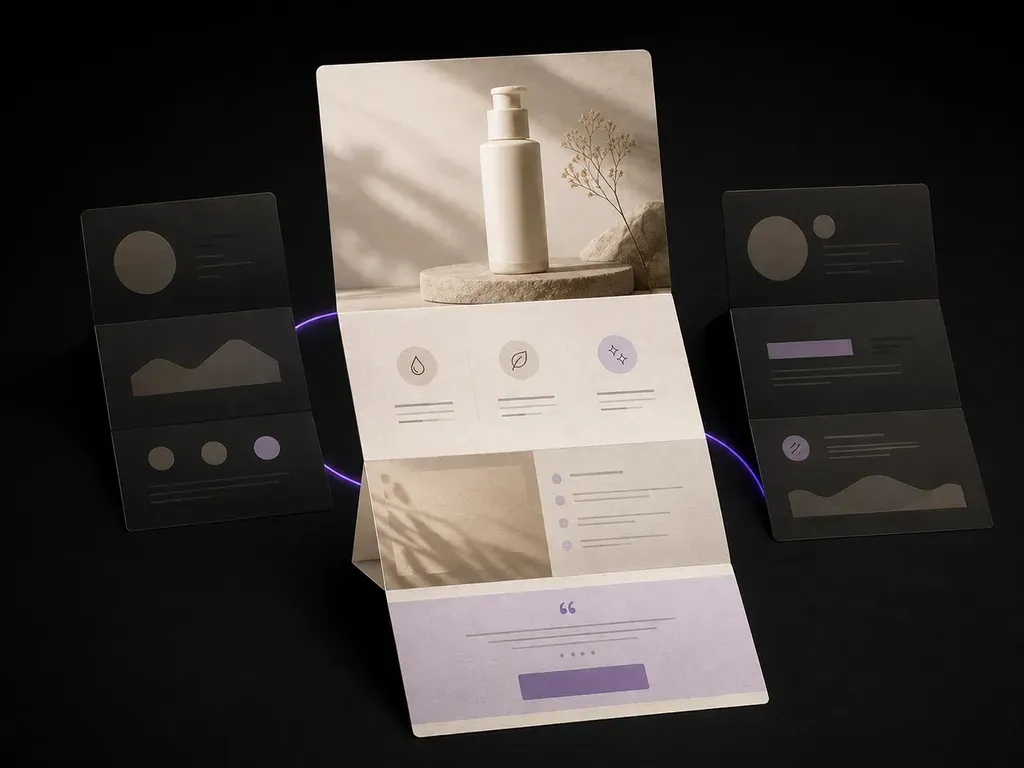
A page that never gets built doesn't cost a developer's week. Upload your product photos and selling points, and see the full-page visual before anyone touches a page builder, hero shot, benefit blocks, closing offer, all in one scroll, and the first version is on the house.

Entrée
Product images · ObligatoireKey selling points · ObligatoireBrand assets · FacultatifModules & style · FacultatifNumber of drafts · Facultatif
Sortie
落地页竖版长图(套数按所选数量)

Product imagesObligatoire

L’image se téléverse sur le canevas ; ce formulaire transporte les réglages.

Brand assetsFacultatif

Number of draftsFacultatif

What Is an AI Landing Page Design Generator?

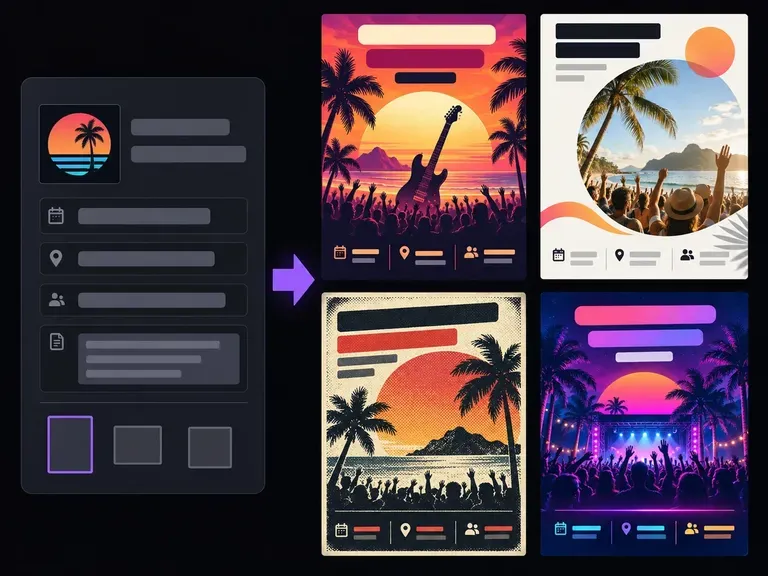
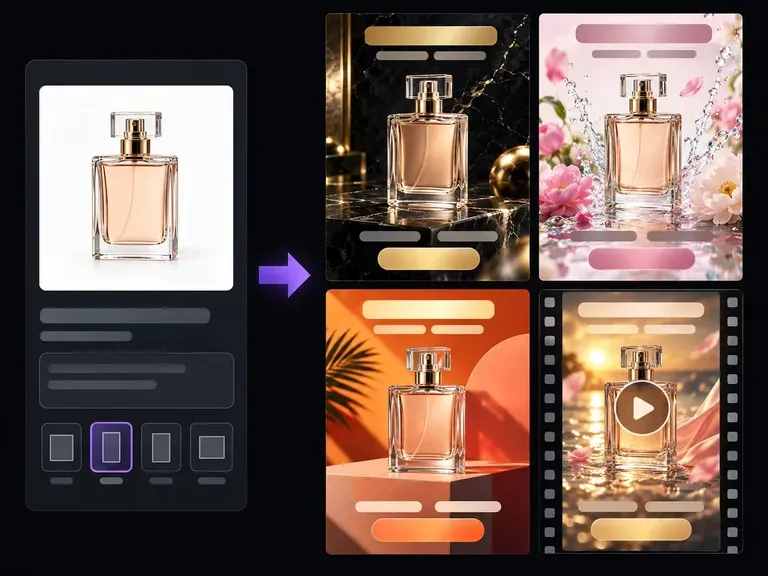
An AI landing page design generator produces the full-page visual, hero, benefit blocks, proof, closing offer, that a page builder would otherwise take a day to assemble. It works from the product photos and selling points you already have, so what comes back is closer to a real page than a wireframe.

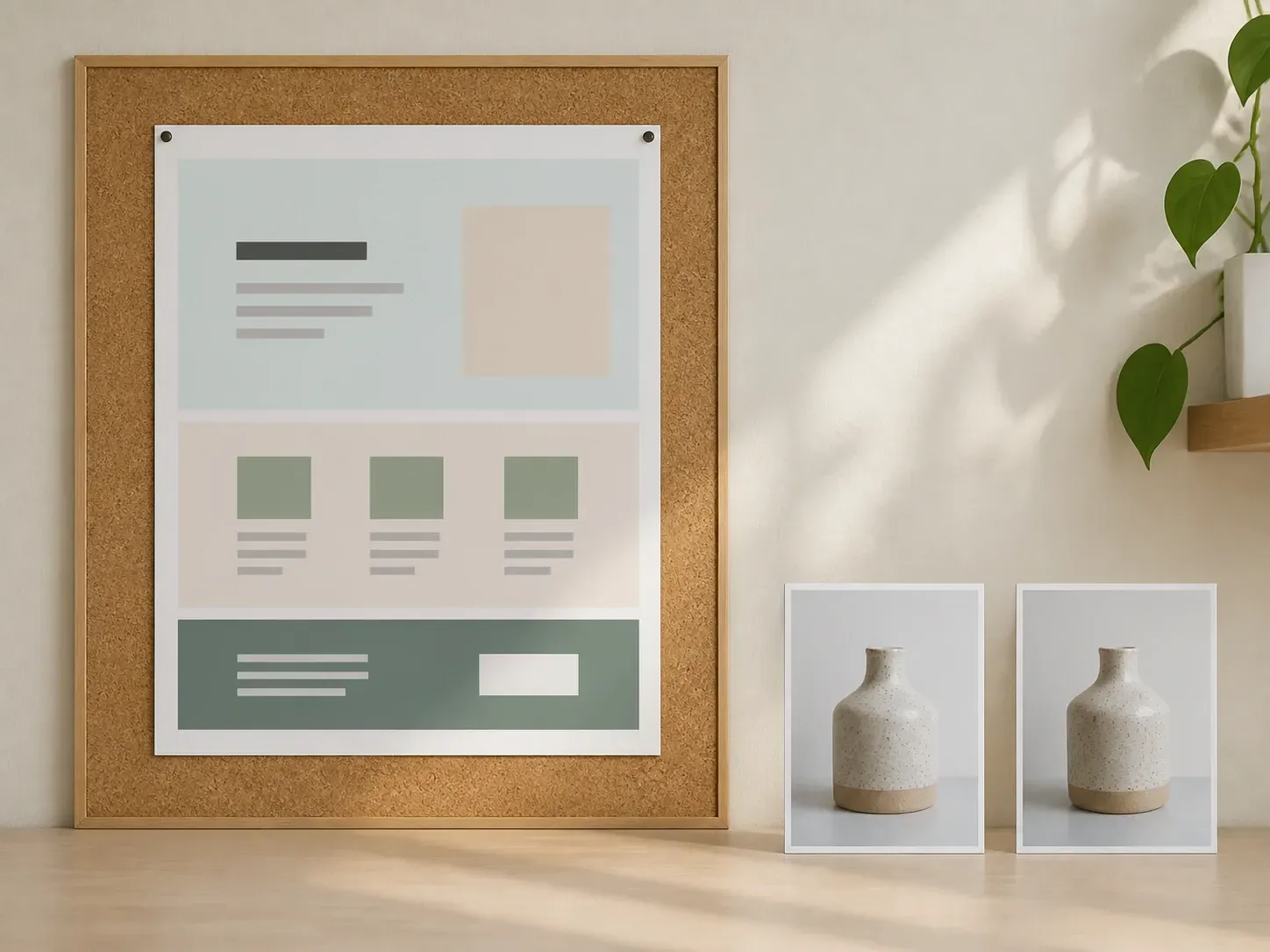
A printed landing page layout pinned to a studio corkboard beside two product photographs
Product photos and selling points turned into a full landing page visual

Why Use Virse's Landing Page Generator?

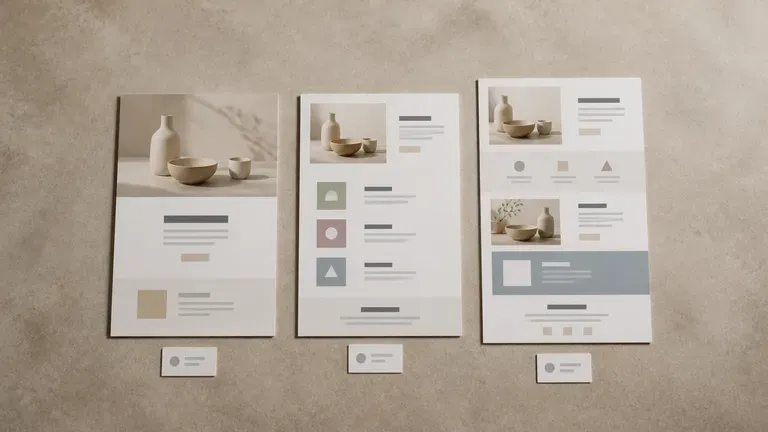
A landing page lives or dies on the first scroll. Getting several directions in front of you fast is what makes that call easier.

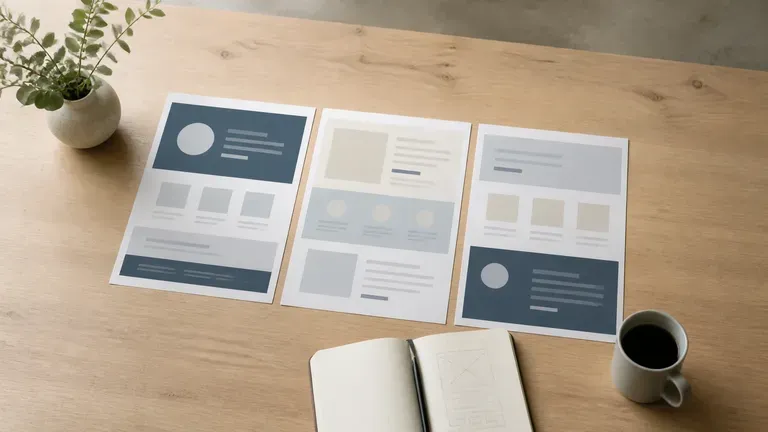
Three printed landing page layouts on a desk showing hero-led, benefit-stack and launch-page structures
Free

Start with Free Generations

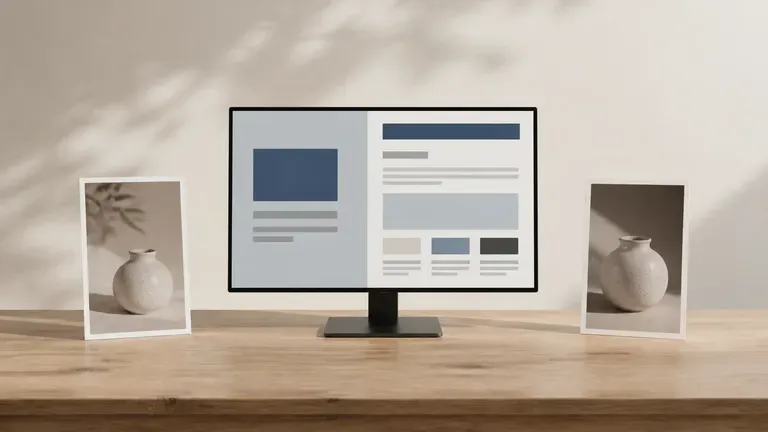
Try your first landing page directions on Virse credits. New users can generate up to 10 images, enough to see whether a layout and product story hold before a designer spends a week on it.

A monitor showing an abstract landing page layout with two product photos on either side
40+ models

Explore with Multiple AI Models

Virse brings 40+ AI models into one environment, and paid plans include unlimited model usage. You can see how different models handle the same product photo and offer without rebuilding your brief for each one.

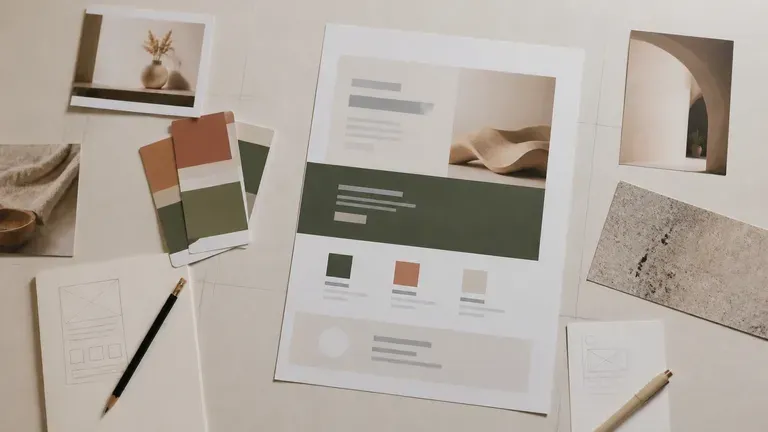
A finished landing page layout surrounded by product photos, brand colour cards and notes on a desk
Canvas

Compare Directions on One Canvas

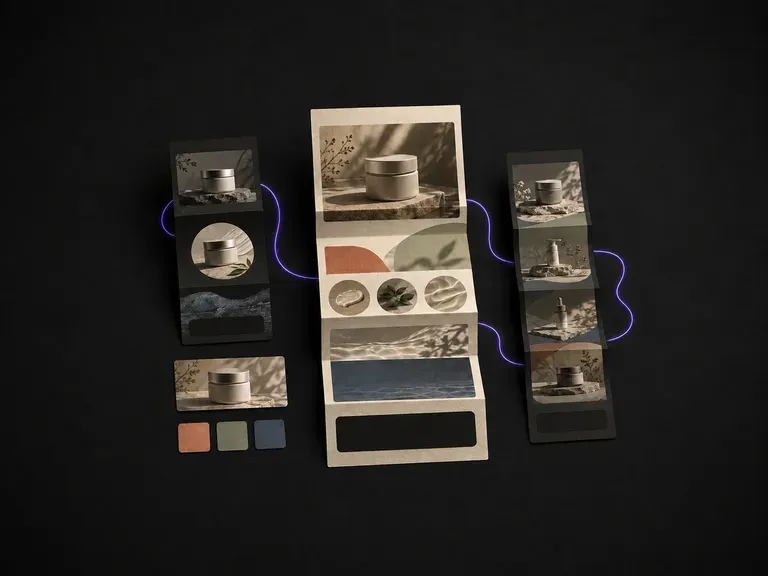
Product photos, brand assets, generated pages and alternative layouts stay together on an infinite canvas. Virse keeps your brand palette and offer details in context, so the next round builds on the direction already picked.

How to Generate a Landing Page Design with AI in Four Steps

  1. Add product photos and brand assets

    Upload the product shots you have and any logo, palette or brand imagery you want carried through. Write your core selling points in a sentence or two.

  2. Choose the page shape

    Pick a module structure such as hero-led, benefit stack or full launch page, and note the visual style you want, from clean and minimal to bold and colourful.

  3. Generate and compare directions

    Run an available AI image model and let it lay out a few full-page visuals. Bring the ones worth a second look together on the canvas next to each other.

  4. Refine the one you will build

    Pick the strongest direction and keep adjusting it with updated notes and references. When it is ready, it works as the visual reference your page builder or design team builds from.

Who Is an AI Landing Page Generator For?

People who need a page to sell something, and need to see the option before it gets built.

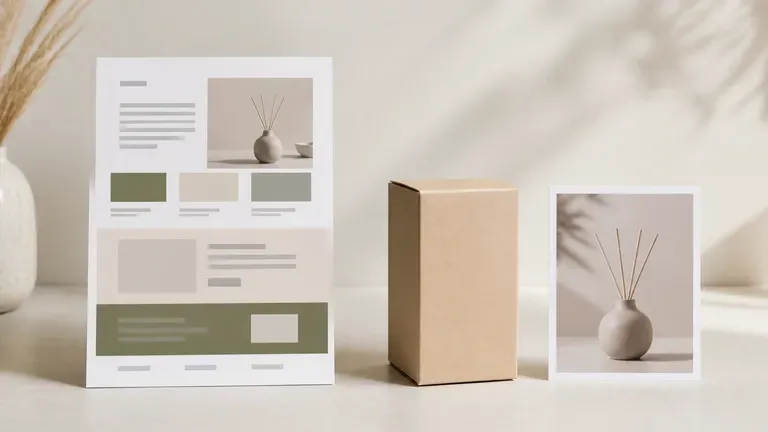
A landing page layout for a product launch beside its packaging box and product photo

Ecommerce & DTC Brands

Test a product launch page or seasonal campaign visual before committing developer time to it.

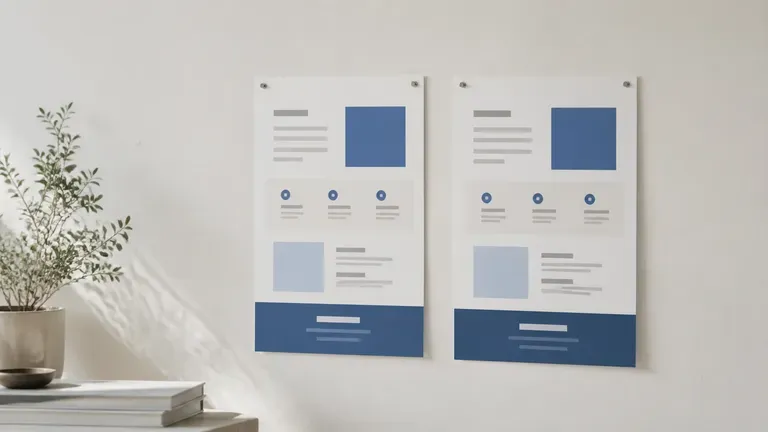
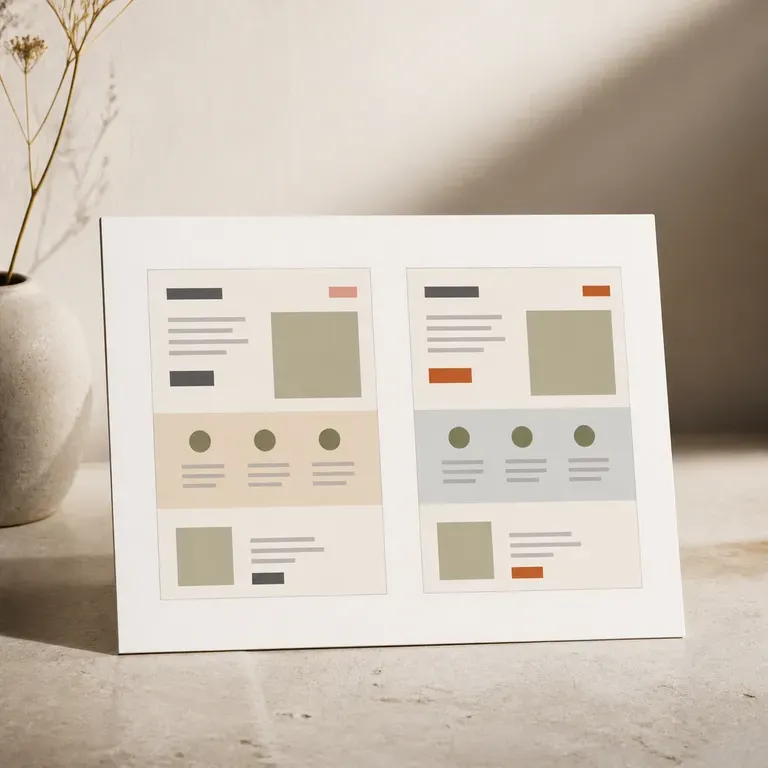
Two nearly identical landing page layouts pinned to a wall for an A/B test comparison

Growth & Performance Marketers

Generate several visual directions for an A/B test without waiting on a design queue for every variant.

Three landing page layouts spread across a meeting table for a team review

Agencies & Freelance Designers

Bring a client several page concepts for review, with references and notes staying together on one canvas.

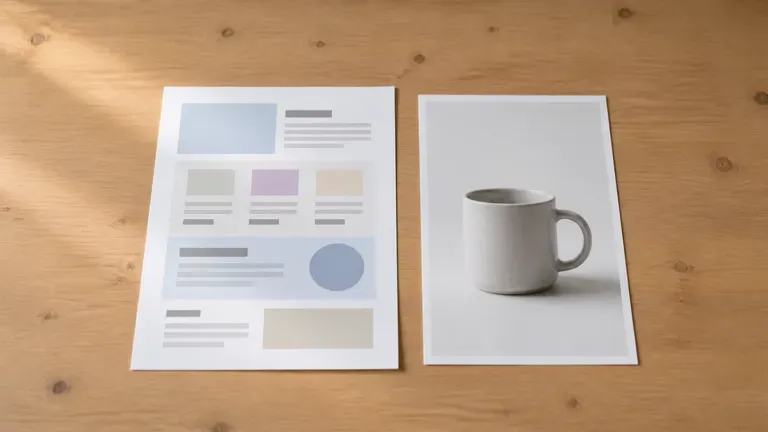
A landing page layout beside a simple natural-light product photo on a small desk

SMBs Without a Design Team

Turn product photos and a few selling points into a page visual without hiring a designer for the first draft.

AI Landing Page Design Generator Use Cases

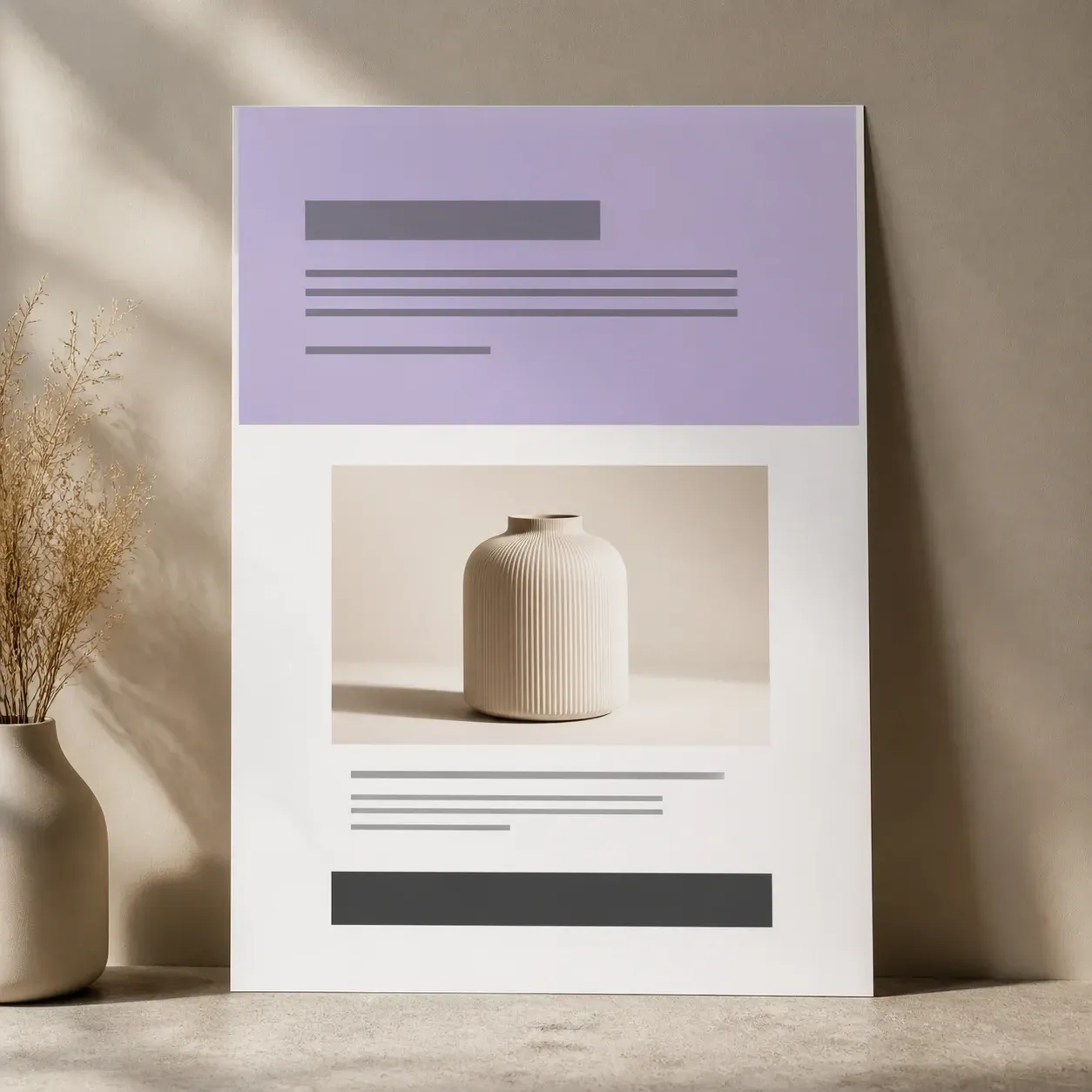
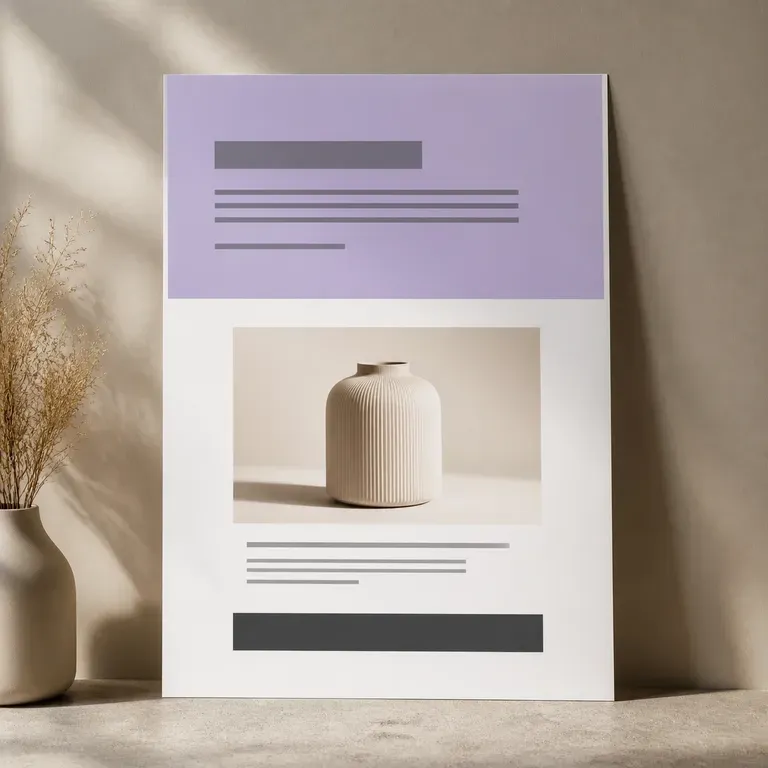
A landing page layout with a hero block, a centred product photo and a button bar
Product Launch Pages: a hero shot, headline and a single call to action for a new release
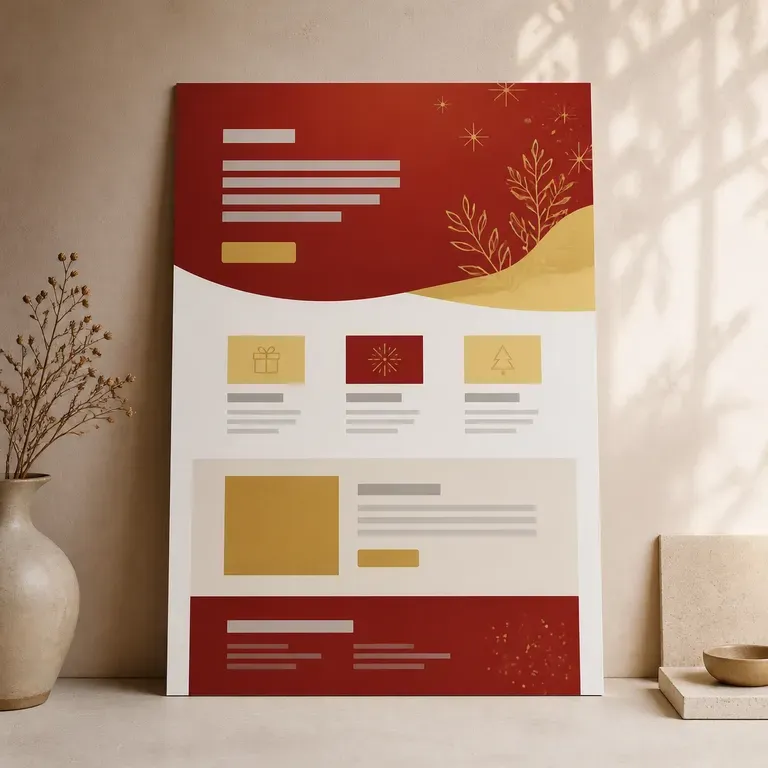
A landing page layout in a warm red and gold festive colour scheme
Seasonal Campaign Visuals: a limited-time offer page styled around a sale or holiday theme
Two small landing page layout thumbnails side by side for an A/B comparison
A/B Test Variants: two or three layout directions for the same offer, compared before building
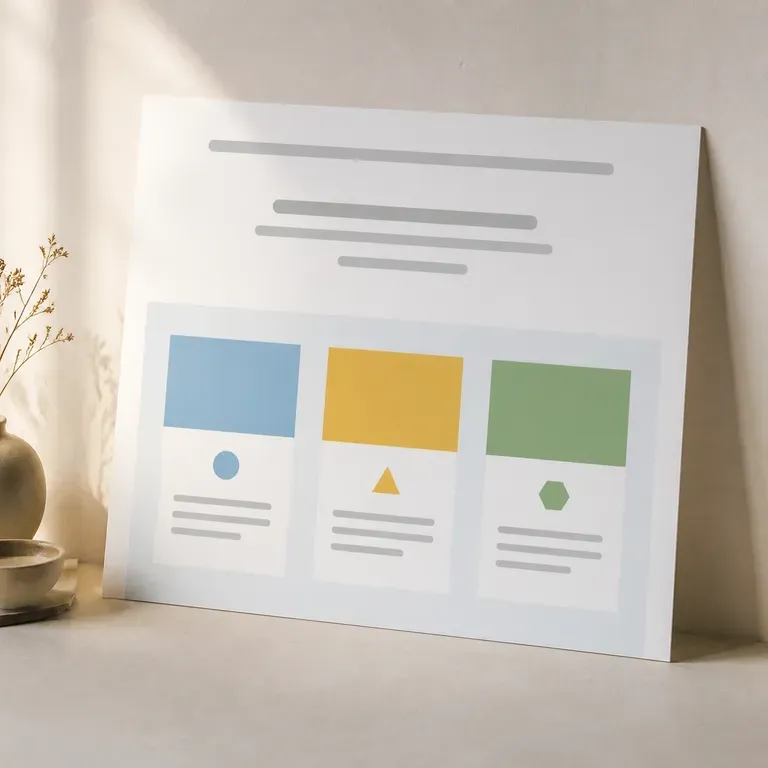
A landing page layout with three horizontal benefit blocks each beside a small icon shape
Benefit-Led Scroll Pages: a product photo paired with feature blocks and supporting proof
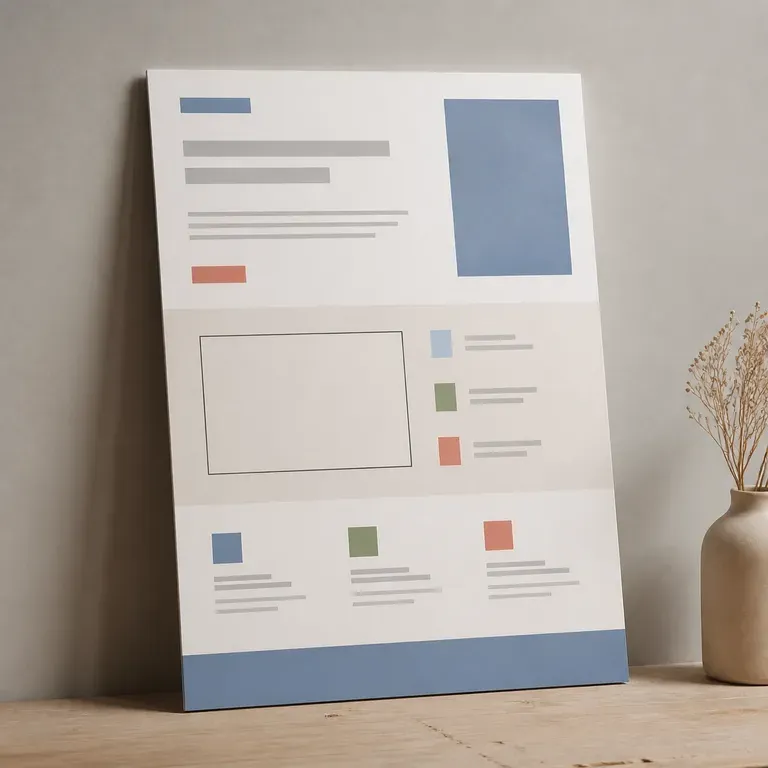
A landing page layout with a simple rectangular screenshot placeholder and feature blocks
App & Software Landers: a screenshot-style visual paired with a feature list and sign-up prompt
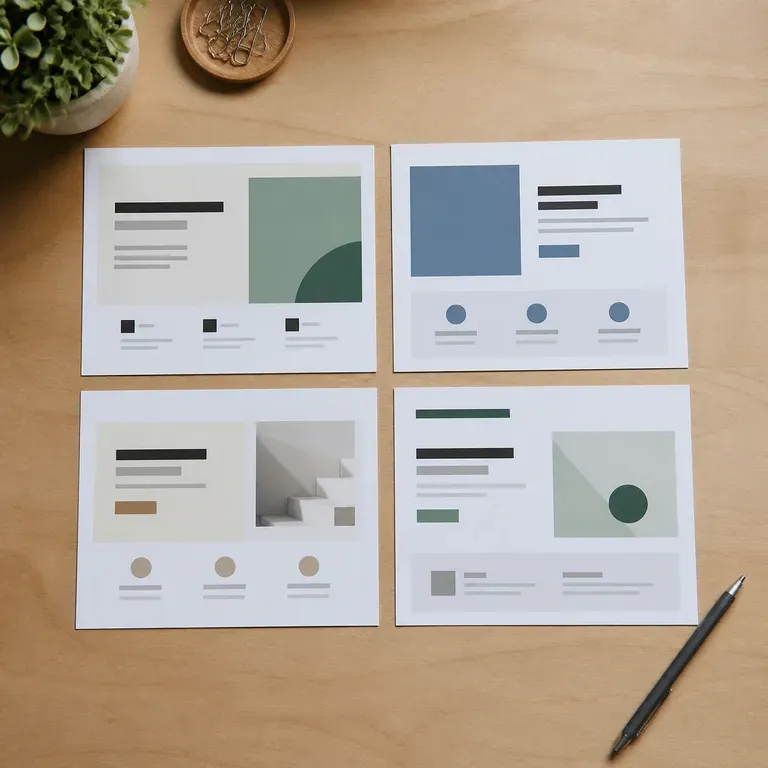
Four small landing page layout thumbnails arranged in a grid for review
Client Pitch Concepts: several full-page directions laid out for an agency review
FAQ

Frequently Asked Questions

Is Virse's landing page generator free?
You can start on free Virse credits. New users can generate up to 10 images with Nano Banana 2, enough to test a page direction before deciding whether you need a paid workflow. Free access is limited rather than unlimited.
Does this generate a working webpage?
No. It generates the visual direction for a landing page, a full-page image you can review and hand to a page builder or developer. It does not output HTML, CSS or a page you can publish directly.
Can I use my own product photos?
Yes. Upload the product shots and brand assets you already have, and they carry through into the generated page directions rather than being replaced with stock imagery.
Can I generate more than one layout for the same product?
Yes. You can run several directions from the same inputs and keep them side by side on the canvas, which is useful for A/B testing or a client review.
Do I need design or copywriting experience?
No. Describe your product, selling points and the page shape you want. References and brand assets carry more of the visual intent than the wording of your notes.
What do Virse paid plans include?
Paid plans include access to 40+ AI models with unlimited model usage and unlimited team seats, aimed at teams moving from one-off tests into a repeatable page-testing workflow.

Generate Your Landing Page Visual with AI

Turn your product photos and selling points into landing page visuals, compare the directions side by side, and hand the strongest one to your build process.