AI Model Holding Product

AI Model Holding Product

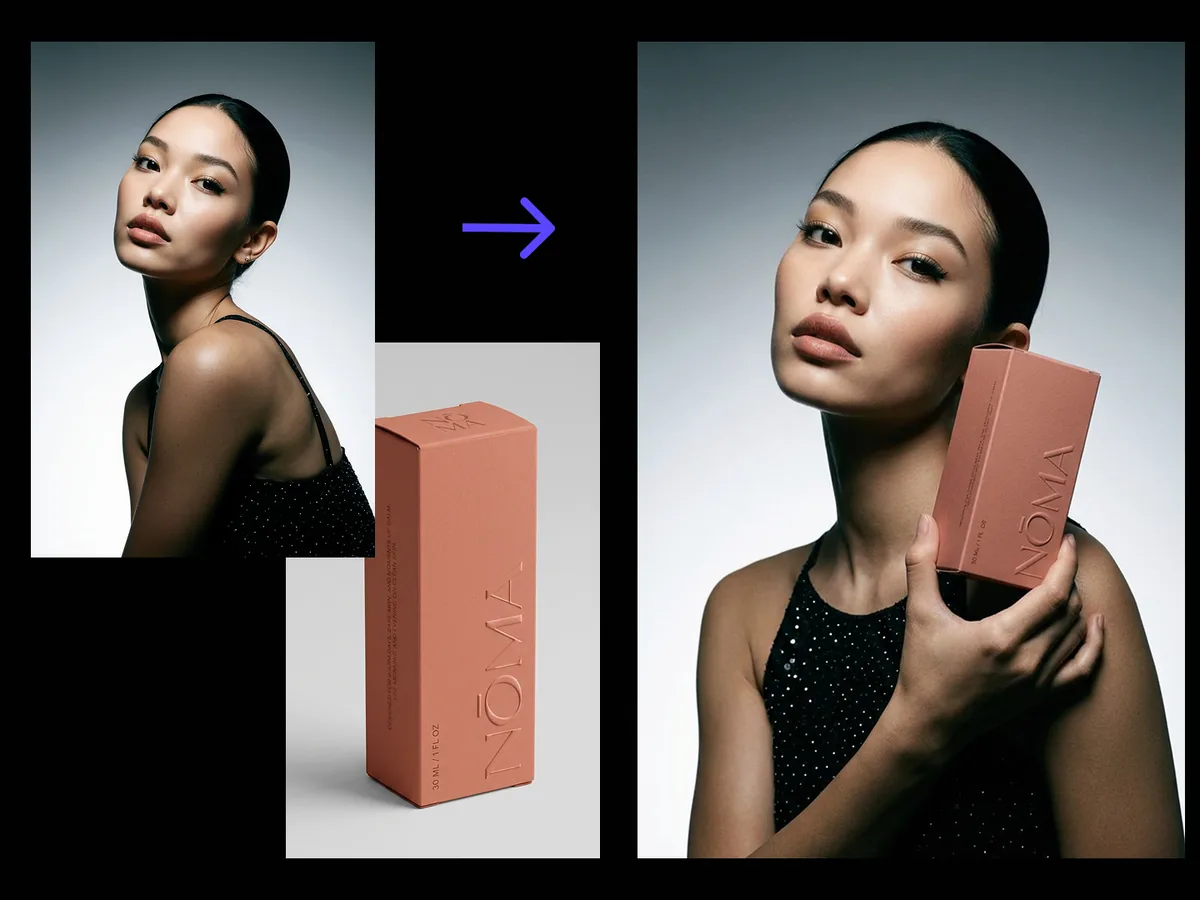
Upload a model photo and a product shot. You get one polished commercial image of the model holding the product, with a natural grip, correct scale and perspective, and unified light. The face and the product both stay exactly as photographed.

Input
Model image · RequiredProduct images · RequiredPose & scene notes · Optional
Output
Model holding the product × 1

Model image

Required

Drop your model photo

Your image is uploaded on the canvas — this form carries the settings.

Product imagesRequired

What AI model holding product shots do to a packshot

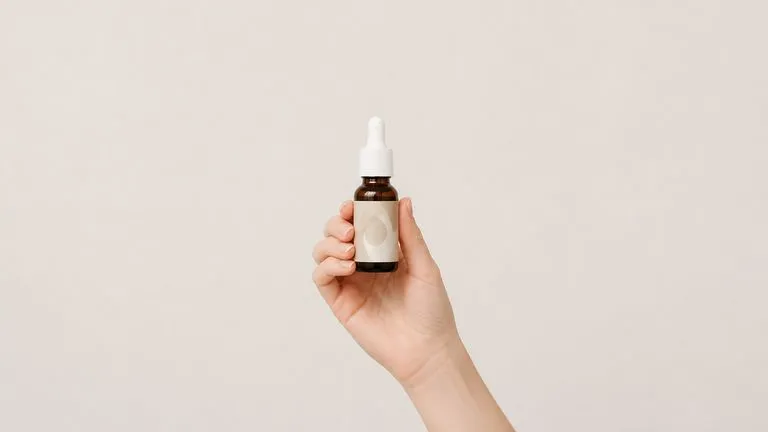
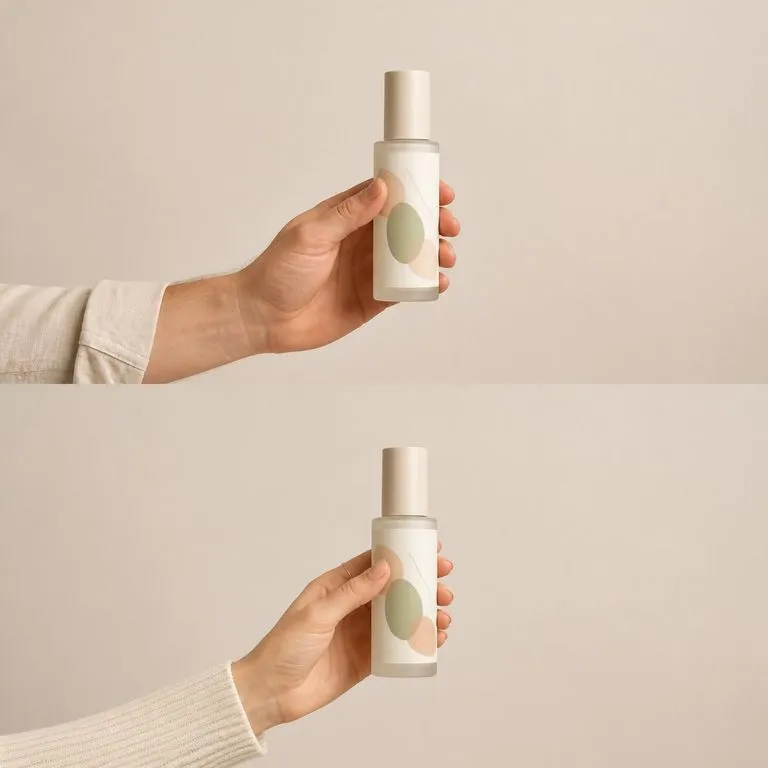
An AI model holding product shot takes a plain packshot and puts it into someone's hands. The hard part is not the hand. It is keeping the label readable, the scale believable and the light on the product matching the light on the person.

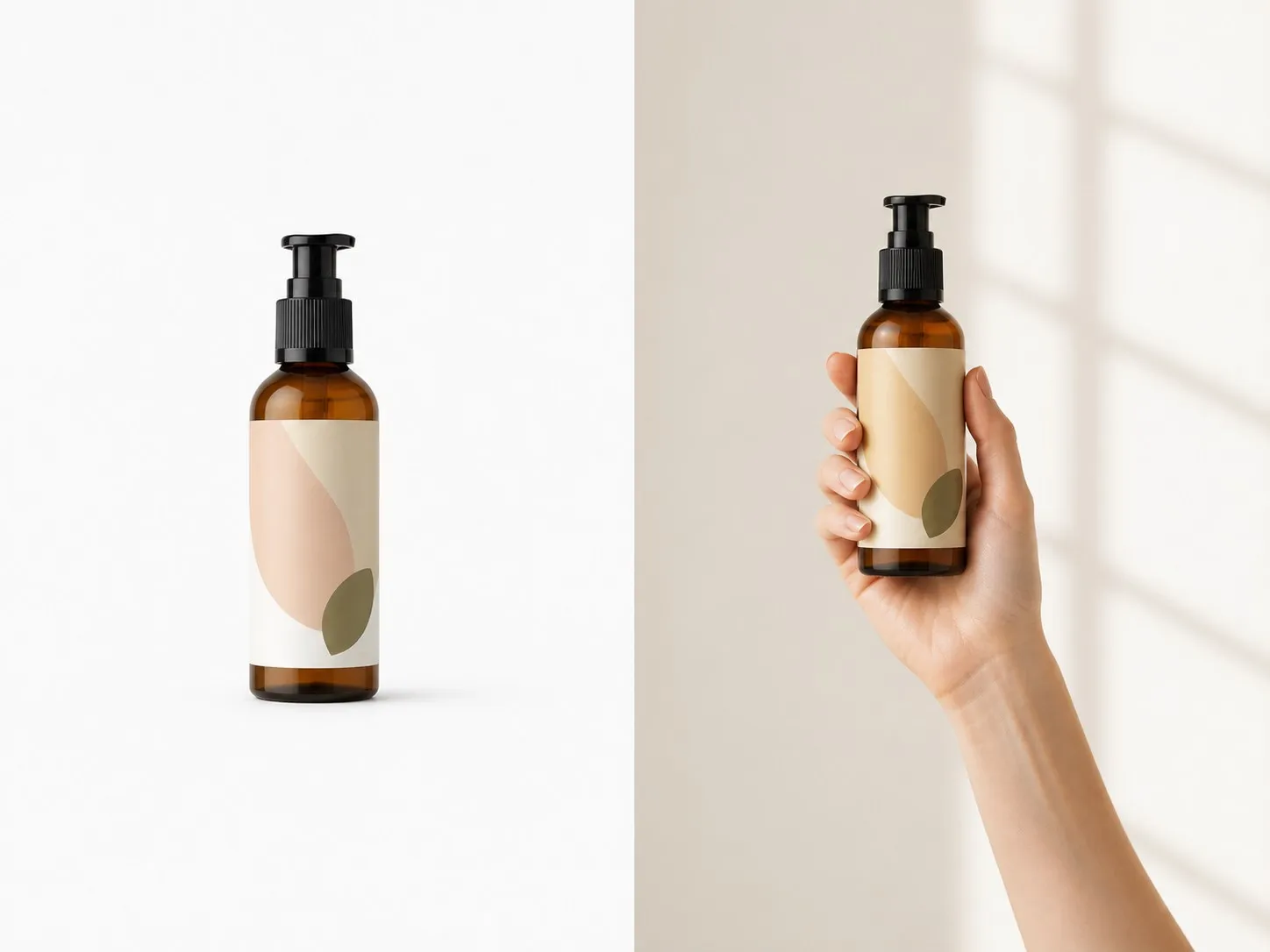
A plain skincare packshot on the left and the same bottle held in a model's hand on the right
A packshot and the same product held by a model

Three things AI product photography with models has to get right

Two required images and one line of notes. Everything below is what happens between them.

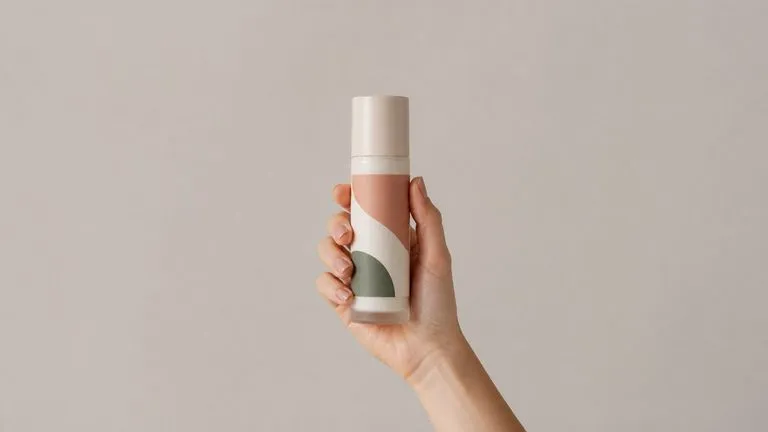
A close-up of a hand holding a bottle with the label graphic staying crisp and undistorted
Fixed

The product is not reinterpreted

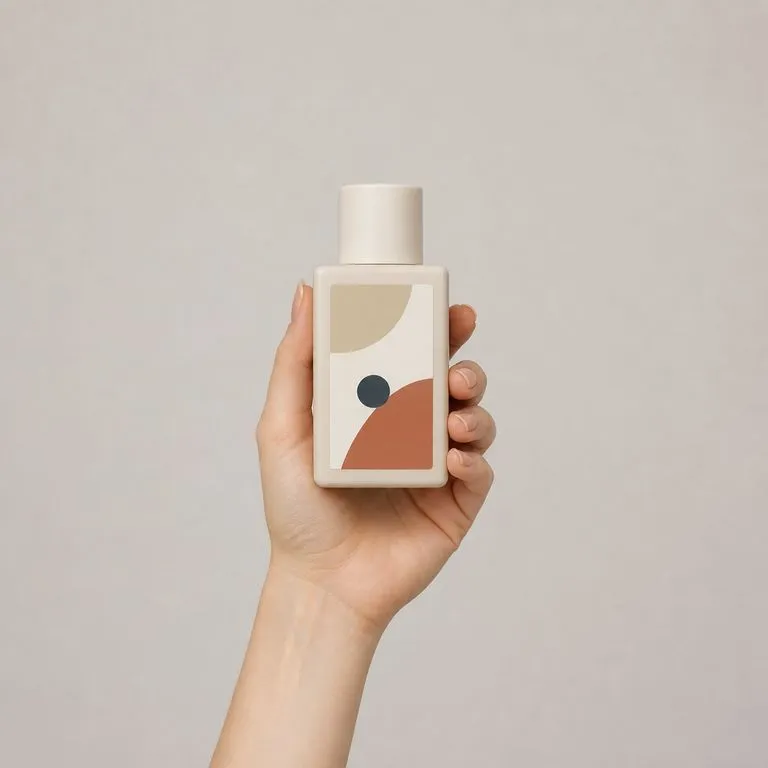
Packaging, label type and proportions carry over from your product shot. The hand wraps around the product rather than the product deforming into the hand, which is the failure mode that makes most of these images unusable.
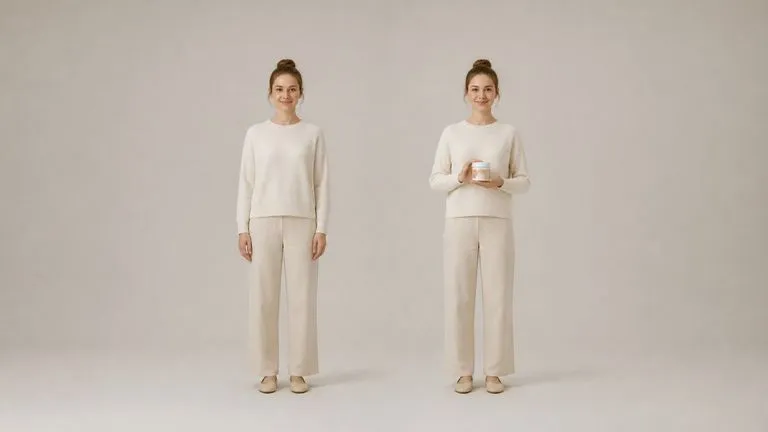
One model photographed twice with identical features, holding nothing on the left and a product on the right
Fixed

The face is not reinterpreted either

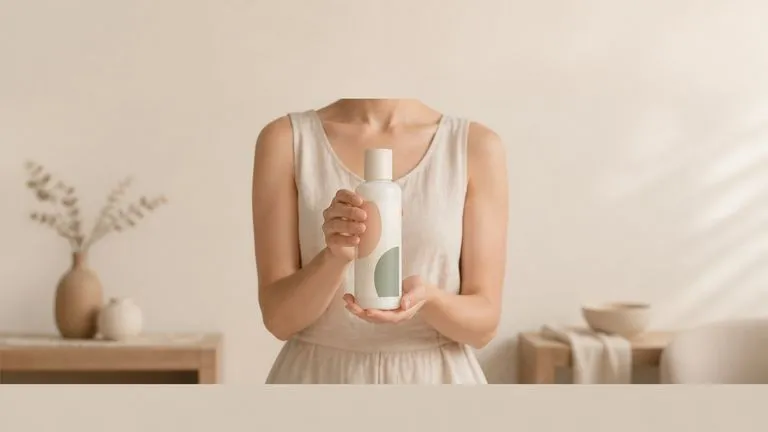
The model comes through as photographed. This matters when you are working with a signed model, a founder or a real customer, because a face that shifted between the brief and the final shot is a problem you do not want to discover late.

A held product lit from the same direction as the person holding it
Generated

Scale, grip and light get resolved

How big the product reads in the hand, where the fingers sit, which way the light falls across both. These are the parts that get worked out, and they are why the result reads as one photograph rather than two pasted together.

How to get an AI model product photoshoot in four steps

  1. Choose the model photo

    A clear shot with the hands visible or easy to place. Waist-up works well. The person comes through as they are, so pick the photo you would have published.

  2. Add the product

    A packshot on white is fine. So is a shot on a desk. What matters is that the label and the proportions are readable, because both are carried over rather than redrawn.

  3. Direct the pose

    One hand or two, presented to camera or mid-use, chest height or lower. One line of notes, and it is the difference between a stock-looking image and the shot you had in mind.

  4. Compose, then keep working

    The image lands on a fresh Virse canvas. Re-run with a different pose, swap the model, or take the result into an edit without exporting anything.

Who reaches for an AI model for product photos

People who need a person in the picture and cannot justify a shoot for it.

A product held in a hand so its real size is immediately readable

E-commerce & Marketplace Sellers

Show scale the way a listing needs it, by putting the product in a hand instead of adding a ruler graphic nobody reads.

A skincare bottle held to camera in a soft lifestyle frame

Beauty & Skincare Brands

Get the held-bottle shot that every category page expects, using the packshot you already paid for.

Four different products each held the same way in a consistent row

Small Brands Without a Studio Budget

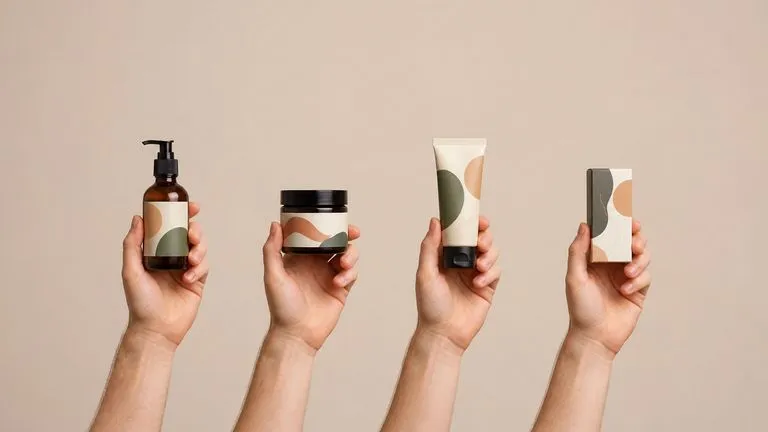
Cover a whole SKU list with lifestyle imagery, at the point where booking a model and a photographer for each one is not on the table.

What a hand model holding product shot returns

A bottle held with its label panel turned squarely to camera and staying crisp
Label Facing Camera: type and packaging carried over from the packshot unchanged
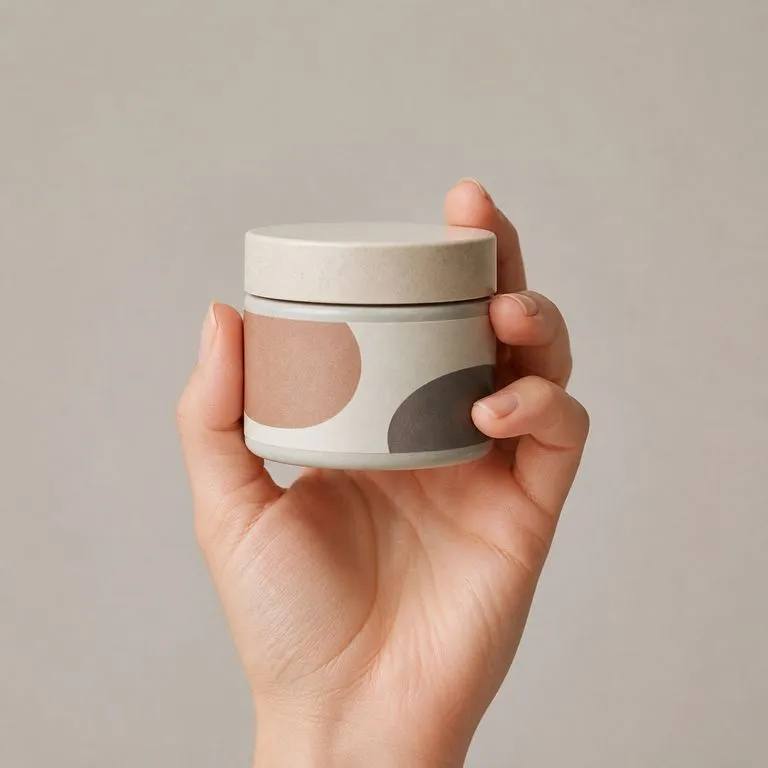
Fingers wrapping naturally around a jar without the jar deforming
Natural Grip, Correct Scale: fingers wrapping the product instead of the product bending
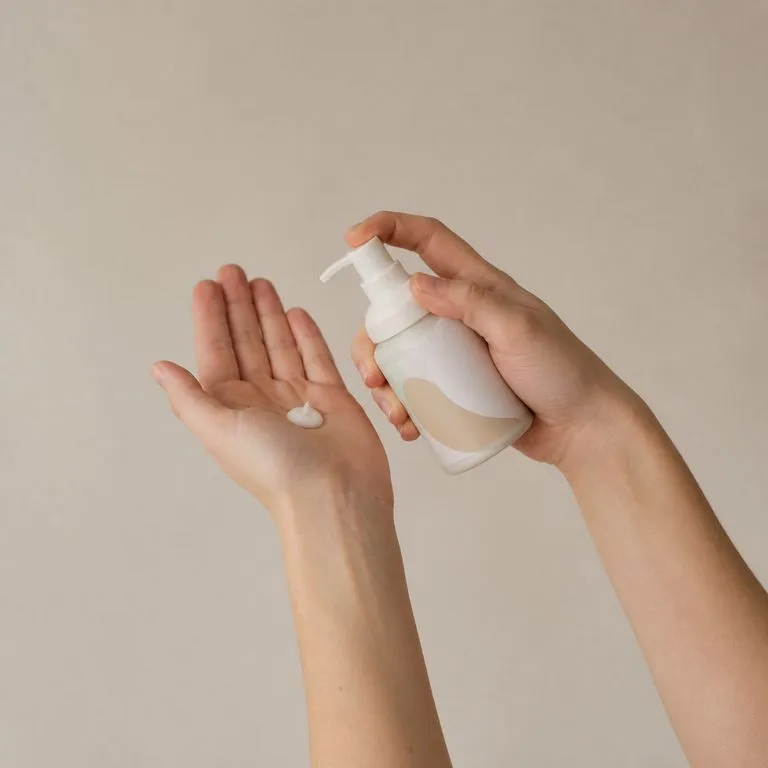
A pump bottle held mid-use rather than presented to camera
Mid-Use, Not Presented: the product held as it would be used rather than displayed
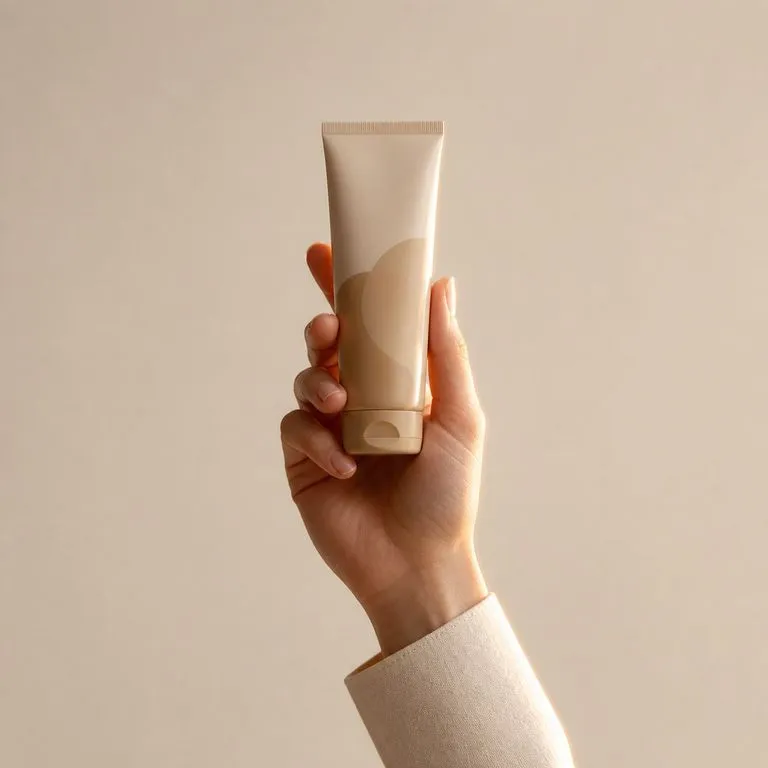
A held tube lit from the same side as the hand and sleeve holding it
Light Matched Across Both: one key direction across the model and the product
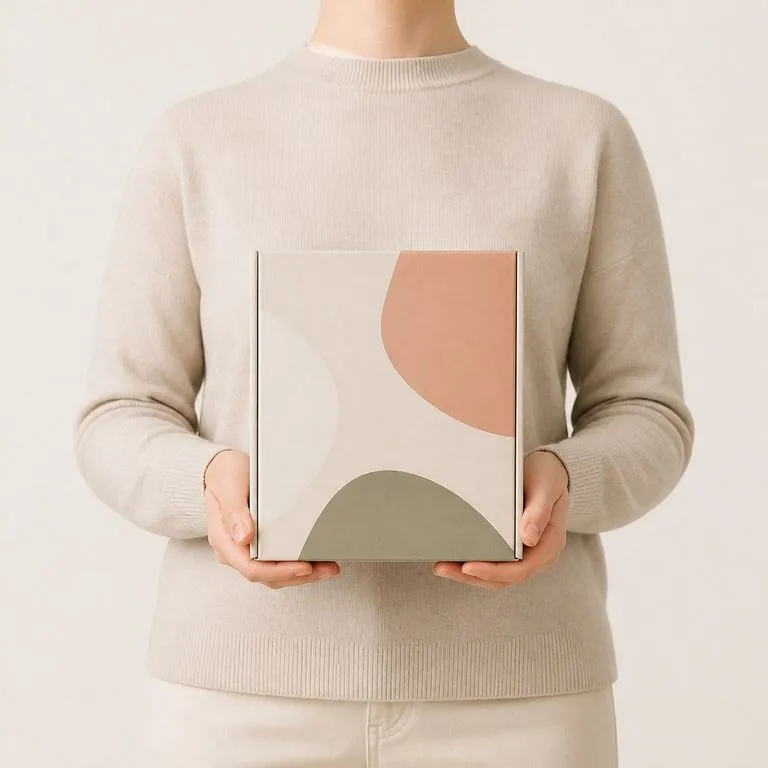
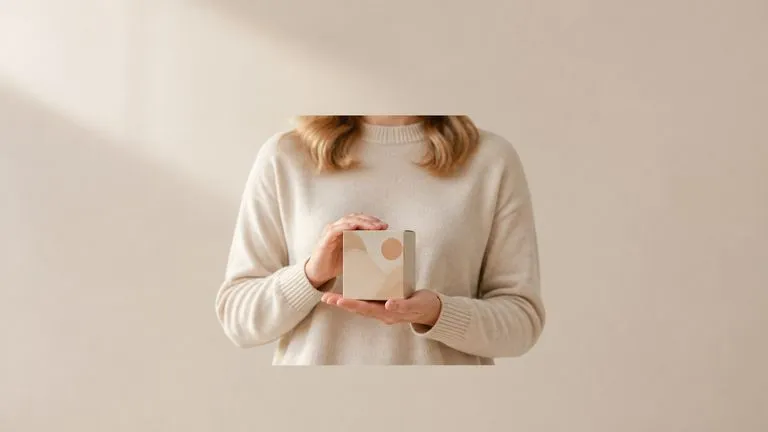
A boxed product raised to chest height in both hands as a category banner frame
Two-Handed Hero Frame: product raised to chest height for a category page banner
One product held by two visibly different people in matching frames
Same Product, Two Models: one packshot composed with two different people

Why an AI model product photoshoot beats compositing by hand

What changes when the grip and the light are worked out rather than faked.

Cutting and pasting in a photo editor

  • The product sits in front of the hand instead of inside it, and everyone can tell
  • Scale is guessed, so a bottle ends up the size of a thermos
  • The product's original light stays put and fights the light on the model
  • Every new pose is another selection, another mask and another hour

The Virse composer

  • The hand wraps the product, and the product keeps its own proportions
  • Scale and perspective are resolved against the model in the photo you supplied
  • One light direction is worked out across the person and the product together
  • The next pose is a line of notes and a re-run, on a canvas anyone can pick up
FAQ

Questions

Will the product label stay legible?
Yes. The product is the point of the picture. Packaging, label type and proportions carry over from your product shot, and the hand wraps around the product rather than the product deforming into the hand.
Can I direct the pose?
Yes. Describe the grip, the height and the framing in the notes. One hand or two, presented to camera or mid-use, and the composition follows what you wrote.
Can it generate the model as well, so I do not need a model photo?
No. Both images are required, and the model photo is one of them. This tool composes two real photographs rather than inventing a person, which is also what keeps the face consistent if you are using the same model across a range.
Do I have permission to use the model photo like this?
That is on you rather than on the tool. Compositing a person into a commercial image is a licensing question, and a stock photo licence that covers editorial use often does not cover this. A model you have booked, a colleague who agreed, or a photo you own outright are the safe inputs.
Does pressing Create run the tool straight away?
No. Your inputs travel into a fresh canvas and land on the tool already filled in, but nothing runs until you press Start there. A link can never spend your credits on your behalf.
Can I keep working on the result afterwards?
Yes. Everything the tool produces arrives on a normal Virse canvas, so you can re-run a single output, adjust it, or take it into an edit without exporting and re-importing.

The lifestyle shot without the shoot

Start here. Your model and product photos travel into a fresh Virse canvas, where nothing runs until you say so.