
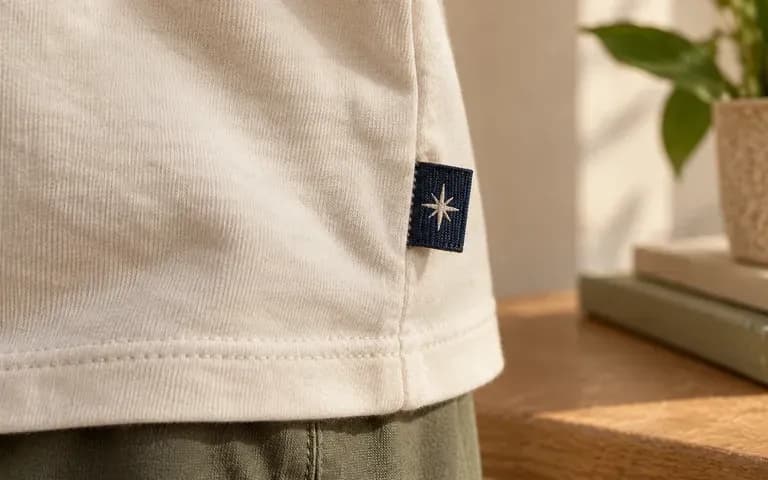
Placement
Show the label where it belongs
Provide a neckline or seam reference. The preview gives the label a specific position in the garment rather than leaving it as an isolated artwork file.
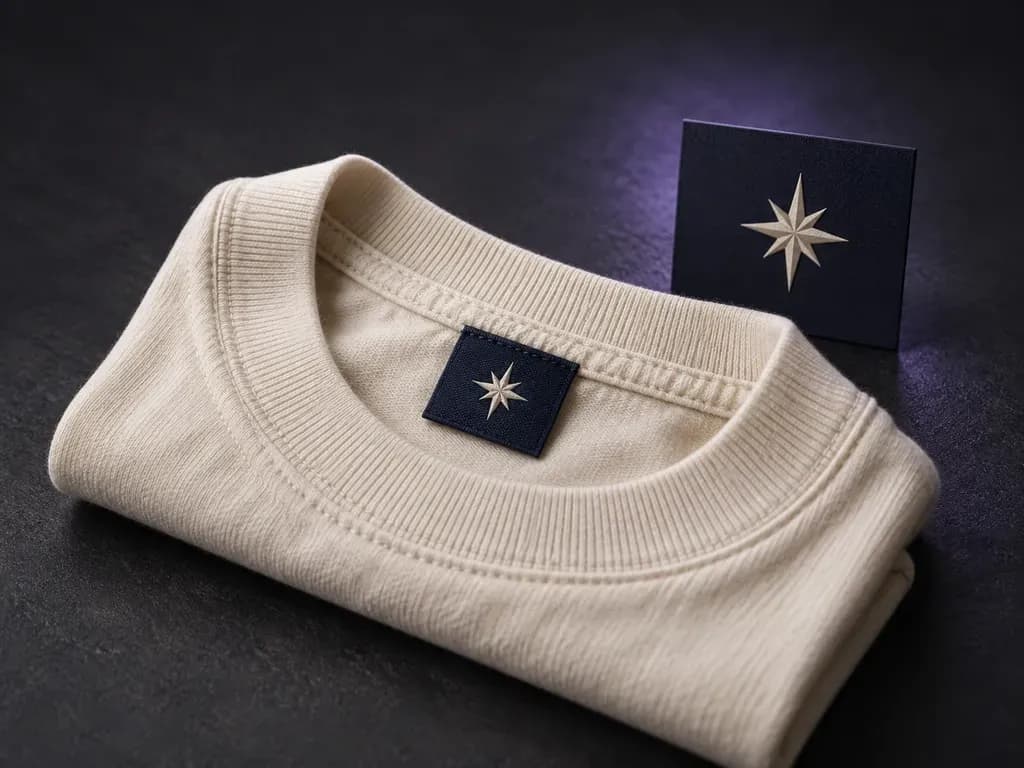
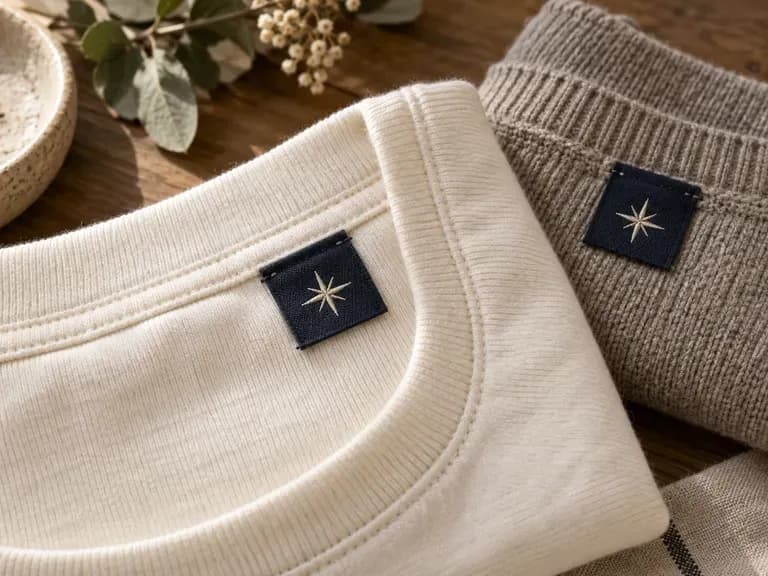
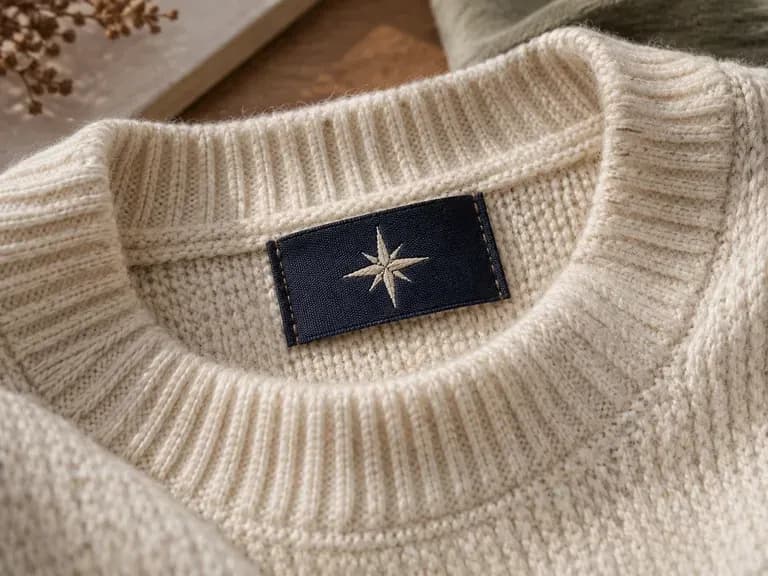
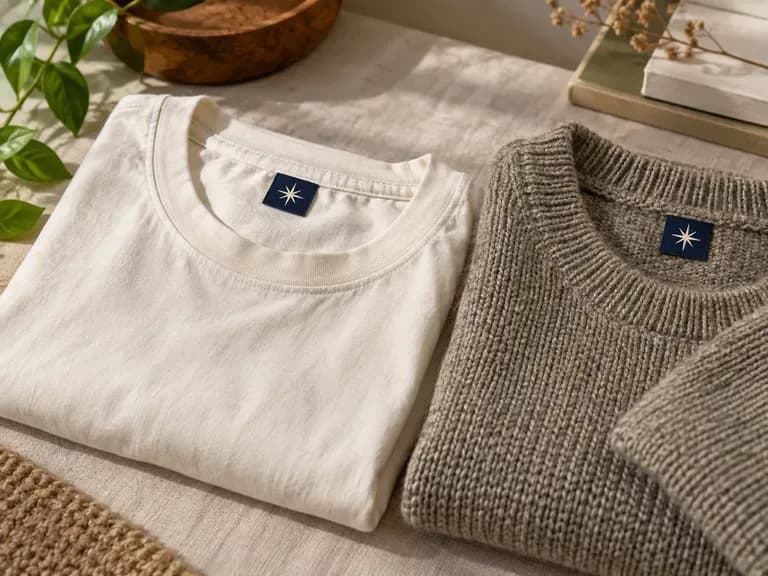
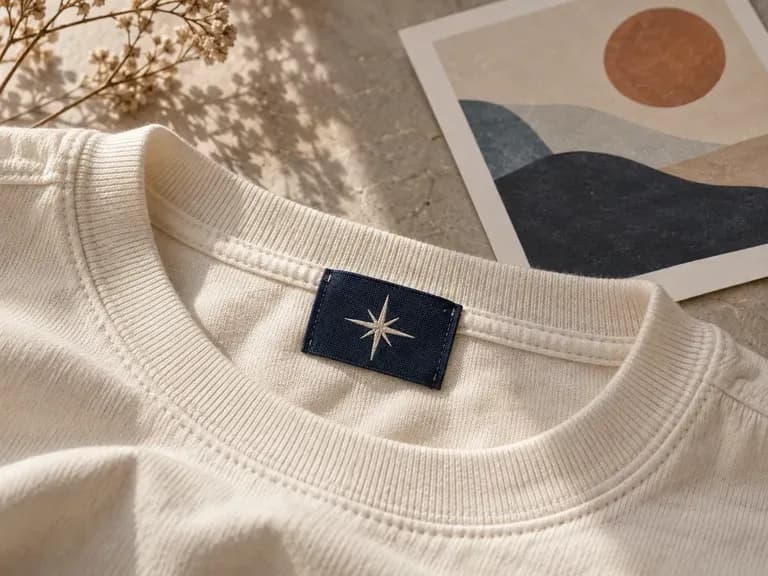
Add your label artwork, a neckline or seam reference, and the fabric and colors. Virse creates a clothing label mockup for a close look at how the branding sits on the garment.
A clothing label mockup shows a brand label attached at a neckline or seam. Virse uses your existing artwork and placement reference to create a close-up view of the label, garment fabric and surrounding stitching—built around three core workflow advantages:
· Macro weave & stitch detail: Shows woven damask threads, satin ribbon sheen, printed cotton twill, and topstitching at close range.
· Neckline, hem & seam placements: Preview center-back neck labels, folded loop hem tabs, or exterior sleeve brand patches.
· Matched garment fabric ground: Set the surrounding garment texture—heavyweight jersey, raw denim, linen, or knitwear—to match your line.
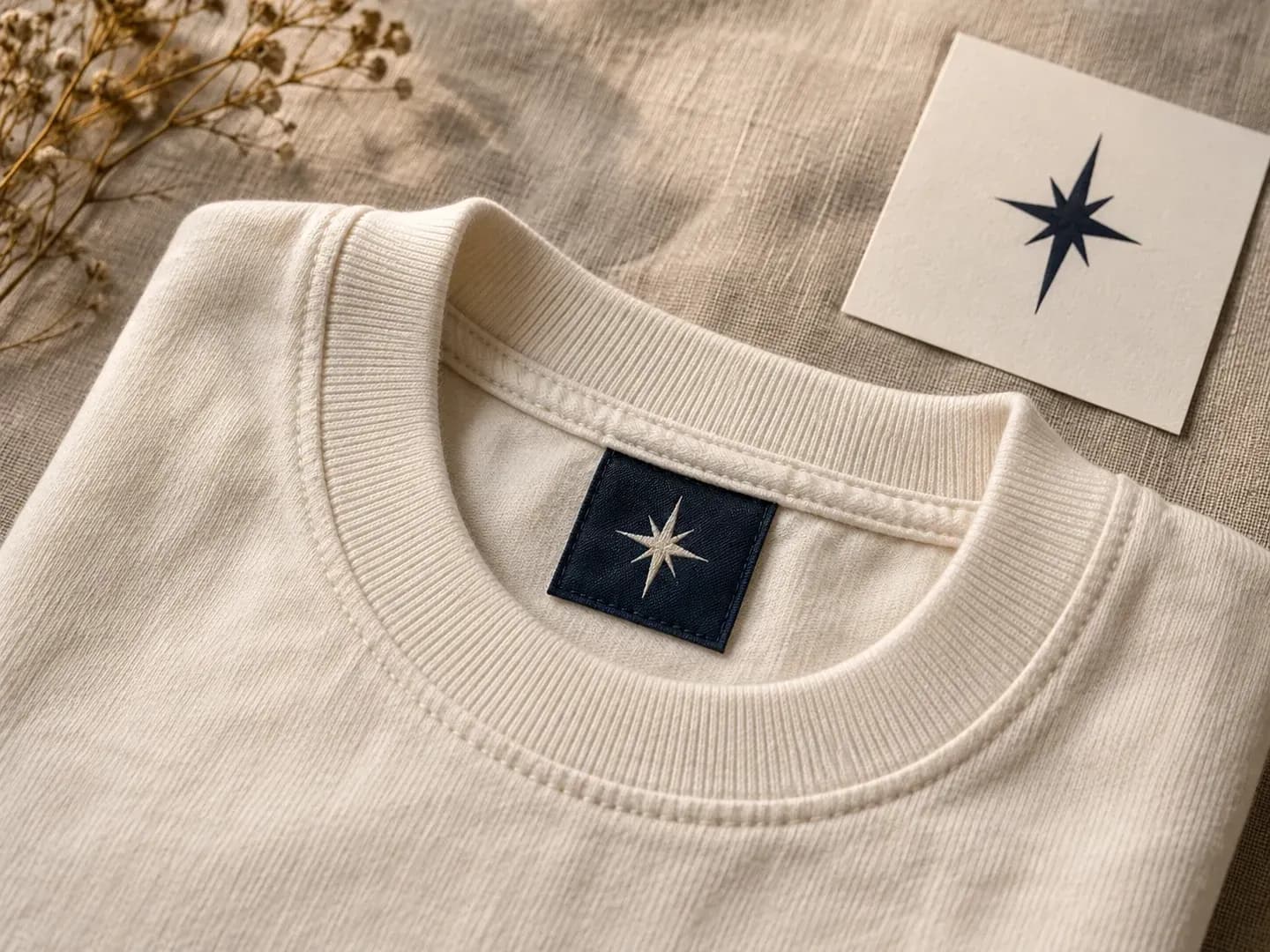
Give small branding details enough space to be reviewed.
Provide a neckline or seam reference. The preview gives the label a specific position in the garment rather than leaving it as an isolated artwork file.
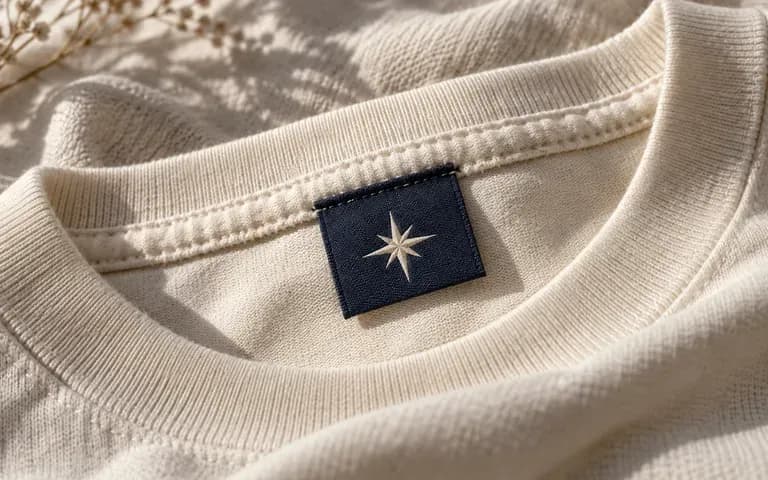
Specify the garment fabric and colors. Review whether the label design reads clearly against its surroundings.
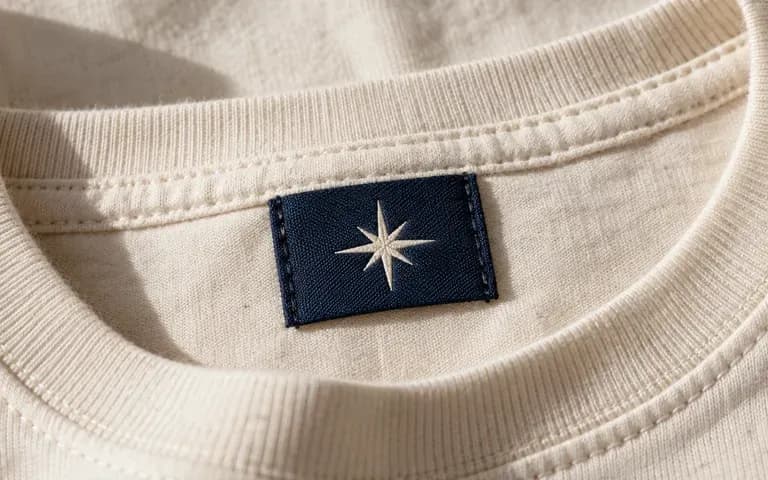
A close view makes it easier to discuss the label's visual balance. Compare every letter and small graphic with your source artwork.
Compare flat vector label files against macro fabric-and-stitch mockups on the Virse canvas.
Flat Vector Label Artboards
Virse Clothing Label Mockup
Provide your finished woven label or brand mark artwork.
Add a neckline or seam reference and describe the label and garment colors.
Create a static preview of the label attached at the intended garment position.
Check lettering, the label outline, stitch appearance and placement against your references. Keep the original artwork for production work.
Upload your label artwork and specify the label material, fold/stitch style, and surrounding garment fabric:
· Woven damask center-back neck label: High-density cream woven damask label with espresso lettering, stitched at left and right edges onto heather grey heavyweight jersey.
· Folded hem loop tab on denim: Small woven navy flag label folded over the bottom hem seam of raw indigo selvedge denim with copper topstitching.
· Printed organic cotton care label: Soft unbleached cotton twill ribbon sewn along the top collar seam of an olive linen shirt, macro studio depth of field.
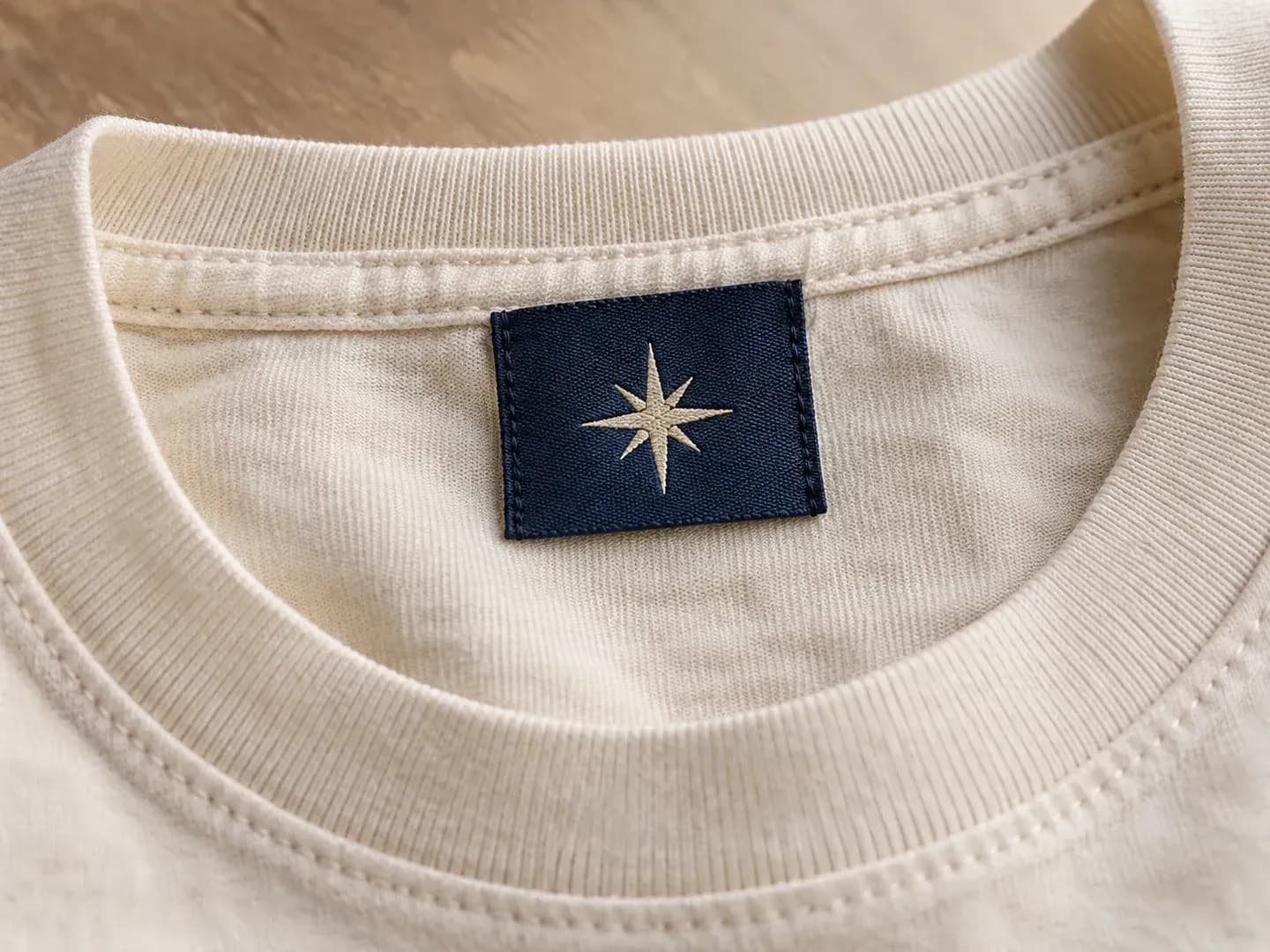
For apparel teams reviewing the label that stays with the garment.
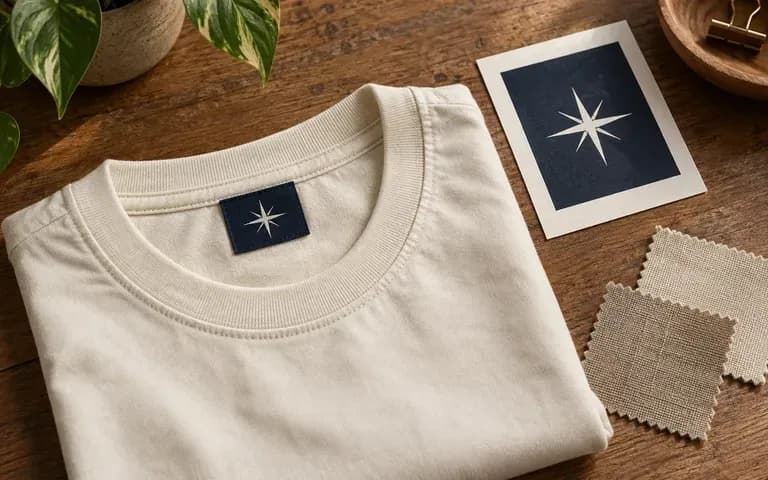
Review how a brand mark reads on a small sewn label.
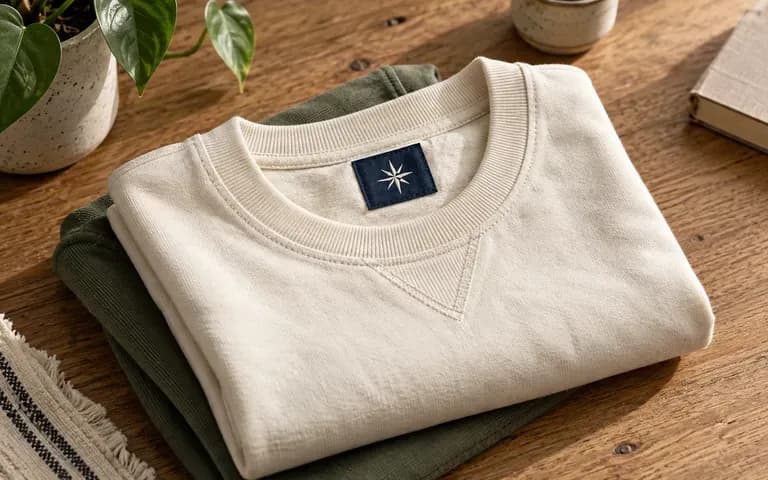
Present a garment's label detail in a collection proposal.
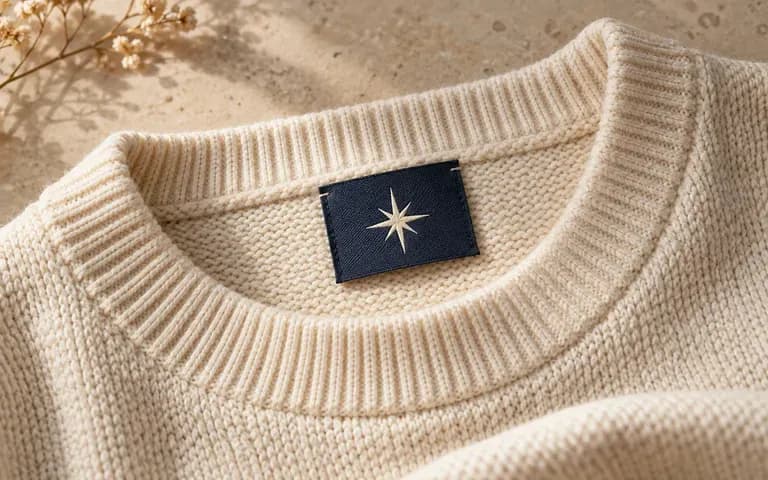
Show a prepared label design against a sweater reference.
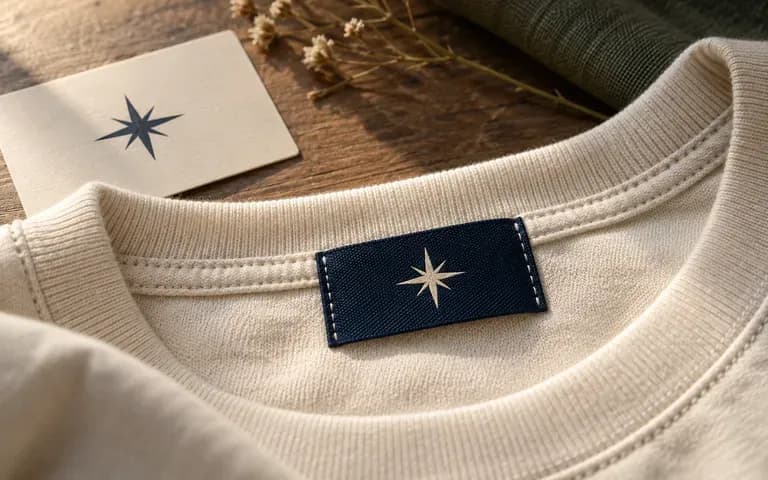
Include garment label applications in an identity presentation.
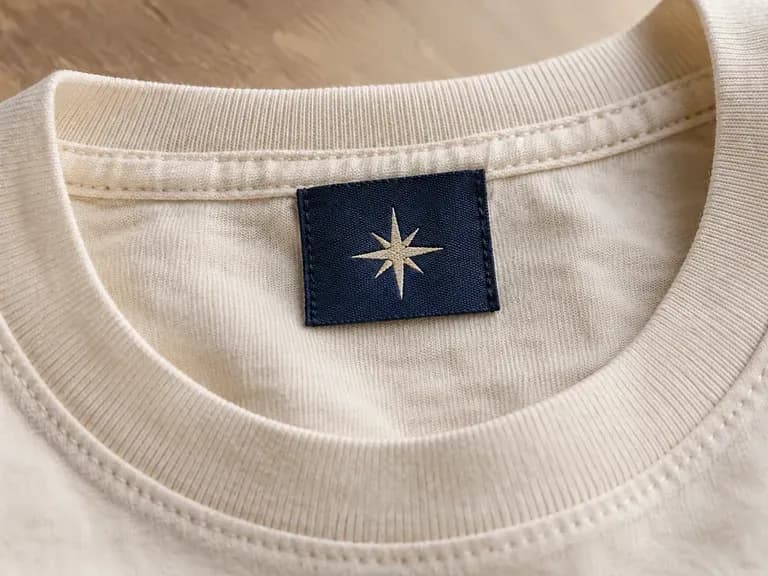
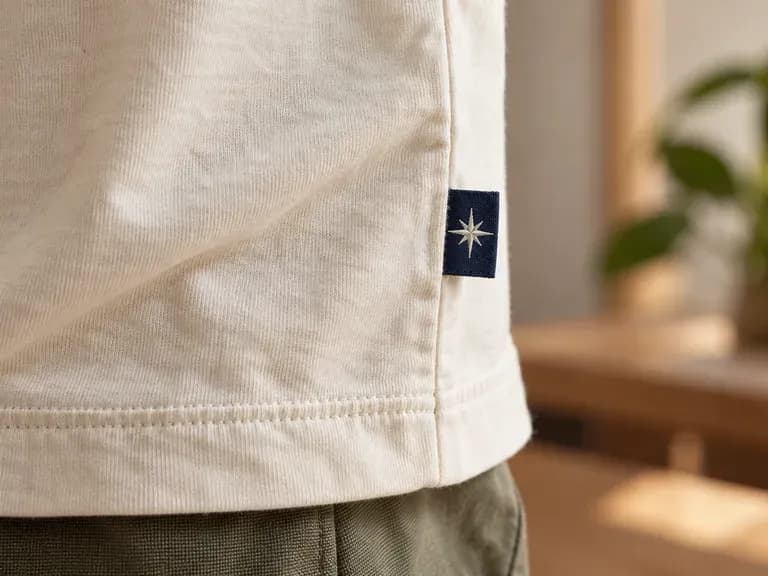
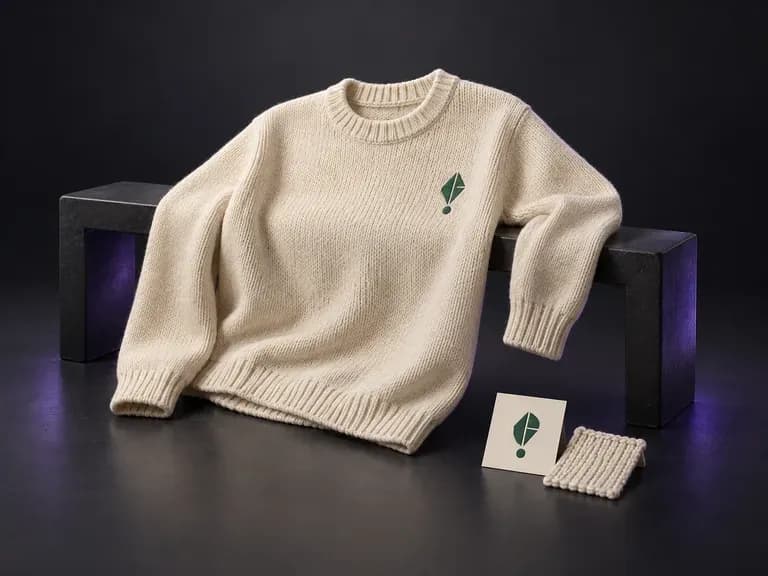
Upload a photo of your sweater or pullover with your logo or knit pattern, then note the yarn color and view. This sweater mockup generator places your artwork onto the knit silhouette in a flat lay, hanging, or worn scene.
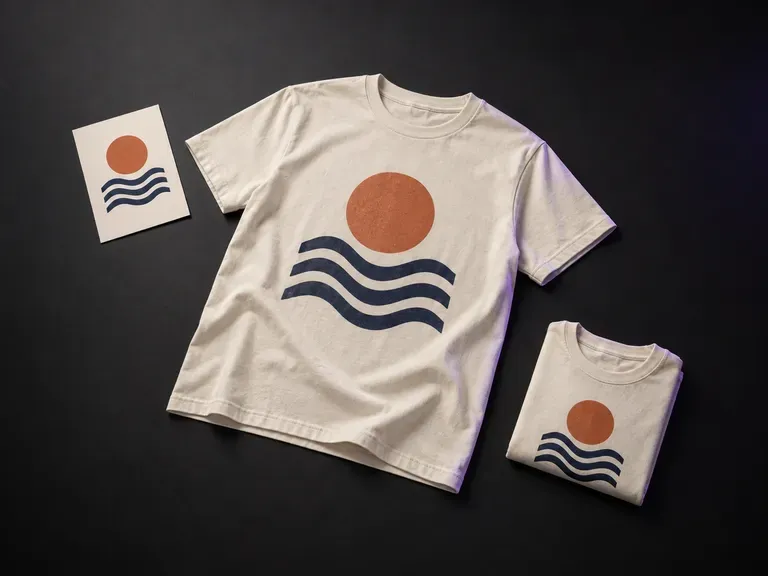
Add your finished print artwork and a T-shirt reference, then describe the color, graphic position and display style. Virse's T-shirt mockup generator shows your design in a flat lay, hanging or worn preview.
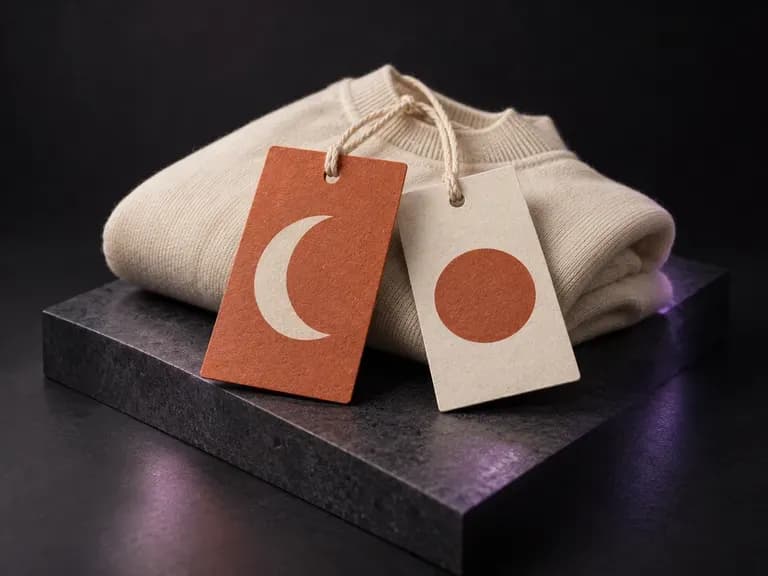
Add your tag's front and back artwork, paper appearance, cord details and a garment reference. Virse creates a clothing tag mockup with those details in one view for your apparel presentation.
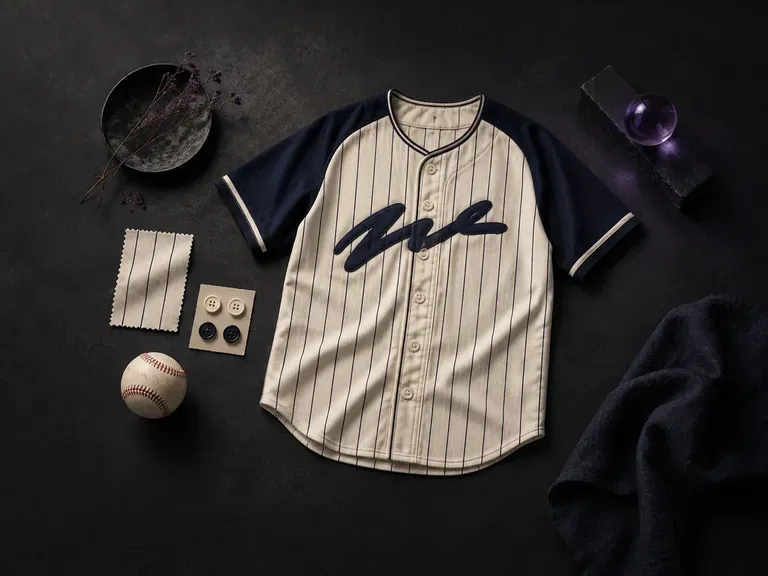
Start with your team name and colors, add a logo, and this AI baseball jersey designer draws a baseball jersey from the front and the back, ready to pass around the dugout.
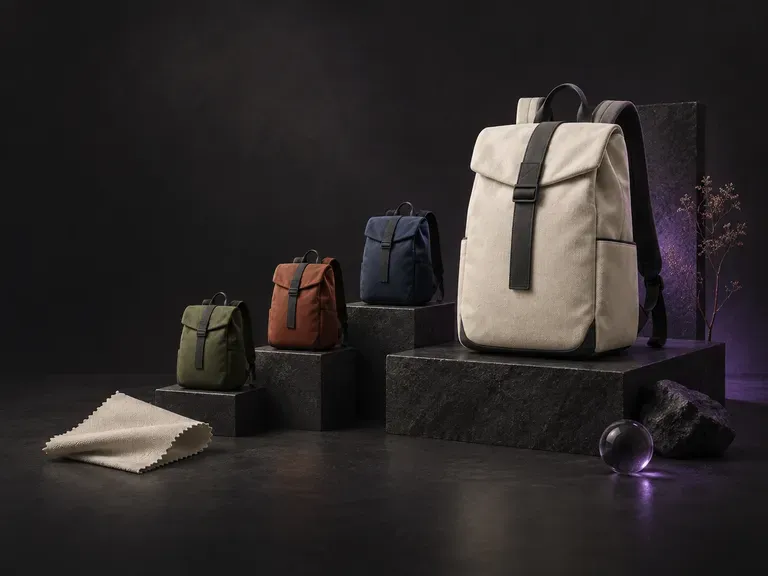
Tell this AI backpack designer what the bag is for, such as a daily commute or a day hike, then add the style, material and colors. It renders the backpack's exterior so you can see how those choices look together.
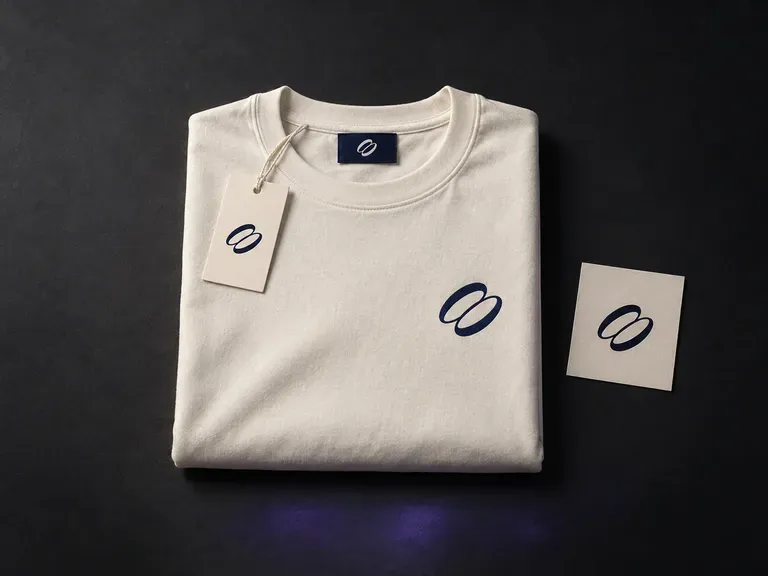
Upload your logo, garment graphics, and reference photos, then describe the apparel pieces, neck labels, and hang tags in frame. This clothing mockup generator builds coordinated clothing brand mockups uniting garments and trims in one scene.
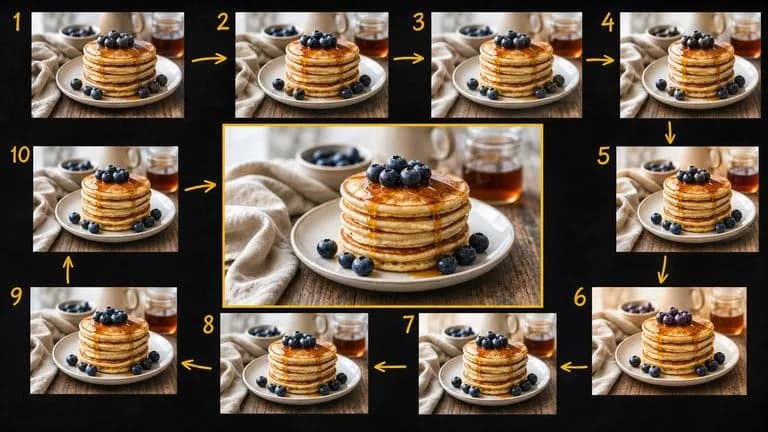
Google's Gemini 2.5 Flash Image — the original Nano Banana — generates and edits pictures at conversation speed, so a correction takes a sentence instead of a session.

ByteDance's Seedream 4.0 and Seedream 4.5 generate from written descriptions and from images you supply, turning one source picture into as many directions as a project needs.
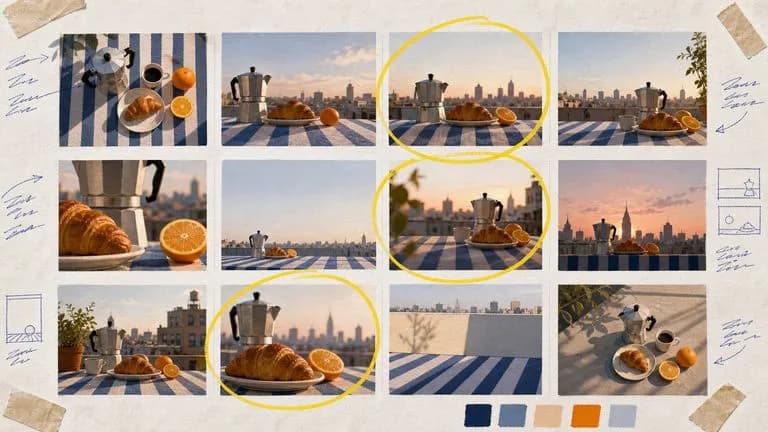
Google's Nano Banana 2 pairs flagship-level image quality with Flash-class speed, across four output sizes from rapid 0.5K prototypes to finished 4K.
The generation of Black Forest Labs' FLUX line that came before FLUX 2, kept available as two entries — the standard model and Ultra.
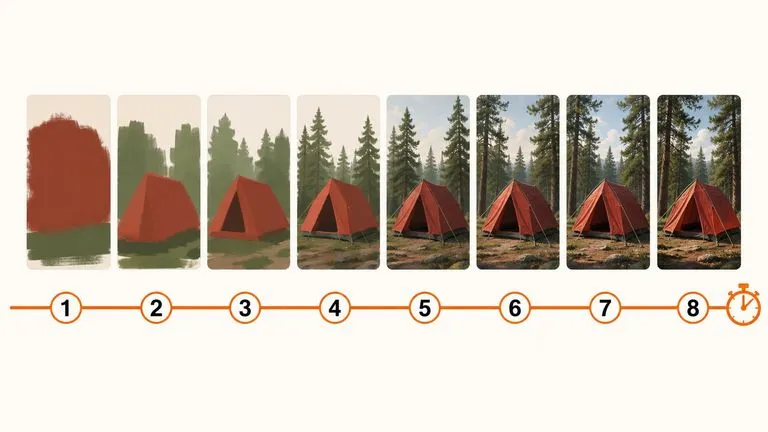
A 6-billion-parameter model compressed to an eight-step inference pipeline, built to return a usable picture before your train of thought moves on.

Generate studio-grade 4K images with Nano Banana Pro, blending multiple references while holding characters, products, and typography consistent.
Add your label design and garment reference. Review the brand mark where it will sit on the garment.