AI Wedding Dress Designer

AI Wedding Dress Designer

Describe the neckline, the fabric, the sleeves and the kind of wedding you are planning, and this AI wedding dress designer draws an original gown to match, so you can see the idea before any fabric is chosen.

Input
Gown brief · RequiredSilhouette & cut references · OptionalFabric & lace references · OptionalOccasion style · OptionalPresentation · OptionalView set · OptionalNumber of designs · Optional
Output
Original wedding gown design renders (count based on selection, each generated independently, no human model in frame)

Silhouette & cut referencesOptional

Your image is uploaded on the canvas — this form carries the settings.

Fabric & lace referencesOptional

Occasion styleOptional
PresentationOptional
View setOptional
Number of designsOptional

What is an AI wedding dress designer?

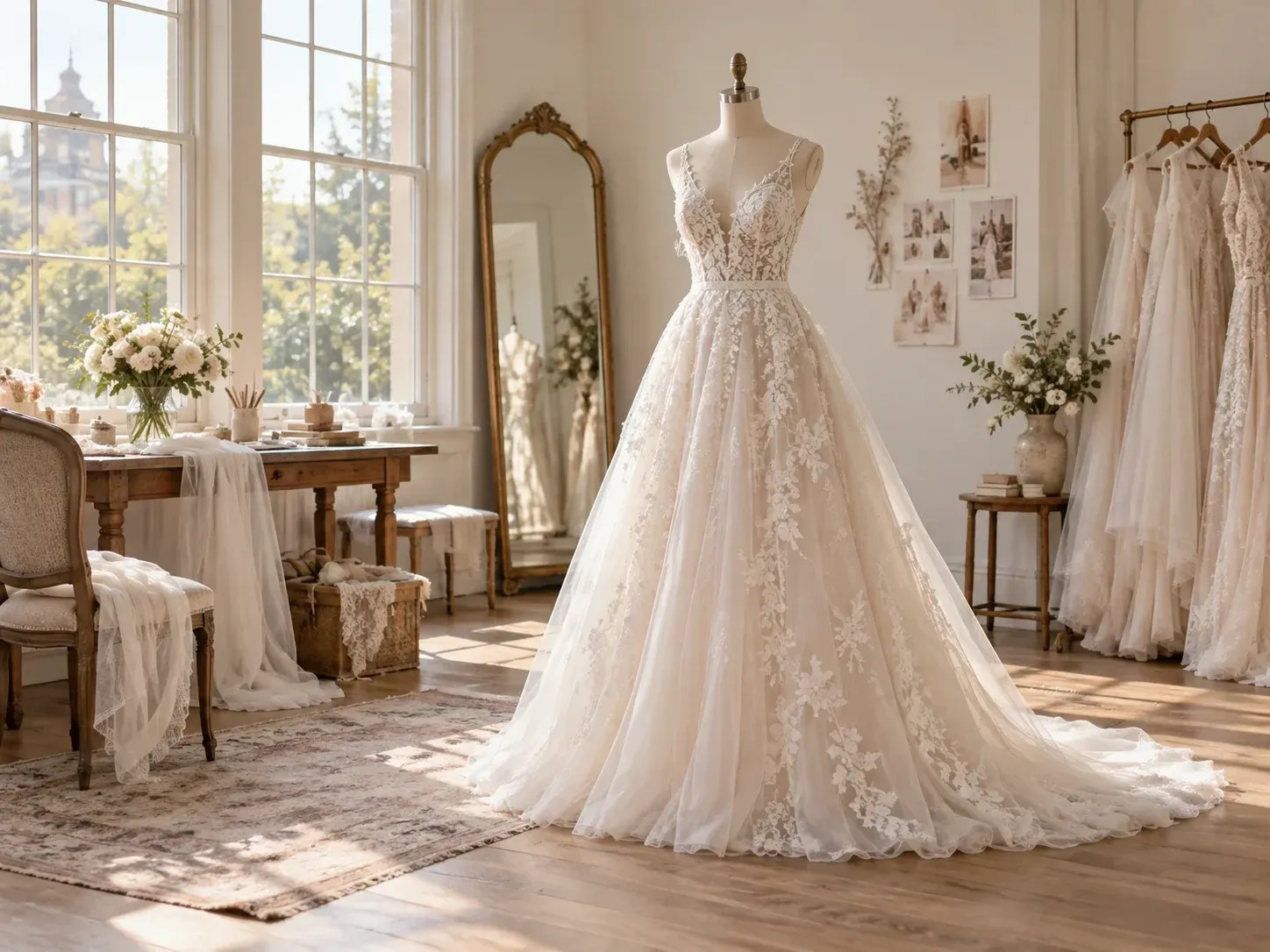
Describe a gown in words and an AI wedding dress designer, also known as an AI wedding dress generator, creates an image of an original design. It shows how the dress looks, not how it is cut, sized or sewn.

An A-line lace gown drawn from a short written description

Why use Virse as a bridal gown design generator?

Start from a description, match it to your venue and compare the versions you get.

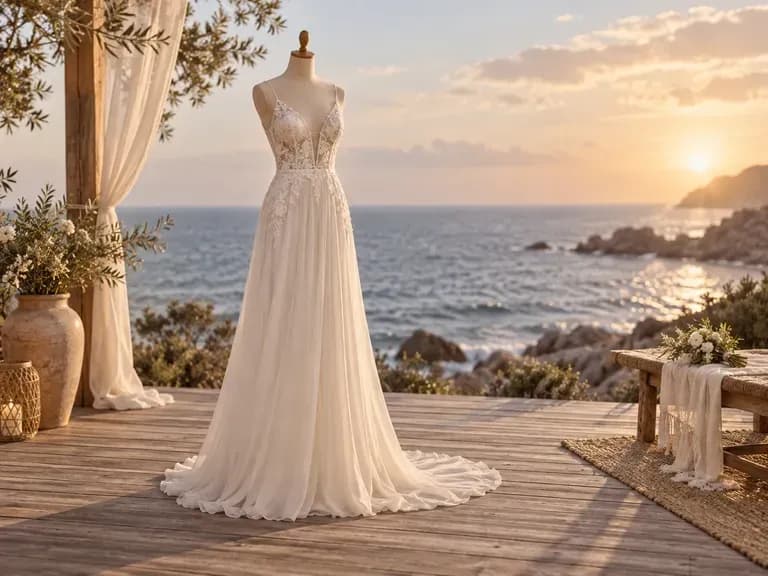
A gown design shown on its own, without a person's photo
No upload

Design only, no photo

You describe the dress and the tool designs it. No photo of you is involved and there is no virtual try-on, so the render is about the gown itself.
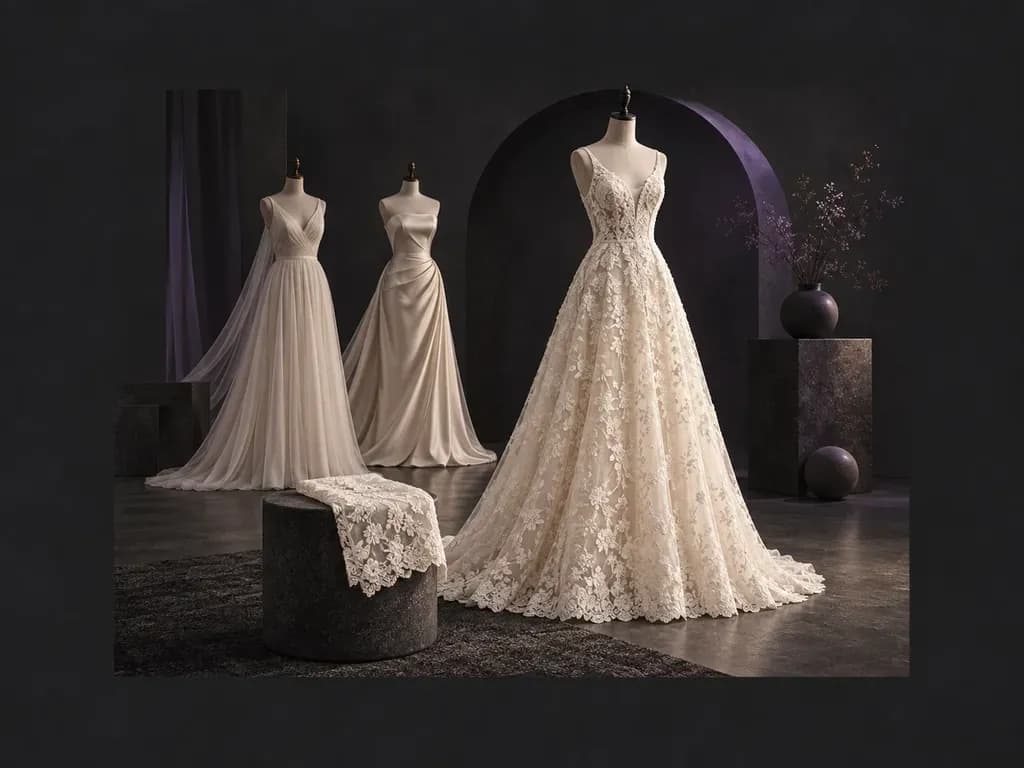
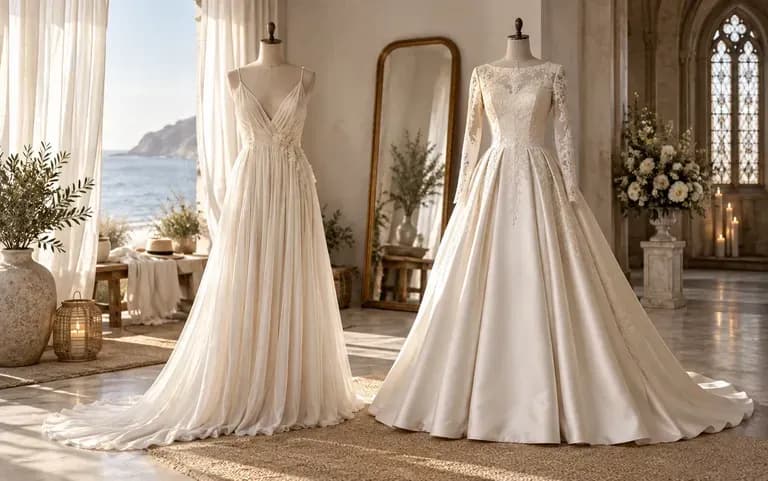
Two gowns designed for a beach and a church ceremony
Occasion

Match the venue

Say where the wedding takes place, such as a beach or a church, and the design follows the setting, from a light chiffon slip to a gown with a long train.
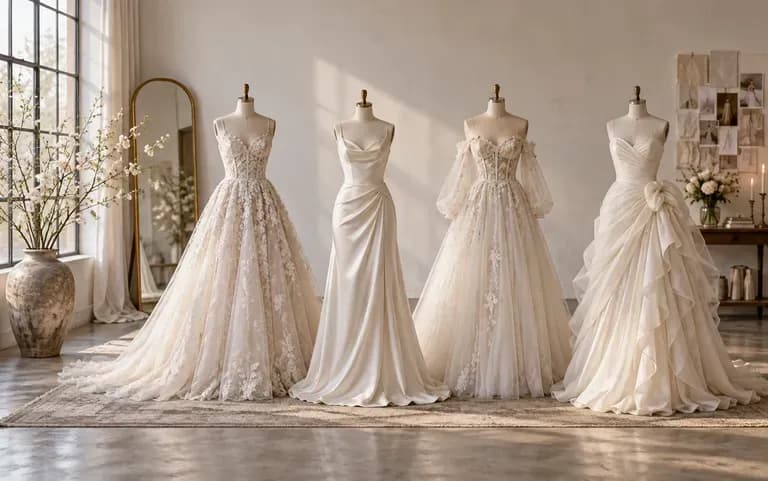
Several gown directions kept side by side on a canvas
Canvas

Keep every version

Each design stays on your Virse canvas. Generate a few directions and keep them side by side while you decide which is closest to what you imagined.

How to create a custom wedding dress design with AI

  1. Start with the silhouette

    Name the silhouette, such as ball gown, A-line, mermaid or sheath. It sets the overall shape of the dress.

  2. Add neckline, sleeves and fabric

    Add the details you already know, such as a sweetheart neckline, long lace sleeves or a satin skirt.

  3. Describe the wedding

    Add the venue, the season and the mood, such as a winter church ceremony or a relaxed garden party.

  4. Generate and try again

    Submit the form. If the result is off, edit the description and generate again. Each run is a new design, so compare it with the earlier ones.

Who uses an AI wedding dress designer?

It is for anyone working out what a wedding dress should look like.
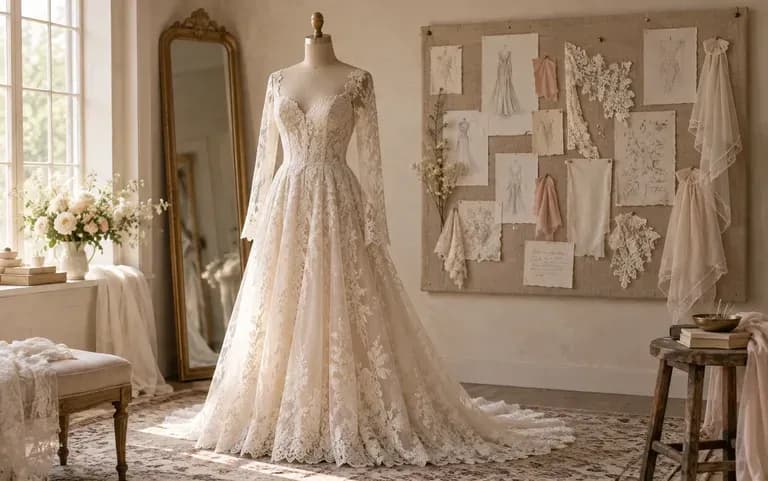
An original gown design generated from a bride's written list of details

Brides-to-be

Saved photos usually show the sleeves of one gown and the skirt of another. Put the parts you like into words and generate an original design built from that description.
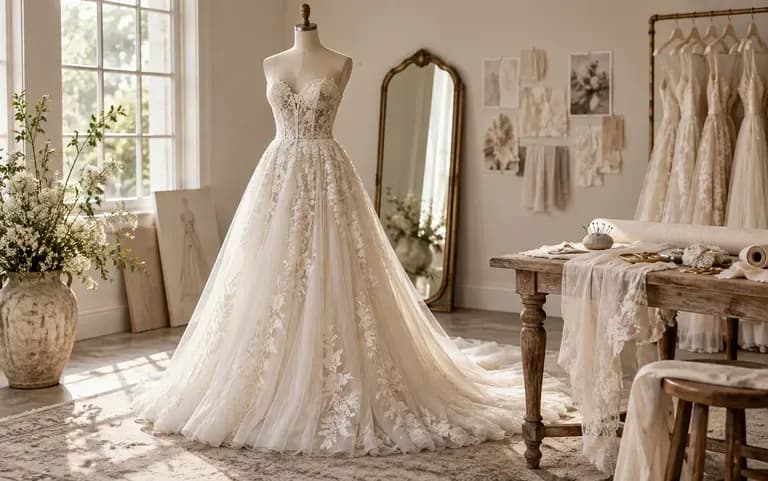
A custom gown concept prepared for a client

Dressmakers and seamstresses

Turn a fitting-room conversation into a picture the client can say yes or no to.
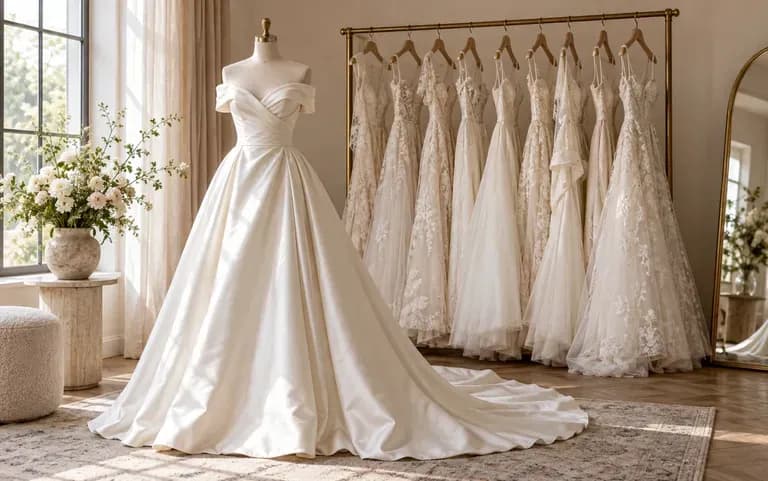
A requested gown the boutique does not carry

Bridal boutiques

When a bride asks for a gown you do not carry, describe it during the appointment and show her a design instead of a stock photo.
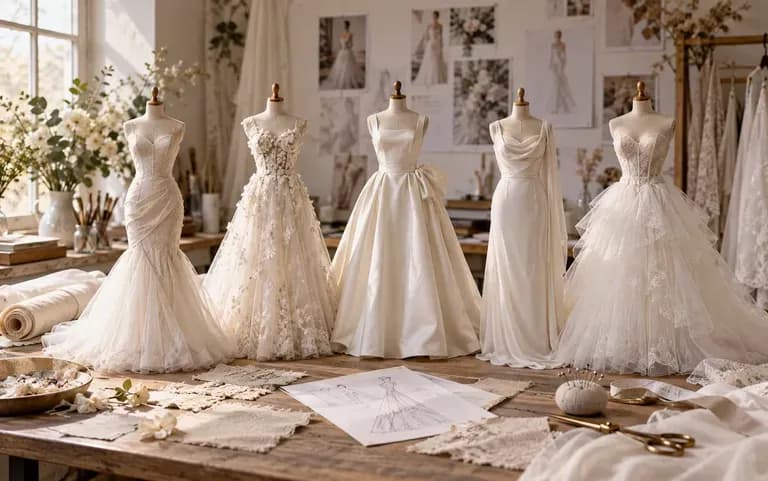
Bridal silhouettes explored for a student portfolio

Fashion design students

Explore bridal silhouettes for a portfolio or a class project.
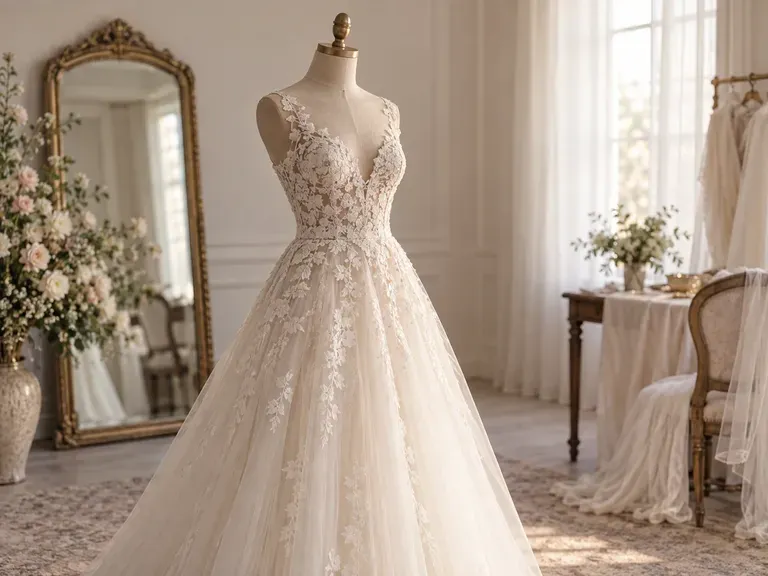
Wedding dress design ideas with AI

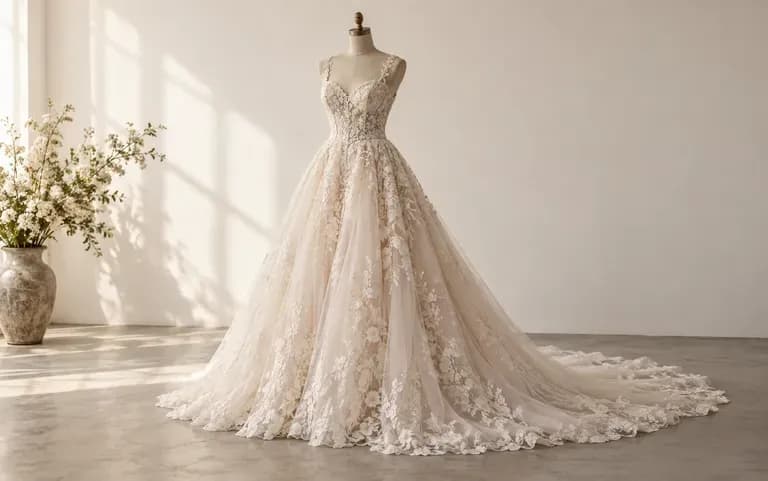
Lace A-Line Gowns: a fitted lace bodice over a soft skirt
Beach Wedding Dresses: light chiffon with a short train
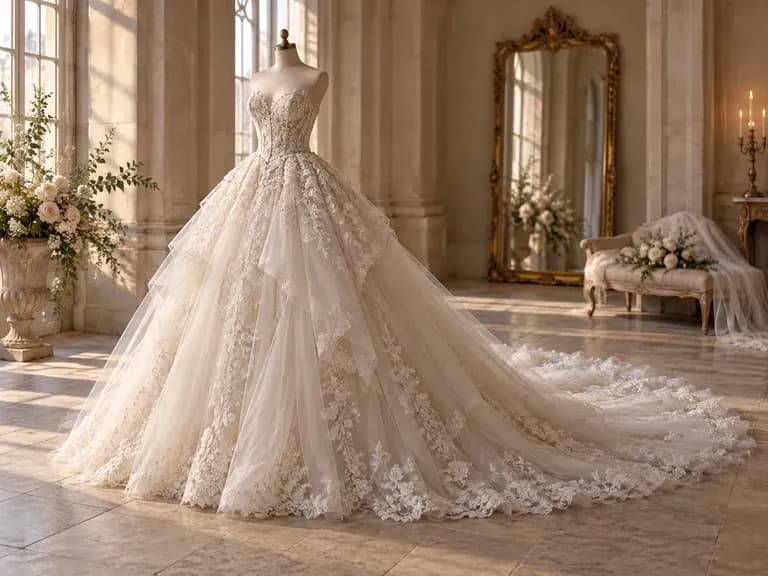
Cathedral Ball Gowns: layered tulle and a long train
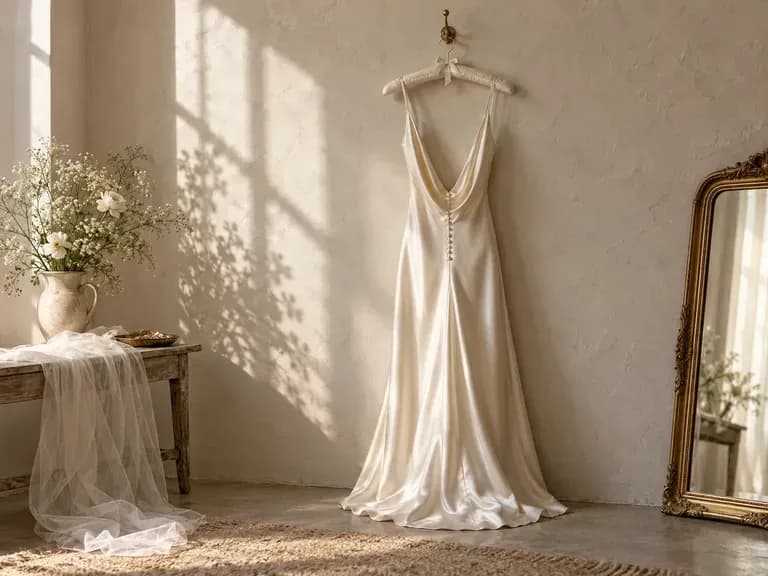
Minimalist Satin Slips: bias-cut satin with a low back
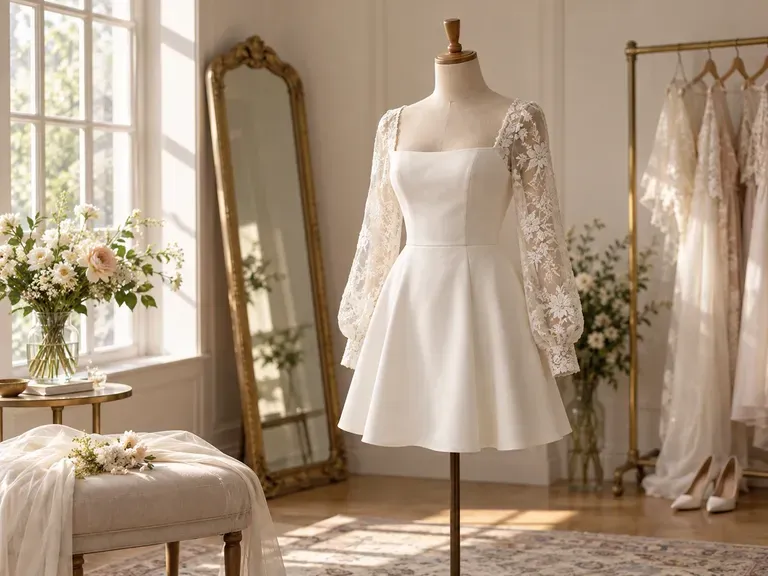
Short Wedding Dresses: above-the-knee styles in crepe or lace
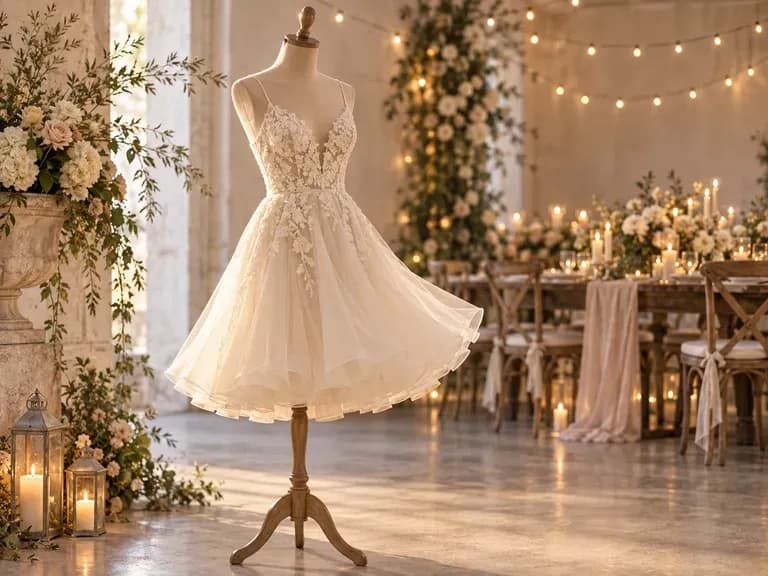
Reception Dresses: a lighter second look for dancing after the ceremony
FAQ

Frequently asked questions

Is this AI wedding dress generator a virtual try-on?
No. The tool designs a dress from your description. It does not place a gown on a photo of you, so if you want to see yourself in a dress you need a try-on app.
Which details can I describe?
You can describe any part of the gown, and exact bridal terms work best. Illusion neckline, cap sleeves, Chantilly lace or chapel train gives the tool more to go on than a word like elegant.
Can it tell me how the dress will fit?
No. The render shows the design, not your measurements. It cannot predict how the bodice will fit or where the skirt and train will fall once the gown is made.
Can I get a sewing pattern from the design?
No. You get an image of the dress. Pattern pieces, construction drawings and a fabric list still have to come from a dressmaker or pattern maker.
Can I take the design to a dressmaker or bridal shop?
Yes. The render is a picture of the gown you described, so you can show it at the appointment instead of explaining it in words. The dressmaker or shop will tell you what can be made and what it costs.
Is Virse's wedding dress designer free?
Yes, you can start on the Free plan. It gives you 200 compute when you sign up and adds 50 a day whenever your balance is below 200. Free users can use all image models at 1K.

Design your wedding dress with AI

Write down the gown you picture and let the first design take shape.