AI Jewelry Designer

AI Jewelry Designer

Describe the piece you have in mind, such as a vintage gold engagement ring or pearl drop earrings, and this AI jewelry designer renders it as an image. If you already have a hand sketch or reference photo, add it as the starting point.

Masukan
Jewelry brief · WajibSketch or references · OpsionalJewelry type · OpsionalMetal & gemstone · OpsionalVariant axis · OpsionalNumber of images · OpsionalPresentation · Opsional
Keluaran
Jewelry design concept renders; optional same-design metal, gemstone or multi-angle variant sets, each generated independently

Sketch or referencesOpsional

Gambar diunggah di kanvas; formulir ini membawa pengaturannya.

Jewelry typeOpsional

Variant axisOpsional
Number of imagesOpsional
PresentationOpsional

What is an AI jewelry designer?

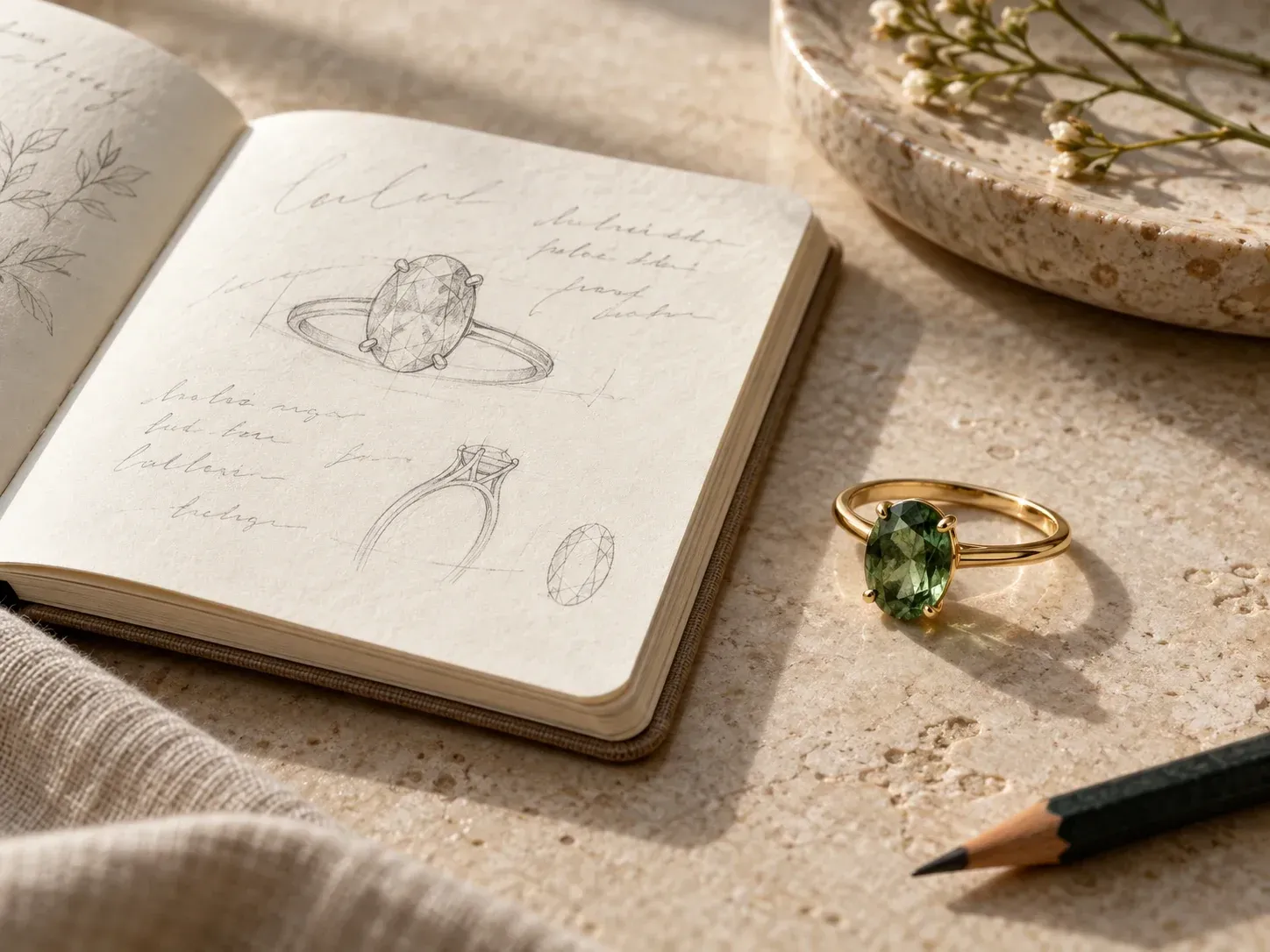
An AI jewelry designer, sometimes called a jewelry design generator, draws a piece of jewelry from a written description. Virse reads the style, metal and stones you name and renders them as a concept image.

A written jewelry brief turned into a ring render

Why use Virse as an AI jewelry design generator?

Most custom pieces change a few times before the design is settled.

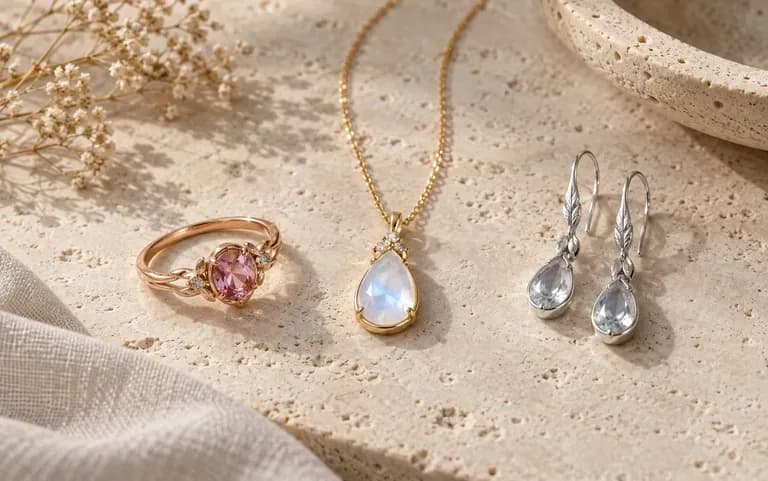
A ring, a pendant necklace and drop earrings generated from short briefs
Piece types

Start from the piece type

Name a ring, a pendant, a pair of earrings or a bracelet and describe it in your own words. A ring render shows the band and setting, and a pendant render shows the bail and chain.
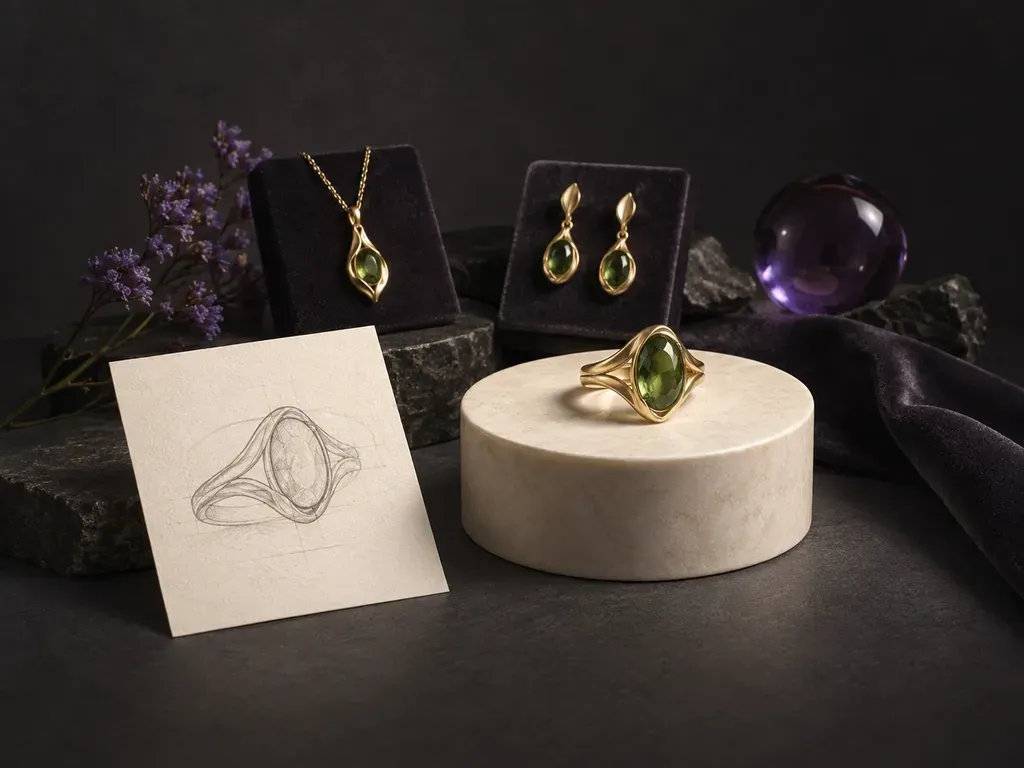
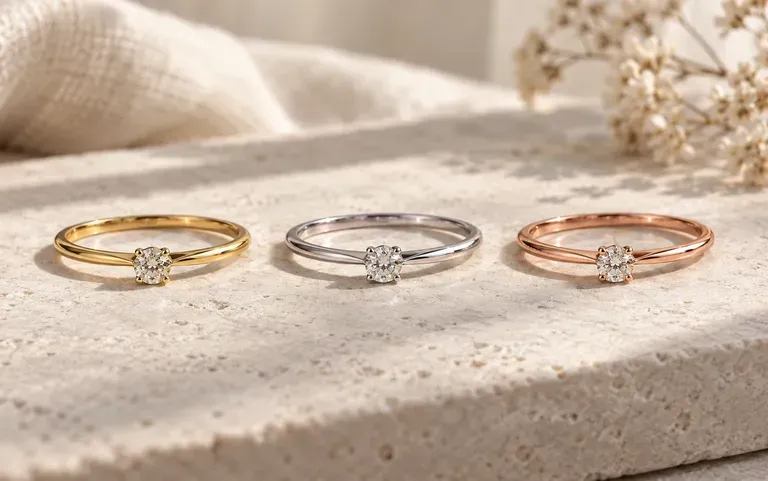
One ring design shown in three metals
Variants

Compare metals and stones

Ask for the same design in yellow gold, white gold and rose gold, or swap a diamond for an emerald. The versions sit side by side, so you compare them in one view.
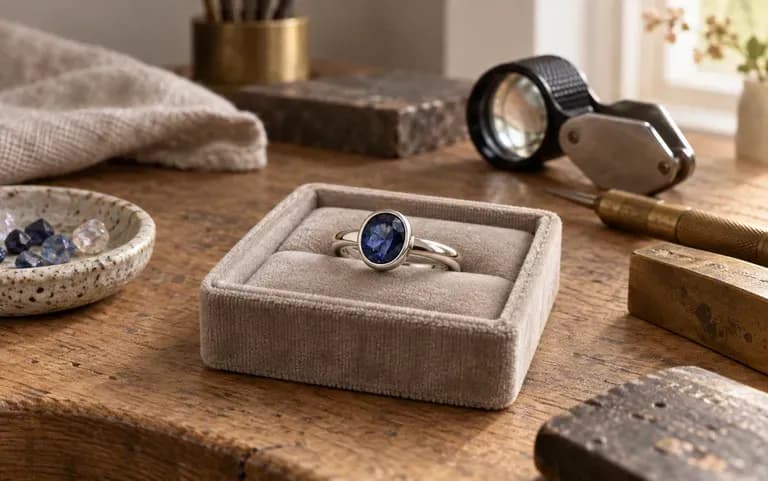
A concept render ready to share with a jeweler
Visual brief

Brief your jeweler

Show a bench jeweler or CAD modeler a picture of the look you have in mind, such as the stone shape and the band profile, as a starting point for their own drawing.

How to create a jewelry design with AI

  1. Name the piece and occasion

    Start with the type of jewelry and where it will be worn, for example an everyday stacking ring or a statement necklace for an evening event.

  2. Add metal, stones and style

    List the metal, the stone shape and color, and a style such as Art Deco or minimalist. Upload a sketch if you have already drawn the outline.

  3. Generate the render

    Submit the form and the render appears on your Virse canvas.

  4. Adjust the description

    If one detail is off, such as the stone size or the band width, rewrite that part of the description and run it again.

Who uses an AI custom jewelry designer?

Useful when a client or a partner has to picture the piece before it is made.
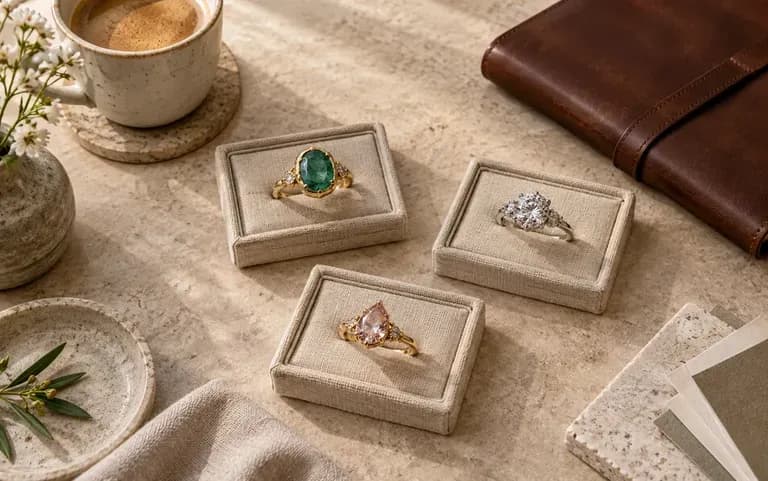
Commission concepts prepared for a client meeting

Independent jewelers

Put two or three directions for a commission in front of a client and let them choose one.
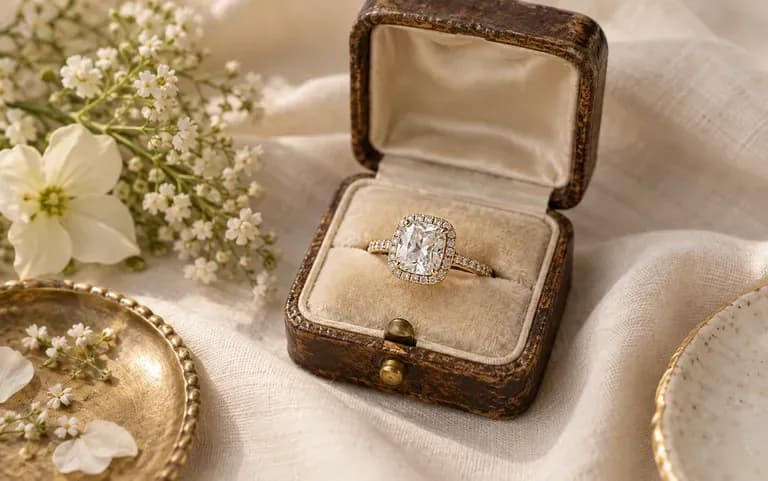
An engagement ring concept based on a couple's description

Couples planning a ring

See the ring you have been describing to each other as a picture before you start shopping.
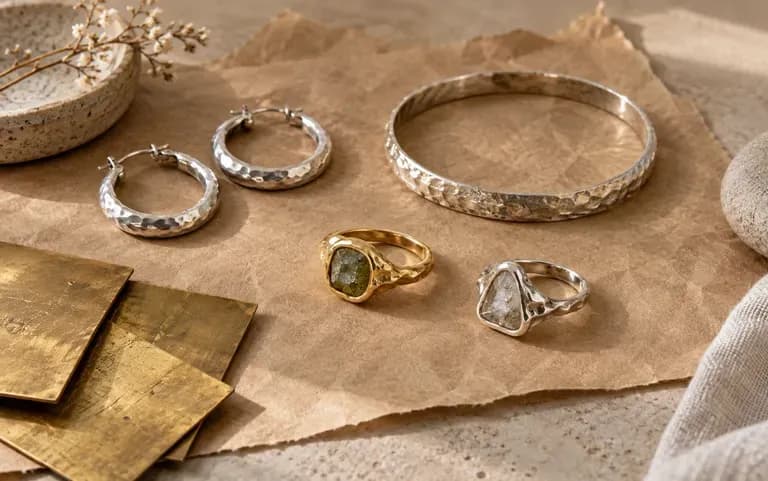
Collection ideas for a small handmade jewelry line

Handmade jewelry sellers

Try out ideas for a new collection and narrow the line to the pieces worth making.
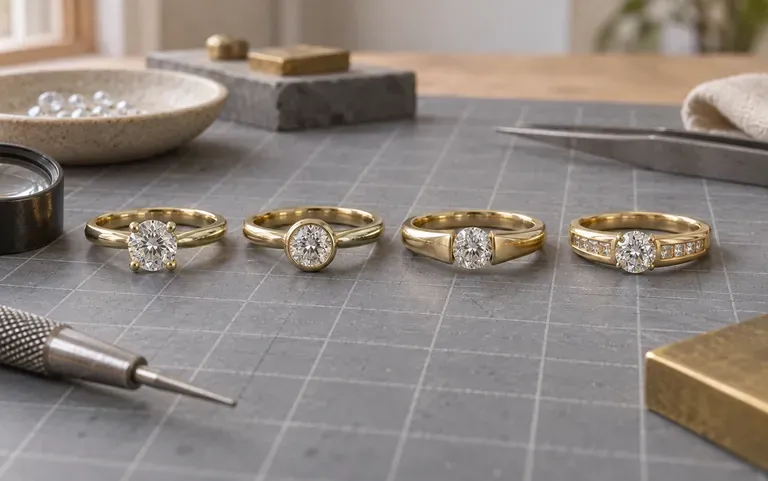
A student's ring concept explored in several settings

Jewelry design students

Test proportions and stone settings while developing a portfolio piece.
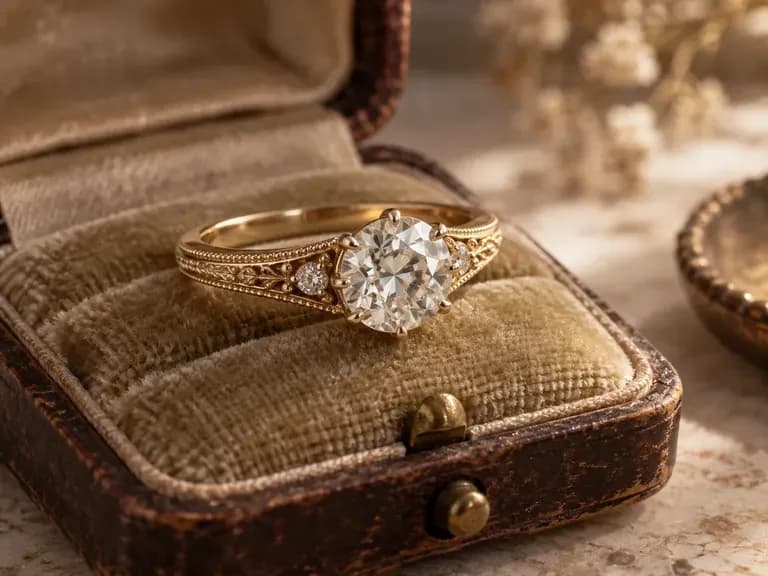
Jewelry design ideas to generate

Vintage Engagement Rings: milgrain bands and old-cut stones in yellow gold
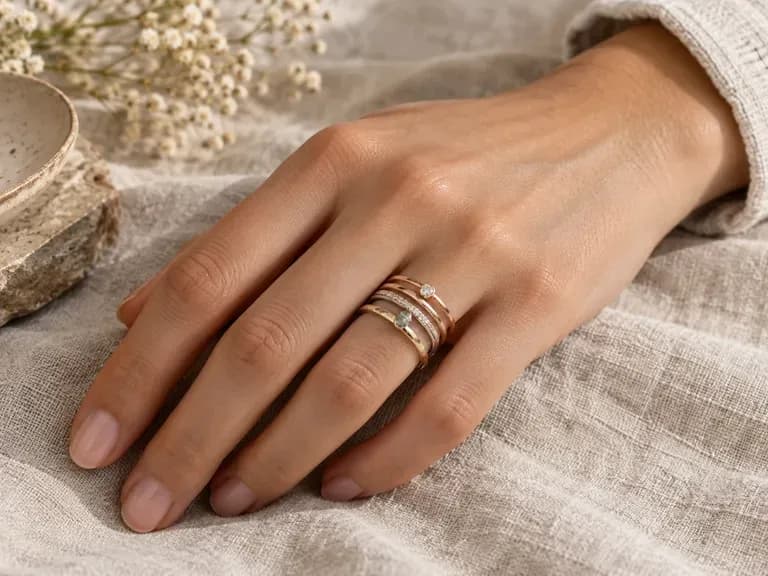
Minimalist Stacking Rings: thin bands in mixed metals worn together
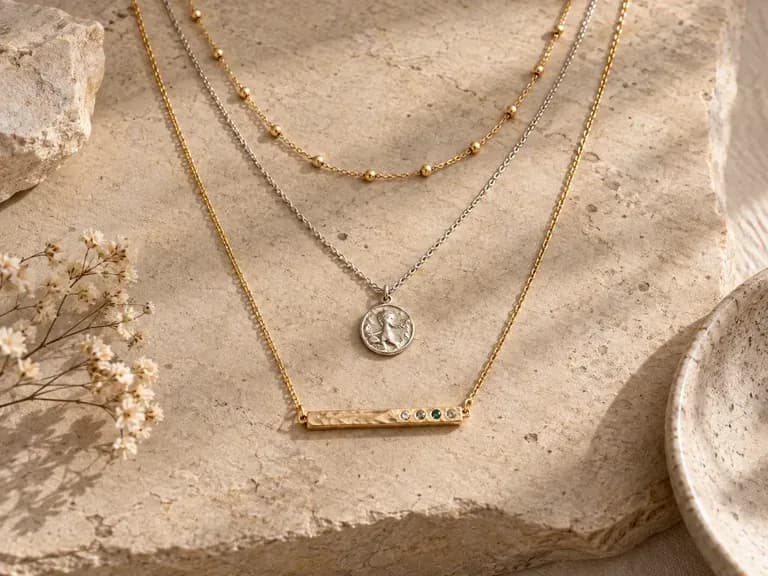
Layered Necklaces: fine chains worn at staggered lengths
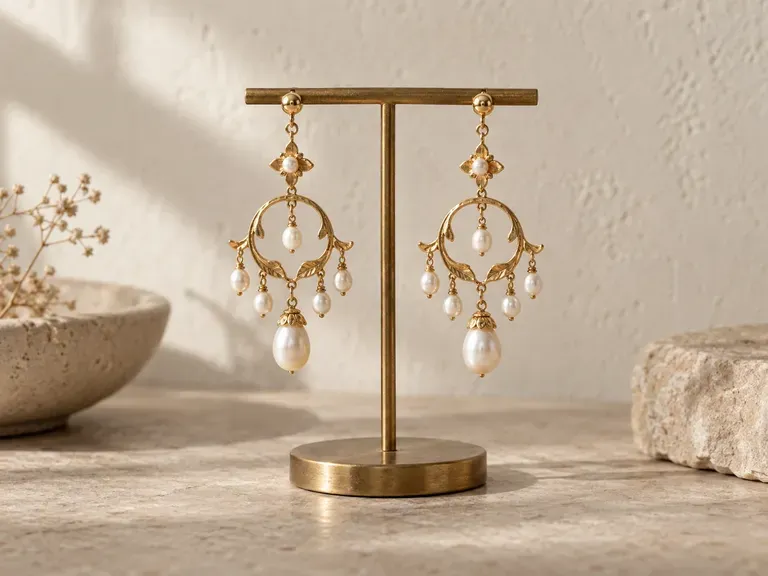
Statement Earrings: a mirrored pair of chandelier or hoop earrings
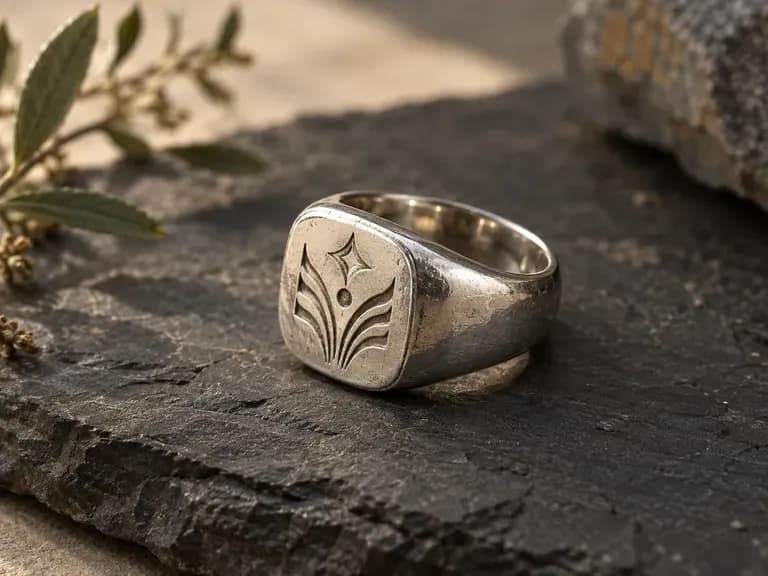
Signet Rings: an engraved face on a heavy band
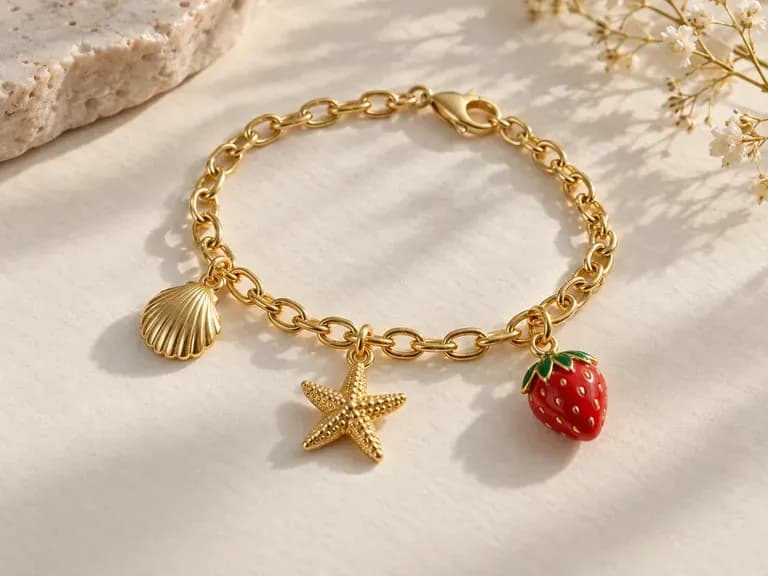
Charm Bracelets: a chain bracelet carrying the charms you describe
FAQ

Frequently asked questions

Can AI design jewelry?
Yes, as a first concept. AI can show how a piece might look in the style you describe, but it does not work out how the piece is built. You get an image of the idea, not a production file.
Can I turn a sketch into a jewelry render?
Yes. Upload the sketch with your description and the tool uses it as the starting outline. A clean drawing of the silhouette gives it more to work from than a page of overlapping lines.
Does it create CAD or STL files for casting?
No. The output is an image. It is not a CAD model, an STL file or a technical drawing, so a CAD designer has to build the piece before it can be cast or printed.
Can a jeweler make a piece from the design?
Yes, using it as a visual reference. The render does not confirm that the piece can be cast or set as drawn, so your jeweler should check stone sizes, prong strength and band thickness first.
Does it give a price for the gold and stones?
No. It does not estimate metal weight or stone cost. Ask your jeweler for a quote once you have picked a design.
Is Virse's AI jewelry designer free?
Yes, to start. New accounts get 200 compute, and the Free plan adds 50 compute a day whenever your balance is below 200. Every image model is available on the Free plan, with output at 1K.

Design your next piece of jewelry with AI

Tell Virse about the piece you picture and see it rendered.