
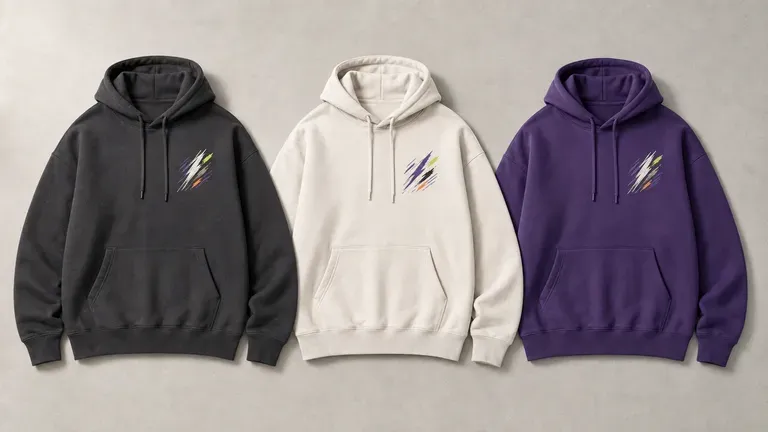
Free
Start with Free Generations
Try your first hoodie design on Virse credits. New users can generate up to 10 images, enough to see whether a graphic and colourway hold up before ordering a sample.
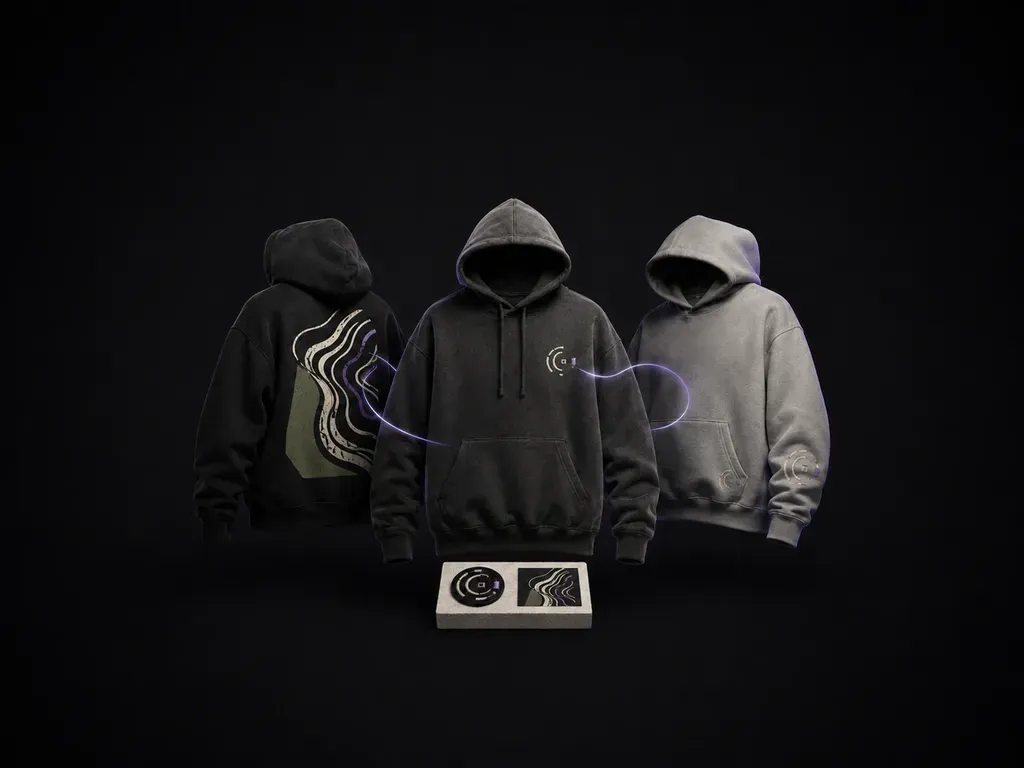
Describe your garment colour, graphic idea and whether you want print or embroidery to preview hoodie design concepts across chest, back and sleeve mockups, starting on free Virse credits.
An AI hoodie designer works across three graphic zones a T-shirt doesn't really have, a chest logo small enough to sit above a pocket, a full back piece, and a sleeve detail, and shows each as either a printed or an embroidered mockup. It is built around a heavier, layer-worn garment rather than a flat tee—built around three core workflow advantages:
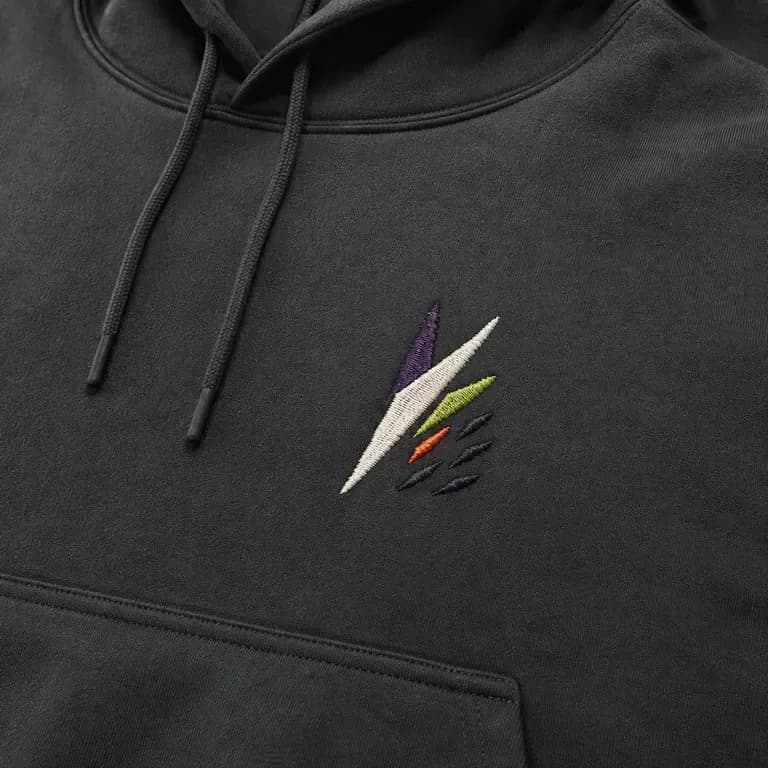
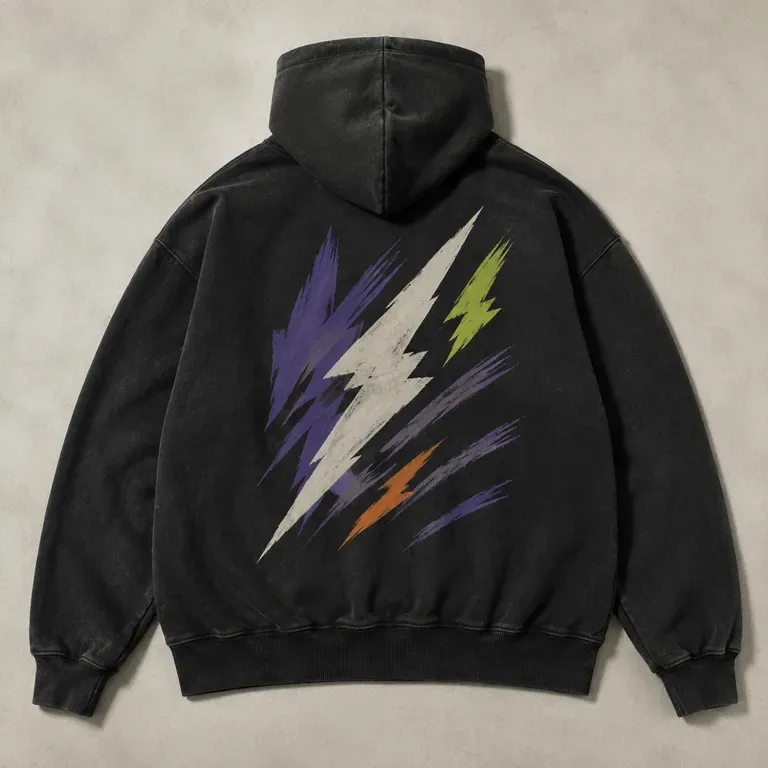
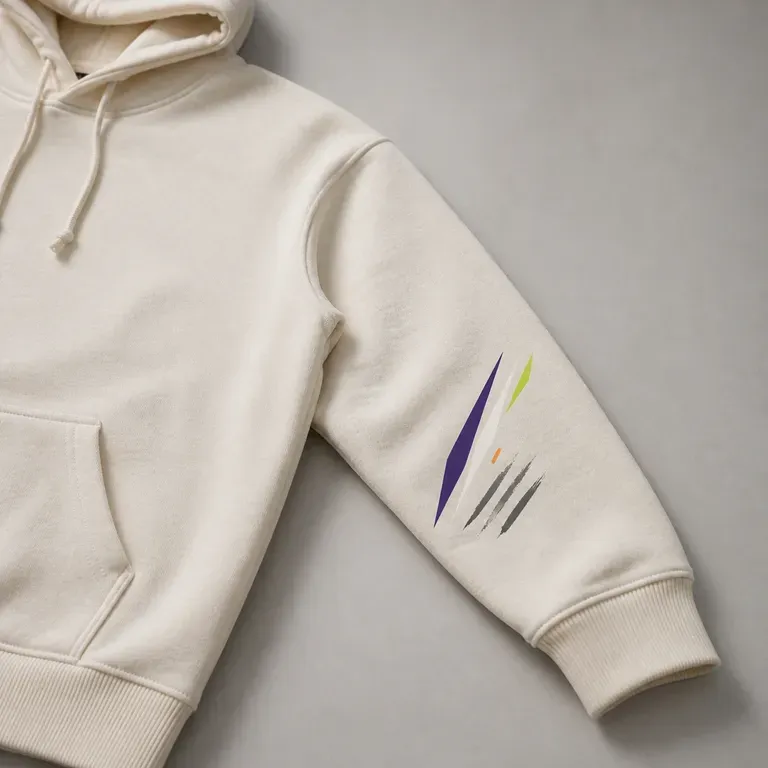
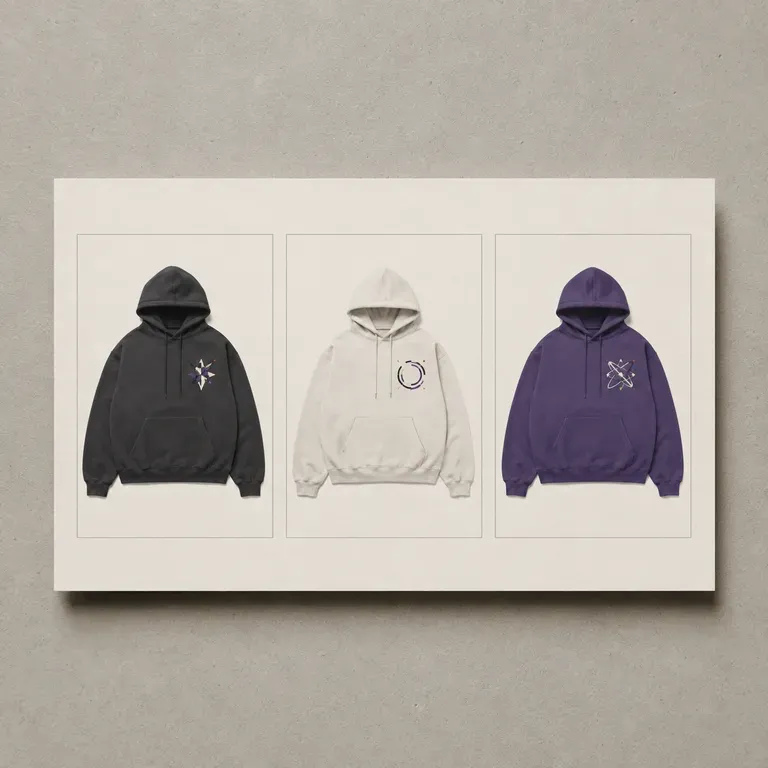
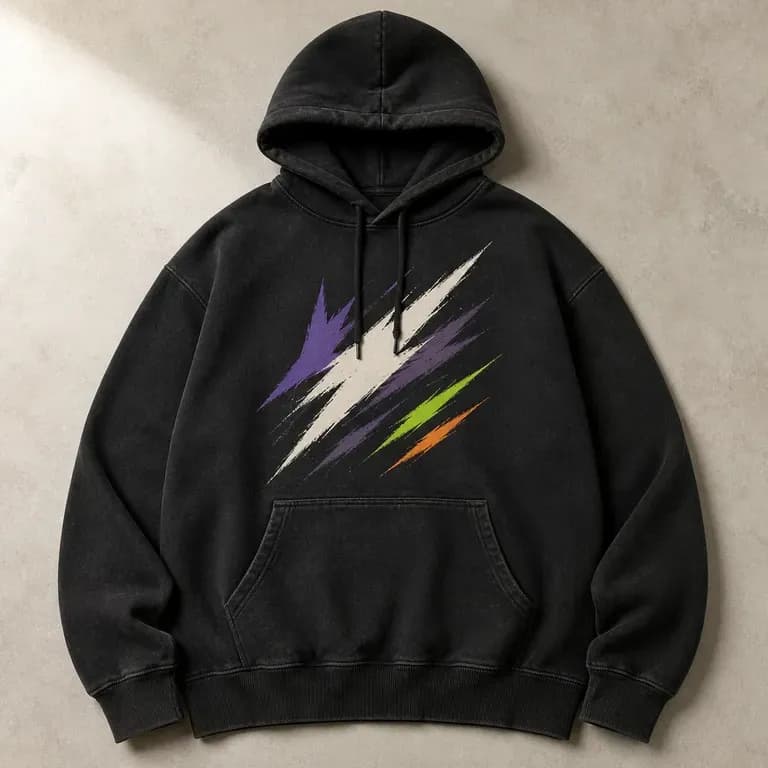
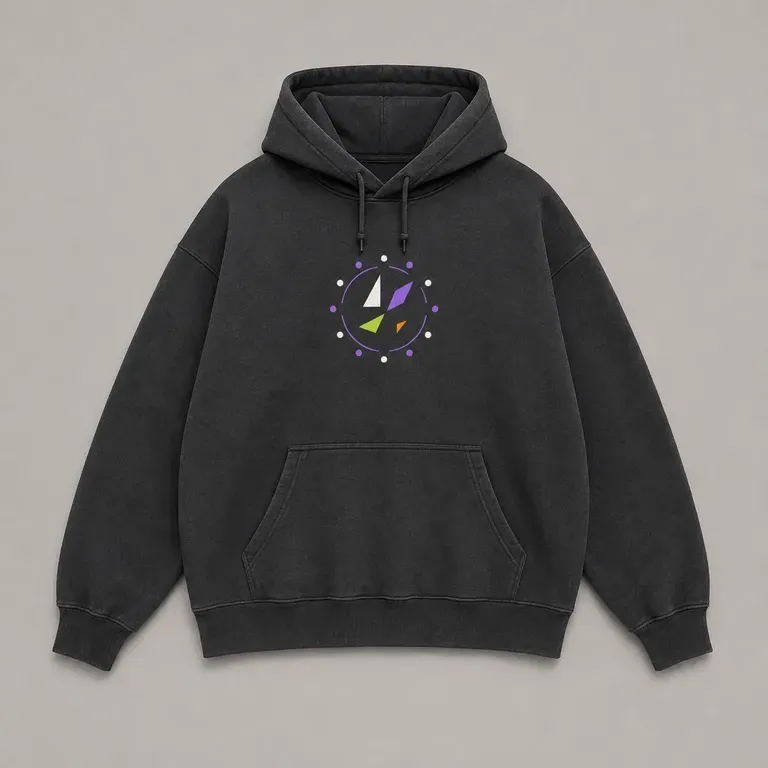
· Three hoodie-specific zones: Previews left-chest emblems (above the kangaroo pocket), oversized back graphics, and sleeve prints.
· Print vs. embroidery realism: Compare puff ink, vintage cracked plastisol, tonal embroidery, and chenille appliqué on heavy fleece.
· True heavyweight garment drape: Shows how graphics sit across dropped shoulders, double-lined hoods, and ribbed cuffs.
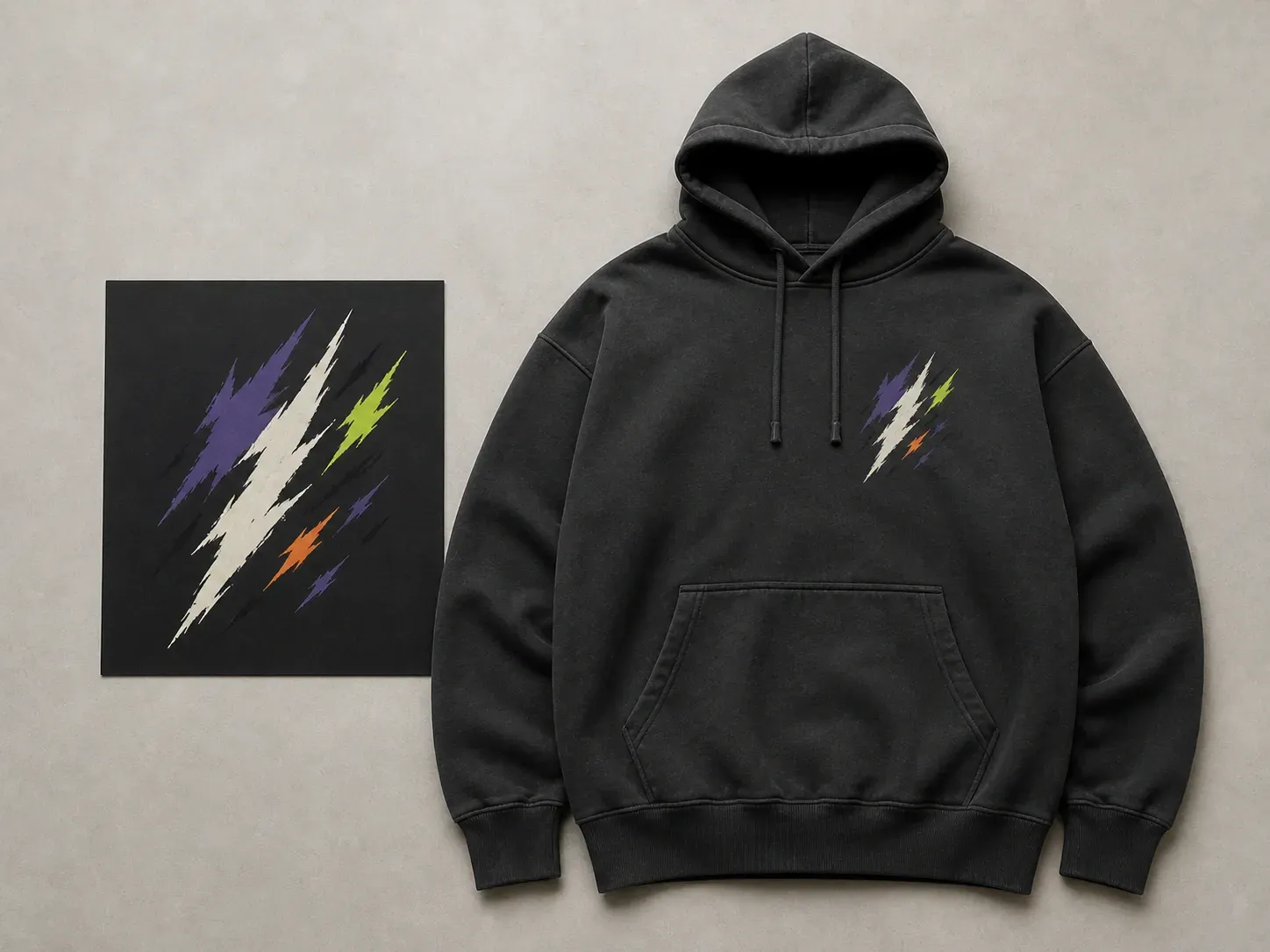
A hoodie graphic reads differently at pocket, chest and back scale. Seeing all three positions early is what catches problems before a sample run.
Try your first hoodie design on Virse credits. New users can generate up to 10 images, enough to see whether a graphic and colourway hold up before ordering a sample.
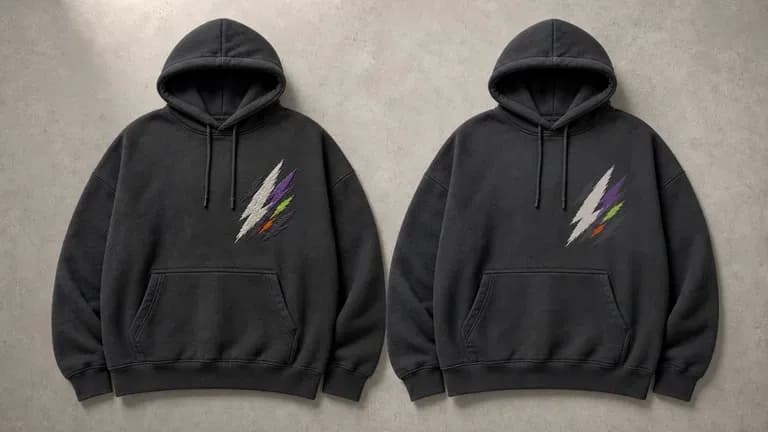
Virse brings 40+ AI models into one environment, and paid plans include unlimited model usage. You can see how different models handle the same graphic idea without rebuilding it for each one.
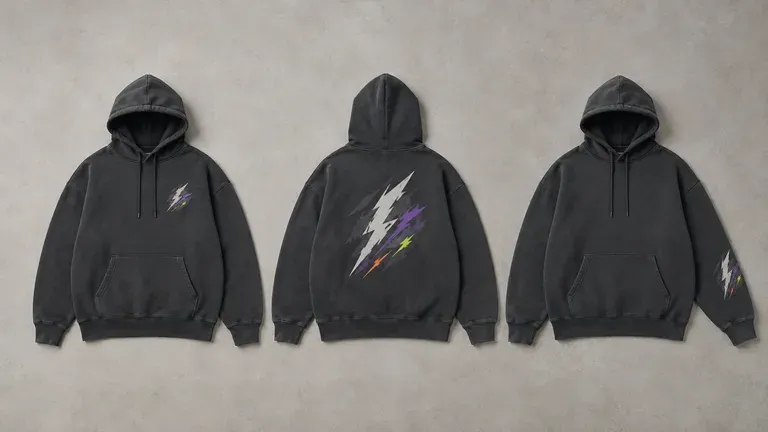
References, generated designs and alternative print positions stay together on an infinite canvas. Virse keeps the graphic direction in context, so the next round builds on what already worked.
Compare flat tee templates against heavyweight hoodie concepts with chest, back, and sleeve zones.
Flat T-Shirt Templates & 2D Graphics
Virse Hoodie Designer
Settle the fleece colour first, since a graphic that pops on white can disappear on heather grey or black.
Choose print or embroidery early: embroidery suits compact chest marks while screen print handles detailed back art.
Run an AI image model to generate several graphic directions shown as printed or stitched mockups in your target zone.
Test your favourite graphic against a second hoodie colourway on the canvas before committing to a production run.
Name the fleece colour and wash, specify whether the graphic is printed or embroidered, and note chest/back/sleeve placement:
· Washed charcoal streetwear hoodie: 500gsm vintage pigment-dyed charcoal boxy hoodie, small tonal chest embroidery, oversized distressed plastisol botanical back print.
· Collegiate tonal puff-print hoodie: Heavy heather grey pullover hoodie, arched cream puff-ink chest lettering above kangaroo pocket, small woven cuff tab.
· Tour merch dual-sided zip hoodie: Jet black heavyweight zip-up hoodie, gothic chrome emblem on left chest, tour city list on back, flame graphic down both sleeves.
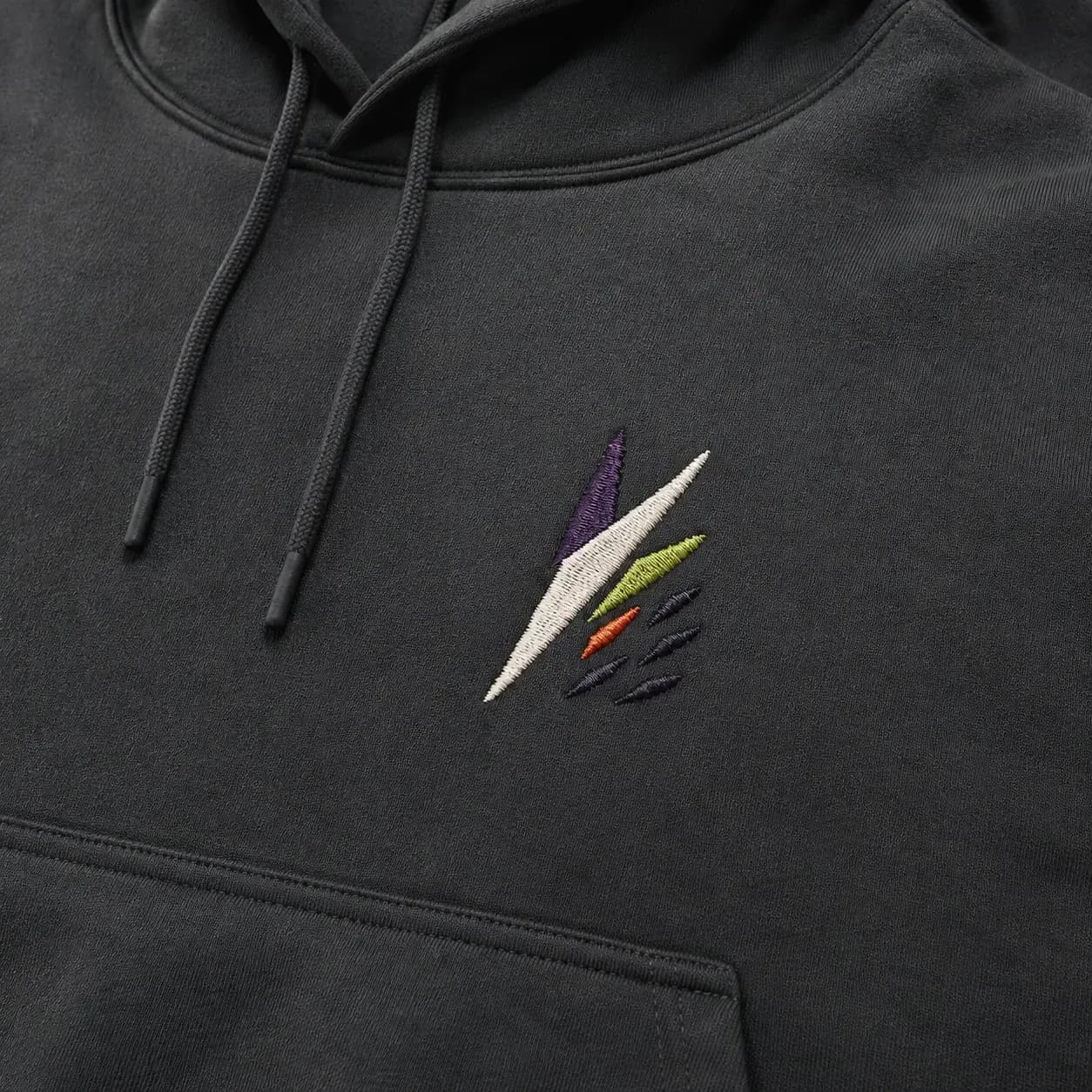
People turning a graphic idea into something they can actually wear.
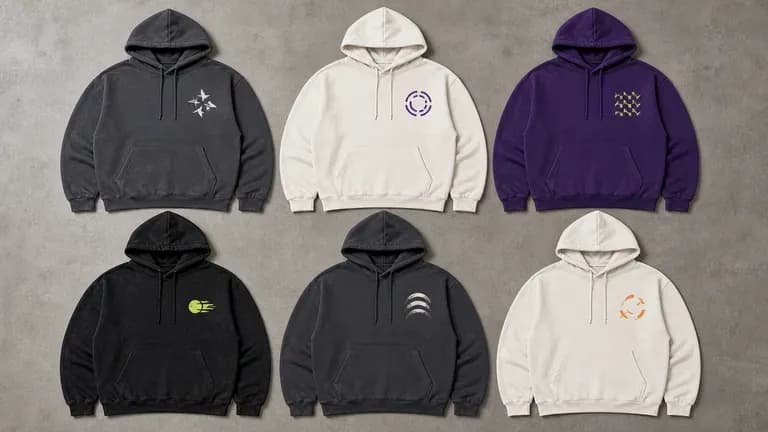
Generate a batch of hoodie graphics to test across a catalogue without commissioning custom art for each one.
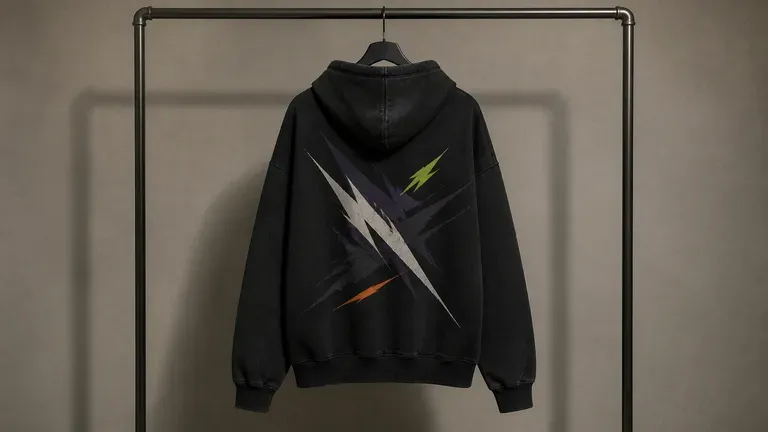
Explore bold back-print and chest-logo directions before committing to a production run.
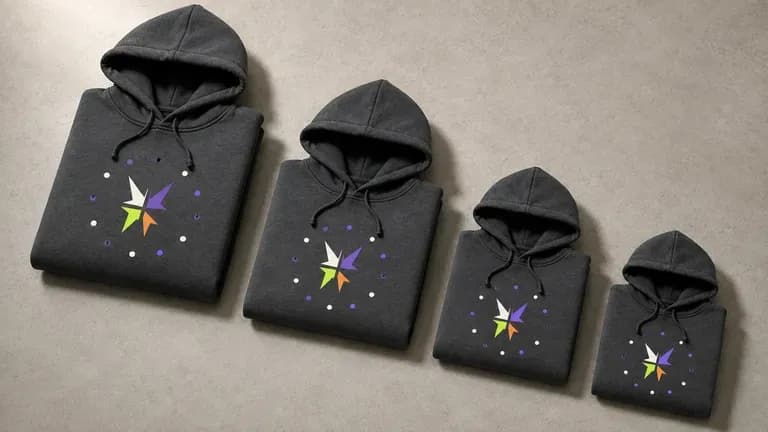
Turn an event theme or team identity into a hoodie graphic for a small production run.
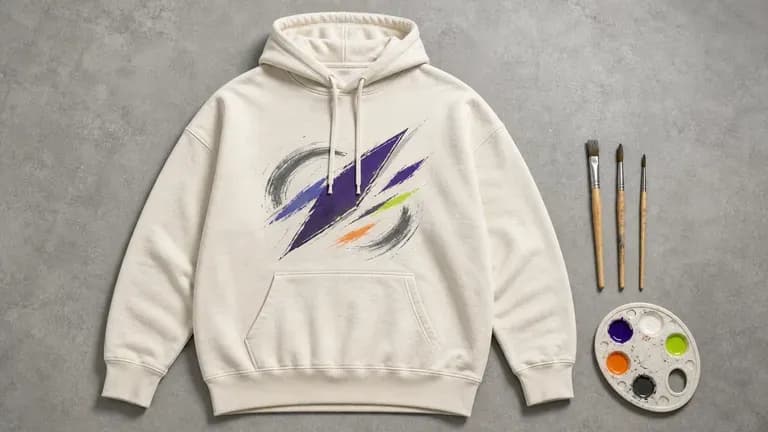
Turn a personal illustration style into wearable hoodie graphics.
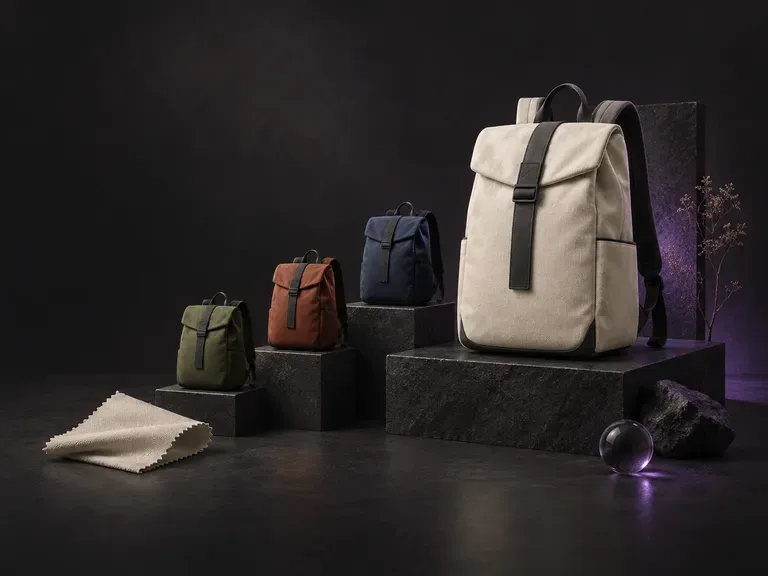
Tell this AI backpack designer what the bag is for, such as a daily commute or a day hike, then add the style, material and colors. It renders the backpack's exterior so you can see how those choices look together.
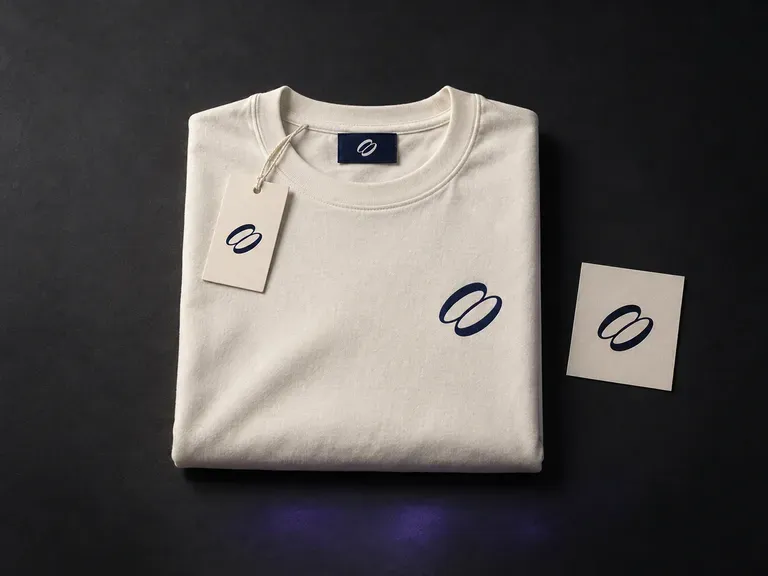
Upload your logo, garment graphics, and reference photos, then describe the apparel pieces, neck labels, and hang tags in frame. This clothing mockup generator builds coordinated clothing brand mockups uniting garments and trims in one scene.
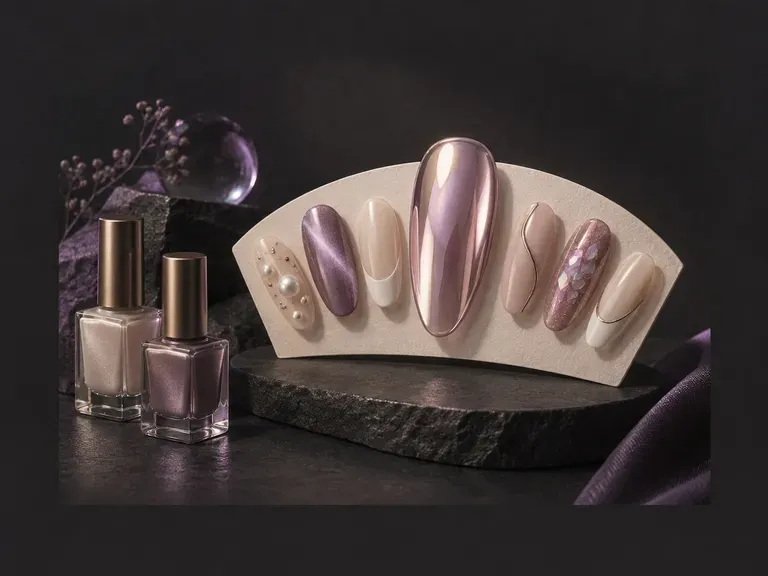
Upload a daylight hand photo or write a manicure brief to preview custom nail art before your salon visit. This AI nail design generator renders almond, coffin, stiletto, and squoval shapes in glazed chrome, magnetic cat-eye velvet, French micro-tips, and 3D gel.
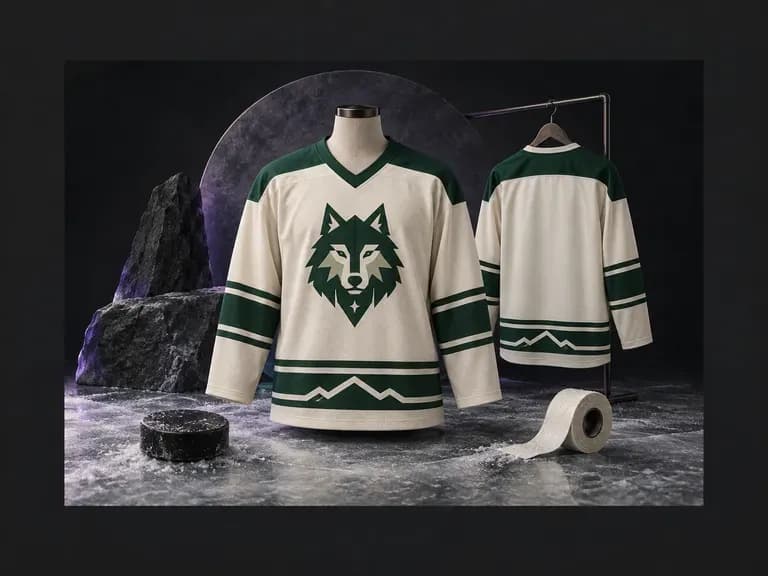
An ice hockey sweater has a distinct cut, collar, and stripe layout compared to soccer or basketball kits. Describe your team colors, shoulder yokes, and sleeve striping (or upload a crest), and this AI hockey jersey design generator renders front and back views.
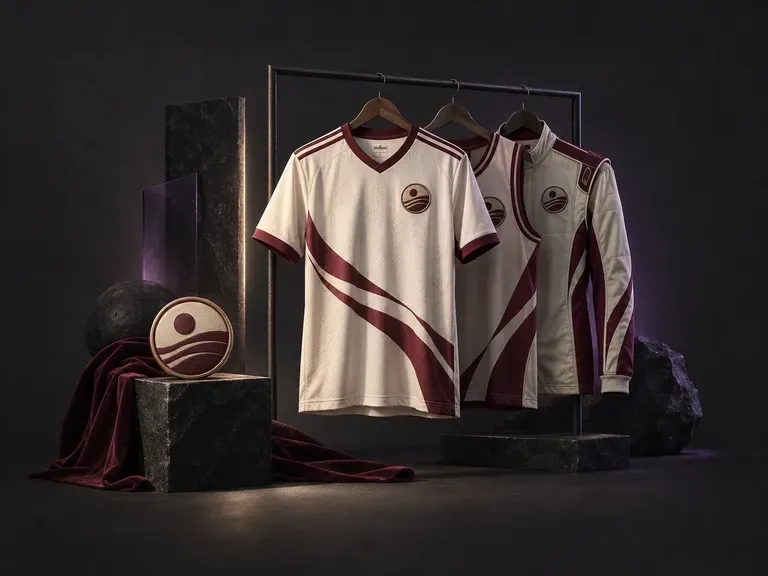
Build custom team kits, streetwear jerseys, and tournament uniforms with our AI jersey design generator. Enter your club name, colorway, number, and crest to preview cuts across soccer shirts, basketball tanks, football jerseys, cycling tops, and esports kits.
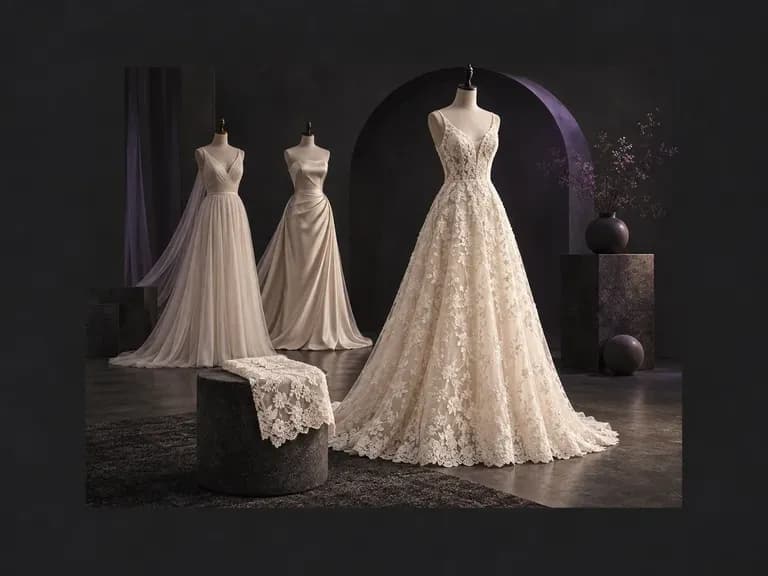
Describe your ideal silhouette, neckline, sleeve cut, bridal fabric, and venue. Virse's AI wedding dress generator turns your written brief into an original bridal gown concept on your canvas, giving you a clear visual reference for your boutique.
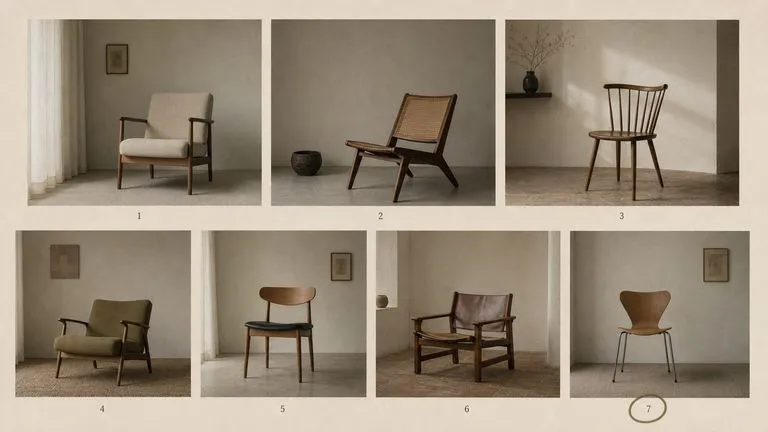
The generation of Black Forest Labs' FLUX line that came before FLUX 2, kept available as two entries — the standard model and Ultra.
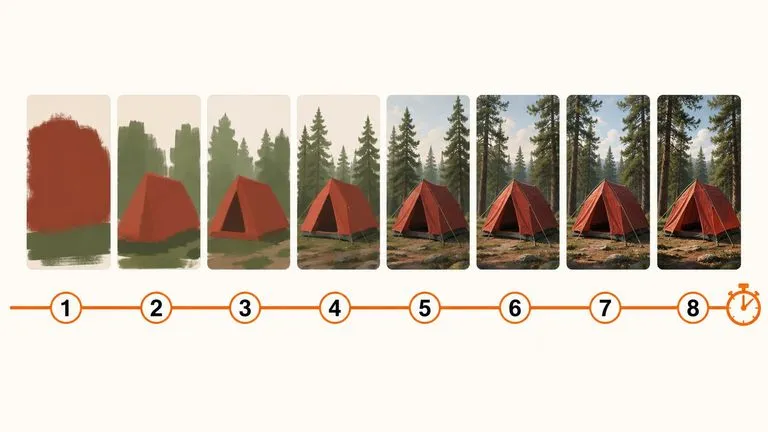
A 6-billion-parameter model compressed to an eight-step inference pipeline, built to return a usable picture before your train of thought moves on.
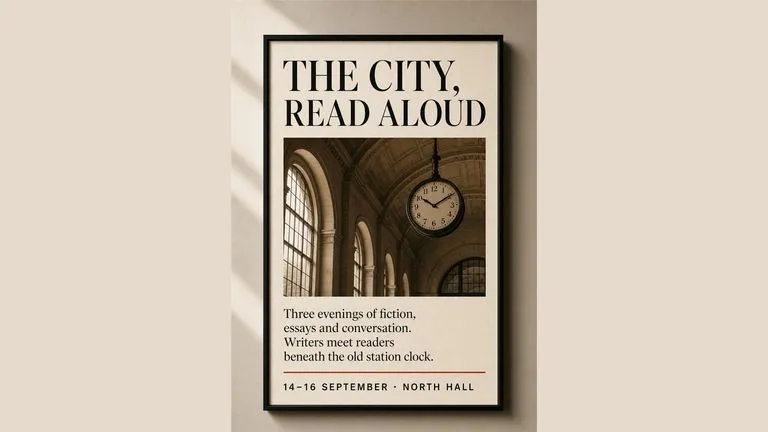
Generate studio-grade 4K images with Nano Banana Pro, blending multiple references while holding characters, products, and typography consistent.

OpenAI's ChatGPT Images 2.5 arrives in Virse as both API editions, GPT Image 2.5 Flare and GPT Image 2.5 Sunburst, with six quality grades and output up to 4K.
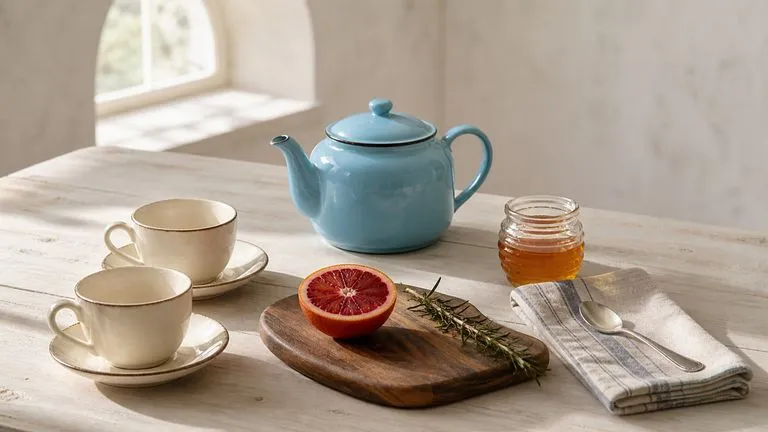
OpenAI's GPT Image 2.0 reads a hundred-word brief and attempts all of it, with independent quality and resolution controls from 1K to 4K.
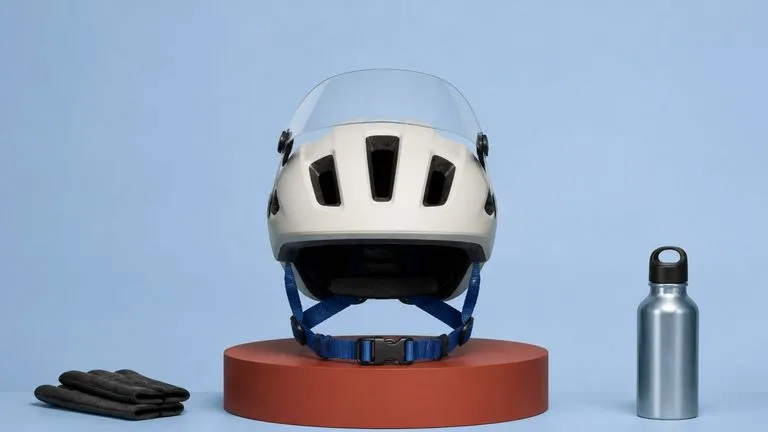
Black Forest Labs' production model reads briefs up to 32,000 tokens, so brand rules, colour values, and compositional constraints can all go in at once.
Pick a colour, decide print or embroidery, and see the design across the chest, back and sleeve before you commit to a run.