무료
무료 생성으로 시작하세요
Virse 크레딧으로 첫 이메일 방향성을 시도해 보세요. 신규 사용자는 최대 10개의 이미지를 생성할 수 있어, 디자이너가 실제로 제작하기 전에 레이아웃과 제안 스토리가 효과적인지 확인하기에 충분합니다.

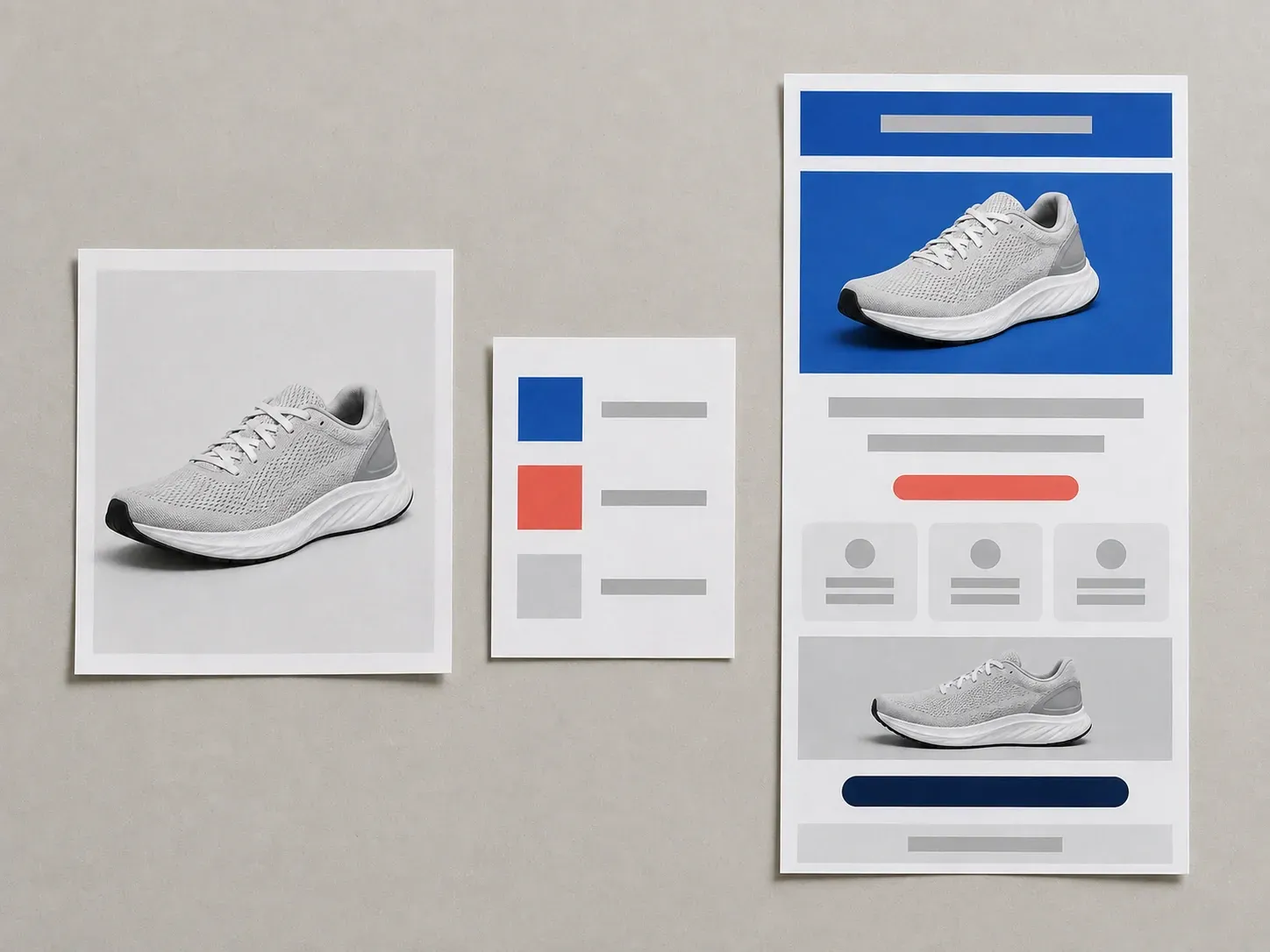
이메일은 누군가 이메일 플랫폼을 열어 제작하기 훨씬 전, 엄지로 스크롤하는 첫 2초 안에 성패가 갈립니다. 캠페인 목표와 제품 사진을 제공하면 프로모션, 라운드업 또는 뉴스레터의 전체 레이아웃을 미리 볼 수 있어, 발송 목록에는 제작할 가치가 있는 버전만 전달됩니다. 무료 Virse 크레딧으로 시작하세요.
AI 마케팅 이메일 디자인 생성기는 일반 웹페이지를 이메일 너비에 맞춰 억지로 줄인 것이 아니라, 받은편지함에서 실제로 렌더링되는 좁고 스크롤 우선의 형식을 배치합니다. 제안 내용과 제품 사진을 입력하면, 사람들이 홍보 이메일을 실제로 훑어보는 방식에 맞춰 설계된 레이아웃을 반환합니다.
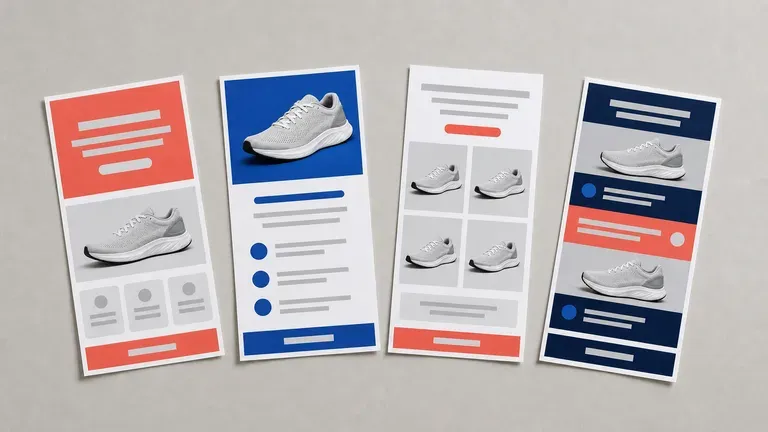
EDM은 스크롤의 첫 2초 안에 성패가 갈립니다. 여러 방향을 한눈에 보는 것이 선택을 더 쉽게 만듭니다.
Virse 크레딧으로 첫 이메일 방향성을 시도해 보세요. 신규 사용자는 최대 10개의 이미지를 생성할 수 있어, 디자이너가 실제로 제작하기 전에 레이아웃과 제안 스토리가 효과적인지 확인하기에 충분합니다.
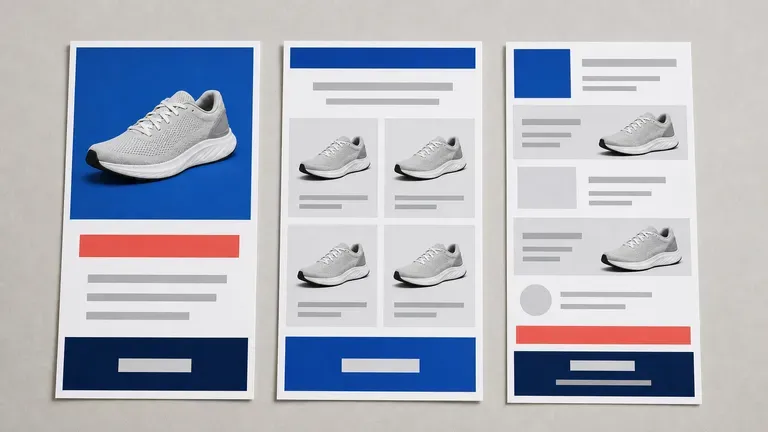
Virse는 40개 이상의 AI 모델을 하나의 환경으로 가져오며, 유료 플랜에는 무제한 모델 사용이 포함됩니다. 각 모델마다 브리프를 다시 작성하지 않아도, 서로 다른 모델이 동일한 제품 사진과 제안을 어떻게 처리하는지 확인할 수 있습니다.
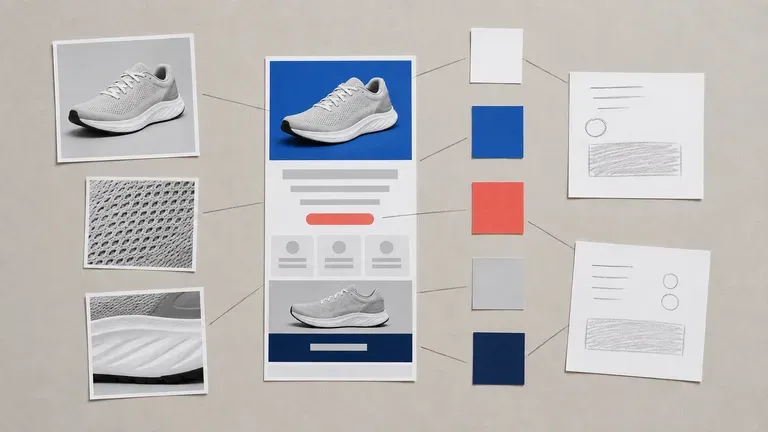
제품 사진, 브랜드 에셋, 생성된 레이아웃과 대안 방향성이 무한 캔버스에 함께 유지됩니다. Virse는 제안 세부정보와 브랜드 팔레트를 맥락 속에 유지하므로, 다음 라운드는 이미 선택된 방향성을 바탕으로 이어집니다.
Virse 캔버스에서 경직된 템플릿 블록 드래그 방식과 전체 스크롤 마케팅 이메일 비주얼을 비교해 보세요.
경직된 이메일 빌더 템플릿
Virse 마케팅 이메일 디자이너
제품 사진과 브랜드 에셋을 업로드한 다음, 캠페인 목표, 오퍼, 그리고 긴급한 톤부터 에디토리얼 톤까지 원하는 톤을 설명하세요.
단일 프로모션, 제품 모음 그리드, 더 긴 뉴스레터 스크롤과 같은 구조를 선택하세요.
사용 가능한 AI 이미지 모델을 실행해 몇 가지 완성된 이메일 비주얼을 레이아웃하도록 하세요. 다시 살펴볼 만한 것들을 캔버스에 함께 모으세요.
가장 강력한 방향을 선택하고 업데이트된 메모로 계속 조정하세요. 이는 이메일 플랫폼 템플릿을 제작할 때 기반이 되는 비주얼 레퍼런스로 작동합니다.
제품 사진 1–3장을 업로드하고 캠페인 목표, 헤드라인 오퍼, 브랜드 팔레트, 섹션 순서를 지정하세요:
· VIP 신제품 출시 EDM: 다크 슬레이트 배경의 히어로 제품 공개, 혜택 아이콘 콜아웃 3개, 창업자 인용문 블록, 굵게 강조된 '얼리 액세스 쇼핑하기' CTA 버튼.
· 시즌 번들 플래시 세일: 따뜻한 테라코타 헤더와 '주말 세트 25% 할인', 가격 비교가 포함된 3제품 그리드, 긴박감을 주는 카운트다운 푸터.
· 에디토리얼 주간 다이제스트: 크림색 매거진 레이아웃, 주요 스토리 히어로, 2열 큐레이션 제품 추천, 깔끔한 미니멀리스트 타이포그래피.
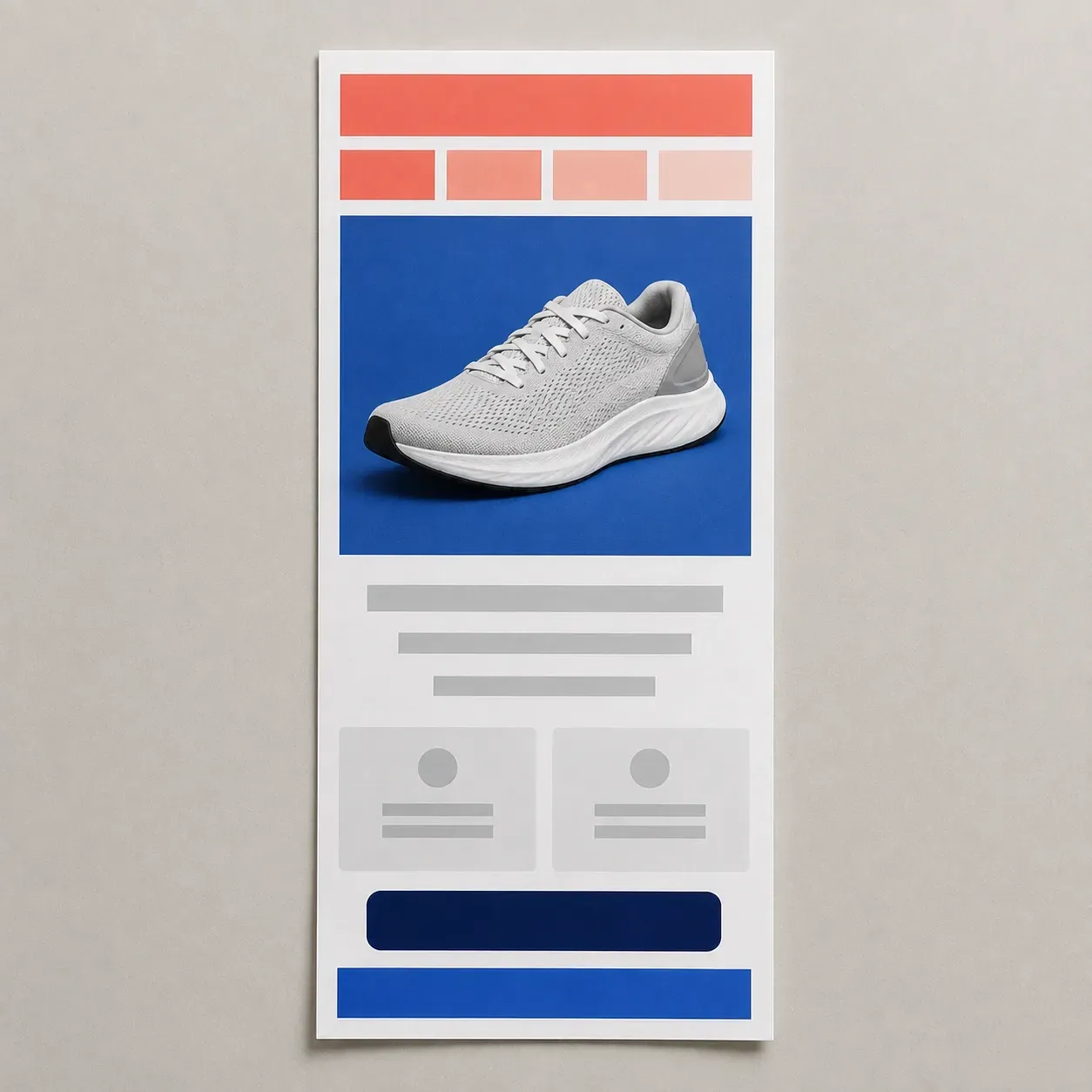
캠페인을 발송하고, 목록에 보내기 전에 레이아웃을 확인해야 하는 사람들을 위한 것입니다.
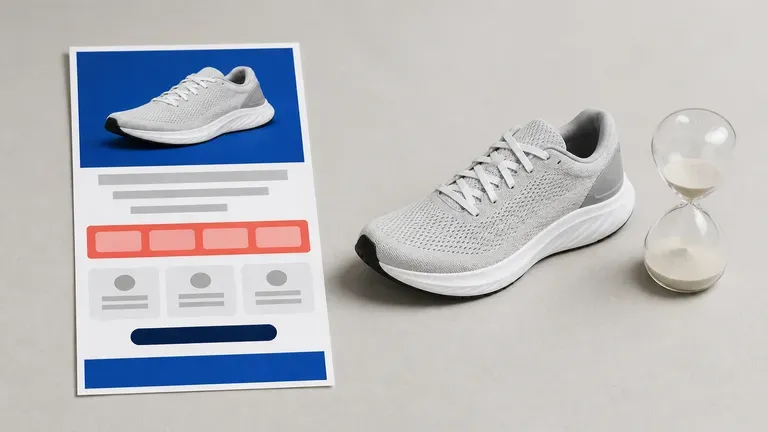
세일 공지 또는 제품 출시 이메일을 발송 플랫폼에서 제작하기 전에 테스트하세요.
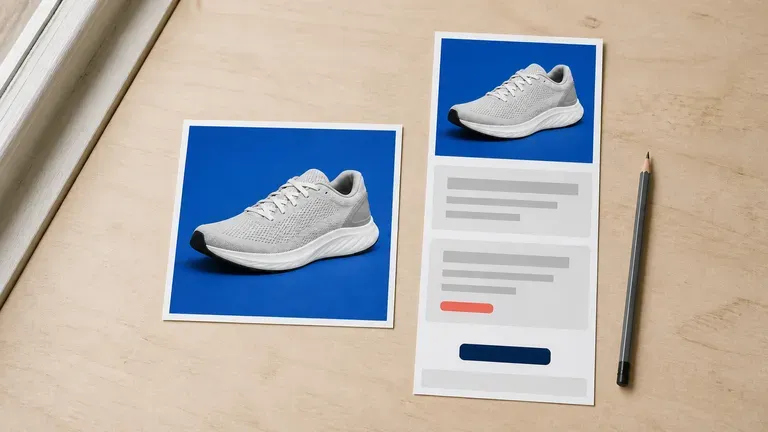
사내 디자이너 없이도 제품 사진과 오퍼를 완성된 이메일 비주얼로 전환하세요.
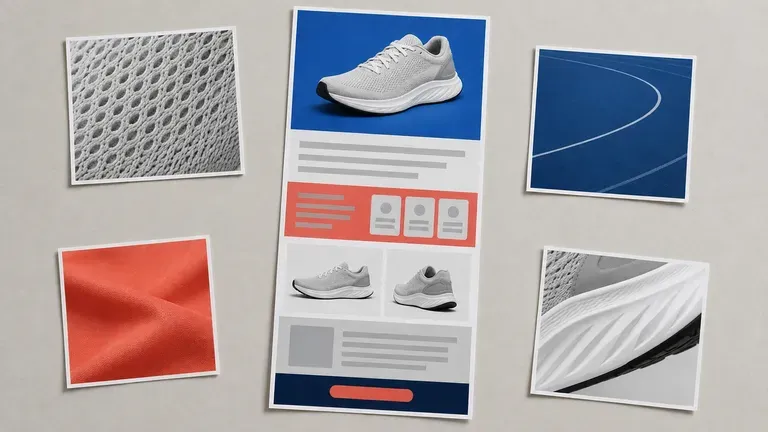
정기 뉴스레터나 자동화 플로우를 위한 여러 레이아웃 방향을 생성하세요.
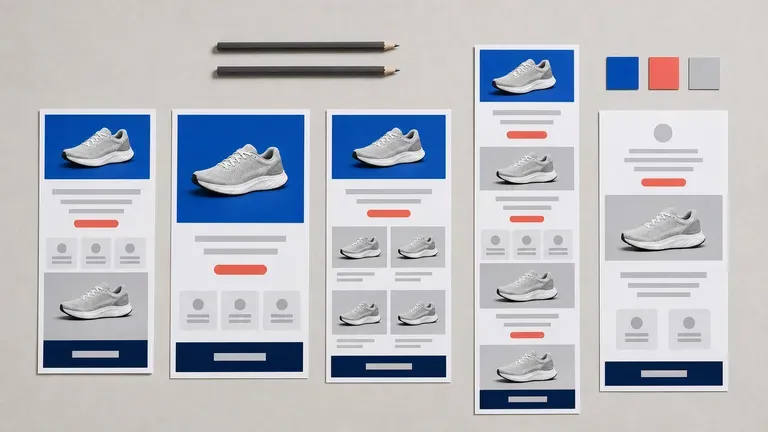
제작 시간을 투입하기 전에 검토할 수 있도록 클라이언트에게 몇 가지 캠페인 비주얼을 제시하세요.
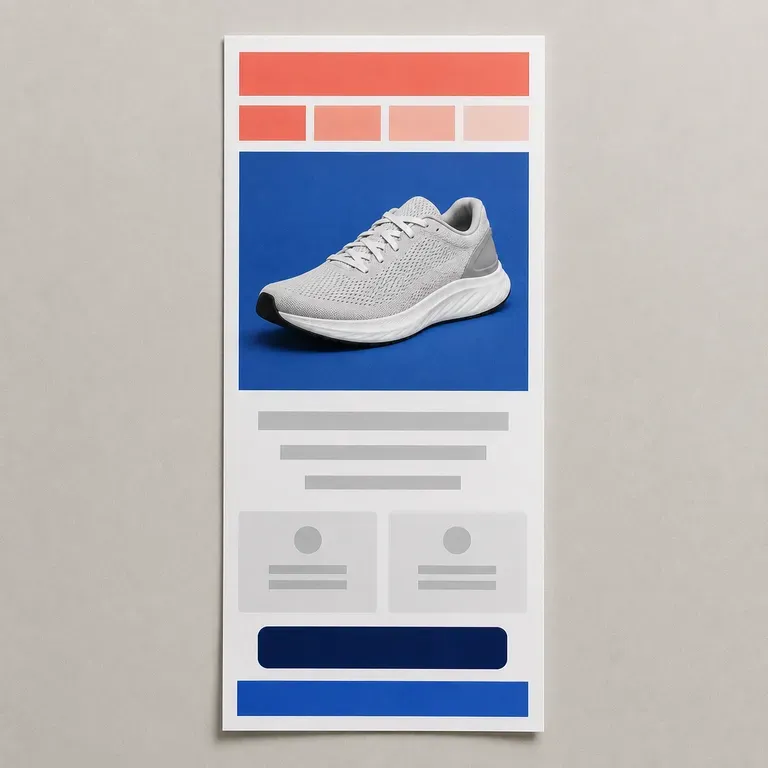
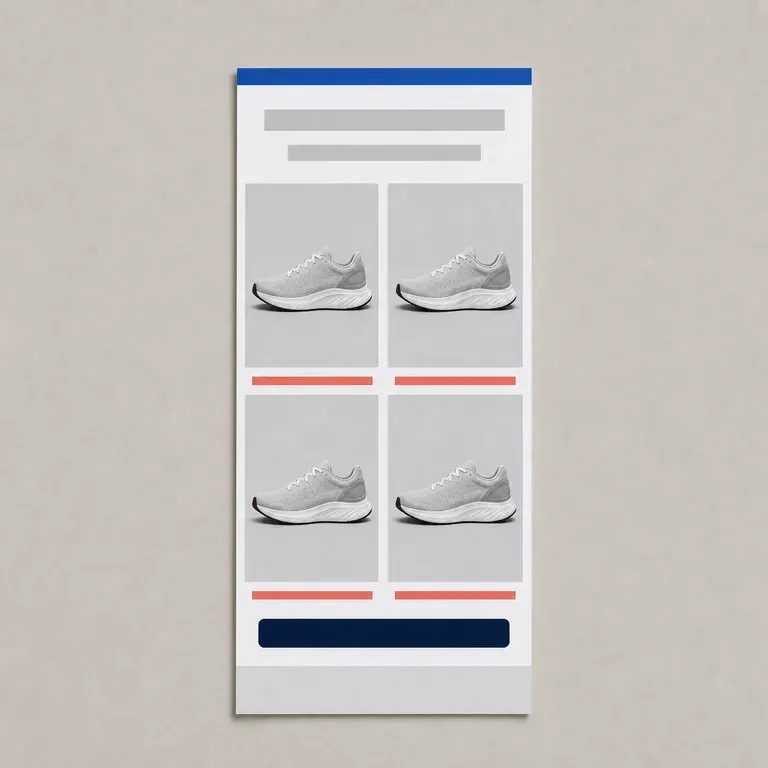
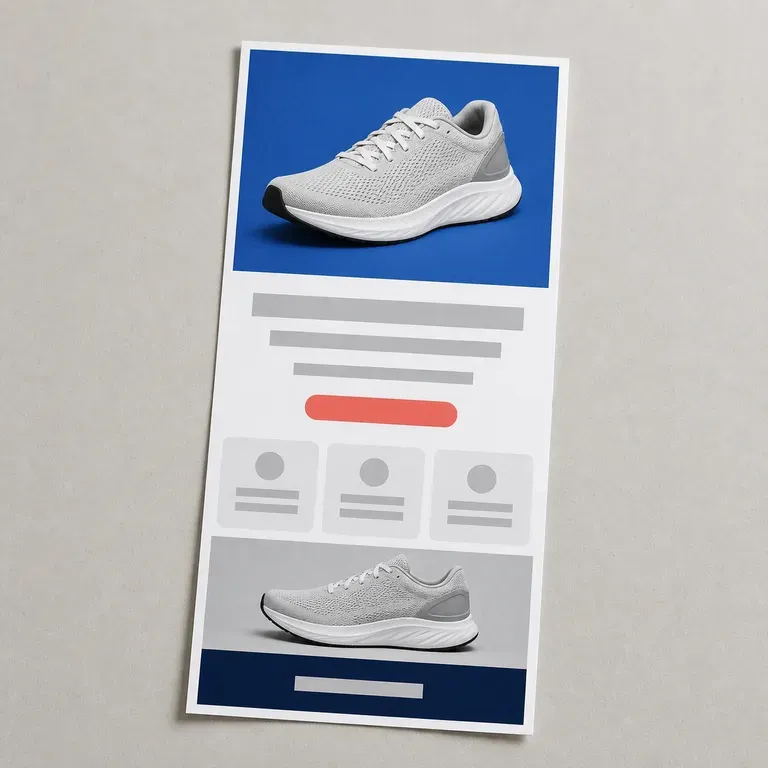
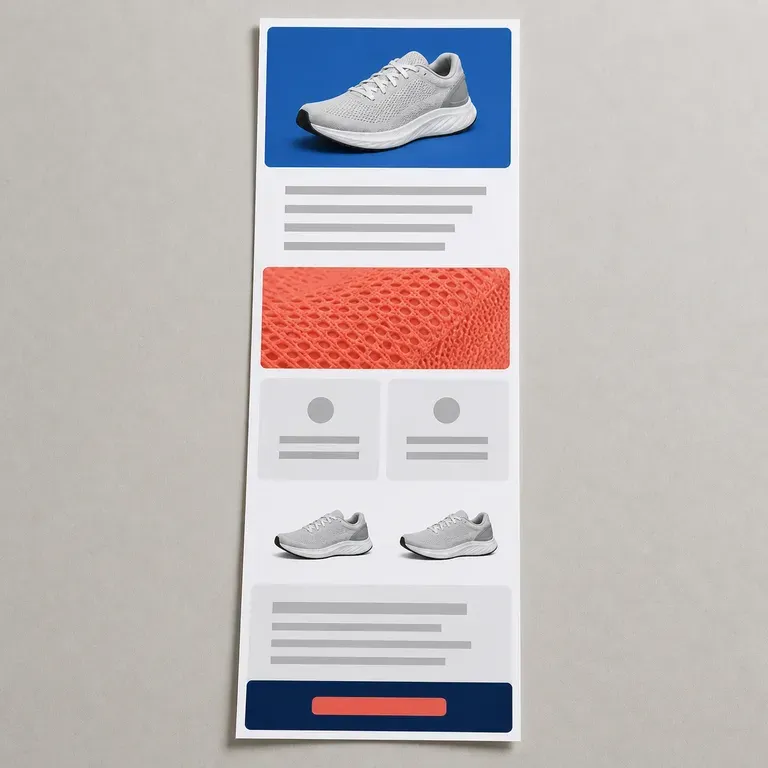
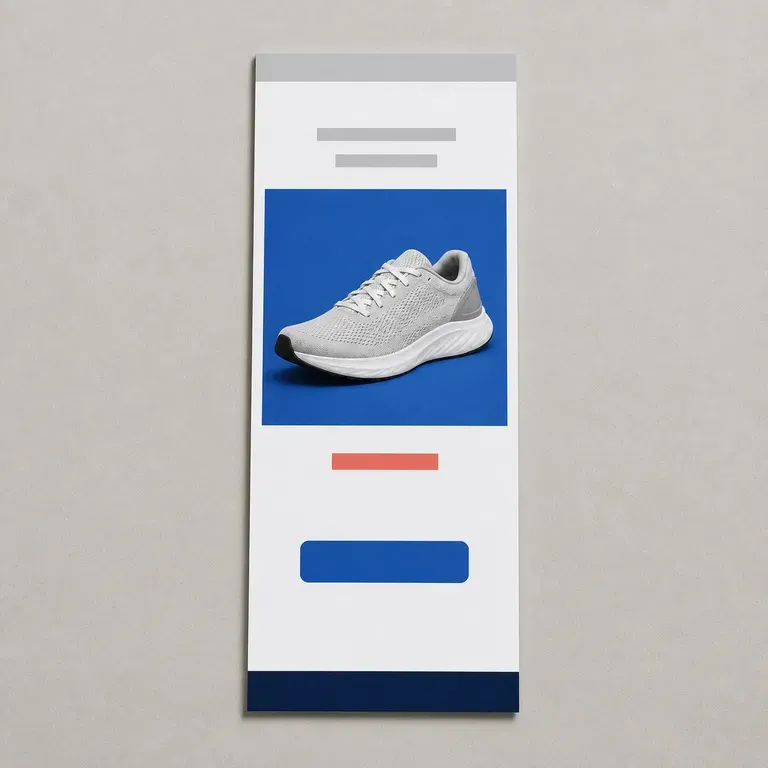
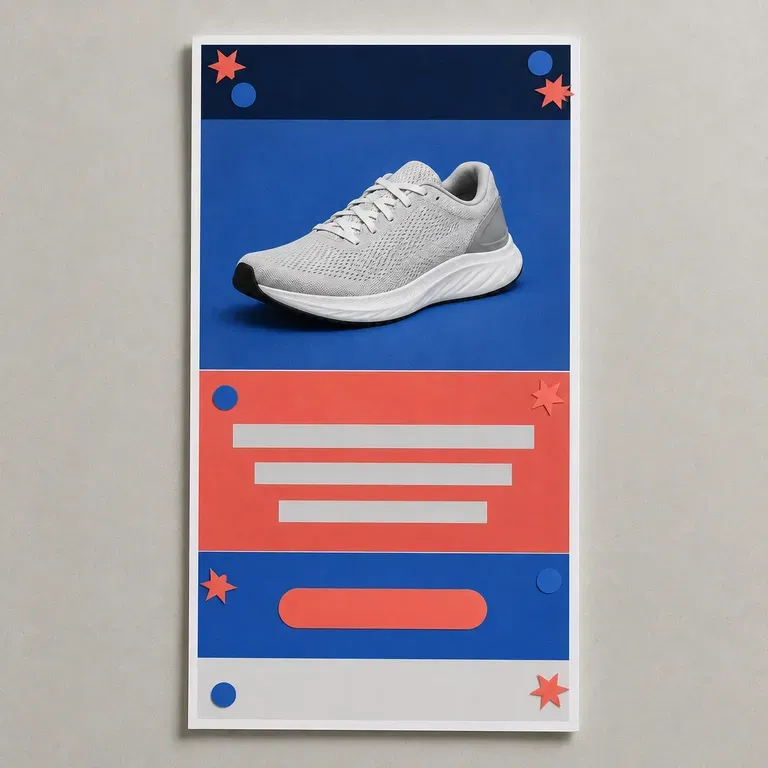
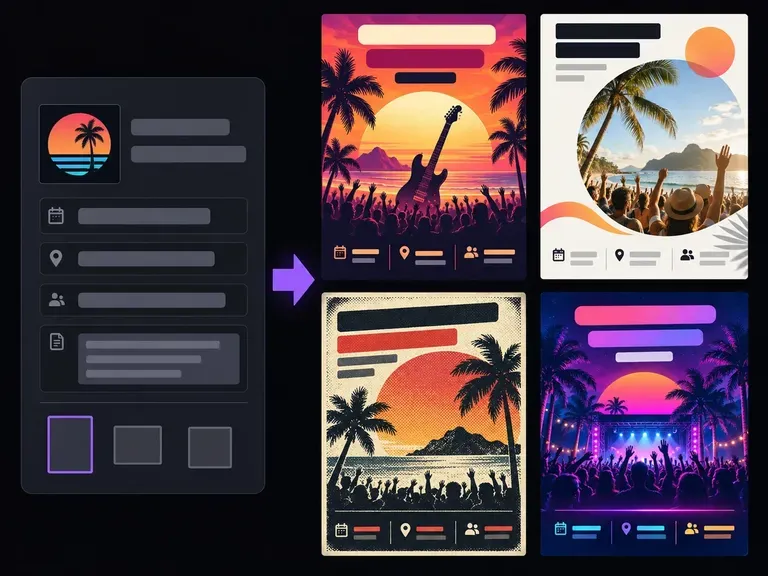
사람들이 가장 먼저 훑어보는 핵심 정보인 헤드라인, 날짜, 시간, 장소, 행동 유도 문구부터 시작하세요. 시각적 톤과 형식 관련 메모를 추가하면 이 AI 전단지 생성기가 완성도 높은 전단지 구성을 만들어 주어, 최종 인쇄물이나 소셜 아트워크를 준비하기 전에 위계, 분위기, 레이아웃을 비교할 수 있습니다.
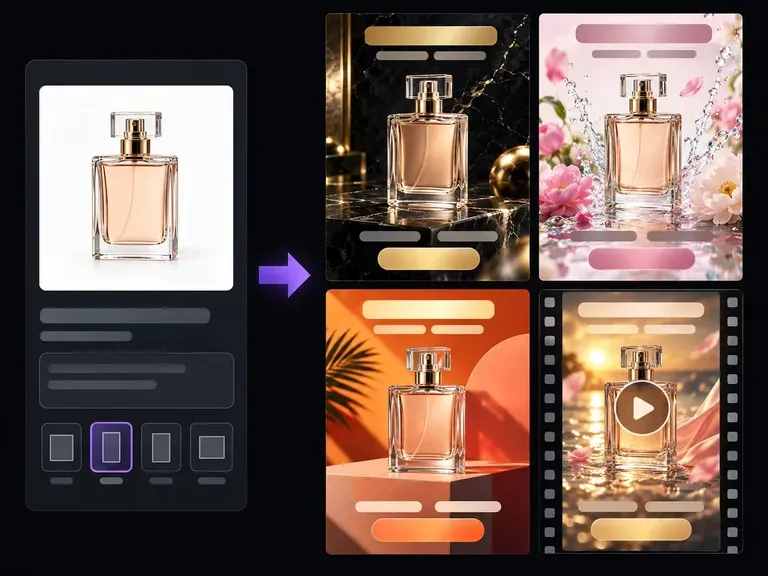
선명한 제품 사진을 업로드하고 타깃 고객, 배경, 캠페인 후킹 포인트를 설명하세요. Virse의 AI 광고 생성기는 Meta 및 Google Display 광고에 적합한 깔끔한 안전 영역을 유지하면서 스튜디오 플린스, 일상적인 라이프스타일 장면, 시즌별 배경에 제품을 연출합니다.
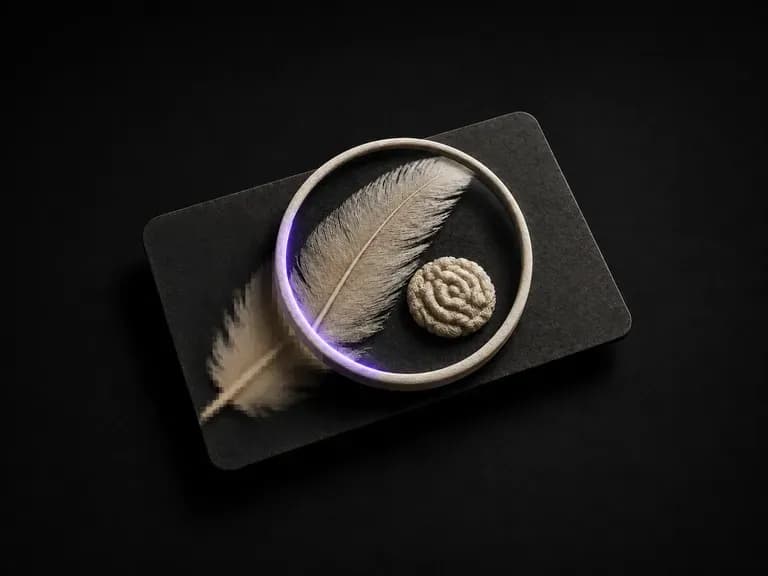
사용하기에 충분히 좋지 않은 사진을 업로드하세요. 흐림, 노이즈, 압축 아티팩트 또는 단순한 픽셀 부족 등 실제로 무엇이 문제였는지 파악하고, 먼저 이를 보정한 다음 선택한 해상도로 렌더링합니다.
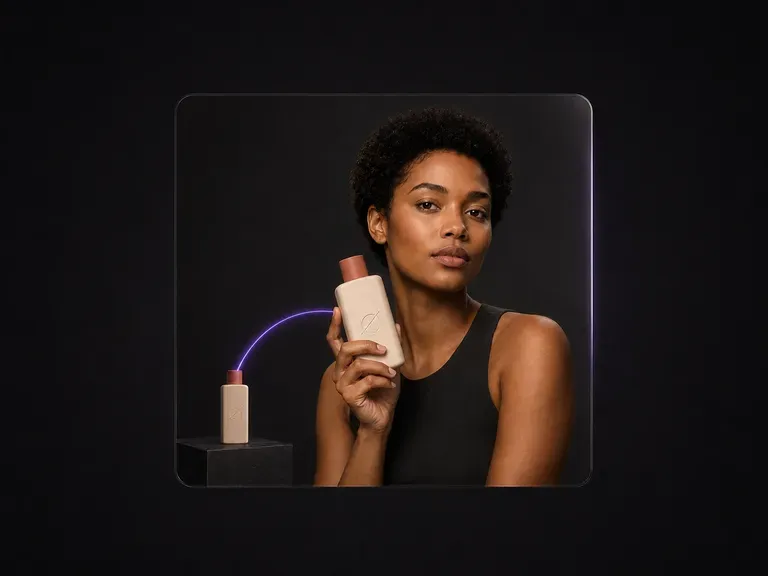
모델 사진과 제품 사진을 업로드하세요. 모델이 제품을 들고 있는 세련된 상업용 이미지 한 장을 얻을 수 있으며, 자연스러운 그립, 정확한 크기와 원근감, 통일된 조명이 적용됩니다. 얼굴과 제품은 모두 촬영된 모습 그대로 유지됩니다.
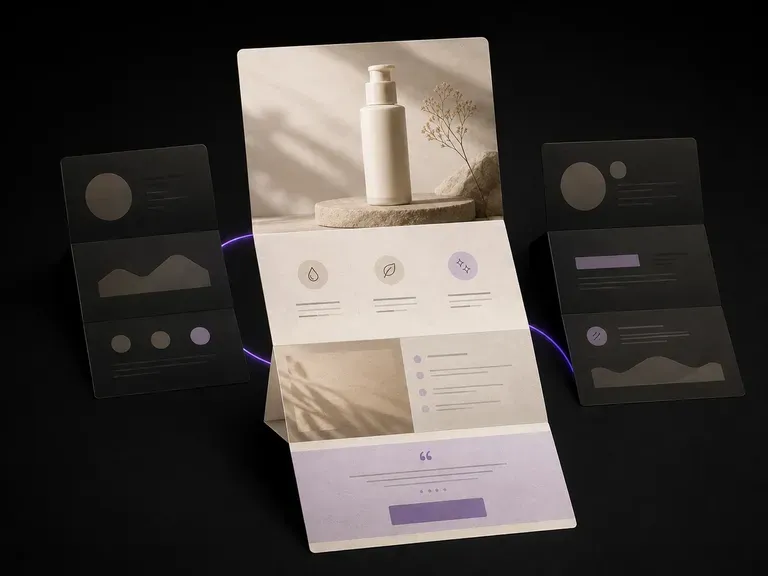
끝내 제작되지 않을 페이지라면 개발자의 일주일을 쓸 필요가 없습니다. 제품 사진과 판매 포인트를 업로드하면, 누군가 페이지 빌더를 건드리기 전에 히어로 샷, 혜택 블록, 마무리 오퍼까지 한 번의 스크롤에 담긴 전체 페이지 비주얼을 확인할 수 있으며, 첫 버전은 무료입니다.
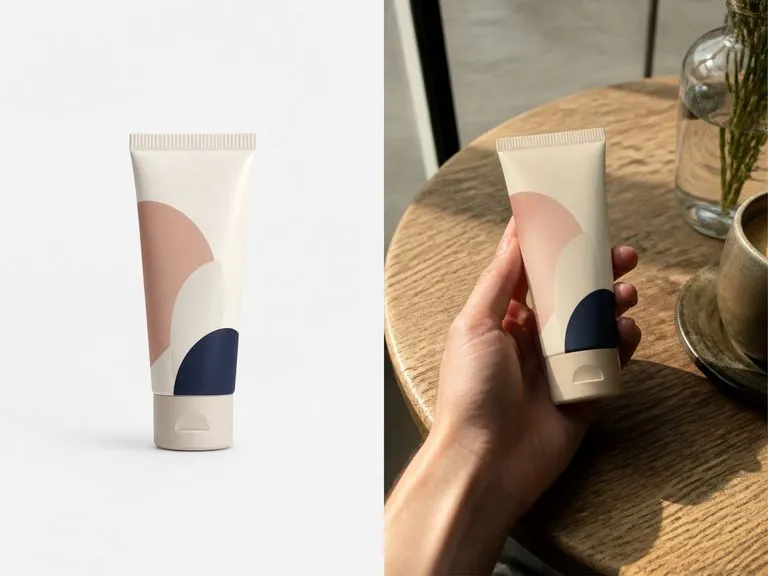
Upload a clean product photo, pick Xiaohongshu, Instagram, TikTok, or Generic, and add a scene note. This AI UGC photo generator builds a candid phone-shot image of someone holding or unboxing your item while keeping your packaging and label intact.

Nano Banana Pro로 스튜디오급 4K 이미지를 생성하고, 캐릭터, 제품, 타이포그래피의 일관성을 유지하며 여러 레퍼런스를 혼합하세요.

OpenAI의 ChatGPT Images 2.5가 GPT Image 2.5 Flare와 GPT Image 2.5 Sunburst, 두 API 에디션으로 Virse에 도입되어 여섯 가지 품질 등급과 최대 4K 출력을 제공합니다.

OpenAI의 GPT Image 2.0은 100단어 브리프를 읽고 모든 내용을 반영하려 시도하며, 품질과 1K부터 4K까지의 해상도를 독립적으로 제어할 수 있습니다.

Black Forest Labs의 실무용 모델은 최대 32,000토큰의 브리프를 읽으므로 브랜드 규칙, 색상 값, 구도 제약을 한 번에 모두 입력할 수 있습니다.

Black Forest Labs의 편집 모델 FLUX Kontext Pro와 Kontext Max는 설명한 변경 하나를 적용하면서 프레임의 나머지는 그대로 유지하도록 만들어졌습니다.

ByteDance의 최신 Seedream 세대로, Seedream 5.0 Pro와 Seedream V5 Lite로 제공되며 둘 다 동일한 작성 브리프를 받습니다.
캠페인 브리프를 전체 이메일 비주얼로 바꾸고, 레이아웃 방향을 나란히 비교한 뒤, 가장 강력한 안을 제작 프로세스에 전달하세요.