
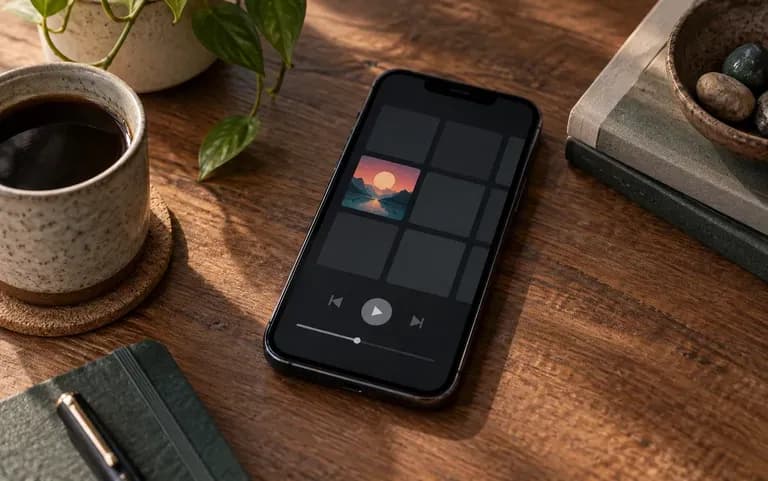
Square
Square format
Covers come out square, the shape streaming services such as Spotify, Apple Music and SoundCloud expect, so there is no awkward cropping later.
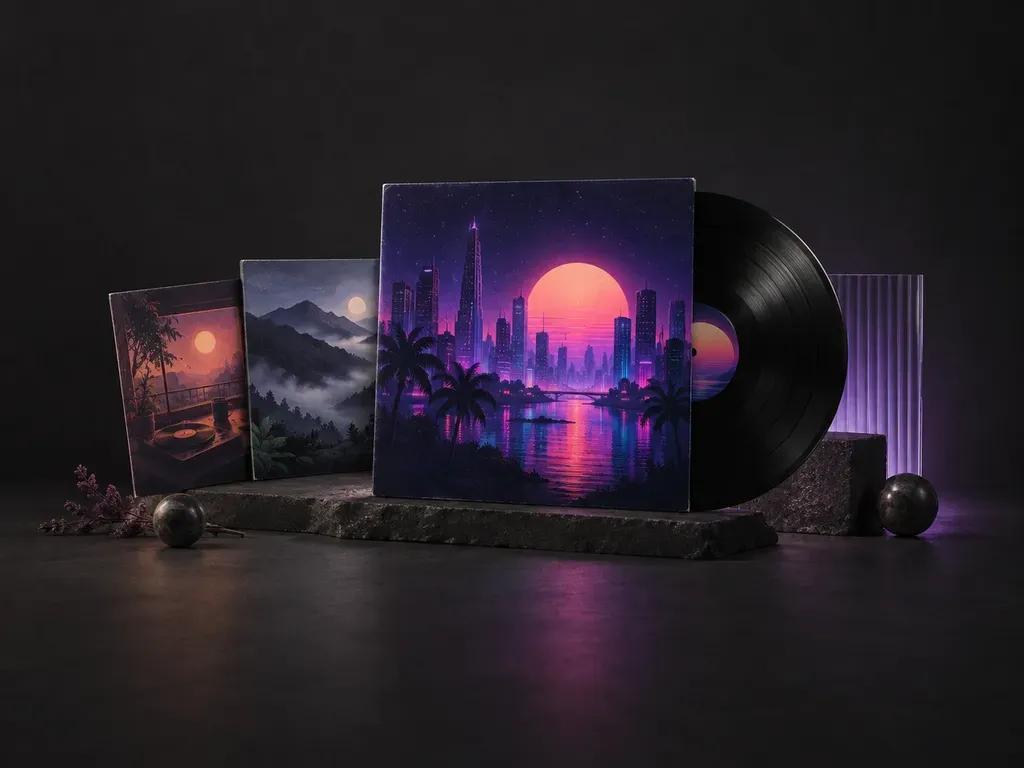
Your release title, artist name, genre and mood are all this AI album cover generator needs to draw cover art that fits the music.
Album cover art is the front image of a music release, and an AI album cover generator, or AI album art generator, creates it for you. Before release day, you still need to clear copyright and check for look-alike covers yourself.
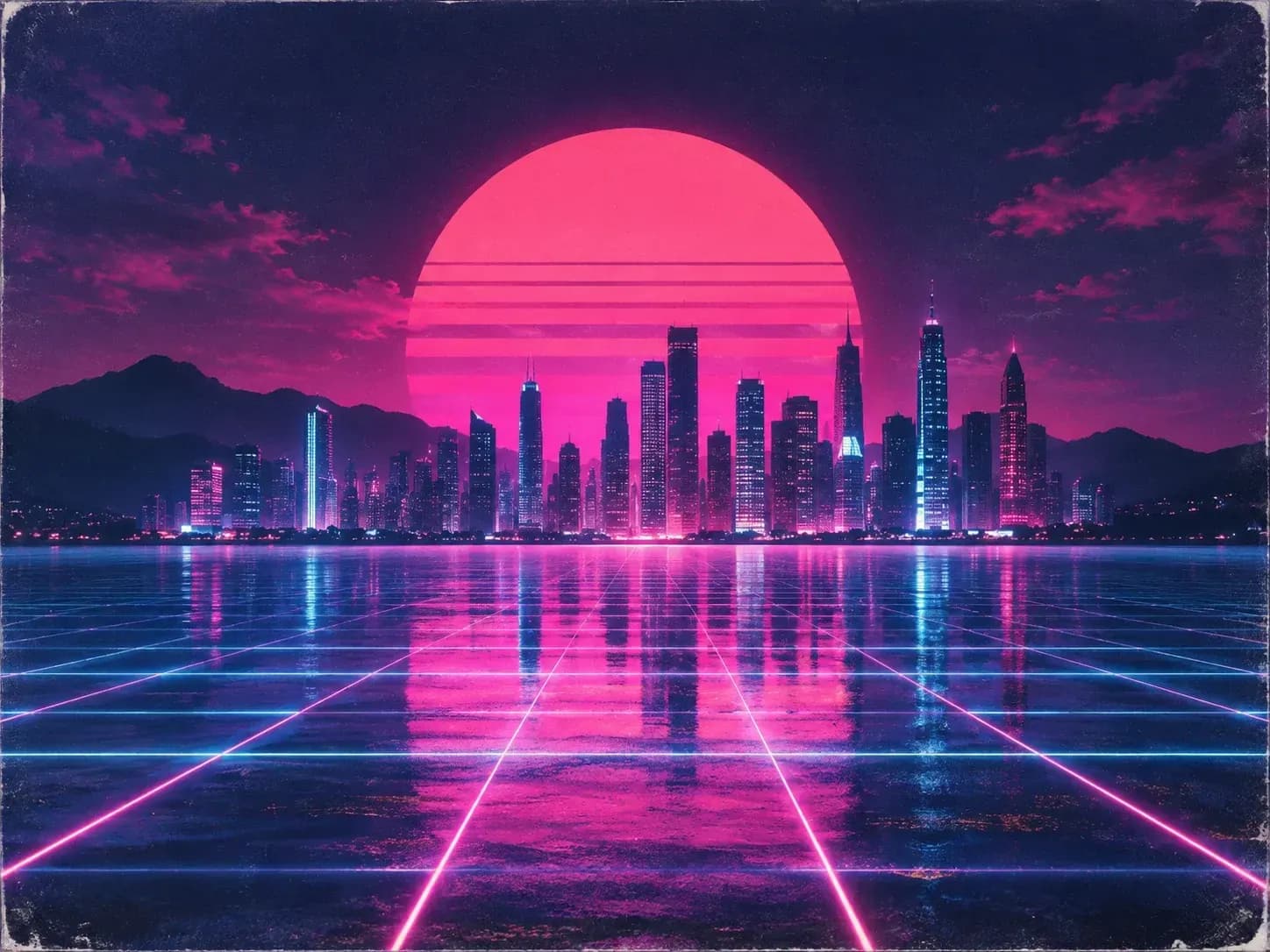
A cover has to work as a full-size image and as a thumbnail in a playlist.
Covers come out square, the shape streaming services such as Spotify, Apple Music and SoundCloud expect, so there is no awkward cropping later.
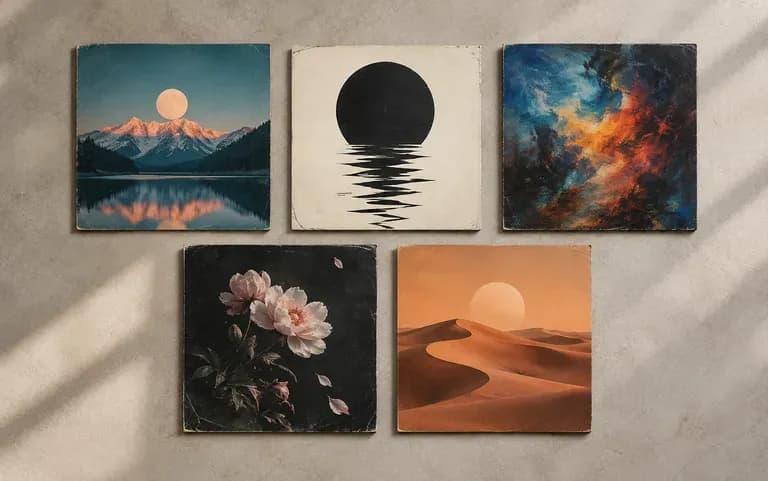
Your Virse canvas keeps earlier covers, so the next release can start next to the last one.
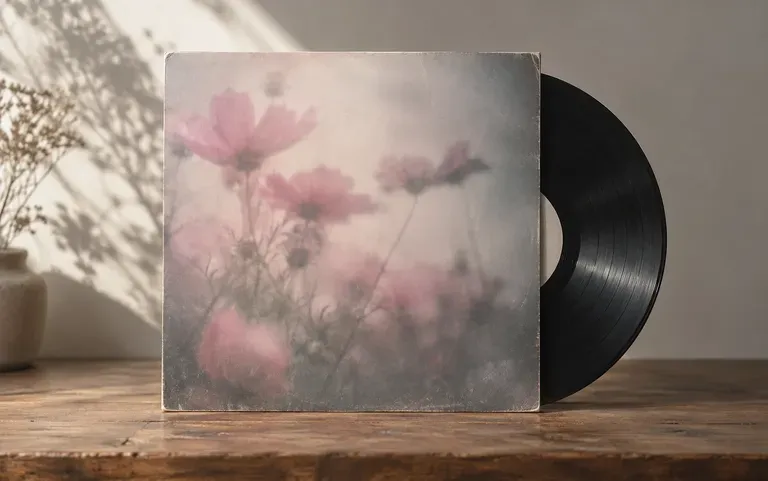
Describe the sound, such as dusty boom-bap or dreamy shoegaze, and the art follows that mood rather than a generic stock look.
Type the release title and the artist name. AI sometimes swaps a letter, so read the title on the result.
Add the genre and a few words about the feeling of the music.
Upload a reference if the cover should follow an earlier release or a visual idea you have saved.
Run the brief a few times and pick the cover that fits the music best.
Anyone who puts out music on a steady schedule and needs new art each time.
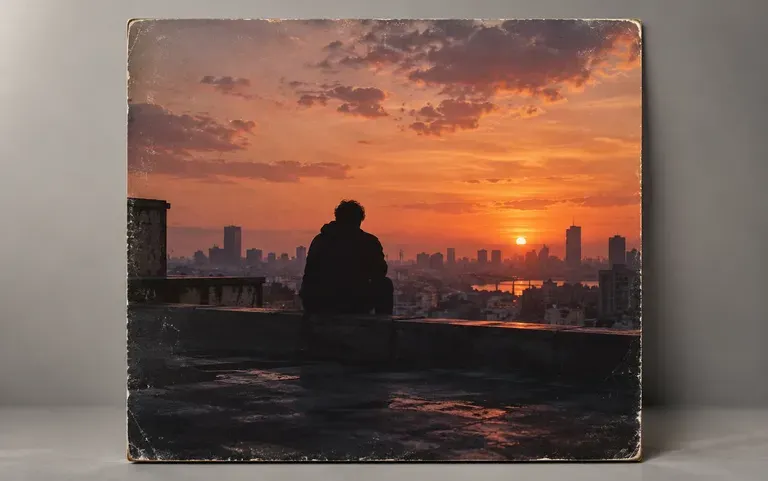
Get cover art ready for a new single during release week.

Put a cover on each beat tape before it goes up for streaming or sale.
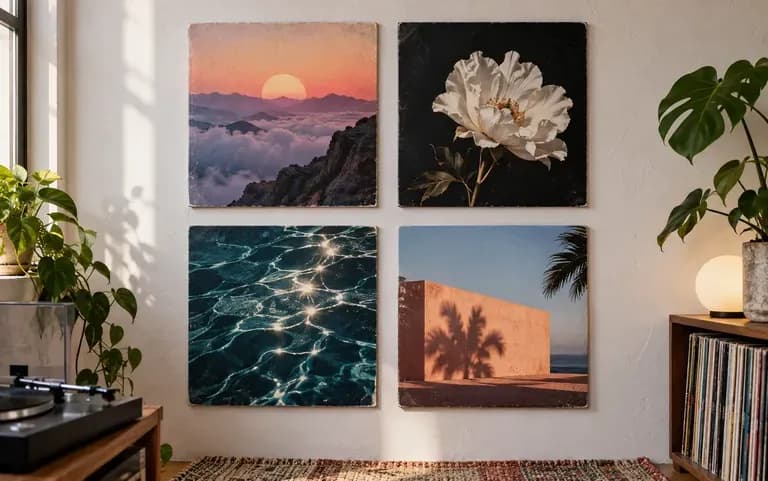
Draft covers for several releases planned for the same season.
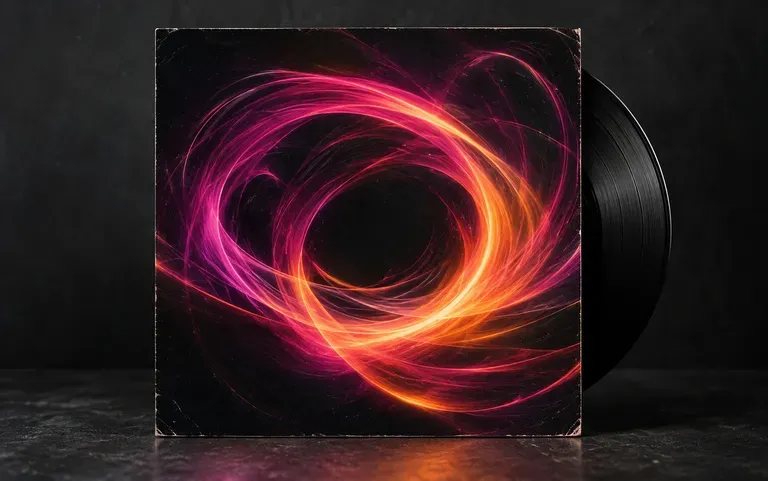
Make artwork for a DJ mix or a podcast episode.
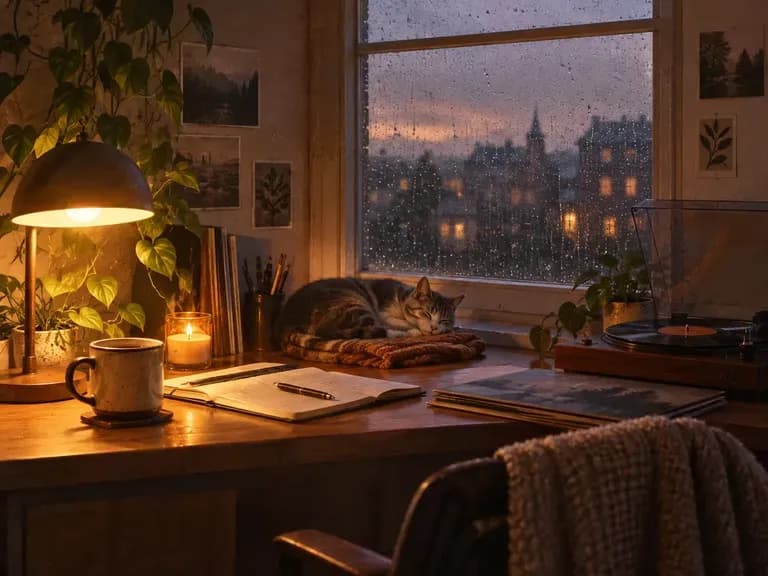
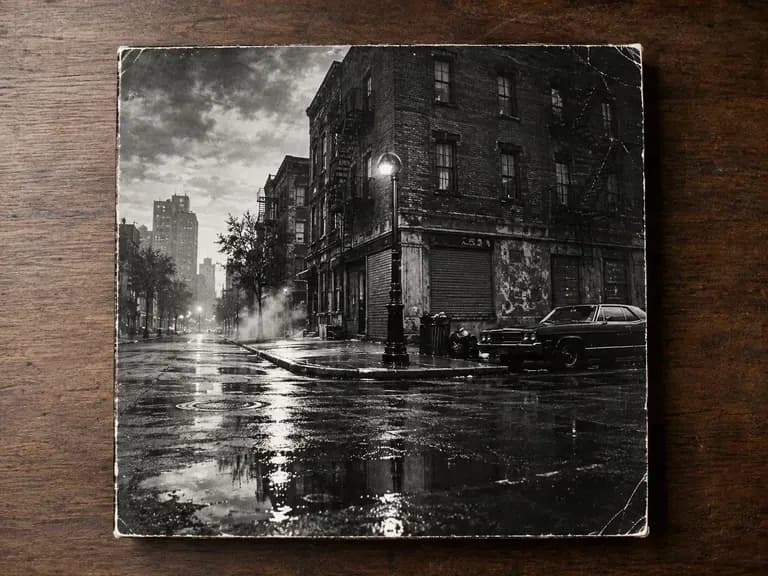
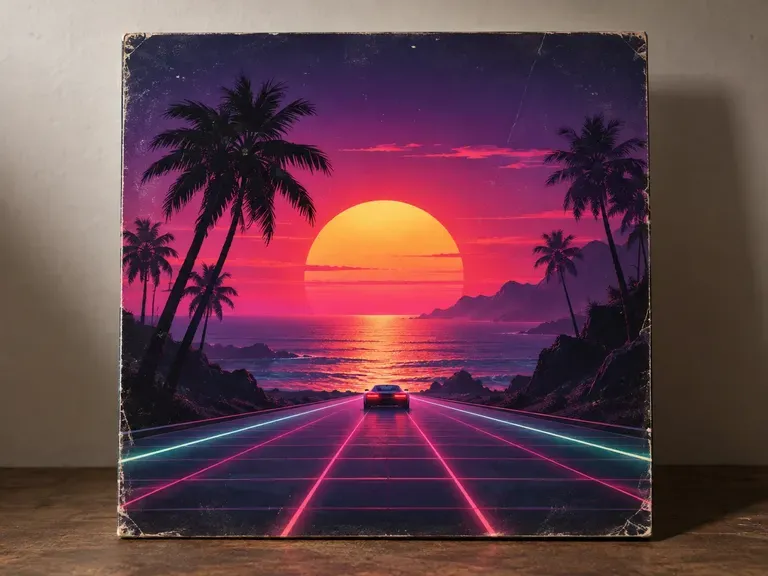
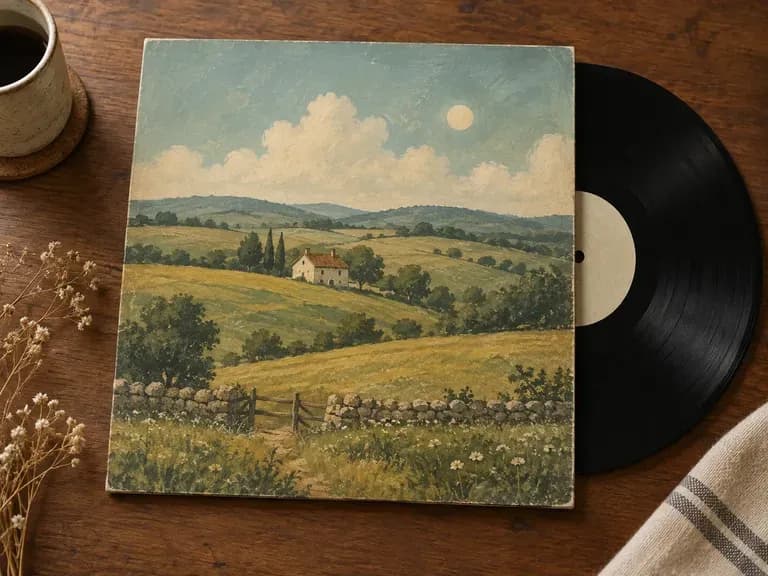
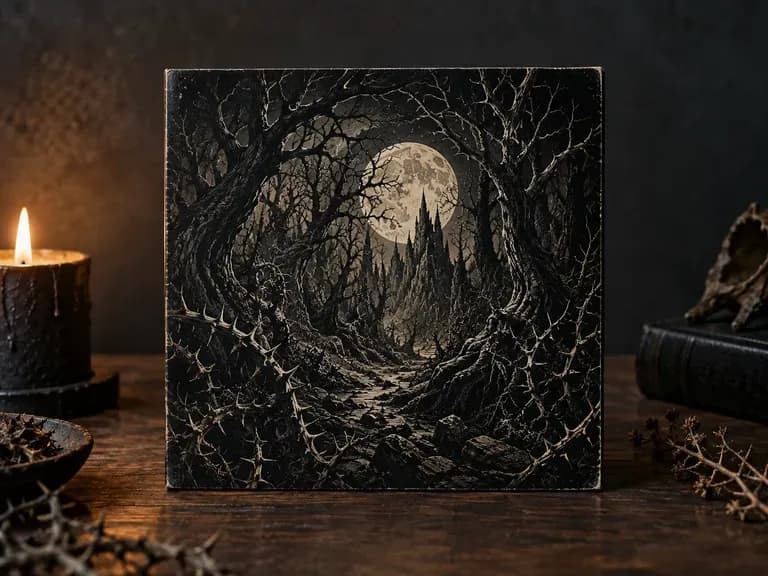
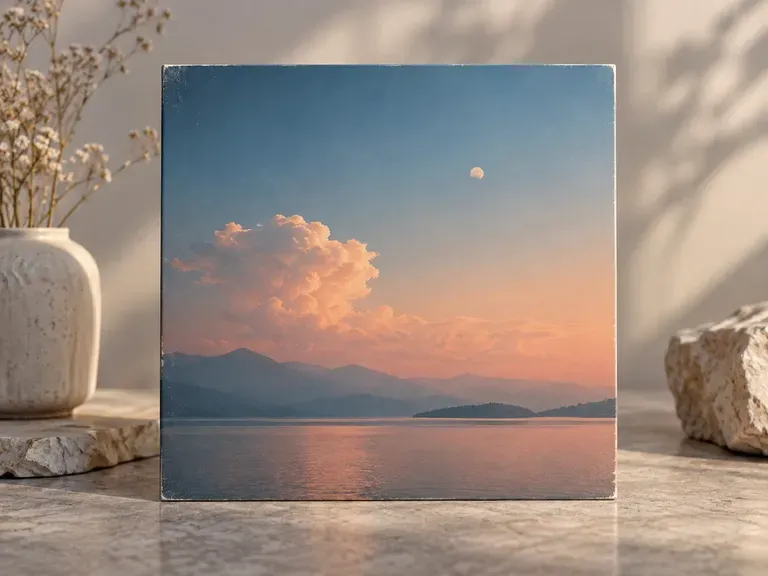
Enter the title, the artist and the mood of the release to get a first cover.