AI Label Generator

AI Label Generator

Tell this AI label generator what the product is called, whose brand it carries and the look you are after, and it returns a label design ready to download.

Entrée
Product & label copy · ObligatoireBrand logo · FacultatifProduct photo or style reference · FacultatifLabel type · FacultatifStyle & colors · FacultatifNumber of concepts · Facultatif
Sortie
Flat product label artwork (bottle, can or carton panel); optionally 2-4 distinct layout concepts, each generated independently

Brand logoFacultatif

L’image se téléverse sur le canevas ; ce formulaire transporte les réglages.

Product photo or style referenceFacultatif

Label typeFacultatif

Number of conceptsFacultatif

What is an AI label generator?

An AI label generator creates product label artwork from your product details and a style. It gives you a design draft; regulated information on the label still needs a careful human check before printing.

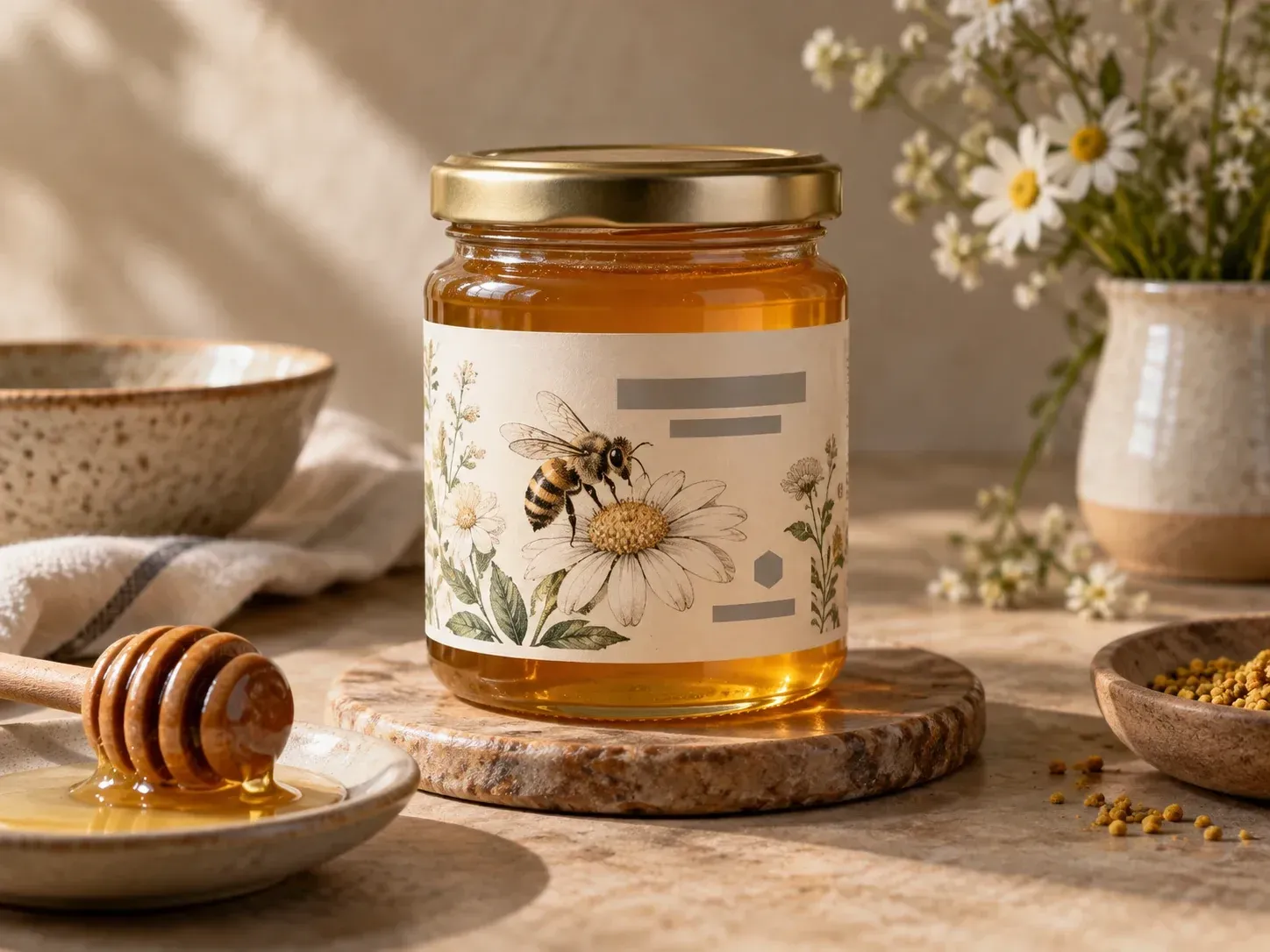
A honey jar label drawn from a product name and a style

Why use Virse for AI packaging label design?

Three parts of the brief shape what the draft looks like.

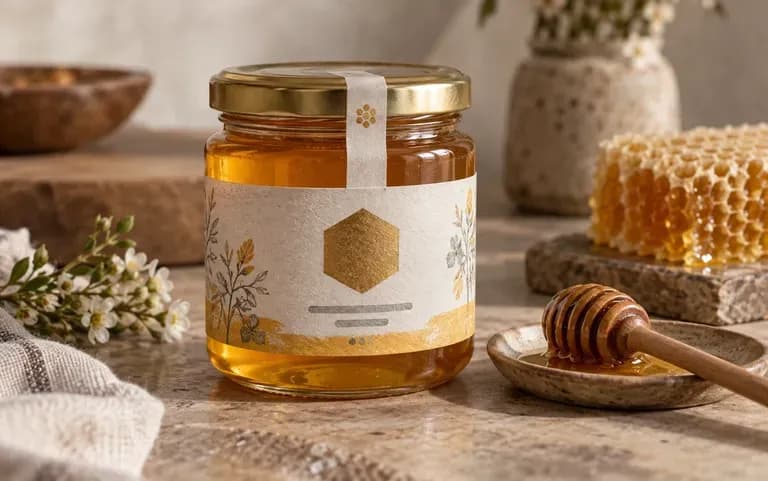
A hand-drawn vintage label for a small brand
Style

A style in your words

Describe the look in your own words, such as clean minimalist type or a hand-drawn vintage badge, and the label follows that direction.
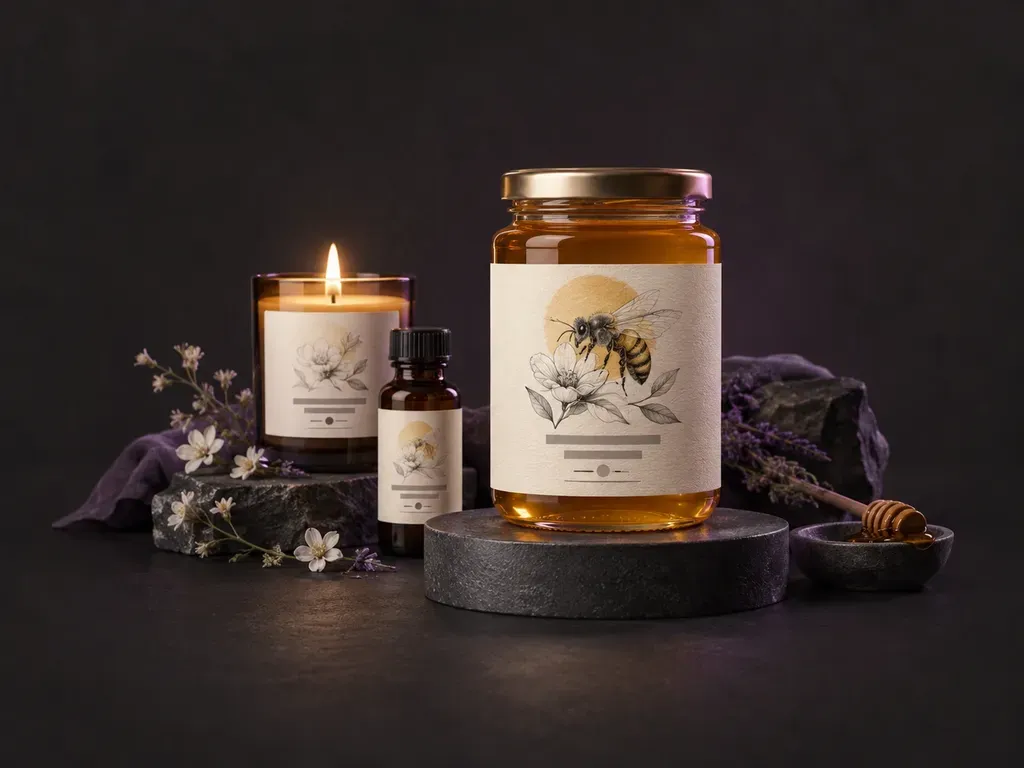
A small-batch honey brand's logo on a jar label
Brand input

Your brand on it

Upload your logo or a product photo so the label carries the brand assets you already use. Read the logo closely on the draft, since small marks can change.
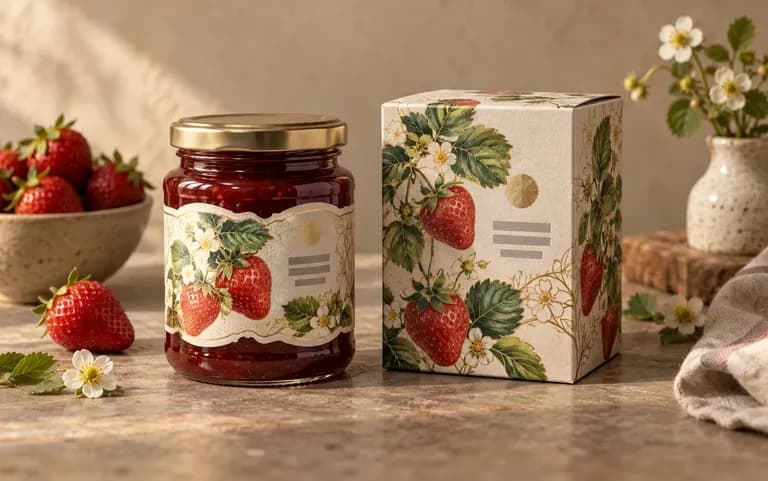
One brand's labels for a jar and a box
Formats

Built for the container

Say whether the label goes on a jar, a bottle, a can or a box, and the layout is drawn for that shape.

How to use this AI custom label maker

  1. Enter the product details

    Type the product name, the brand and what the product is.

  2. Describe the look

    Add a style and colors, for example hand-drawn vintage in cream and gold.

  3. Add a logo or photo

    Upload brand assets if the label has to carry them.

  4. Proofread, then download

    Check every word on the draft before you share it, then download the design.

Who uses an AI label generator?

For small brands and makers who design their own labels.
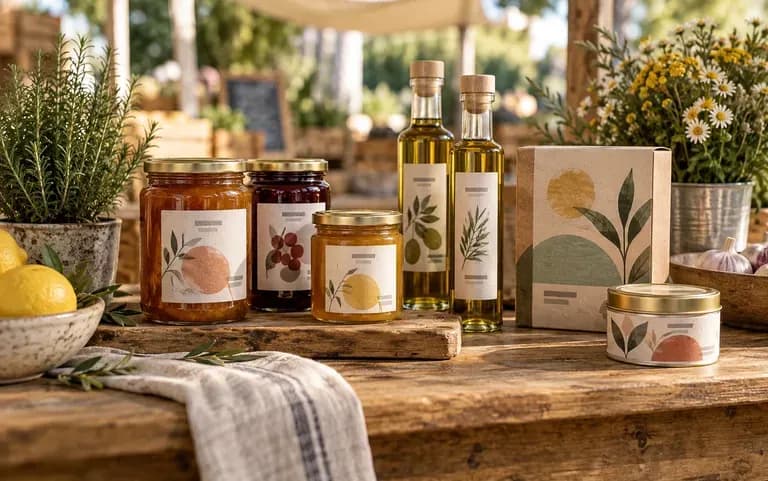
A first label for a market stall product

Small food and drink makers

Draft a first label for a market stall or a small retail order.
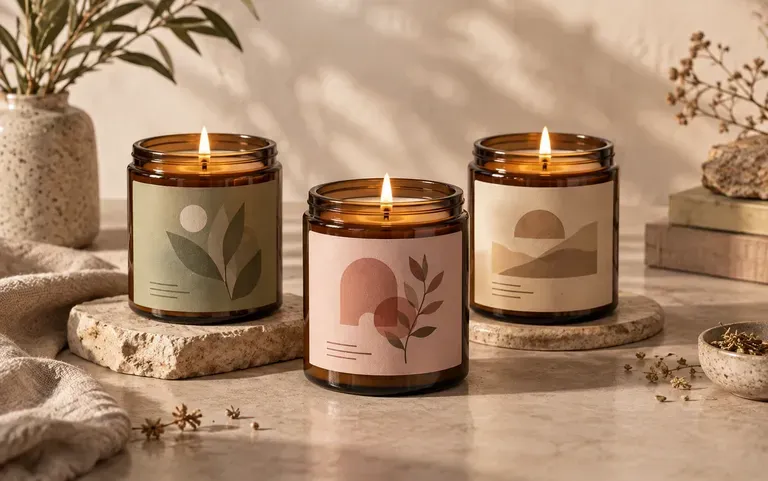
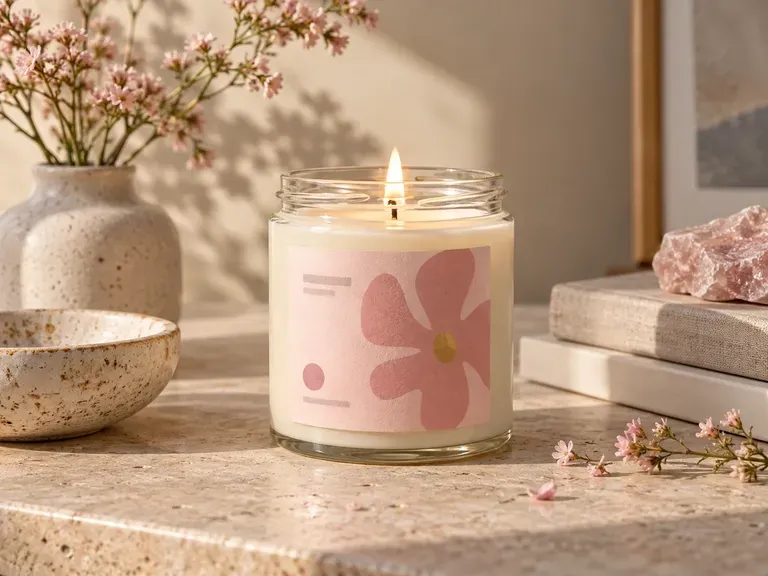
A candle label matching a product line

Cosmetics and candle brands

Try a label look that matches the rest of the product line.
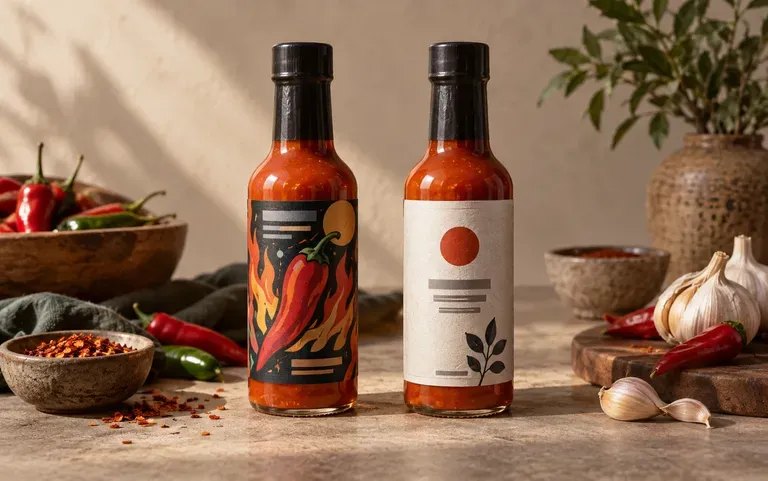
Two label styles for an online shop product

Online shop sellers

Test two label styles before committing to a print run.
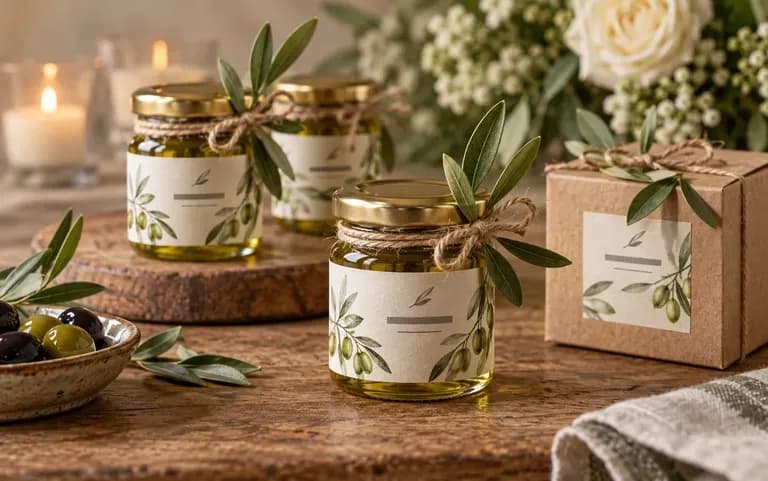
Custom labels for wedding favors

Event and gift makers

Make custom labels for wedding favors or holiday gifts.
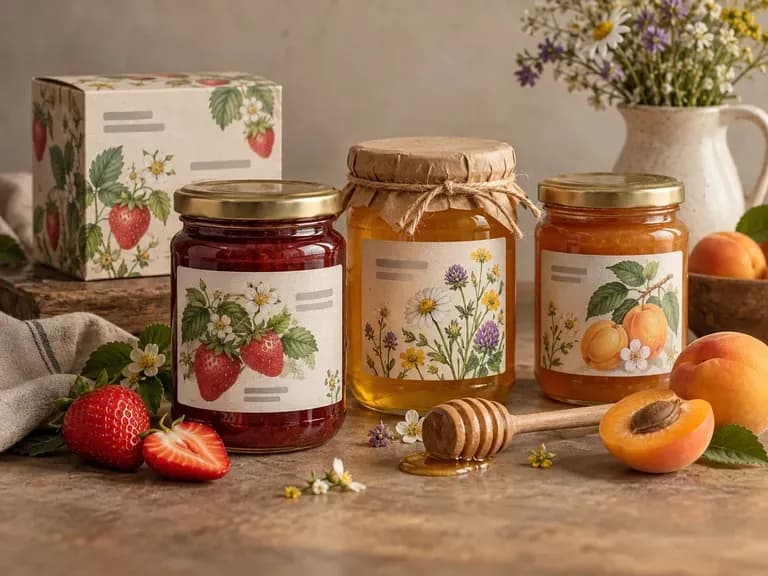
Ideas for an AI product label generator

Honey and Jam Labels: hand-drawn fruit and flowers
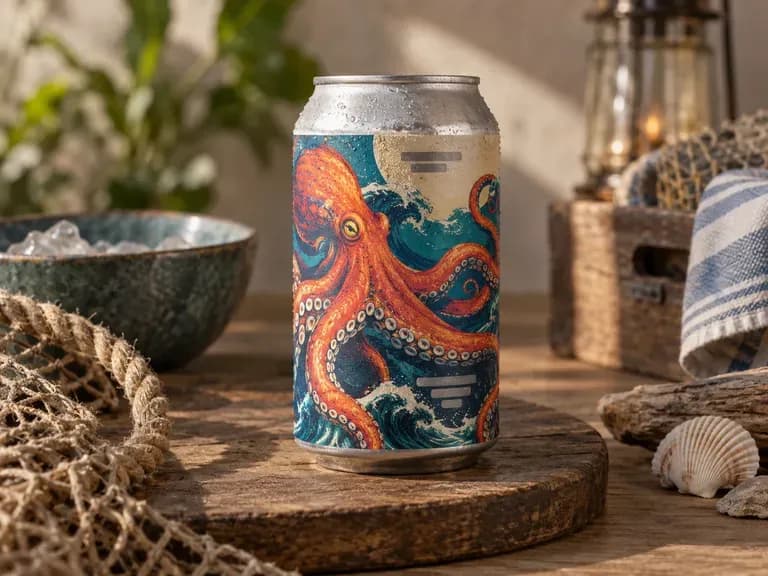
Craft Beer Labels: bold illustrations wrapped around a can
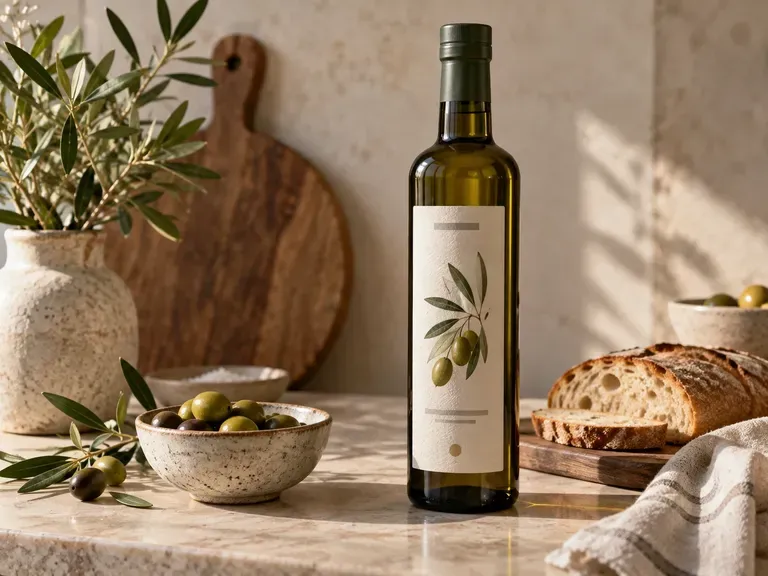
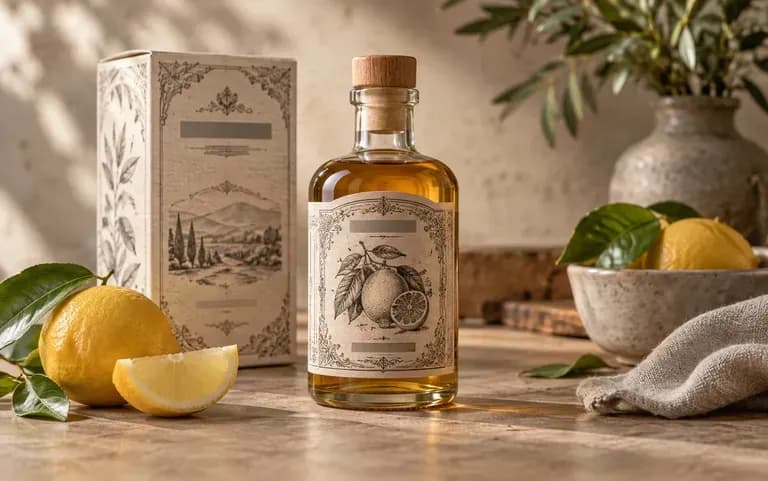
Olive Oil Labels: quiet type on a tall bottle
Candle Labels: soft colors and a simple scent name
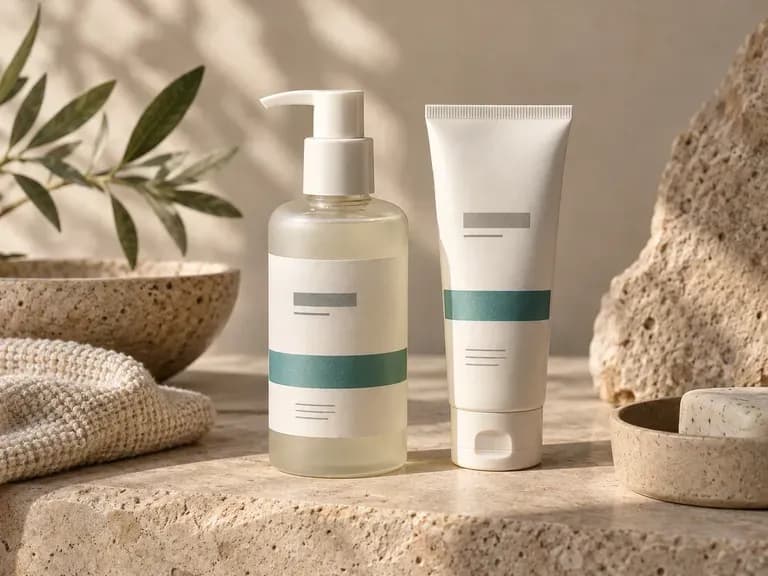
Skincare Labels: minimal white design with one accent color
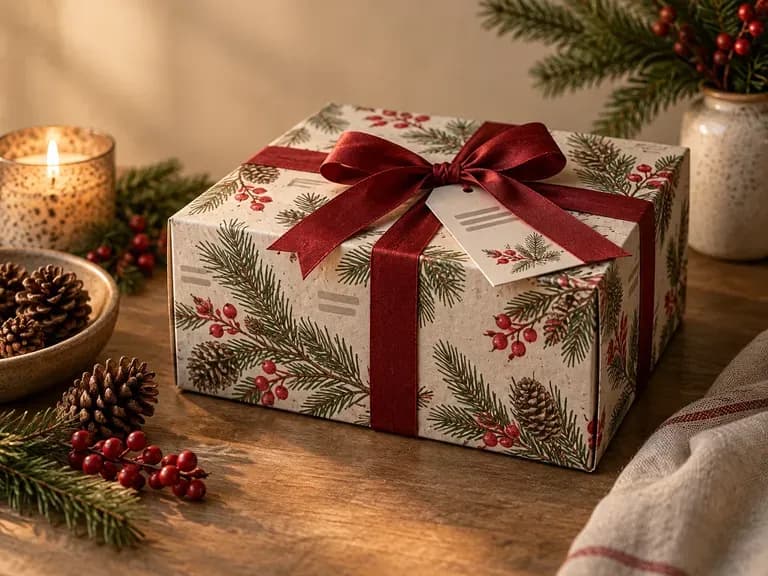
Gift Box Labels: seasonal art for holiday packaging
FAQ

Frequently asked questions

Does it check FDA or nutrition label compliance?
No. The tool does not review a label against FDA, FSA or other labeling rules. Nutrition facts, allergens and warnings must be verified by a person before printing.
Will the text on the label be accurate?
Not always. AI can misspell words or change small text, so proofread every line, especially ingredients and weights, before you share or print the label.
Can it create a nutrition facts panel?
No. It designs the look of the label, not a calculated nutrition facts panel. Use a dedicated nutrition label tool or a food lab for those values.
Which kinds of labels can I design?
Bottle, jar, can and box labels are all covered, including wrap-around can labels and the front panel of a small box. Candle, skincare and gift labels work the same way.
Can I add my logo or a product photo?
Yes, and both are optional. Use a logo file on a plain background with clear edges, and a product photo taken in even light, so the draft has clean material to work from.
Is Virse's AI label generator free?
Yes. Sign up for 200 compute; below 200, the Free plan adds 50 a day. Label drafts on the Free plan are 1K images, and every image model is available.

Design your product label with AI

Enter your product details and a style to get a first label draft.