
Silhouette first
Distill Logos into One Compact Mark
Reduce a wide company logo or project name down to a single geometric emblem, botanical motif, or monogram without fine decorative lines that blur at small scales.
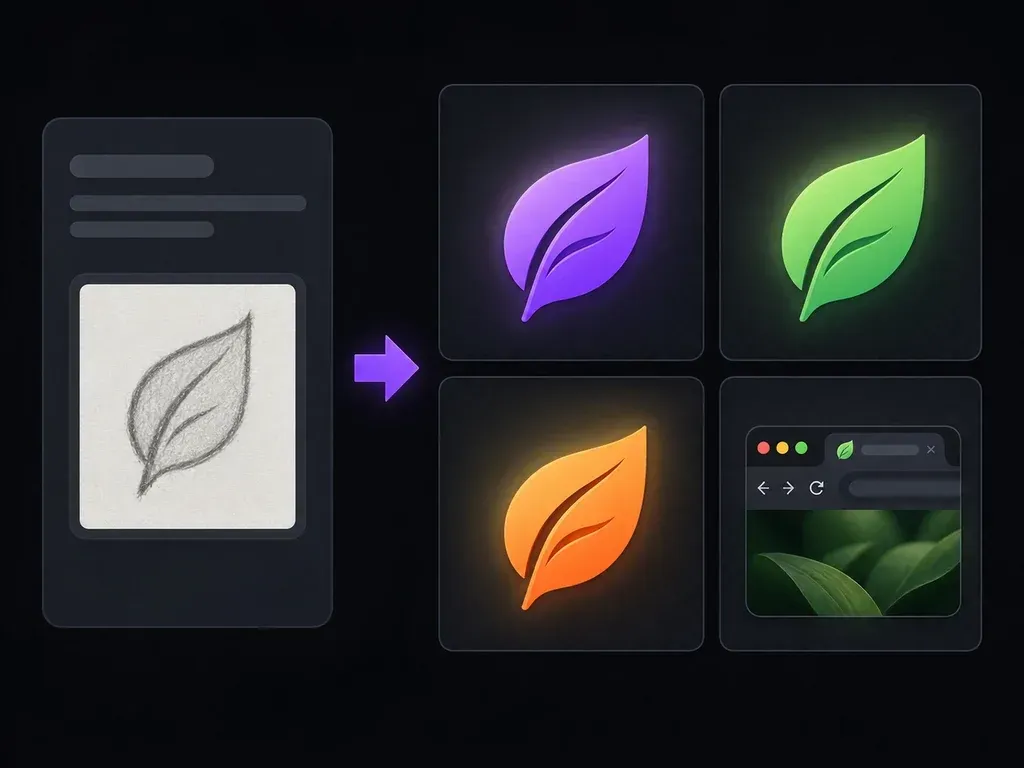
Describe your brand name, initials, or core symbol to design a compact square icon for tiny viewports. This AI favicon generator focuses on bold silhouettes, 1-to-2 letter monograms, and high contrast so your mark stays clear at 16x16 and 32x32 sizes.
An AI favicon generator (or online favicon generator for concept design) distills a brand identity into a square symbol or monogram using three micro-scale design rules:
• Single-silhouette reduction: Strip away taglines, thin outlines, and multi-object scenes in favor of one bold symbol or initial monogram.
• 16x16 and 32x32 legibility: Use thick strokes, open counter spaces, and generous square padding that hold up across browser tabs and touch icons.
• Light and dark tab contrast: Pair solid background squares with high-contrast brand colors so the mark stays visible on dark and light tabs.
Three design checks that keep a website icon readable when pinned beside twenty open browser tabs.
Reduce a wide company logo or project name down to a single geometric emblem, botanical motif, or monogram without fine decorative lines that blur at small scales.
Explore solid square backgrounds and high-luminance color pairings so your icon stands out clearly against both light gray and charcoal dark-mode browser chrome.
Line up multiple symbol and monogram variations side by side on the Virse canvas and zoom out to judge which silhouette stays sharpest at 16x16 and 32x32 proportions.
How designing a dedicated square icon mark compares with feeding a full horizontal logo directly into a file resizer.
Shrinking a Full Horizontal Logo
Virse AI Favicon Generator
Enter your brand name, one or two initials, or a single motif, and optionally upload your full logo to simplify its primary shape.
Request a flat, bold silhouette with two high-contrast colors and a solid square background rather than gradients or full words.
Run the free favicon generator workflow in Virse to compare marks side by side and zoom out to simulate browser-tab scale.
Select the strongest square concept and run it through your web build workflow or a favicon ico generator bundler for 16x16 and 32x32 files.
Simple prompts with one focal shape and two colors produce the cleanest browser icons. Copy any of these three briefs to generate favicon marks:
• Botanical symbol mark: "Square favicon concept for a tea shop: one bold forest-green leaf silhouette centered on a warm ivory square, flat vector geometry."
• SaaS letter monogram: "Square website icon for a developer tool: a geometric uppercase letter K with a wing notch in bright cobalt on a deep navy square."
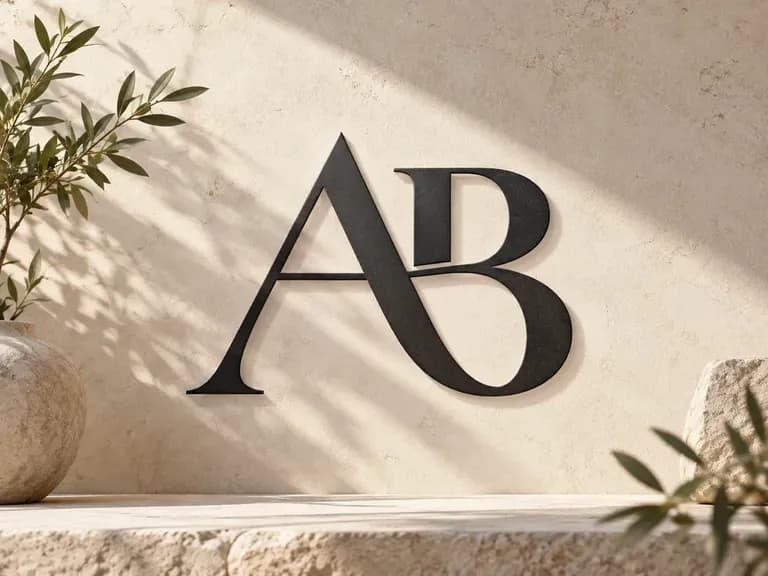
• Two-letter initial mark: "Minimalist square favicon concept using uppercase initials AB in a heavy grotesque sans-serif weight, charcoal on a sand square."
Four web and product workflows where a dedicated small-scale symbol replaces a cramped full logo.
Create a distinctive browser-tab mark for a new landing page, blog, or online store so visitors spot your tab among open windows.
Explore how a client's wide primary wordmark can be distilled into a secondary shorthand badge or monogram before redrawing final production vectors.
Establish a clean square icon direction for a web application dashboard, PWA home-screen shortcut, and 180x180 Apple touch icon during early product sprints.
Test one-letter or two-letter monogram directions for a personal portfolio domain, verifying that the initials stay crisp and balanced at tiny bookmark sizes.
Six square icon directions illustrating how bold silhouettes and restrained initials preserve clarity at small scale.


Produce realistic studio lighting, accurate contact shadows, and natural material grain for shots.
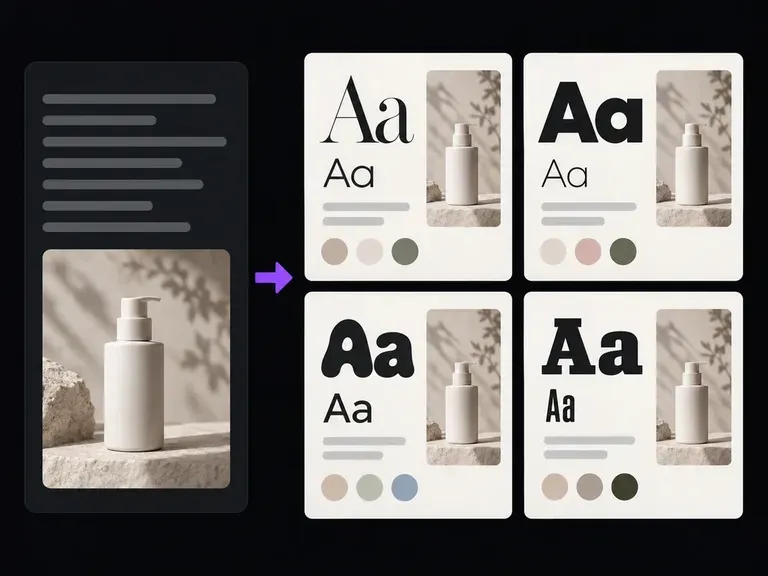
Explore heading and body typography specimen boards that complement your website's new icon mark.
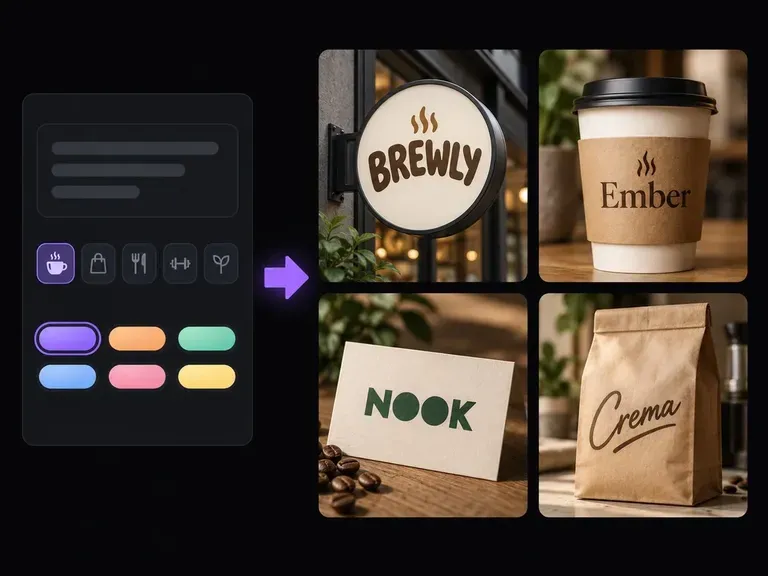
Develop original brand names alongside visual identity directions before designing your site icon.
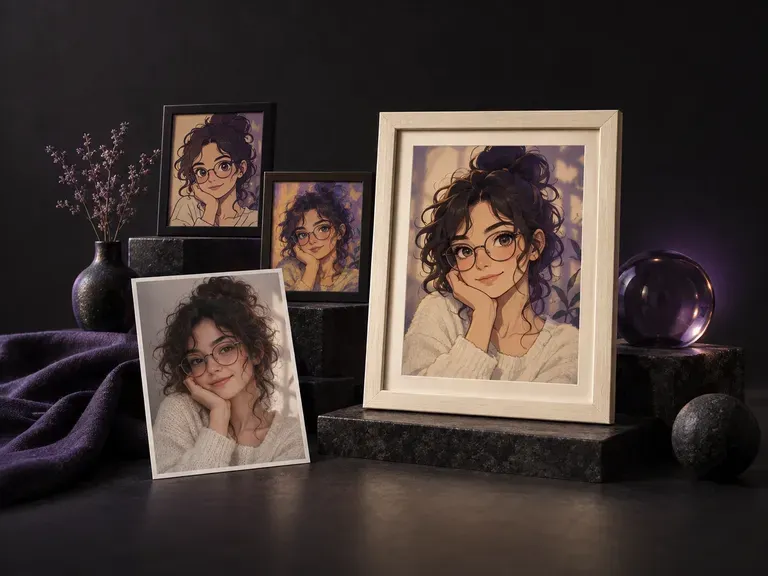
Create natural-looking portrait frames with realistic camera focal lengths and ambient lighting.
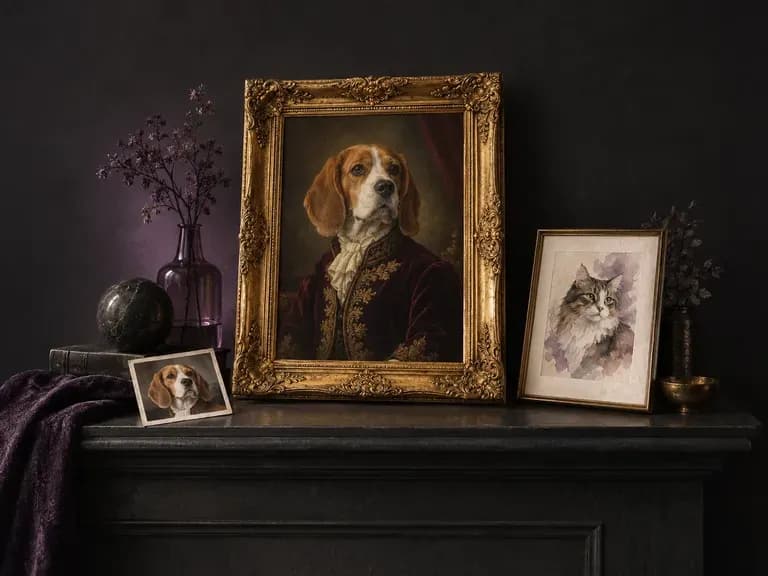
Render custom illustrated or studio-style portraits from a photo of a dog, cat, or pet.
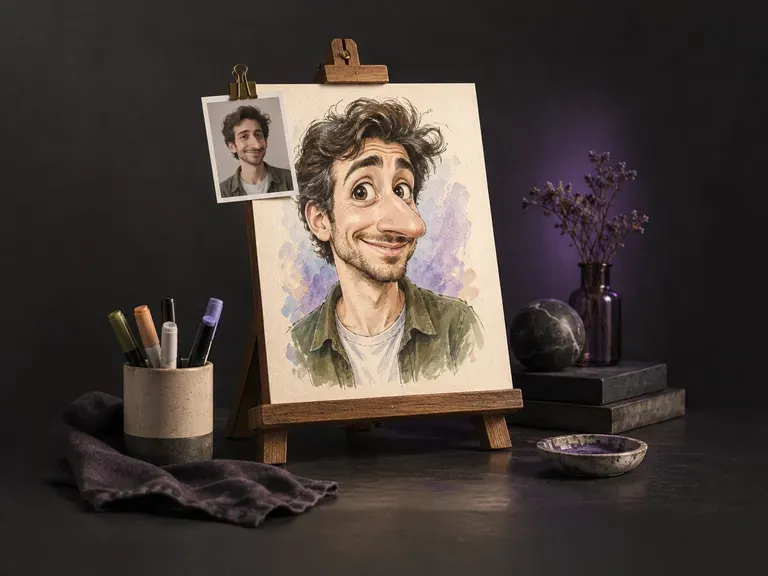
Create playful exaggerated portrait illustrations while keeping the subject recognizable.
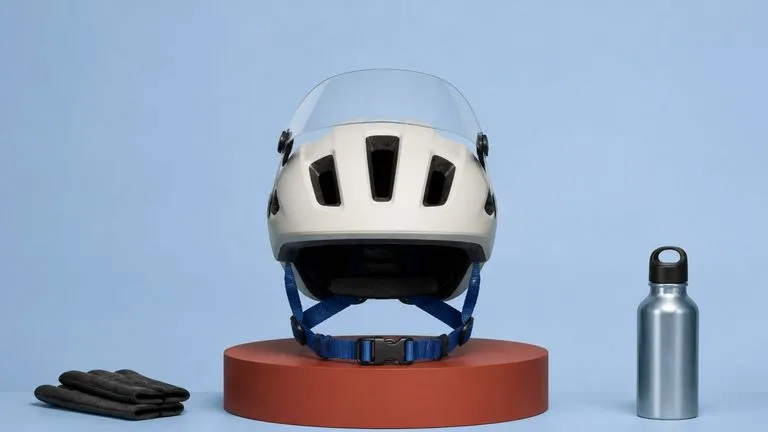
Produce realistic studio lighting, accurate contact shadows, and natural material grain for shots.
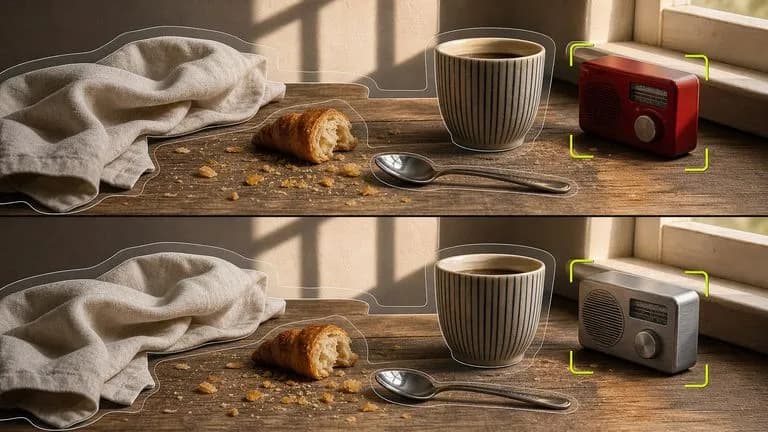
Swap backgrounds, lighting setups, or colorways while keeping your core subject geometry locked.

Explore four distinct framing and styling variations side by side on the canvas in a single run.
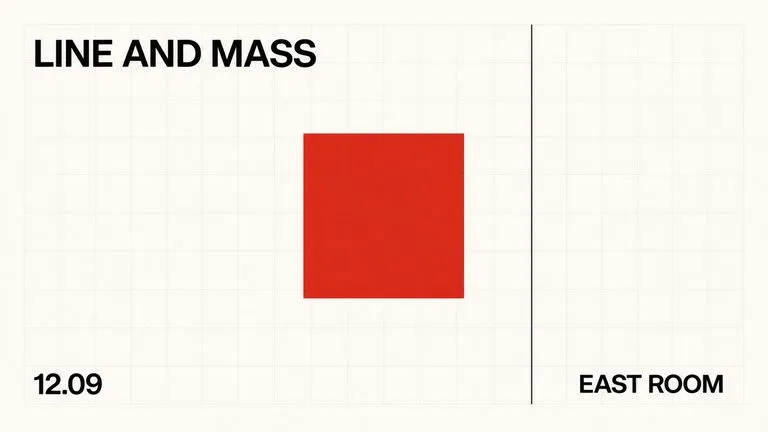
Keep display headlines, packaging wordmarks, and monogram badges sharp inside generated visuals.
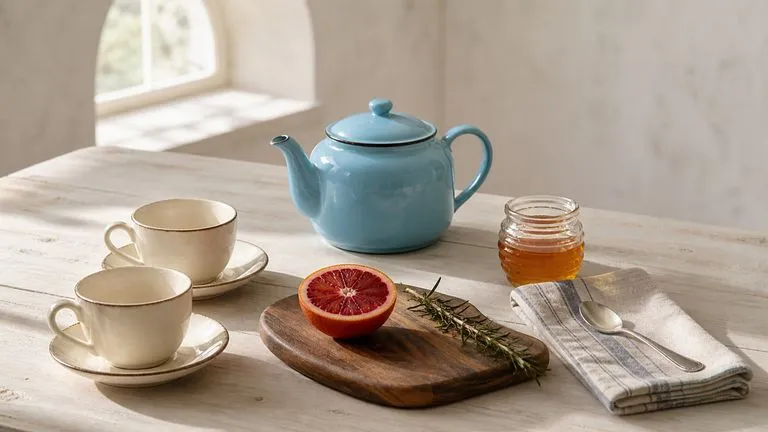
Translate detailed creative briefs into balanced compositions with reliable spatial relationships.
Render high-contrast metallic reflections, fabric weaves, and shallow depth of field.
Describe one bold symbol or short initial mark to compare high-contrast website icon concepts on the Virse canvas.