
Hingga 30 Detik
Buat cerita audio-video lengkap dalam satu rangkaian 30 detik.
Buat video sinematik 30 detik dengan Seedance 2.5, dilengkapi audio tersinkronisasi, referensi multimodal, dan kontrol kreatif yang presisi.
Buka halaman ini di peramban desktop untuk mulai berkarya.
Seedance 2.5 adalah model audio-video gabungan generasi berikutnya yang dirancang untuk mengubah brief kreatif menjadi rangkaian video yang lebih lengkap.
Alih-alih memperpanjang satu momen sederhana, model ini dapat menyusun shot yang saling terhubung menjadi narasi terstruktur dengan pengantar, pengembangan, transisi, dan kesimpulan. Satu generasi dapat berdurasi hingga 30 detik, sementara ekstensi video membantu kreator melanjutkan cerita dalam rangkaian yang lebih panjang.
Gunakan Seedance 2.5 ketika ide Anda membutuhkan lebih dari sekadar gerakan kamera yang terisolasi. Buat film kampanye, cerita produk, rangkaian fashion, video pertunjukan, narasi pendek, dan konsep sinematik dengan kesinambungan yang lebih baik dari satu shot ke shot berikutnya.
Seedance 2.5 adalah model pembuatan video AI yang dikembangkan oleh ByteDance Seed. Model ini menghasilkan visual dan audio yang terkoordinasi sekaligus mengikuti instruksi terperinci tentang karakter, adegan, aksi, pergerakan kamera, dialog, musik, dan efek suara.
Model ini dibangun berdasarkan tiga peningkatan utama:
Seedance 2.5 dapat menghasilkan klip hingga 30 detik dalam satu kali proses. Model ini juga mendukung hingga 30 referensi gambar, 10 referensi video, dan 10 referensi audio dalam satu pembuatan.
Buat cerita audio-video lengkap dalam satu rangkaian 30 detik.
Arahkan karakter, produk, adegan, properti, dan gaya visual dengan gambar.
Referensikan gerakan, kerja kamera, tempo, penampilan, dan transisi.
Arahkan suara, musik, ritme, suasana, dan efek suara.
Perpanjang video sambil mempertahankan kontinuitas karakter, adegan, gaya, dan narasi.
Kontrol aksi, gerakan kamera, tempo, dan edit pada momen tertentu.
Gabungkan hingga 30 gambar, 10 video, dan 10 klip audio dalam satu brief kreatif. Gunakan referensi untuk memandu karakter, produk, lingkungan, penataan gaya, pencahayaan, musik, dan efek suara — serta transfer gerakan, framing, tempo, performa, dan bahasa kamera dari footage referensi ke subjek, adegan, atau gaya visual baru.
Pertahankan karakter, properti, lingkungan, dan gaya visual yang mudah dikenali di berbagai aksi dan sudut kamera yang berubah. Seedance 2.5 meningkatkan stabilitas dalam adegan multi-karakter dan rangkaian kompleks dengan beberapa transisi shot.
Tentukan apa yang terjadi pada momen-momen tertentu dalam video. Instruksi timeline memberi Anda kontrol lebih besar atas urutan shot, aksi karakter, pergerakan kamera, tempo, transisi, dan pengembangan narasi.
Hasilkan visual dan audio tersinkronisasi sebagai satu hasil yang terkoordinasi. Seedance 2.5 dapat menyelaraskan vokal, musik, ambience lingkungan, dan efek suara dengan aksi, timing, dan suasana setiap adegan.
Seedance 2.5 menjadi lebih berguna ketika menjadi bagian dari alur kerja kreatif yang lengkap, bukan sekadar kotak prompt yang terpisah. Virse menyatukan model, referensi, konsep, dan output dalam satu kanvas visual. Tim kreatif dapat mengembangkan arah estetika, mengeksplorasi gambar, mengatur materi sumber, dan beralih ke pembuatan video tanpa perlu menyusun ulang brief di ruang kerja terpisah.
Simpan brief kreatif, moodboard, referensi karakter, gambar produk, eksplorasi visual, dan output video dalam ruang kerja yang sama.
Kembangkan keyframe, visual kampanye, adegan produk, dan arah gaya dengan model gambar sebelum menggunakannya sebagai referensi untuk Seedance 2.5.
Gunakan Seedance 2.5 bersama lebih dari 50 model di dalam Virse, dengan memilih model yang tepat untuk setiap tahap proses kreatif.
Gunakan referensi visual dan arahan estetika yang konsisten di seluruh proses generasi agar video akhir terasa terhubung dengan kampanye atau sistem brand yang lebih luas.
Buat video kampanye terstruktur dengan shot produk, talent, visual bermerek, transisi kamera, musik, dan suara.
Tampilkan produk dari berbagai sudut, demonstrasikan penggunaan di dunia nyata, serta pandu tampilan dan pergerakan kamera dengan referensi.
Buat film runway, lookbook, editorial kecantikan, dan kampanye fashion dengan penataan gaya, pencahayaan, dan gerakan yang konsisten.
Bangun adegan lengkap dengan alur cerita yang terhubung, aksi karakter, dialog, transisi, dan akhir yang jelas.
Hasilkan pertunjukan yang terkoordinasi dengan vokal, gerakan, pencahayaan panggung, kerja kamera, musik, dan reaksi penonton.
Buat video vertikal atau lanskap untuk peluncuran produk, cerita bermerek, konten kreator, dan kampanye sosial.
Jelaskan subjek, latar, suasana, tindakan, linimasa, serta bagaimana video harus dimulai dan diakhiri.
Unggah gambar, video, atau audio, dan tentukan dengan jelas tujuan setiap referensi.
Pilih Seedance 2.5, hasilkan versi pertama, lalu tinjau visual, gerakan, tempo, dan audio.
Lanjutkan cerita melalui perpanjangan video atau revisi momen tertentu sambil mempertahankan bagian yang sudah bekerja dengan baik.
Prompt Seedance 2.5 yang berguna biasanya mencakup tujuh elemen:
Alih-alih menulis
Buat video produk sinematik.
Tulis
Buat film produk sinematik berdurasi 30 detik untuk alat cukur elektrik yang ditampilkan di Gambar 1. Mulai dengan close-up makro permukaan hitam matte di bawah cahaya sempit dari atas. Putar perlahan mengelilingi produk saat tetesan air bergerak melintasi logam. Pada detik ke-10, beralih ke kamar mandi modern dan tampilkan produk sedang digunakan. Ikuti gerakan kamera yang terkendali di Video 1. Gunakan desain suara elektronik yang tertahan dengan ritme dari Audio 1. Akhiri dengan alat cukur berdiri tegak di atas permukaan gelap yang reflektif dalam komposisi hero yang bersih.
Buat iklan sinematik berdurasi 30 detik untuk sepatu lari yang ditampilkan di Gambar 1. 0–6 detik: Mulai dengan close-up ekstrem sol yang menyentuh aspal basah pada malam hari. Tampilkan perpindahan air yang realistis dan detail material. 7–15 detik: Ikuti atlet dari samping saat mereka berlari melalui jalan kota yang diterangi neon. Ikuti ritme kamera dan gerakan tubuh dari Video 1. 16–24 detik: Transisi ke bidikan lebar saat atlet melintasi jembatan kosong sebelum matahari terbit. 25–30 detik: Akhiri dengan sepatu di atas platform beton, menggunakan pencahayaan dan komposisi dari Gambar 2. Tambahkan suara benturan yang terkendali, langkah kaki, ambiens kota, dan hentakan merek frekuensi rendah di akhir.
Buat rangkaian fashion editorial berdurasi 30 detik yang menampilkan model dari Gambar 1 mengenakan pakaian dari Gambar 2. Gunakan lingkungan arsitektural dari Gambar 3 dan gerakan kamera yang lambat serta terkendali dari Video 1. Mulai dengan close-up kain yang bergerak tertiup angin. Tarik kamera ke belakang saat model berjalan melalui ruang tersebut. Beralih antara bidikan depan, profil, dan arsitektural lebar sambil mempertahankan penampilan model serta detail pakaian. Gunakan musik ambien minimal berdasarkan Audio 1. Akhiri dengan model berhenti di bawah sorot cahaya alami yang tajam.
Buat film naratif berdurasi 30 detik tentang seorang desainer muda yang sedang mempersiapkan presentasi penting. 0–8 detik: Tampilkan desainer bekerja sendirian di studio temaram pada malam hari, dikelilingi sketsa dan prototipe. 9–18 detik: Ikuti desainer melintasi kota yang tenang saat pagi mulai tiba. Pertahankan karakter dari Gambar 1 dan gunakan Gambar 2 untuk gaya visual kota. 19–26 detik: Desainer memasuki ruang presentasi yang terang dan meletakkan prototipe akhir di atas meja. 27–30 detik: Akhiri dengan close-up ekspresi lega desainer saat ruangan menjadi sunyi. Gunakan ambience ruangan yang halus, suara langkah kaki, suara kertas, dan musik emosional yang tertahan.
| Dimensi | Seedance 2.0 | Seedance 2.5 |
|---|---|---|
| Durasi Video | Menghasilkan video hingga 15 detik | Menghasilkan video hingga 30 detik |
| Input Referensi | Mendukung lebih sedikit materi referensi | Mendukung hingga 30 gambar, 10 video, dan 10 klip audio |
| Kontinuitas Cerita | Lebih baik untuk klip yang lebih pendek | Lebih baik untuk cerita yang lebih panjang dengan ekstensi multi-putaran |
| Kontrol Pengeditan | Alur kerja pengeditan dasar | Kontrol tingkat timestamp untuk pengeditan yang lebih presisi |
| Alur Kerja Profesional | Kontrol kreatif lebih terbatas | Mendukung clay render, referensi gerakan, pengeditan green-screen, pengeditan perspektif kamera, dan kontrol shot lanjutan |
Jangan unggah sekumpulan besar aset tanpa penjelasan. Nyatakan dengan tepat apa yang harus diambil model dari setiap file gambar, video, atau audio.
Jelaskan tindakan sesuai urutan terjadinya. Untuk video kompleks, bagi prompt ke dalam rentang waktu.
Gunakan satu referensi untuk subjek dan referensi lain untuk gaya visual jika memungkinkan. Ini membantu model memahami apa yang harus tetap konsisten dan apa yang harus memengaruhi penyajian.
Ganti instruksi yang samar seperti “kamera sinematik” dengan gerakan spesifik seperti dolly in perlahan, tracking shot handheld, orbit sudut rendah, push-in makro, crane shot, atau bidikan lebar statis.
Siapkan gambar referensi dan arahan visual untuk video Anda berikutnya.
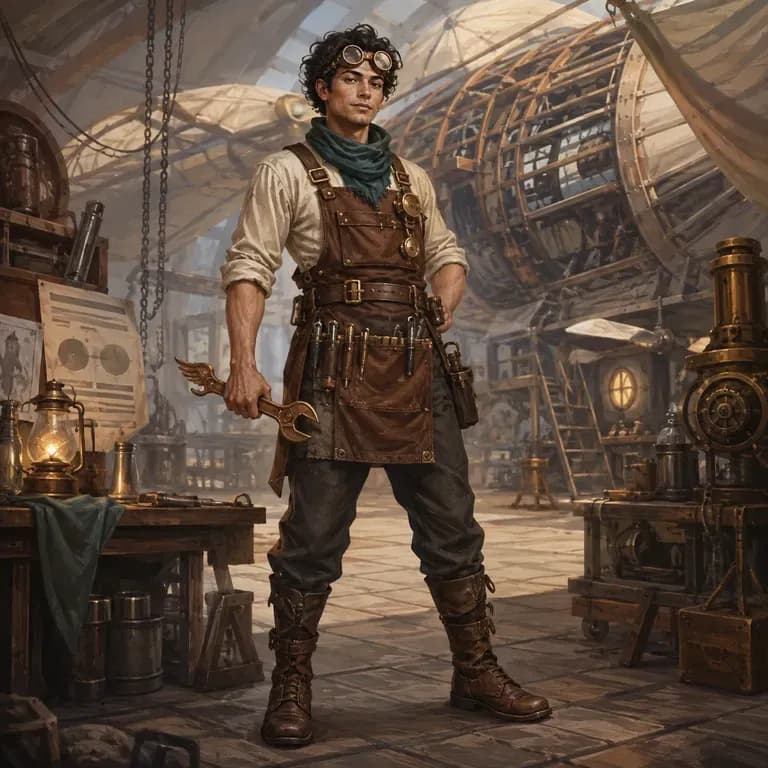
Sebagian besar prompt karakter terbaca baik oleh manusia tetapi berantakan bagi model gambar, karena identitas, dunia, dan gaya visual tersebar di tiga kalimat berbeda, bukan dalam satu bentuk yang dapat dipahami. Jelaskan siapa mereka, hasilkan versi terstruktur, dan uji dengan render nyata langsung di kanvas yang sama. Kredit gratis mencakup putaran pertama.
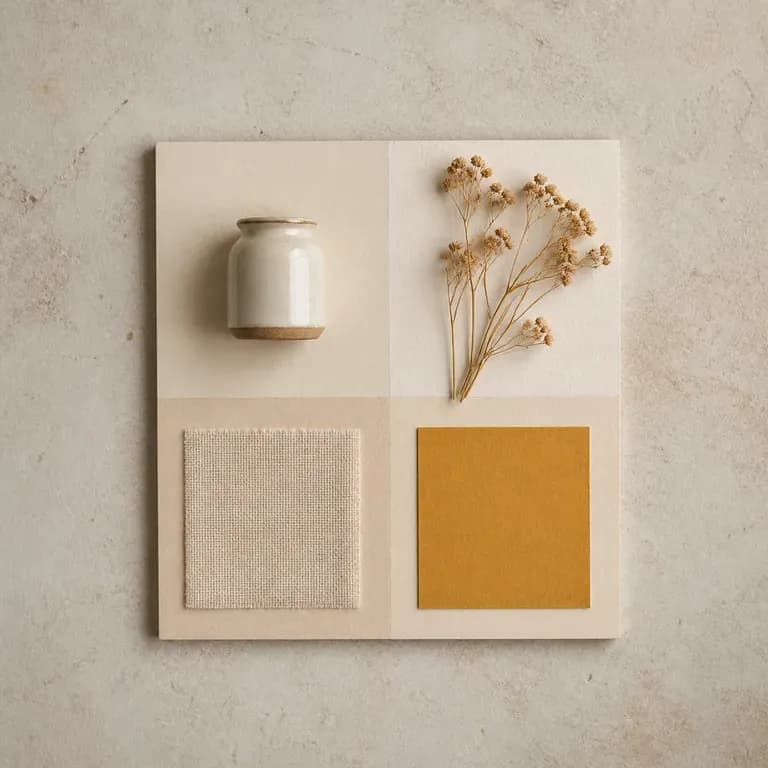
Satu versi mood hanyalah tebakan. Berikan referensi atau tema tertulis, lalu dapatkan beberapa pembacaan berbeda atas ide, warna, material, dan citra yang sama yang disusun bersama dalam satu board, sehingga ada sesuatu untuk ditanggapi alih-alih halaman kosong. Kredit gratis cukup untuk memulai.
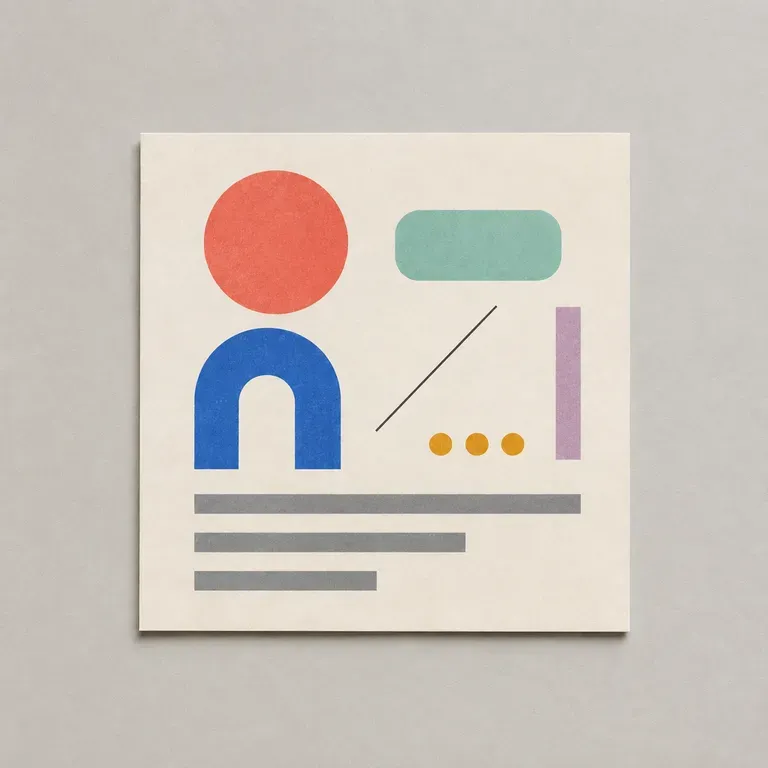
Sebagian besar prompt desain gagal pada detail-detail membosankan: rasio aspek yang salah, warna merek yang terlewat, tidak ada penjelasan tentang teks apa yang harus muat di bagian mana. Cantumkan tujuan, audiens, format, dan batasannya, lalu alat ini akan menulis prompt yang terstruktur agar model gambar benar-benar melacak semuanya, dimulai dengan kredit Virse gratis.
ByteDance's Seedance 2.0 produces picture and sound in one pass, from a first and last frame or from reference images, at sizes from 480P to native 4K.
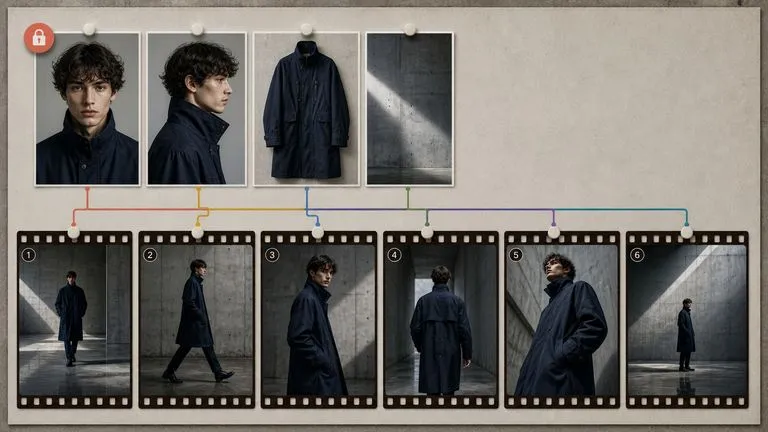
MiniMax's Hailuo 03 model produces silent 2K video, driven either by a first and last frame or by a set of reference images.
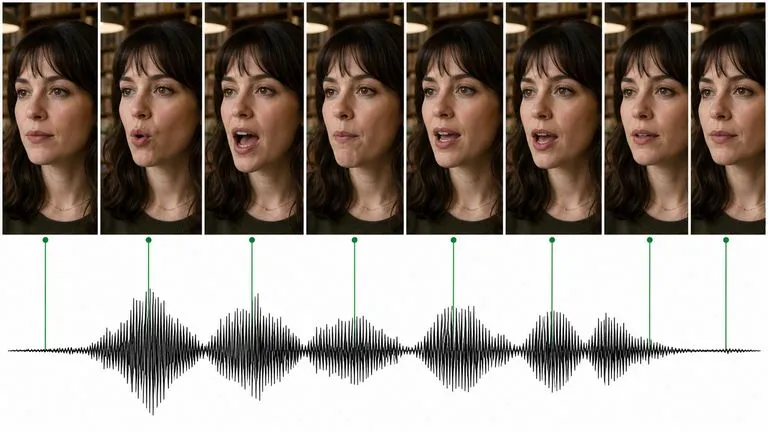
Kling 3.0 dari Kuaishou dapat berbicara — dialog tersinkronisasi bibir dalam lima bahasa, suara berbeda untuk tiap karakter, dan mode storyboard yang menyusun keseluruhan rangkaian.
Satukan karakter, produk, lingkungan, bahasa kamera, dan suara dalam satu alur kerja video yang lengkap. Buat cerita yang lebih panjang, gunakan referensi yang lebih kaya, dan sempurnakan hasilnya dengan kontrol lebih besar menggunakan Seedance 2.5 di Virse.