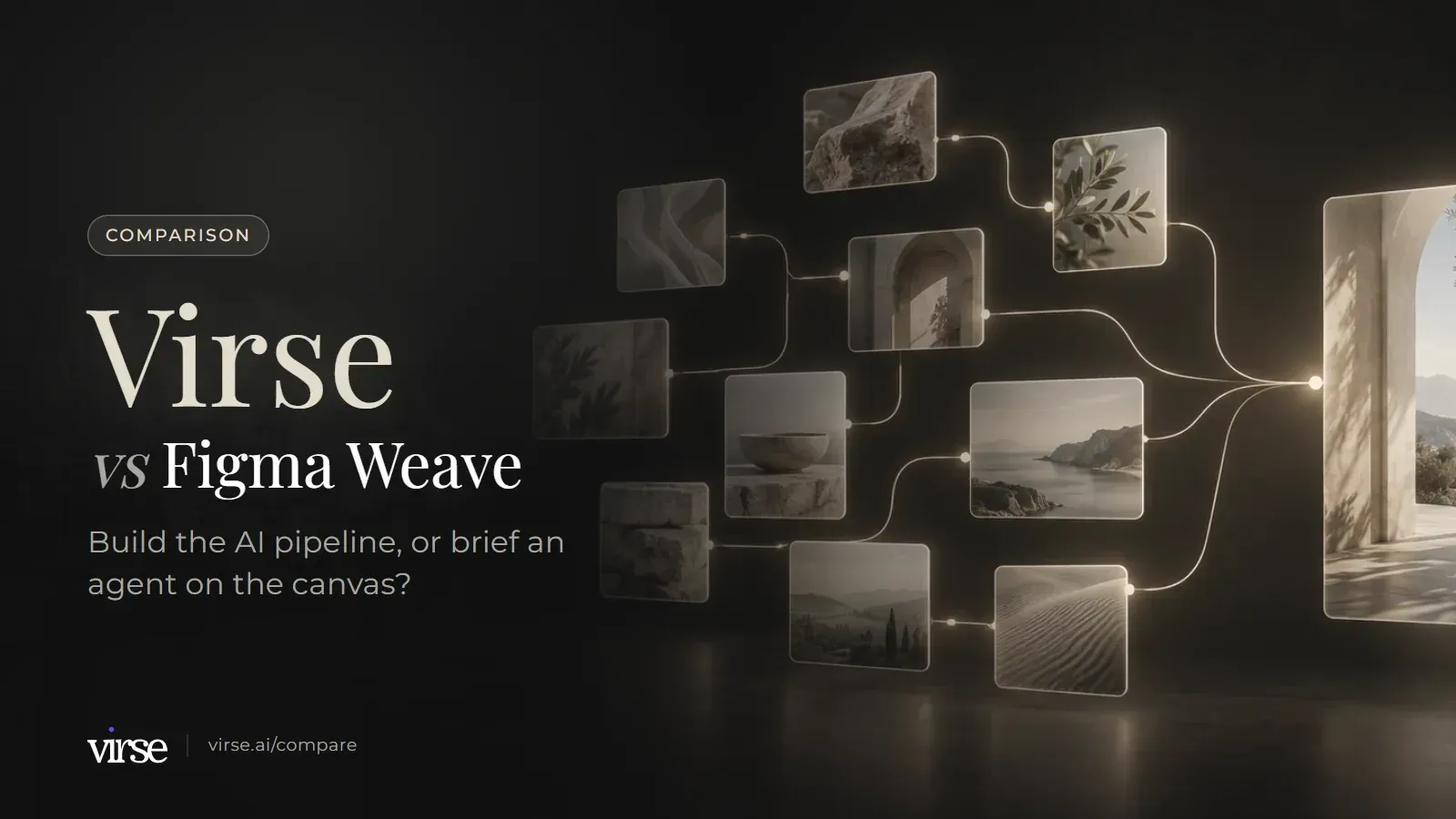
Virse vs Figma Weave: build the AI pipeline, or brief an agent on the canvas?
Figma Weave, formerly Weavy, wires AI models and editing nodes into workflows you can publish as tools. On the Virse canvas, a connection makes one result a reference for the next, and Virse Creator can run a brief.
Figma Weave may suit pipeline builders; Virse may be a better fit if you direct work from references. Based on public documentation, September 2026.
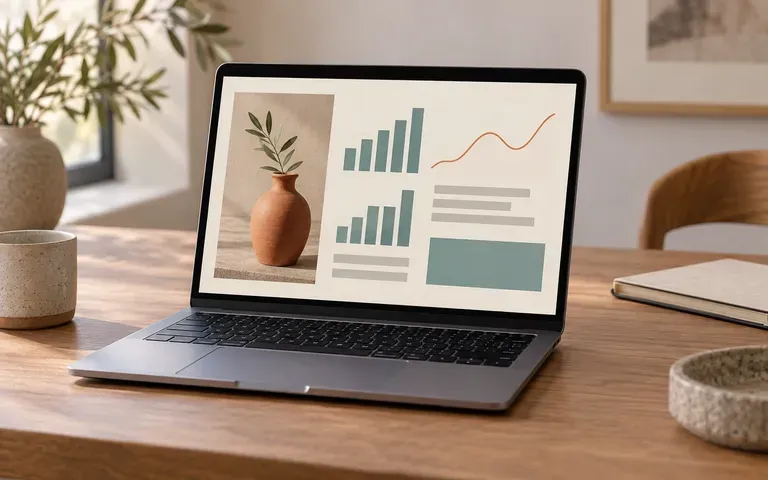
Generated campaign images arranged for review on the Virse canvas.
Two node canvases, side by side
Both products put nodes and connections on a canvas. They differ in what a connection means and in what else the canvas holds.
Dimension
Virse
Figma Weave
Source
What sits on the canvas
An infinite canvas where references, briefs and notes, documents and alternative results sit side by side. Image, video, text, search, Virse Creator and smart-tool nodes are added on the canvas.
Nodes are functions with inputs on the left and outputs on the right. Generative AI nodes have a Run button and use credits; non-generative nodes such as painter, blur and multi-layer composition do not.
Dragging a connection from one node to another makes it a reference for the next generation, for example a product shot into an image node, or an opening image into a video's first frame. The reference area shows which references a generation uses, and you can add or remove them there.
You drag a wire from an output to an input. Dropped on an existing node, it connects to the matching input type (text to text, image to image), and nodes that take multiple inputs add slots as you connect more wires.
Re-render replaces the current result; render new keeps it and adds another result for side-by-side comparison. Clone creates an empty node with the same prompt, settings and references.
A Compare node takes two image inputs and switches between them with a slider or a toggle. You can then wire the chosen image on to the next node.
Besides images and video, Word (.docx) or PDF files up to 100 MB can be uploaded to the canvas or asset management. Word files can be read, edited and saved online; PDFs can be paged, zoomed and downloaded.
The Import node accepts JPEG, JPG, PNG, HEIC and WEBP images, MP4 and QuickTime video, MP3, WAV and OGG audio, and GLB 3D files.
Both products let you package a working process for reuse. Figma Weave does it from the workflow graph; Virse does it with smart tools, aesthetics and an agent.
Dimension
Virse
Figma Weave
Source
Turning a process into a reusable tool
Smart tools package the inputs, process and output requirements of a repeated task. Reuse one with new material, share it with the team, or let Virse Creator call it. Official tools can be added from the community.
Any workflow becomes a tool once an Output node is added. People you share it with see a clean tool interface without the canvas, access can be set to invited people, the workspace or anyone with the link, and each update saves a version.
Build a reusable aesthetic from 1–20 reference images (colour, composition, lighting, material, mood). Aesthetics work in generation, search and Virse Creator, and can be saved to folders and shared. Official aesthetics are also in the community library.
Import your own LoRA files with the Import LoRA node, connect them to a LoRA-compatible model such as Flux Dev LoRA and set their strength. The LoRA is saved with the workflow.
Virse Creator is an AI design agent on the canvas. Give it a task and references (images, Word, PDF); it plans steps, searches for references, calls models and tools, and produces images, video and Word/PDF documents, continuing from earlier requirements in the conversation.
Through the Figma MCP server, an external agent can list, run and track Weave tools on Starter, Pro, Team or Enterprise plans. Creating and editing workflows via MCP is not yet supported.
Model access, editing depth, sharing rules and file organisation, as each product documents them.
Dimension
Virse
Figma Weave
Source
Model choice
40+ AI models (21 image, 16 video, 4 text), including GPT Image 2.5, Nano Banana 2 / Pro, Seedream 5.0 Pro, FLUX 2 Pro, Veo 3.1 and Kling 3.0. Model, aspect ratio, resolution and quality are chosen per generation, and estimated compute is shown before generating.
The pricing page lists image, video and 3D models, including Flux 2 Pro, Nano Banana Pro, GPT Image 1.5, Seedream V5, Kling 3, Veo 3.1, Runway Gen-4.5 and Rodin V2, with estimated outputs per plan.
Local (object) editing, currently experimental; remove background; expand (outpaint); upscale. GPT Image 2.5 outputs at 1K, 2K and 4K.
Editing nodes include a layer-based Compositor, Painter, Crop, Resize, Levels, Color Correction, Channels (red, green, blue and alpha), Blur, Invert and video Trim.
Share a canvas by link with view, use (download) or edit permissions, or invite by email. Team spaces add shared project folders, member groups, admins, per-member compute caps and a setting that pauses external sharing.
Share a workflow by email or link in read-only mode, where teammates duplicate it to edit, or transfer ownership. On the Team plan, Workspace Files shows all members' workflows in read-only mode.
Drag a product shot into an image node, or an opening image into a video's first frame, and it becomes a reference for that generation. The reference area lists what a generation is using, so you can add or remove references before rendering again, and render new keeps the earlier result next to the new one.
Aesthetics
A reusable aesthetic from 1–20 images
Pick 1–20 reference images that share the colour, composition, lighting, material and mood you want, and save them as an aesthetic. Use it in generation, in search and with Virse Creator, file it in a folder, and share it so the team starts from the same look.
Virse Creator
Hand a brief to an agent on the canvas
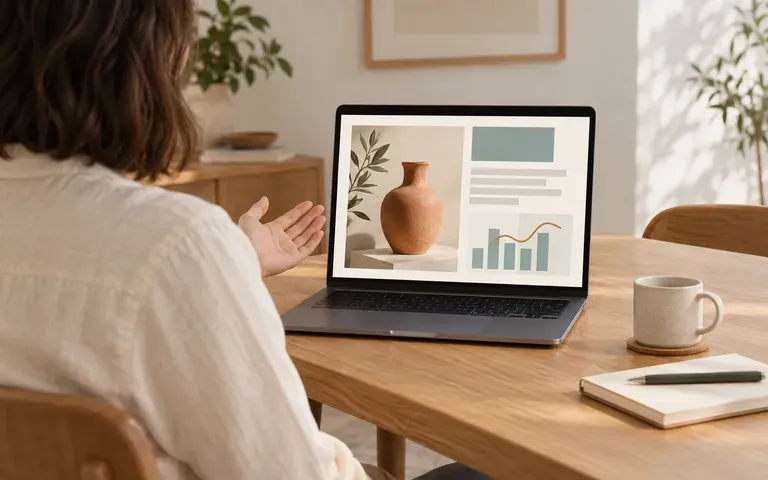
Give Virse Creator a task with images, a Word brief or a PDF. It plans the steps, searches for references, calls models and smart tools, and returns images, video or documents on the canvas. Ask for changes and it continues from the earlier requirements rather than starting over.
Pipeline builder or brief-led team?
Both are node canvases. Choose by where the effort goes: building and publishing a pipeline, or directing work from references and a brief.
A good fit for
✓You want a connection to mean "use this as a reference", and to see which references a generation used
✓You want to brief an AI agent with images, Word or PDF files and get images, video or documents back
✓Your team wants one reusable aesthetic built from 1–20 approved references
✓Briefs, PDFs and alternative results need to sit on the same canvas as the generations
✓You need canvas links with view, use or edit permissions, and per-member compute caps in a team space
Not the best fit for
×You build node pipelines and publish them as tools with a clean interface for other people
×Your work finishes in compositing, with layers, channels, masks and mattes
×You bring your own LoRA files, or import models from Fal, Replicate or CivitAI on a paid plan
×Your designers work in Figma and want to run Weave tools on the Figma Design canvas
×Your workflows include audio or GLB 3D files
Moving a Weave workflow to Virse
This page does not cover a direct import between the two products, so plan the move as a rebuild of the process rather than a file transfer.
01
Step 1. Export the results you want to keep
Connect the finished images and videos to Weave's Export node, or download them. You are moving results, not the workflow graph, so write down what each step of the workflow did.
02
Step 2. Build an aesthetic from approved references
Upload the approved finals and references to Virse, choose 1–20 images that share the look, and save them as an aesthetic. File it in a shared folder so the team uses the same one.
03
Step 3. Rebuild one workflow on the canvas
Pick a workflow your team runs often. Rebuild its generation steps on the Virse canvas with connected references, or package the repeated part as a smart tool. Note any step that depended on channels, mattes or compositing, and keep it in Weave if you still need it.
04
Step 4. Run a pilot brief with Virse Creator
Give Virse Creator one real brief with its references and the aesthetic, then compare the rounds side by side on the canvas. Some teams will keep Weave for compositing-heavy finishing and use Virse for direction, which is a reasonable outcome.
Example creative boards
Brief led board: a reference palette with three photographic directions.
Campaign board: one hero composition, a detail study and a scene variation.
Direction board: one product form explored across materials and lighting.
Common questions
Is Figma Weave the same product as Weavy?+−
Yes. Figma acquired Weavy, and the product continues as Figma Weave at weave.figma.com; existing accounts can still sign in through app.weavy.ai. Older reviews that mention Weavy describe the same product under its previous name.
Both use nodes, so what is the real difference?+−
In Figma Weave a node is a function and a wire passes an output into a matching input, so the graph is the process you build, run and publish as a tool. In Virse, a connection makes one node a reference for the next generation, the reference area shows what a generation used, and the canvas also holds briefs, documents and alternative results. Virse Creator can plan and run the steps from a brief.
How do I keep one look across a team?+−
In Virse, build a reusable aesthetic from 1–20 reference images, use it in generation, search and Virse Creator, and share it through folders. In Figma Weave, one documented route is importing your own LoRA files into a LoRA-compatible model such as Flux Dev LoRA; Weave tools such as Transfer style can also apply one image's style to another. Saved models, nodes and groups are shared across the workspace.
Can an AI agent do the work?+−
Virse Creator is an agent inside the canvas: it plans steps, searches for references, calls models and smart tools, and produces images, video and Word/PDF documents. Figma Weave tools can be run by an external agent through the Figma MCP server on Starter, Pro, Team or Enterprise plans, while creating or editing workflows through MCP is not yet supported. The Weave API is in closed beta with select Enterprise customers.
How do the prices compare?+−
Figma Weave's pricing page lists a Free plan with 150 monthly credits and 5 workflows, Starter at $24 a month, or $228 a year on annual billing, Professional at $45 a month, or $432 a year on annual billing, and Team at $60 per user a month, or $576 per user a year on annual billing; Professional and Team base credits roll over up to 3x the monthly amount (checked on weave.figma.com/pricing on 2026-09-24, confirm the billing option at checkout). New Virse accounts start with 200 free compute, and the Free plan tops up 50 compute a day while the balance is below 200. Free users can use every image model at 1K output; video models need a paid plan. Basic is $10/month, Pro and Max include unlimited generation on selected models and tiers, and on paid plans compute credits never expire. Weave credits and Virse compute are different units, so compare on the volume you need. Checked on the Virse pricing page on 2026-09-24. Plans, included compute and feature limits may change. Check the current Virse pricing page for the latest details.
How current is this comparison?+−
This page compares public documentation reviewed on 2026-09-24: the Figma Weave website and knowledge center, and Virse's product documentation. It is not hands-on testing, so it makes no claims about speed or output quality. Features and prices change; if a row no longer matches either product, tell us at yifan@virse.art so we can review it.
Put one brief on the canvas
Bring a real brief and a few references, connect them to an image node, and build an aesthetic from your own approved images. Then hand the next round to Virse Creator and compare the results side by side on the canvas.