Virse vs Magnific

Virse vs Magnific: an all-media AI suite or a reference-led design canvas?

Magnific (formerly Freepik) covers image, video, audio, 3D and 250M+ stock assets. Virse is a reference-led design canvas. Magnific may suit you if one plan must cover image, video, audio and 3D. Virse may be a better fit if you want each generation to show its references, and one look from 1–20 images reused in generation, search and the agent. Public docs, September 2026.

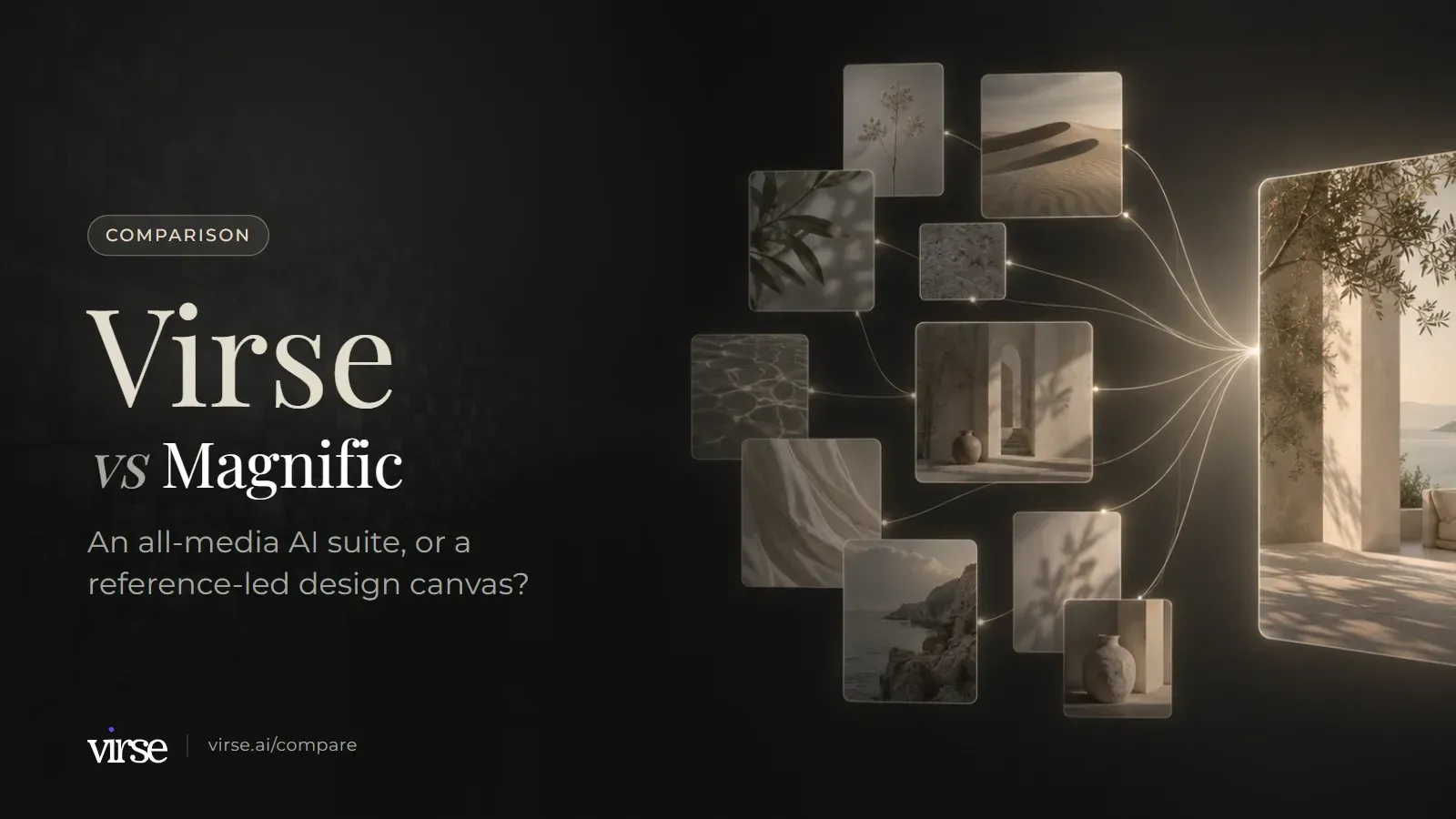
Virse vs Magnific: floating image cards linked by fine lines of light into one final image. An all-media AI suite, or a reference-led design canvas?

References and results on one Virse canvas

A laptop screen preview with the main interface area in view
Generated campaign images arranged for review on the Virse canvas.

Canvas and references

Both products put generation on an infinite canvas. This group compares how material moves between steps and how people work on it together.

DimensionVirseMagnificSource
The canvasAn infinite canvas where references, briefs and notes, documents and alternative results sit side by side. Image, video, text, search, Virse Creator and smart-tool nodes are added on the canvas.Spaces is a node-based canvas for real-time collaborative creation. Documented nodes include Upload, Text, Assistant, Image Generator, Video Generator and Image Upscaler.Source
Passing references to the next stepDrag a connection from one node to another to make it a reference for the next generation, such as a product shot into an image node or an opening image into a video's first frame. The reference area shows which references a generation uses, and references can be added or removed there.Reference images connect to an Image Generator through a Reference port. Not every model accepts references, and each model's feature tag shows how many it takes.Source
Trying alternativesRe-render replaces the current result. Render new keeps it and adds another result for side-by-side comparison. Clone creates an empty node with the same prompt, settings and references.The home page describes Spaces as one infinite, node-based canvas where you can branch ideas and compare versions.Source
Working on it with othersShare a canvas by link with view, use (download) or edit permission, or invite people by email. Comment on the canvas, an image or a group, reply, and mark comments resolved.Spaces is an infinite shared canvas where people work together in real time. The Business page adds comments pinned to an exact spot of an image or second of a video, and an approved, in review or rejected status for each asset.Source

What you can reuse

Both products let you keep what worked, whether that is a look, a workflow, an agent setup or a folder of assets, and use it again. They package it differently.

DimensionVirseMagnificSource
Reusing a visual lookBuild a reusable aesthetic from 1–20 reference images (colour, composition, lighting, material, mood), or pick an official aesthetic from the community library. Aesthetics work in generation, search and Virse Creator, and can be saved to folders and shared.Custom Styles trains a LoRA from 10 to 50 images, or creates a style from a prompt. The listed supported models are Mystic 1.0, Mystic 2.5, Mystic 2.5 Flexible and Flux.1. Ready-made styles are also offered.Source
Reusable workflowsSmart tools package the inputs, process and output requirements of a repeated task. Reuse one with new material, run a batch of similar assets the same way, share it with the team, or let Virse Creator call it. Official tools can be added from the community.Any on-brand workflow can be saved as an App that the next person runs in one click.Source
The AI agentVirse Creator works on the canvas. Give it a task and references (images, Word, PDF); it plans steps, searches for references, calls models and tools, and produces images, video and Word/PDF documents. It continues from the conversation's earlier requirements and results.Magnific Agents take knowledge bases (PDFs, images, video, text files and docs), keep two memory layers, and wire nodes, pick models and run workflows inside Spaces. Custom agents can be shared with the team.Source
Organising your workAsset management holds images, videos, documents, canvases and aesthetics in folders. Star, move, copy, batch-manage, restore from trash, and share with permissions. Word (.docx) and PDF files up to 100 MB can be uploaded; Word can be edited online.Projects organise brand assets, generated content and workflows so a team's work stays together.Source

Media coverage, source material and teams

This is where Magnific's breadth shows. Read these rows against the media types and team size you actually need.

DimensionVirseMagnificSource
Media types and models40+ AI models (21 image, 16 video, 4 text), including GPT Image 2.5, Nano Banana 2 / Pro, Seedream 5.0 Pro, Veo 3.1, Kling 3.0 and Seedance 2.0 / 2.5. Model, aspect ratio, resolution and quality are chosen per generation, and estimated compute is shown before generating.Image, video, audio and 3D in one platform. The home page names models including Nano Banana 2, Seedream 5, Seedance 2, Kling 3, Veo 3 and ElevenLabs, and its FAQ refers to 40+ AI models.Source
UpscalingUpscale, expand (outpaint) and remove background are built in. GPT Image 2.5 outputs at 1K, 2K and 4K.The Image Upscaler offers Classic and Magnific models, up to 16× clarity, output up to 10K and bulk upscaling. A separate Video Upscaler is listed.Source
Source materialSearch and browse reference images, then save them to asset management or bring them onto the canvas. A search node runs a search on the canvas, optionally with reference images and an aesthetic.A stock library of 250M+ photos, vectors, icons and templates, licensed for commercial use and connected to every workflow on the platform.Source
Team administrationTeam spaces with shared project folders, member groups, admins, per-member compute caps, allocation of unlimited-creation seats, and a security setting that pauses external sharing. Business plans support up to 50 seats. Plan details checked on the Virse pricing page on 2026-09-24.The Business plan covers 2–100 seats with Owner, Admin and Member roles, a shared credit pool, credit usage reports by user, and SSO via SAML 2.0.Source

What a reference-led canvas adds

Connections

See which references each generation used

Drag a connection from a product shot, a sketch or an opening frame into the next node and it becomes a reference for that generation. The reference area lists what the generation is using, so you can add or remove a reference without rebuilding the step.
Aesthetics

A look built from 1–20 of your own images

Build a reusable aesthetic from as few as one and as many as twenty reference images, covering colour, composition, lighting, material and mood. Use it in generation, in search and with Virse Creator, save it to a folder, and share it with the team.

Smart tools

Turn a repeated task into a tool

Package the inputs, process and output requirements of a job you run every week. Run it again with new material, process a batch of similar assets the same way, share it with the team, or let Virse Creator call it.

Magnific or Virse: which fits your work?

Magnific documents a broader set of media tools. The split below is about what you need a single subscription to cover.

A good fit for

  • References, briefs, documents and alternative results need to sit on one canvas, with each generation showing which references it used
  • You want a reusable aesthetic built from 1–20 reference images that also works in search and with Virse Creator
  • Your team repeats the same production task and wants it packaged as a smart tool anyone can run
  • Word or PDF briefs are part of the job and should sit next to the images they describe

Not the best fit for

  • One subscription has to cover image, video, audio and 3D
  • A licensed stock library of 250M+ assets would replace a separate subscription
  • High-resolution upscaling is central to your work, including bulk and video upscaling
  • You want to keep creating on a phone with a mobile app
  • Your team works inside Adobe, Figma, DaVinci or ComfyUI and wants generation there through plugins

Moving work from Magnific to Virse

Plan the move as a rebuild of your references and workflow, not a file transfer.

  1. Step 1. List what depends on Magnific's breadth

    Note any work that relies on audio, 3D, stock assets or high-resolution upscaling, and decide where each of those will live afterwards.

  2. Step 2. Export your own material

    Download your finished assets, reference images and brand documents. For anything that came from a stock library, check its licence terms before you reuse it elsewhere.

  3. Step 3. Rebuild the references on a Virse canvas

    Upload references and Word or PDF briefs to asset management or straight onto a canvas. Build an aesthetic from 1–20 approved reference images, and connect references to the image and video nodes that should use them.

  4. Step 4. Run one live brief, and consider keeping both

    Take a real brief through the canvas, compare results with render new, and package any step you repeat as a smart tool. Using Virse for connected creative work while keeping Magnific for audio, 3D or stock is a reasonable outcome.

Example creative boards

A laptop displaying a website in a simple desk setting
Brief led board: a reference palette with three photographic directions.
A web designer presenting a completed site on a laptop
Campaign board: one hero composition, a detail study and a scene variation.
An application dashboard displayed on a laptop screen
Direction board: one product form explored across materials and lighting.

Common questions

Is Magnific the same as Freepik?
Yes. Magnific's own FAQ says Freepik is now Magnific, with the same team and technology, and magnific.com carries the full platform including the stock library. The site navigation points visitors looking for magnific.ai to the legacy service.
Is Magnific just an upscaler?
No. Its public pages cover image, video, audio and 3D generation, the Spaces canvas, Magnific Agents, a stock library of 250M+ assets, desktop and mobile apps, and team plans. The Image Upscaler is one tool in that suite.
Both have a node canvas and an AI agent. What is the actual difference?
Both canvases pass references between steps, and both offer an agent that works inside the canvas. On Virse, the reference area shows which references each generation uses, a reusable aesthetic built from 1–20 images applies across generation, search and Virse Creator, and smart tools turn a repeated task into something the team runs again. Magnific's documentation puts more weight on media breadth: audio, 3D, stock, upscaling and plugins.
Can I reuse a style on both?
Yes, in different ways. Magnific's Custom Styles trains a LoRA from 10 to 50 images, or creates a style from a prompt, for the supported models listed on its Custom Styles page. On Virse you build a reusable aesthetic from 1–20 reference images and use it in generation, search and Virse Creator.
How is pricing structured?
On Virse, new accounts start with 200 free compute, and the Free plan tops up 50 compute a day while the balance is below 200. Free users can use every image model at 1K output; video models need a paid plan. Basic is $10/month, Pro and Max include unlimited generation on selected models and tiers, and on paid plans compute credits never expire. Checked on the Virse pricing page on 2026-09-24. Plans, included compute and feature limits may change. Check the current Virse pricing page for the latest details. Magnific's pricing page listed Premium at $14.50 a month billed annually with 240K credits a year, excluding VAT and local taxes. The two credit systems price generations differently, so compare them by the output you need.
How current is this comparison?
It compares public documentation reviewed on September 24, 2026, not hands-on testing. Each table row links the Magnific page that supports it. Features, offers and prices can change, so confirm current terms before subscribing. If a row no longer matches either product, tell us at yifan@virse.art so we can review it.

Put one brief on a reference-led canvas

Sign up, bring a real brief and its references onto a canvas, and connect them to the nodes that should use them. Build an aesthetic from your approved images and see whether a reference-led canvas fits the way your team works.