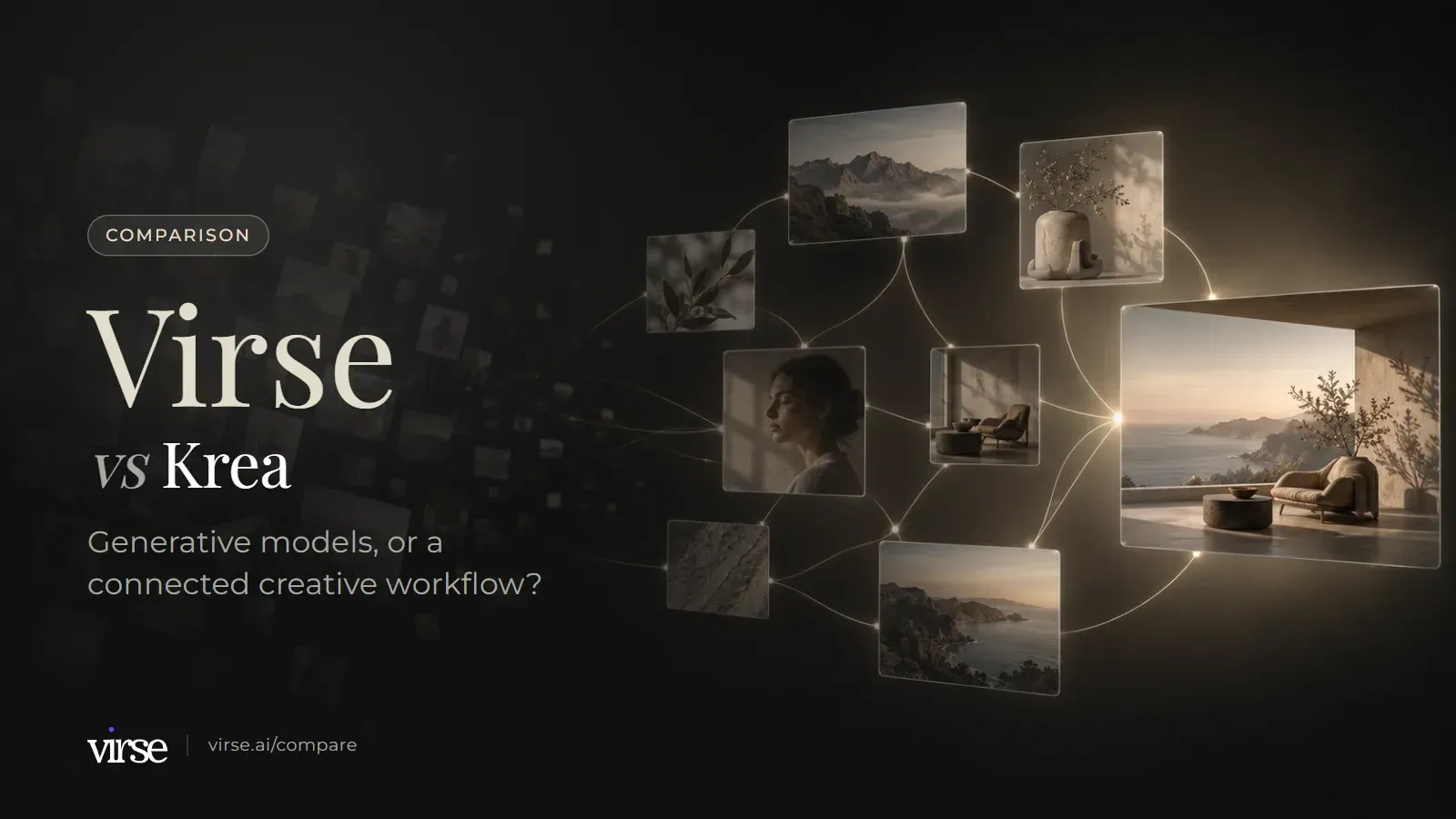
Virse vs Krea: generative models or a connected creative workflow?
Krea is a generation suite built on Krea 2, a large model catalogue, LoRA training and Realtime. Virse is a connected canvas.
Krea may suit you if model choice, LoRA training and live generation drive your work. Virse may be a better fit if you want references, a reusable aesthetic and smart tools kept together on one canvas. Based on public documentation, September 2026.
From Krea's model suite to a connected Virse canvas
Generated campaign images arranged for review on the Virse canvas.
Generation and model control
This is Krea's home ground: its own image model, a large hosted catalogue, Realtime and high-resolution upscaling. Compare these rows against the models and outputs your work actually needs.
Dimension
Virse
Krea
Source
Model line-up
40+ AI models: 21 image, 16 video and 4 text. They include GPT Image 2.5 (Flare, Sunburst), GPT Image 2, Nano Banana 2 / Pro, Seedream 5.0 Pro, FLUX 2 Pro, Ideogram 4.0, Veo 3.1, Kling 3.0, Seedance 2.0 / 2.5 and MiniMax H3.
Krea says it hosts more than 150 image, video, audio and enhancement models. Krea Agent picks one per step; current defaults include Nano Banana Pro, ChatGPT Image 2, Krea 2, Seedance 2.5 and Topaz.
Model, aspect ratio, resolution and quality are chosen per generation, and estimated compute is shown before you generate. References connected on the canvas and an aesthetic can steer the result.
Krea 2, Krea's own foundation image model, comes in Medium, Large and Medium Turbo. It takes up to 4 style references with a strength slider each, moodboards, Krea styles (LoRAs), four creativity modes and Generative Sliders for Intensity, Complexity and Movement.
Generation runs from nodes on the canvas. Re-render replaces the current result, render new keeps it and adds another beside it for comparison, and clone creates an empty node with the same prompt, settings and references.
Krea Realtime updates the output as you draw, type or move shapes, with no render button. A webcam or a shared browser tab can be the input; realtime models run at 512px (fast) or 1024px (quality).
Upscale sits with the other image editing tools: remove background, expand (outpaint) and local object editing, which is experimental. GPT Image 2.5 outputs at 1K, 2K and 4K.
Enhancer upscales at 1x, 2x, 4x or 8x. Its image models reach 8K (Krea Enhance), 10K (Bloom), 16K (Topaz Generative) and 22K (Topaz), and video can be enhanced up to 8K depending on the model.
Both products have a canvas, an agent and a way to reuse work. They differ in what the canvas holds and in what gets reused.
Dimension
Virse
Krea
Source
What the canvas holds
An infinite canvas where references, briefs and notes, Word or PDF documents and alternative results sit side by side, with image, video, text, search, Virse Creator and smart-tool nodes. Dragging a connection makes one node a reference for the next generation, and the reference area shows which references each generation used.
Krea Nodes is a node editor on an infinite canvas. Nodes have inputs, parameters and outputs, connect through handles colour-coded by data type, and chain image, video and audio models. Section nodes, groups and sticky notes organise the graph.
Smart tools package the inputs, process and output requirements of a repeated task. Reuse one with new material, run a batch of similar assets the same way, share it with the team, or let Virse Creator call it. Official tools can be added from the community.
The Node App Builder turns a Nodes workflow into an app with custom input forms. Apps can be public, shared only with team members, or run through the Execute a Node App API endpoint.
Virse Creator works on the canvas. Give it a task and references (images, Word, PDF); it plans steps, searches for references, calls models and tools, and produces images, video and Word or PDF documents. It continues from the conversation's earlier requirements and results.
Krea Agent plans multi-step jobs from one brief, chooses image, video and audio models for each step, reviews and edits outputs, and can save a finished workflow as a skill to run again. Krea Nodes has its own prompt-to-workflow agent.
Asset management organises images, videos, documents, canvases and aesthetics in folders, with star, move, copy, batch actions, restore from trash and sharing with permissions. Word (.docx) and PDF files up to 100 MB can be uploaded; Word can be read, edited and saved online.
The context library has three levels: session files, My Context (personal files and the preferences the agent remembers) and Workspace Context (brand guidelines, product sheets, reference boards and approved outputs) shared with everyone in the workspace. It supports folders and previews images, video, PDF, markdown, HTML and text.
This group covers team controls, reusable looks and plan allowances as each product lists them publicly.
Dimension
Virse
Krea
Source
Team workspace and controls
Share a canvas by link with view, use (download) or edit permission, or invite by email. Team spaces add shared project folders, member groups, admins, per-member compute caps, allocation of unlimited-creation seats and a setting that pauses external sharing. Business plans support up to 50 seats. Plan details checked on the Virse pricing page on 2026-09-24.
The Business plan covers up to 50 seats at one flat price, with custom user roles and permissions, fine-grained controls for model access and private Node Apps shared within the workspace. SAML SSO and per-member spend limits are listed on Enterprise.
Build a reusable aesthetic from 1–20 reference images that captures colour, composition, lighting, material and mood. Save it to a folder and share it; official aesthetics are also in the community library.
LoRA training on your own characters, styles or objects: up to 50 images per LoRA on entry plans and up to 2,000 on Max and Business.
New accounts start with 200 free compute, and the Free plan tops up 50 compute a day while the balance is below 200. Free users can use every image model at 1K output; video models need a paid plan. Plan details checked on the Virse pricing page on 2026-09-24.
100 units a day, with Krea Agent, Krea 2, realtime models, LoRA training on up to 50 images and upscaling up to 2K. All image and video models, Krea Nodes and the commercial licence need a paid plan; check Krea's pricing page for the tier.
On paid plans, compute credits never expire. Plan details checked on the Virse pricing page on 2026-09-24.
Compute units do not roll over on individual plans. They do roll over on Business and Enterprise plans, and one-time compute packs must be used within 90 days.
Drag a connection from a product shot into an image node, or from an opening image into a video's first frame, and it becomes a reference for that generation. The reference area shows what each generation used, and you can add or remove references there. Render new keeps a result and adds another beside it, so alternatives stay on the canvas for comparison.
Aesthetics
A look you can reuse
Build a reusable aesthetic from 1–20 reference images that captures colour, composition, lighting, material and mood. Use it in generation, in search and with Virse Creator, then save it to a folder and share it with the team. Official aesthetics are also available in the community library.
Smart tools
A repeated task becomes a tool
Package the inputs, process and output requirements of a task you repeat. Run it again with new material, run a batch of similar assets the same way, share it with the team, or let Virse Creator call it. Krea's Node App Builder covers similar ground for Nodes workflows, so compare the two on a task you actually repeat.
Krea or Virse: which suits your work?
Both products generate images and video, both have an agent, and both let a team reuse work. The choice depends on whether your bottleneck is the model and its controls, or keeping references, a look and a process together.
A good fit for
✓Your references, briefs, Word or PDF documents and alternative results need to sit on one canvas
✓You want each generation to show which references it used
✓You want one aesthetic, built from 1–20 images, applied across generation, search and Virse Creator
✓A task you repeat should become a smart tool that the team or Virse Creator can run
✓You want paid-plan compute that does not expire
Not the best fit for
×You want Krea's own Krea 2 model with style references, moodboards and Generative Sliders
×You need LoRA training on your own characters, styles or objects, up to 2,000 images per LoRA on Max and Business
×Live generation as you draw, type or use a webcam is central to how you explore
×You need upscaling to very high resolutions, up to 22K with Topaz
Moving work from Krea to Virse
Plan the move as rebuilding a direction, not as a file transfer. Start with one live brief rather than a whole archive.
01
Step 1. Collect your Krea outputs and references
Download your finished assets and any reference sets you are authorised to move. Check outputs that only exist inside a Nodes workflow or in your Krea context library before you cancel anything.
02
Step 2. Build an aesthetic from your references
Upload the references to asset management and build a reusable aesthetic from the 1–20 images that best carry the look. Save it to a shared folder so the team uses the same one.
03
Step 3. Rebuild one Krea job on a Virse canvas
Put a real brief, its references and any Word or PDF document on a canvas. Connect the references to an image node and generate, then use render new to put a second result beside the first.
04
Step 4. Compare the result with your Krea workflow
Compare against the criteria you set before you started, including cost. If a step repeats, package it as a smart tool and run it on a small batch. If the pilot does not show a clear benefit for your team, stay where you are.
Example creative boards
Brief led board: a reference palette with three photographic directions.
Campaign board: one hero composition, a detail study and a scene variation.
Direction board: one product form explored across materials and lighting.
Common questions
What is the main difference between Virse and Krea?+−
Krea is built around generation: its own Krea 2 model, a large hosted model catalogue, LoRA training, Realtime, the Enhancer and the Nodes editor. Virse is built around the canvas that holds a project together: connections show which references each generation used, aesthetics make a look reusable, asset management keeps files organised, and smart tools and Virse Creator take on repeated work. This comparison is based on public documentation reviewed in September 2026, not on hands-on tests.
Does Virse have an equivalent to Krea's LoRA training?+−
Not in the same form. Krea trains LoRAs on your own characters, styles or objects, with up to 50 images per LoRA on entry plans and up to 2,000 on Max and Business. Virse lets you build a reusable aesthetic from 1–20 reference images that captures colour, composition, lighting, material and mood, and use it in generation, search and Virse Creator. If you need a model of a specific character or product, Krea's LoRA training is designed for that job.
Which one gives me more models?+−
Krea says it hosts more than 150 image, video, audio and enhancement models, including its own Krea 2. Virse offers 40+ AI models: 21 image, 16 video and 4 text, including GPT Image 2.5, Nano Banana 2 / Pro, Seedream 5.0 Pro, Veo 3.1, Kling 3.0 and Seedance 2.0 / 2.5. If one specific model matters to your work, check that it is listed in both products before you choose.
How do the free plans compare?+−
On Virse, new accounts start with 200 free compute, and the Free plan tops up 50 compute a day while the balance is below 200. Free users can use every image model at 1K output; video models need a paid plan. Basic is $10/month, Pro and Max include unlimited generation on selected models and tiers, and on paid plans compute credits never expire. Krea's Free plan gives 100 units a day with Krea 2, realtime models, LoRA training on up to 50 images and upscaling up to 2K, and units on individual plans do not roll over. Checked on the Virse pricing page on 2026-09-24. Plans, included compute and feature limits may change. Check the current Virse pricing page for the latest details.
Which one fits a team?+−
Krea's Business plan covers up to 50 seats at one flat price, with custom roles and permissions, model access controls and private Node Apps shared in the workspace, and Workspace Context gives every member's agent the same brand files. Virse Business plans support up to 50 seats; team spaces add shared project folders, member groups, admins, per-member compute caps and a setting that pauses external sharing, and canvases can be shared with view, use or edit permission. Krea may suit a team that wants governed model access, shared brand context for its agent and private Node Apps. Virse may be a better fit if the team works from shared canvases, aesthetics and smart tools.
How current is this comparison?+−
Sources were checked on 2026-09-24. Each table row links one official Krea page, and Virse facts come from the current Virse product documentation and pricing page. This is a documentation comparison, not a hands-on benchmark. Features, offers and prices change, so confirm the current terms before subscribing. If a row no longer matches what either product does, tell us at yifan@virse.art so we can review it.
Test one look across models on a canvas
Put a real brief, its references and an aesthetic on one canvas, connect them to a generation, and compare the results side by side.