贴纸设计生成器

贴纸设计生成器

A sticker has to survive as a clean cut shape, not just as a nice drawing. Describe the subject and style, and get designs back already shown with a die-cut outline, whether that's one character or a matching set that needs to hang together. Free credits are enough to see the first sheet.

输入
主题与内容 · 选填角色与主题参考图 · 选填输出形式 · 选填风格偏好 · 选填配色偏好 · 选填
输出
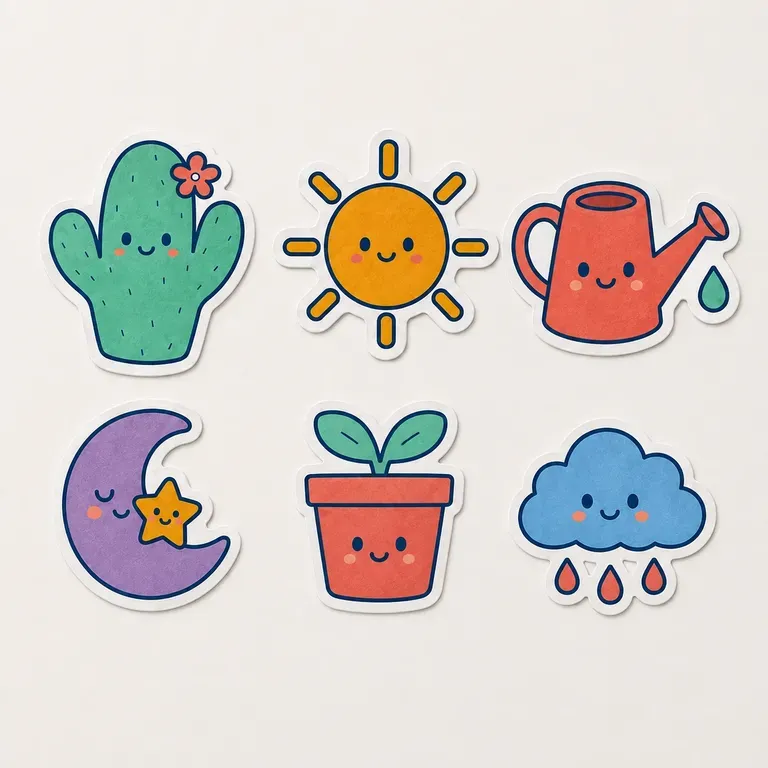
贴纸设计预览(套组一张 / 单款多张)

角色与主题参考图选填

图片在画布里上传,这里填的是参数。

输出形式选填

What Is a Sticker Design Generator?

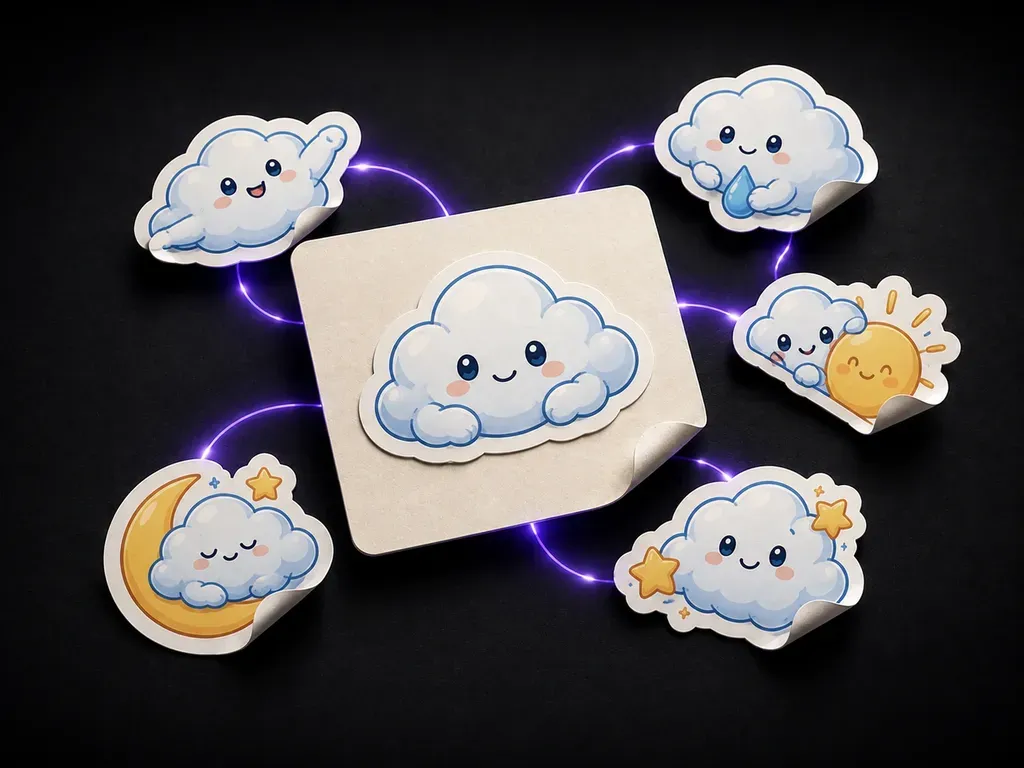
A sticker design generator turns a theme and a subject into sticker designs shown with die-cut outlines. In Virse you describe the subject and style, generate a single sticker or a matching set, and compare directions on one canvas before anything goes to print.

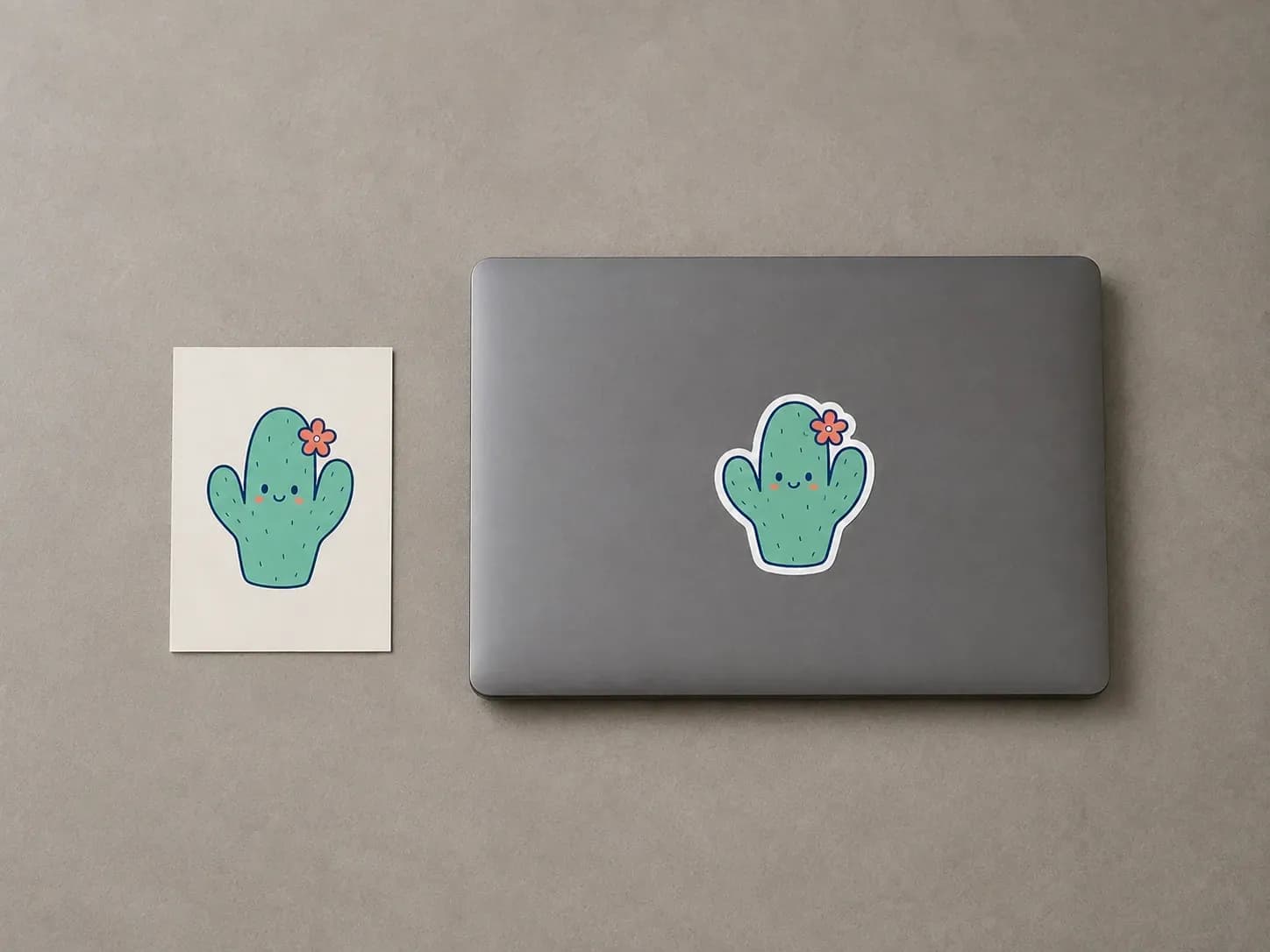
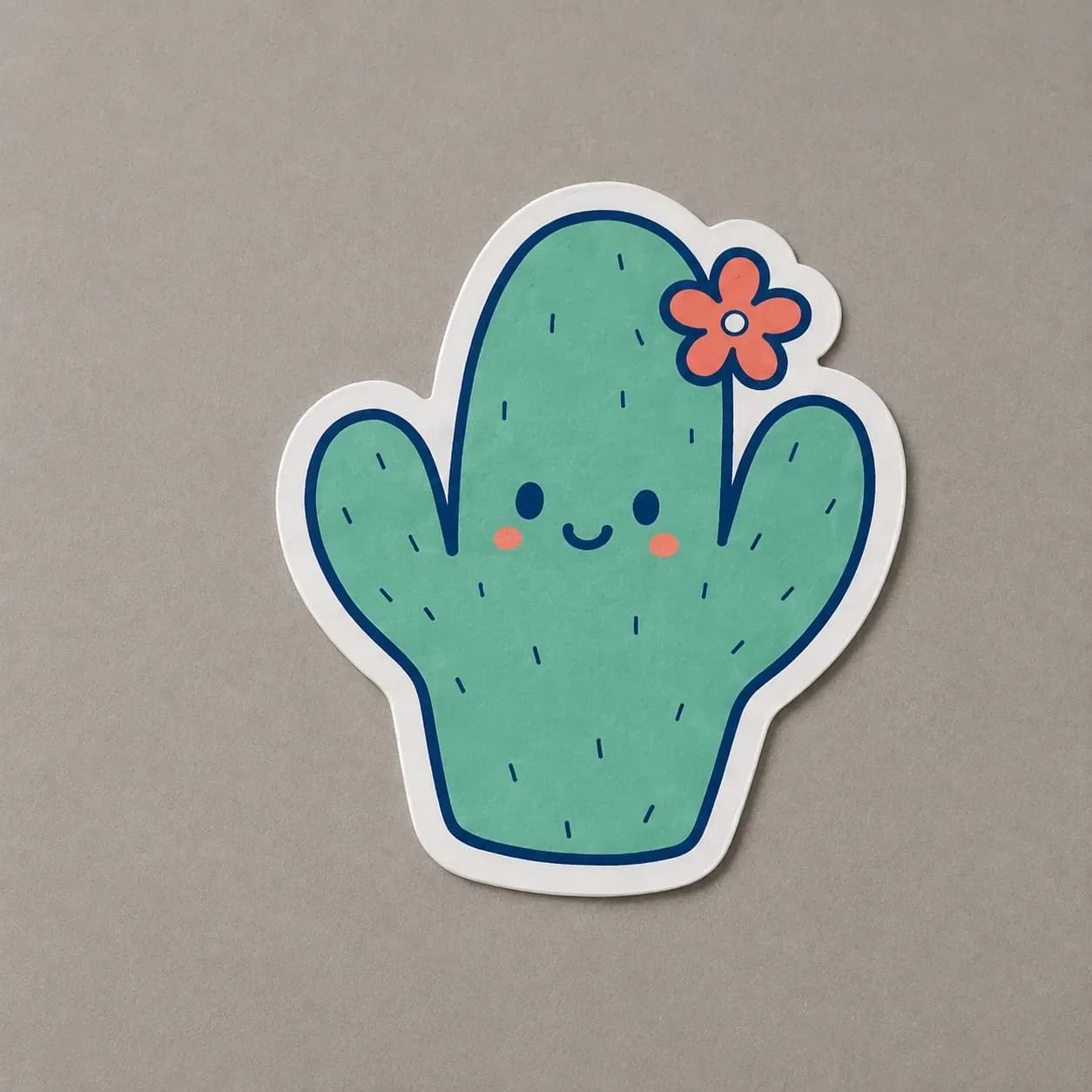
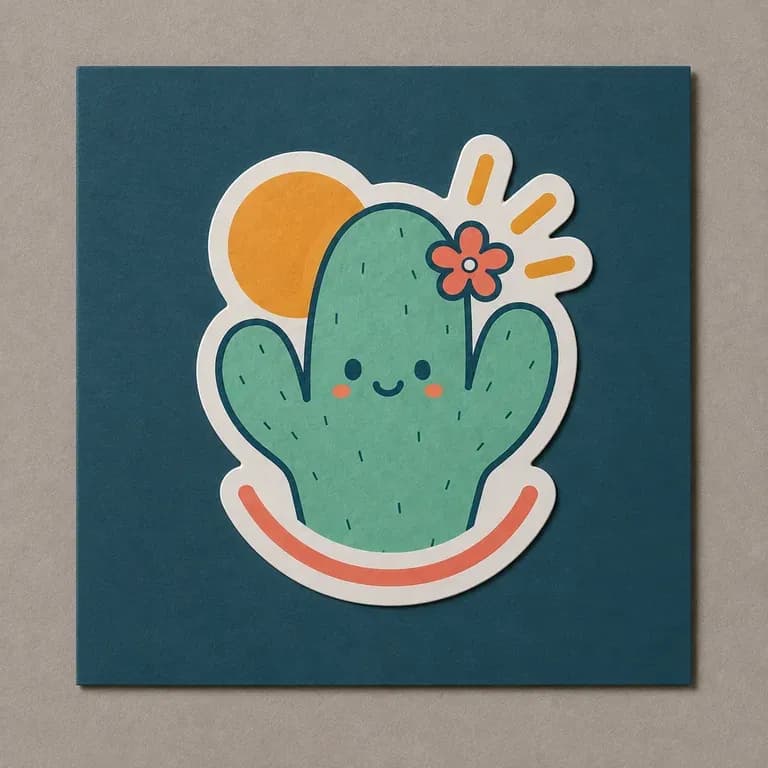
A cactus illustration reference beside the same character made into a die-cut sticker on a laptop lid
A theme brief turned into a sticker design with a die-cut outline

Why Use Virse's Sticker Design Generator?

A sticker has to work as a clean, cut shape, not just as a nice illustration. Seeing the outline early is what catches that.

Three stickers in different illustration styles stuck on the same surface for the same theme
Free

Start with Free Generations

Try your first sticker design on Virse credits. New users can generate up to 10 images, enough to see whether a subject and style hold up before ordering a print run.

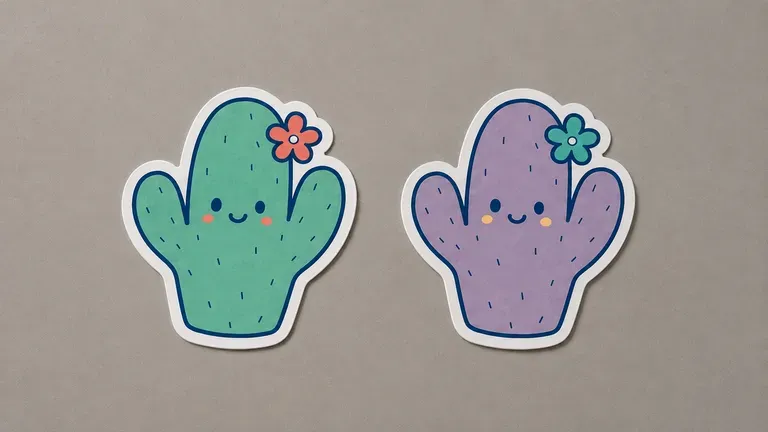
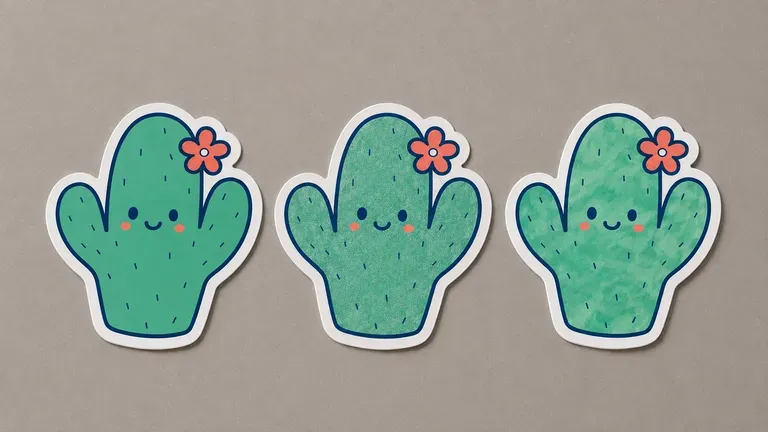
Two colour versions of the same sticker character
40+ models

Explore with Multiple AI Models

Virse brings 40+ AI models into one environment, and paid plans include unlimited model usage. You can see how different models handle the same subject without rebuilding your brief for each one.

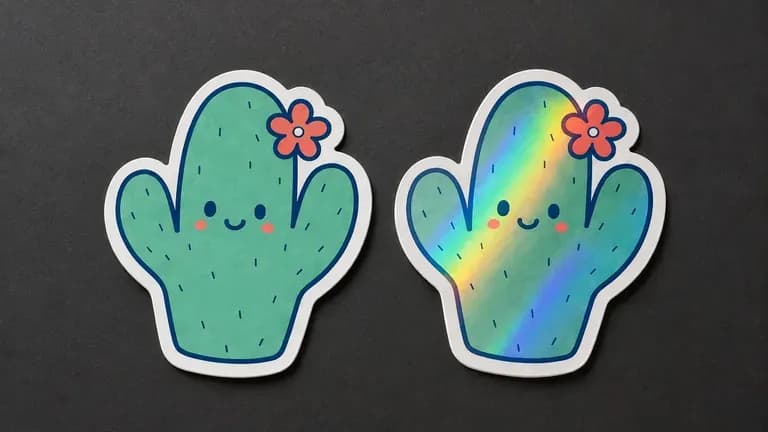
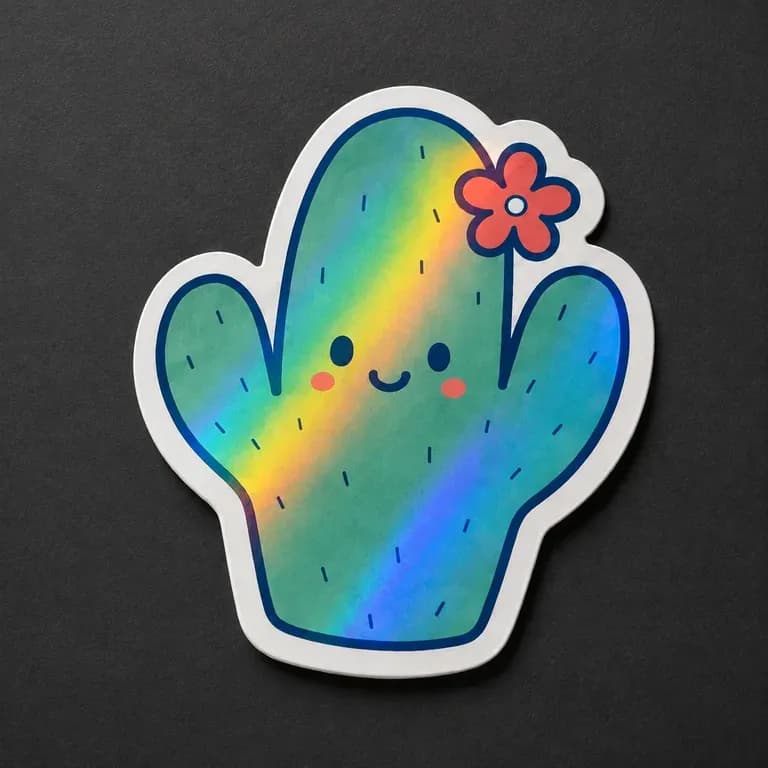
A standard sticker beside a holographic finish version with visibly different shine
Canvas

Compare Designs on One Canvas

References, generated designs and alternative styles stay together on an infinite canvas. Virse keeps the theme and palette in context, so the next sticker in a set builds on the one already picked.

How to Generate a Sticker Design with AI in Four Steps

  1. Describe the subject and style

    Write out the theme, the subject and the visual style, from bold outline illustration to soft watercolour.

  2. Choose single sticker or a set

    Pick a single sticker with one subject, or a matching set that needs to share style and palette across several designs.

  3. Generate sticker designs

    Run an available AI image model and let it produce the design shown with a clean die-cut outline.

  4. Refine before printing

    Adjust colours and detail with updated notes, then hand the settled design to a sticker printer.

Who Is a Sticker Design Generator For?

People designing something small enough to end up on a laptop lid or a water bottle.

Four consistently styled stickers arranged in a tidy row for a shop catalogue

Print-on-Demand & Etsy Sellers

Generate a batch of sticker designs to test across a shop catalogue.

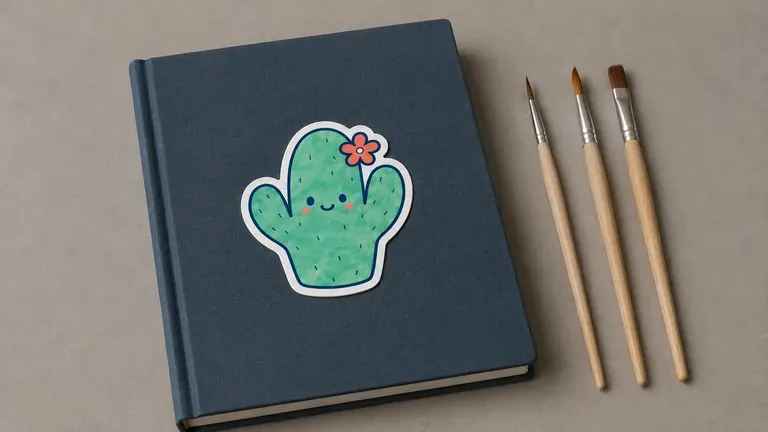
A distinctive illustration-style sticker on a sketchbook cover beside paintbrushes

Illustrators & Independent Artists

Turn a personal illustration style into a sellable sticker set.

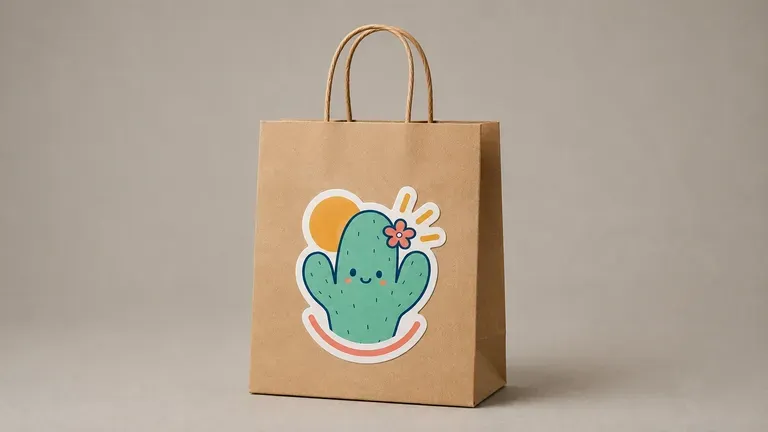
A branded-style sticker stuck on a paper gift bag

Brands & Event Organisers

Design branded stickers as a giveaway or merchandise item.

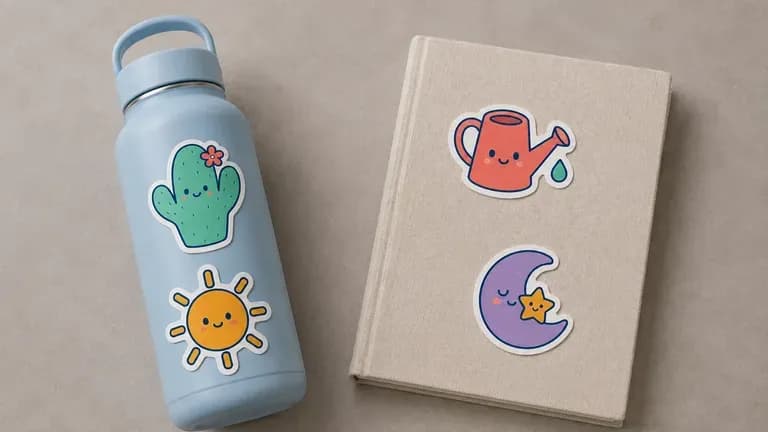
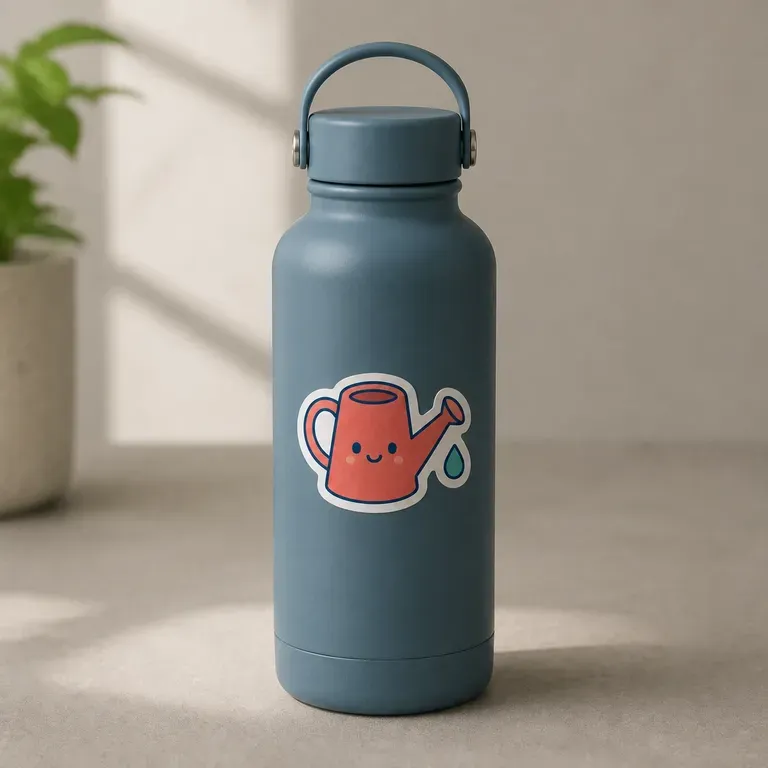
A few stickers stuck casually on a water bottle and a notebook

Students & Hobbyists

Design personal stickers for laptops, journals or water bottles.

Sticker Design Generator Use Cases

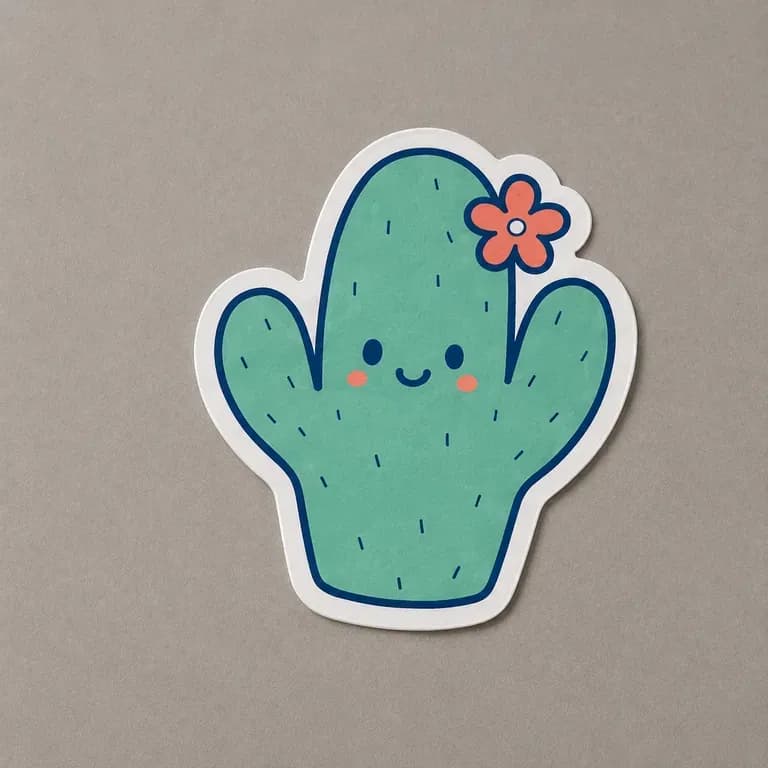
A close-up of a single character sticker with a clean die-cut border
Single Character Stickers: one subject with a clean die-cut outline
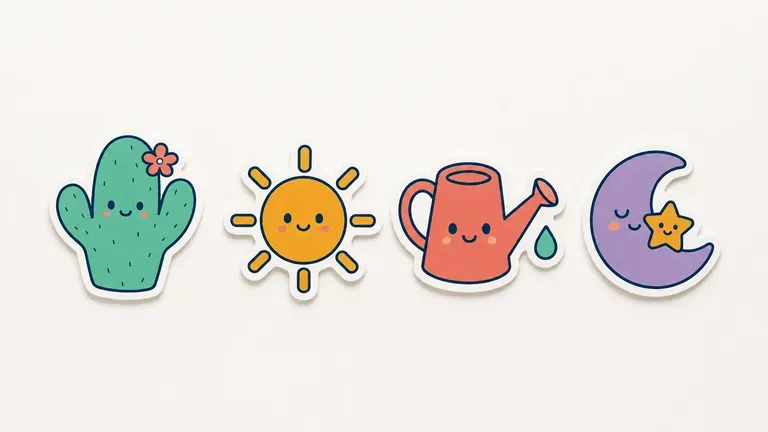
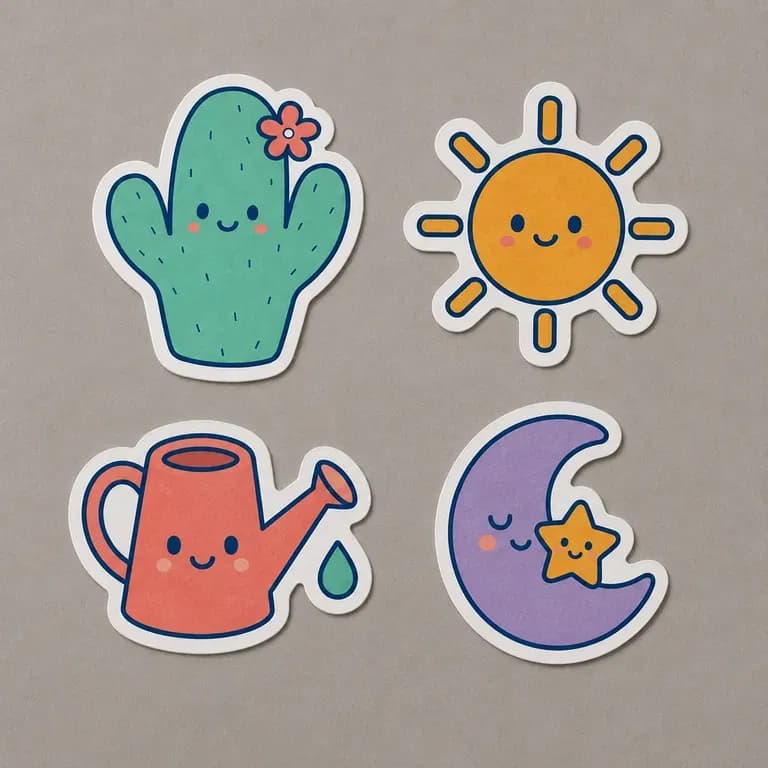
An overhead shot of a matching set of four stickers
Matching Sticker Sets: several designs sharing style and palette
A close-up preview of a holographic sticker finish
Holographic & Glossy Previews: a premium finish shown on the design
A shop-style display of stickers arranged for an online listing
Shop Catalogue Sets: several themed designs generated for a storefront
A close-up of a branded giveaway-style sticker
Branded Giveaway Stickers: a logo-adjacent design for events or merchandise
A lifestyle close-up of a sticker stuck on a personal item
Personal & Hobby Stickers: a design made for a laptop, journal or bottle
FAQ

Frequently Asked Questions

Is this sticker design generator free?
You can start on free Virse credits. New users can generate up to 10 images with Nano Banana 2, enough to test a design before deciding whether you need a paid workflow. Free access is limited rather than unlimited.
Does this provide a print-ready cut file?
No. It generates the sticker design shown with a die-cut outline for visual review. A print-ready vector cut path still comes from your printer or a design pass before production.
Can I generate a matching set instead of just one sticker?
Yes. Choose the matching set preset and describe how many designs you need, and they are generated to share a consistent style and palette.
Can I preview a holographic or glossy finish?
Yes. Choose the holographic and glossy preset to see a preview of that finish applied to the design.
Can I use my own artwork as a starting reference?
Yes. Upload a reference image and describe how you want it adapted, and the generator works from that starting point.
What do Virse paid plans include?
Paid plans include access to 40+ AI models with unlimited model usage and unlimited team seats, aimed at sellers generating sticker designs regularly.

Generate Your Sticker Design with AI

Describe your subject and style, generate a sticker or a matching set with die-cut outlines, and refine the one worth printing.