设计提示词生成器

设计提示词生成器

Most design prompts fail on the boring details, wrong aspect ratio, missing brand colour, no mention of what text has to fit where. List the goal, the audience, the format and the constraints, and this writes a prompt structured so an image model actually keeps track of all of them, starting on free Virse credits.

输入
设计任务描述 · 选填风格与版式参考图 · 选填风格与限制条件 · 选填
输出
结构化设计提示词(对话输出) × 1

风格与版式参考图选填

图片在画布里上传,这里填的是参数。

What Is a Design Prompt Generator?

A design prompt generator's job is holding down every practical constraint of a design task at once, format, size, brand colour, required content, in one paragraph an image model won't quietly drop half of. In Virse you list the constraints, generate a phrasing, and check the result against the brief before you trust it.

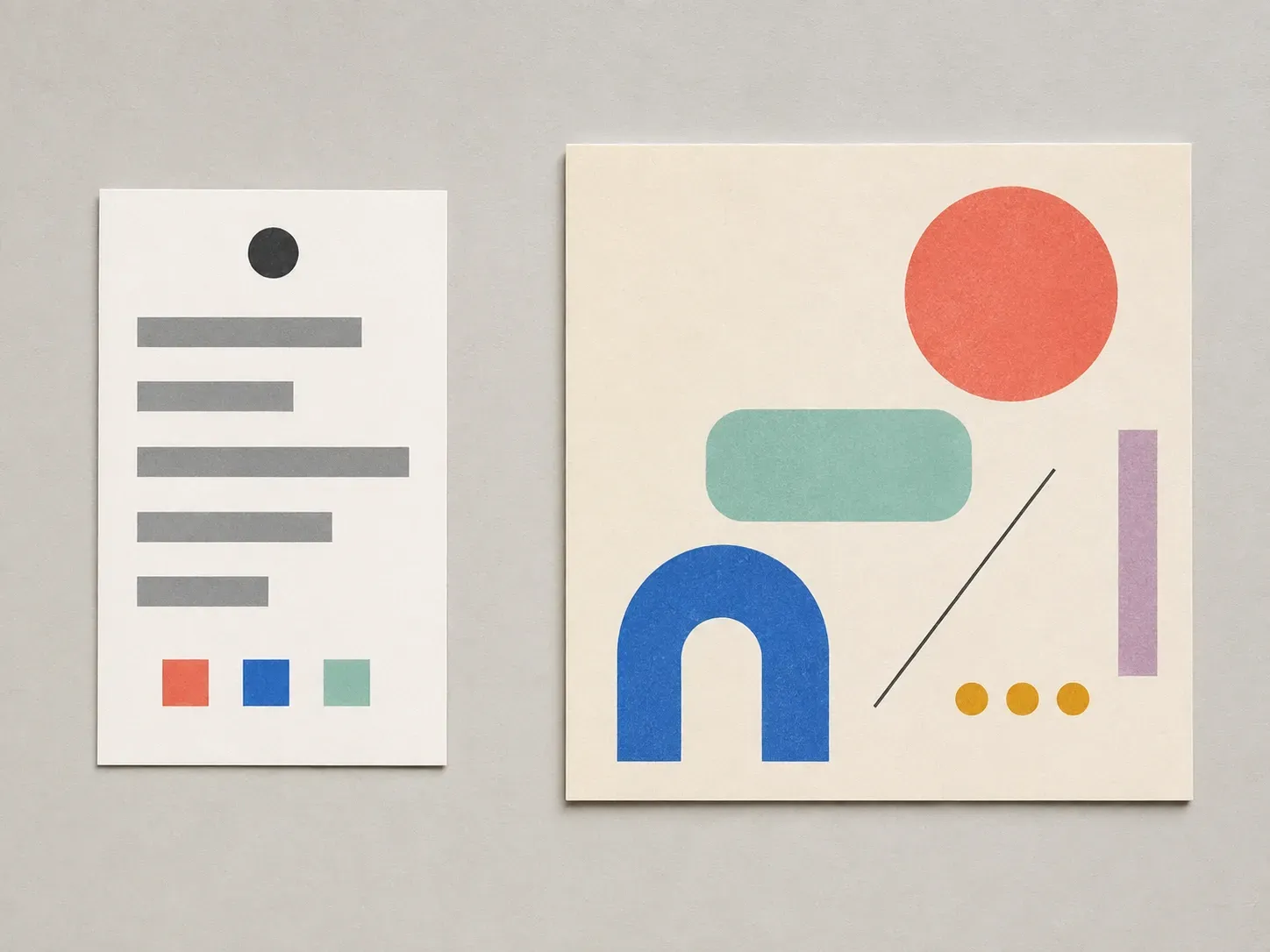
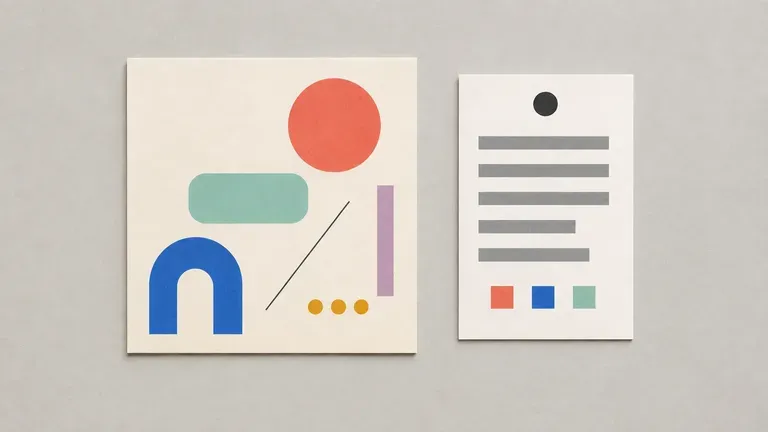
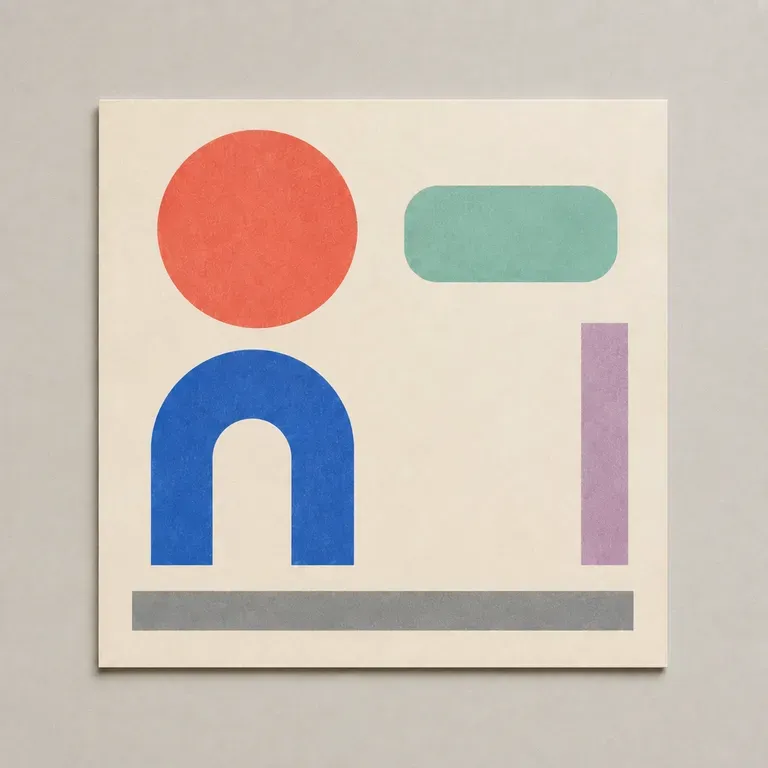
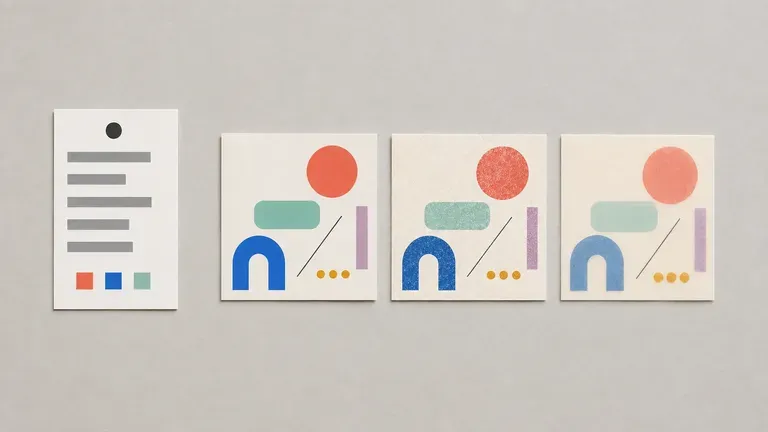
A printed design brief card beside the abstract social-post layout render it produced
A design brief turned into a structured, ready-to-paste prompt

Why Use Virse's Design Prompt Generator?

A good design prompt has to hold purpose, audience and constraints together in language an image model can actually parse. Getting the structure right is what makes that possible.

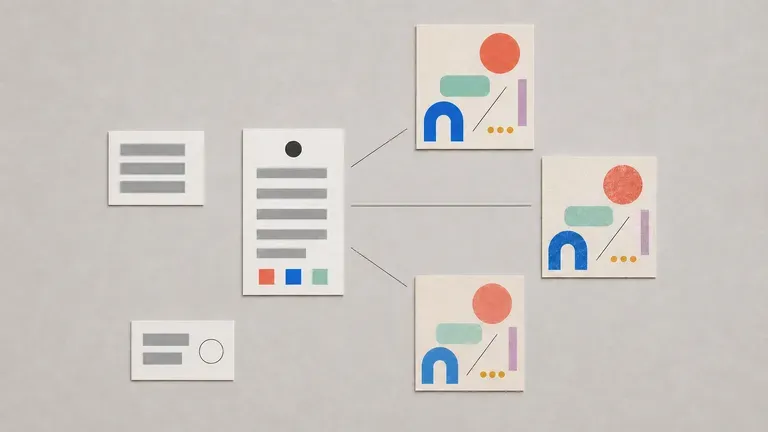
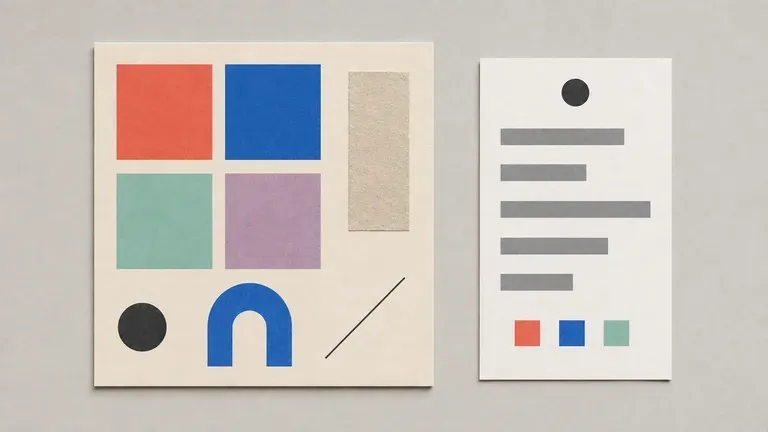
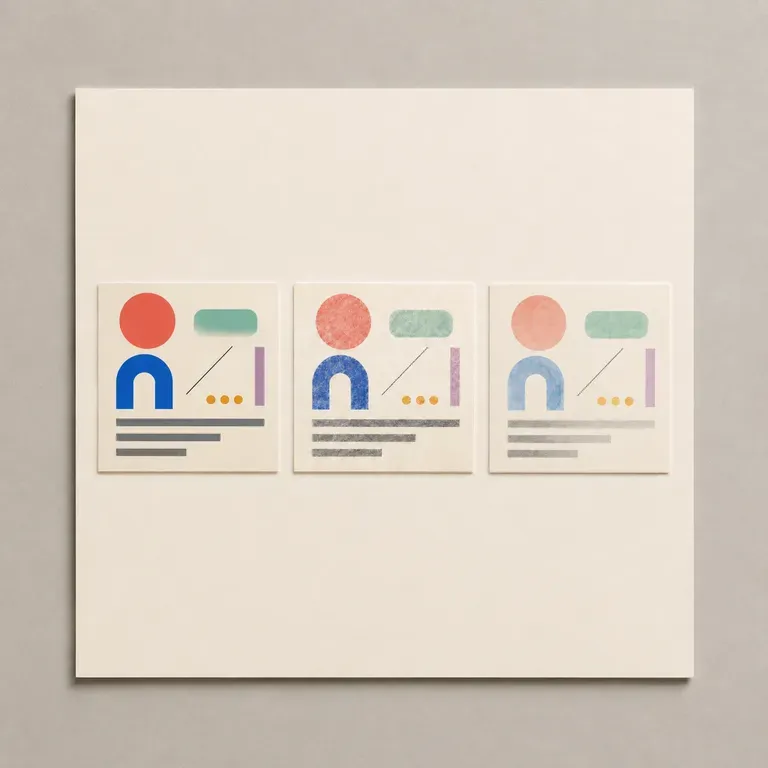
A prompt card beside three test render thumbnails
Free

Start with Free Generations

Try your first design prompt on Virse credits. New users can generate up to 10 outputs, enough to see whether the phrasing and structure work before relying on it for a real project.

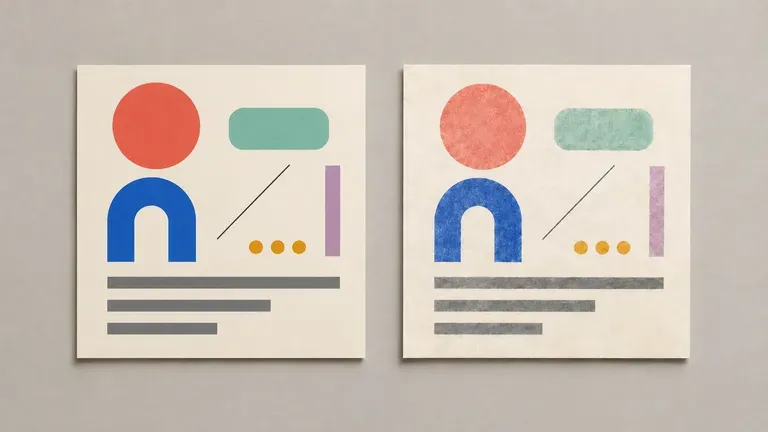
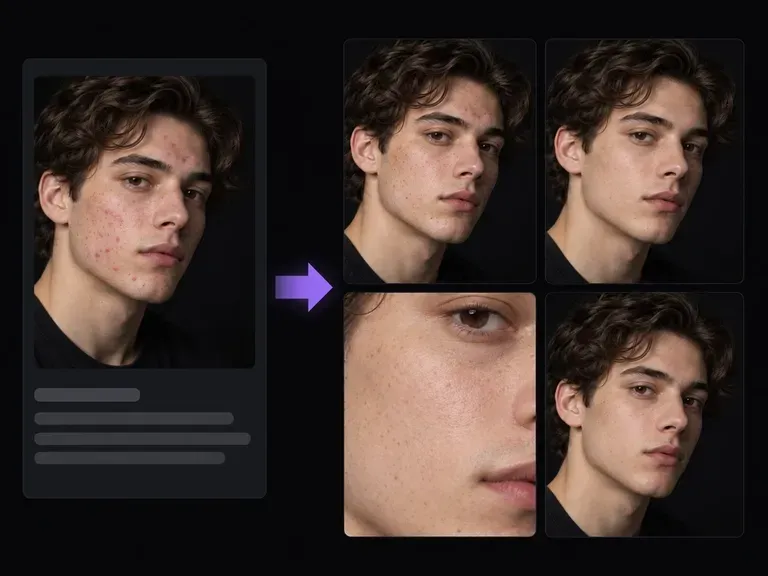
Two renders from the same prompt on different image models, same layout core, different style
40+ models

Explore with Multiple AI Models

Virse brings 40+ AI models into one environment, and paid plans include unlimited model usage. You can test the same prompt across different image models without leaving the canvas to check it elsewhere.

A prompt card surrounded by test renders and handwritten notes on a canvas
Canvas

Keep Everything on One Canvas

Your notes, generated prompts and test images stay together on an infinite canvas. Virse keeps the brief in context, so a later revision builds on the same prompt rather than starting over.

How to Generate a Graphic Design Prompt with AI in Four Steps

  1. Describe the design task

    Write out the design type, the goal, the audience, the content it needs to carry, the size and any constraints.

  2. Choose a prompt style

    Pick social and marketing, print and packaging, or a short and portable version, matching where the prompt will actually be used.

  3. Generate the prompt

    Run it and get a structured, ready-to-paste paragraph back, organised so an image model can parse purpose, style and constraints clearly.

  4. Test and refine

    Run the prompt through an image model on the same canvas, then adjust the wording where the result drifted from what you meant.

Who Is a Design Prompt Generator For?

People who need a design brief that an image model can actually follow.

A social-media style abstract render beside its prompt card

Marketers & Social Media Managers

Turn a campaign idea into a prompt structured for consistent social or ad visuals.

A brand-exploration style abstract render beside its prompt card

Graphic & Brand Designers

Write clearer prompts for exploration work without hand-tuning wording by trial and error.

A small-business product-poster style abstract render

Small Business Owners

Generate a usable design prompt without design or prompting experience.

A personal-project style abstract render beside a casually handwritten notebook

AI Art Hobbyists

Write clearer prompts for personal design projects across whatever AI tool they use.

Design Prompt Generator Use Cases

A close-up of a social or marketing style abstract render
Social & Marketing Prompts: structured language for posts, ads and campaign visuals
A close-up of a packaging style abstract render
Print & Packaging Prompts: size-specific prompts for physical design work
A close-up of a brand-exploration style abstract render
Brand Exploration Prompts: prompts written for early identity or style exploration
A close-up of an abstract render translated from a client brief
Client Brief Translations: a written client brief turned into a usable image prompt
A close-up of a simplified render from a portable prompt
Portable Cross-Tool Prompts: a compact phrasing that works across different AI tools
Several small render thumbnails from different prompt versions of the same brief
Prompt Revision Sets: several phrasings of the same brief to compare results
FAQ

Frequently Asked Questions

Is this design prompt generator free?
You can start on free Virse credits. New users can generate up to 10 outputs, enough to test a prompt before deciding whether you need a paid workflow. Free access is limited rather than unlimited.
Will it keep an exact size or aspect ratio in the prompt?
If you specify one. State the dimensions or ratio you need, such as a square Instagram post or a tall poster format, and the prompt carries that constraint explicitly rather than leaving size to guesswork.
Can it write a prompt that includes specific brand colours?
Yes. List the colours, by name or hex if you have them, and the generator writes them into the prompt as a defined constraint rather than a vague mood word like "colourful."
What happens if I give it conflicting constraints?
It will still write a prompt, but a conflicted brief, minimal and maximalist at once, for example, tends to produce a muddled result. It is worth resolving contradictions in your notes before generating rather than after.
Can I generate more than one phrasing for the same brief?
Yes. You can run a few versions from the same brief and compare which one an image model actually follows most faithfully.
What do Virse paid plans include?
Paid plans include access to 40+ AI models with unlimited model usage and unlimited team seats, aimed at teams testing prompts across multiple models regularly.

Generate Your Design Prompt with AI

List the format, colours and constraints your design actually has to meet, and get a prompt that keeps track of all of them at once.