FLUX 2 Pro AI Image Generator

Black Forest Labs' production model reads briefs up to 32,000 tokens, so brand rules, colour values, and compositional constraints can all go in at once.

请在桌面端浏览器打开本页开始创作。

Hand It the Whole Brand Brief

FLUX 2 Pro is Black Forest Labs' production-grade image model, and its most unusual specification is not resolution or speed. It is a 32,000-token context window.

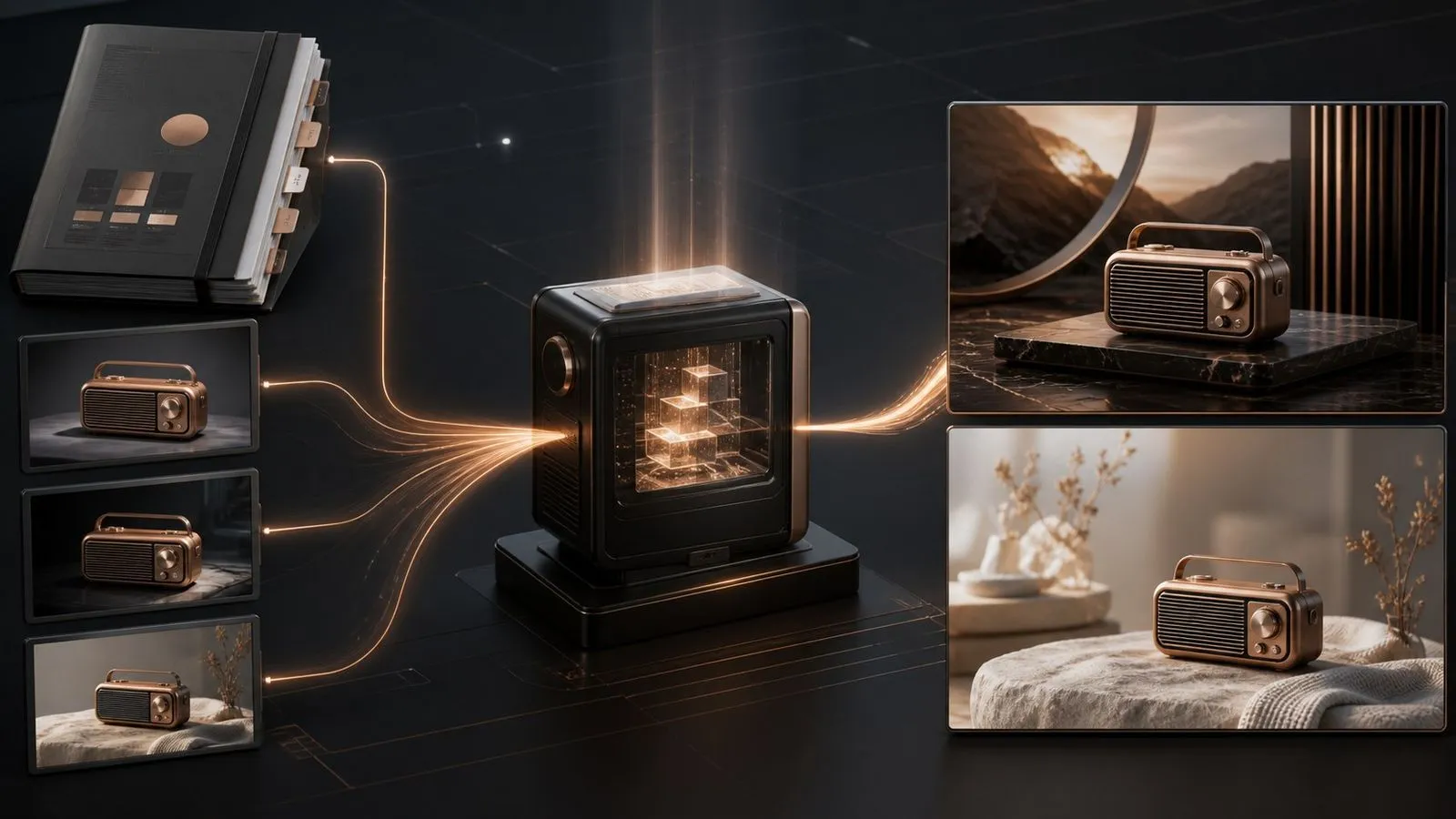
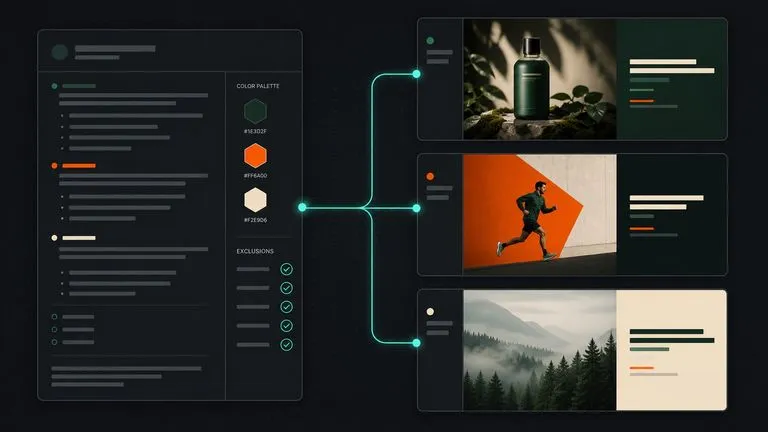
That number changes what a prompt can be. Most models take a paragraph and average anything beyond it into a general impression. This one accepts a document — the brand palette in hex, the tone-of-voice notes, the list of what must never appear, the compositional rules, the copy that has to be legible — and treats the whole thing as the specification for a single image.

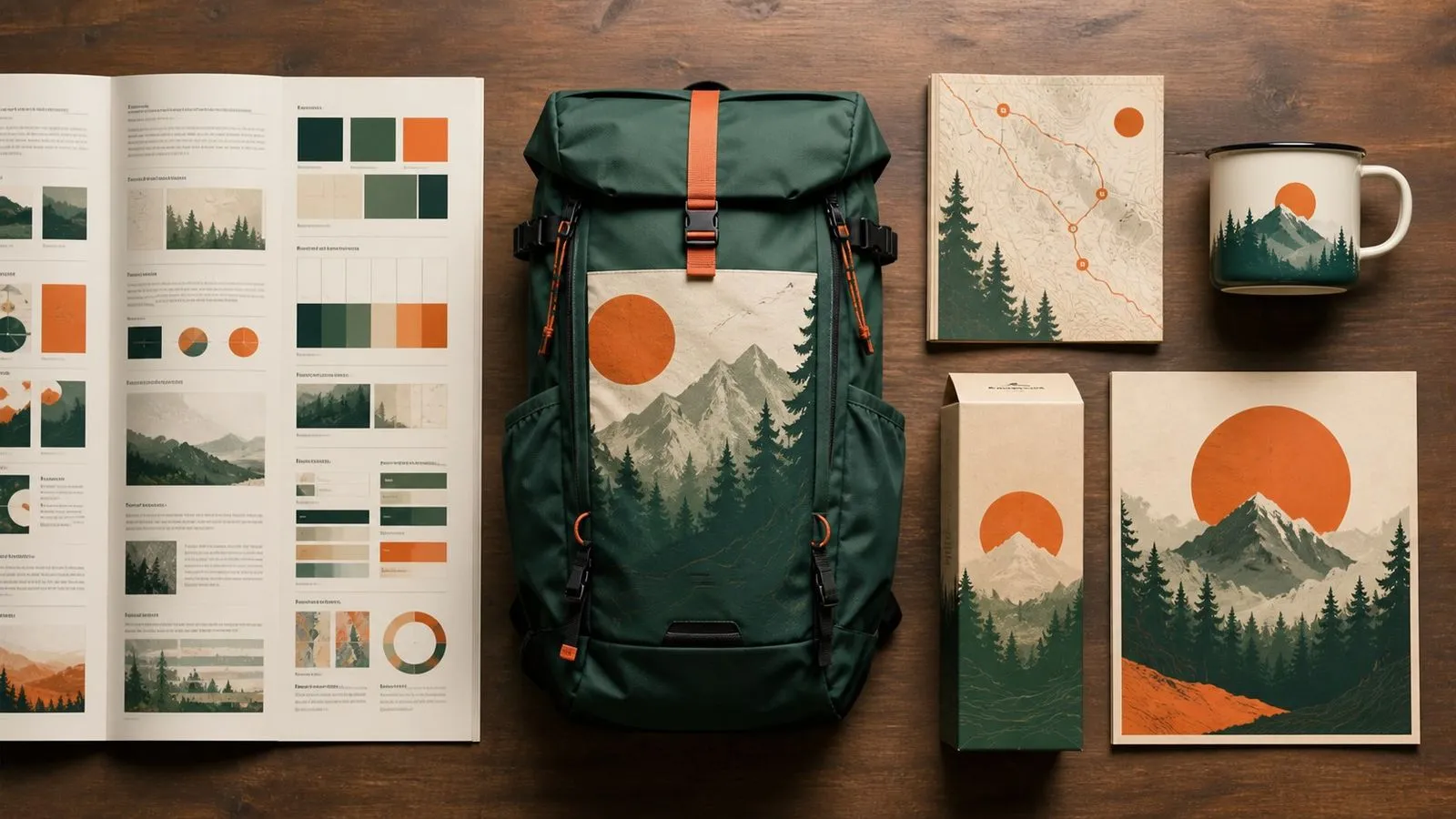
Use FLUX 2 Pro when the constraints are written down somewhere. Produce brand-governed campaign visuals, product photography that must match a spec, infographics and UI mockups with legible fine text, and any asset a reviewer will check against a document.

What Is FLUX 2 Pro?

FLUX 2 Pro is an AI image generation and editing model developed by Black Forest Labs. It pairs a rectified-flow transformer backbone with a Mistral-class vision-language model, handling generation and editing inside one unified architecture rather than as two separate systems.

The model is built around three major strengths:

  • A 32,000-token context window for detailed, multi-part briefs
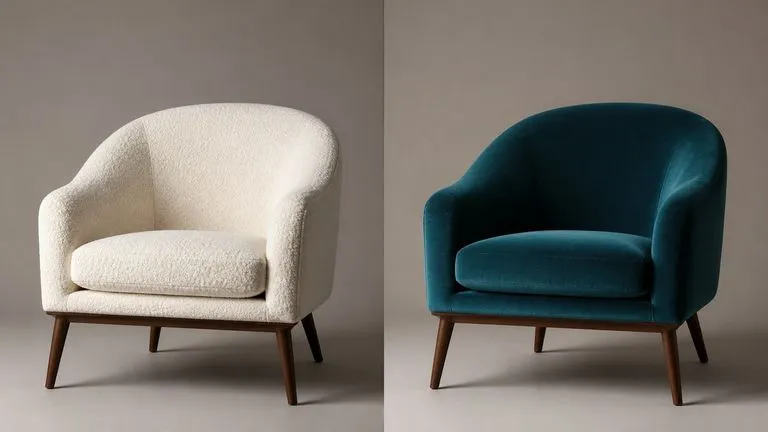
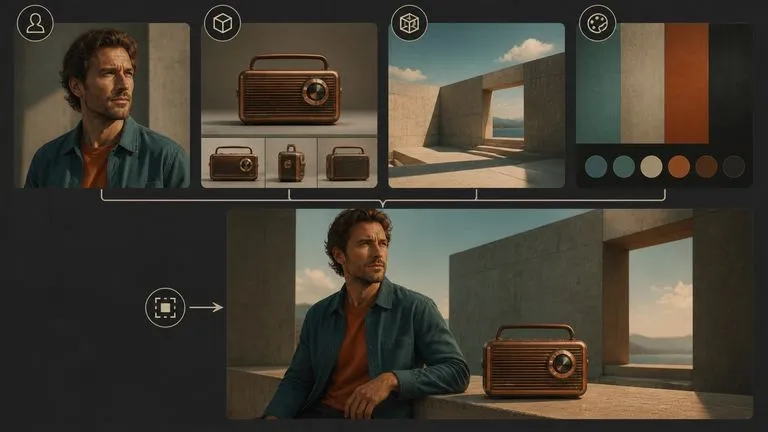
  • Character and product consistency held across multiple reference images
  • Reliable typography, infographics, and UI mockups with legible fine text

Output reaches up to 4 megapixels with fine detail in faces, hands, and textures. The model adheres to brand constraints stated as exact hex colour values, which is what makes it viable for work governed by a style guide rather than a mood.

FLUX 2 Pro Specs at a Glance

32,000-Token Context

Hand over a full brief rather than a paragraph.

Up to 4 Megapixels

Production-grade output for commercial and print use.

Multi-Reference Consistency

Hold characters and products steady across several reference images.

Hex Colour Adherence

State a brand colour by value rather than describing it.

Legible Fine Text

Typography, infographics, memes, and UI mockups with readable small type.

Unified Generation and Editing

One architecture handles both, rather than bolting editing onto a generator.

Key Features of the FLUX 2 Pro AI Image Generator

A Brief Can Be a Document

The 32,000-token window means constraints do not have to be summarised before they are handed over. Brand rules, exclusions, copy, and composition notes all go in together and are treated as one specification.

Colours by Value, Not Description

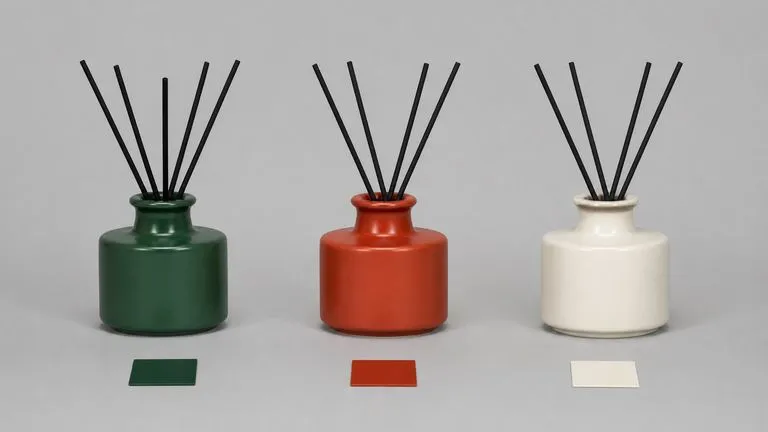
Naming a hex code produces that colour rather than an interpretation of it. For brand work this removes the round trip where a designer explains that the blue is not the right blue.

Consistency Across a Reference Set

Characters and products stay recognisable across multiple supplied references, which is what makes a campaign read as one campaign rather than as several attempts at it.

Text That Survives at Small Sizes

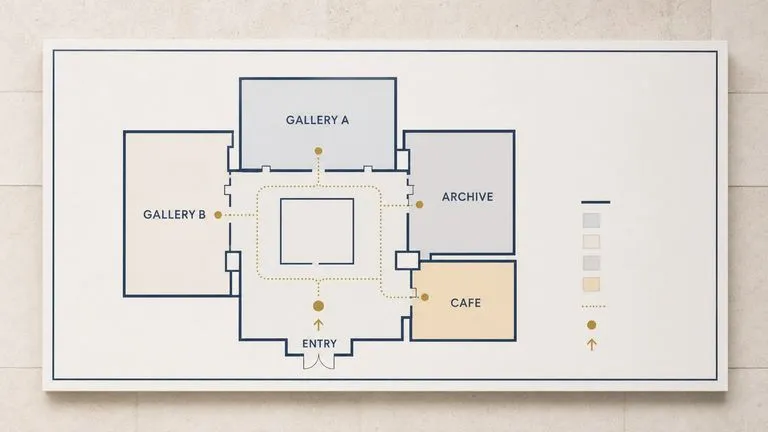
Fine type in infographics, interface mockups, and packaging comes back legible, putting a category of layout work within reach that most generators cannot attempt.

Commercial-Grade Detail

At up to 4 megapixels, faces, hands, and material textures hold up under the inspection that product and campaign photography receives.

Generation and Editing in One Model

Because the architecture is unified, moving from creating an image to modifying it does not mean changing models or losing the context you established.

Build with FLUX 2 Pro in Virse

A 32,000-token brief is not something you type into a box from memory. It gets assembled from a style guide, a product spec, a set of references, and whatever the last review round changed. Virse gives that assembly somewhere to happen. The brief, the reference images it points at, and every generation against it live on one canvas, so the specification and the output stay attached to each other.

Keep the Brief Attached to the Output

Park the written specification beside the renders it produced, so a reviewer can check one against the other in place.

Build the Reference Set on the Canvas

Generate or import the character and product references first, then point the brief at them without exporting anything.

Access 30+ Creative Models

Move between FLUX 2 Pro and 30+ other image and video models without leaving the canvas or rewriting the brief.

Carry the Look Into Motion

Hand an approved frame to Seedance 2.0, Kling 3.0, or Veo 3.1 so the video inherits the same visual direction.

What Can You Create with FLUX 2 Pro?

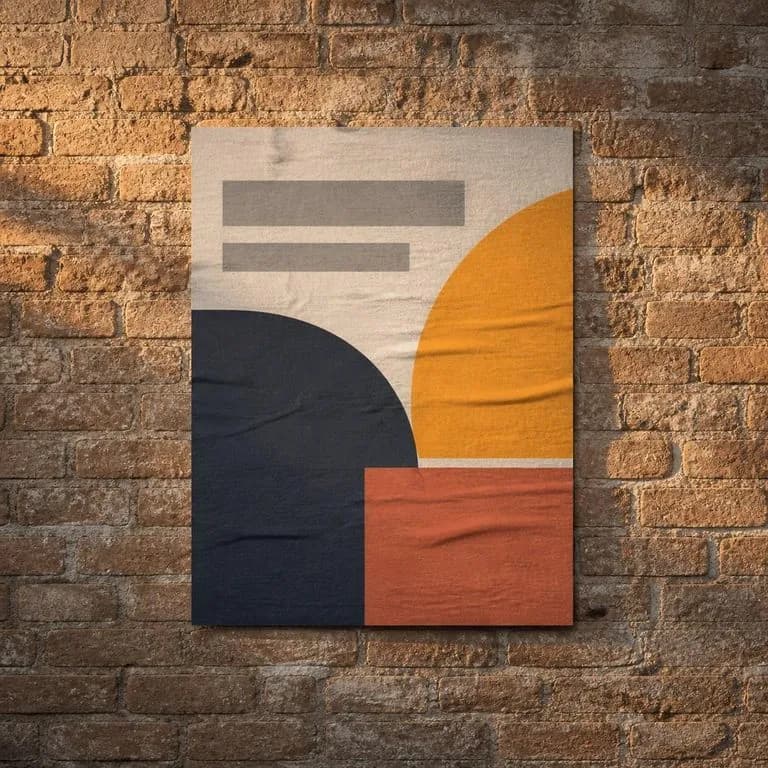
Brand-Governed Campaign Visuals

Key art built to a written style guide, down to specified colour values.

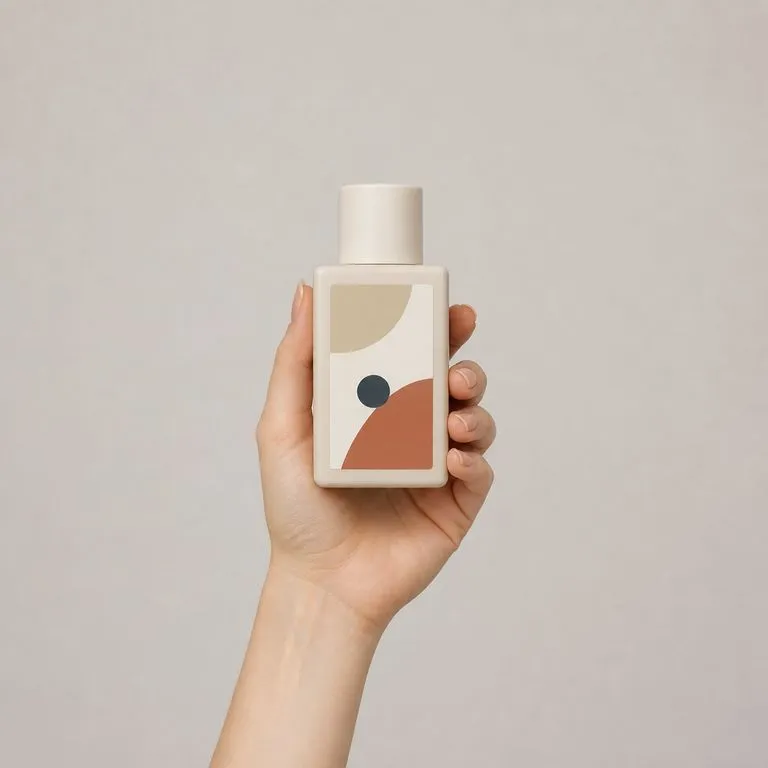
Product Photography

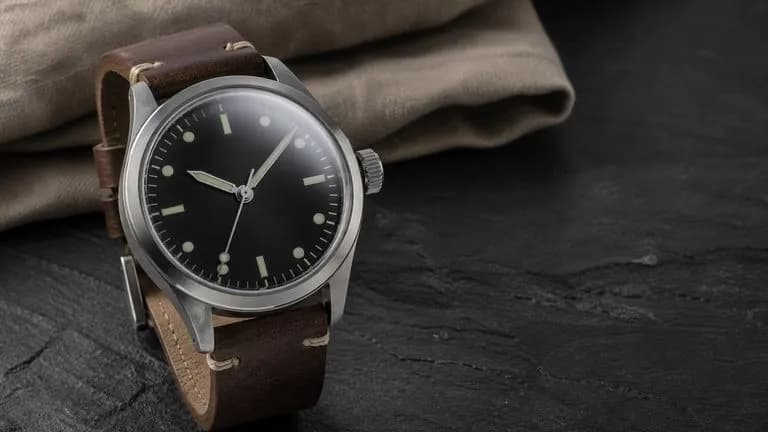
Commercial-grade renders with credible material, lighting, and detail.

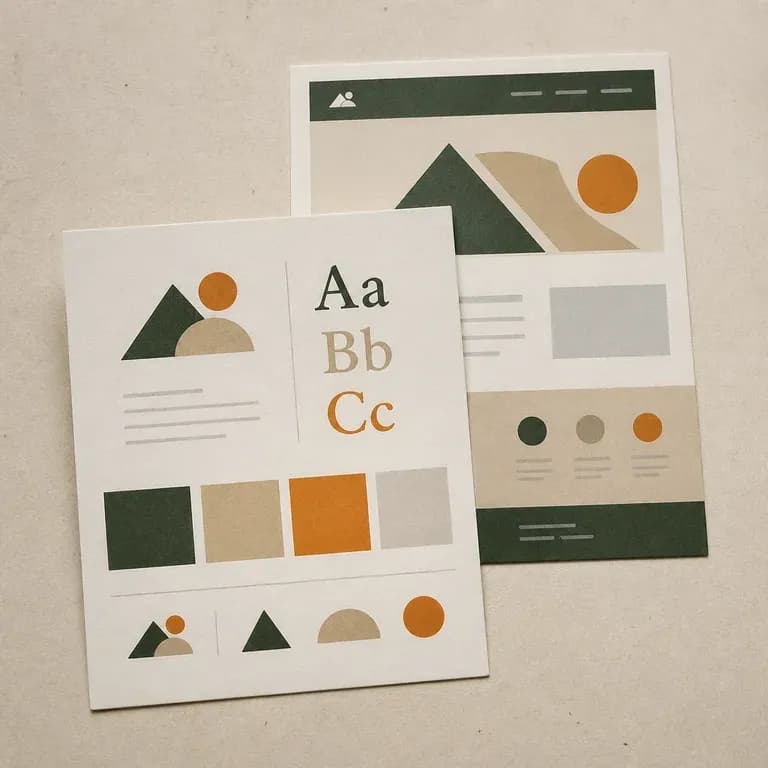
Infographics and Data Graphics

Explanatory layouts whose small labels stay readable.

Interface Mockups

Product UI shown in context with legible on-screen type.

Packaging Comps

Front-of-pack designs carrying exact copy and brand colours.

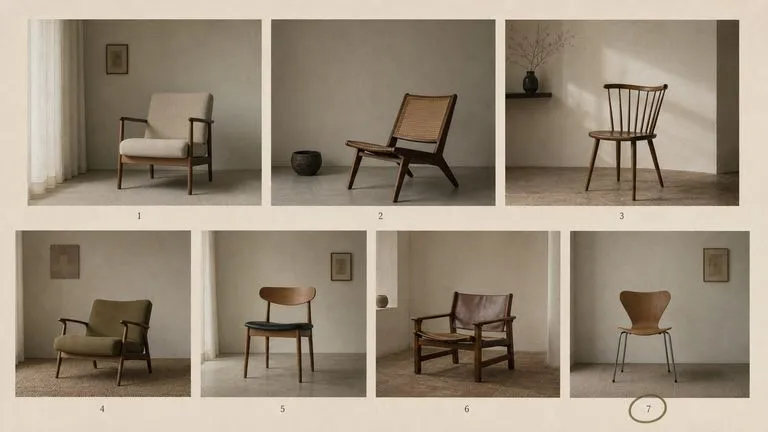
Consistent Character Series

Sets where a person or mascot appears repeatedly and has to stay the same.

How to Use FLUX 2 Pro in Virse

  1. Assemble the Brief

    Bring the style rules, colour values, copy, and exclusions together as one written specification.

  2. Attach Your References

    Add the character, product, or environment images the brief refers to.

  3. Generate Against the Whole Thing

    Submit the full brief rather than a trimmed version. Length is the capability you are paying for.

  4. Review Against the Document

    Check the output clause by clause, then amend the brief rather than rewriting it from scratch.

How to Write a FLUX 2 Pro Prompt

A useful FLUX 2 Pro prompt usually includes five elements:

  • Subject
  • Composition
  • Colour Values
  • Typography
  • Exclusions

与其这样写

A clean modern product shot for our brand, on-brand colours, minimal, premium feel.

不如这样写

A matte ceramic diffuser standing upright on a plain seamless background in #E8E2D9. Shot straight on at object height, the diffuser occupying the central third with equal margins either side. Soft even light from the front left, one short shadow to the right. Brand accent #1F4B3F appears only in the printed band around the base. No props, no plants, no reflections, no gradient in the background. Any visible type in a light-weight geometric sans.

FLUX 2 Pro Prompt Examples

Brand-Constrained Product Shot

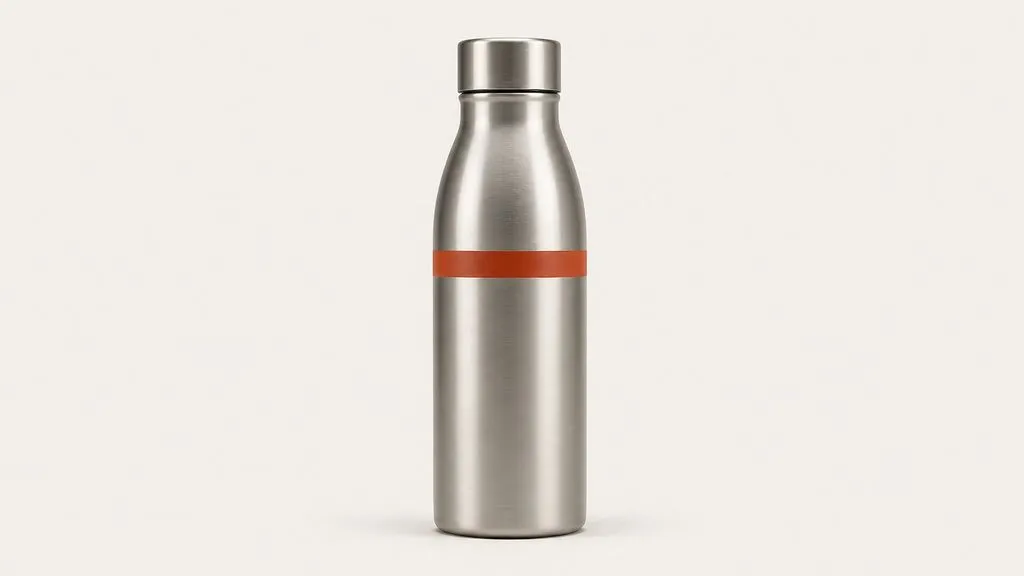
A brushed aluminium water bottle standing upright on a seamless background in #F2F0EB. Shot straight on at object height, bottle centred, occupying the middle third of the frame with equal margin either side. Two soft sources at 45 degrees, no top light, one short shadow falling directly back. The brand mark on the bottle is a single horizontal band in #C24A2B, no other colour anywhere in the frame. No props, no water droplets, no gradient in the background.

Infographic Layout

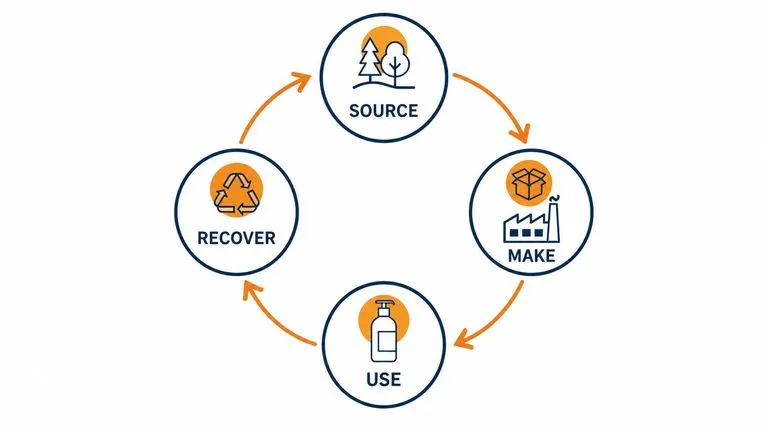
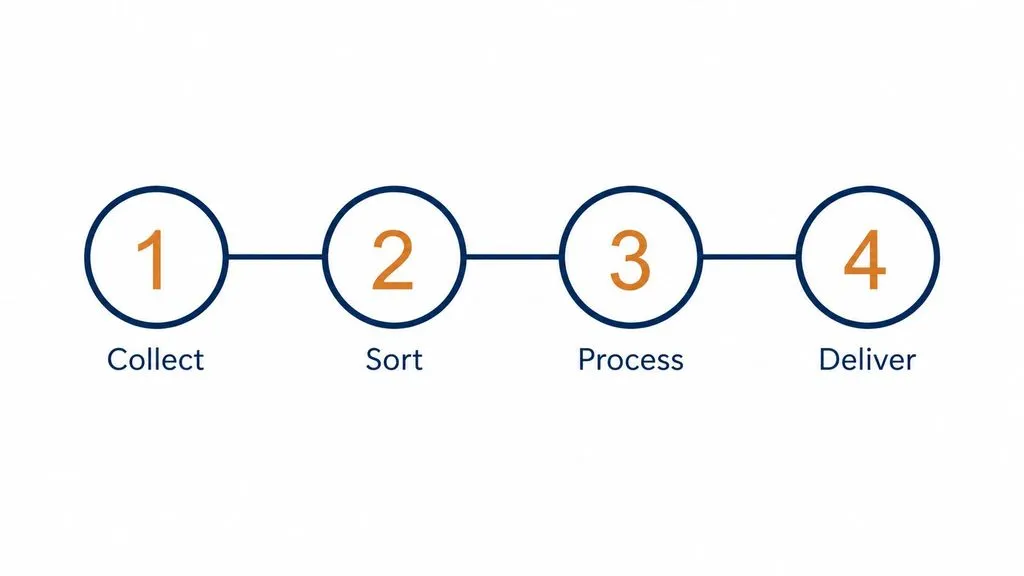
A flat infographic explaining a four-stage process, arranged left to right across a single row. Each stage is a numbered circle with a short label beneath it: Collect, Sort, Process, Deliver. Thin connecting line running through all four. Two colours only: #16324F for the circles and connectors, #D9822B for the numerals. Background plain white. All labels in the same small geometric sans at consistent size, no shading, no icons beyond the numerals.

Interface Mockup

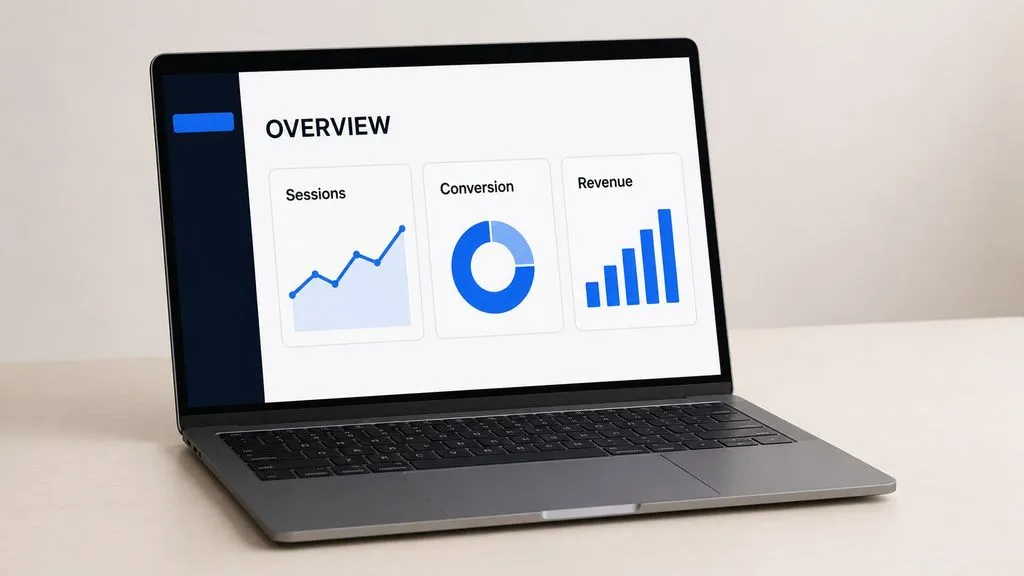
A laptop shown at a three-quarter angle on a plain desk surface, screen facing the viewer and legible. The interface on screen is a dashboard with a left sidebar, a header reading OVERVIEW, and three stat cards labelled Sessions, Conversion, and Revenue. Interface colours limited to #0E1726 for the sidebar, white for the content area, and #3B82F6 for the single accent. Soft ambient room light, no screen glare obscuring the type, nothing else on the desk.

FLUX 2 Pro vs. FLUX 1.1 Pro

对比维度FLUX 1.1 ProFLUX 2 Pro
GenerationPrevious generation of the lineCurrent production model
Brief lengthParagraph-scale promptsUp to 32,000 tokens
Reference consistencySingle-reference orientedHeld across multiple references
Colour controlDescribed in wordsSpecified as hex values
Fine textLimitedLegible in infographics and UI
Where it fitsContinuing an established seriesNew brand-governed work

Tips for Better FLUX 2 Pro Results

Paste the Style Guide

If a rule exists in writing somewhere, put it in the brief. The context window is the feature, and trimming the brief throws it away.

Give Colours as Hex

"#C24A2B" is executable. "Warm terracotta" is an invitation to interpret.

Write the Exclusions Down

Listing what must not appear is as load-bearing as describing what should, particularly for brand work with prohibitions.

Amend, Do Not Rewrite

When a review round changes one rule, edit that clause and re-run. Rewriting the whole brief changes variables you did not mean to touch.

FLUX 2 Pro FAQ

What is FLUX 2 Pro?
FLUX 2 Pro is Black Forest Labs' production-grade image model, combining a rectified-flow transformer with a Mistral-class vision-language model to handle generation and editing in one architecture.
How long a prompt can FLUX 2 Pro handle?
Up to 32,000 tokens, which is long enough to submit a full brand brief with rules, colour values, copy, and exclusions rather than a summary of it.
Is FLUX 2 Pro free, and what does it cost?
FLUX 2 Pro is available on Virse's paid plans. Generation draws on a monthly credit allowance rather than a charge per image, and the higher plans make it unmetered within fair use. Current plan rates are listed on the Virse pricing page.
Can FLUX 2 Pro match exact brand colours?
Yes. It adheres to colours stated as hex values, which is what makes it usable for work governed by a style guide.
Can FLUX 2 Pro render text in images?
Yes, including fine text in infographics, interface mockups, and packaging, which most generators cannot hold together at small sizes.
What resolution does FLUX 2 Pro produce?
Up to 4 megapixels, with detail in faces, hands, and textures intended for commercial use.
How does FLUX 2 Pro compare with FLUX Kontext?
FLUX 2 Pro is the generator. FLUX Kontext is the editing specialist in the same family, built to change one thing in an existing image and leave the rest.
How do I use FLUX 2 Pro in Virse?
Select it from the model list, attach any reference images, submit your full written brief, and generate.

Write the Rules Down, Then Hand Them Over

A model that reads 32,000 tokens does not need your brief summarised. Give it the specification and review the output against it.