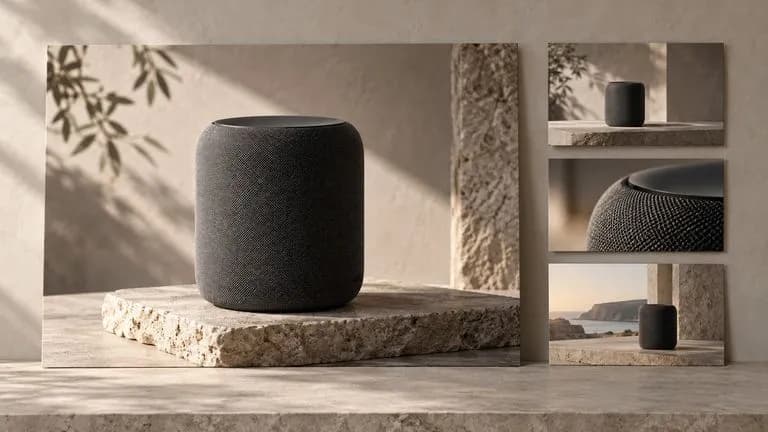
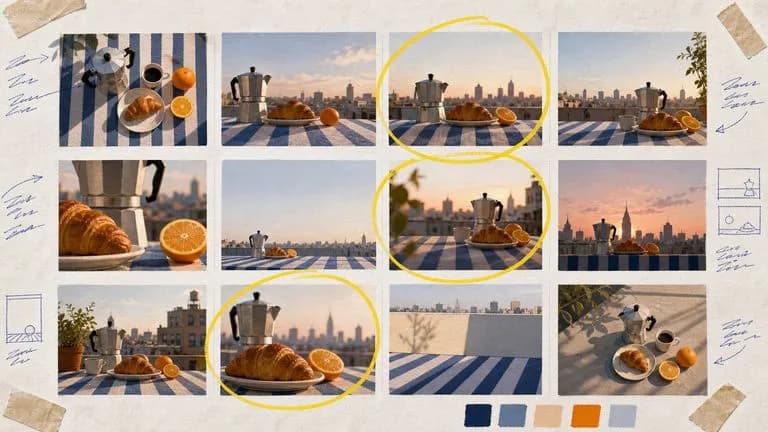
FLUX 3 AI 图像和视频模型

使用 FLUX 3 Image 以 1K、2K 或 4K 创建和编辑静态图像。在同一个 Virse 画布上,切换到 FLUX 3 Video,制作 720P 或 1080P、带原生音频的 5–20 秒场景。

请在桌面端浏览器打开本页开始创作。

从你需要的输出开始

一个营销活动可以从一张产品静物图开始,并延展为一部短片。先为静物图撰写构图简报,然后为短片添加动作、镜头运动和声音。将两份简报分开,能让每个创意决策更易于审核。

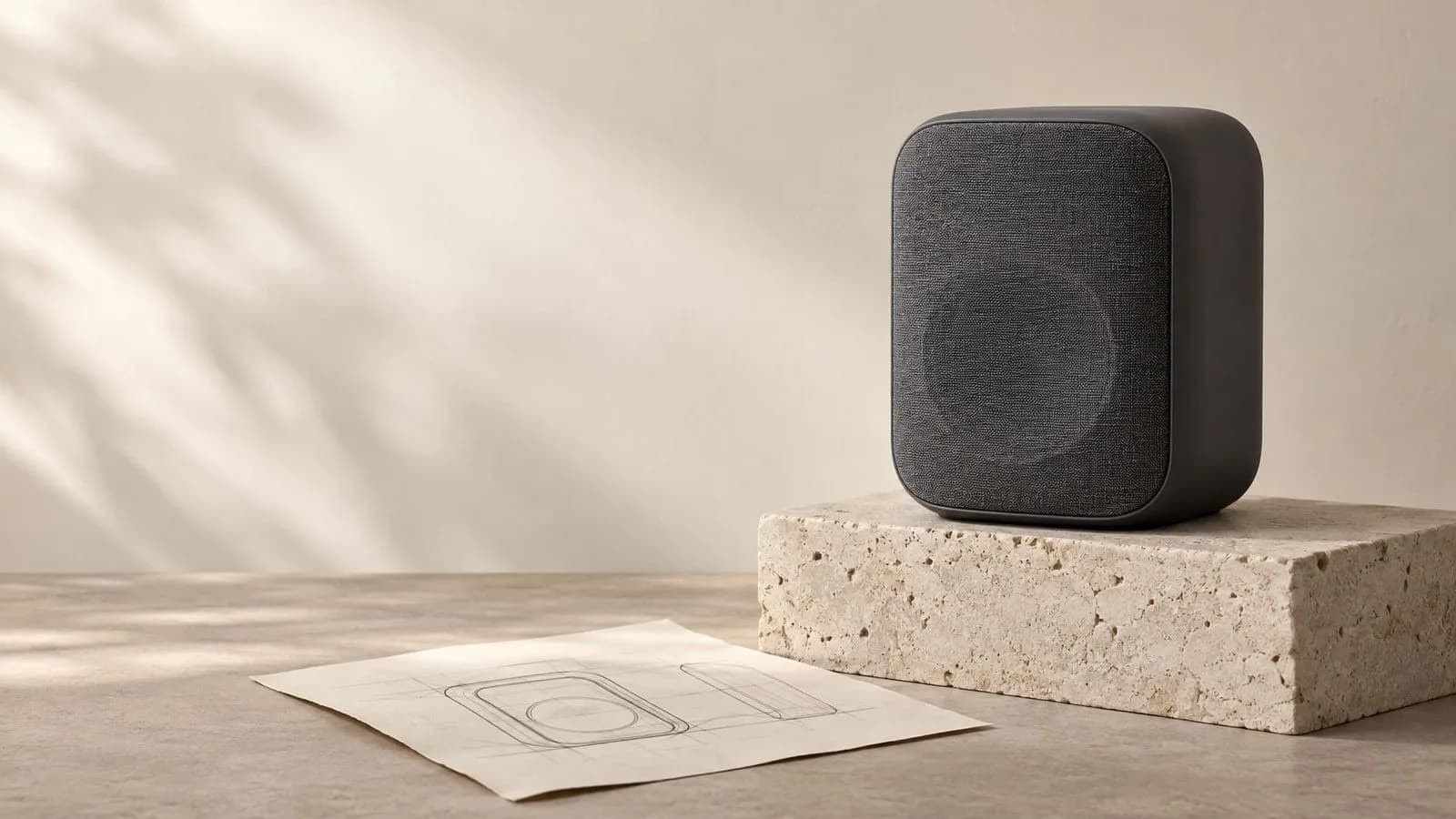
Concept illustration: A graphite desk speaker on a limestone plinth at right, empty cream wall at left, a subtle physical paper composition sketch lying at the base, editorial product photography

什么是 FLUX 3?

FLUX 3 是 Black Forest Labs 的多模态模型系列。FLUX 3 Image 可创建和修改静态图片;FLUX 3 Video 可生成带声音的动态影像。它们的设置各不相同,因此本页将发布方的功能与 Virse 访问分开说明。

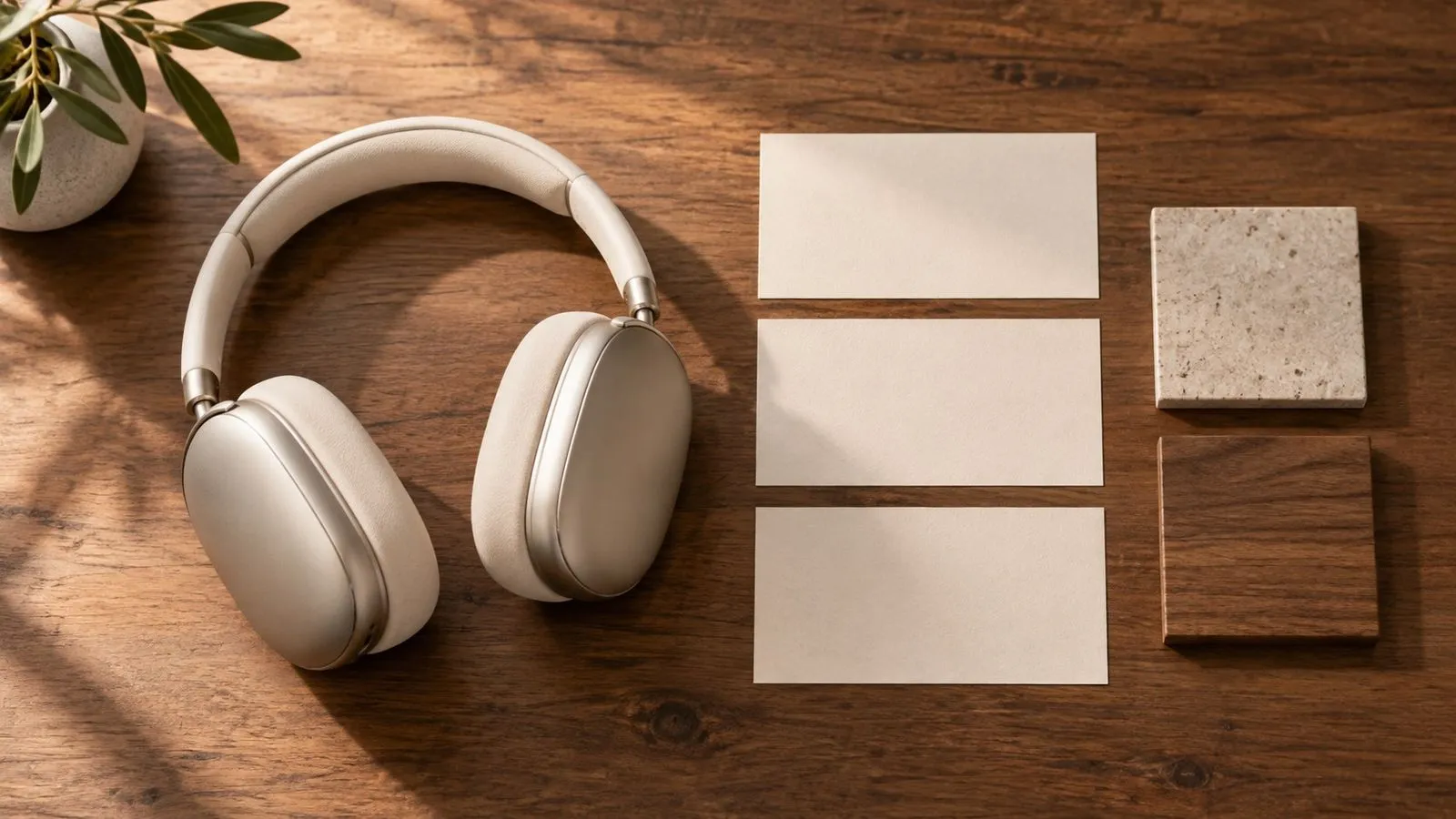
Concept illustration: Art director's tabletop with a large product photograph, three cut-paper rectangular placement guides and two material samples, warm studio light, no readable notes

FLUX 3 概览

两个已启用版本

Image 用于静态图像和编辑;Video 用于动态和声音。

图像参考

在 Virse 中最多可使用 10 张参考图像。

图像尺寸

1K、2K 或 4K,默认值为 1K。

视频时长

在 Virse 中选择 5–20 秒。

视频分辨率

720P 或 1080P;发布器的全高清输出使用升频。

原生音频

FLUX 3 Video 音频在 Virse 中固定开启。

FLUX 3 的关键功能

Concept illustration: Minimal product hero with a pale ceramic jug in the right third and generous uninterrupted ivory negative space on the left, advertising composition

图像:为文案留出空间

在同一个构图简报中放入主产品及其文案区域。添加最终活动文案前先检查版式。

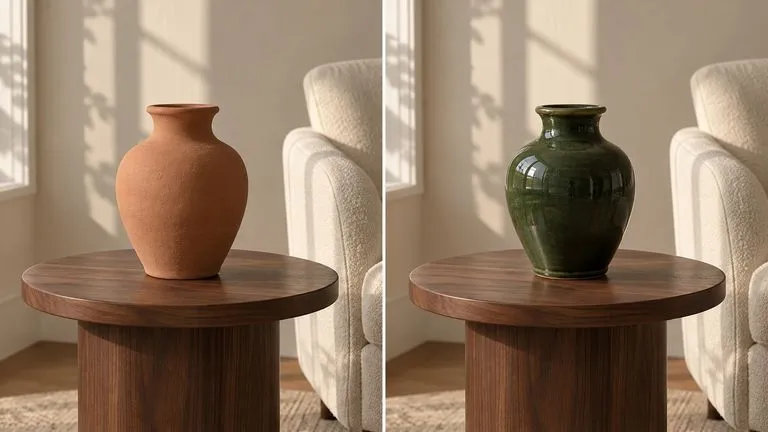
Concept illustration: Conceptual before/after diptych of one terracotta vase on a walnut side table beside a cream armchair. Left panel vase is unglazed terracotta; right panel the exact same vase is glazed deep forest gre

图像:修改特定元素

指出你想要更改的对象,并描述哪些内容应保持不变。编辑后检查边缘和相邻细节。
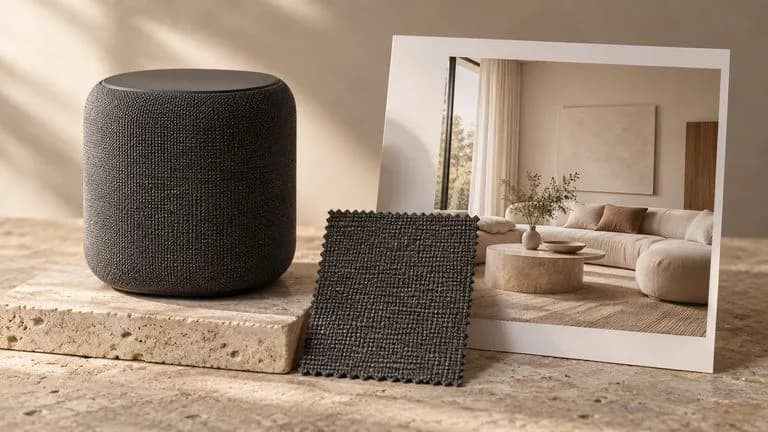
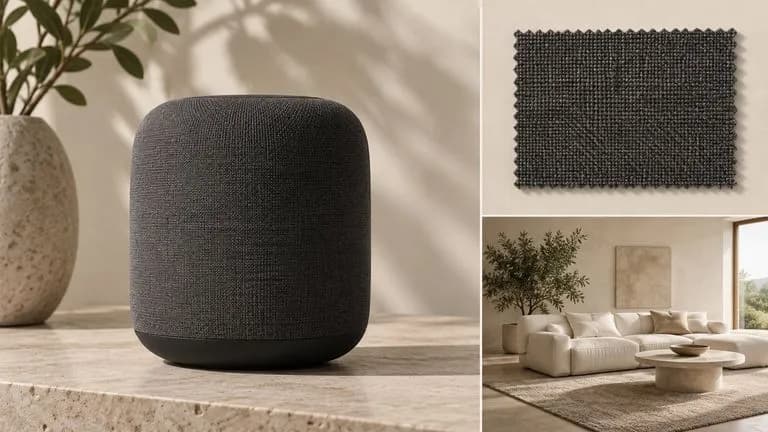
Concept illustration: A physical reference set of a graphite speaker photo, woven fabric swatch and warm cream interior photograph, neatly arranged on an art-direction table, no readable writing

图像:基于参考进行创作

为每个参考指定一个角色:产品身份、材质或场景。准备新构图时,让这些说明保持清晰区分。
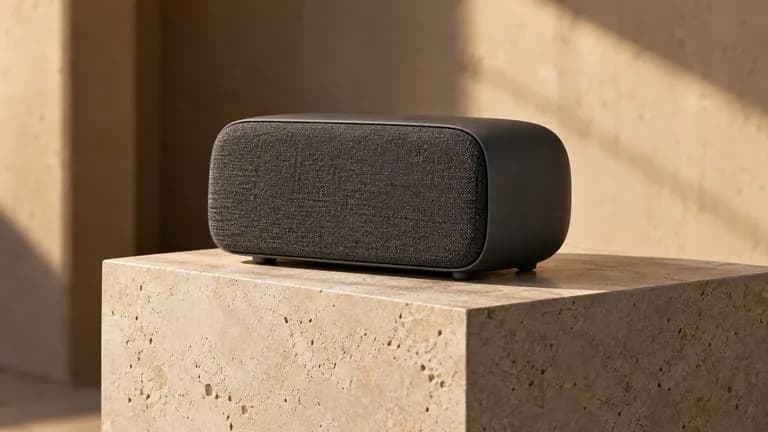
Concept illustration: Static scene concept for image-to-video: graphite desk speaker on limestone plinth seen from three-quarter angle, quiet warm studio, subtle sense of camera depth; no motion claims or video-player inte

视频:为静态图像添加动作

使用一张开场图来建立场景,然后描述移动的内容以及镜头如何结束。保持第一个动作简短简单。

Concept illustration: Static scene concept: small ceramic cafe interior at dawn, espresso cup at foreground, steam rises softly, empty stools and warm window light; the image suggests ambient sound without sound icons or U

视频:将声音与场景一同写入

该发布器支持生成音频。请结合动作描述环境音和任何对白,而不是让配乐处于未指定状态。
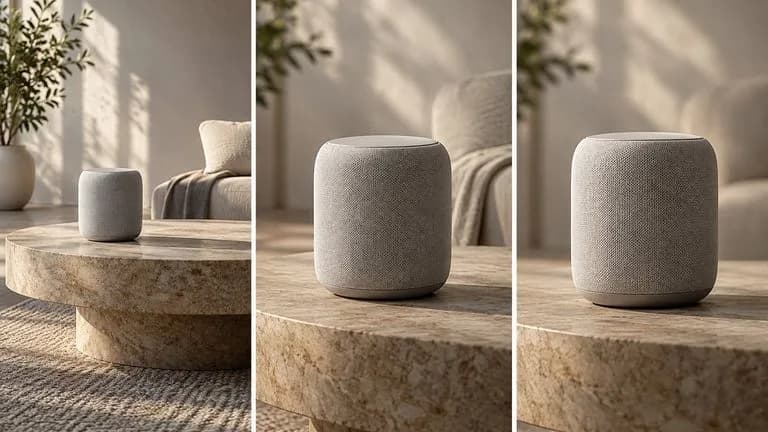
Concept illustration: Three-panel storyboard concept of the same speaker: wide establishing view, closer three-quarter angle, front-on final framing, identical product and lighting; not rendered video frames

视频:明确开头和结尾

Virse 接受可选的开场图和结束图。描述它们之间一个合理的动作,然后检查完整片段的连续性。

在 Virse 中使用 FLUX 3 Image 和 Video 进行创作

两个版本均已启用。选择图像简报或视频场景,然后查看该版本显示的输入和报价。

最多使用十张图像参考

将产品视图、材质样本或场景图纳入图像简报。说明每个参考对结果的贡献。

Concept illustration: A tidy physical reference board with a speaker product photograph, a graphite fabric swatch and a cream interior photograph, no interface and no legible writing

选择视频帧

Virse 为 FLUX 3 Video 提供可选的第一帧和最后一帧。先选择时长和分辨率,再撰写运动简报。
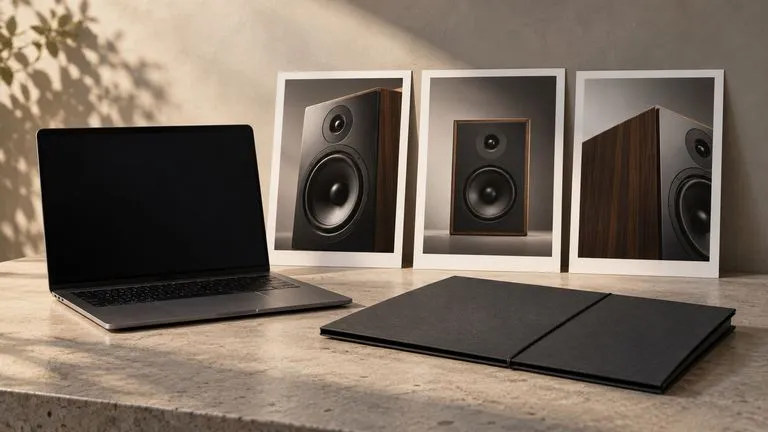
Concept illustration: A laptop with a deliberately blank dark display beside three speaker reference prints and a folded portfolio, no fake interface, no text

将方向延续到动态中

使用一张已批准的静帧作为开场帧。为动作、摄像机运动、声音和结尾分别添加单独的指令。
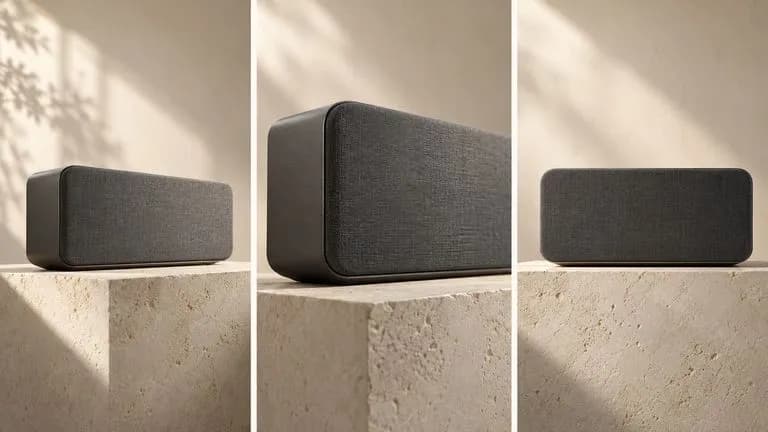
Concept illustration: Three-panel static storyboard concept of a graphite desk speaker on a limestone plinth: wide three-quarter opening view, slow-camera-move midpoint represented by a closer angle, centred front-on endin

查看该版本的报价

图像按每张计费;视频显示每秒预计计算量。请按你选择的尺寸和时长查看当前报价。
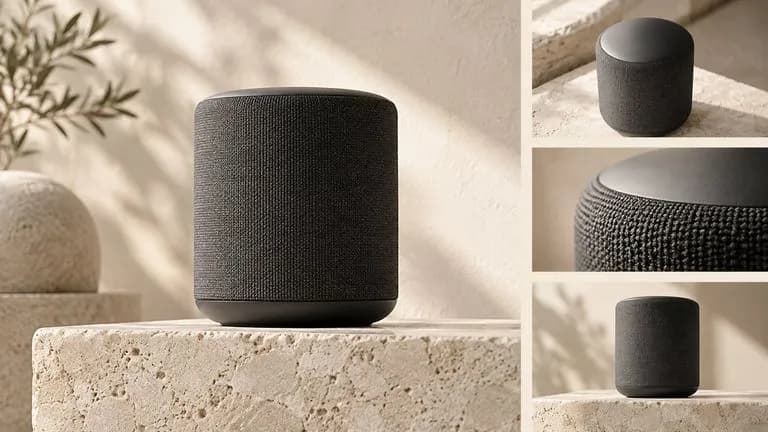
Concept illustration: A cream editorial board showing a graphite speaker hero photograph and a three-shot photographic storyboard, shared warm limestone palette and art direction

你可以用 FLUX 3 创作什么?

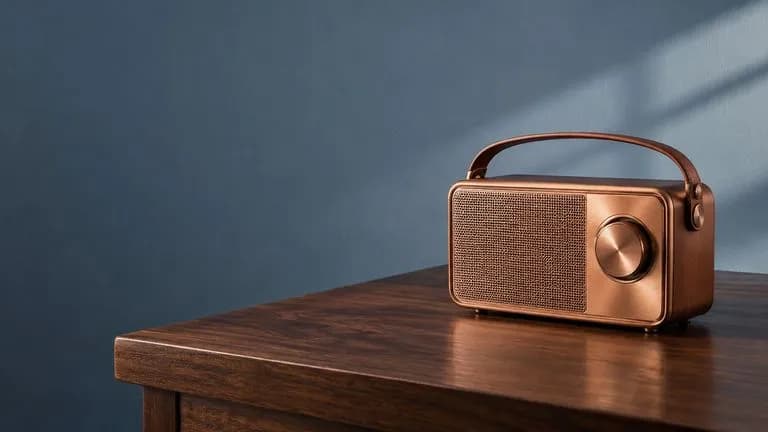
Concept illustration: A copper portable radio on a dark walnut table at the right, generous clean blue-grey wall at left for future copy, premium product campaign

产品主视觉图

使用图像版本规划一个产品和一个干净的文案区域。

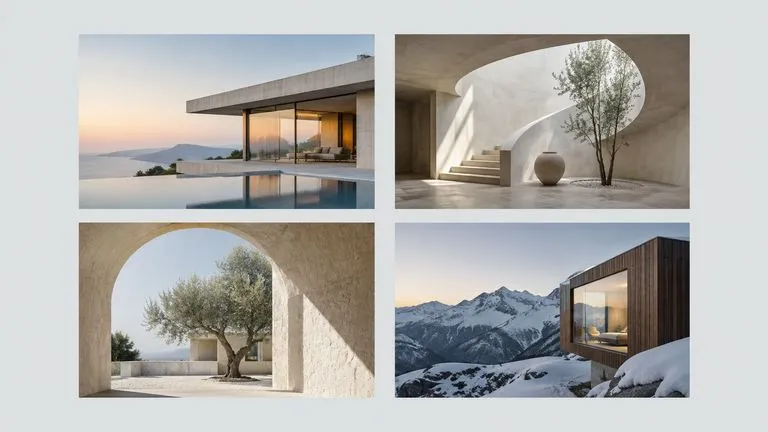
Concept illustration: Editorial flat lay of four architectural photographs and a pale grey blank margin, generous separation, publication art-direction concept, no text

编辑版式概念

在最终排版前,先将多个主体安排在静态构图中。

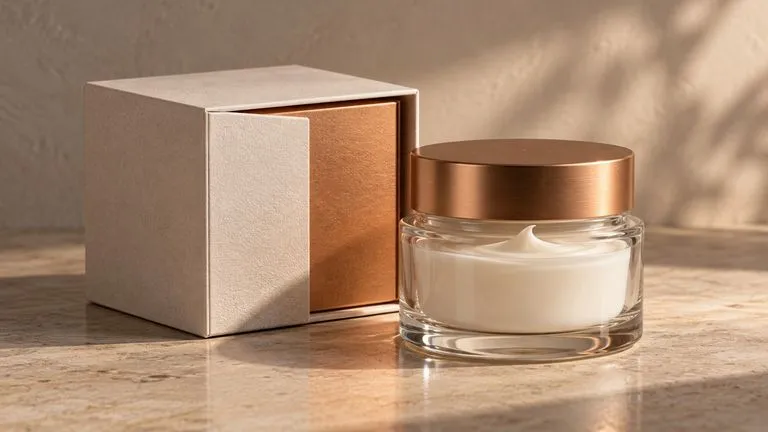
Concept illustration: Fictional cream product carton with copper insert beside a glass bottle, close view of material and arrangement, no labels or logos

包装修订

准备一次针对包装材质或背景的聚焦修订。

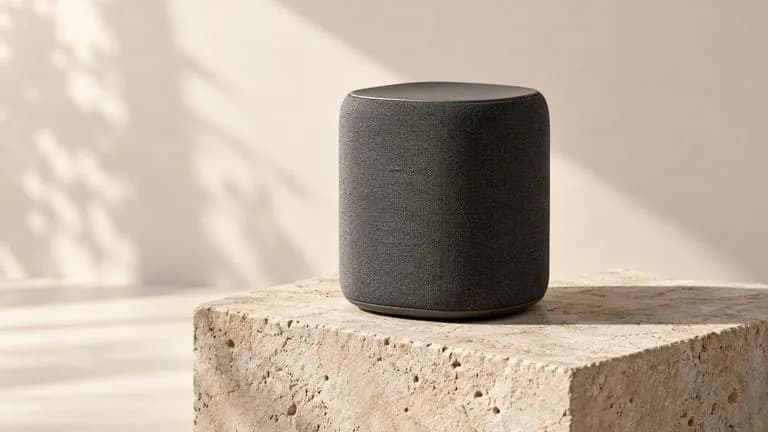
Concept illustration: Static product-motion scene concept: graphite speaker on limestone plinth, three-quarter camera, soft light with shadow, spacious cream studio

产品动态研究

为视频版本制定一份简短的开场帧简报。

Concept illustration: Static cinematic cafe scene with a cream ceramic espresso cup in foreground, warm early morning light and natural steam, quiet lived-in environment, no text

带声音的短场景

写出清晰的动作和相配的环境声轨。

Concept illustration: Campaign art-direction tabletop with one large product hero print and three smaller scene storyboard prints, graphite speaker and limestone art direction consistent throughout, no labels

活动静态与动态套组

使用同一个艺术指导来规划不同的图像和视频交付物。

如何在 Virse 中使用 FLUX 3

  1. 选择图像或视频

    决定交付物是静态图片还是动态场景。

  2. 设定视觉方向

    描述主体、环境、光线和相机视角。

  3. 添加该版本的指令

    对于图像,指定摆放位置或编辑内容。对于视频,添加动作、声音和结尾。

  4. 生成并检查

    在工作区中选择版本,确认报价并生成。以交付尺寸检查一张静帧;从头到尾观看并聆听一个片段。

如何编写 FLUX 3 图像和视频提示词

用具体术语描述场景,然后添加你想要的变化或动作。

  • 版本
  • 主体
  • 构图
  • 变化或动作
  • 视频声音

与其这样写

奢华扬声器,精美设计,完美布局,惊人细节。

不如这样写

一只哑光石墨色桌面音箱放在温暖色调的石灰岩底座上,位于横向图像的右半部分。一根盘绕的黑色线缆放在旁边。将左侧三分之一留作纯净的奶油色墙面,以便后续放置标题。柔和光线从左上方照射;视平线相机角度。无文字或标志。

FLUX 3 提示词示例

根据这些简报生成的概念插图。它们并非该模型的已验证输出;视频场景为静态图像。
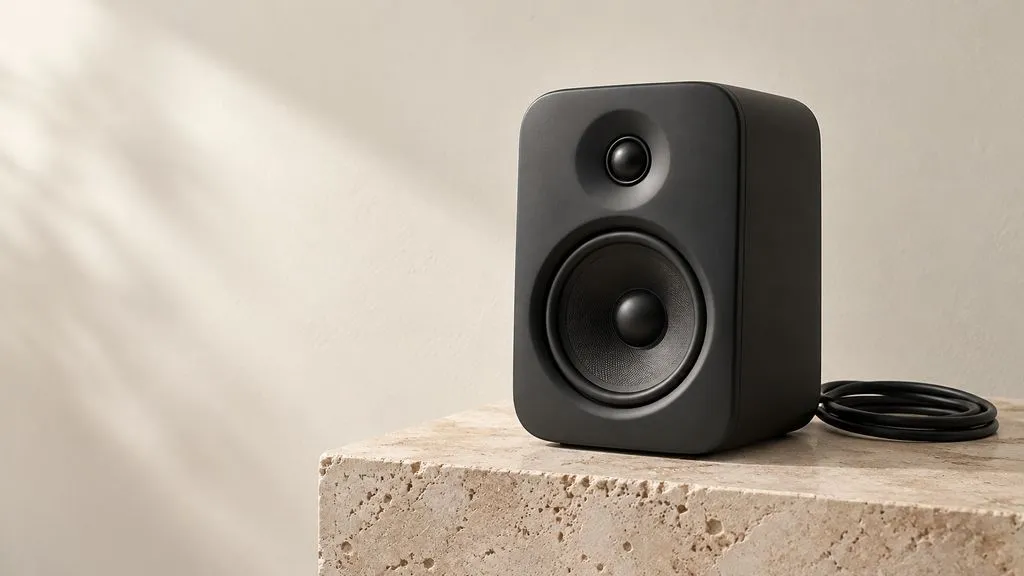
Concept illustration: matte graphite desk speaker on warm limestone plinth in the right half, coiled black cable at base, plain cream wall fills left third, soft upper-left light, eye-level 16:9

图像:带留白的产品主视觉

一只哑光石墨色桌面扬声器放在温暖色调的石灰岩基座上,位于 16:9 图像的右半部分。一根盘绕的黑色线缆放在其底部。左侧三分之一是一面素净的奶油色墙壁,没有任何物体。光线从左上方柔和照射,短接触阴影,平视视角。无文字、标志或其他产品。

Concept illustration: reading corner, muted rust fabric floor-lamp shade on slim black stand, cream chair, walnut side table, warm wall, natural upper-left window light, eye-level view

图像:更改灯罩颜色,保留房间不变

使用一张阅读角的参考照片,仅将落地灯灯罩改为低饱和锈红色织物。保留纤细的黑色灯架、奶油色椅子、胡桃木边桌、暖色墙面和相机位置。保留原始光线方向。不要新增家具或装饰物。
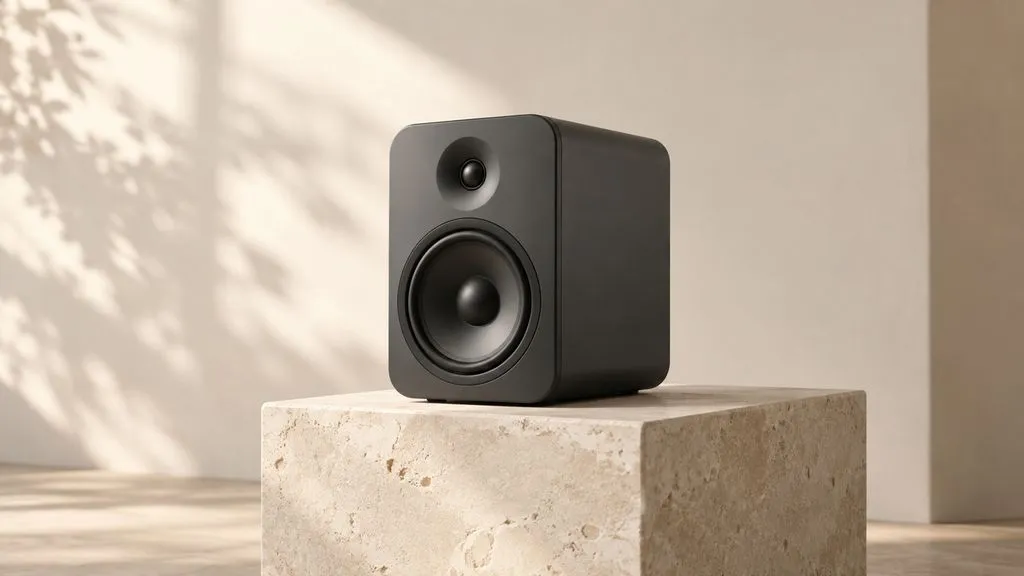
Concept illustration: matte graphite desk speaker on limestone plinth against cream wall, three-quarter view toward front, soft upper-left light, spacious quiet room. No text, logos, player, arrows or visible soundtrack. T

视频:带环境声的扬声器揭示镜头

一只哑光石墨色桌面扬声器放在石灰岩基座上,背景是奶油色墙壁。镜头从四分之三视角缓慢移向正面,同时扬声器保持静止。光线从左上方柔和照射。安静的房间底噪,无音乐或对白。以居中的扬声器和静止的镜头结束。无文字或标志。

FLUX 3 Image 与 FLUX 3 Video

对比维度FLUX 3 ImageFLUX 3 VideoCurrent Virse Models来源
交付物静态图像带生成音效的视频取决于所选模型来源
简报重点构图和精确修改动作、镜头、声音和结尾使用该模型文档中说明的输入来源
Virse 输出1K、2K 或 4K5–20 秒;720P 或 1080P查看各模型的工作区条目来源
Virse 访问已启用已启用;音频固定开启浏览实时模型库来源

编写更出色 FLUX 3 简报的技巧

将场景与物体区分开

用场景来确定光线和氛围;给主体具体的描述。

指明留白区域

说明后续文案将放置在哪里,以便将其视为构图的一部分。

一次只编辑一个决策

先更改背景或产品材质,然后检查结果。

检查未改变的区域

即使是有针对性的指令,也仍需要检查边缘和周围物体。

FLUX 3 常见问题

FLUX 3 是否可在 Virse 中使用?
可以。实时 Virse 目录同时启用 FLUX 3 Image 和 FLUX 3 Video。请选择与所需输出相匹配的版本。
FLUX 3 Image 和 Video 有何不同?
Image 创建静态图片并支持修订。Video 添加运动和声音。请为每个交付物使用单独的简报。
Virse 是否提供 FLUX 3 边界框编辑器?
Black Forest Labs 记录了基于框的版式控制,但尚未在 Virse 中验证专用框编辑器。本页面不承诺提供该功能。请在简报中描述放置位置,并使用所显示的控件。
FLUX 3 Video 能在 Virse 中生成声音吗?
可以。当前 Virse 目录标明 FLUX 3 Video 支持原生音频且固定开启。此条目没有关闭音频的控件。
FLUX 3 Video 是原生 4K 吗?
已发布的版本说明描述了 HD 生成,以及通过升频实现 Full HD。FLUX 3 Image 的 4K 档位并不表明原生 4K 视频。
在 Virse 中使用 FLUX 3 需要多少费用?
Image 列出在 1K、2K 和 4K 下每张图像分别为 8、15 和 90 compute。Video 显示的估算费率为:720P 每秒 26 compute,1080P 每秒 44 compute,并带原生音频。请确认工作区报价。
这些图片是 FLUX 3 测试输出吗?
不是。这些是 AI 生成的概念插图。Video 图像是静态场景概念,并非渲染后的片段,也不能证明声音质量。
我可以将 FLUX 3 与参考视频一起使用吗?
已验证的 FLUX 3 Video 条目接受文本,以及可选的首帧和尾帧图像。视频续写列为单独的 FLUX 3 Video Extend 条目;它不是相同的输入工作流。

选择静态图或场景

打开 Virse,选择 FLUX 3 Image 或 Video,并在工作时将简报及其视觉参考保持在一起。