景观设计生成器

景观设计生成器

Grading, slope and the trees already growing on a site are not things a preview should quietly erase. Upload a site photo, say how much upkeep you're actually willing to do, and get back planting and paving directions that work with the land as it is, not a flattened version of it. Free Virse credits cover the first look.

输入
场地照片 · 必填空间用途 · 选填景观风格 · 选填植物维护偏好 · 选填方案数量 · 选填
输出
景观改造效果预览(套数按所选数量)

场地照片

必填

Drop a photo of the site

图片在画布里上传,这里填的是参数。

方案数量选填

What Is an AI Landscape Design Generator?

An AI landscape design generator reads the slope, existing trees and hardscape in a site photo and previews new planting and paving around them, rather than proposing a plan that assumes flat, empty ground. It is closer to a planting concept than a grading or engineering drawing.

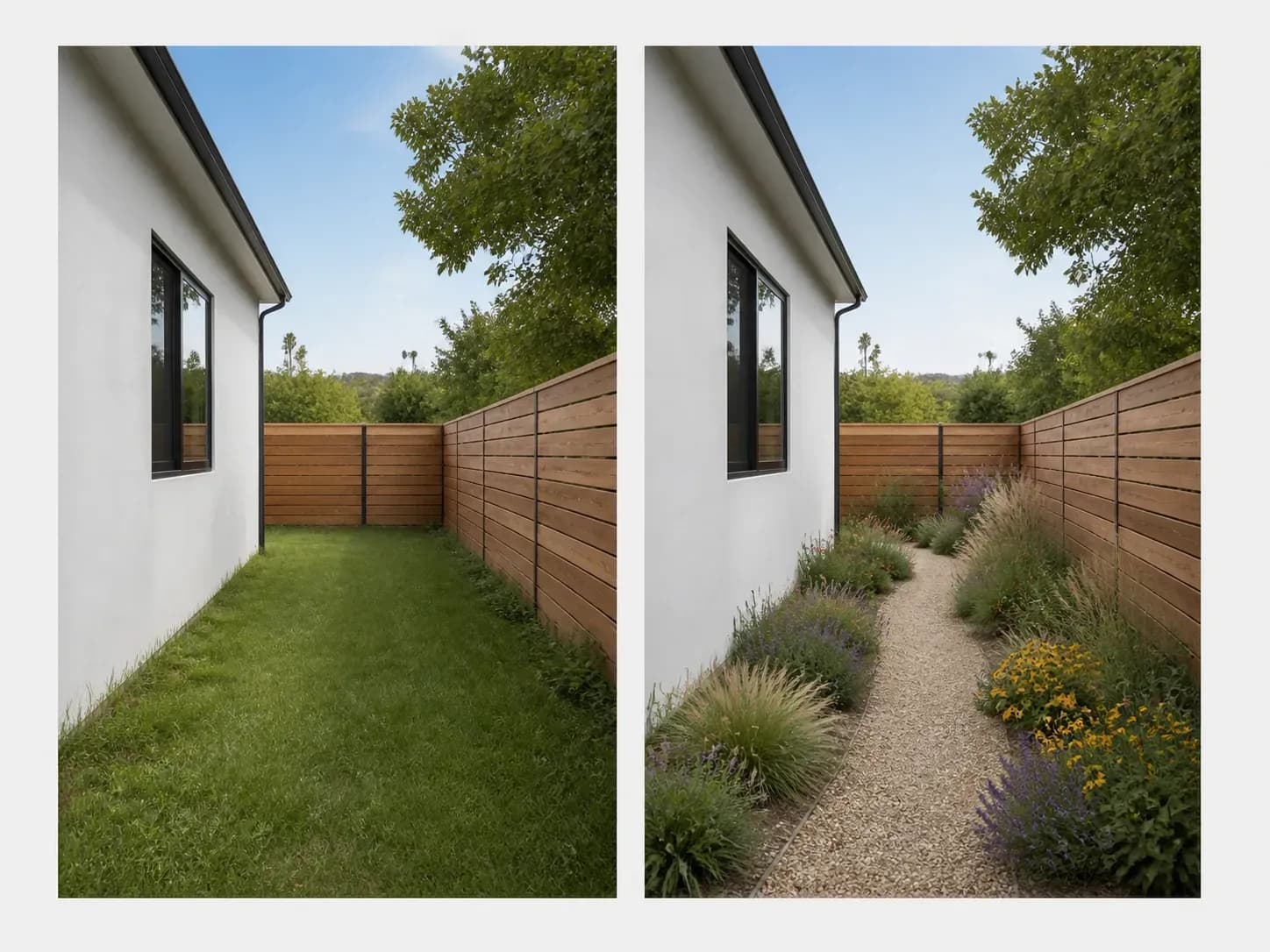
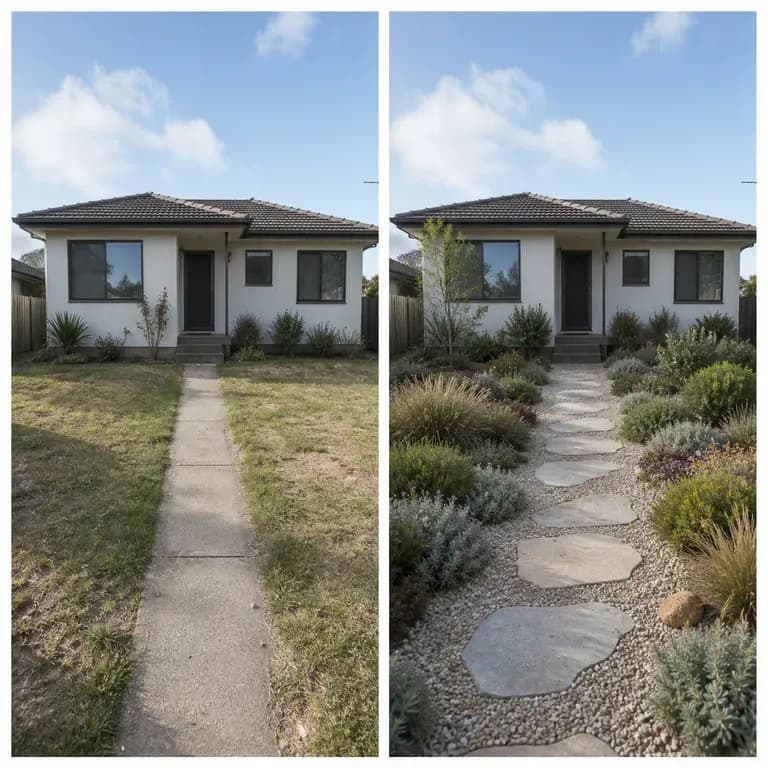
A plain side yard before and after: the same camera position and boundary, now native planting and a gravel path
A site photo turned into a landscape design preview

Why Use Virse's Landscape Design Generator?

Landscaping is expensive to get wrong. Seeing a few directions on your actual site is what makes the decision easier.

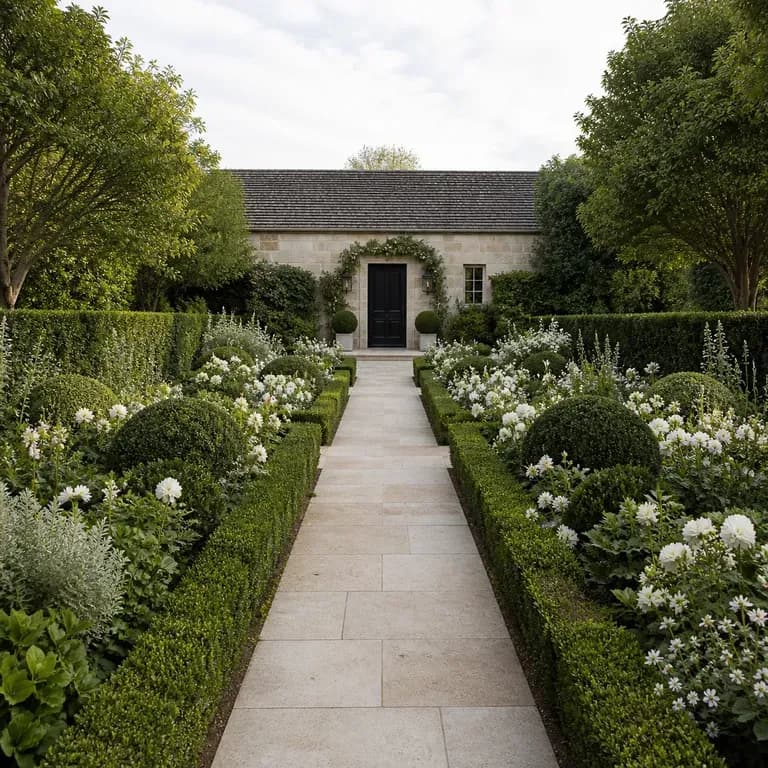
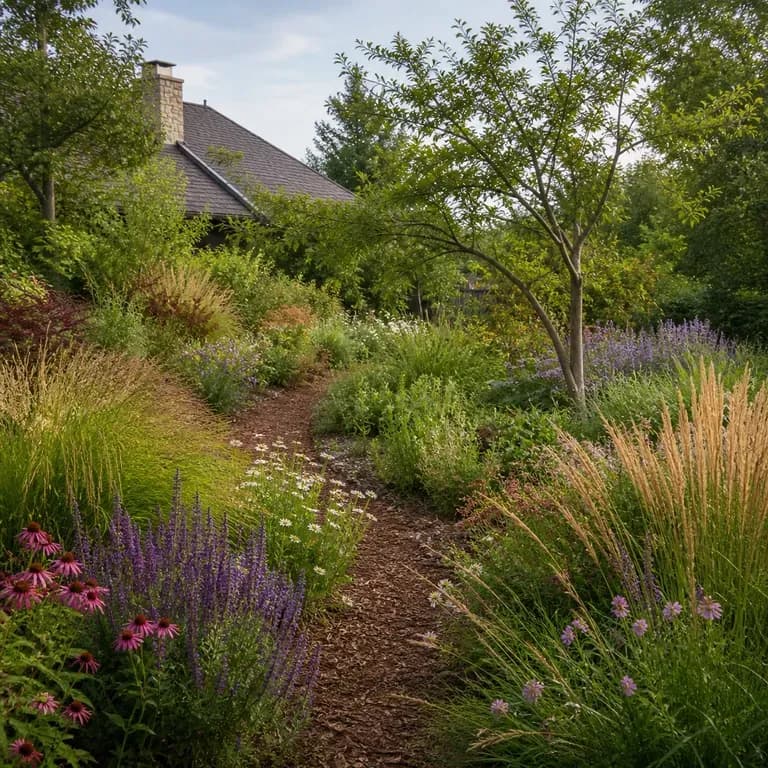
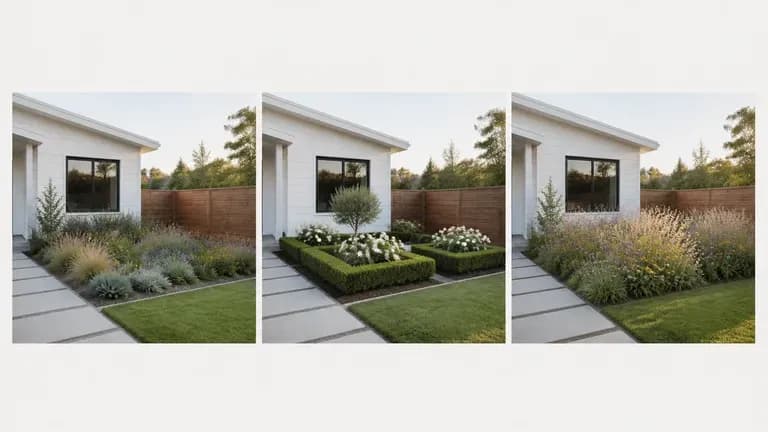
The same yard shown in three directions: native low-maintenance, formal symmetrical, and naturalistic garden
Free

Start with Free Generations

Try your first landscape preview on Virse credits. New users can generate up to 10 images, enough to see whether a planting direction fits your site before committing to a design or install budget.

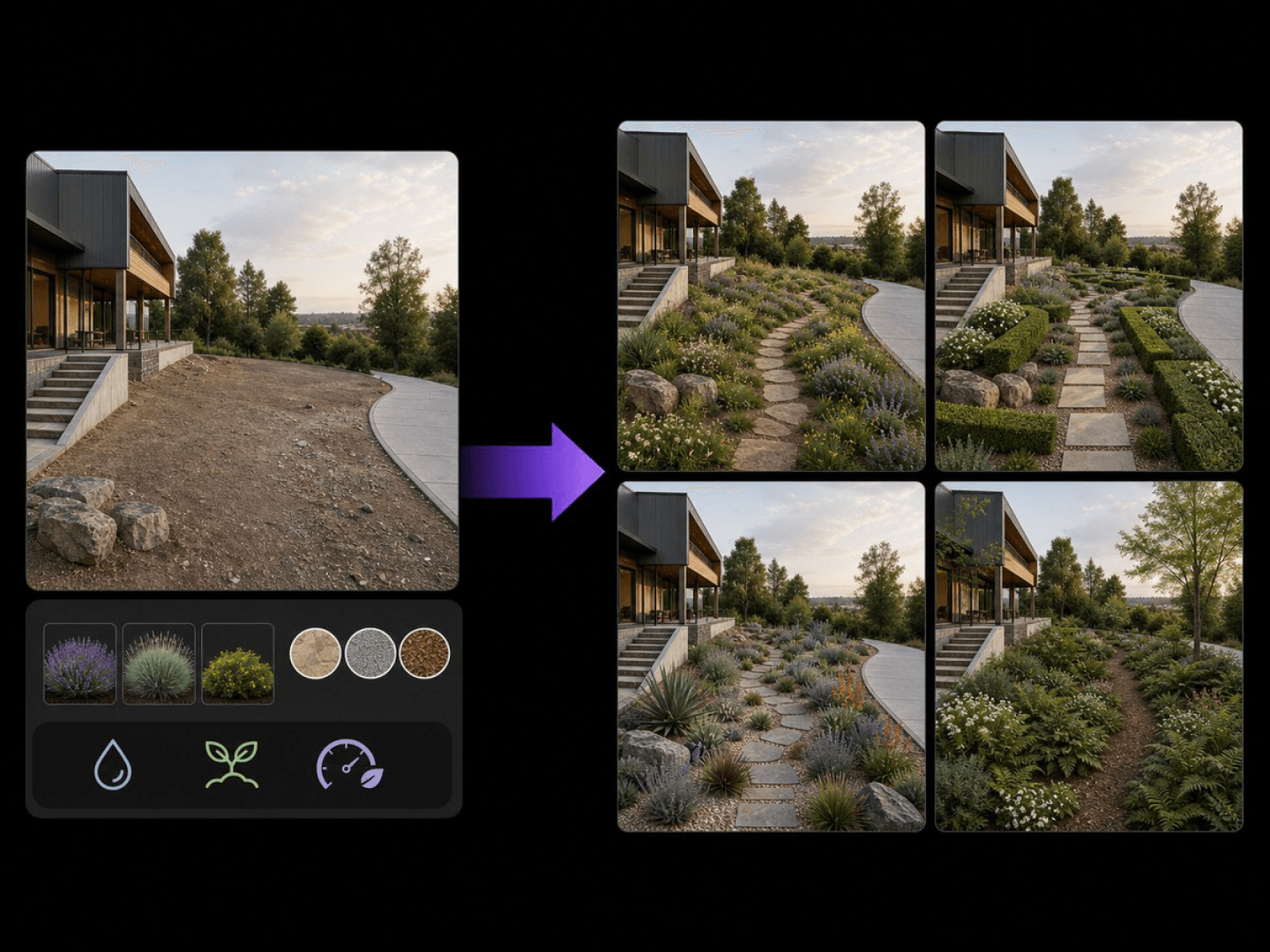
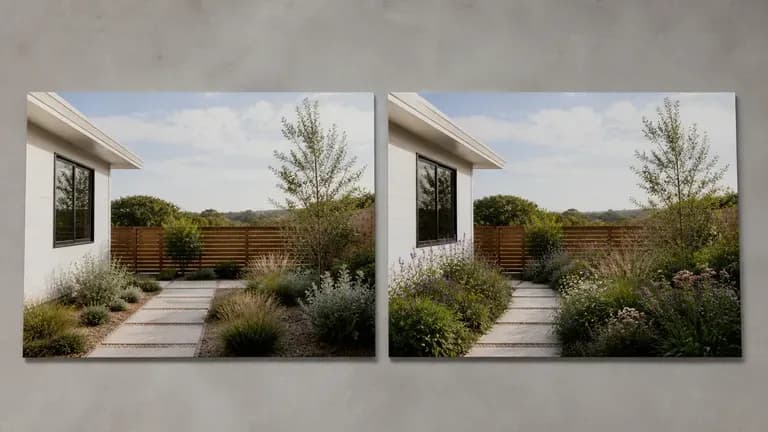
Two model interpretations of the same landscape preview placed side by side
40+ models

Explore with Multiple AI Models

Virse brings 40+ AI models into one environment, and paid plans include unlimited model usage. You can see how different models handle the same site without rebuilding your brief for each one.
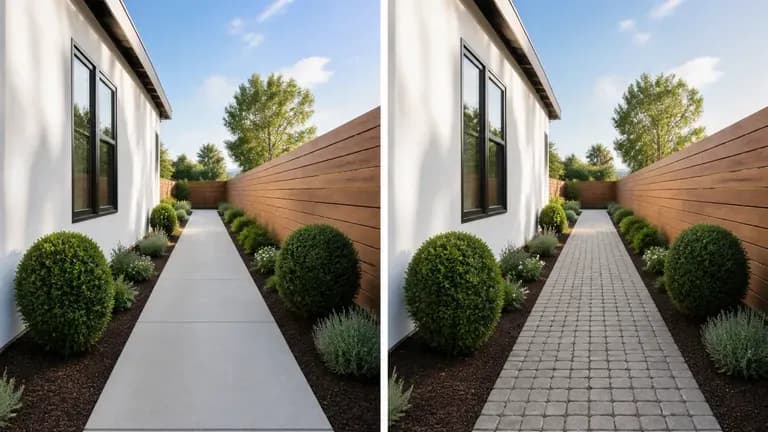
The same path shown before and after, only the paving material changed from concrete to cobblestone
Canvas

Compare Directions on One Canvas

Site photos, generated previews and alternative directions stay together on an infinite canvas. Virse keeps your site details in context, so the next round builds on the direction already picked.

How to Generate a Landscape Design with AI in Four Steps

  1. Photograph the site around midday

    Shoot when the sun is high to avoid long shadows hiding half the slope or a fence line. Name any tree, wall or grade change you want kept exactly where it is.

  2. Say how much upkeep you'll actually do

    Be honest here. A planting plan that assumes weekly weeding is wasted on a household that waters twice a month. Mowing, watering and pruning habits should drive the plant palette, not the mood board.

  3. Generate planting and paving previews

    Run an available AI image model and let it work through plant selection, path material and bed shape on your site's actual grade and boundary.

  4. Check it against the season, then decide

    A planting preview shot in summer bloom will look bare in a different plant's dormant season. Cross-check the palette against your local climate before committing to a planting order.

Who Is an AI Landscape Design Generator For?

People about to spend real money outdoors, who want to see it first.
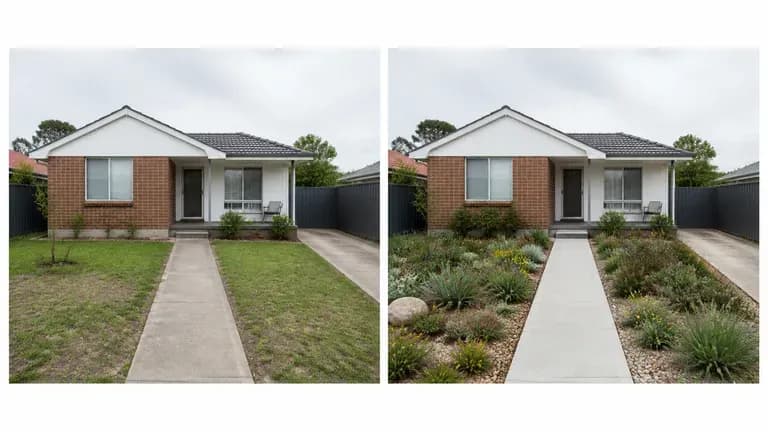
An ordinary front yard shown before and after a landscape redesign

Homeowners Planning a Yard Project

Preview planting and paving directions before calling a landscaper for a quote.
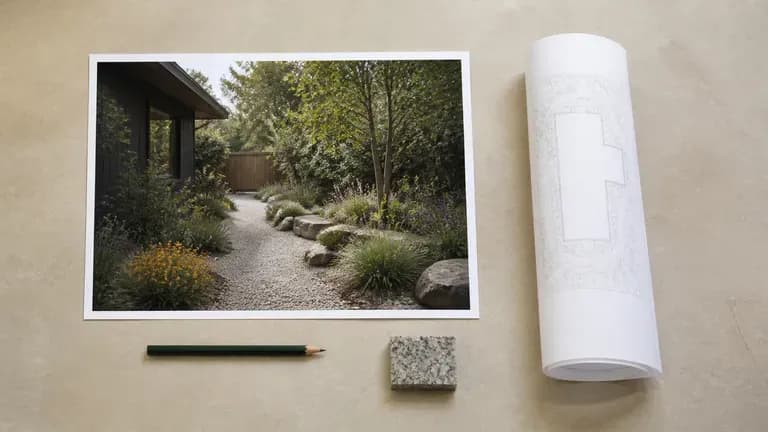
A landscape concept preview beside a rolled site plan prop

Landscape Designers & Contractors

Generate quick concept previews for a client before committing to full design drawings.
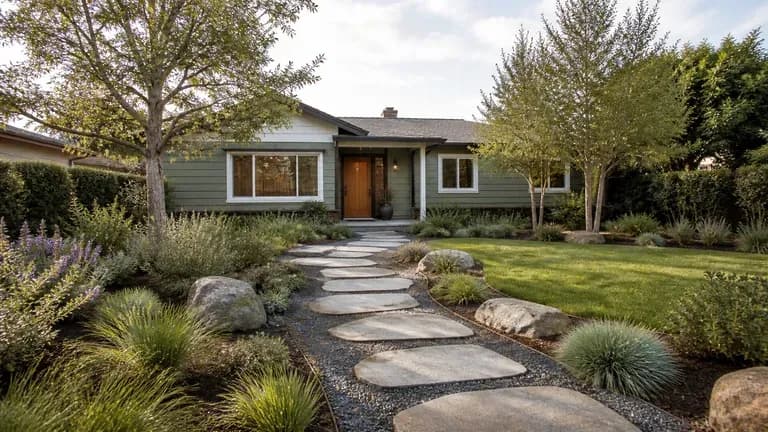
A front yard redesign preview shot in a wide, real-estate-style composition

Real Estate & Property Marketers

Show a property's outdoor potential with a planting preview for a listing.
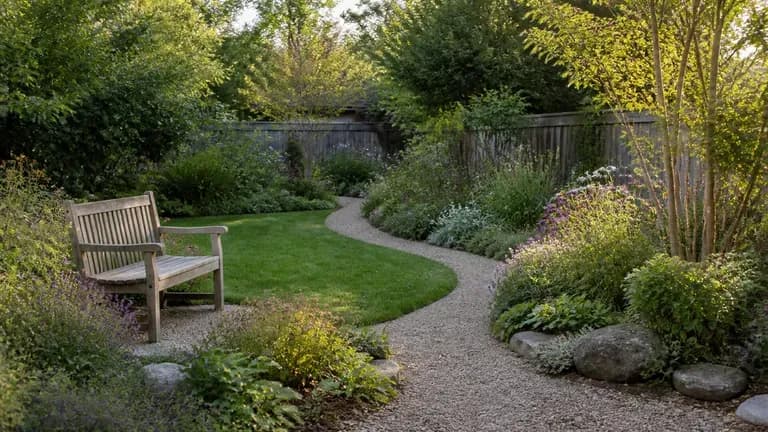
A naturalistic private garden redesign preview with a relaxed, informal mood

Garden Designers & Enthusiasts

Explore planting styles and layouts for a personal garden project.
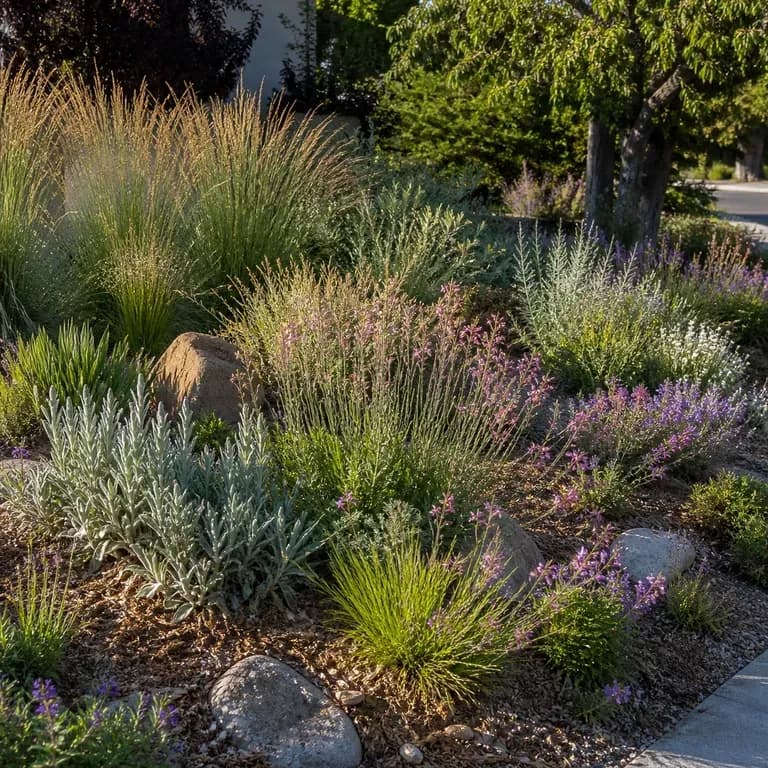
AI Landscape Design Generator Use Cases

A close-up of native, low-maintenance planting after a redesign
Native & Low-Maintenance Previews: drought-tolerant planting with minimal upkeep
A close-up of a formal, symmetrical garden layout after a redesign
Structured Garden Layouts: clean lines and defined beds in a formal arrangement
A close-up of a naturalistic garden after a redesign
Naturalistic Planting Previews: layered planting with informal paths
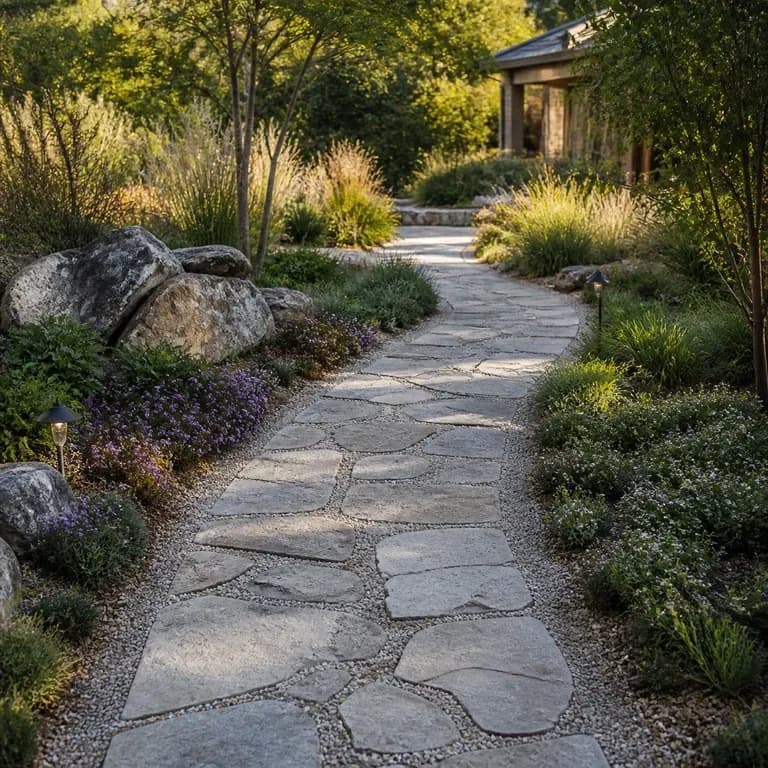
A close-up of a redesigned garden path and paving material
Path & Paving Concepts: new walkway materials shown on the existing site
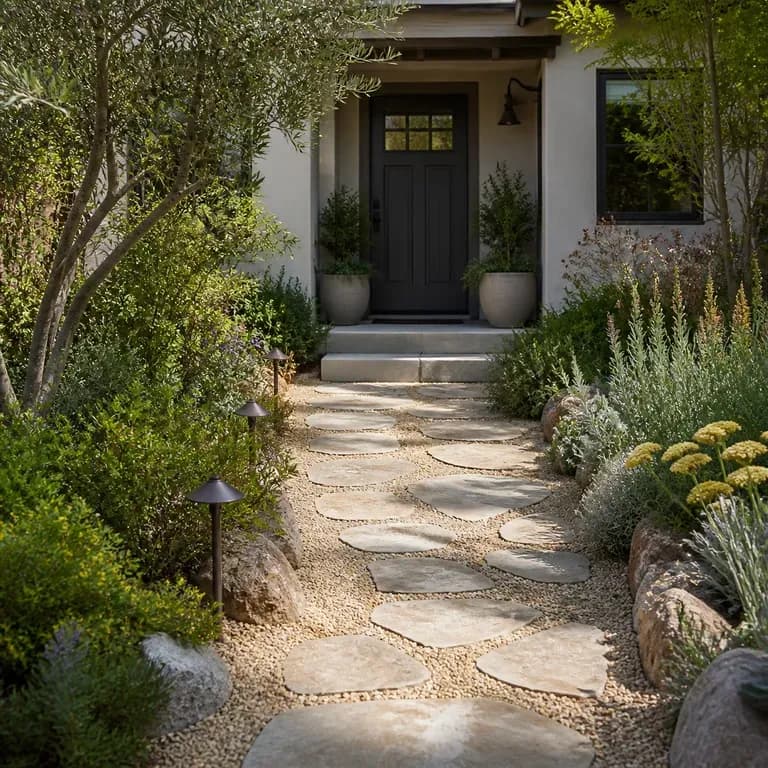
A close-up of a redesigned front yard entrance
Front Yard Curb Appeal Previews: an entry area redesigned for a listing or refresh
A split-frame before and after comparison of the same yard
Before & After Site Comparisons: the original photo shown beside the new preview
FAQ

Frequently Asked Questions

Is Virse's landscape design generator free?
You can start on free Virse credits. New users can generate up to 10 images with Nano Banana 2, enough to test a direction before deciding whether you need a paid workflow. Free access is limited rather than unlimited.
Will it keep the slope and grade of my actual land?
Yes. The preview works from the grade, boundary and major features shown in your photo rather than proposing a plan that only works on flat, empty ground.
Does it handle drainage or grading calculations?
No. It generates a planting and paving concept. Drainage, grading and retaining wall engineering still need a licensed landscape professional or civil engineer.
Will it recommend plants suited to my actual climate?
It responds to what you describe, so naming your region or climate helps, but treat the plant palette as a direction to check against a local nursery rather than a verified planting list.
Can it show a low-maintenance option next to a more manicured one?
Yes. Generate both and compare them side by side. Seeing the upkeep difference in the same site photo makes it easier to be honest about which one you'll actually keep up with.
What do Virse paid plans include?
Paid plans include access to 40+ AI models with unlimited model usage and unlimited team seats, aimed at designers and contractors previewing multiple sites.

Generate Your Landscape Design with AI

Photograph the site as it actually slopes, say what upkeep you're willing to do, and see planting directions before a single plant gets ordered.