布贴设计器

布贴设计器

Detail that reads clearly on a screen can turn into a blob once it's stitched down to patch size. Describe the theme, the shape and the wording, and get concepts back with a stitched texture preview so you can judge it at the scale it'll actually be sewn at. Free credits get you a first pass.

输入
主题与文字 · 选填主题图案参考图 · 选填形状 · 选填配色偏好 · 选填刺绣风格 · 选填款数 · 选填
输出
布贴刺绣质感效果预览(款数按所选数量)

主题图案参考图选填

图片在画布里上传,这里填的是参数。

款数选填

What Is an AI Patch Designer?

An AI patch designer turns a theme, shape and stitch style into embroidered patch concepts shown with a fabric texture preview. In Virse you describe the design, generate a few directions and compare them on one canvas before anything goes to an embroiderer.

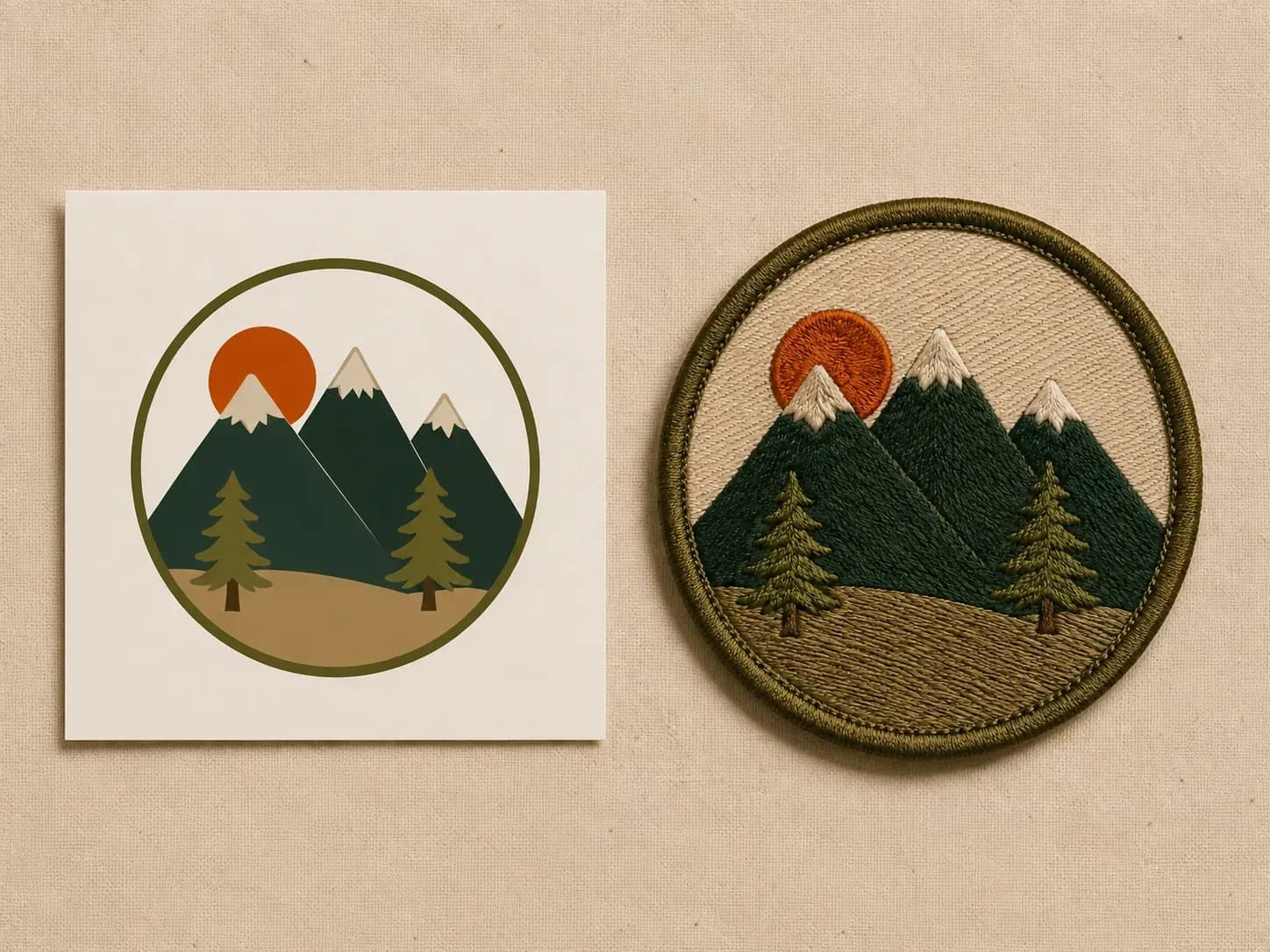
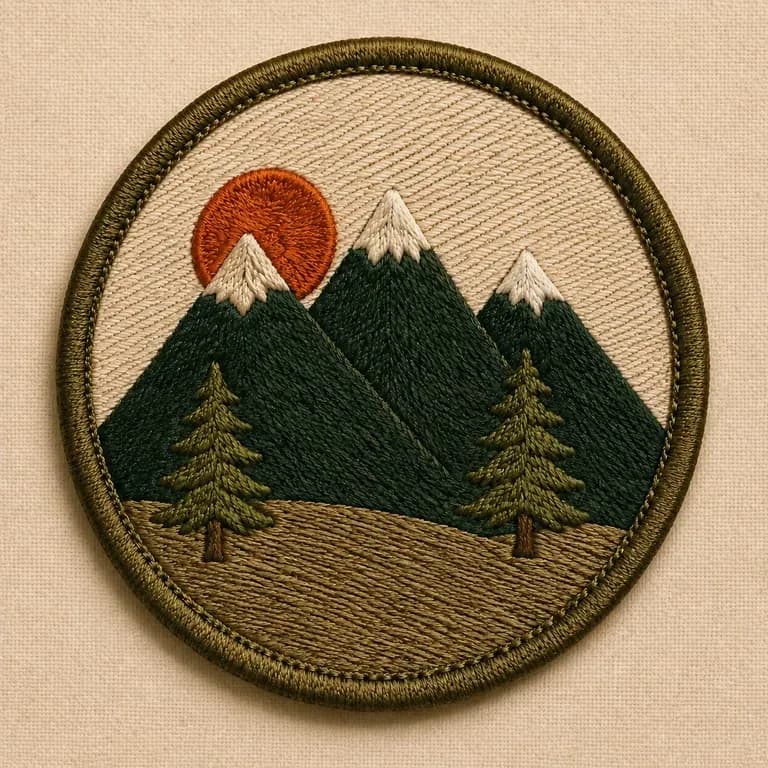
A mountain graphic reference beside the same design embroidered into a round olive patch
A theme brief turned into a patch concept with a texture preview

Why Use Virse's Patch Designer?

A patch has to read at a small, textured scale, not just as a flat graphic. Seeing the stitch texture early is what catches that.

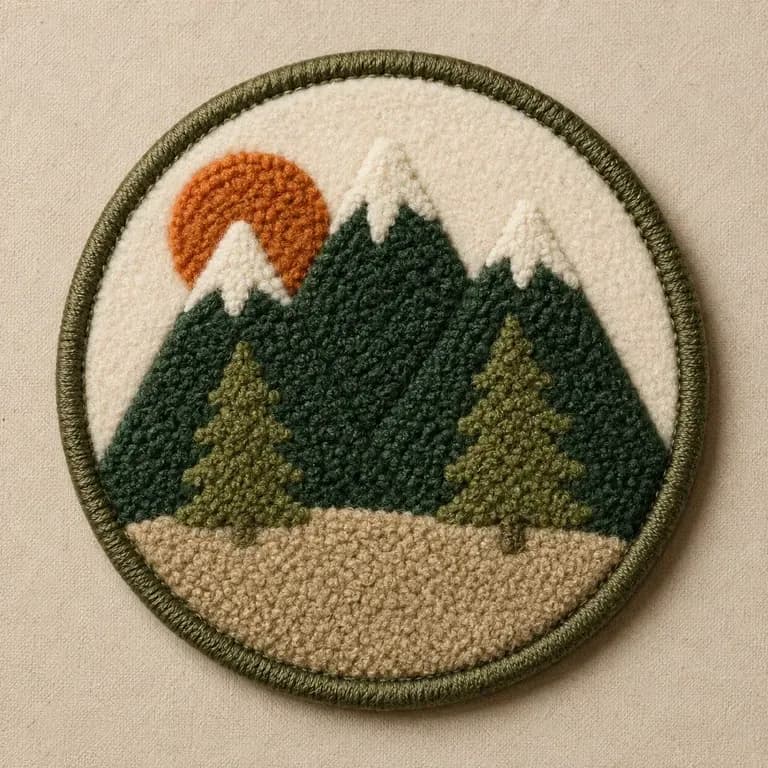
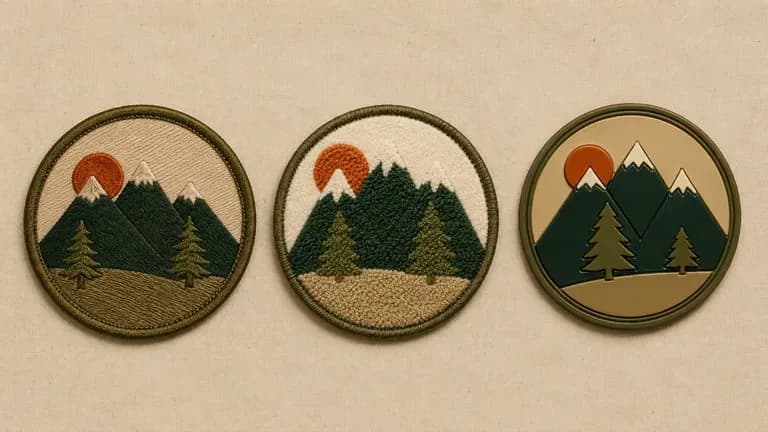
Three patches with the same graphic in different stitch techniques
Free

Start with Free Generations

Try your first patch concept on Virse credits. New users can generate up to 10 images, enough to see whether a design holds up at patch size before ordering a sample.

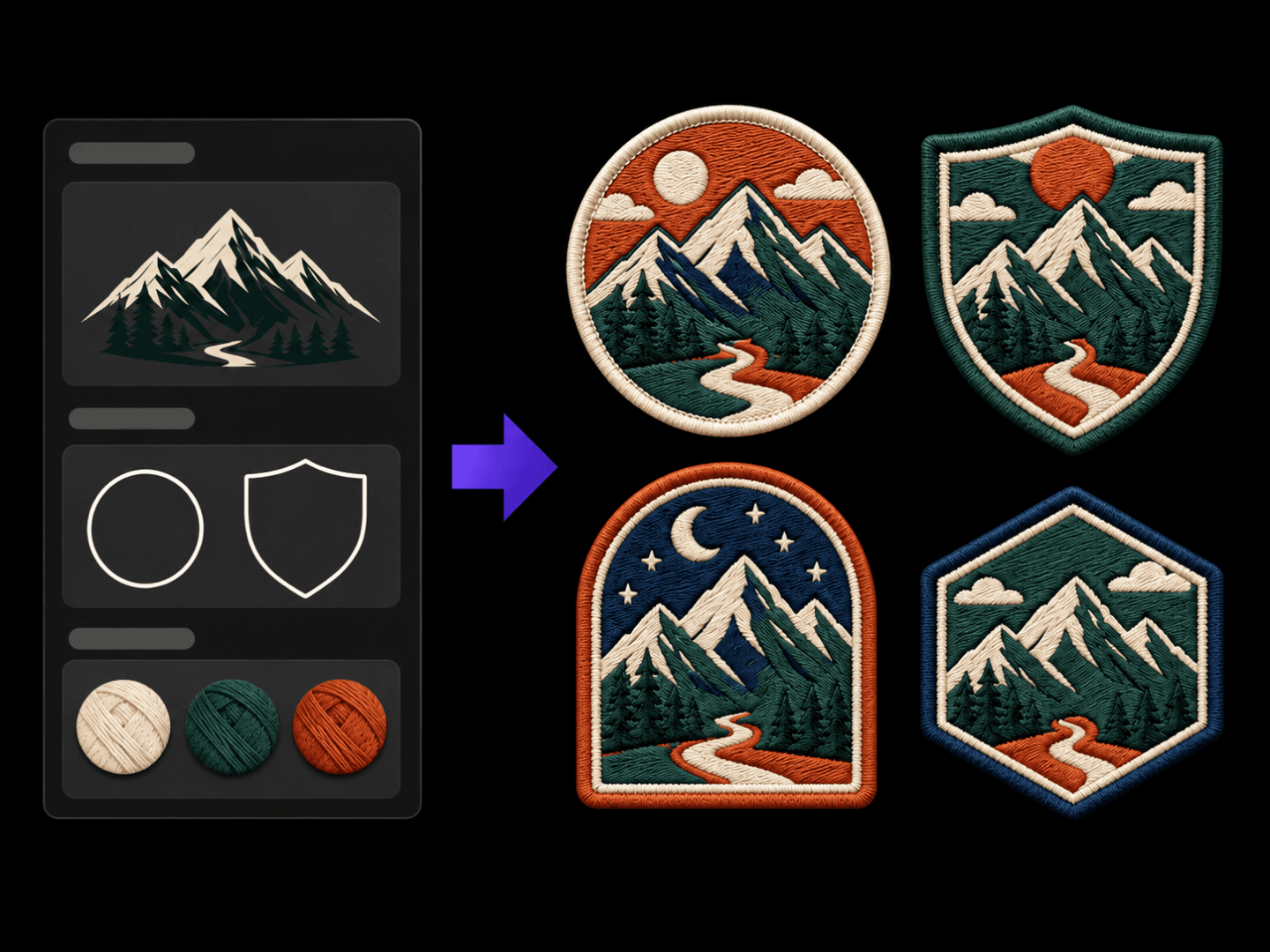
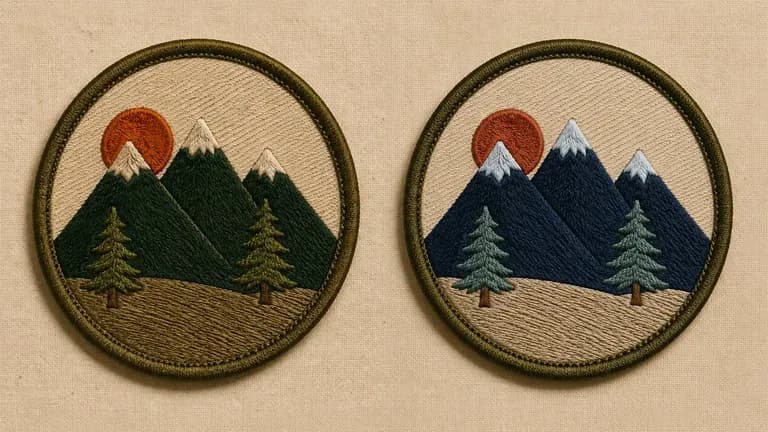
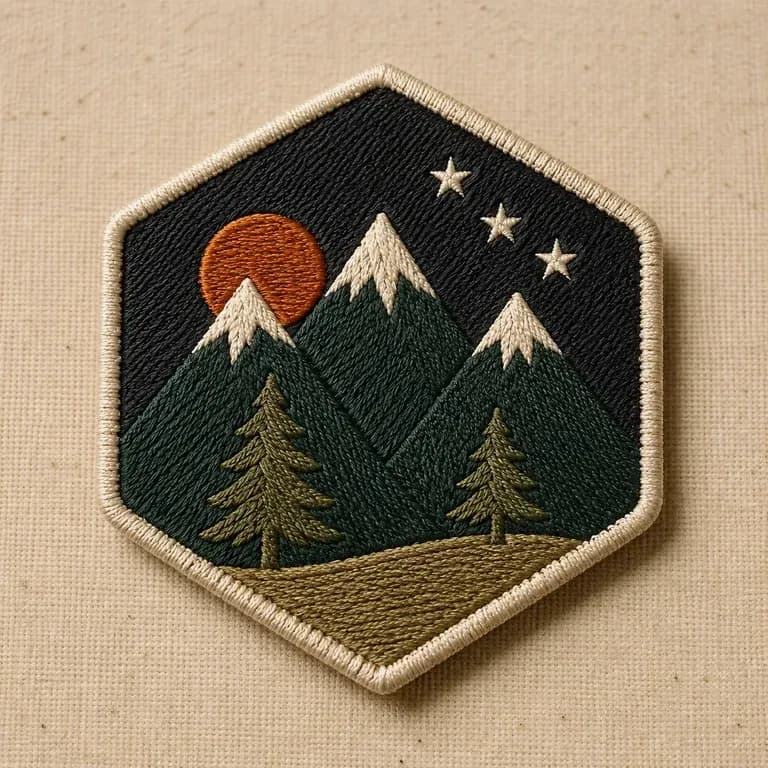
Two colour versions of the same patch design
40+ models

Explore with Multiple AI Models

Virse brings 40+ AI models into one environment, and paid plans include unlimited model usage. You can see how different models handle the same theme without rebuilding your brief for each one.
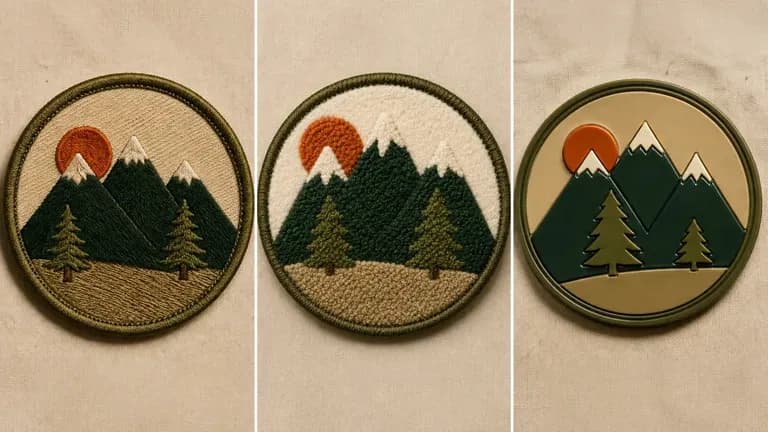
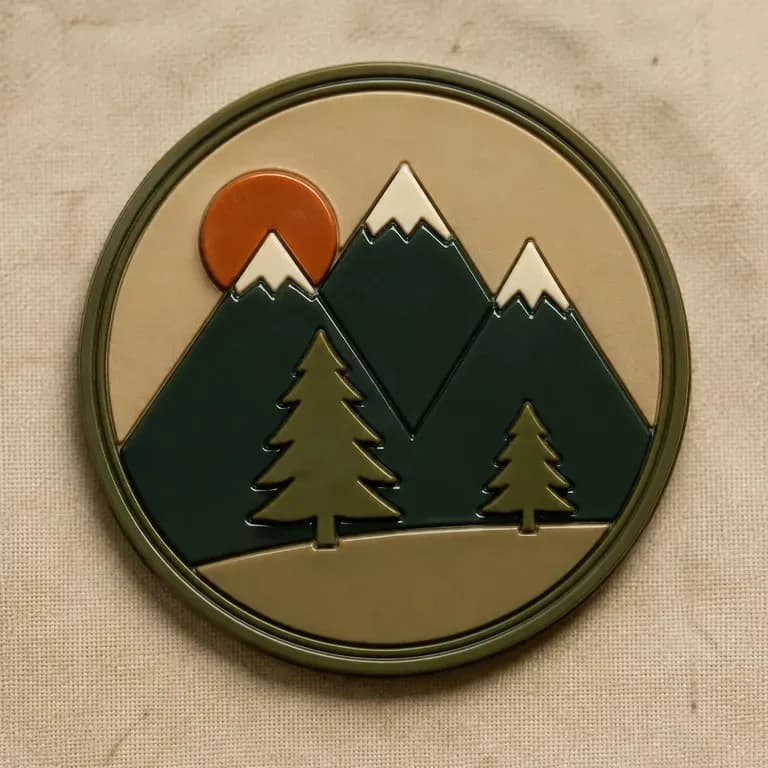
Three technique close-ups compared: classic embroidery, chenille and glossy PVC
Canvas

Compare Designs on One Canvas

References, generated concepts and alternative stitch styles stay together on an infinite canvas. Virse keeps the theme and colours in context, so the next round builds on the direction already picked.

How to Generate a Patch Design with AI in Four Steps

  1. Describe the theme and shape

    Write out the theme, the shape such as round, shield or custom-cut, and any wording or icon you want included.

  2. Choose an embroidery style

    Pick classic embroidered, chenille varsity, or PVC and rubber, matching the finish you plan to order.

  3. Generate patch concepts

    Run an available AI image model and let it produce a few design directions shown with a stitched or moulded texture preview.

  4. Refine before ordering

    Adjust colours, border and detail with updated notes, then hand the settled design to an embroiderer or patch maker.

Who Is an AI Patch Designer For?

People designing something small that has to survive being sewn onto fabric.
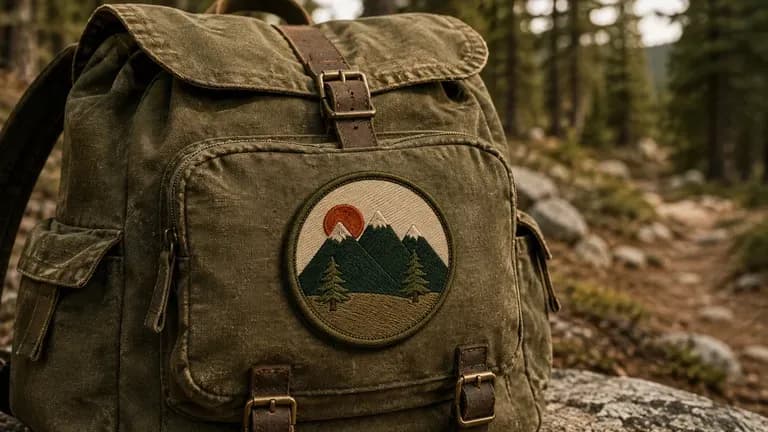
A round outdoor-club patch pinned to a canvas backpack

Outdoor & Hobby Clubs

Design a club patch for hikers, campers, cyclists or other outdoor groups.
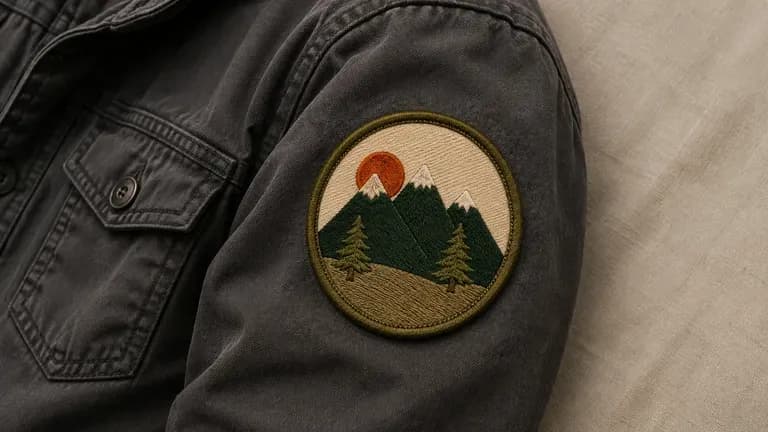
A team emblem patch sewn onto a jacket sleeve

Military, Team & Uniform Groups

Create a unit or team patch with the wording and colours a group actually wears.
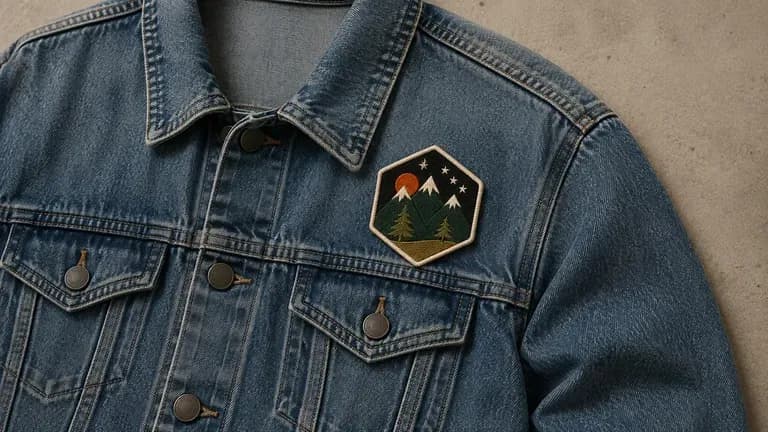
A bold graphic patch pinned to a denim jacket

Streetwear & Apparel Brands

Turn a graphic into a patch for jackets, caps or accessories.
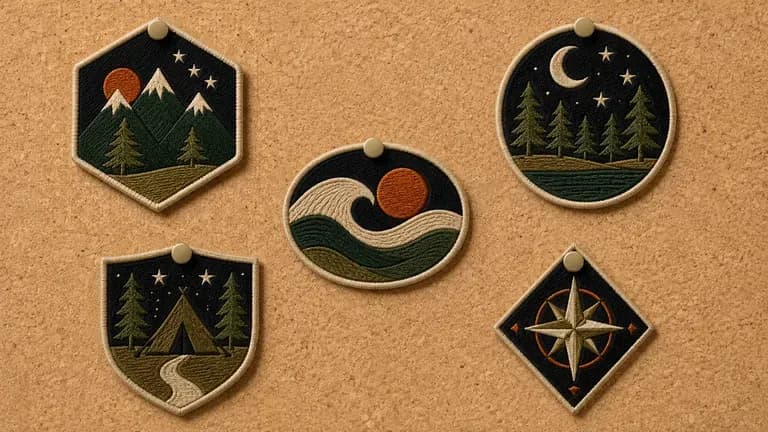
Several event-themed collector patches pinned to a corkboard

Event & Collector Pin Makers

Design a limited patch for an event, festival or collector series.
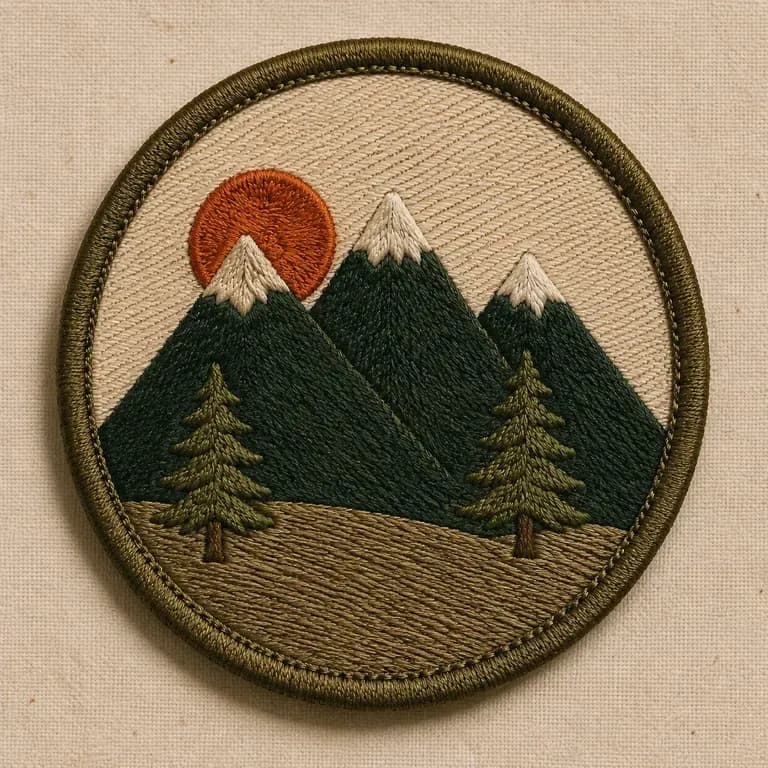
AI Patch Designer Use Cases

A close-up of a classic embroidered round patch with a clear border
Classic Embroidered Patches: dense stitch fill with a merrowed edge border
A close-up of a chenille-style raised patch
Chenille Varsity Patches: raised, textured fill in a bold collegiate style
A close-up of a glossy PVC or rubber patch
PVC & Rubber Patches: clean, moulded edges with a glossy finish
A close-up of an outdoor club themed patch
Outdoor & Hobby Club Patches: an icon-led design for a group identity
A close-up of a limited event collector patch
Event & Collector Patches: a limited design for a festival or series
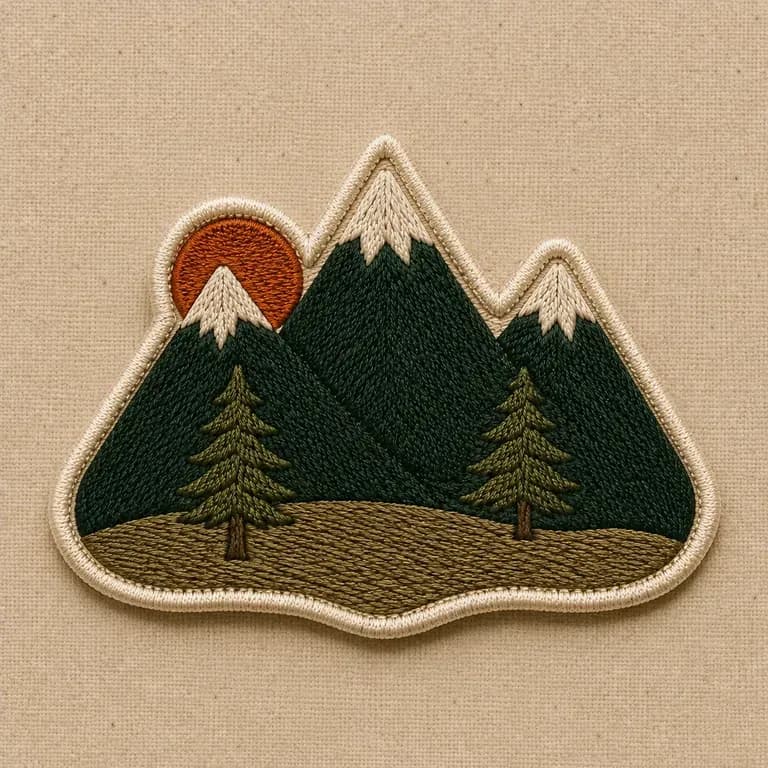
A close-up of a custom-shaped patch with a non-standard outline
Custom Shape Patches: a non-standard outline built around a specific icon
FAQ

Frequently Asked Questions

Is Virse's patch designer free?
You can start on free Virse credits. New users can generate up to 10 images with Nano Banana 2, enough to test a concept before deciding whether you need a paid workflow. Free access is limited rather than unlimited.
Does this provide an embroidery production file?
No. It generates visual patch concepts with a texture preview. A production-ready embroidery file, such as a digitised stitch file, still comes from your embroiderer based on the chosen concept.
Can I choose the embroidery style, like chenille or PVC?
Yes. Pick a preset for classic embroidered, chenille varsity, or PVC and rubber, and the concept reflects that finish.
Can I request a custom shape instead of a standard round or shield patch?
Yes. Describe the shape you want in your notes, and the concept is built around that outline rather than a default shape.
Can I generate more than one design for the same theme?
Yes. You can run several directions from the same brief and compare them side by side on the canvas before choosing one to produce.
What do Virse paid plans include?
Paid plans include access to 40+ AI models with unlimited model usage and unlimited team seats, aimed at brands and groups designing patches regularly.

Generate Your Patch Design with AI

Describe your theme and shape, generate patch concepts with a texture preview, and refine the one worth producing.