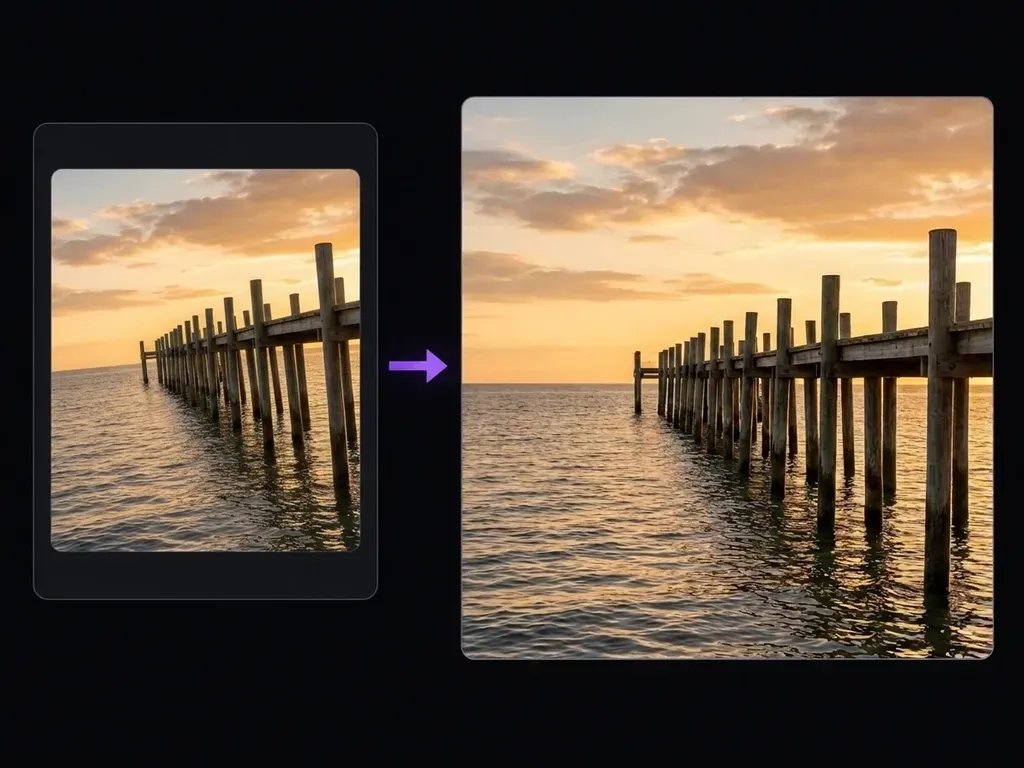
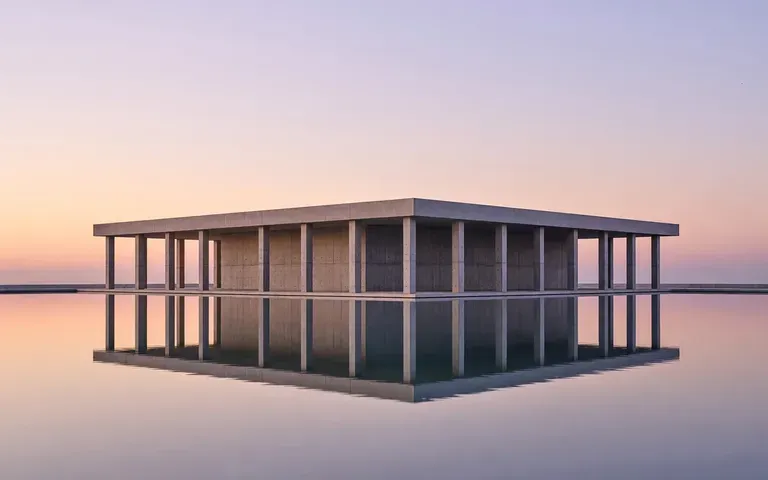
Edge control
Tight Interior Crop or Natural Margin Reconstruction
Ask Virse to zoom inside rotated bounds so zero synthetic border pixels enter your shot, or choose AI edge fill when a roof spire or boat bow sits close against edges.
Upload any handheld photograph showing a sloping ocean line, crooked doorway, or tilted streetlamp on Virse. Acting as a free straighten image online tool for photographers and property listing teams, this preset levels horizons horizontally, aligns slanted vertical frames, and completes margins through tight cropping or AI edge fill.
An online image straightener detects accidental camera roll slant across sea horizons, doorways, and shelving, then levels the frame while protecting corner details. Instead of cropping away vital coastal rocks or sloped roof eaves simply to trim dark corner triangles, specify tight interior pixel framing or AI-inferred sky, stone, and water border completion inside the Virse workspace.
Handheld roll tilt by two to five degrees distracts viewers immediately across waterlines and room listings, yet fixed crop boxes slice off roof spires or shore boats. Prompt-driven rotation handles three framing choices directly:
• Rotation repair without corner voids: Selects tight interior cropping when outer margins allow, or synthesizes matching cloud, gravel, and stone along narrow corner triangles.
• Role split against AI Perspective Correction Tool: Virse's AI Perspective Correction Tool pulls four-corner keystones square or introduces deliberate 3D angle tilt, whereas Image Straightener fixes sideways roll skew along open horizons and upright architectural verticals.
• No physical protractor overlay or survey grid: Outputs one rotated static PNG or JPG per run without an interactive +3.4° degree dial or photogrammetry calibration.
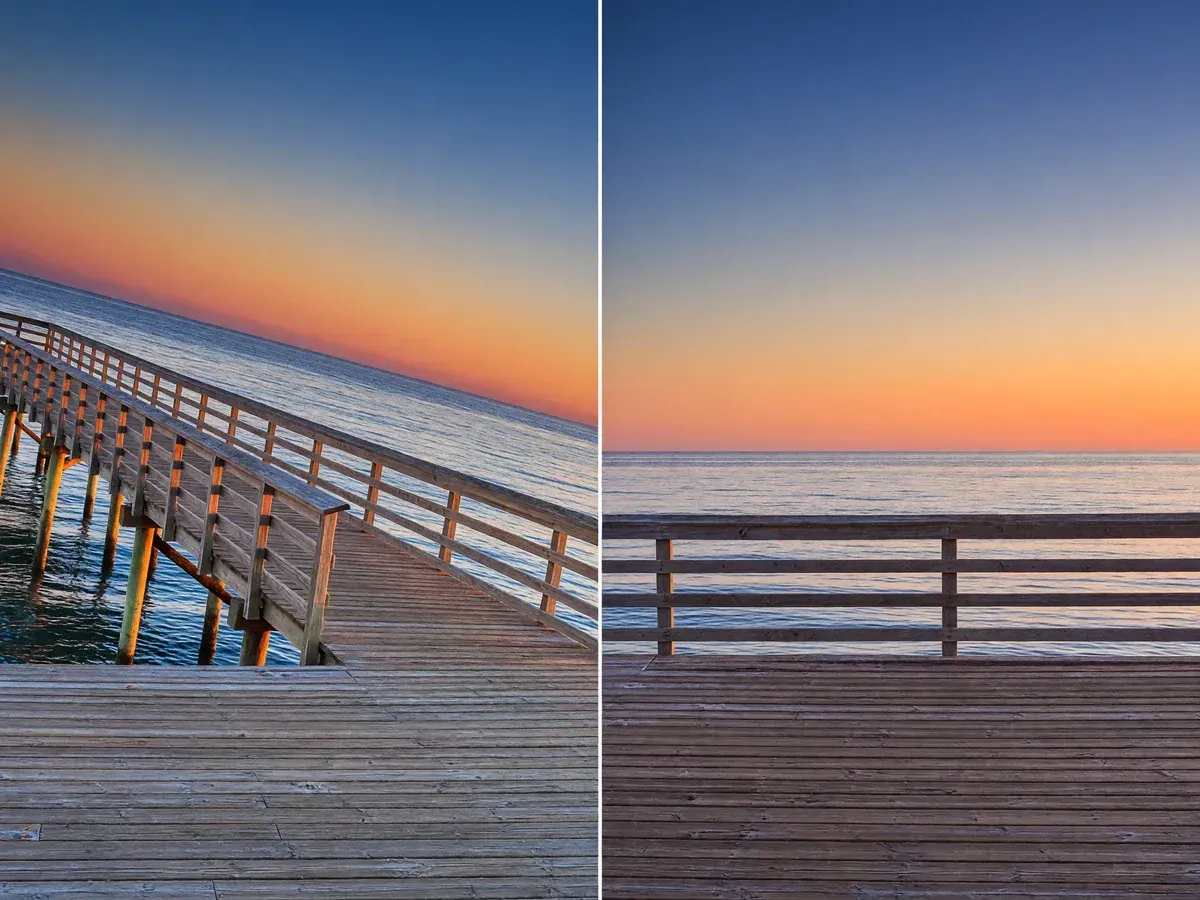
Built for photographers, property teams, and social creators who need level frames without opening heavy desktop crop suites.
Ask Virse to zoom inside rotated bounds so zero synthetic border pixels enter your shot, or choose AI edge fill when a roof spire or boat bow sits close against edges.
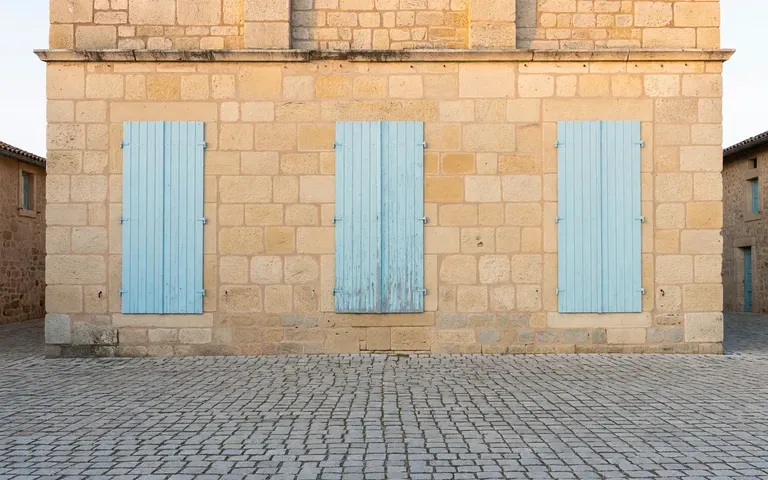
Correct sideways camera slant simultaneously across coastal pier railings, bookcases, and window frames while keeping foreground furniture and people naturally proportioned.
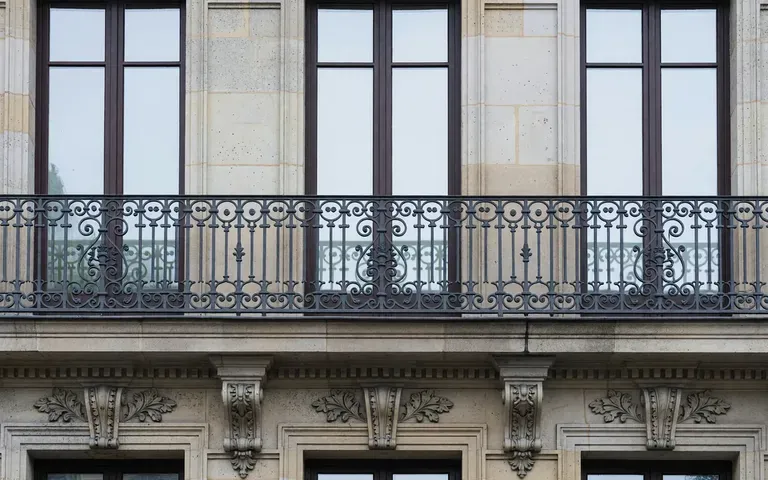
Tell Virse which architectural reference must sit square, such as the kitchen island counter or stone bridge parapet, so correction anchors on your compositional axis.
Why pairing visual leveling with AI border extension saves frames where strict diagonal crops cut key subjects.
Conventional Rotate & Tight Crop Boxes
Virse AI Image Straightener
Drop one JPG, PNG, or WebP photo where an ocean line drops left, hallway door leans right, or café menu wall slants off-level.
Describe the anchor edge to level, and ask for tight cropping using pure original pixels or corner fill to retain outer composition bounds.
Zoom closely into outer corners whenever using AI edge reconstruction to check synthetic leaf textures, tile joints, or water ripples before exporting.
When camera pitch makes parallel vertical edges slant inward like a trapezoid rather than tilting left or right, open AI Perspective Correction Tool instead.
Calling out both the crooked anchor line and border completion preference yields steady framing across travel, interior, and storefront uploads:
• Ferry deck water horizon: "Straighten this photo until the distant ferry deck rail and dark blue ocean line sit flatly horizontal while keeping a tight crop along original frame margins."
• Stone colonnade upright alignment: "Level this photograph so every limestone arcade pillar stands plumb vertical edge to edge while gently reconstructing outer lower paving tiles to cover rotation triangles."
• Neon diner street framing: "Rotate this storefront shot until the mid-century glass transom and street curb run flatly horizontal while reconstructing outer sidewalk corners naturally."
Four everyday shooters rescuing tilted handheld photos, storefront documentation, and interior portfolio frames.
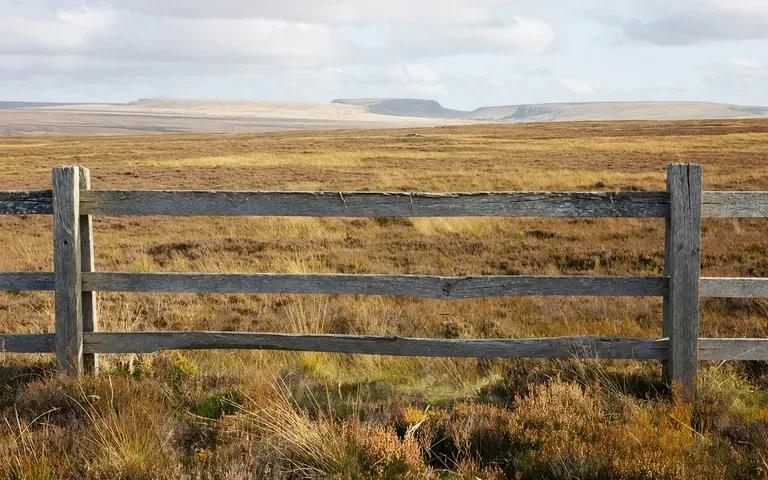
Fix minor tripod tilt across split-rail fences, stone ridge overlooks, and pastoral roads where half-degree horizon slope upsets compositional balance.
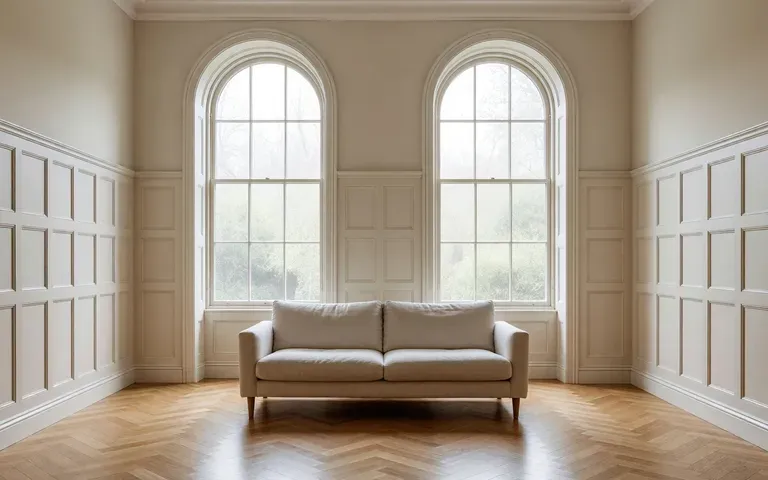
Square up doorway casing beside ceiling joists and kitchen counters before uploading wide indoor frames onto property listings.

Square off crooked museum frame hangs, exhibition placards, and gallery hallway shots captured hastily from awkward handheld angles.
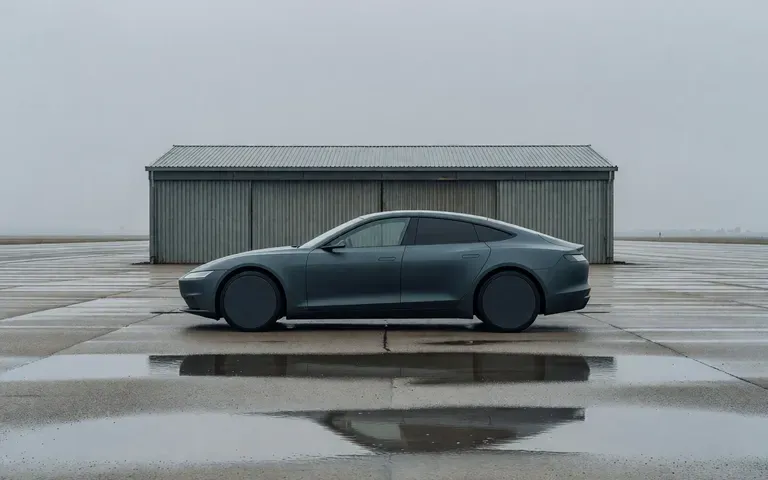
Straighten slanted asphalt track horizons and tipped backdrop seams behind product tables before publishing social carousels or storefront cards.
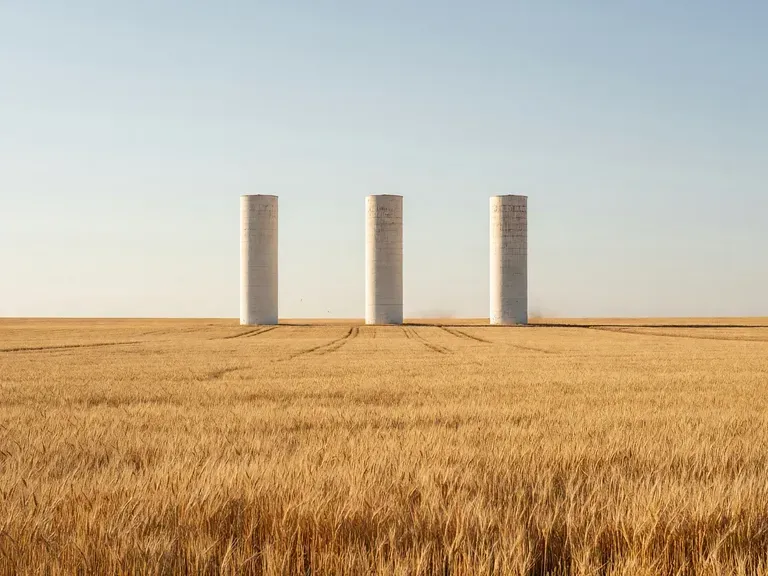
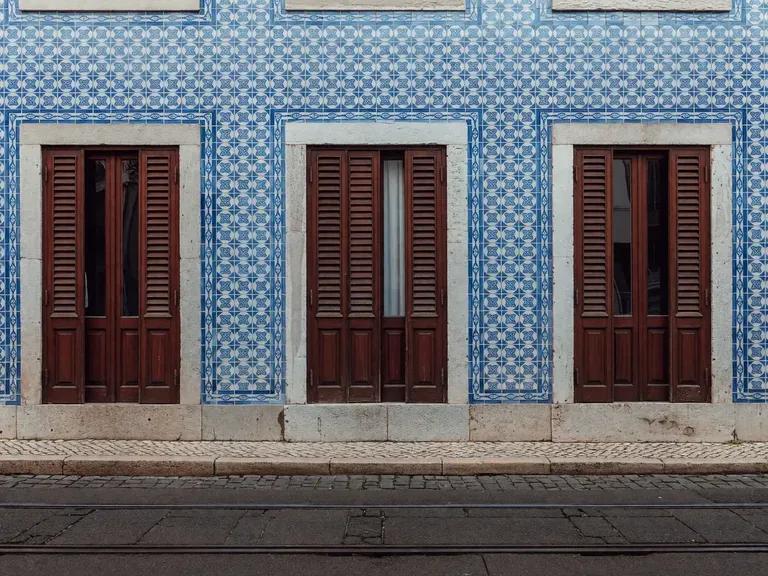
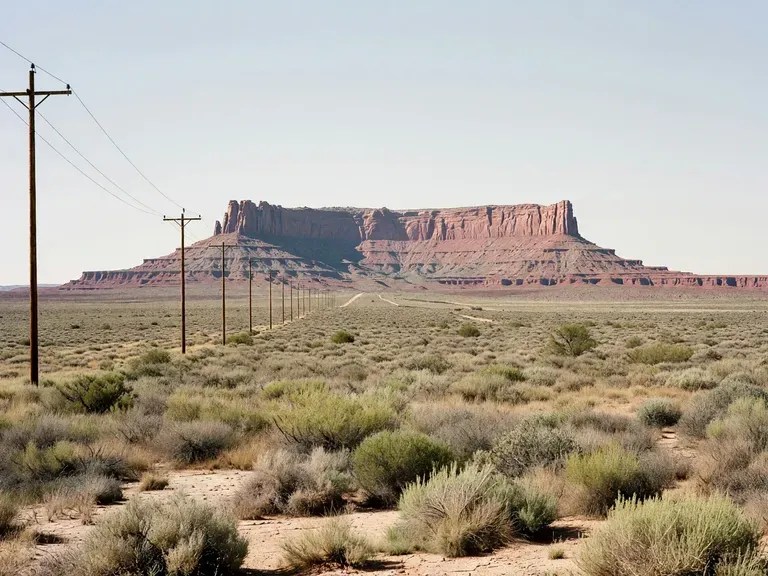
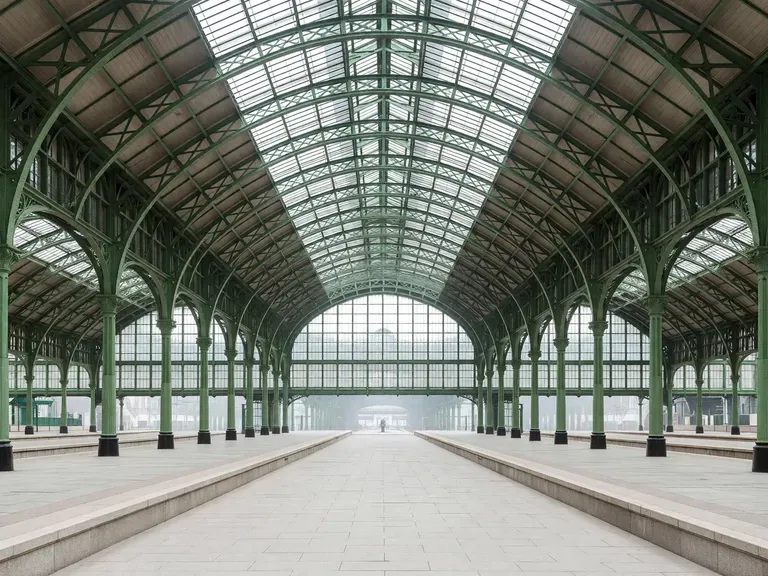
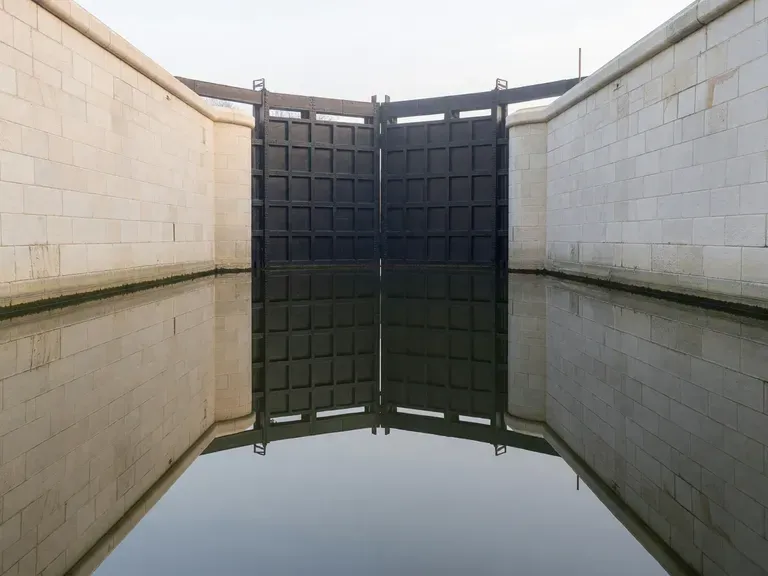
Six leveled photographic studies covering prairie grain silos, glazed tile facades, desert utility lines, library woodwork, iron train sheds, and stone canal locks.

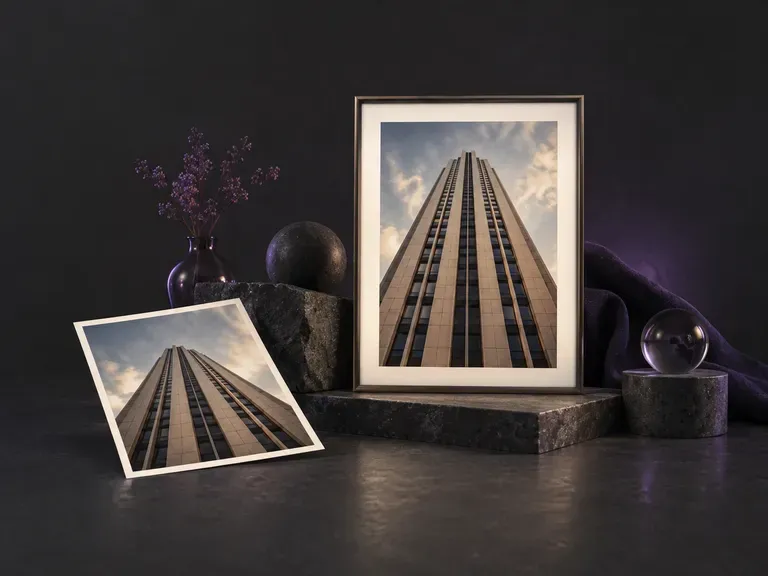
Pull slanted four-corner trapezoids back square or apply deliberate 3D angle tilt when tilting upward makes planar building walls converge toward the top.
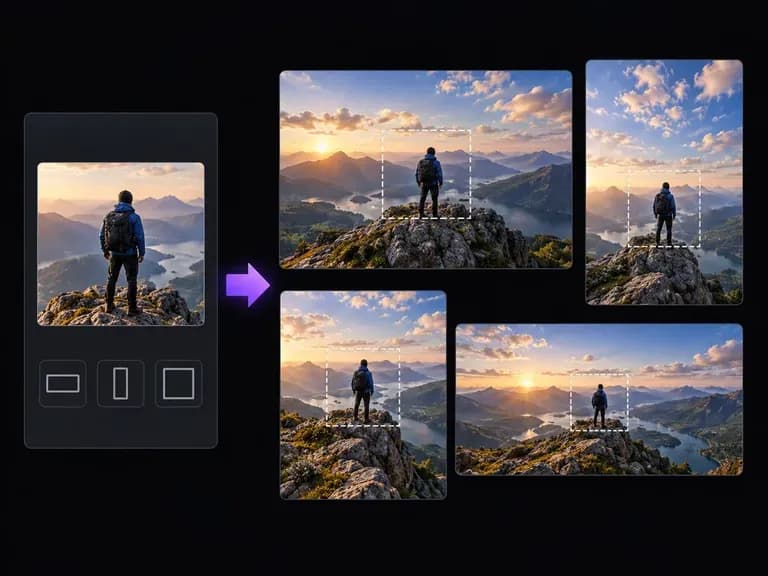
Extend surrounding sky, foliage, or stone margins outward smoothly when steep tilt rotation trims vital headroom or tight foreground edges.
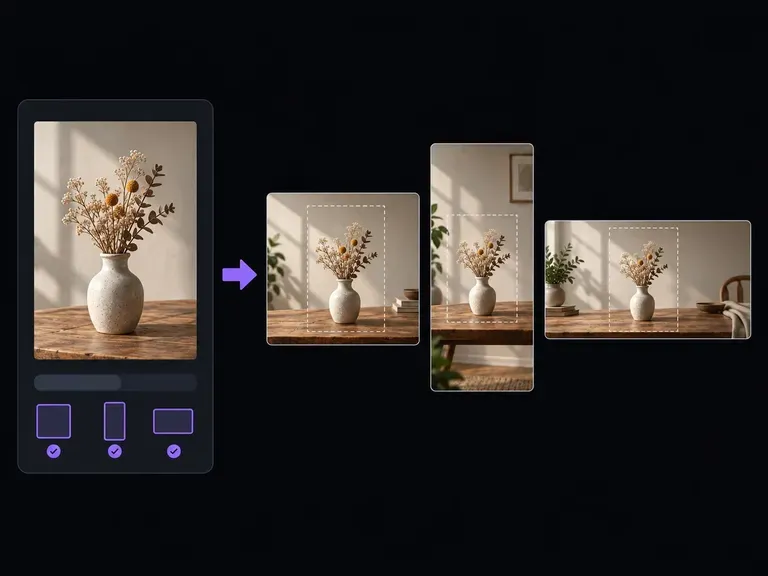
Adapt newly leveled travel scenes and storefront portraits smoothly across 16:9 widescreen headers, 9:16 vertical stories, or 1:1 grid tiles.

Recover texture detail clarity and soften faint stair-step blur left behind after rotating skewed camera pixels upright.
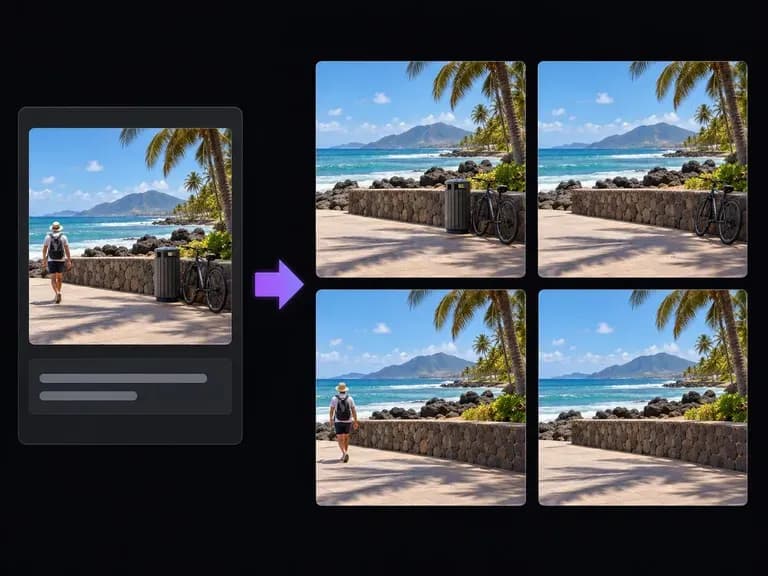
Erase stray power cables, sidewalk cones, or corner tourists right after leveling waterlines and open urban street fronts.
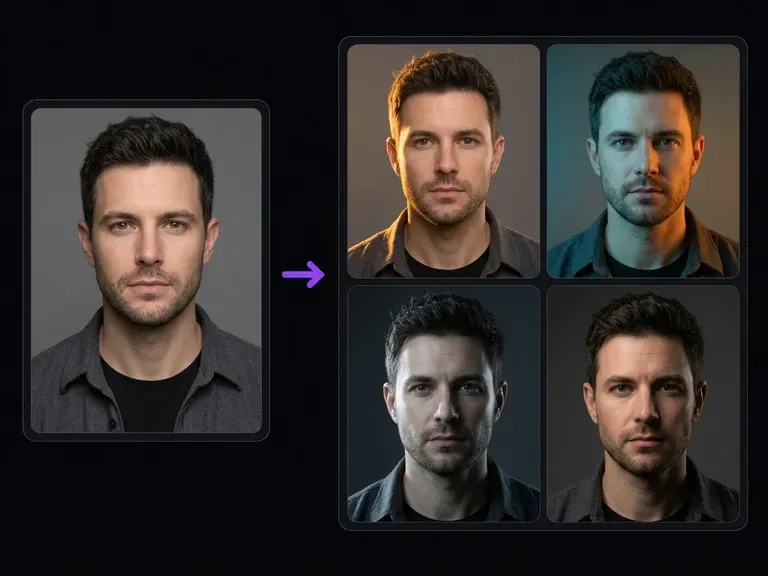
Lift dim shadowed interiors or blend golden directional warmth softly across freshly leveled exterior property and facade captures.
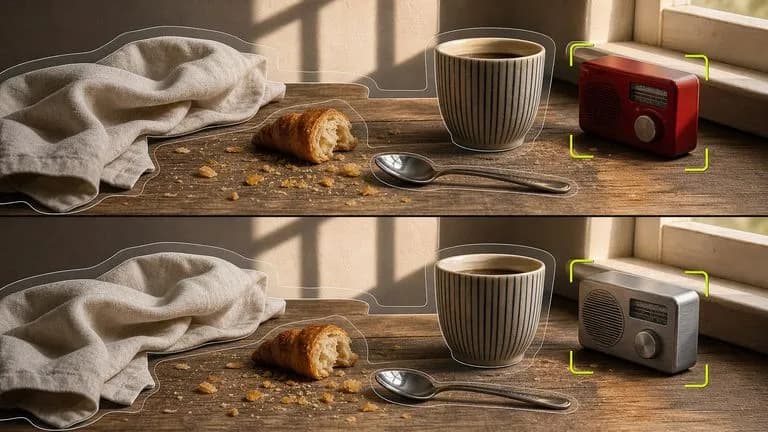
Lock onto reference brickwork, pier railings, and furniture contours reliably while leveling crooked frames and reconstructing subtle corner margins.

Preserve fine coastal foliage, roof slate shingles, and fine masonry grain across high-detail 4K straightened and margin-completed frames.

Follow detailed instructions naming exactly which arch, transom bar, or shelf serves as the upright axis and whether borders crop or fill.
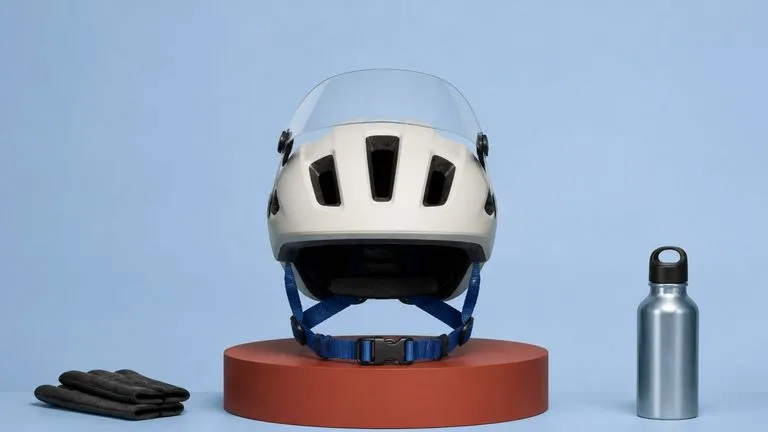
Synthesize natural sea swells, cloud wisps, and gravel texture across thin corner infill triangles without visible clone stamps.

Re-align complex outdoor harbor and busy street captures where colorful awnings or pedestrian crowds must stay visually coherent.
Test horizon tilt adjustments on starter 1K runs before committing extra credits toward full-resolution border reconstruction.
Upload any tilted handheld photograph, choose tight original pixel cropping or natural edge completion, and export a level composition ready to publish.