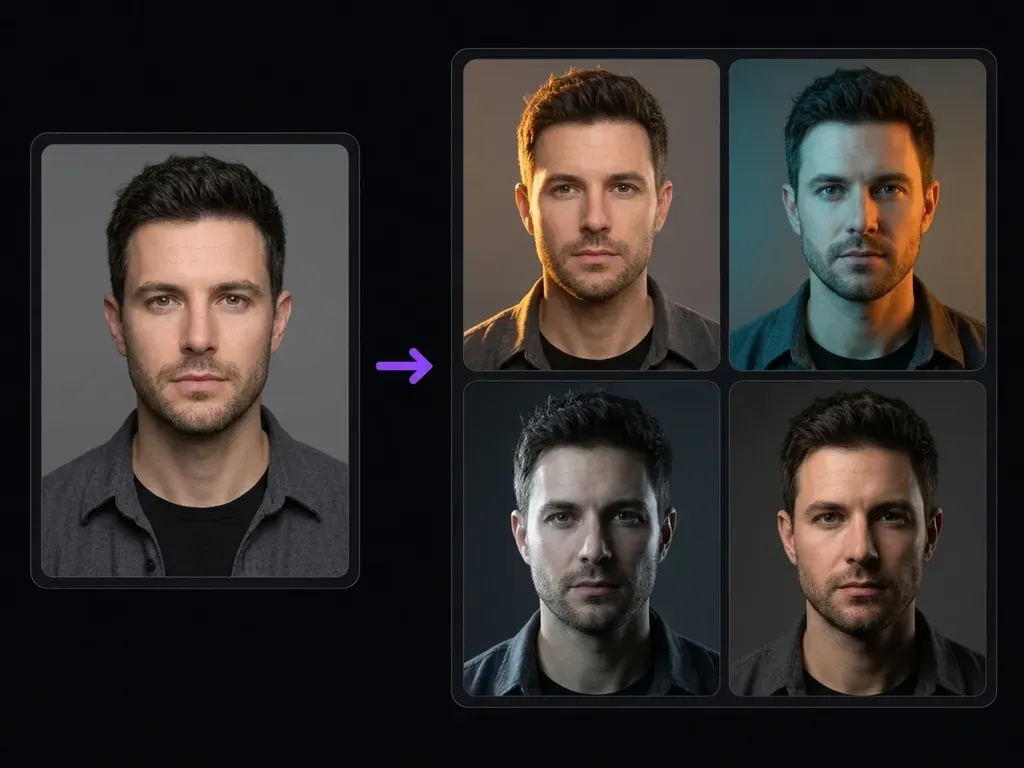
Light angle
Directional Key Angle and Warmth
Move main illumination from dull front fill to dramatic side key, backlit golden sunset, warm tungsten bedside light, or cool twilight in plain words.
Upload a portrait, product frame, or street scene that suffers from flat or harsh illumination, then state the new light angle, color warmth, and shadow mood you want. Using AI relight on the Virse workspace leaves subject geometry unchanged and places static lighting tests beside your source photo and optional reference frame.
AI relight (also searched as ai relighting) alters how illumination wraps across an existing photograph by redirecting key-light origin, color warmth, and cast shadows in one static frame. Upload a source file, write out your desired ambient direction or attach a light reference image, and preview studio or daylight setups directly alongside the unedited capture on the Virse canvas.
Global exposure sliders brighten or dim every tone evenly and often leave muddy shadow noise around cheeks and edges. Directional lighting notes pull three separate visual properties into agreement:
• Directional key and fill control: Shift flat on-camera flash toward three-quarter studio modeling, window side light, or warm rim separation behind shoulders.
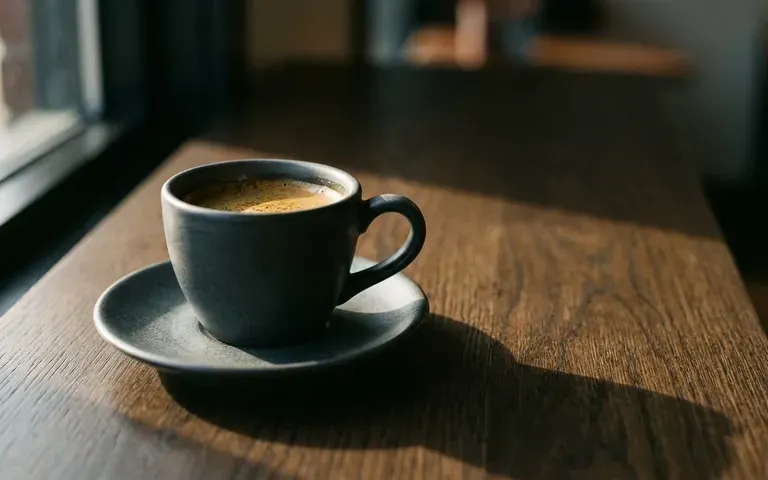
• Matched cast shadows and specular bounce: Realign surface highlights, table drop shadows, and reflection color warmth around existing scene geometry.
• Boundaries on lost shadow or highlight pixels: Details buried inside pure solid black or blown white clipping cannot be forensically recovered; outputs rebuild plausible tone transitions from visible context.
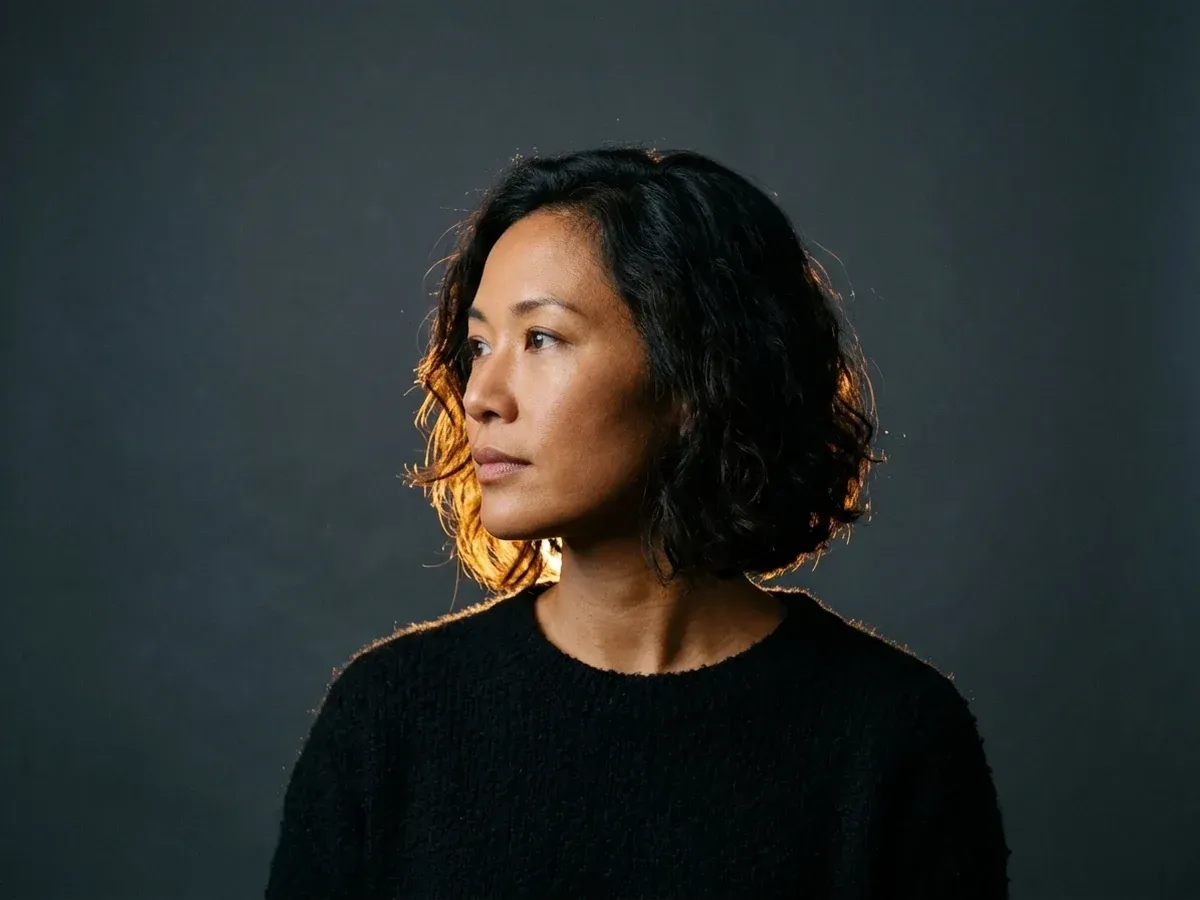
Practical ways portrait photographers, retail studios, and musicians test new light setups on a finished shot without re-booking studio gear.
Move main illumination from dull front fill to dramatic side key, backlit golden sunset, warm tungsten bedside light, or cool twilight in plain words.
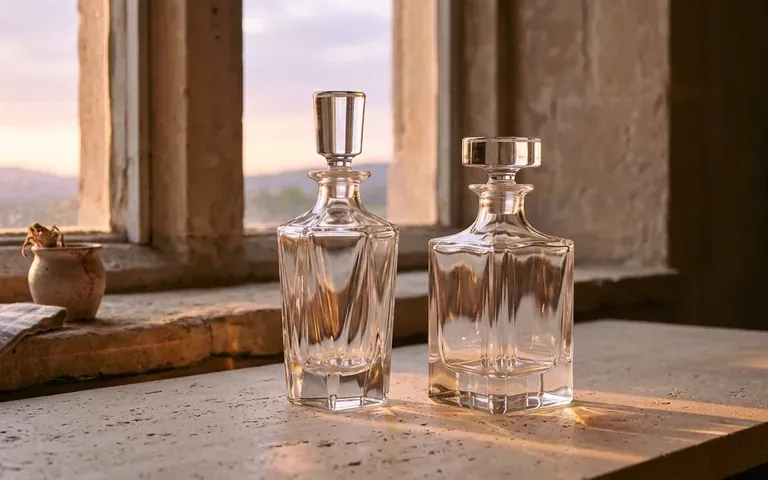
Supply an optional lighting reference alongside your primary upload so the model borrows that frame's color temperature, contrast curve, and highlight tone.
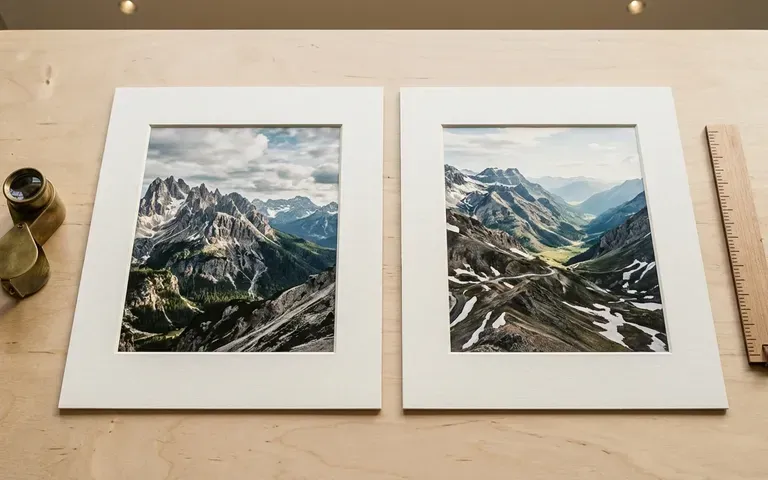
Keep your original image visible beside generated static variations on the workspace to inspect eye likeness, product labels, and cloth weave before export.
Why directional lighting prompts solve flat captures that simple contrast curves and exposure sliders cannot fix.
Standard Exposure and Contrast Sliders
Virse AI Relight
Select a JPG, PNG, or WebP portrait, object shot, or interior photo, and add an optional second frame showing your target light mood.
State where key illumination enters, note warm or cool color cast, set soft or hard shadow contrast, and name fine labels or details to preserve.
Trigger a relight run to generate an updated static version, or submit distinct angles separately when testing warm vs. cool setups.
Zoom in on eyes, jawline likeness, packaging copy, and wood or fabric texture beside the original image prior to saving the file.
Pairing one directional origin, one Kelvin mood cue, and one detail guardrail holds structure stable across AI relighting tests:
• Golden portrait rim rescue: "Cast warm late-afternoon amber rim light from behind the right shoulder, lift shadows gently across the eyes with soft warm fill, preserve hair strands and knit sweater weave."
• Sculpted stoneware product beam: "Apply narrow hard studio key light from upper left throwing long soft-edged shadow to the right, warm ivory glaze speculars, retain ceramic label lettering intact."
• Cloudy window tone shift: "Replace dull green fluorescent indoor glare with balanced cool overcast north-window light from the left, brighten porcelain plates, leave table oak texture as photographed."
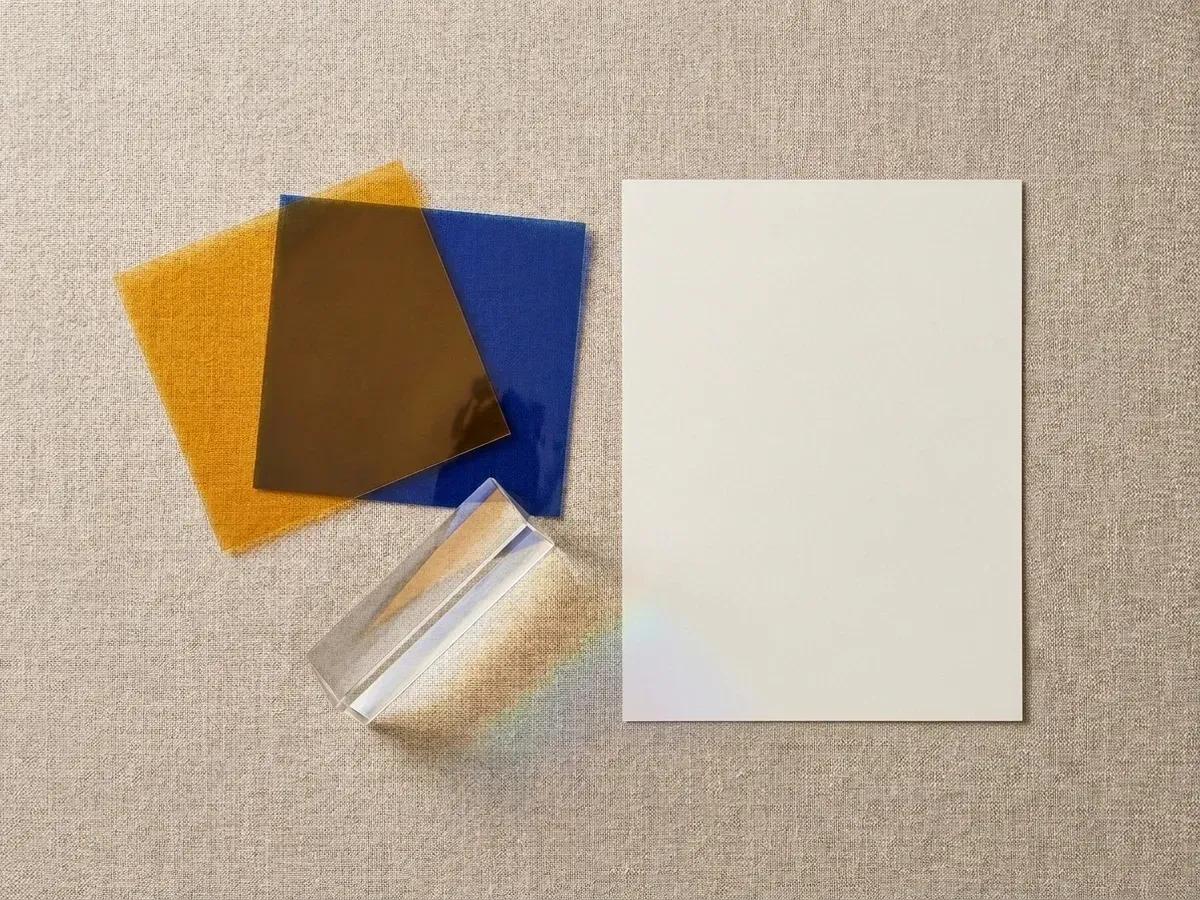
Four photo production roles rescuing poorly lit moments or evaluating creative mood concepts directly in a browser.
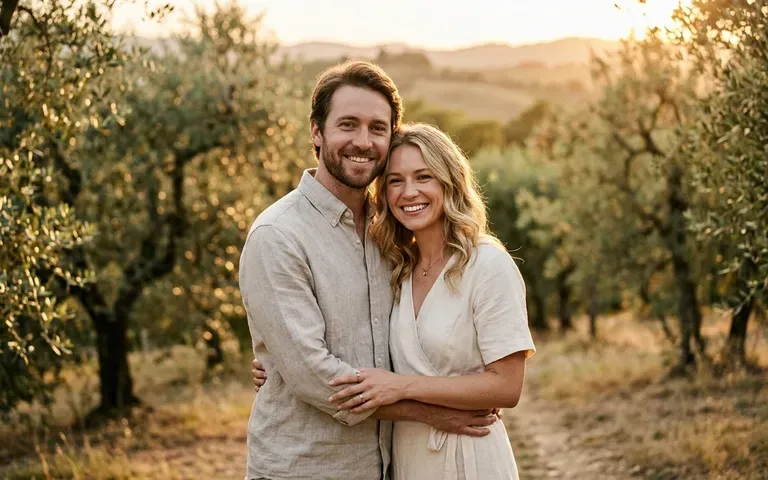
Lift dark backlit wedding and concert portraits so faces read warmly with balanced outdoor sky light and genuine expressions.
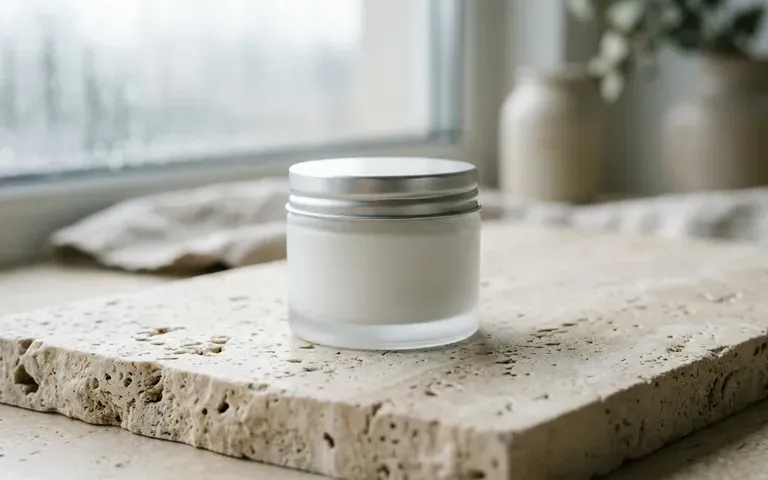
Test frosted jars, brushed steel bottles, and linen packaging across cool morning sun or sharp studio contrast without resetting lamps.
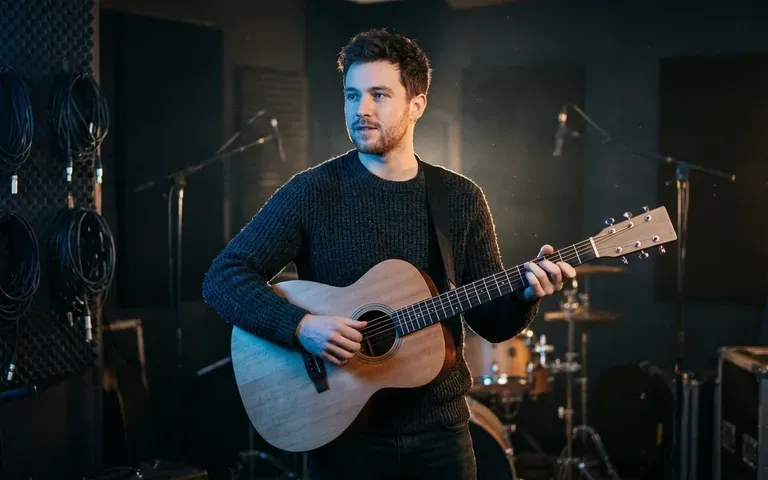
Turn casual rehearsal room photos into dramatic stage blue key light and warm amber halo glow built for single art and tour press packs.
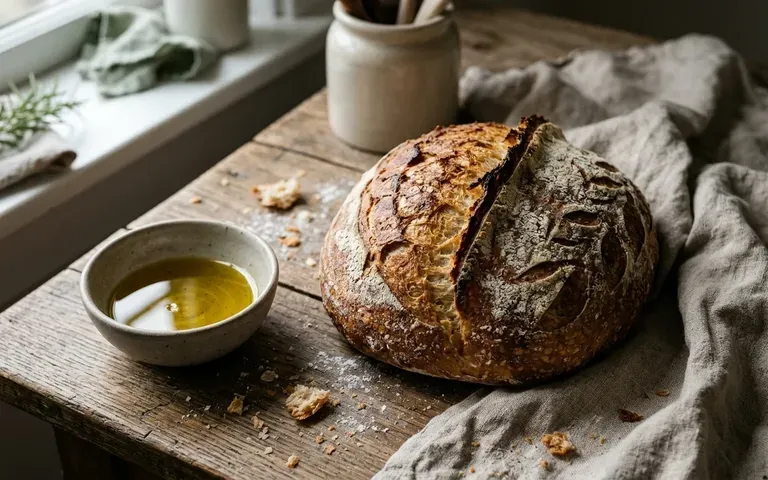
Replace muddy kitchen ceiling fixtures with angled morning window sunlight catching sourdough crust texture and glossy ceramic bowls.
Six static concept scenarios showing dusk neon streets, high-contrast studio glass, soft cloudy rooms, tungsten watches, and architectural beams.
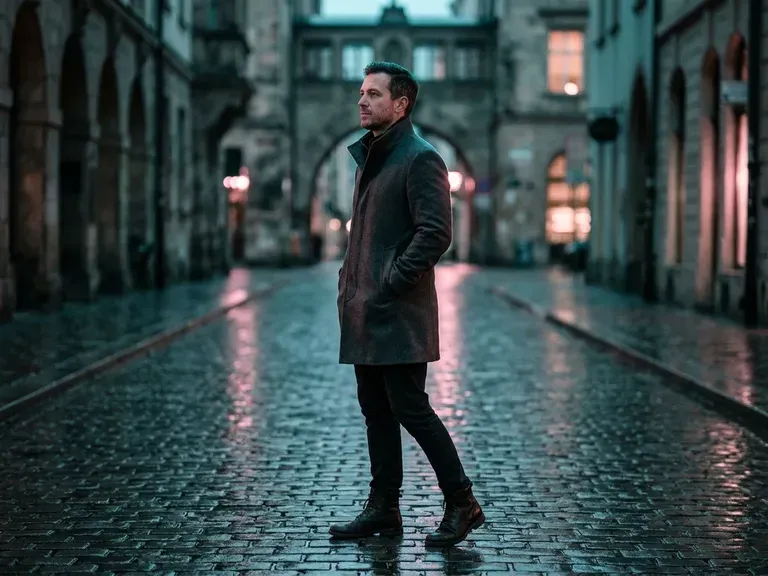
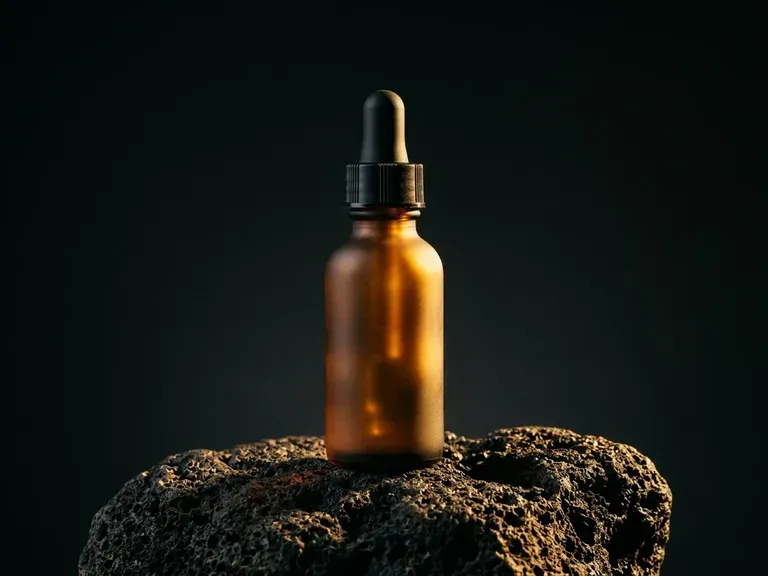
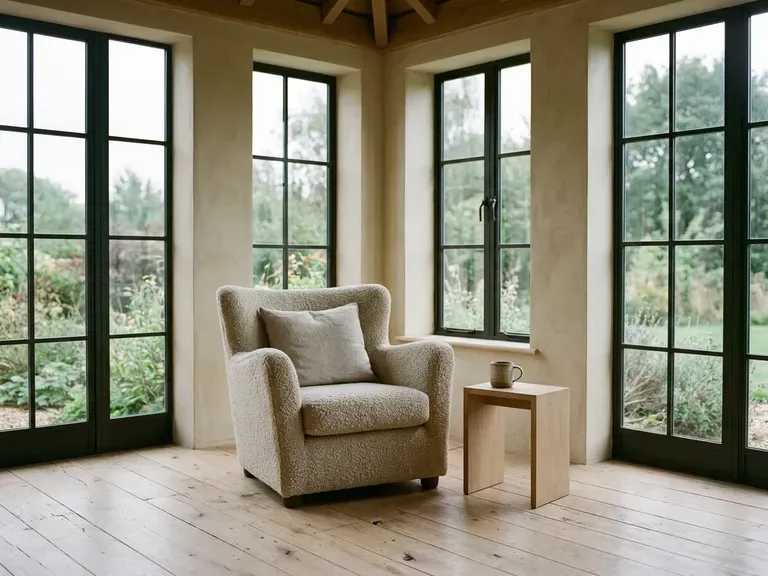
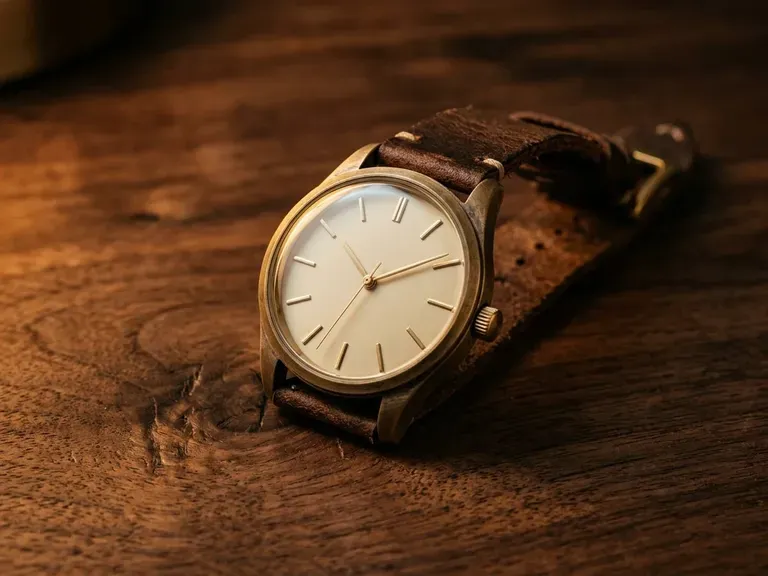
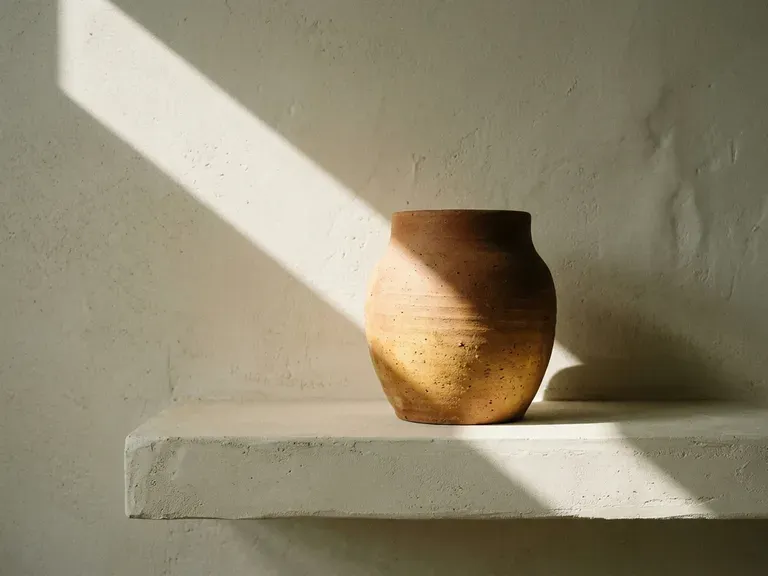
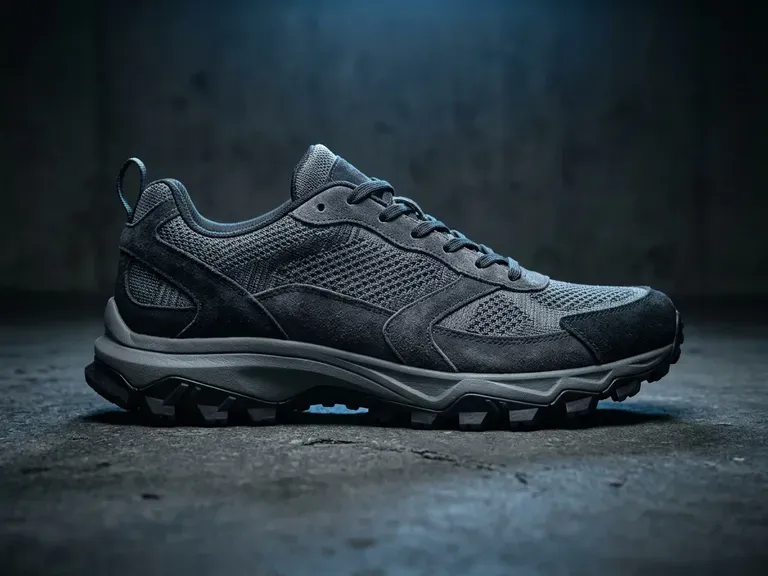
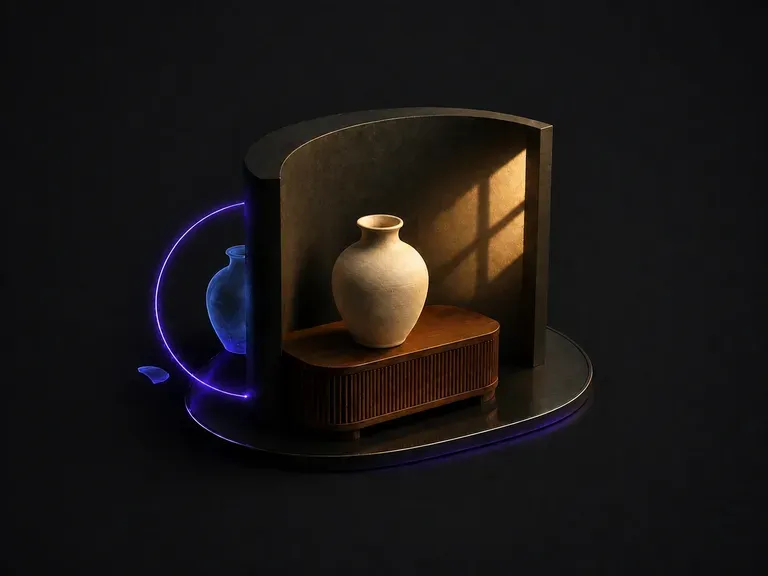
Fix clashing shadows and mismatched exposure inside multi-photo composites built from separate cutouts.
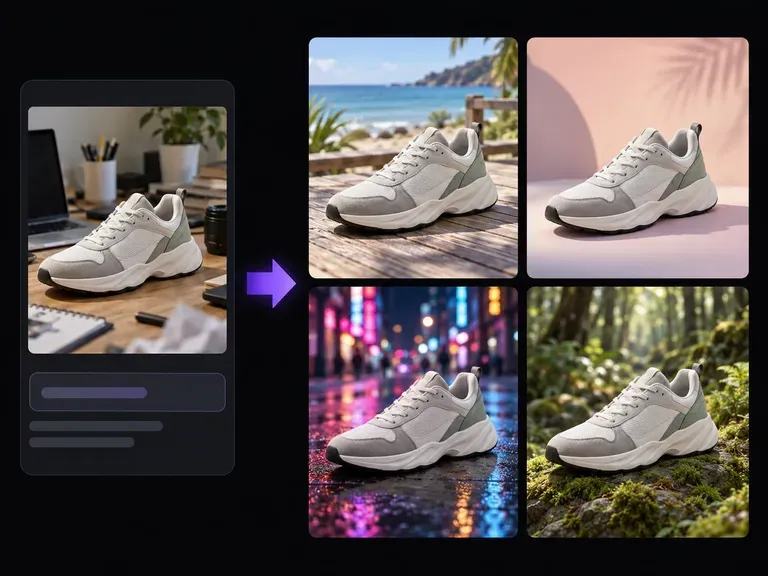
Swap behind-subject rooms or studio backdrops altogether whenever lighting edits alone cannot rescue the setting.
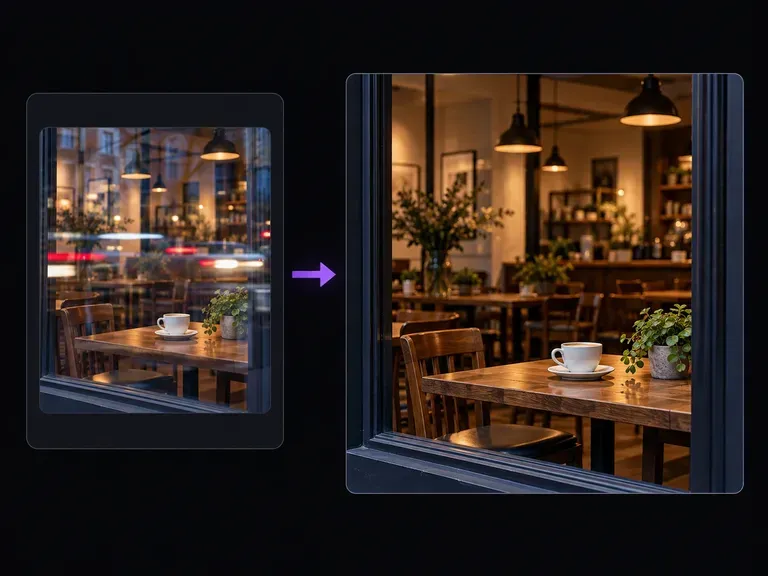
Soften distracting window glass reflections, eyeglass coating streaks, and bright outdoor sun flare across portraits.
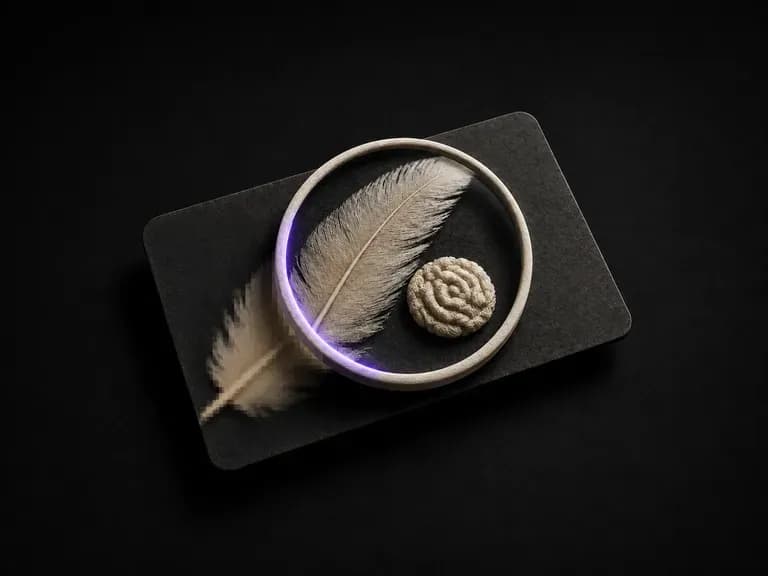
Restore edge sharpness and reduce shadow grain on dark source photos prior to color or lighting work.
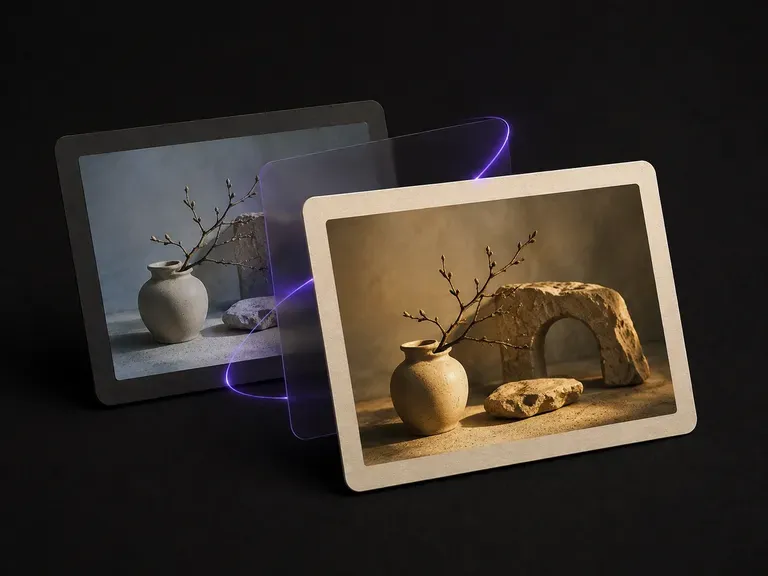
Match overall color palette and tonal distribution from a reference movie still onto any scene.
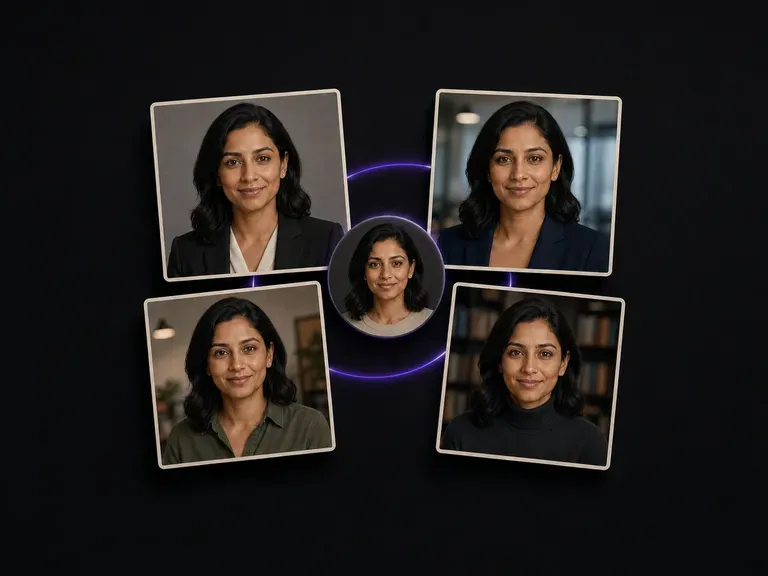
Build balanced corporate portraits from everyday camera shots when studio lighting is unavailable.
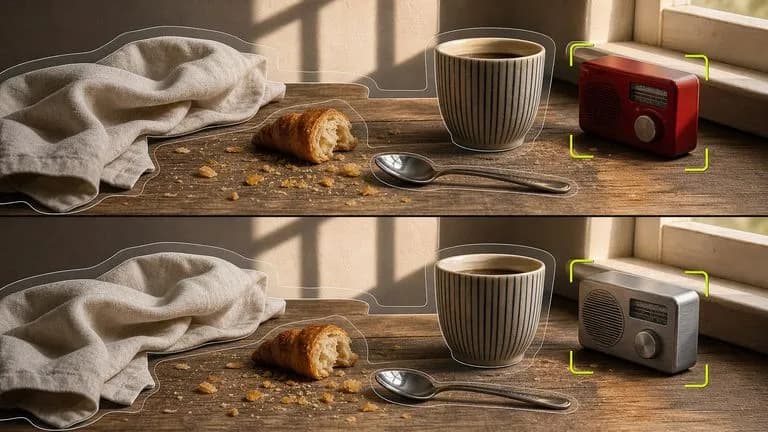
Modify light direction and ambient mood on uploaded scenes without pulling faces or foreground props out of alignment.
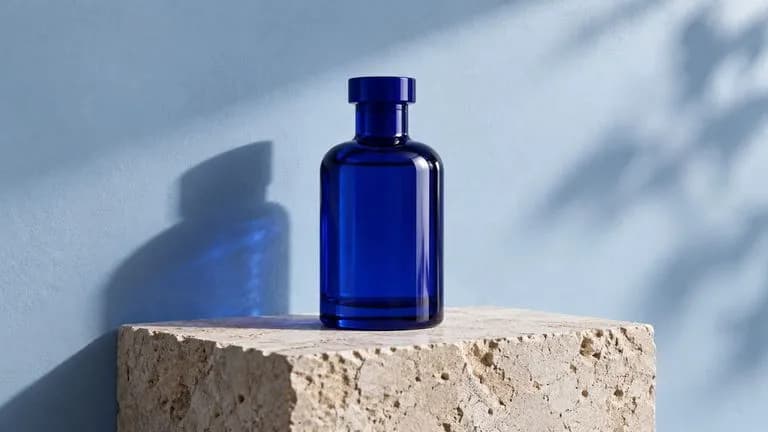
Render fine highlight rolloff on porcelain, matte skin pores, and stray hair strands up to 4K static clarity.

Parse explicit studio directions covering key position, Kelvin warmth, shadow edge sharpness, and protected packaging labels.
Hold natural skin tones and believable iris catchlights steady during low-key sunset or dusk shifts.

Explore dramatic editorial contrast, colored storefront neon reflections, and golden backlit rim glow together.
Sketch quick lighting direction tests before spending time on detailed final high-resolution runs.
Upload any uneven portrait or flat product shot, describe your light angle and color temperature, and review static AI relight concepts side by side.