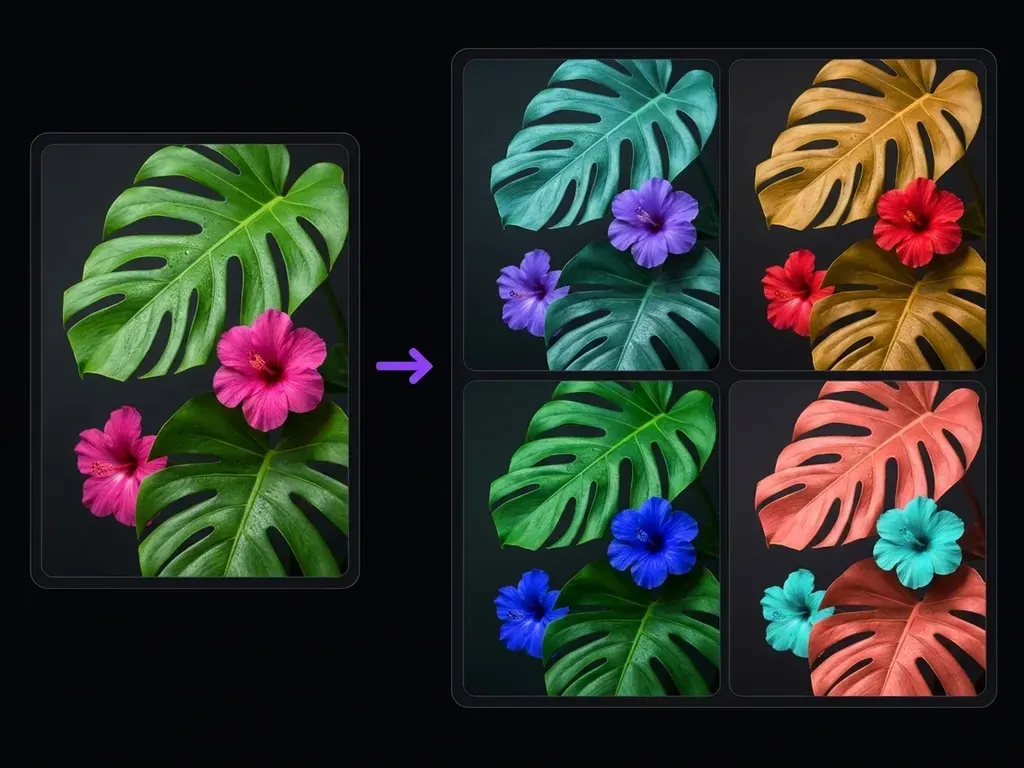

Contrast lock
Value and Luminance Preservation
Keep deep shadows, midtone falloff, and bright highlight rolloff faithful to your source image even when opposing hue families trade places.
Upload a digital photograph or artwork file, specify the hue rotation direction across the whole image or one color family, and generate balanced color-shifted passes inside Virse. Using this hue changer avoids flat single-slider filters and places static palette tests directly next to your original upload.
An image hue changer rotates colors across an entire picture or shifts one named hue family while holding original brightness, shadow depth, and scene structure steady. Upload your static photograph or artwork file, describe the palette shift or mood direction in plain English, and line color-shifted variants beside your source capture on the Virse workspace without desktop grading apps.
Mechanical 360-degree hue wheels push every pixel mathematically around the circle. That causes harsh neon "hue folds" in glowing signs and turns human cheeks green or purple. Plain-text guidance steers photo hue edits across three dimensions:
• Global palette or single-family scope: Rotate the mood of a whole still frame or restrict movement to foliage greens, twilight skies, or neon washes.
• Stable luminance and contrast curves: Hold deep ink shadows, specular catchlights, and matte ceramic texture intact while hues shift across the spectrum.
• Clear non-slider workflow boundaries: Expect no draggable 360-degree wheel, HSL layer stack, or ICC/CMYK print export, and check human skin tones closely after shifting.
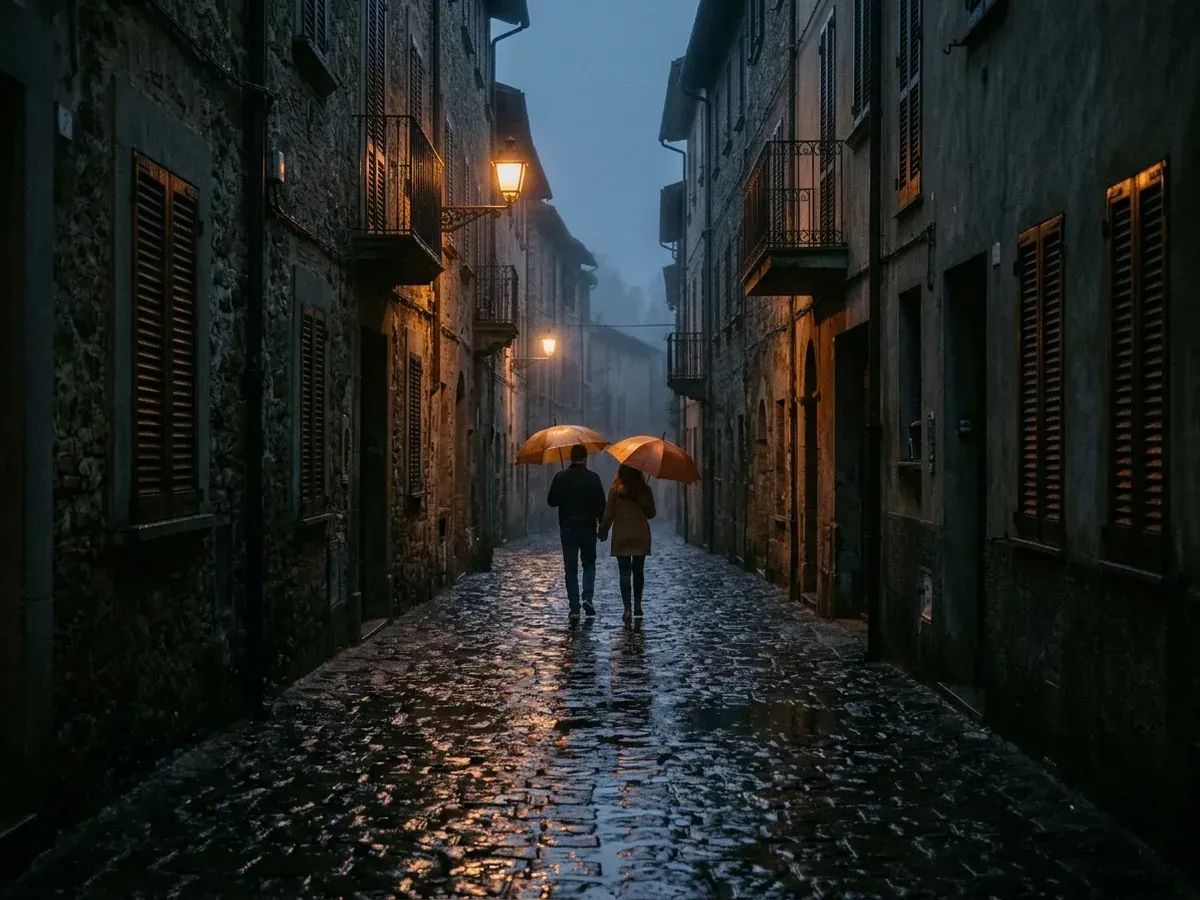
Built for designers, illustrators, and photographers auditioning alternate color directions on finished renders or location captures.
Keep deep shadows, midtone falloff, and bright highlight rolloff faithful to your source image even when opposing hue families trade places.
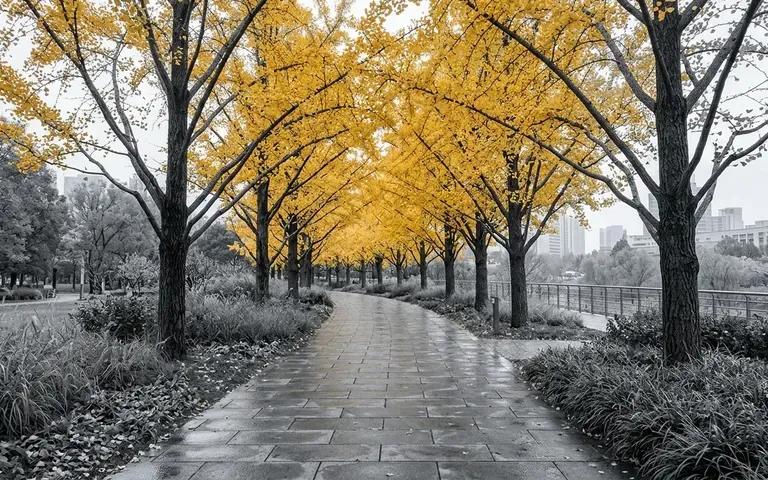
Shift park ginkgo greens toward autumn gold or flip bright violet backdrops to warm coral without pulling neighboring stone grey or sky tones off track.
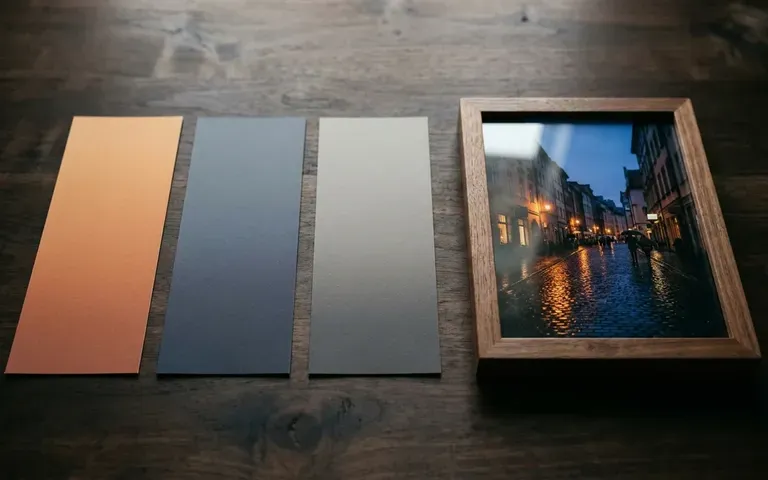
Lay two or three rotated palette candidates next to the unedited file on the Virse canvas to spot skin distortion or highlight clipping before export.
Plain-text palette directions prevent banded neon hue folds and off-tone skin far better than global rotation sliders.
Mechanical 360-Degree Hue Sliders
Virse AI Image Hue Changer
Drop a high-resolution JPG, PNG, or WebP photograph, poster layout, or painted illustration onto the workspace panel.
Write whether the entire frame moves warm or cool, or limit the change to greens, cyans, or violets while protecting skin and whites.
Generate separate static options when auditing warm golden shifts versus deep moody teal palettes so comparisons line up side by side.
Zoom onto human complexions, bright paper highlights, cloudy skies, and neutral stone surfaces to verify hues drifted smoothly without artifacts.
Stating both the rotating hue family and any protected neutral or skin regions produces reliable color shifts. Use these three formulas to change hue of image files:
• Summer greens to autumn: "Shift every leafy green tone on the forest trail toward rich autumn ochre and burnt copper; keep weathered grey boulders and cool sky fixed."
• Neon dusk palette flip: "Rotate electric cyan street reflections and storefront neon toward warm tangerine amber; leave dark wet asphalt and architectural details intact."
• Poster artwork warmth shift: "Shift the cool violet backdrop gradient toward warm sunlit coral and maintain geometric cream accents, flat margins, and paper grain."
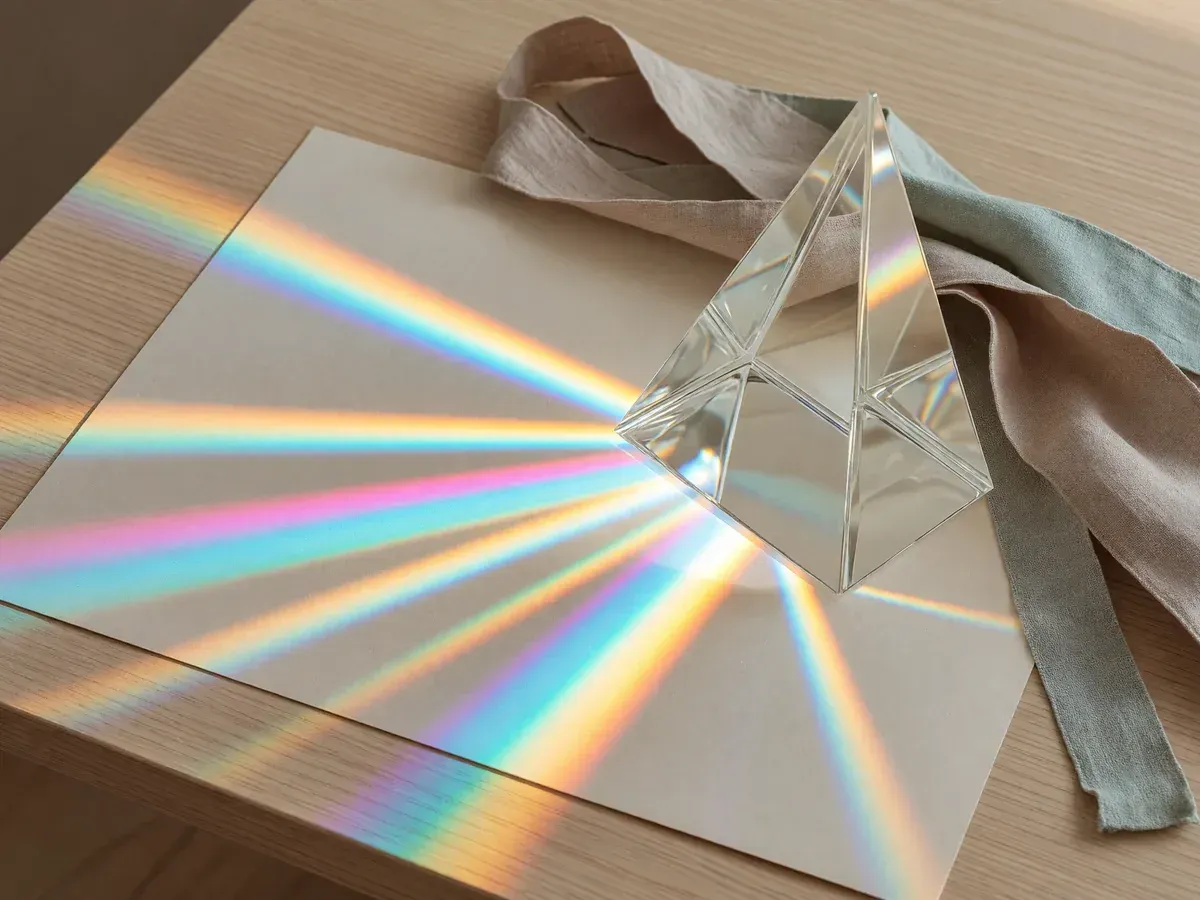
Four creative workflows cycling image palettes without opening desktop grading software or building custom HSL mask nodes.
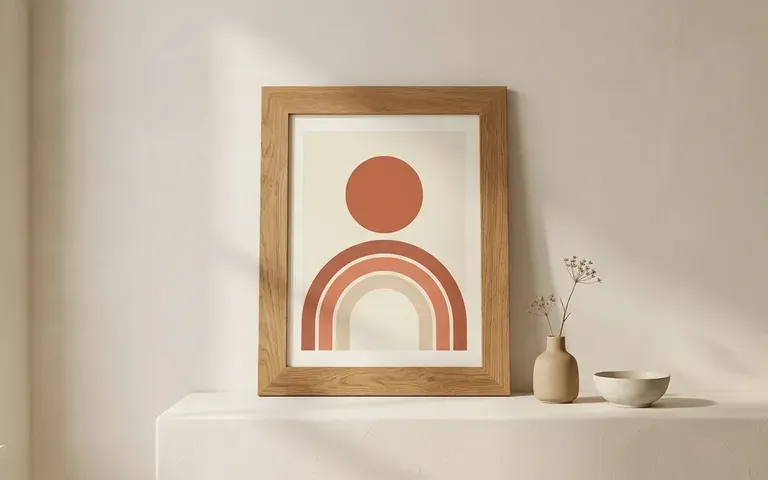
Explore seasonal or daytime color spins across finished geometric prints and splash screens without repainting fills layer by layer.
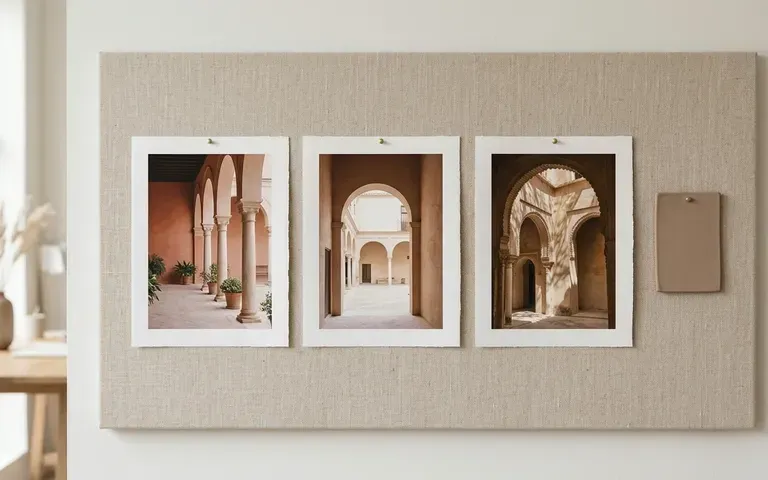
Unify clashing architectural locations or studio frames toward one shared editorial palette before pitching lookbooks to clients.
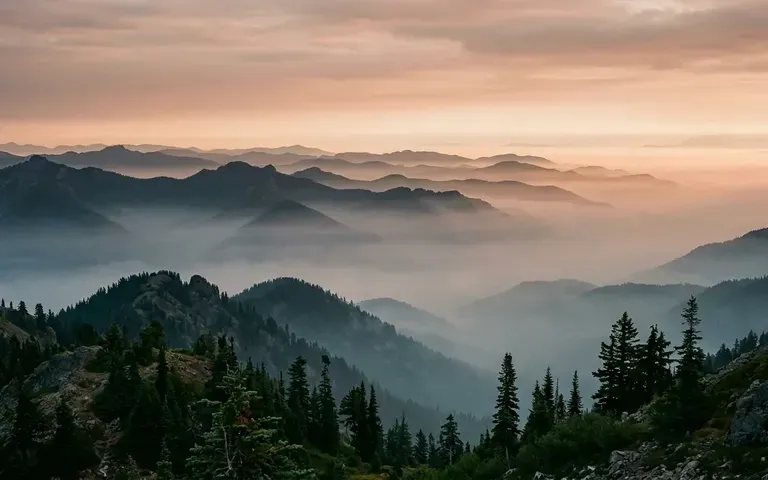
Turn cold midday alpine mist or heavy blue haze into understated copper morning tones during fast visual prep.
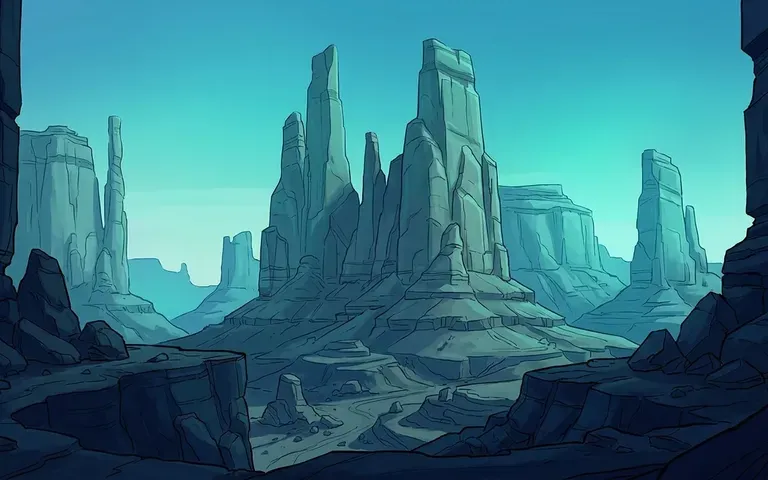
Test canyon turquoise, mineral green, or neon dusk shifts across painted environment thumbnails directly inside one web workspace.
Six chromatic shift studies spanning night diners, botanical fronds, ceramic glazes, coastal horizons, graphic prints, and desert ridges.
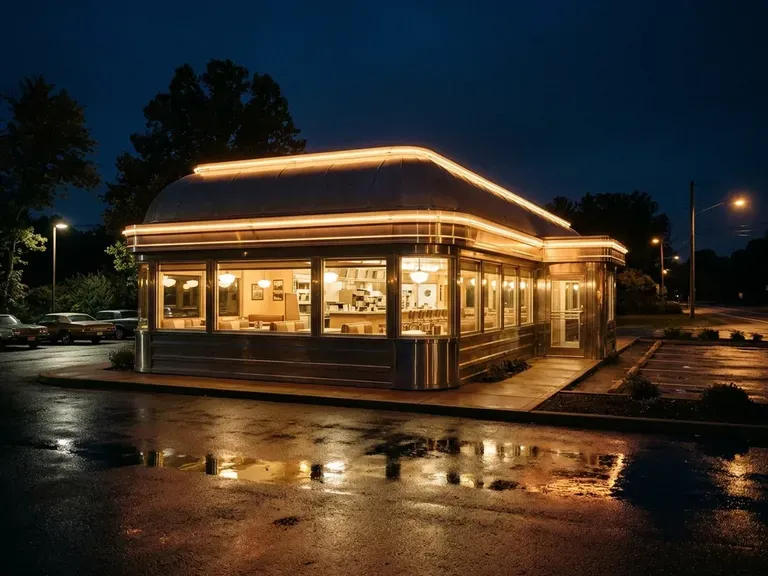
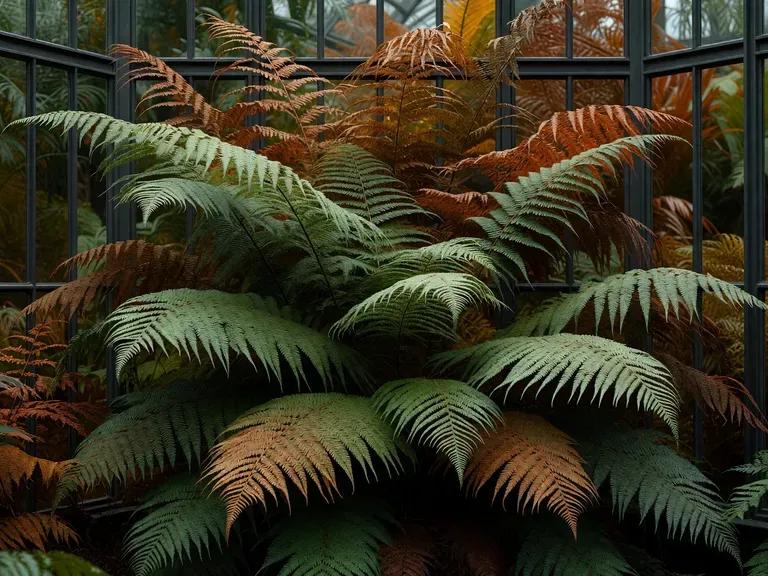
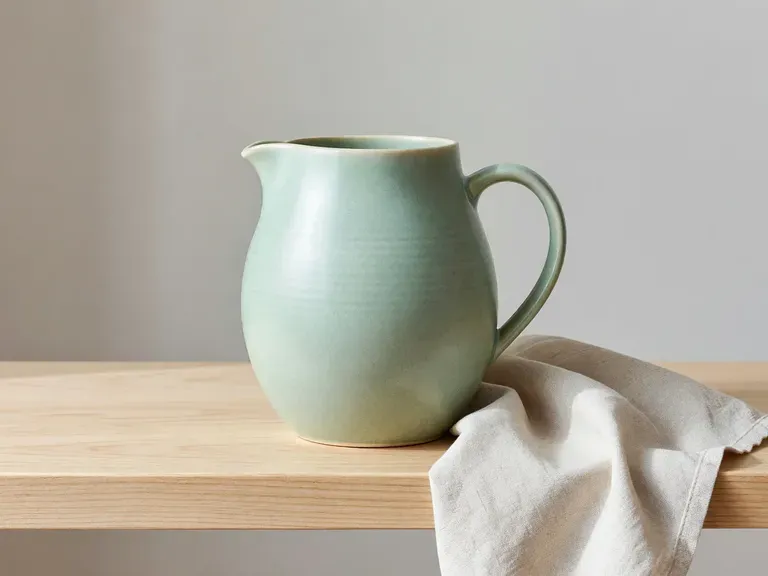
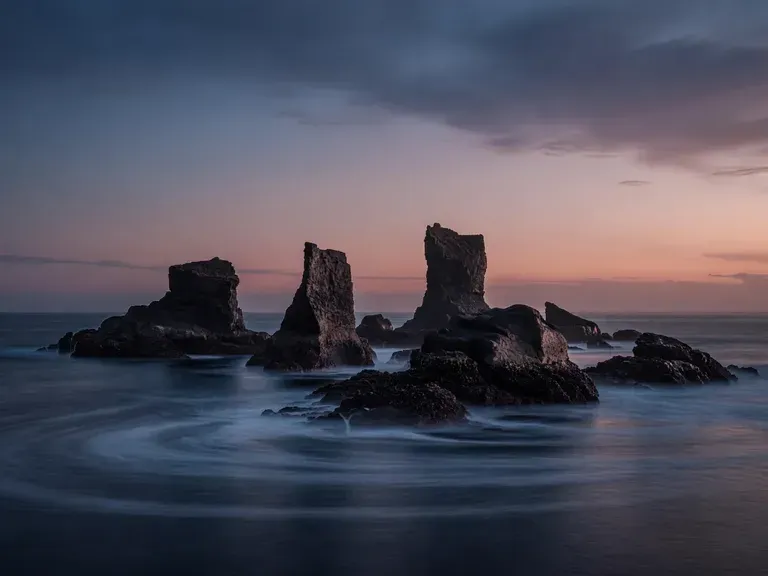
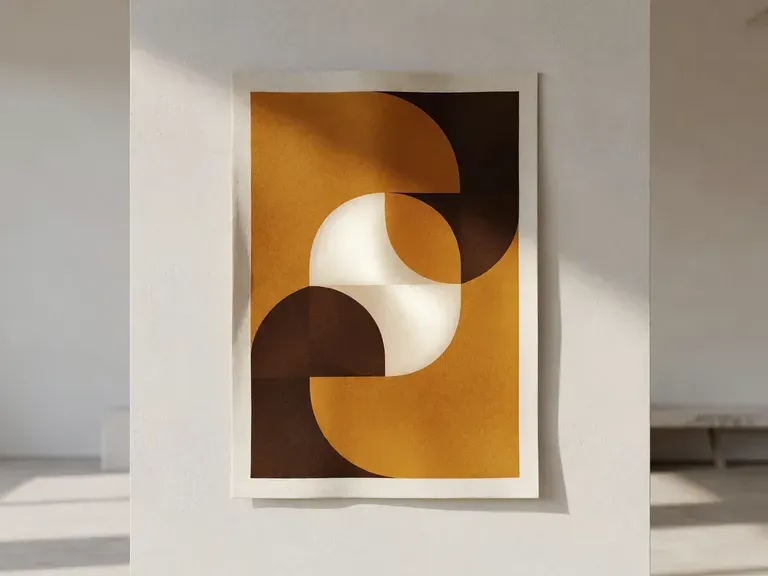

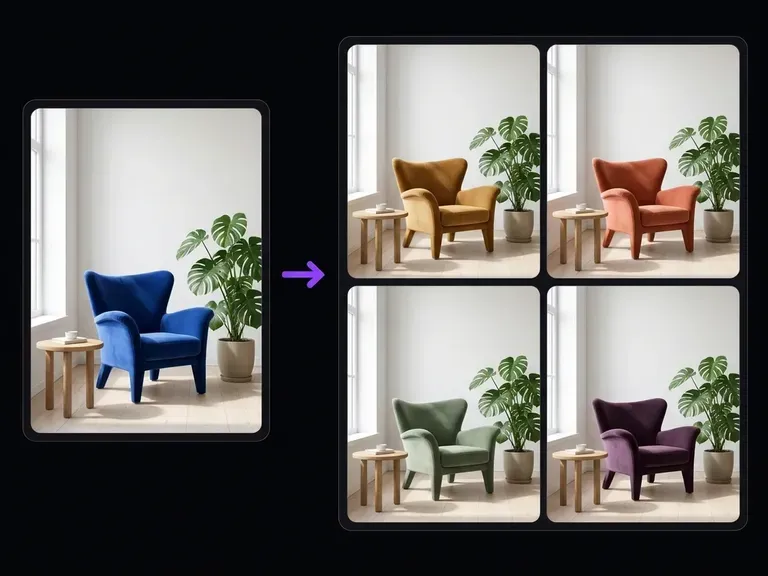
Swap just one named object shade inside a photo while aiming to keep unrelated props and wall tones steady.
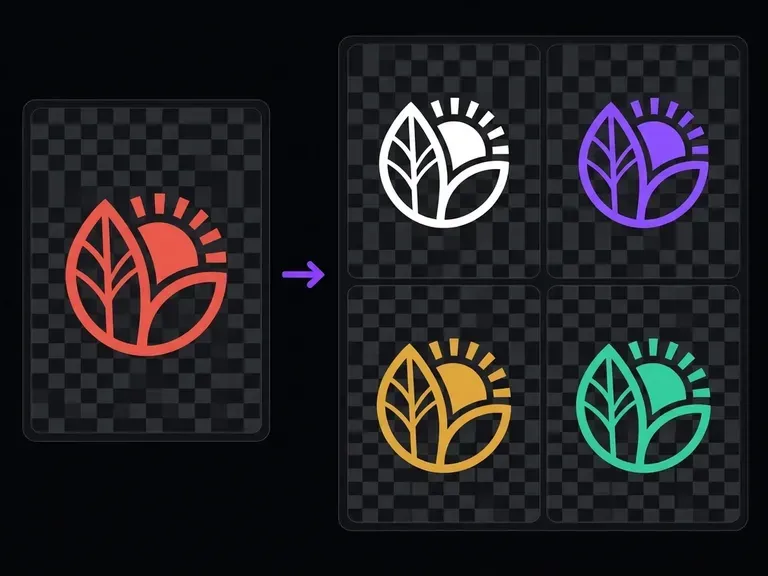
Shift ink fills on flat PNG stickers, web icons, and brand badges without opening dedicated vector design tools.
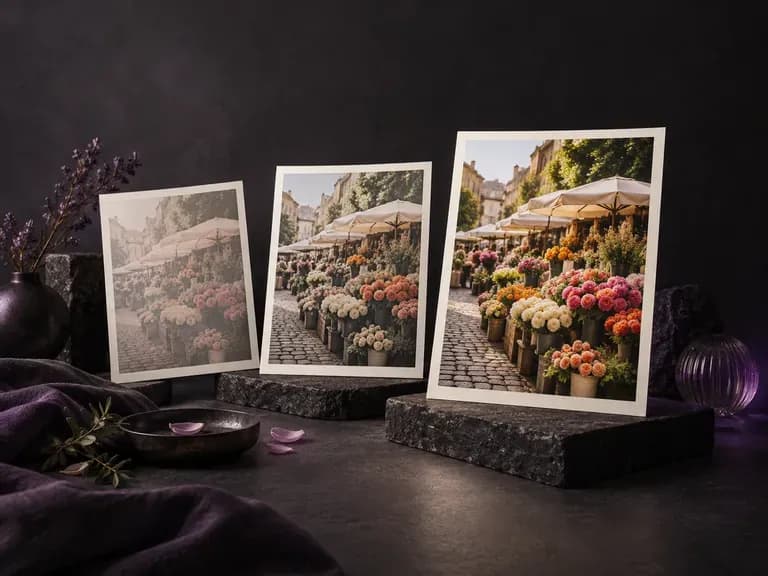
Dial color richness up or mute bright highlights whenever overall hue balance already sits where needed.
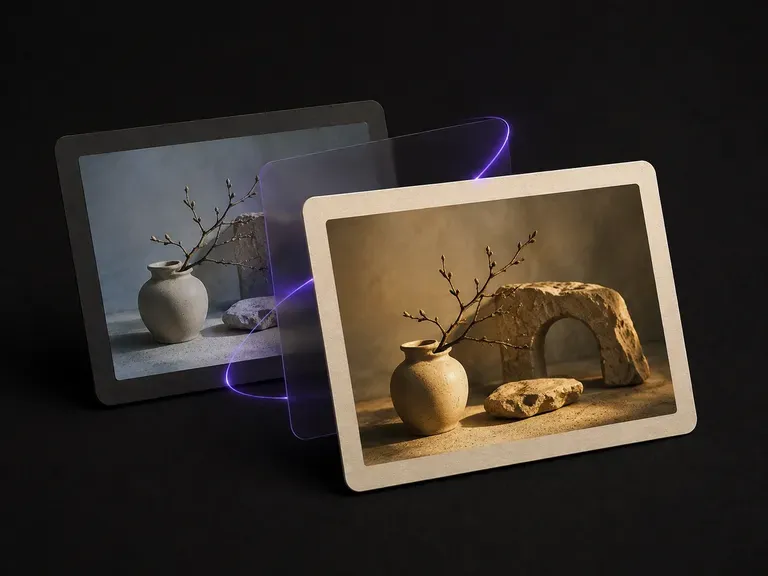
Pull overall color harmony and film mood directly from an uploaded movie still or secondary reference photo.
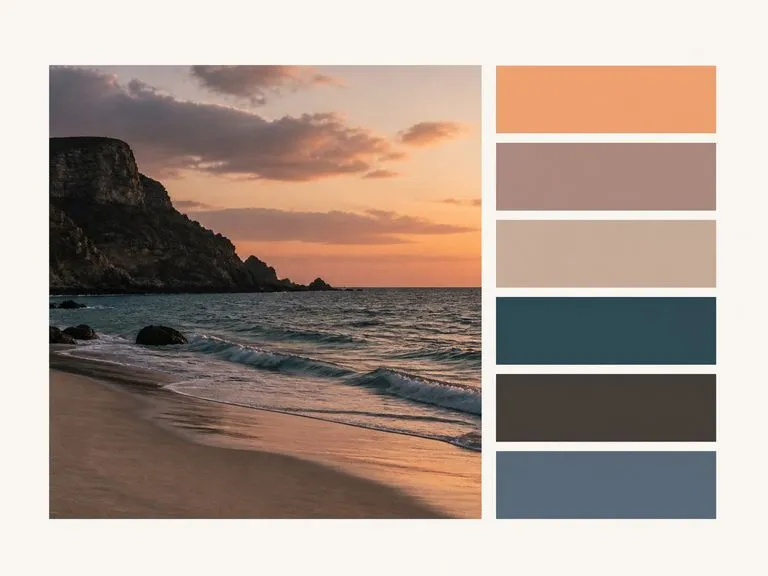
Sample 4, 6, or 8 dominant HEX swatches from inspiration photography to guide accurate hue shift prompts.
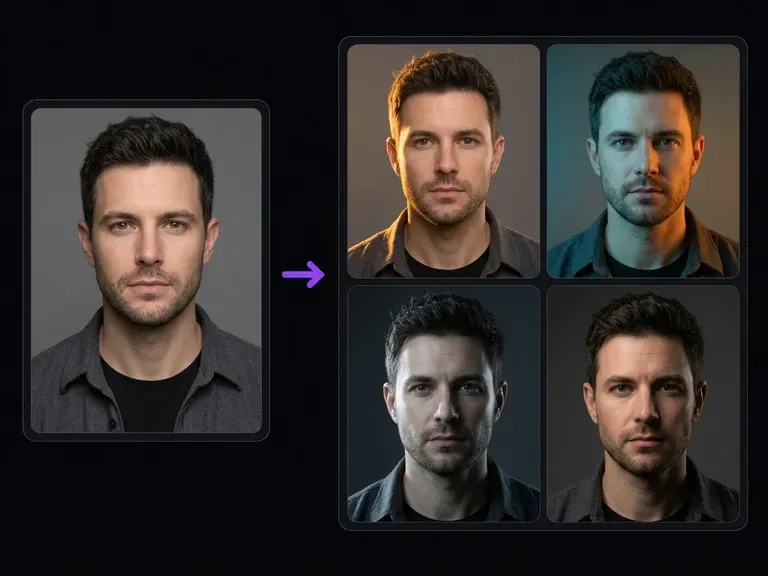
Move key lighting direction and Kelvin warmth across three-dimensional faces or rooms instead of rotating hue families alone.
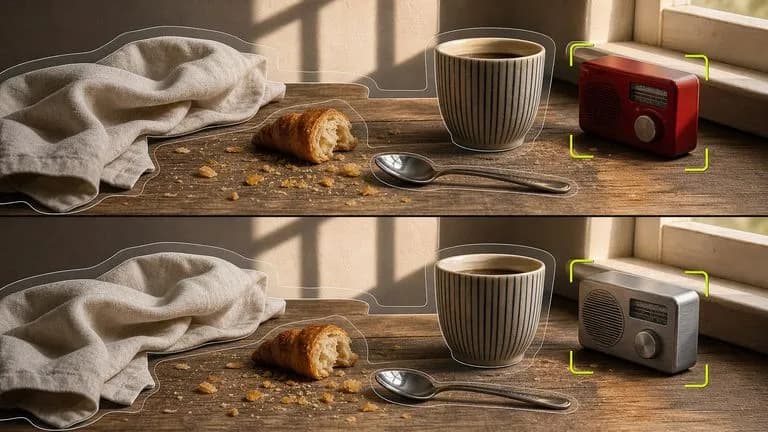
Hold building silhouettes, facial landmarks, and surface details firmly while shifting targeted palette hues.
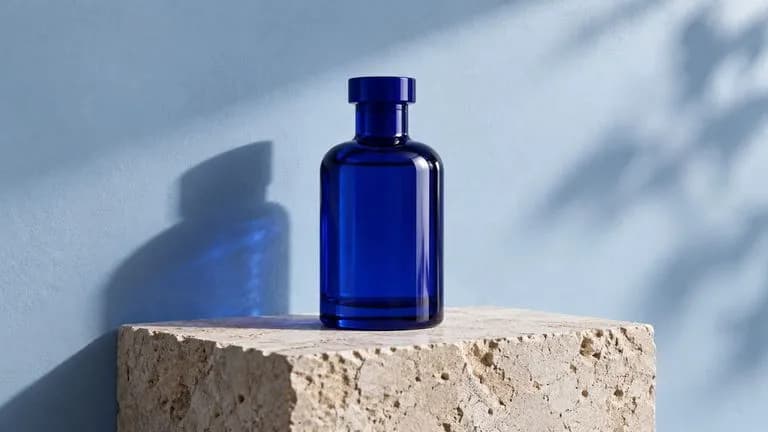
Deliver smooth 4K tonal gradations across illuminated storefronts, layered tree foliage, and glazed ceramics without jagged edge color steps.

Parse layered instructions separating protected neutral whites and skin from background hue rotation zones.
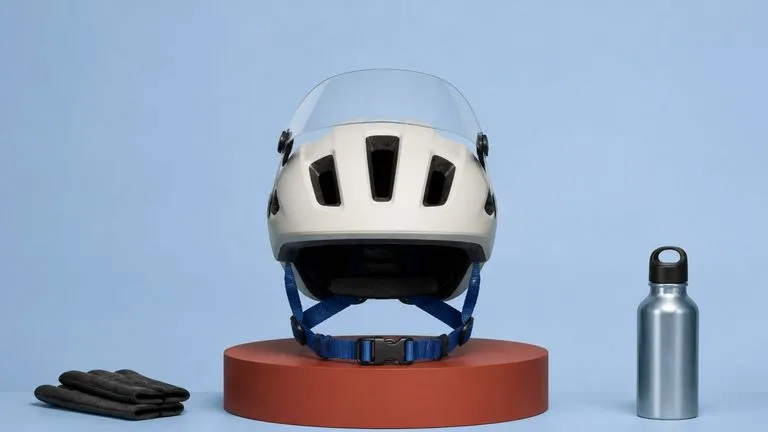
Balance warm transitions across leaves, sky haze, and stone masonry under cohesive color directions.

Push bold creative palette shifts across poster artwork, concept environments, and stylized neon photography.
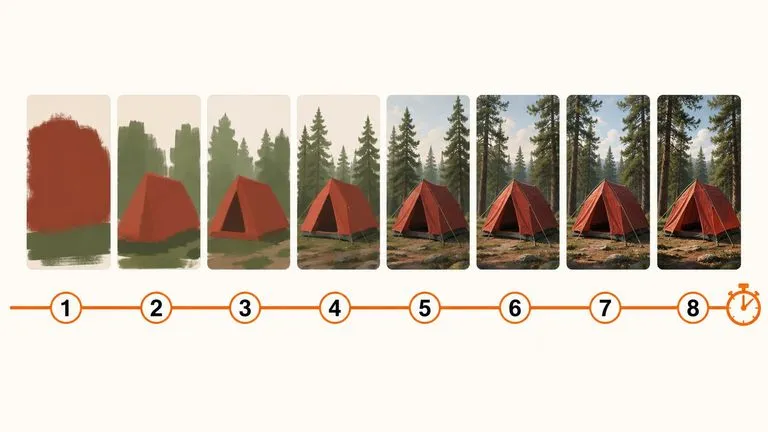
Sketch quick warm-versus-cool hue ideas rapidly before spending extra compute on high-detail final images.
Open a photograph or graphic art file on Virse, steer global warmth or one specific hue range, and inspect tonal balance right beside your original.