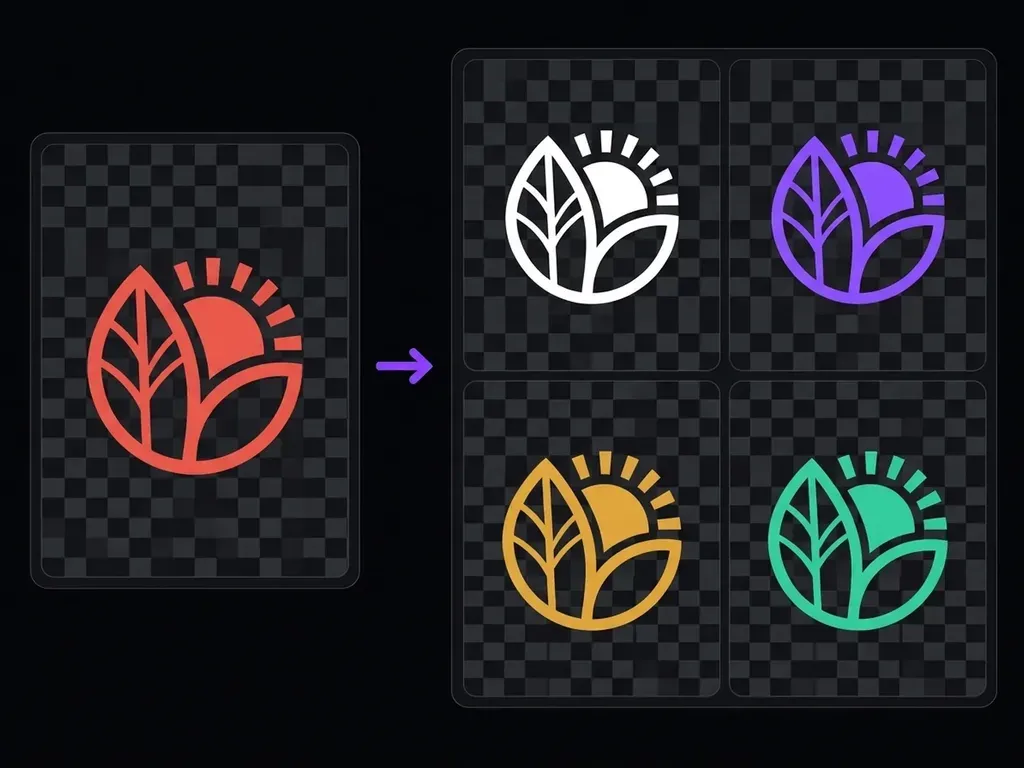
Contour grip
Edge-Conscious Graphic Recoloring
Shift stubborn monochrome dark icons or colorful illustrations into fresh shades while rounded curves stay sharp against isolated grounds.
Drop an isolated PNG icon, emblem, or sticker cutout onto the canvas, describe the replacement hues for each shape, and generate static raster variants inside Virse. Using our PNG color changer preserves bold contours without opening vector editors and lets you stack colorway candidates side by side before export.
A PNG color changer swaps fills, strokes, and layered tones inside raster icons, badges, and die-cut stickers when original editable source files are missing. Upload an isolated PNG cutout, write out the target shades you want on each element, and inspect recolored static versions beside your original graphic on the Virse workspace before dropping assets into slides or UI layouts.
Standard browser converters flood neighboring RGB values flatly. They often paint jagged fringes along rounded curves or flatten internal shading gradients into one block. Text-guided recoloring approaches a raster PNG graphic along three points:
• Targeted shape-by-shape color shifts: Ask to change only the main badge fill or outer outline ring without muddying internal shadows inside detailed stickers.
• Palette variants from dark UI to merch: Test off-white icons for dark navigation bars or warm earth palettes for craft labels in separate runs.
• Clear raster and transparency boundaries: Exports stay flat raster images rather than editable SVG vectors, so inspect alpha edges, fine stroke weight, and exact shade accuracy rather than expecting calibrated HEX or Pantone print specs.
Focused tools built for slide designers, interface builders, and print sellers working from flattened image downloads.
Shift stubborn monochrome dark icons or colorful illustrations into fresh shades while rounded curves stay sharp against isolated grounds.
Change one background badge fill to deep olive and push inner stars or botanical leaves to burnt coral instead of washing everything into one flat ink.
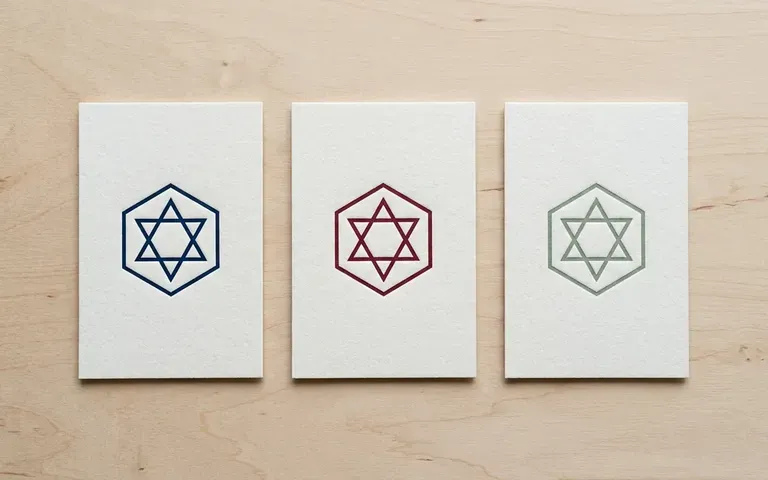
Hold your original graphic right beside two or three alternate color passes on the canvas to check small linework before exporting files.
Separating foreground fills from outline ink avoids halo fringes across anti-aliased icons, subtle bevels, and layered stickers.
Pixel-Threshold PNG Tools
Virse AI PNG Color Changer
Load a high-resolution PNG icon, badge, mascot, or sticker cutout so outer silhouettes and inner shape borders stay unmistakable.
List which regions shift, describe target finishes like matte cream or burnt orange, and note any black outlines or shadows to keep.
Run a separate pass per colorway so seasonal palettes or light and dark theme icons stack neatly across your workspace grid.
Inspect curved silhouettes, hairlines, small lettering, and background transparency beside the original PNG before saving out final files.
Each example pairs one target graphic part with an explicit finish so fine ink lines do not melt into solid fills when you change png color assets:
• Dark-mode icon invert: "Recolor all matte black linework inside this UI navigation icon to soft warm off-white; hold thin stroke clarity and sharp isolated borders."
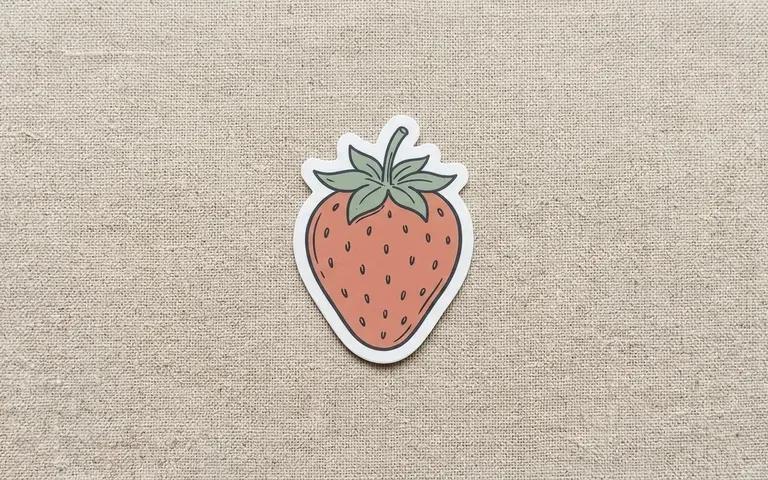
• Etsy die-cut sticker palette: "Shift the bright red strawberry sticker body to dusty coral, turn cap leaves sage green, and leave black ink contours unblurred."
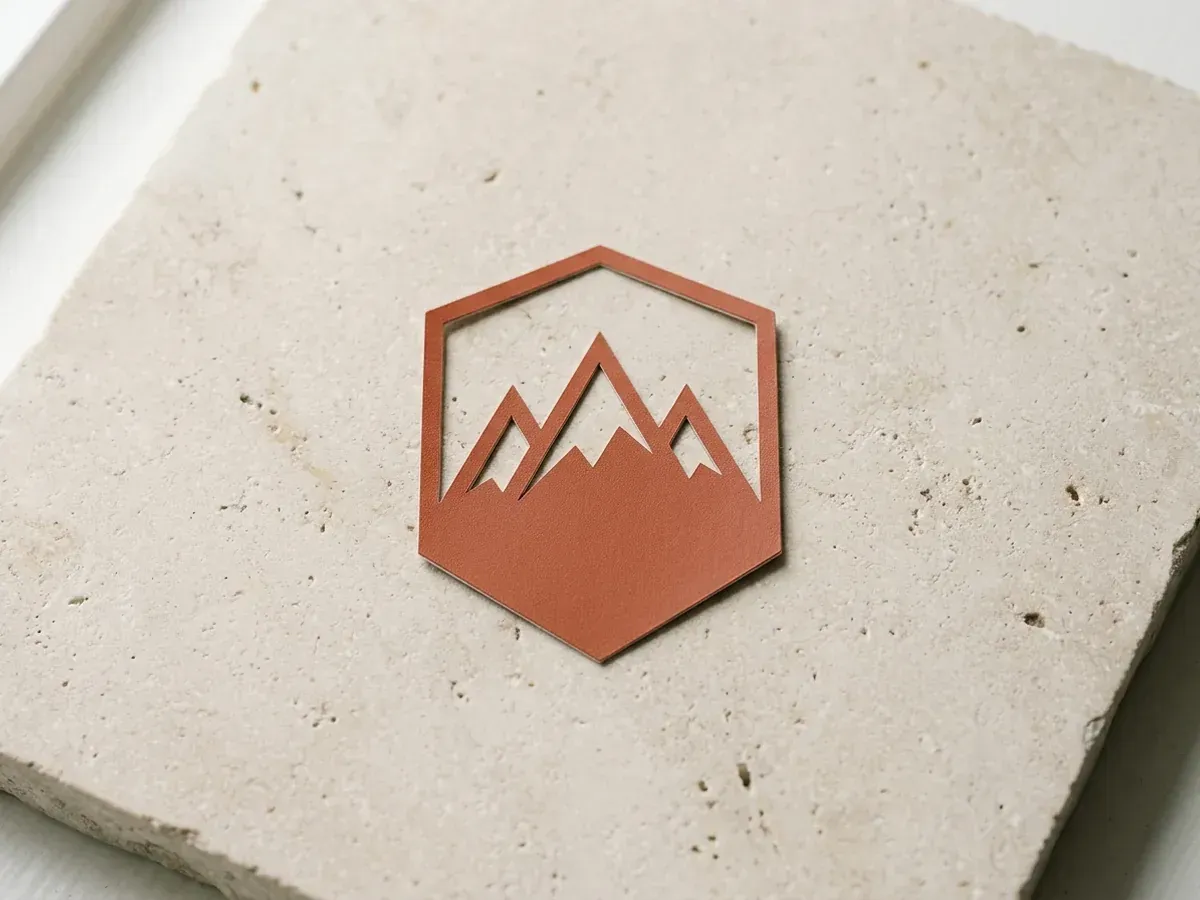
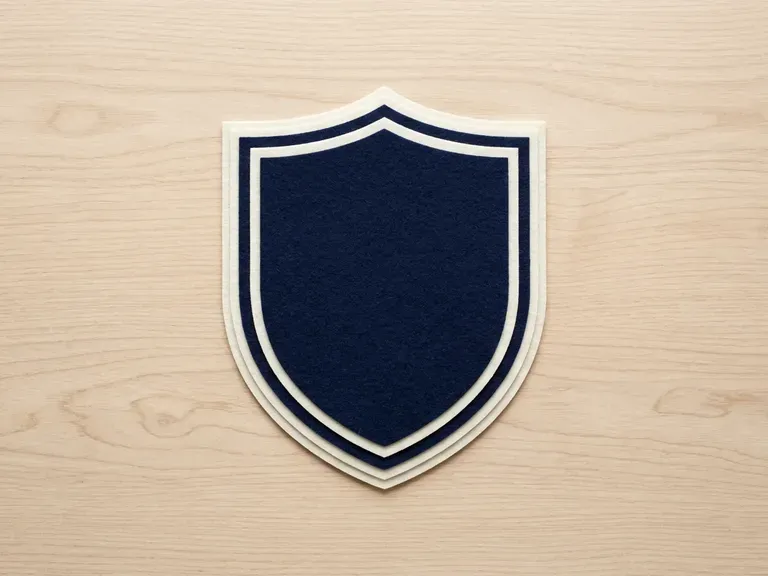
• Two-tone crest badge swap: "Change the shield background color from royal blue to deep pine green and shift inner ribbon shapes to muted champagne gold, matte print look."
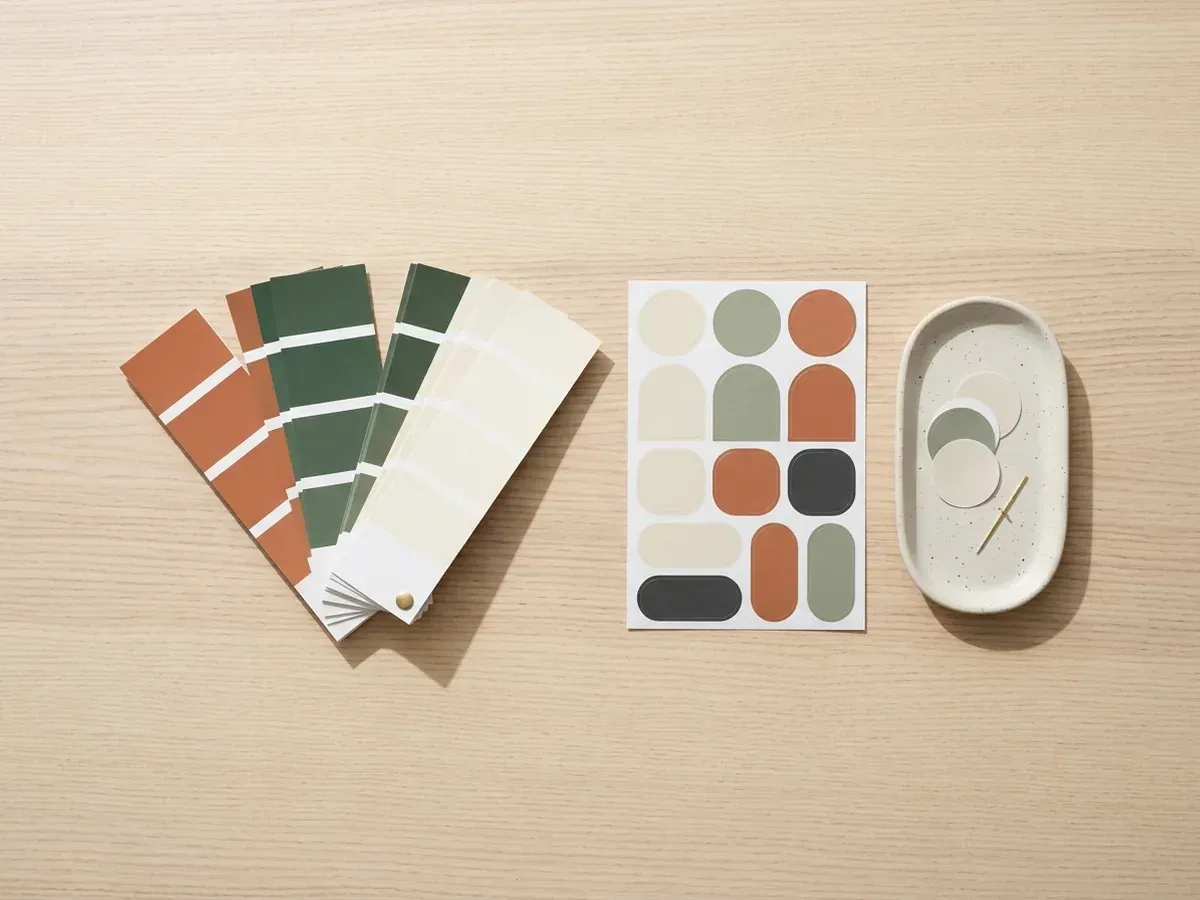
Four everyday creators working around missing Illustrator source files when deadlines leave only exported PNGs in the folder.
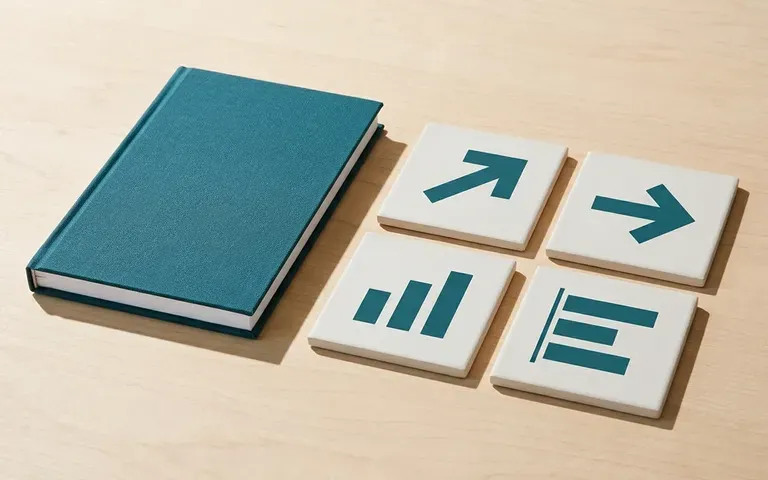
Unify mismatched client icons, infographic badges, and workflow glyphs to one deck colorway without redrawing paths in vector apps.
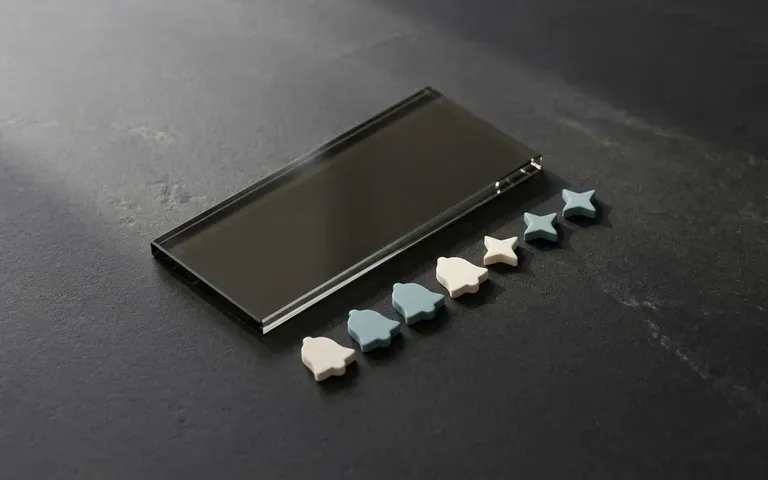
Convert dark starter PNG glyphs into warm cream, slate grey, or accent indigo sets tested directly over dark UI cards.
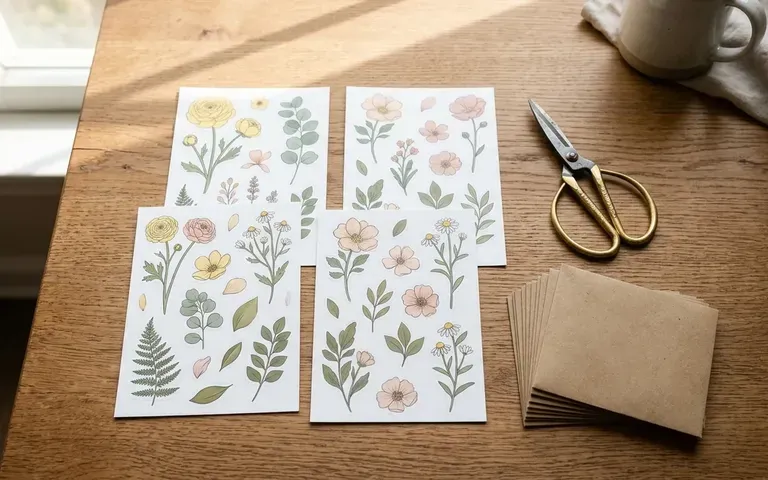
Spin holiday pastels, earthy neutral runs, and seasonal varsity variations from one master illustration without repainting fills manually.
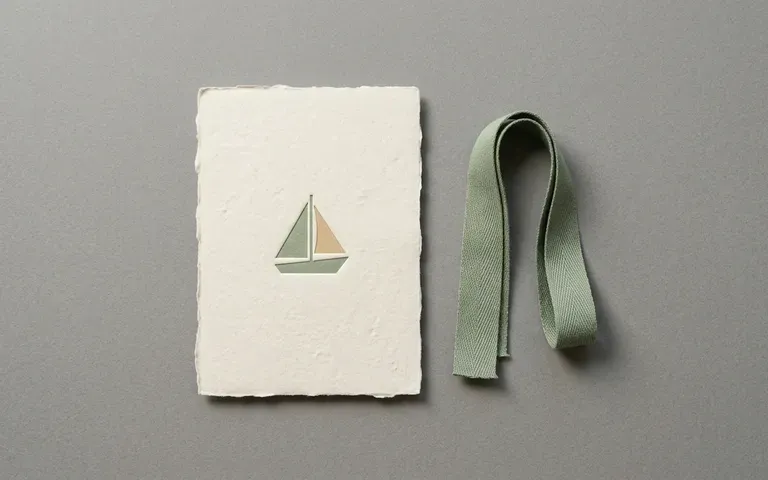
Adjust partner badges, packaging seals, and social stamp graphics to match new campaign colors when only flat web downloads exist.
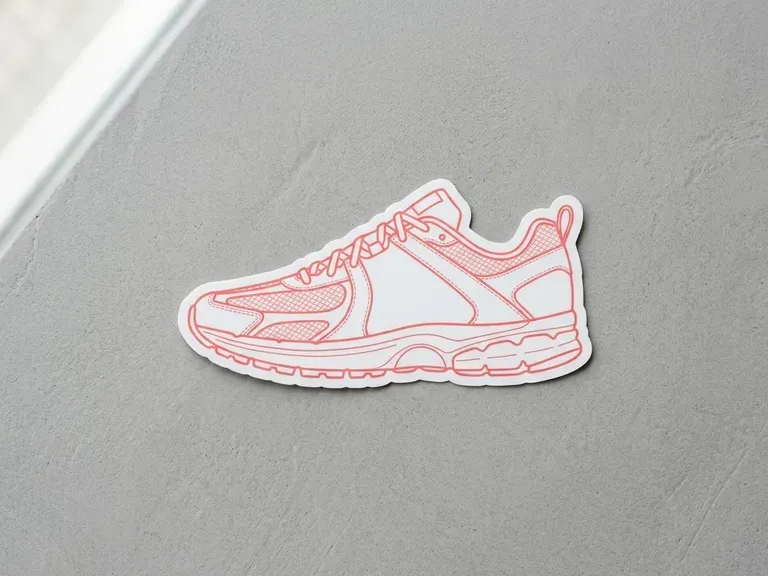
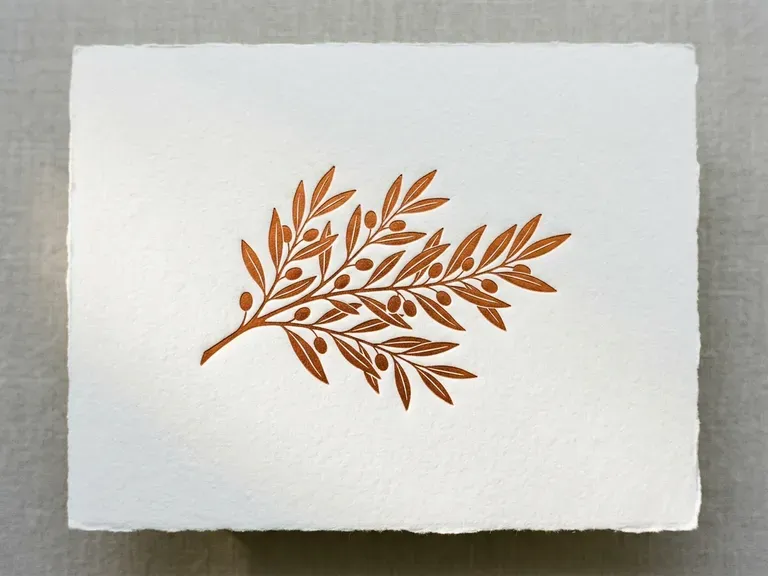
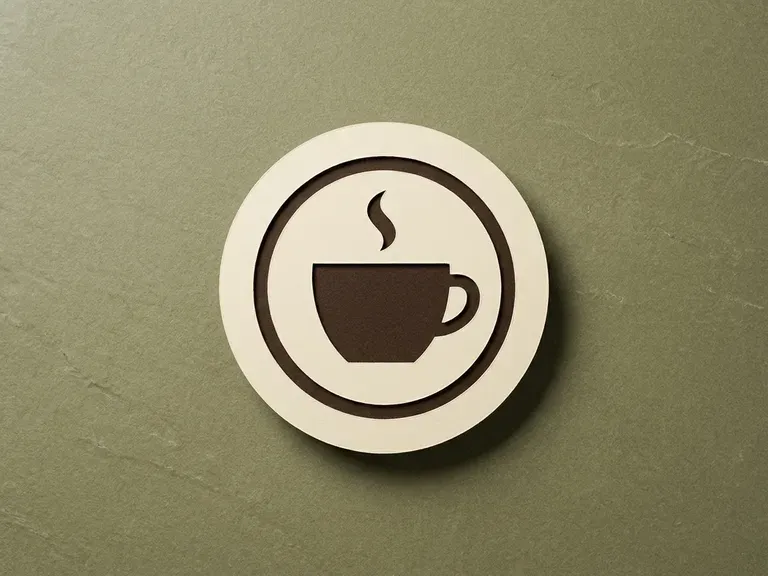
Six recolor studies illustrating flat interface badges, die-cut craft stickers, varsity patches, and two-color botanical marks.
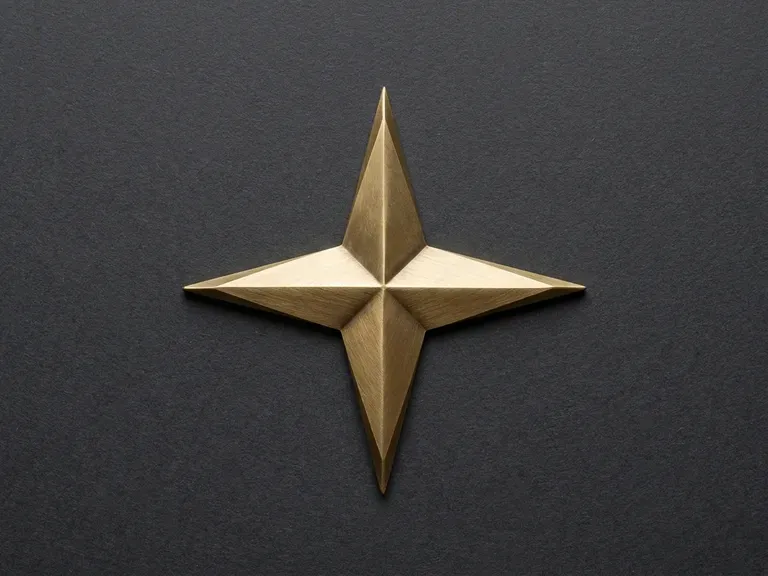
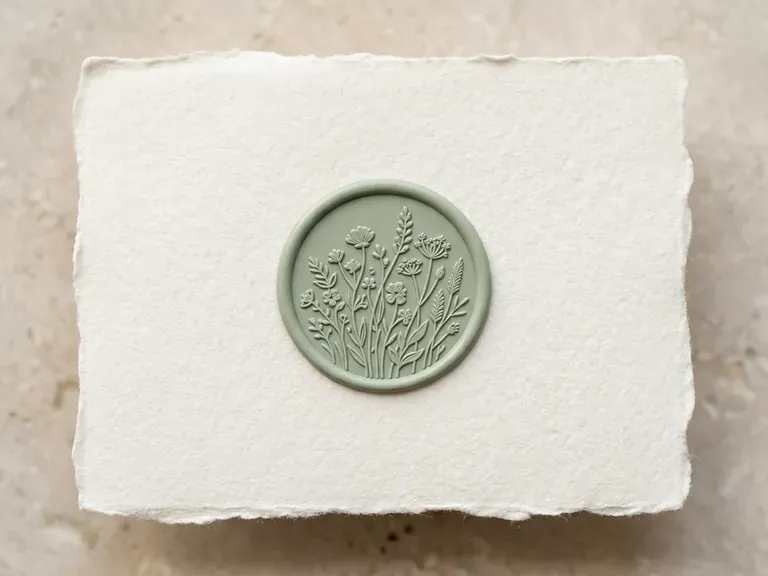

Create fresh die-cut illustration concepts from text prompts before exploring secondary colorway spins.
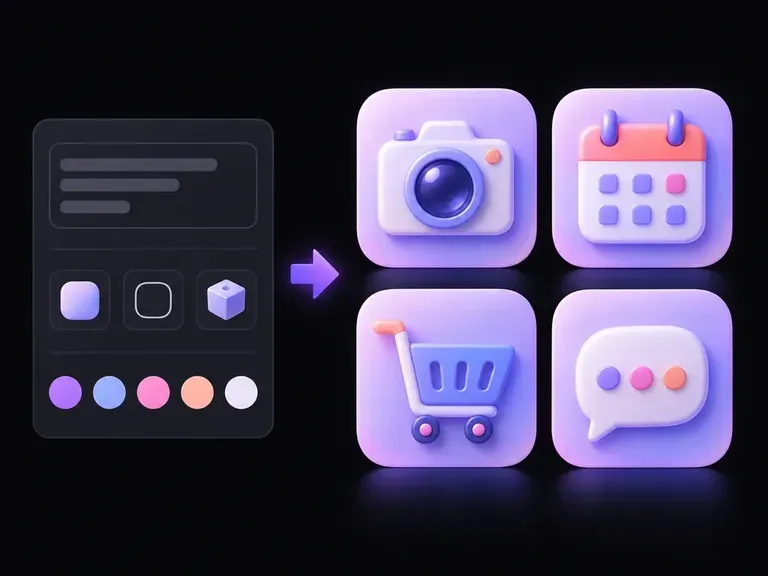
Produce crisp new app badges and symbol graphics whenever an existing PNG set lacks a matching icon.
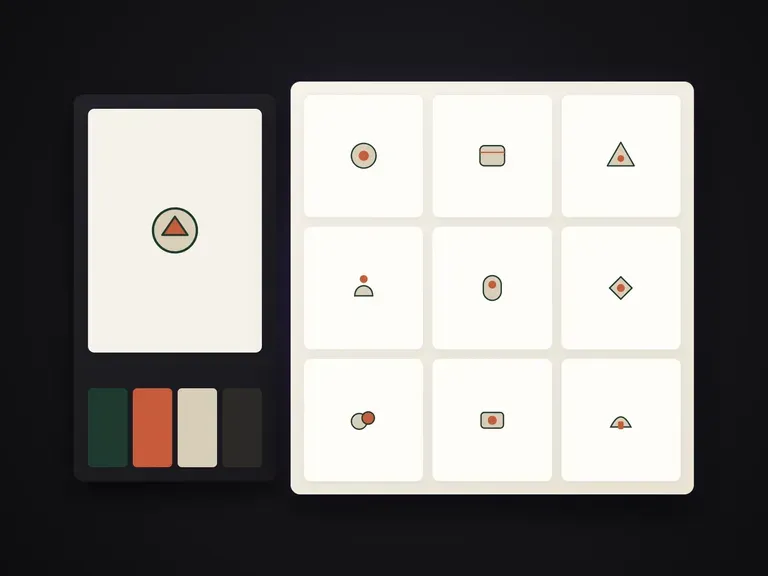
Build unified multi-icon collections sharing stroke width and visual weight before adapting seasonal accents.
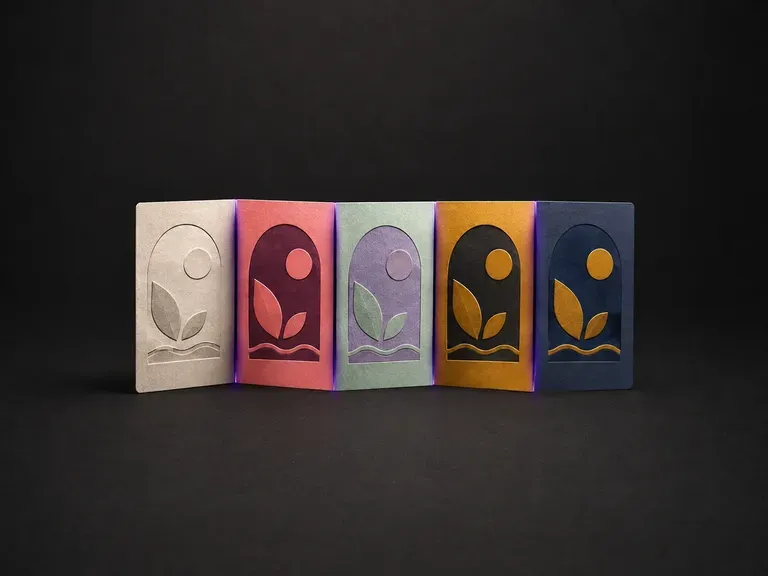
Test bold art-print color combinations across detailed editorial illustrations beyond simple flat marks.
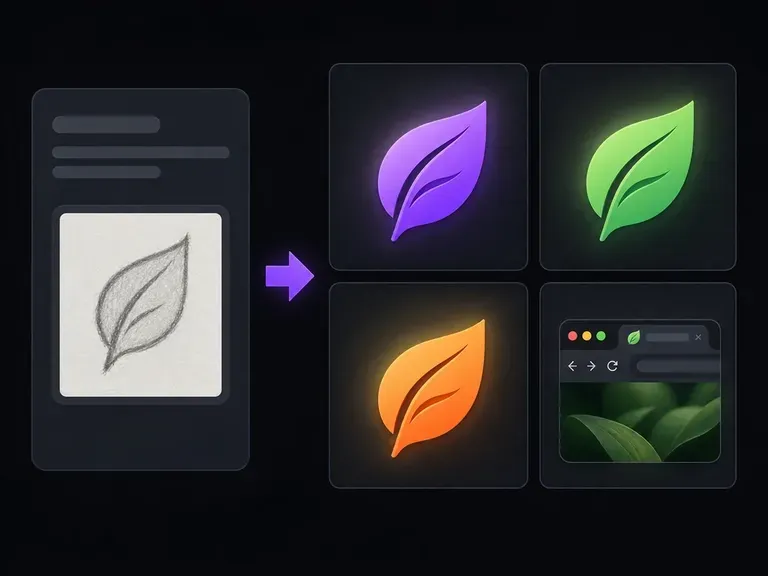
Build crisp 16x16 and 32x32 browser tab icons using a recolored logo reference or initial mark.
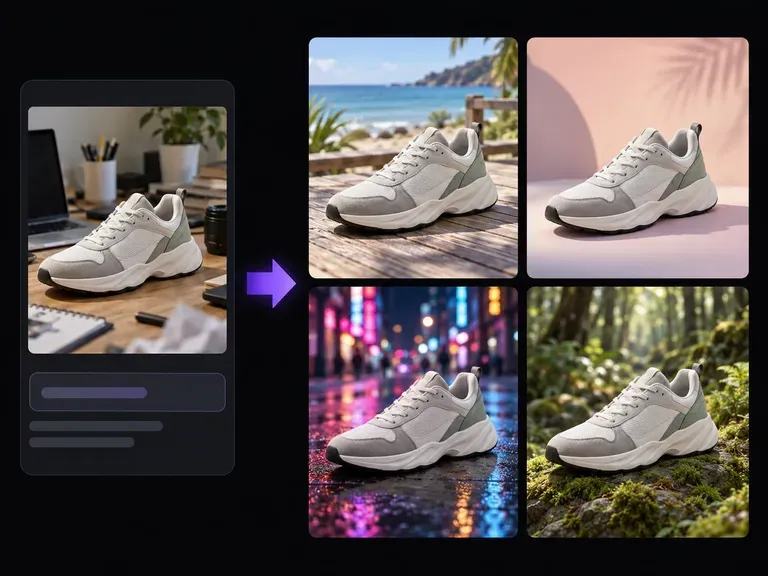
Drop isolated graphics into textured mockups or swap distracting backdrops before packaging reviews.
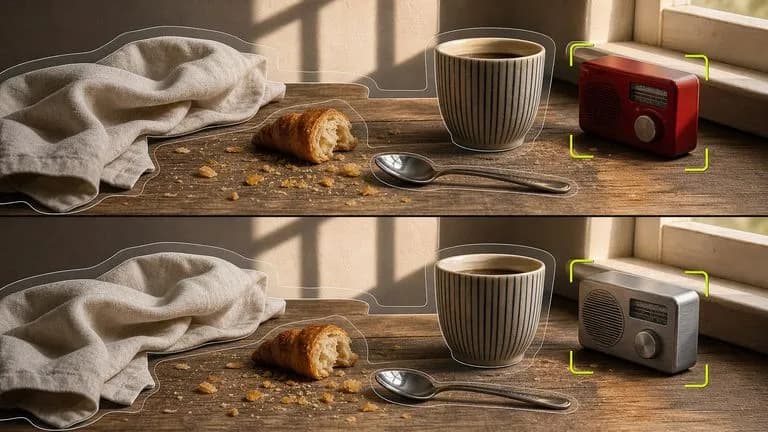
Hold crisp emblem silhouettes and internal badge spacing steady while shifting fills across isolated assets.

Follow detailed multi-color directions specifying foreground ink, outline borders, and quiet matte finishes.

Deliver smooth raster shading and crisp emblem contour separation at 1K on Free tests or up to 4K on paid plans.
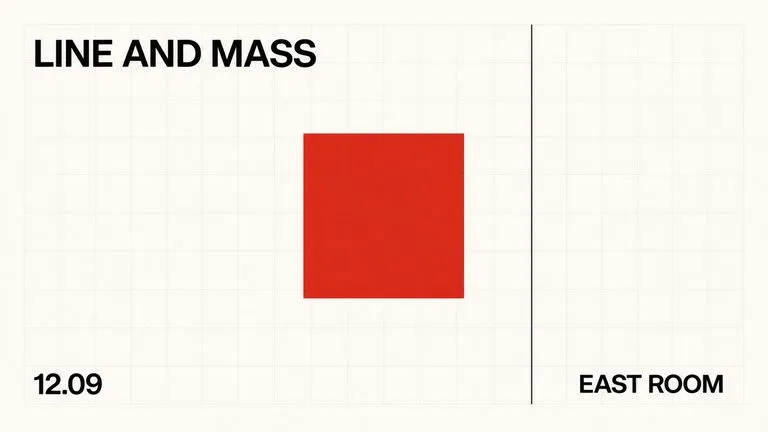
Handle decorative crest typography and stylized stamp lettering alongside background shape recoloring well.
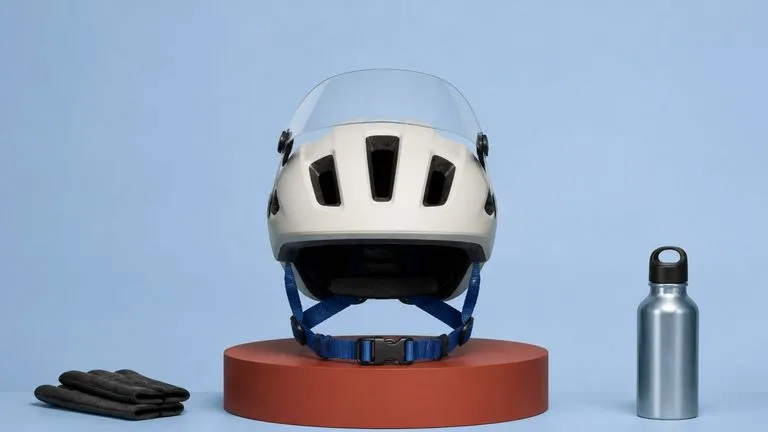
Balance pastel ink washes and gentle tonal transitions on hand-drawn botanical sticker sets.
Sketch rough accent swaps quickly when auditioning five or six palette options for a slide deck.
Bring exported PNG stickers, flat brand icons, or packaging marks into Virse, specify how each ink layer changes, and compare static options directly on your screen.