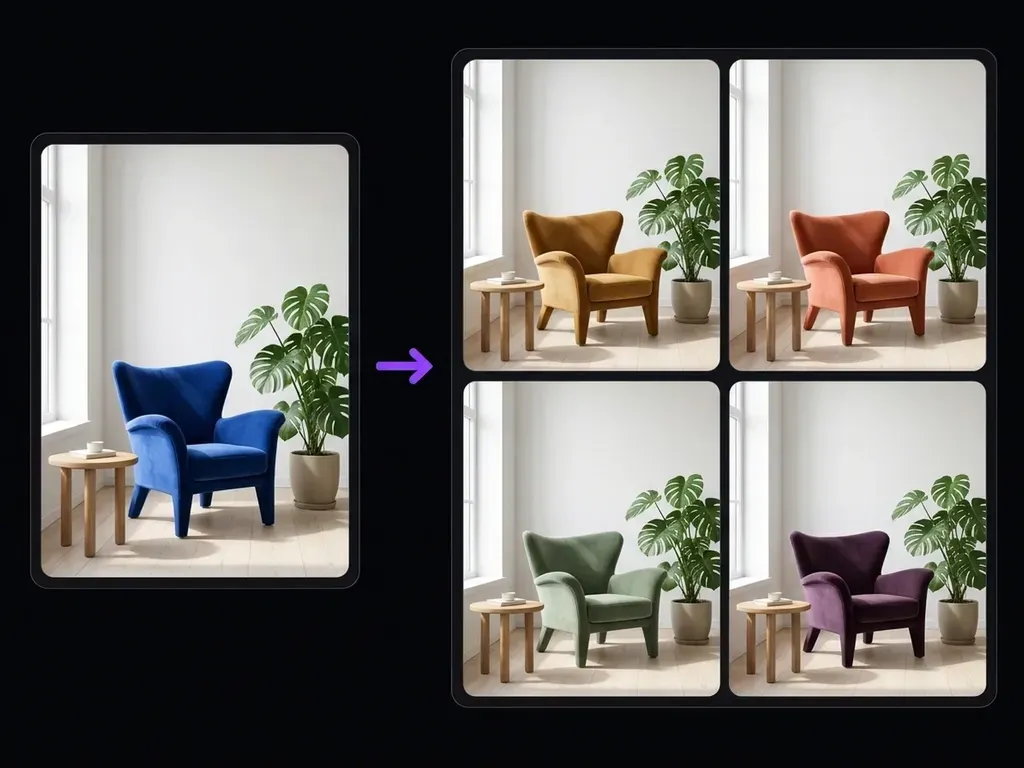

Object focus
Semantic Object Color Targeting
Single out one wooden boat hull, corduroy pillow, or cafe chair by naming what it is so matching tones elsewhere in the room stay safer from unintended bleed.
Pick any product frame, room interior, or street shot, specify which item shifts color and what shade replaces it, and test targeted edits inside Virse. Try our AI color replacer on a concrete prop so surrounding oak wood, skin warmth, and sky light stay steadier, though checking close undertones stays essential.
An online color replacer swaps one named object color inside a photograph while holding fabric grain, wood texture, and studio shadows steady across unmentioned objects. Upload a JPG, PNG, or WebP scene, state which item changes alongside its new shade, and place static color variants right next to the unedited capture on the Virse workspace before approving final product photography.
Browser pixel tools rely strictly on RGB distance: swap a red ceramic cup beside terracotta tiles or warm cheeks, and pushing tolerance sliders spills green or cyan fringe into wood grain. Semantic editing keeps three pieces aligned:
• Context-aware object isolation: Restrict the color swap to one named lamp, painted sign, or cushion rather than dragging every matching pixel across the picture.
• Preserved highlights and material depth: Keep glazed reflections, brushed metal curves, and woven fabric grain right through the replacement shade.
• Clear scope and manual review habits: Rather than eyedropper pipettes, tolerance sliders, or fixed HEX outputs, descriptive prompts guide the swap, so check adjacent similar colors manually.

Built for e-commerce merchandisers, set stylists, and retouchers updating real-world object shades in finished photos.
Single out one wooden boat hull, corduroy pillow, or cafe chair by naming what it is so matching tones elsewhere in the room stay safer from unintended bleed.
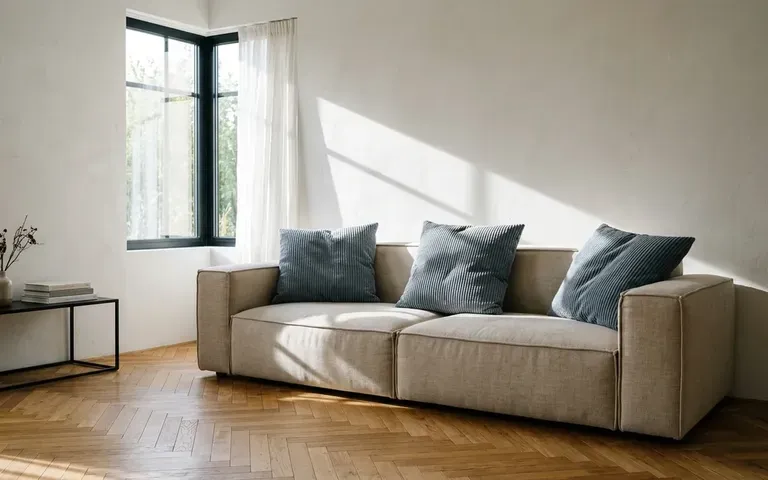
Hold glossy lacquer highlights, cotton thread weave, and soft table shadows steady instead of painting flat solid ink over textured surfaces.

Run sage green, burgundy, and dusty slate tests separately so art directors can inspect seam edges and reflection spillover side by side.
Naming concrete subjects curbs unwanted color spill onto oak furniture, masonry bricks, and faces compared with tolerance sliders.
RGB Eyedropper Tolerance Tools
Virse AI Color Replacer
Pick a sharp JPG, PNG, or WebP photograph with recognizable objects and natural light separation across foreground props.
Write which item changes, its starting hue, its new color, and any similarly toned walls or props that remain untouched.
Submit individual passes for each colorway candidate so dusty rose, slate blue, and moss variants line up on your workspace.
Zoom into shared boundaries, glossy reflection catches, and exact print tone accuracy before shipping assets that require calibrated HEX or Pantone matching.
Naming both the object and neighboring surfaces blocks accidental tone spill across warm interiors. Try one of these three color replacement tool prompts:
• Cafeteria chair recolor: "Replace the bright red metal bistro chairs with muted matte sage green; keep oak tabletop grain, sunlit terracotta floor tiles, and dappled shadows unaltered."
• Delivery van fleet test: "Change the painted canary yellow panels of the commercial delivery van to matte charcoal grey; leave windows, black tires, and door signage legible."
• Accent cushion swap: "Swap the burnt terracotta throw pillow on the linen sofa to muted dusty slate blue while beige upholstery seams and daylight window glare stay fixed."
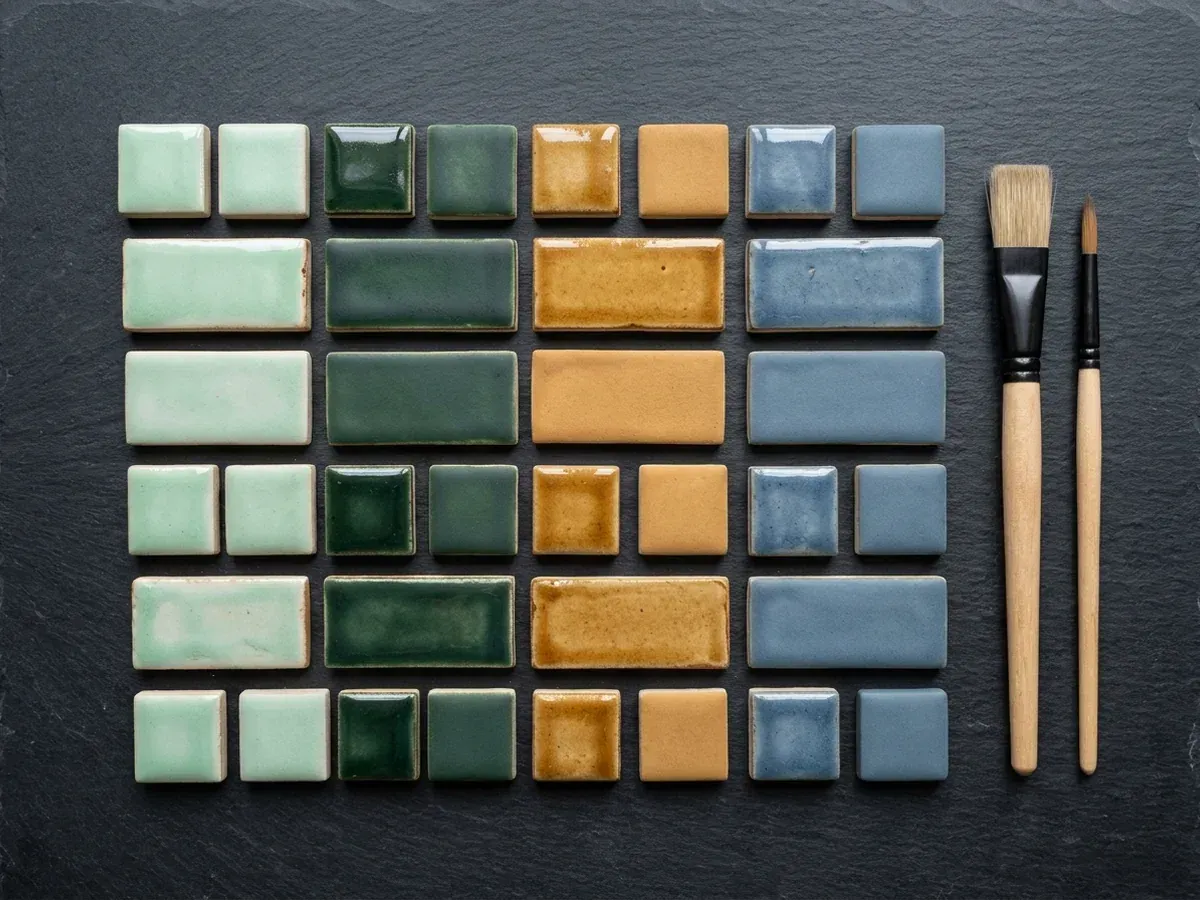
Four visual teams testing colorway changes inside finished photos instead of re-shooting sets or cutting tedious selection paths.
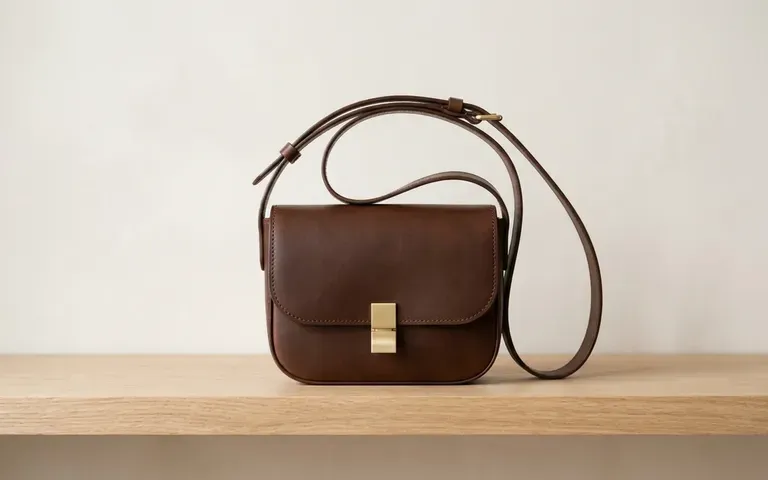
Stage extra color SKUs across leather accessories, planters, bags, or kitchenware from one studio shoot prior to ordering factory inventory.
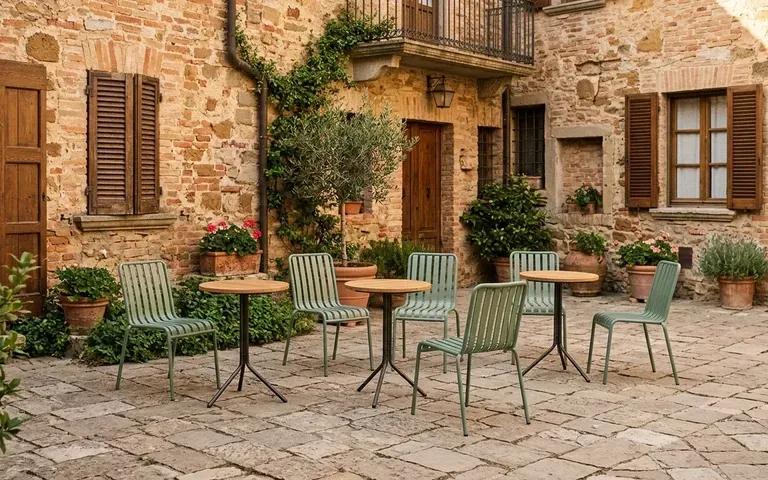
Preview courtyard chairs, café upholstery, or awnings in muted heritage paints inside site survey frames before buying fixtures.
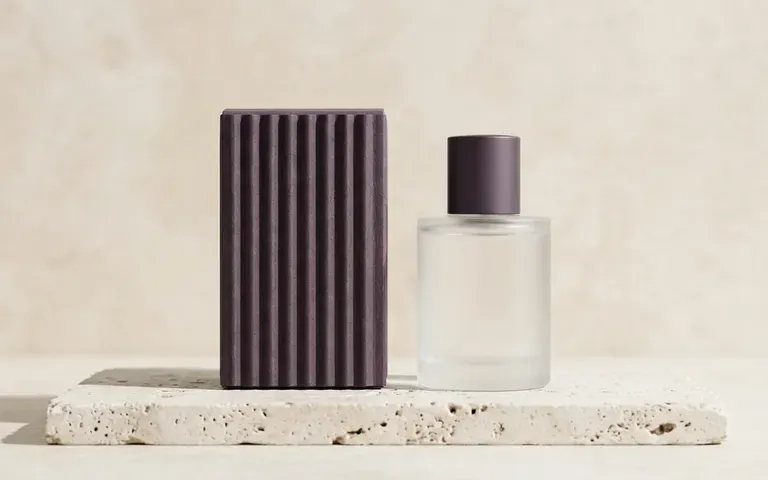
Test paperboard packaging sleeves, bottle cartons, or box wraps in campaign tones directly on finished still-life photography.

Tone down loud plastic props, bright neon parkas, or clashing roadside signs in finished candid shots without drawing local masks.
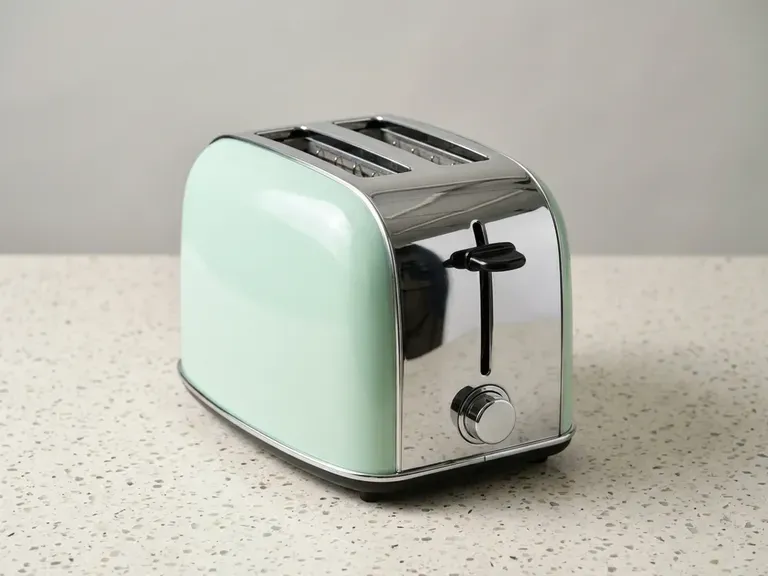
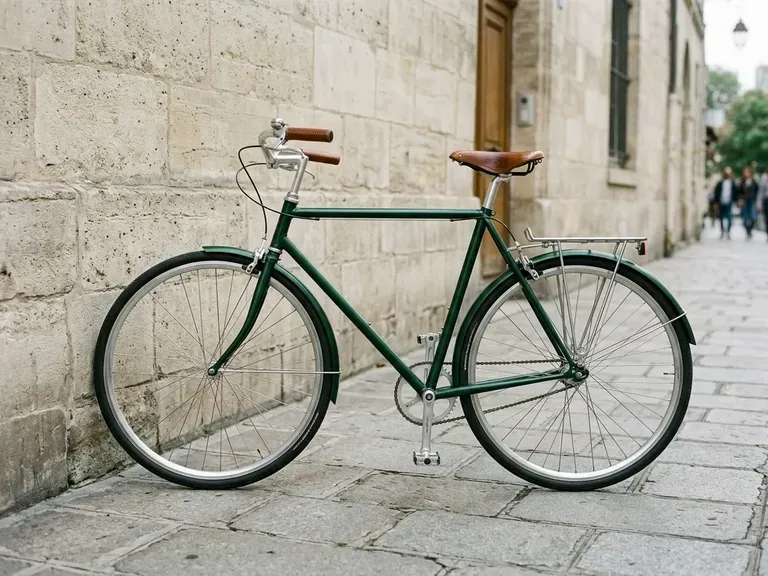
Six object-targeted swap studies showing appliances, bicycle frames, striped awnings, ceramic planters, plush chairs, and gift ribbon.
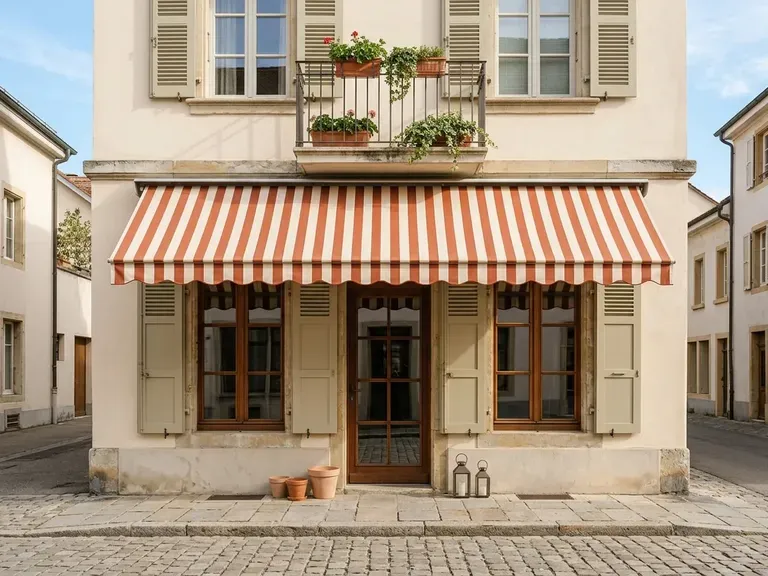
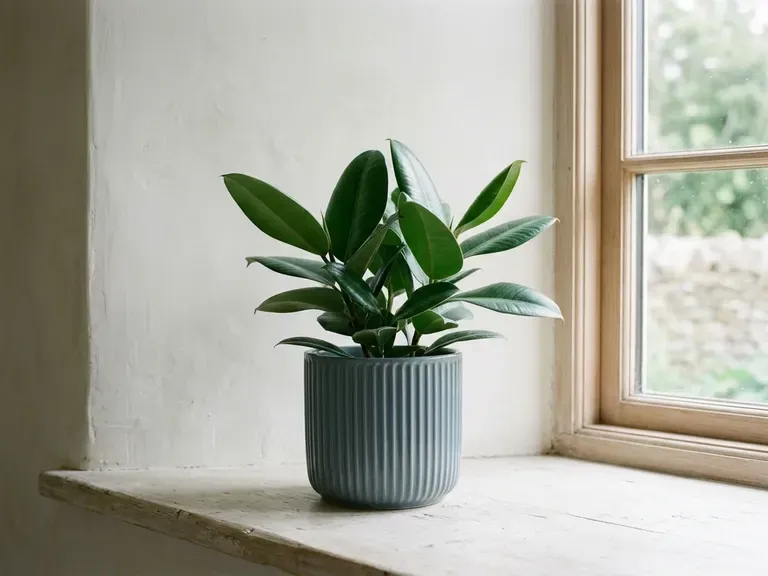
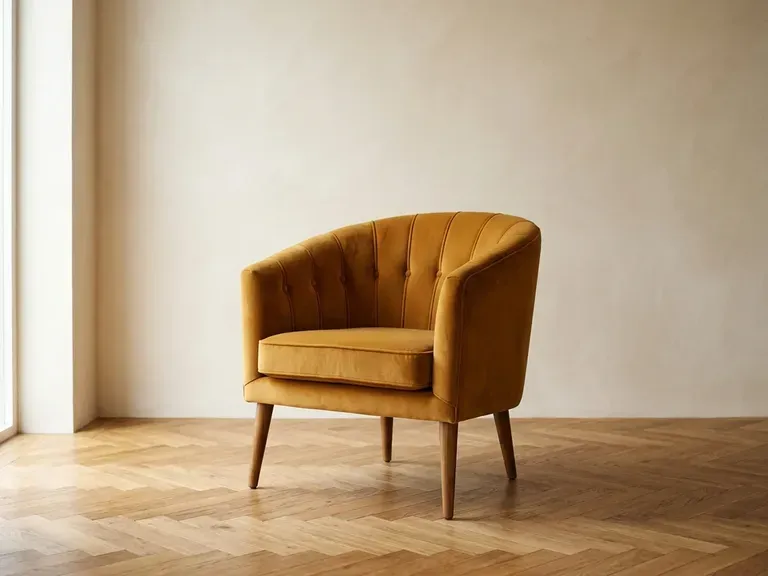

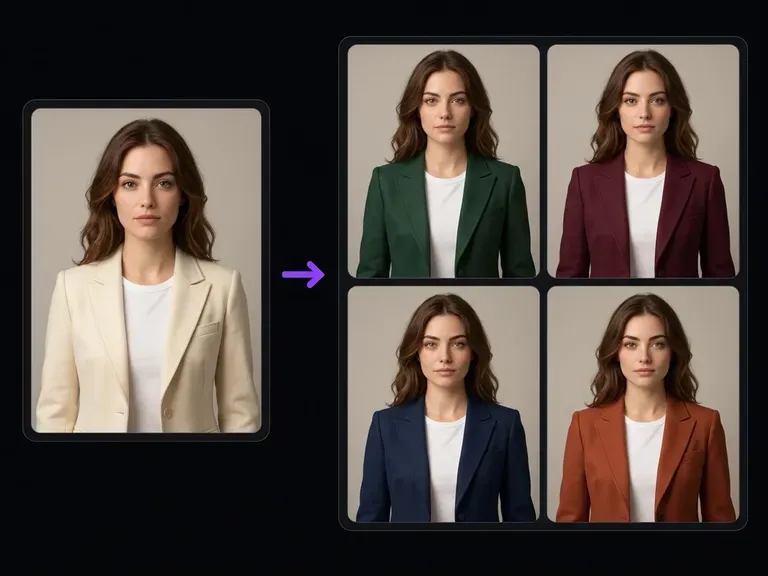
Change tailored jackets, knitwear, and dresses by garment name while protecting skin undertones and jewelry.
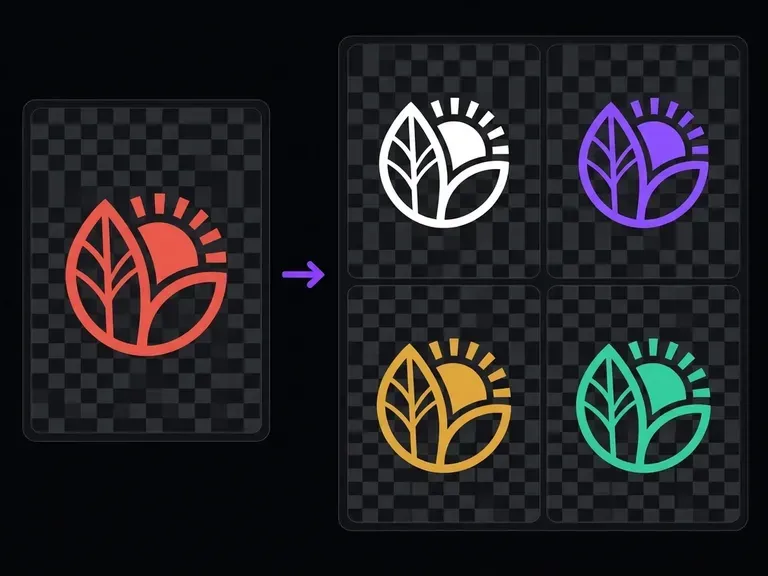
Recolor raster PNG icons, logo badges, and die-cut stickers with cleaner contour transitions than raw pixel threshold tools.
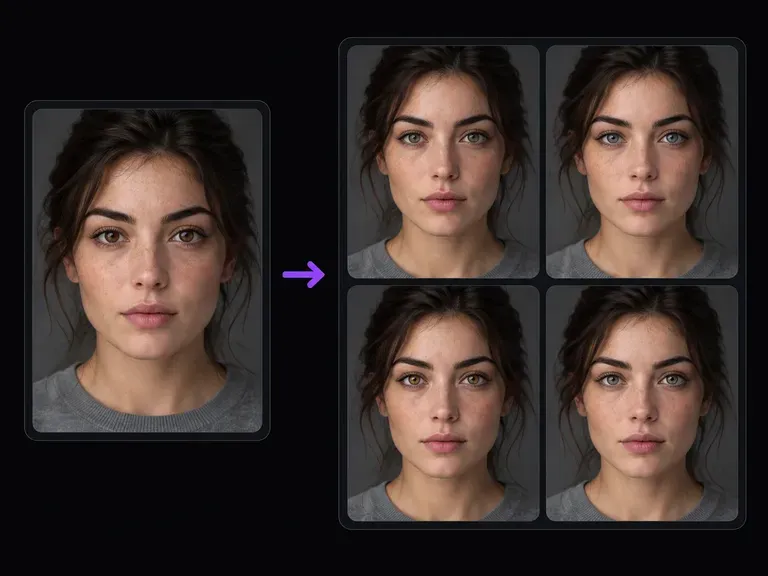
Target delicate iris pigments inside portrait photography without tinting sclera highlights or dark eyelashes.
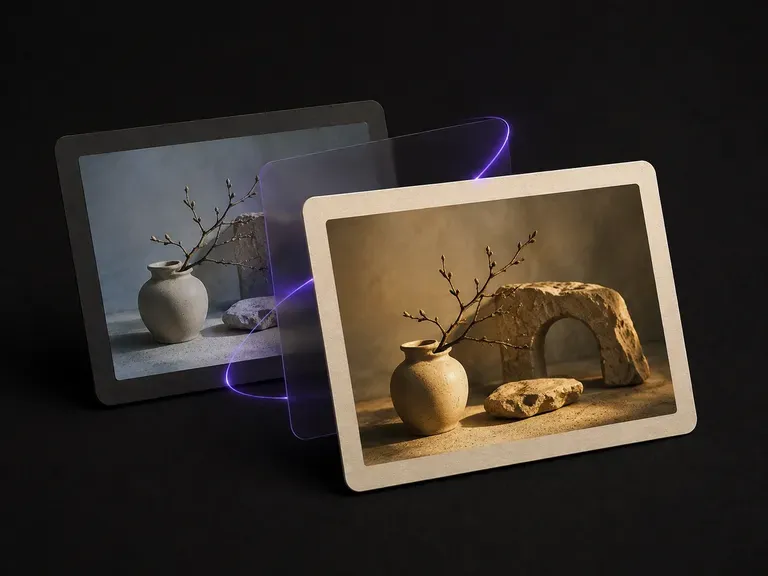
Borrow the cinematic tone and highlight palette of a second reference frame across your target photograph.
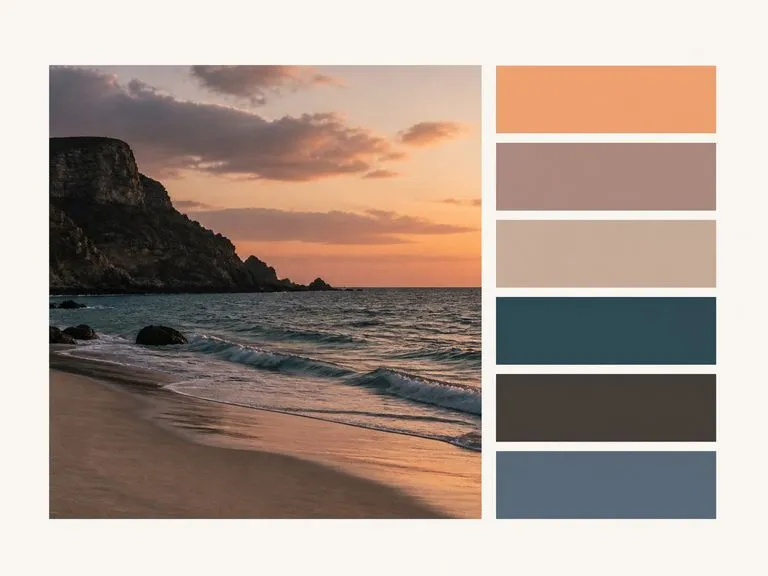
Extract 4, 6, or 8 labelled HEX swatches from reference photography before writing replacement notes.
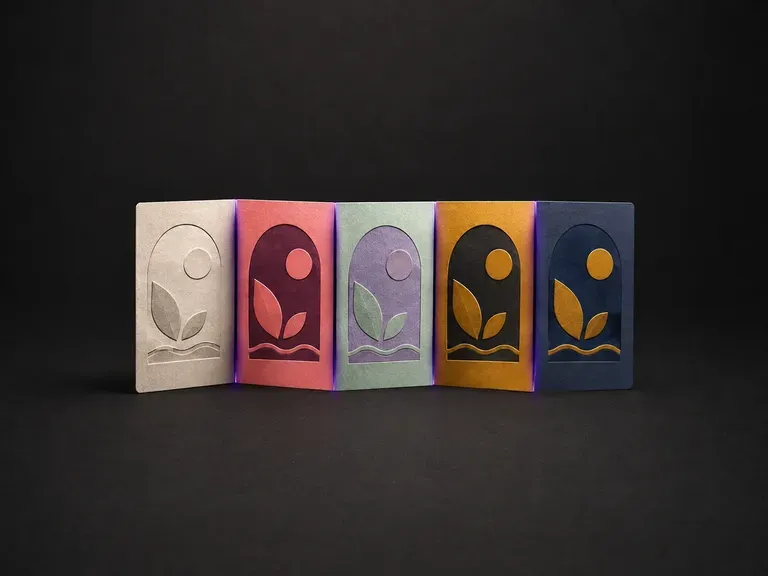
Generate playful color explorations across stylized artwork and packaging concepts from one base draft.
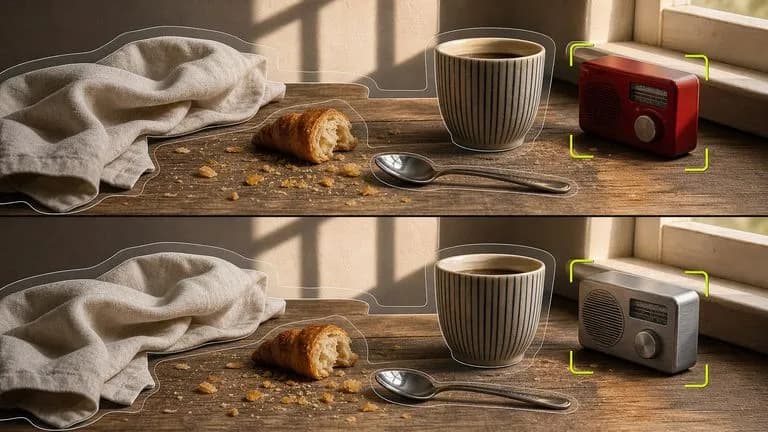
Lock background furniture, typography borders, and scene geometry firmly during targeted object color swaps.
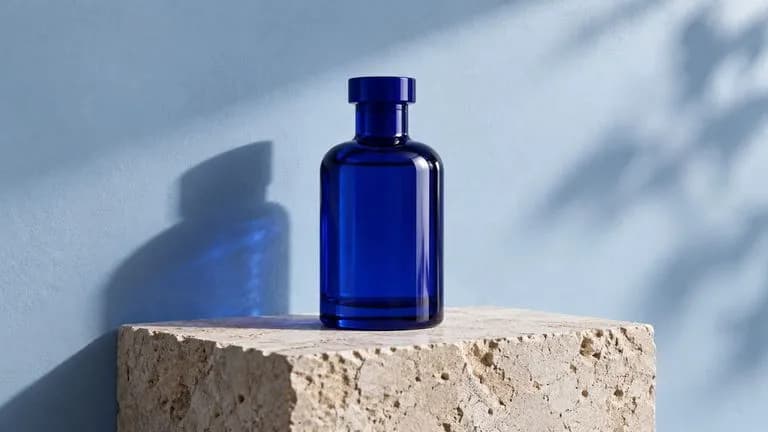
Preserve woven upholstery pores, glossy ceramic highlights, and sharp border separation up to 4K static detail.

Parse explicit multi-part exclusions specifying which single prop swaps hue and which similar shades stay untouched.
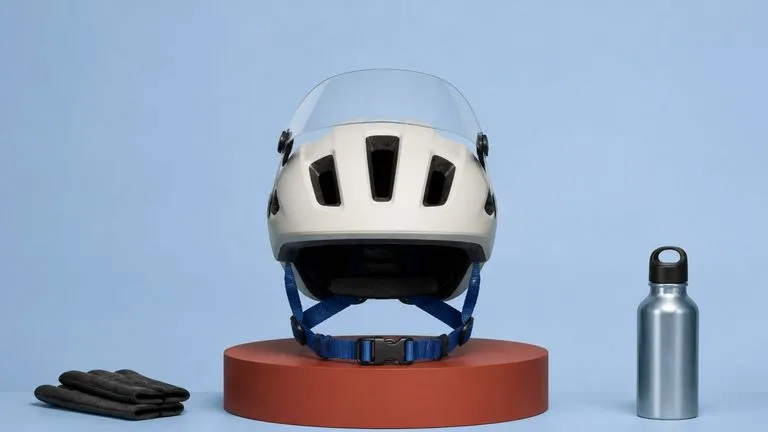
Deliver organic shadow contact and natural reflection tinting across chrome handles, glass, and satin wraps.

Explore rich interior textiles, terracotta masonry tones, and bold product contrast across editorial studio sets.
Test fast shade variations across chairs, mugs, or apparel accessories before launching final high-resolution stills.
Drop a room scene, kitchen appliance frame, or accessory shot onto your canvas, specify the object to recolor, and inspect completed swaps directly in one workspace.