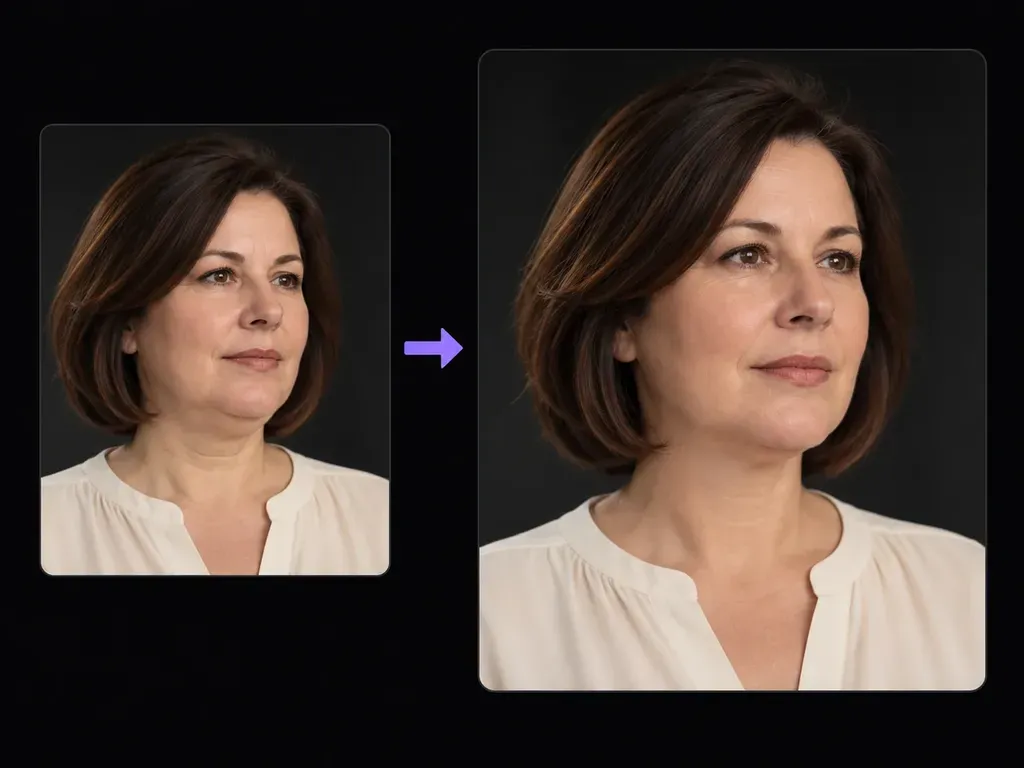
Mild retouch
Written Subtlety Instructions
Specify a gentle under-chin fold reduction in plain English so your subject keeps their natural cheek fullness, jaw width, and recognizable age characteristics.
Upload an adult portrait where the chin and neck are visible, and describe how gently you want the under-chin crease softened. This double chin remover helps you remove double chin from photo portraits with a mild neck contour adjustment beside your upload.
A double chin remover (or restrained AI jawline editor) applies a localized adjustment to the crease beneath the chin in an adult portrait while preserving facial width. Verify three details when you remove double chin from photo files:
• Restrained crease reduction: Soften the fold directly beneath the chin into a cleaner neck transition without pinching cheeks.
• Skin texture fidelity: Retain natural skin pores, age lines, and soft shadow gradations under the jaw so skin never looks plastic.
• Collar and hair stability: Keep shirt collars, lapels, necklaces, and hair ends aligned rather than bending them with a warp brush.
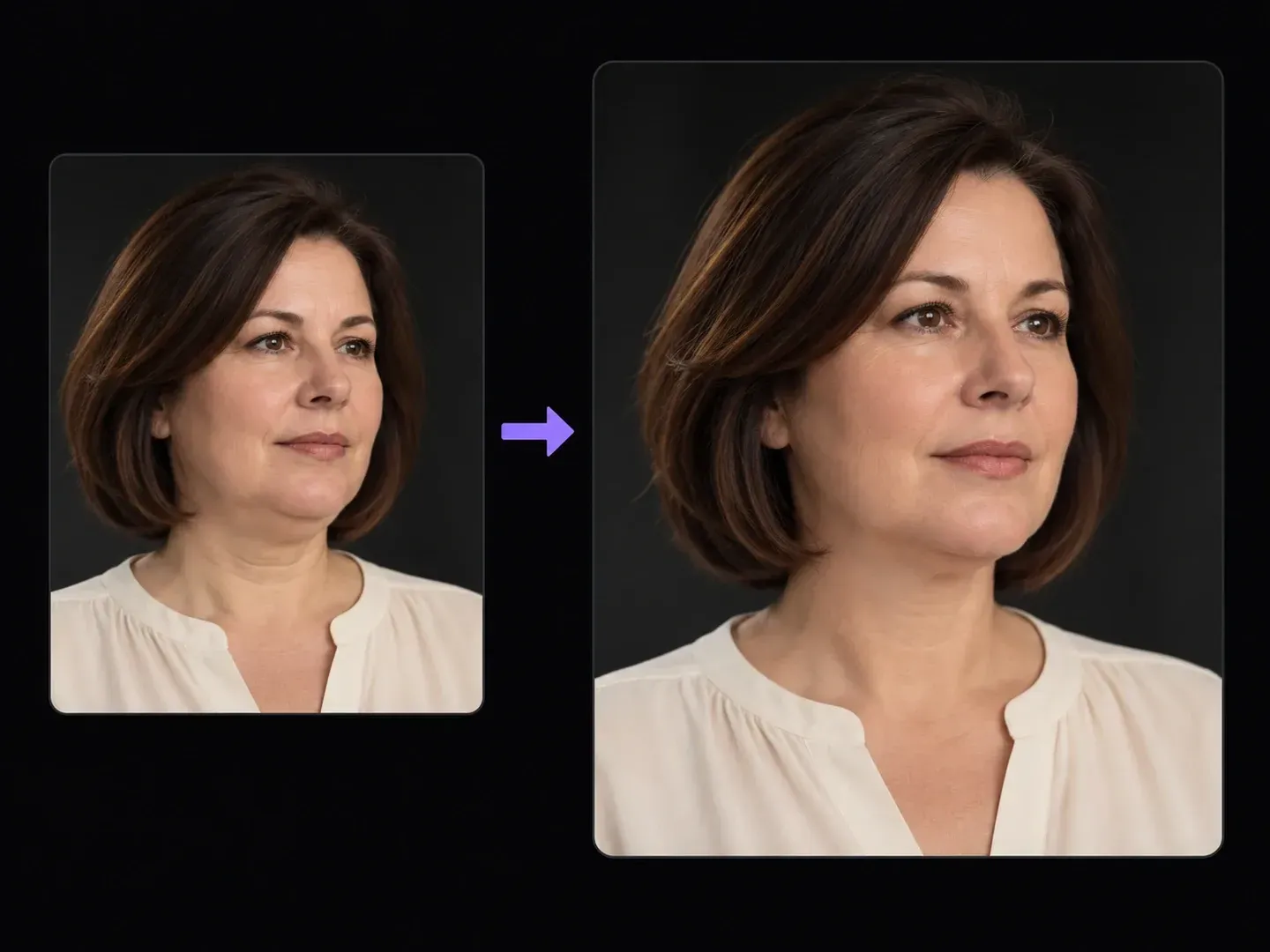
Why headshot retouchers and professionals prefer a restrained AI jawline editor over aggressive V-face slimmer apps.
Specify a gentle under-chin fold reduction in plain English so your subject keeps their natural cheek fullness, jaw width, and recognizable age characteristics.

Ask the generator to keep blouse necklines, suit lapels, jewelry, and hair strands resting near the neck free from the curved distortion caused by manual liquify tools.

Pin the retouched headshot right next to your unedited upload on the Virse board to confirm that facial width and neck proportions stay honest.
Why written preservation rules to reduce under chin fold in portrait shots beat manual liquify warp brushes.
Manual Liquify Brushes and Face-Slimmer Apps
Virse Double Chin Remover
Select a high-resolution portrait with an unobstructed neck and chin shadow when you need to fix double chin in photo portraits.
Ask for a mild softening of the sub-mental crease and instruct the model to leave cheek width, neckline fabric, and hair strands untouched.
Produce the subtly softened sub-mental contour inside your portrait workspace.
Check sub-mental shading, collar alignment, hair ends, and facial width against your original upload before downloading.
Explicit instructions forbidding cheek slimming keep portraits dignified when you remove double chin from photo uploads. Adapt one of these three retouch notes:
• Three-quarter portrait: "Gently reduce the fold beneath the chin and clarify the upper neck contour; keep natural face width, skin texture, and collar."
• Low-angle selfie cleanup: "Soften the under-chin crease from the low camera angle while preserving natural jawline structure, stubble, and identity."
• Corporate headshot: "Lightly smooth the compressed fold under the chin; avoid cheek slimming or V-face reshaping and maintain studio jaw shadow."

Four portrait and photography scenarios where a subtle neck contour photo retouch fixes awkward camera angles without over-editing the subject.

Clean up a slight chin-tuck crease on an otherwise expressive portrait frame without spending twenty minutes on manual dodge-and-burn and frequency separation.

Polish executive bio photos and conference speaker headshots taken from slightly below eye level while keeping the person completely recognizable.

Soften unflattering overhead or low-angle chin shadows in candid group crops and formal event portraits while respecting the subject's natural build.

Fix the temporary neck crease caused by holding a smartphone low in a casual portrait without applying heavy beauty filters across the eyes and skin.
Six static portrait studies illustrating mild under-chin fold reduction across three-quarter, frontal, and low-angle lighting setups.






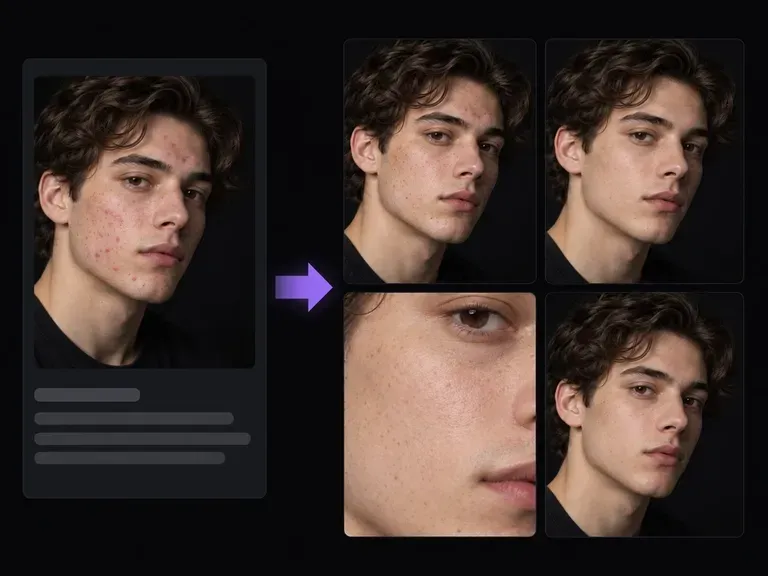
Retouch transient skin blemishes, nose glare, or stray hair wisps without flattening natural cheek grain.
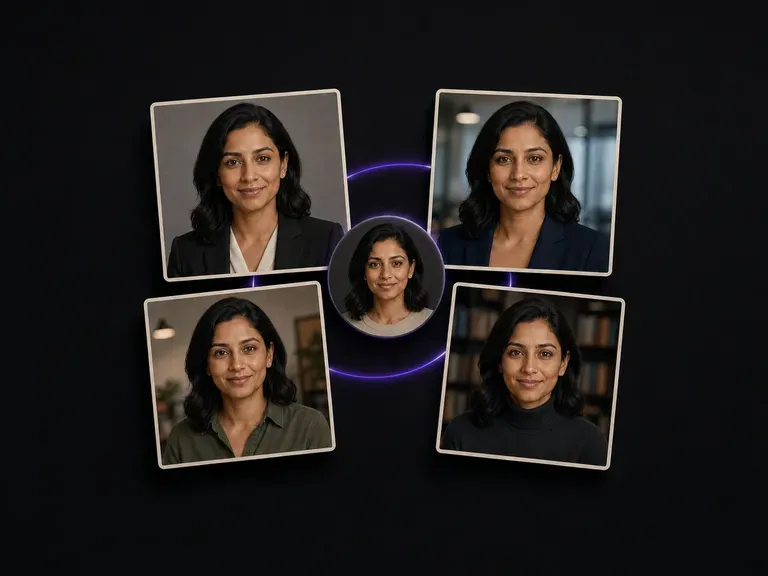
Prepare executive website bios and keynote speaker portraits from casual phone uploads.

Explore alternate wardrobe styling and lighting setups from an uploaded solo portrait.
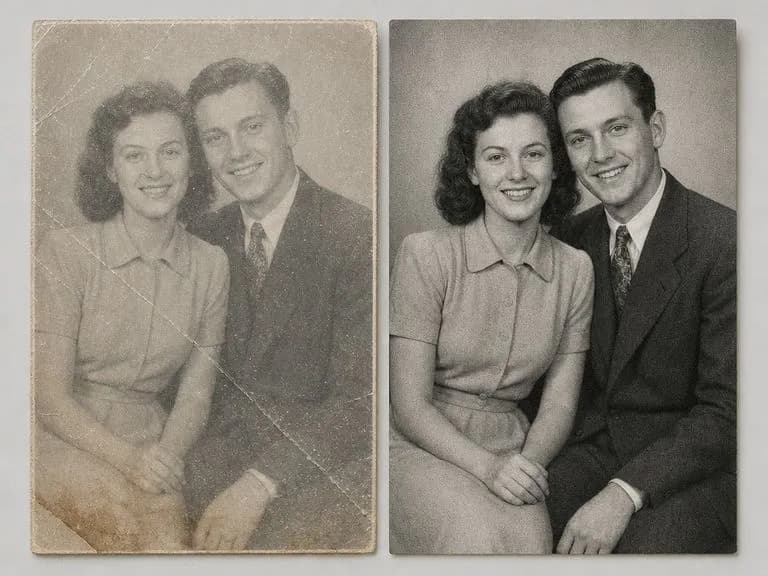
Restore vintage studio portraits by cleaning up silvering, folded corners, and faded sepia tones.
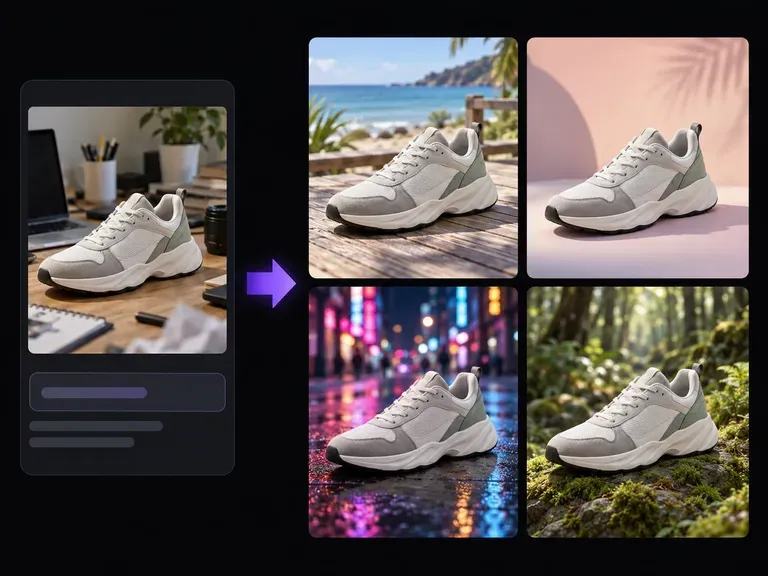
Replace a busy home or hallway background behind your portrait with a neutral studio sweep.
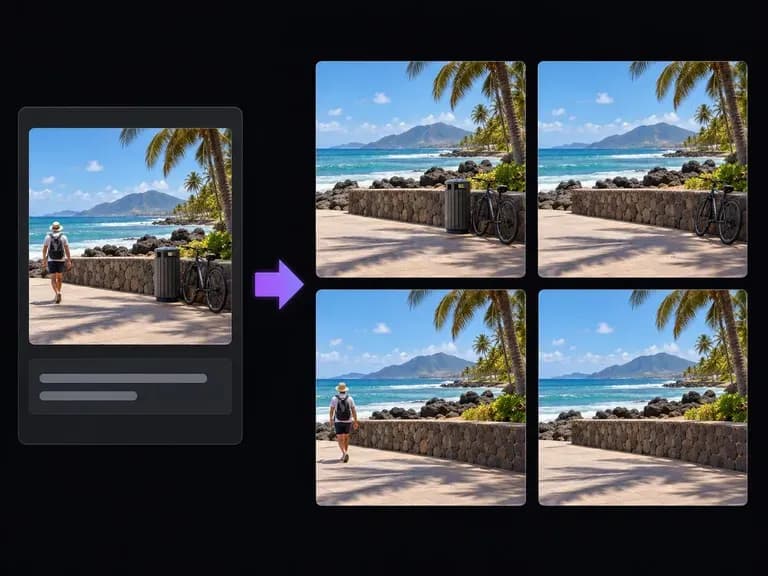
Erase lanyard straps, lapel microphones, or background clutter from an event headshot.
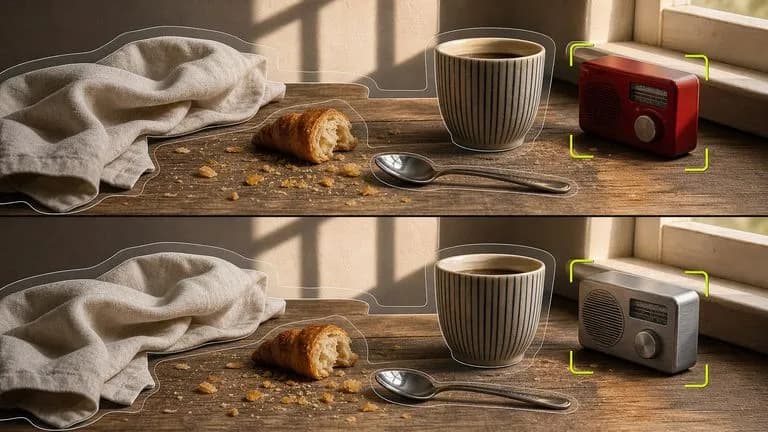
Soften sub-mental creases on an uploaded headshot while locking cheek width, hair, and collar geometry.

Retain fine neck skin pores and softbox shadow gradations from your 4K source portrait.
Synthesize smooth jawline shadow transitions, realistic skin grain, and unwarped shirt collars.

Honor restrained retouching briefs that soften under-chin folds while forbidding V-face slimming.

Keep blouse weave, necklace links, and shoulder-length hair tips sharp across retouch passes.
Preview subtle versus moderate sub-mental shadow cleanup quickly with low compute usage.
Bring a clear adult headshot to the Virse canvas, request a gentle under-chin contour cleanup, and verify natural facial proportions side by side.