AI Professional Headshot Generator

AI Professional Headshot Generator

Upload one photo and get a set of studio-grade professional headshots, each in a different scene, outfit and tone. Your face stays unchanged. There is no training step and no batch of images to gather first.

Input
Portrait photo · RequiredHeadshot count · OptionalIndustry & style preferences · Optional
Output
Professional headshots in varied scene styles (count as selected)

Portrait photo

Required

Drop one front-facing photo

Your image is uploaded on the canvas — this form carries the settings.

Headshot countOptional

What an AI headshot generator does with a single photo

An AI headshot generator produces studio-style portraits from a picture you already have. This one works from one front-facing photo with no training step, which is why the run finishes in about the time a single generation takes rather than in an afternoon.

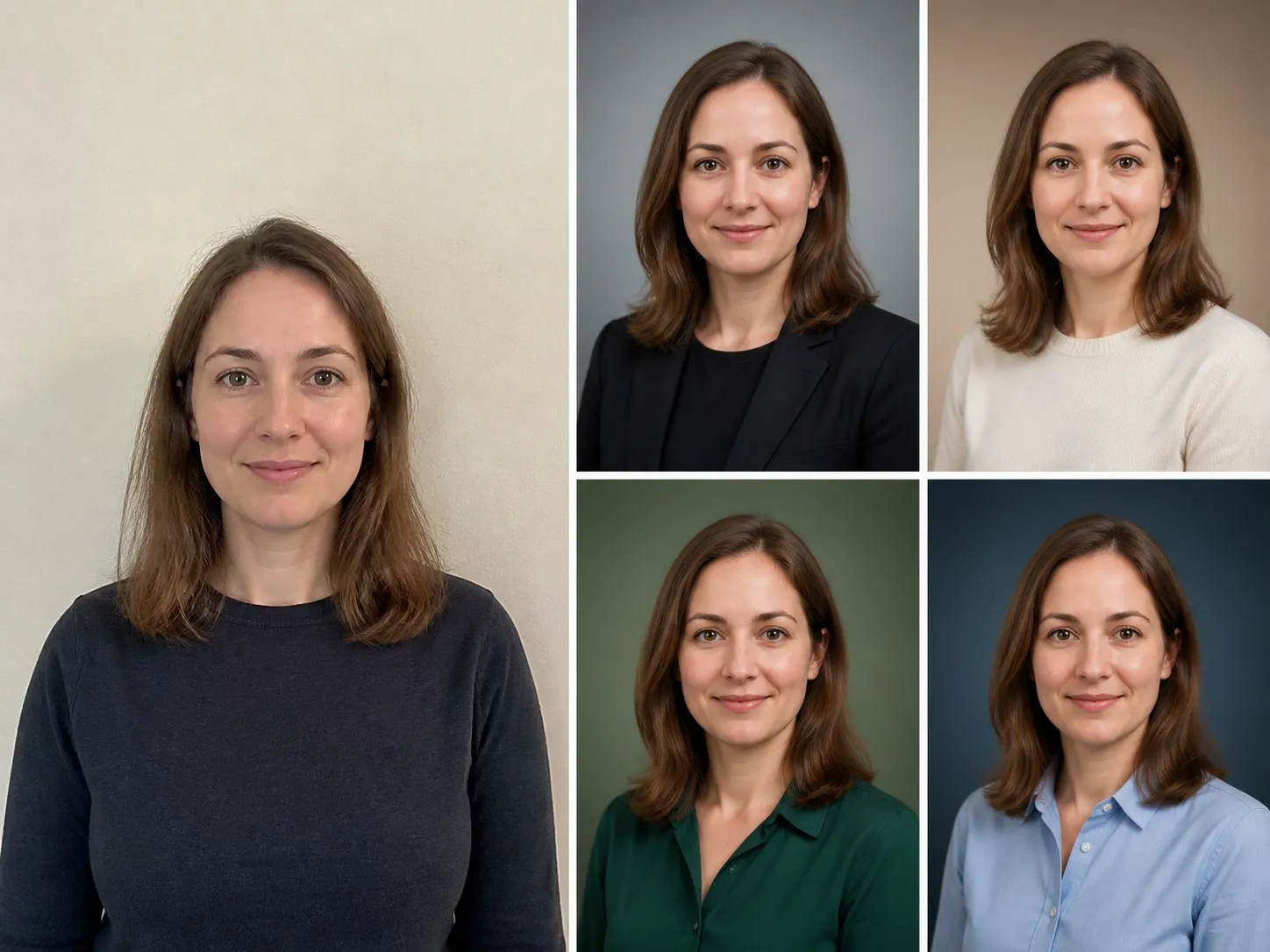
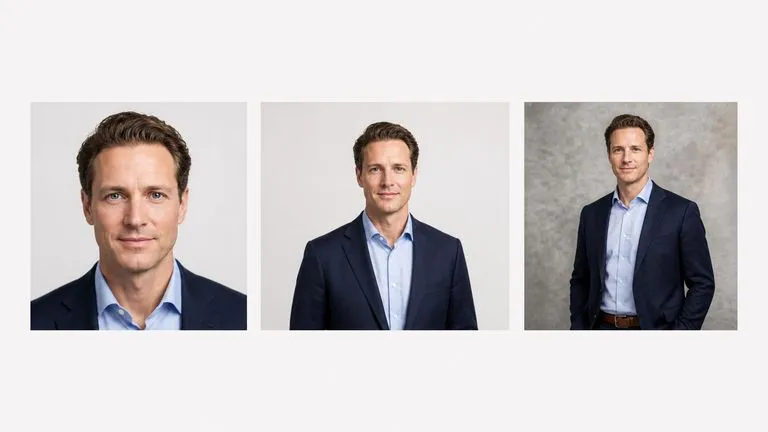
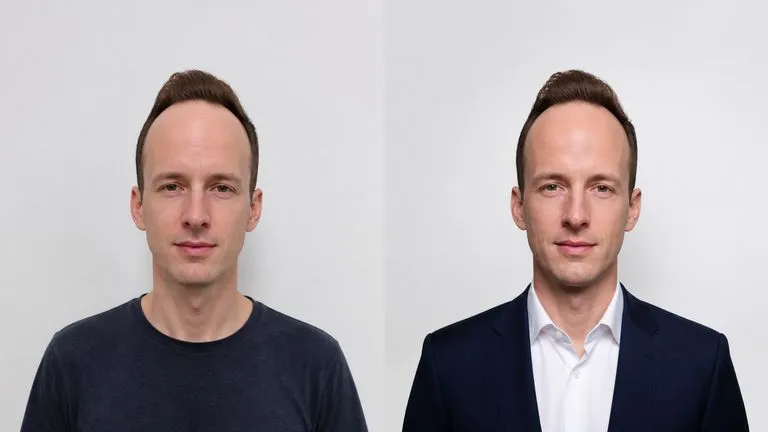
One ordinary phone photo on the left and four studio headshots of the same person on the right
One source photo and four headshots generated from it

What a professional headshot AI has to hold constant

One required photo, one count, one line about your industry. Everything below is what happens to it.

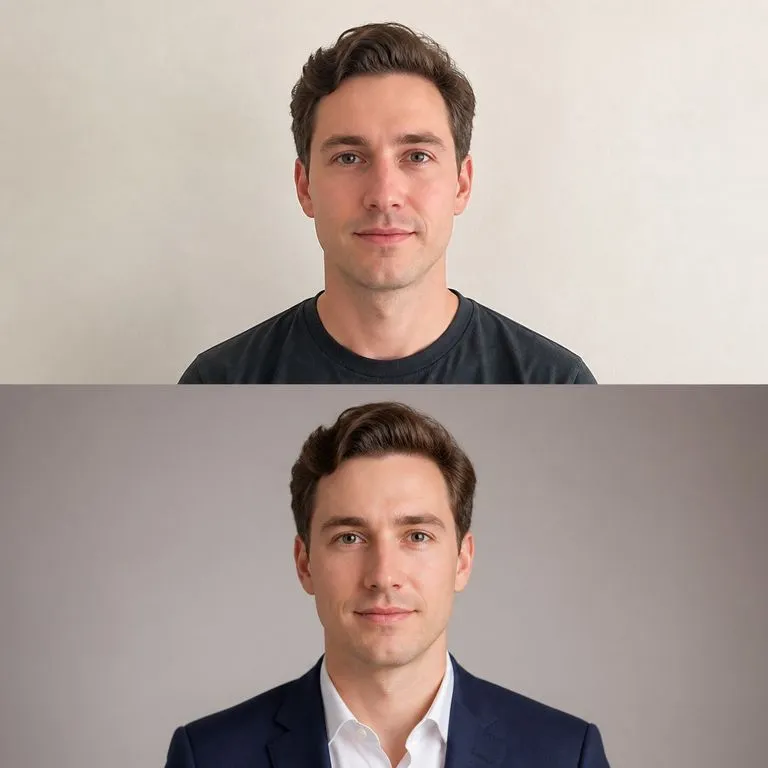
A source photo beside a generated headshot with identical facial structure
Checked every shot

Your face

Identity is the hard constraint rather than a preference. Every shot is checked back against your original photo, because a headshot that is not recognisably you is not a headshot.
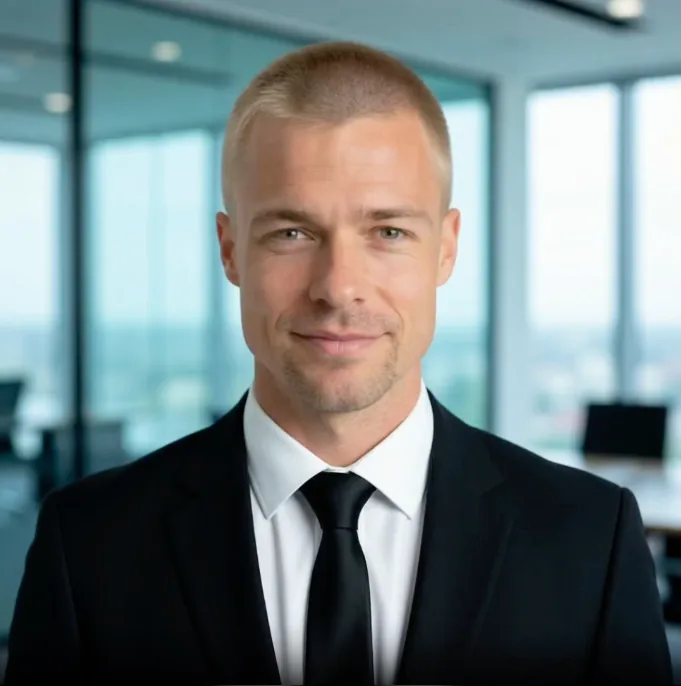
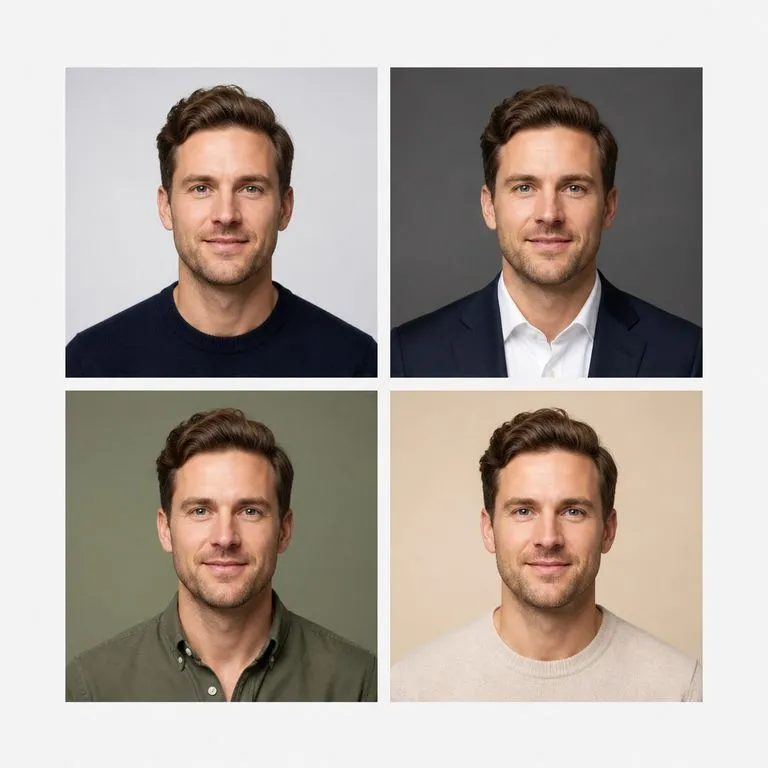
One person shown in four clearly different headshot registers
Varied

The scene, outfit and tone

Each shot in the set gets a different backdrop, a different outfit and a different lighting register. That is what makes a set useful, because one profile needs a different image from a conference speaker page.

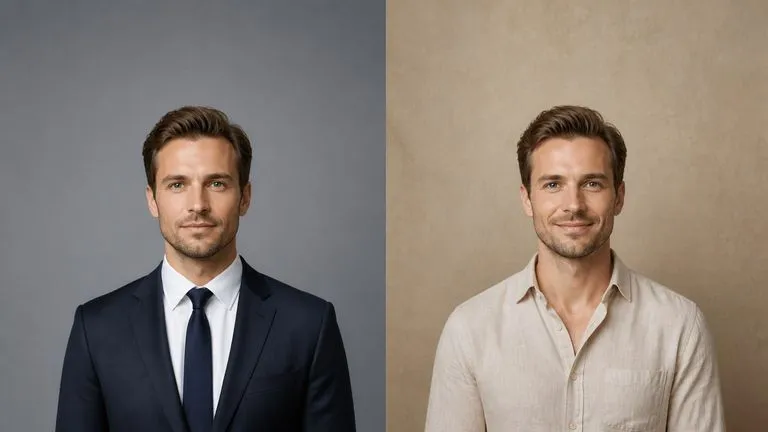
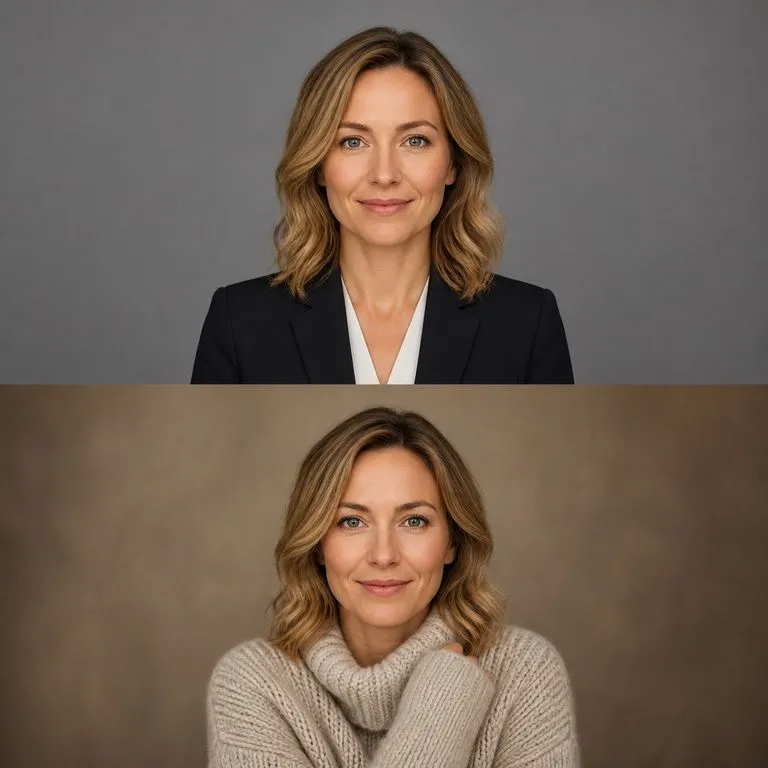
One person styled for two different industries
Optional

Your industry

Finance does not look like a design studio. Name the field and the styling, the backdrop and the formality move to match it.

How to make a LinkedIn headshot with AI in four steps

  1. Take one clear front-facing photo

    Even light, face square to the camera, no heavy shadow. A phone photo against a plain wall is enough. This is the only image you need.

  2. Choose how many shots

    More shots means more registers to pick from. Most people want enough to cover a profile, a company page and a speaker bio.

  3. Name the industry and the styling

    Field, formality, outfit colour, whether you want a smile. One line here saves running the whole set again.

  4. Create, then keep working

    The set lands on a fresh Virse canvas. Re-run one shot you did not like, adjust the styling, or take a favourite into an edit without exporting.

Who reaches for an AI corporate headshot generator

People who need a decent photo of themselves sooner than a photographer can be booked.

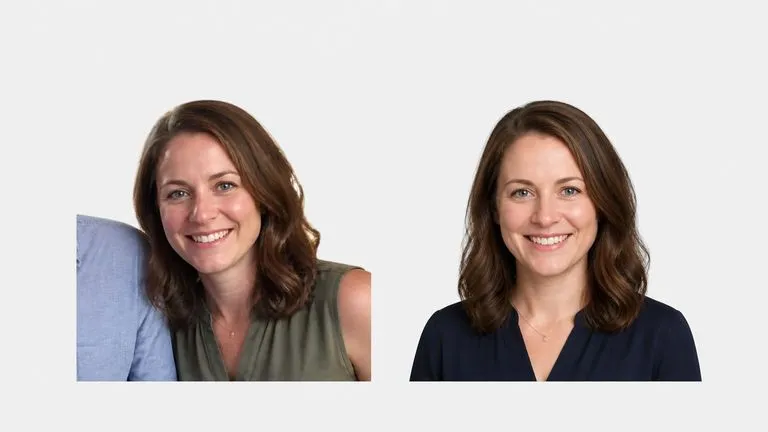
A cropped casual snapshot replaced by a proper headshot

Job Seekers & Professionals

Replace a cropped wedding photo with something that belongs on a profile, before an application goes in this week.

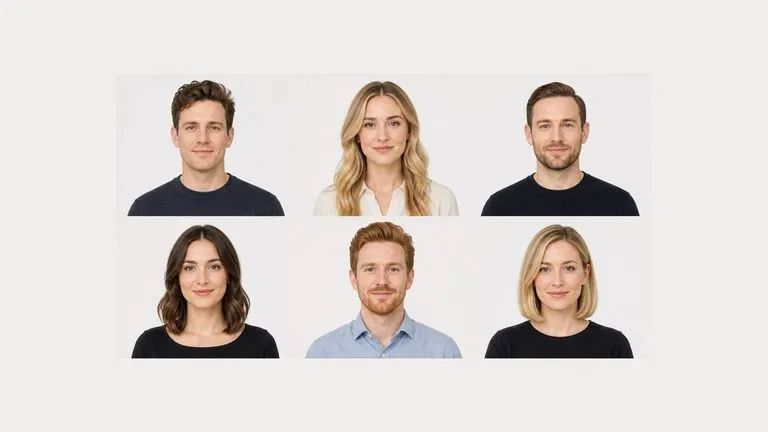
Six team headshots matched to one consistent register

Distributed Teams

Give everyone a headshot in the same register, when the team has never been in the same city let alone the same studio.

One person's headshots prepared for three different contexts

Speakers & Founders

Cover the different registers an event page, a press kit and an investor deck each ask for, from one photo.

What an AI business headshot generator returns

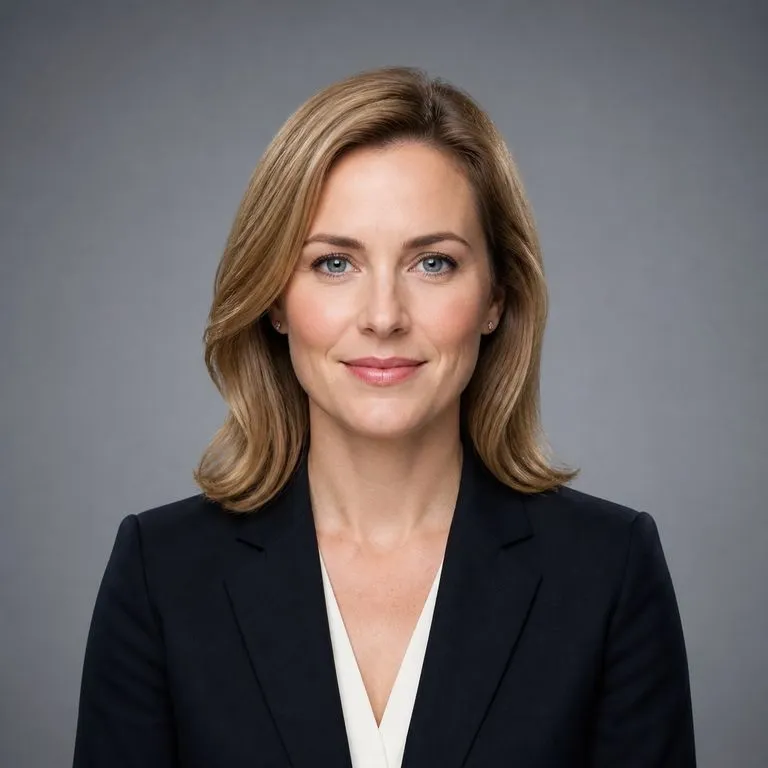
A formal headshot on a neutral backdrop with even lighting
Neutral Backdrop, Formal: the version a finance profile expects
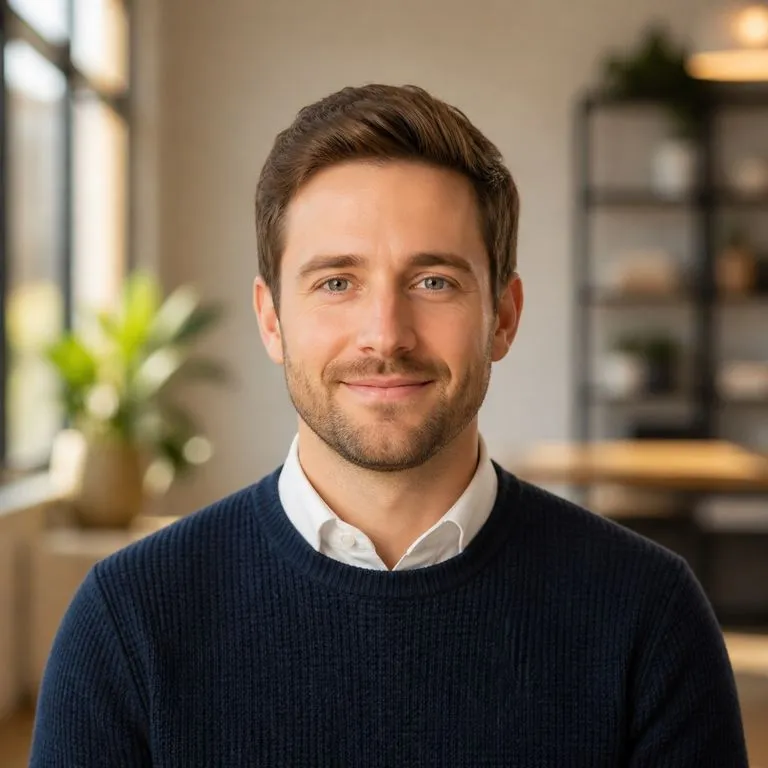
A warmer headshot with a softly blurred office behind
Soft Office Background: a warmer register for a tech company page
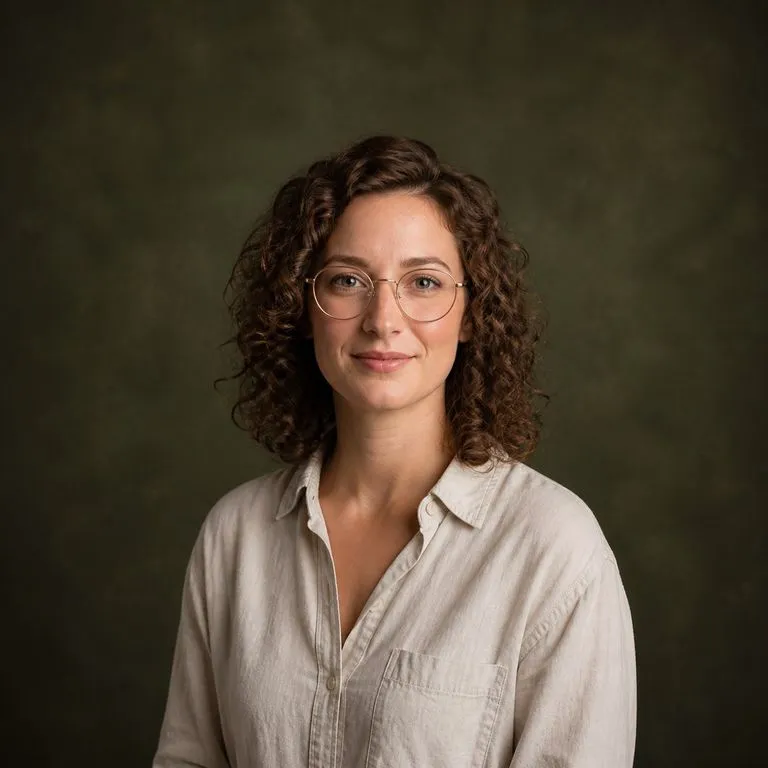
A relaxed headshot against a textured backdrop with directional light
Textured Backdrop, Relaxed: styling suited to a studio or agency bio
One face held identical across four different backdrops
Same Face, Four Scenes: identity held across a whole set
One person shown in a formal and a creative styling side by side
Styled by Industry Note: formality moved by one line in the brief
An everyday source photo above the studio headshot made from it
Source and Result: original photo shown against what came back

Why no training step changes the experience

Most headshot products ask for twenty photos and an hour. This one does not, and that changes what the tool is for.

Training-based headshot services

  • Twenty or more photos have to be gathered before anything starts
  • A training run takes an hour or more, so you cannot try it and decide
  • Getting a different look usually means paying for another model
  • Your photo set sits on someone else's server for the life of the model

The Virse headshot generator

  • One front-facing photo is the whole input
  • The run finishes in about the time a single generation takes
  • Changing the industry or the styling is a line of notes and a re-run
  • Everything lands on a canvas you control, with no model left behind
FAQ

Questions

Do I need to upload more than one photo?
No. One clear front-facing photo is all it takes. There is no training step and no upload batch to sit through, which is also why the run finishes in about the time one generation takes.
Will the headshots still look like me?
Identity is the hard constraint rather than a preference. Every shot is checked back against your original photo, because a headshot that is not recognisably you is not a headshot.
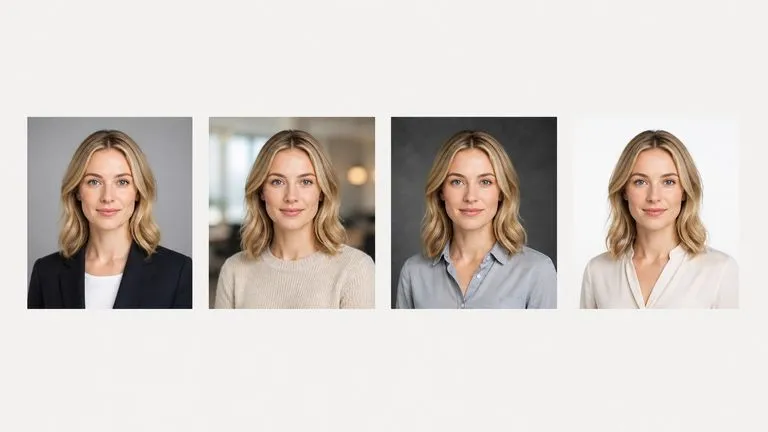
Is it obvious that the photo is AI generated?
Sometimes, and it depends on the shot. Hands, ears, glasses frames and complicated collars are where these images usually give themselves away, so it is worth looking closely before you publish one. Picking the shot that survives scrutiny is part of the job the set is there for.
Can I use it for a passport or an official document?
No. Government ID, visa and press credential rules generally require an unedited photograph taken within a set period, and a generated image does not qualify. This is for profiles, company pages and press kits.
Does pressing Create run the tool straight away?
No. Your inputs travel into a fresh canvas and land on the tool already filled in, but nothing runs until you press Start there. A link can never spend your credits on your behalf.
Can I keep working on the result afterwards?
Yes. Everything the tool produces arrives on a normal Virse canvas, so you can re-run a single output, adjust it, or take it into an edit without exporting and re-importing.

Your next profile photo is one upload away

Start here. Your photo and preferences travel into a fresh Virse canvas, where nothing runs until you say so.