
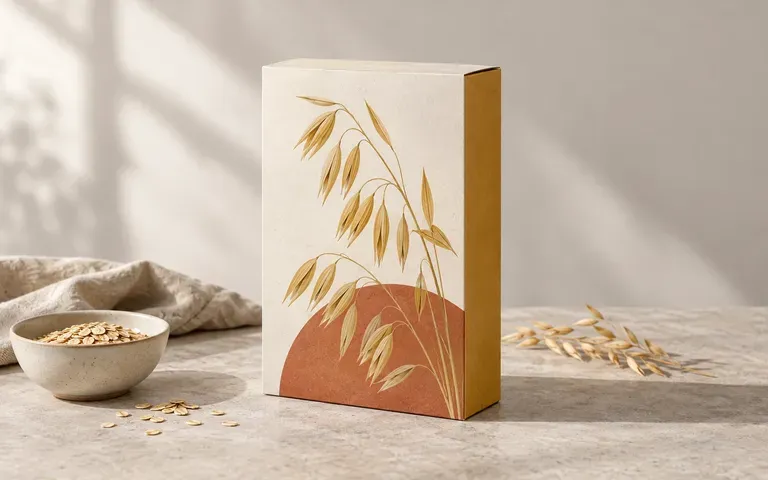
Panel view
Review Front and Side Panels Together
Upload both your main display panel and your side gusset design so reviewers can inspect how colors, banners, and typography wrap across the box corner.
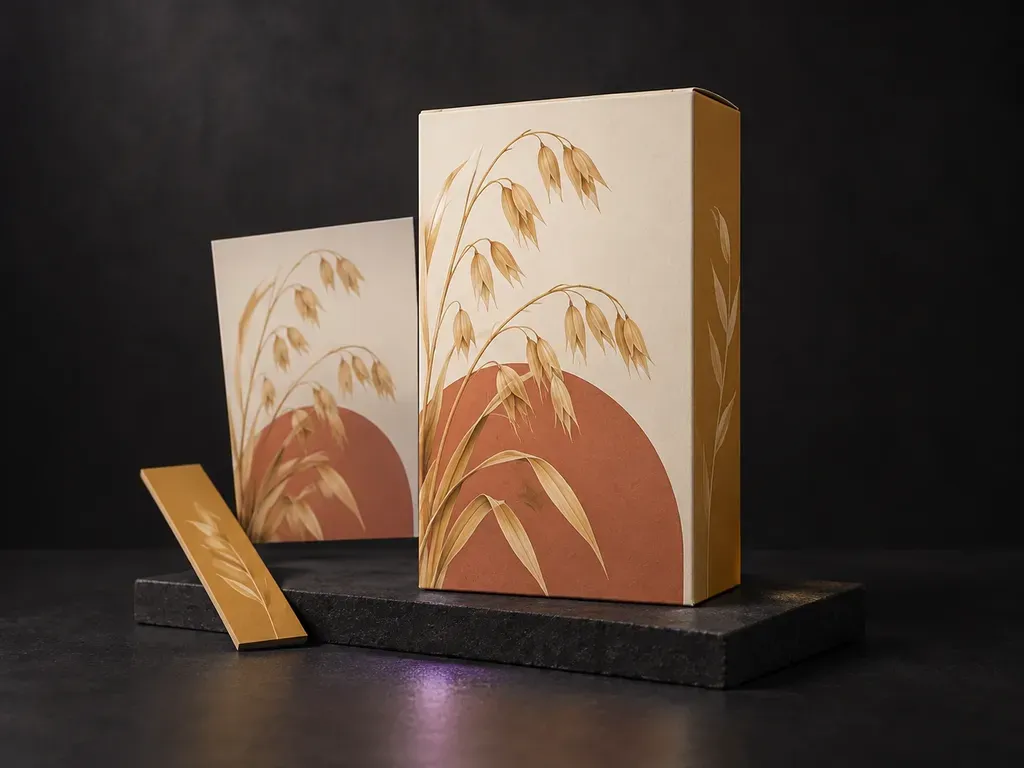
Upload your cereal box reference photo with your front and side panel artwork, then describe a studio, breakfast table, or shelf scene. This cereal box mockup generator applies your graphics to the carton for proportion reviews.
A cereal box mockup (or cereal packaging mockup) projects your finished front and side carton artwork onto a folded 3D box from your uploaded reference:
• Front-to-side panel connection: Check how the main title, mascot, or bowl illustration meets the side nutrition panel along the vertical fold.
• Carton proportions: Verify whether tall family-size boxes, slim single-serve cartons, or wide variety packs hold the intended visual hierarchy.
• Morning and retail legibility: Preview how flavor palettes and typography read on a sunlit breakfast table, kitchen counter, or grocery aisle shelf.
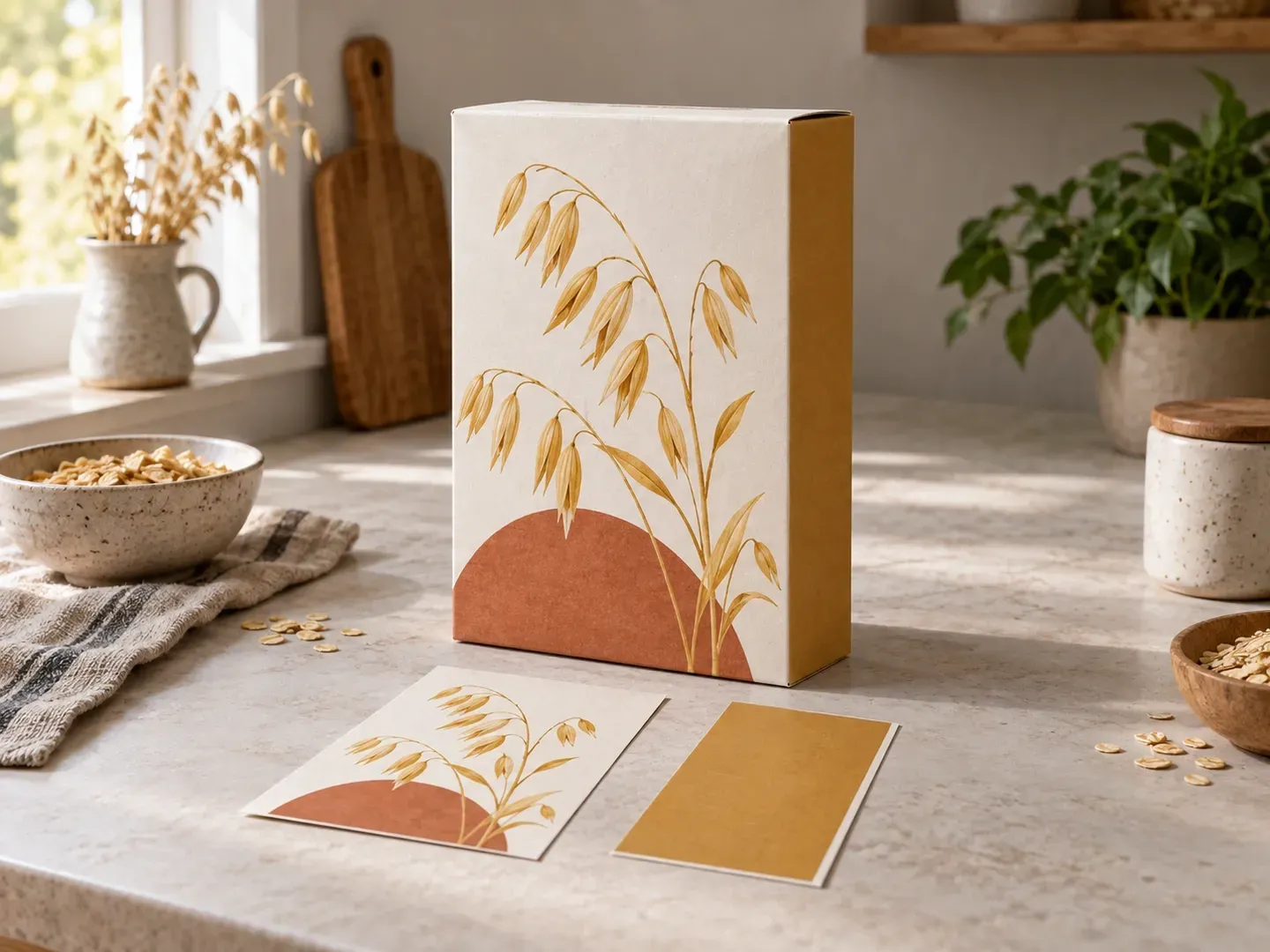
Three packaging checks a reference-led cereal box mockup handles without manual Photoshop layer warping.
Upload both your main display panel and your side gusset design so reviewers can inspect how colors, banners, and typography wrap across the box corner.
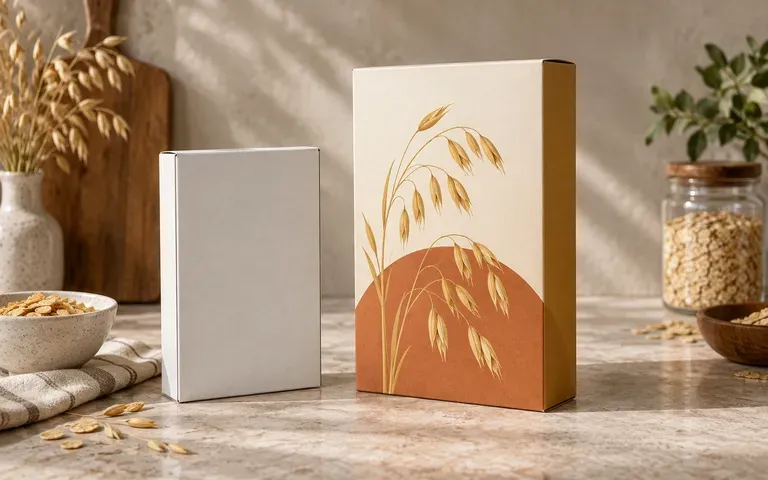
Supply a photo of the actual cereal carton shape you plan to produce so the preview reflects your box height, depth, and top-flap proportions.
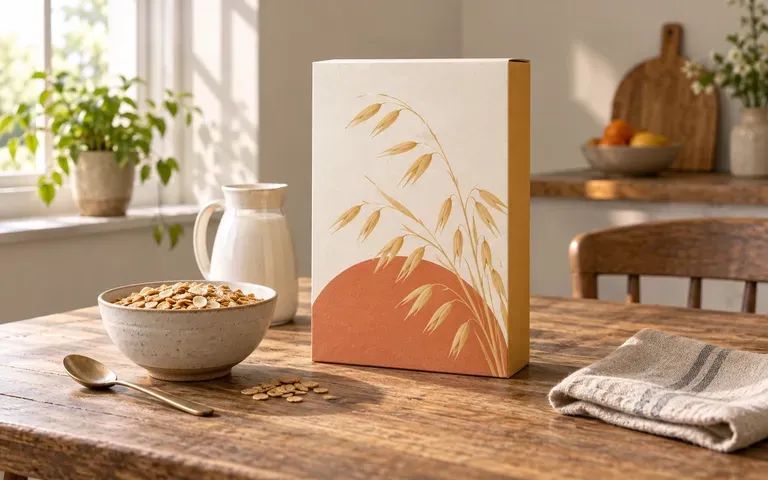
Switch between a clean studio backdrop, a morning breakfast table, or a retail shelf in your brief to see whether your flavor colors stand out.
How generating a cereal packaging preview from your own carton reference compares with editing a static cereal box mockup PSD or flat cereal box template.
Static Cereal Box Mockup PSD
Virse Cereal Box Mockup Generator
Upload a reference photo of your carton with your finished front and side panel files, noting each face assignment.
Specify whether you want a plain studio, breakfast table, or retail shelf scene, and state which side of the box should remain visible.
Render the static 3D-style carton preview with your front and side panels mapped onto the box silhouette you uploaded.
Compare the front illustration, side panel placement, and carton proportions against your source files before pitching.
Clear scene notes keep the focus on your carton artwork. Copy any of these three cereal box mockup prompts:
• Morning breakfast table: "Tall oat cereal carton from the uploaded reference showing the yellow front and right nutrition panel, on a wood breakfast table beside a milk pitcher."
• Three-quarter studio review: "Three-quarter cereal packaging mockup using the berry granola front and left side artwork, matte paperboard on a warm gray sweep."
• Retail shelf range: "Front-facing honey almond cereal box from the uploaded artwork and carton reference, on a lit grocery shelf with shallow depth of field."
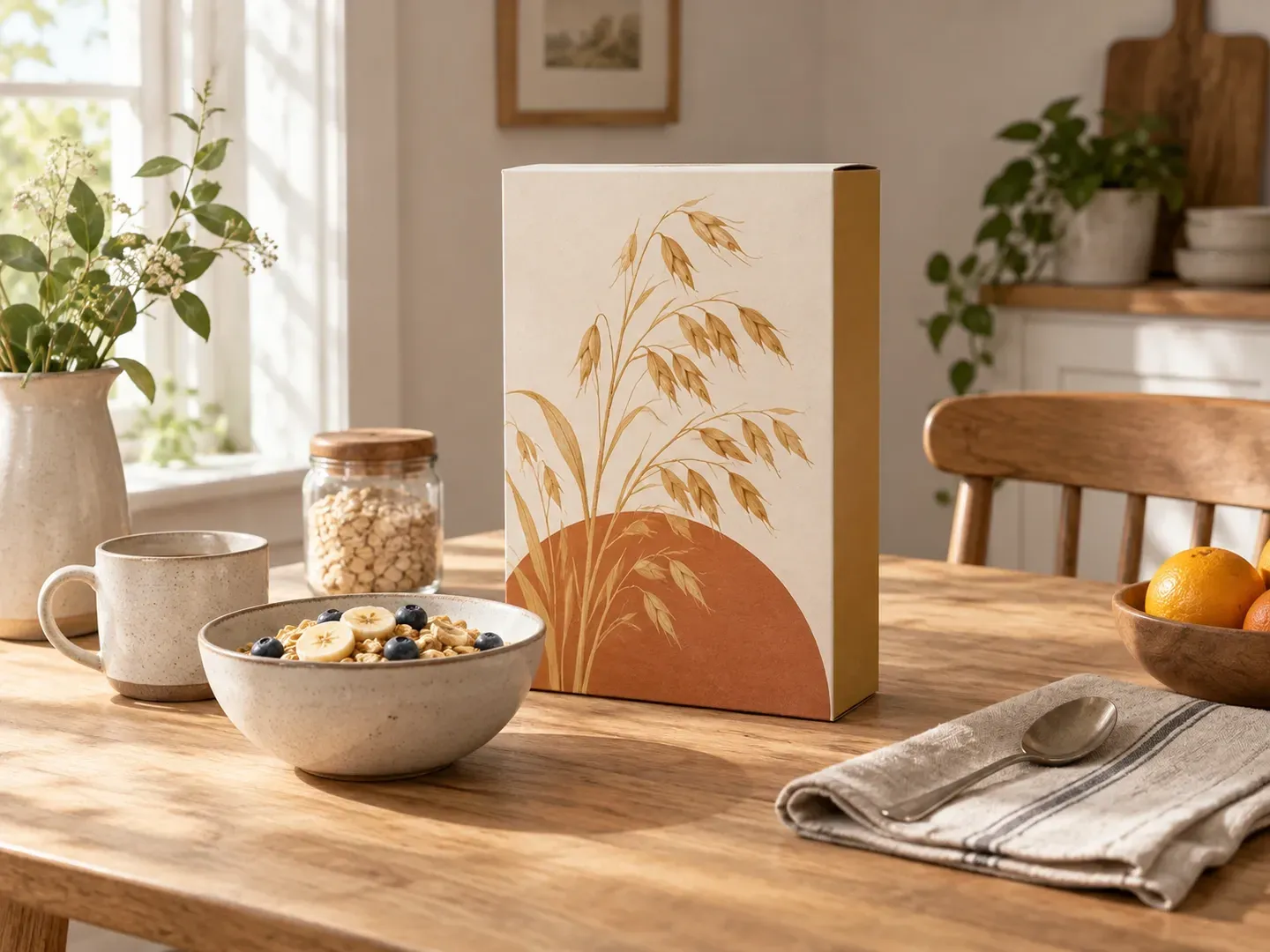
Four food and design teams that use a cereal box mockup to evaluate carton graphics before ordering printed proofs.
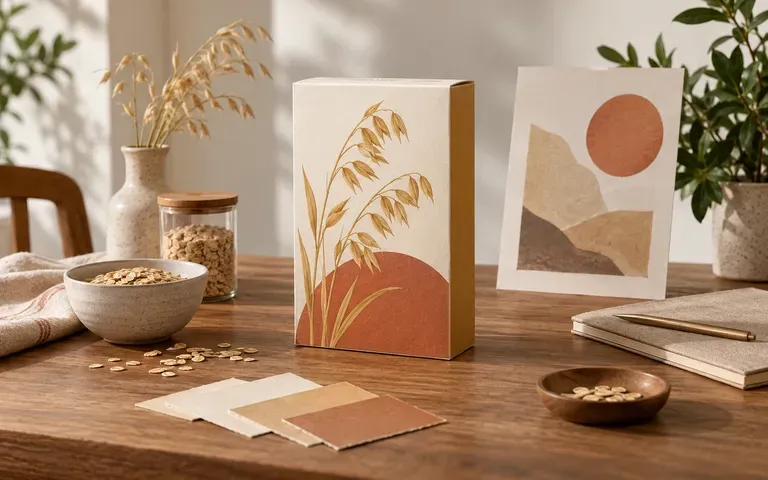
Review new flavor extensions and seasonal carton refreshes in a realistic breakfast or grocery setting before locking artwork for prepress.
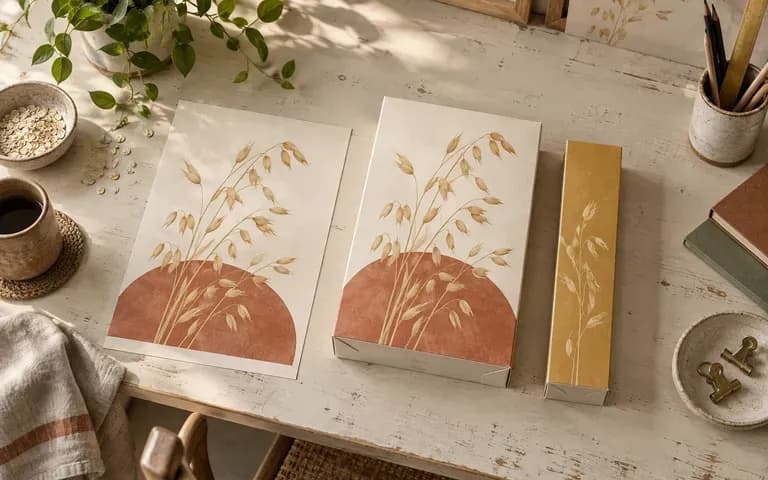
Present front display graphics and side panel layouts as one cohesive three-dimensional carton during client design critiques.
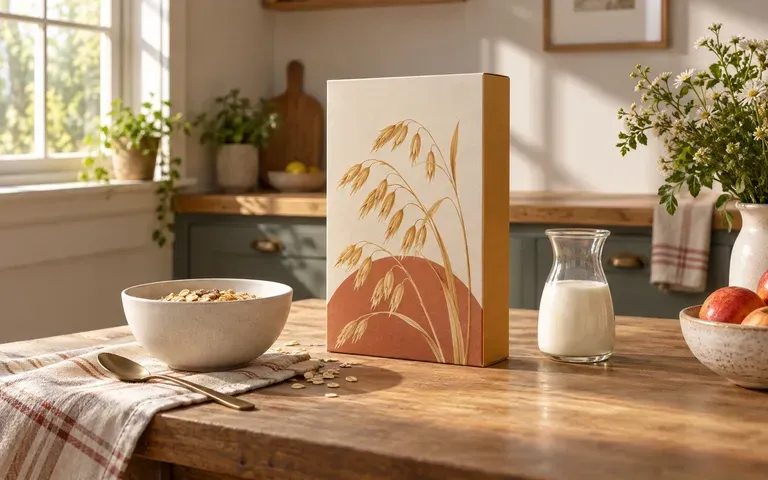
Explore campaign key visuals, retail sell-in decks, and ecommerce hero concepts using approved carton artwork before physical cartons come off the press.
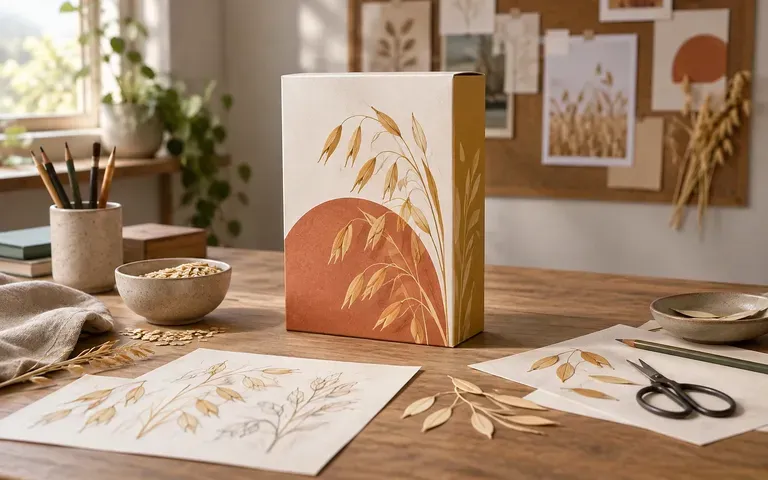
Showcase completed cereal branding and carton illustrations in portfolio case studies with realistic paperboard lighting and tabletop context.
Six cereal box mockup outputs covering morning tabletop scenes, front-and-side carton checks, and multi-flavor range reviews.
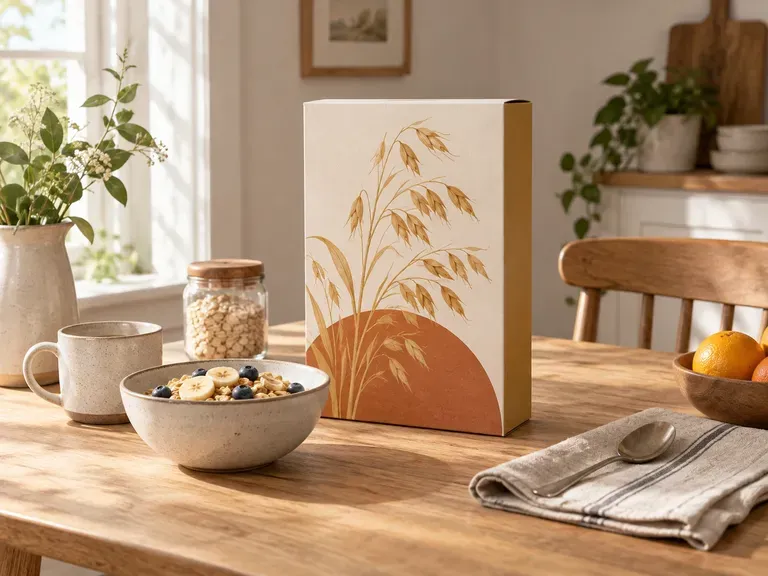
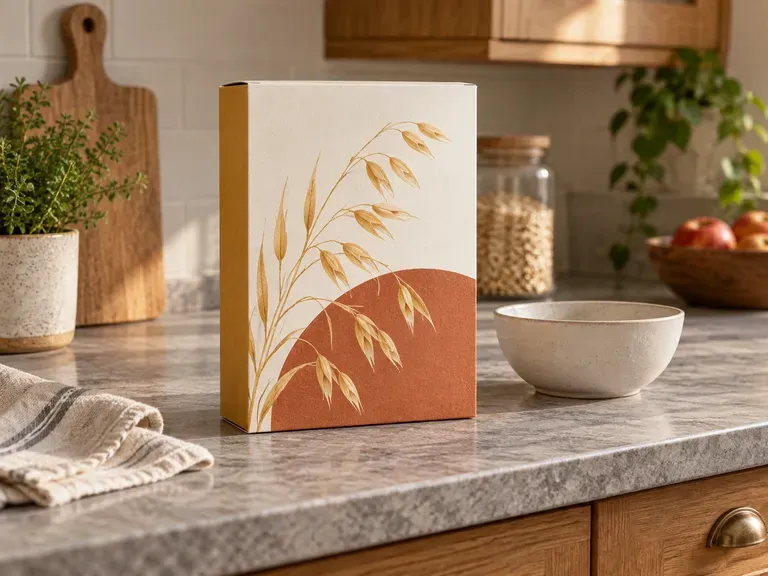
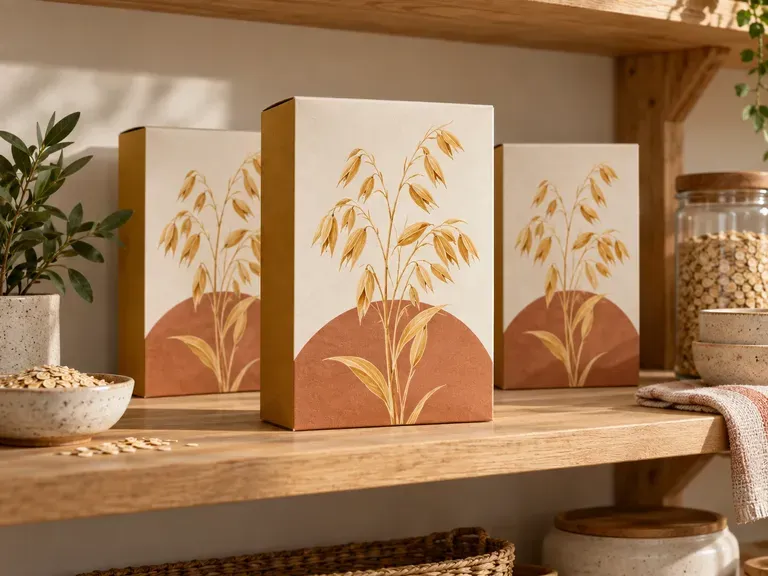
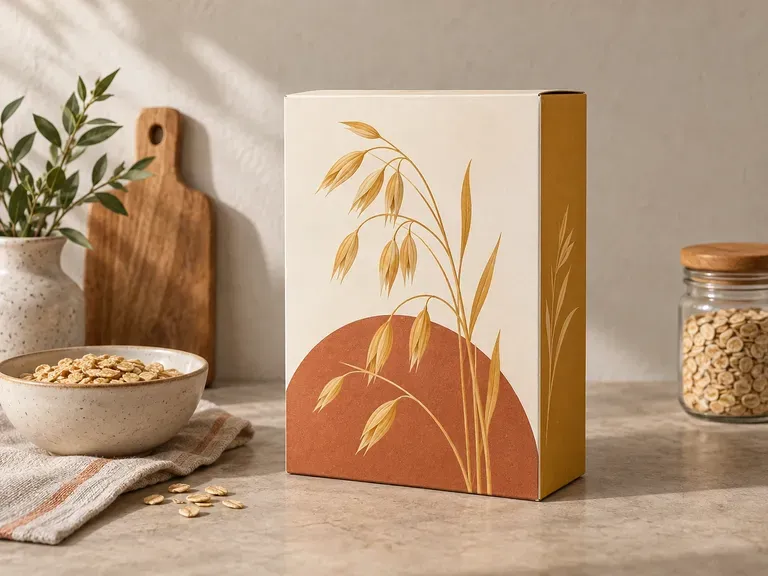
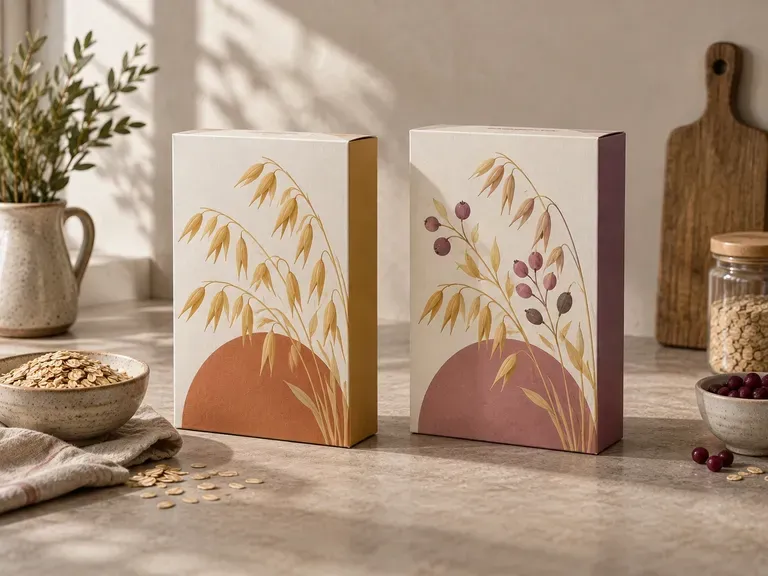
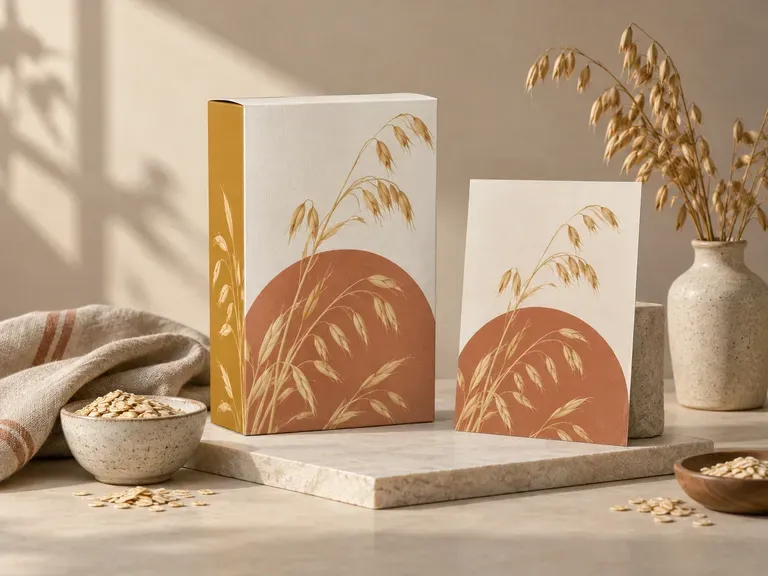
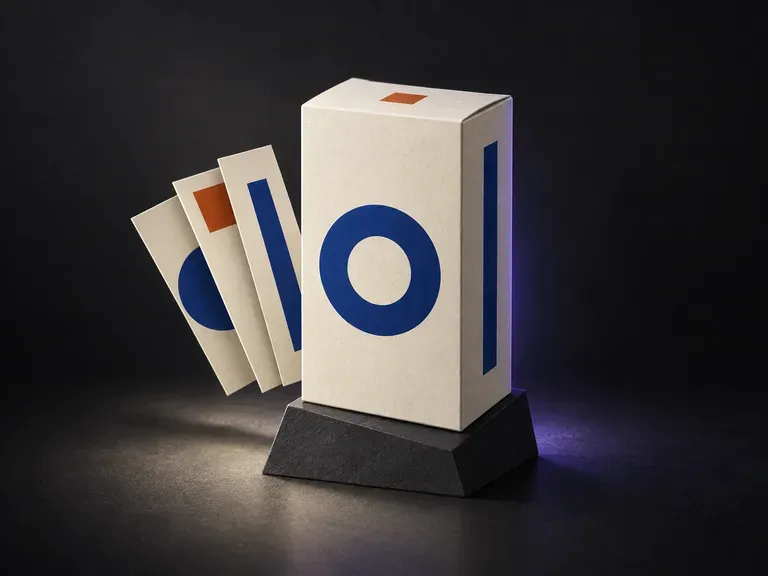
Preview finished panel artwork across the visible faces of shipping, retail, and folding cartons.
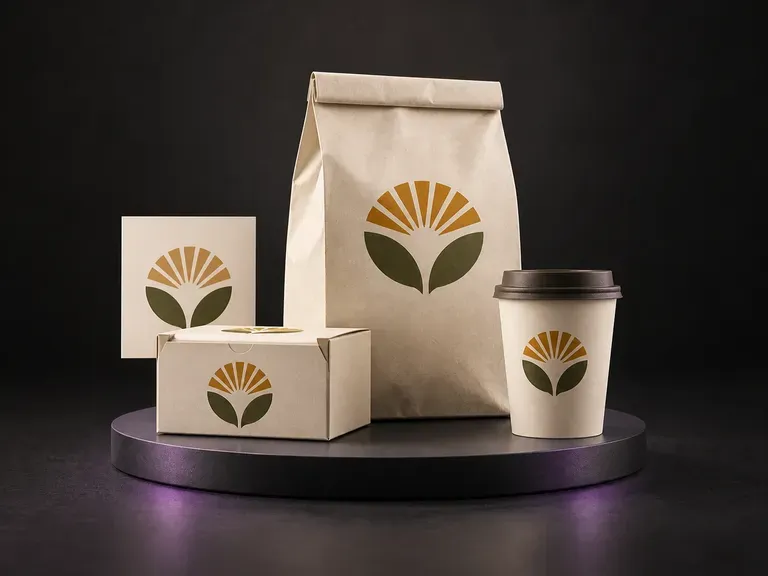
Present one cohesive food brand across coordinated boxes, pouches, bags, and cups.

Create front-of-pack label concepts from your brand name, flavor notes, and visual style.
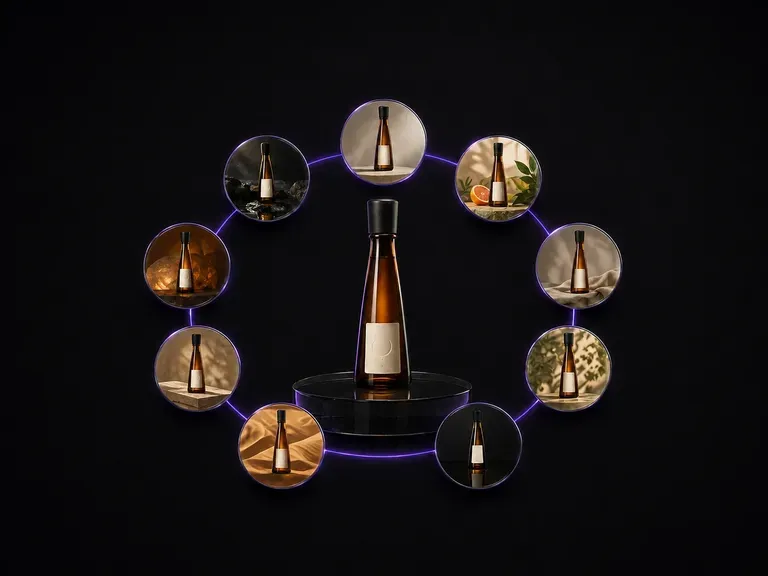
Generate a coordinated nine-frame campaign contact sheet from a single bottle reference.
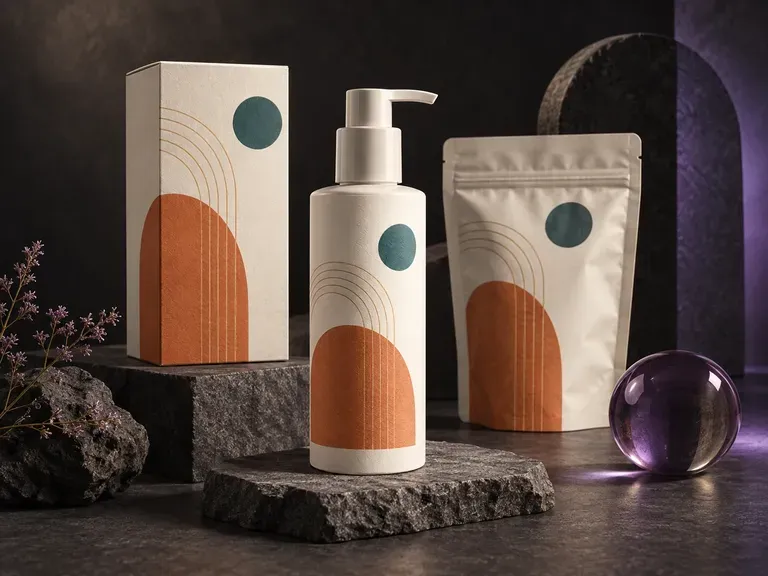
Place flat dielines and label files onto 3D cartons, pouches, and containers in studio light.
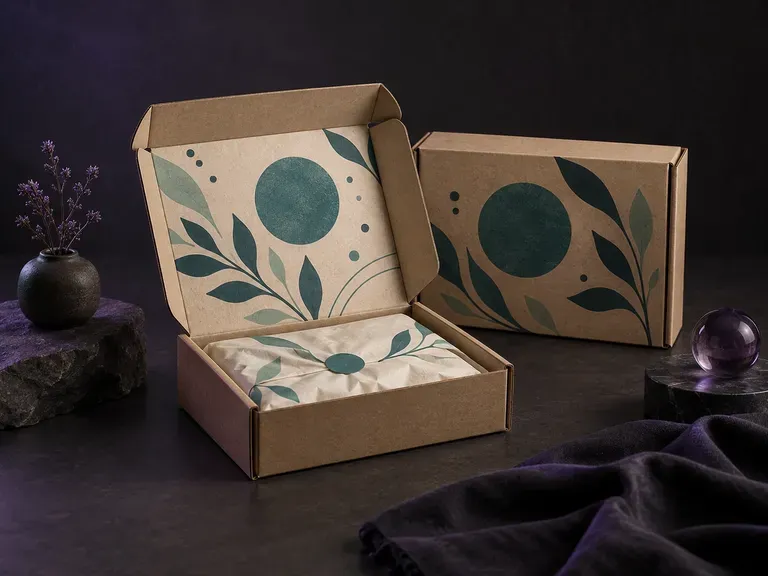
Visualize corrugated e-commerce mailers with outside branding and inside-lid unboxing prints.

Produce realistic studio lighting, contact shadows, and natural material grain for commercial shots.

Swap backgrounds, lighting setups, or colorways while keeping your core subject geometry locked.

Explore four distinct framing and styling variations side by side on the canvas in a single run.
Keep display headlines, packaging wordmarks, and monogram badges sharp inside generated visuals.

Translate detailed creative briefs into balanced compositions with reliable spatial relationships.

Render high-contrast metallic reflections, fabric weaves, and shallow depth of field.
Bring your completed front and side carton artwork into Virse to create a cereal box mockup for your next packaging review.