Beer Can Mockup Generator

Beer Can Mockup Generator

A can design changes as it turns away from the viewer. Add your can reference and full artwork, then describe the can-top color and setting to create a beer can mockup for a brewery presentation or packaging review.

Beer Can Mockup Generator

Interactive demo coming soon

What is a beer can mockup?

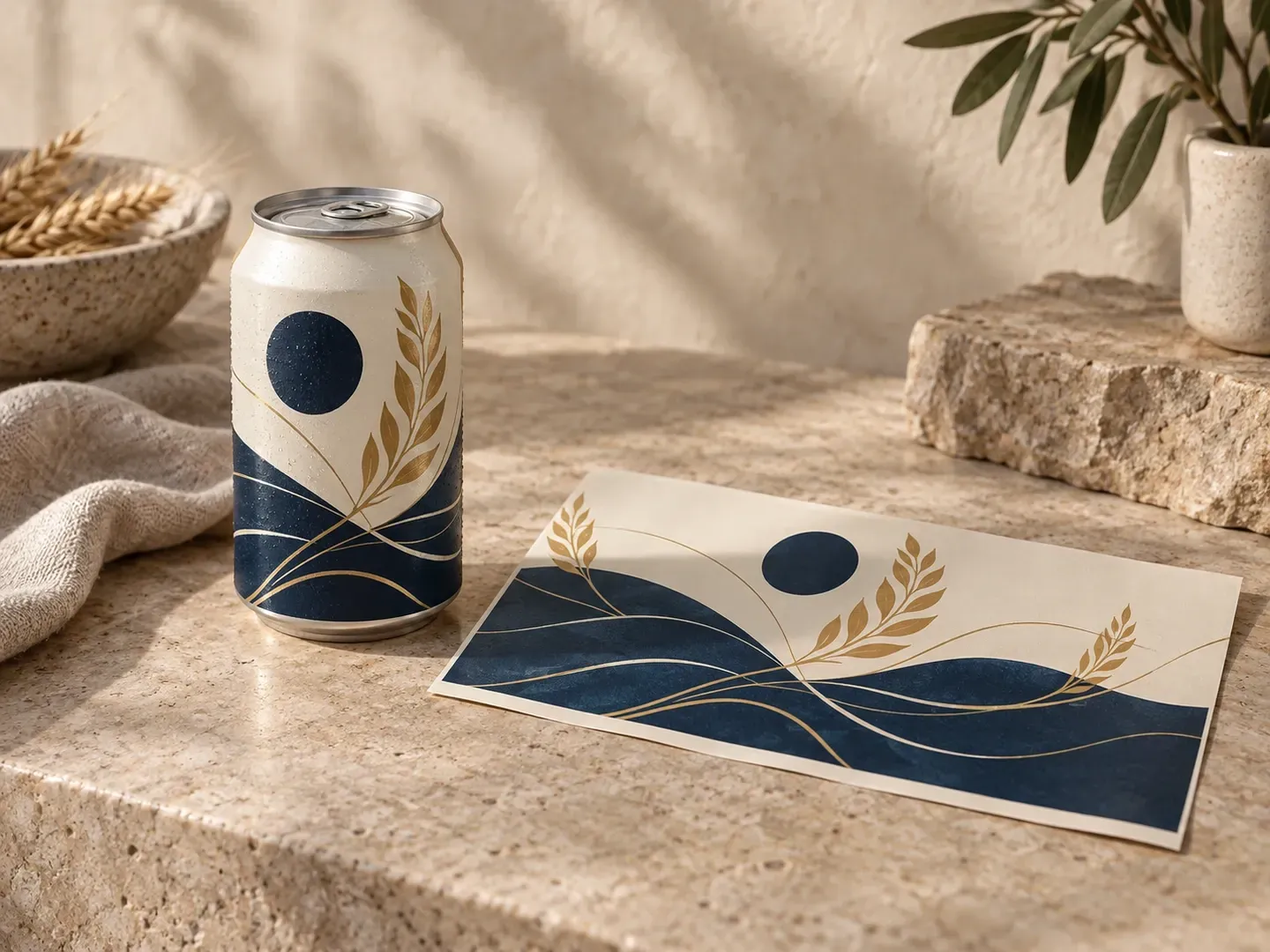
A beer can mockup shows existing artwork on a curved can. Virse uses your can reference, full design, can-top color, and scene brief to create a static image for reviewing the packaging appearance.

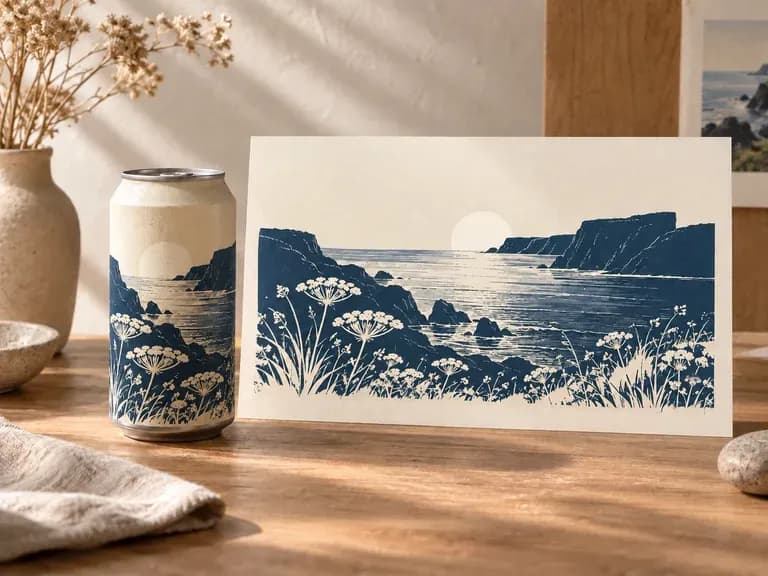
Full can artwork shown on a beer can in a product presentation

Why use Virse's beer can mockup generator?

The front mark, artwork near the edges, and can top all influence the final view. Include them in the brief before choosing the scene.

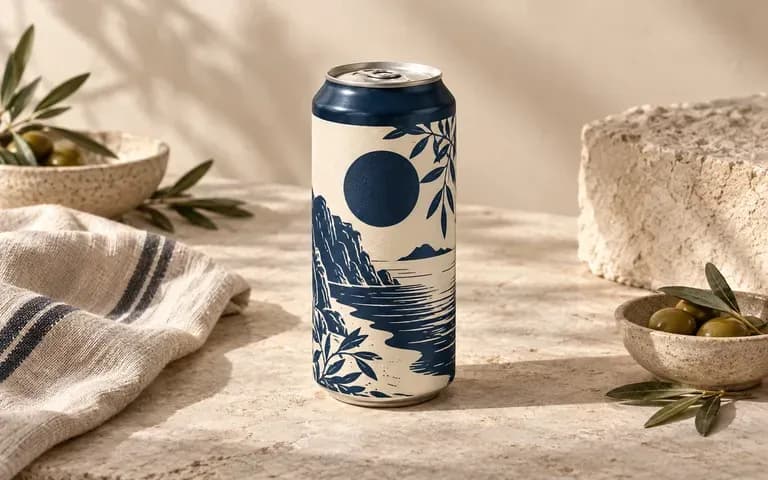
Beer can artwork viewed across the front and curved side
Full artwork

Review the design around the curve

Provide the complete can artwork so the brief includes more than the front logo. Inspect the visible edges for altered lettering, repeated graphics, or an awkward transition.
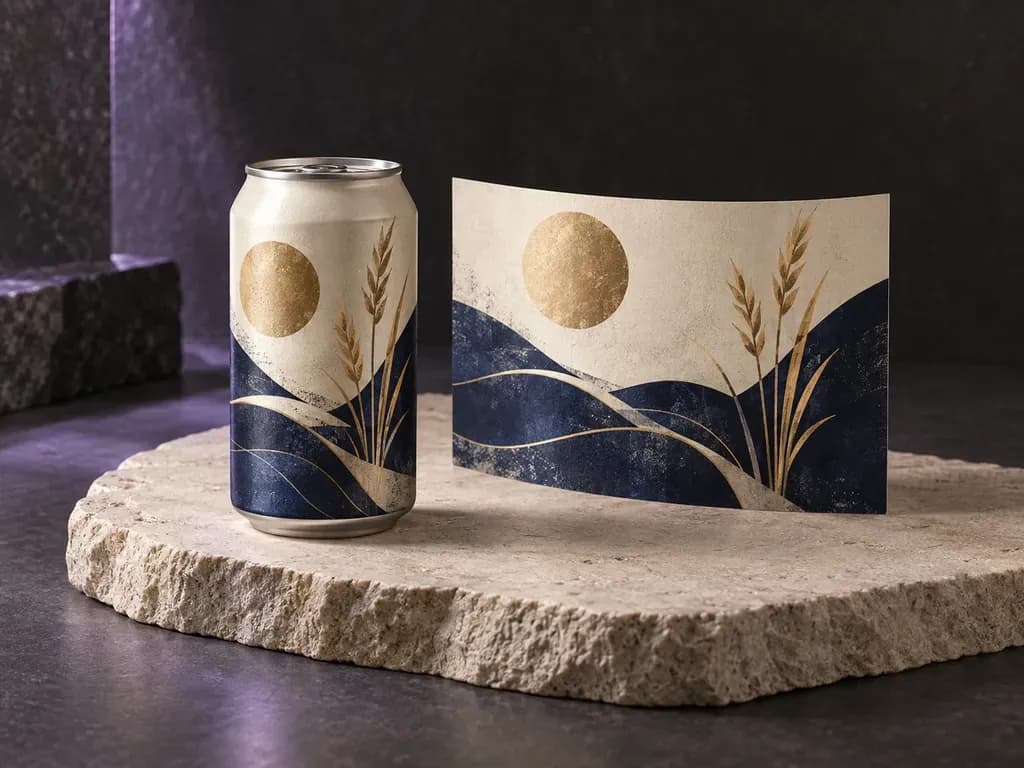
A beer can with its top and rim visible above the label
Can details

Include the can-top color

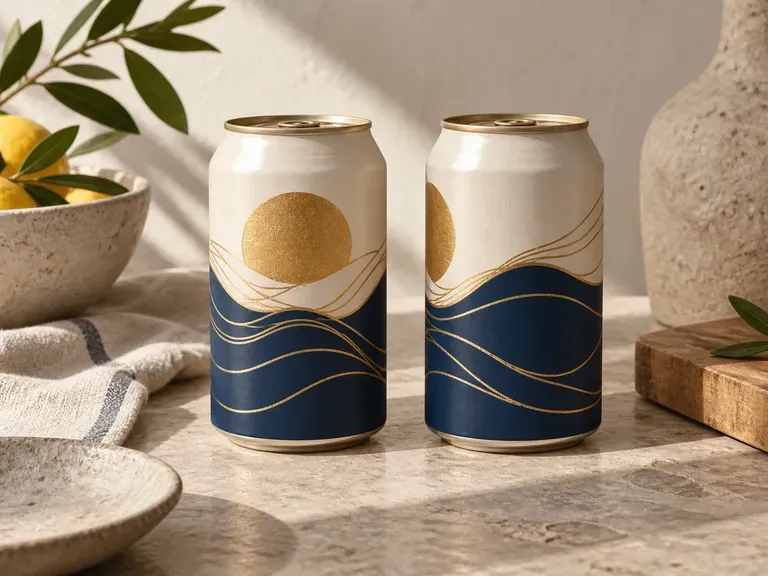
Specify the top color with a clear can reference. Review how the lid and rim relate to the body artwork in the generated image.
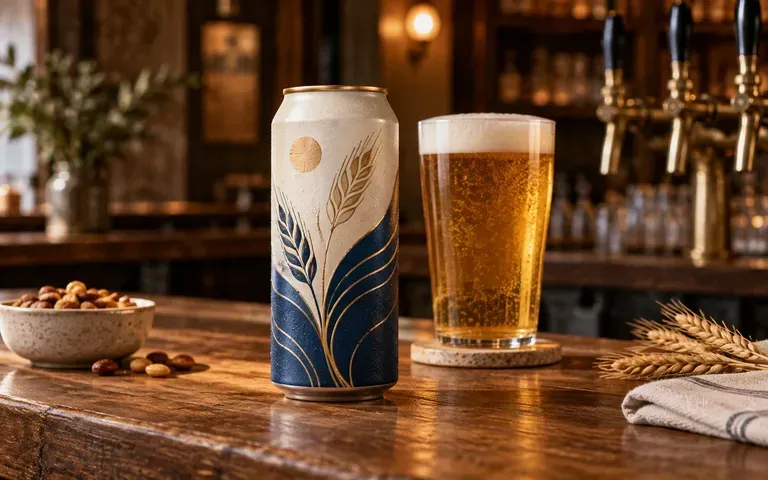
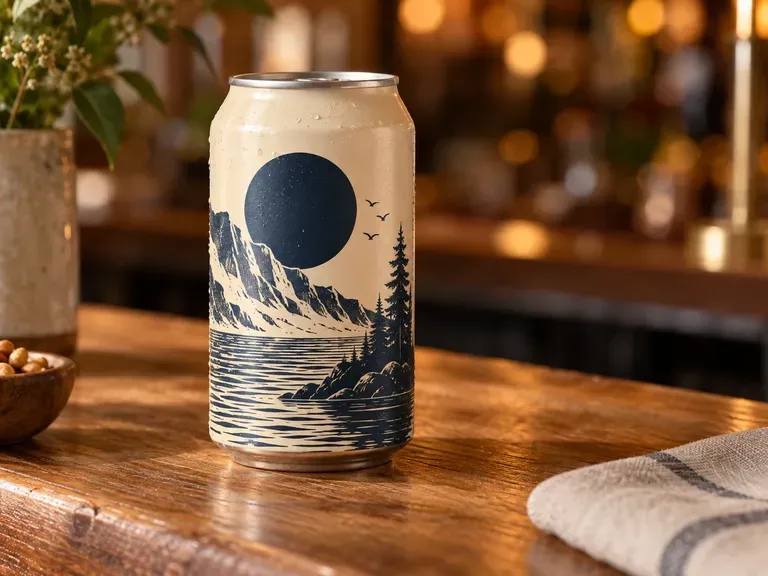
A finished beer can design presented on a taproom counter
Scene notes

Set a brewery-specific scene

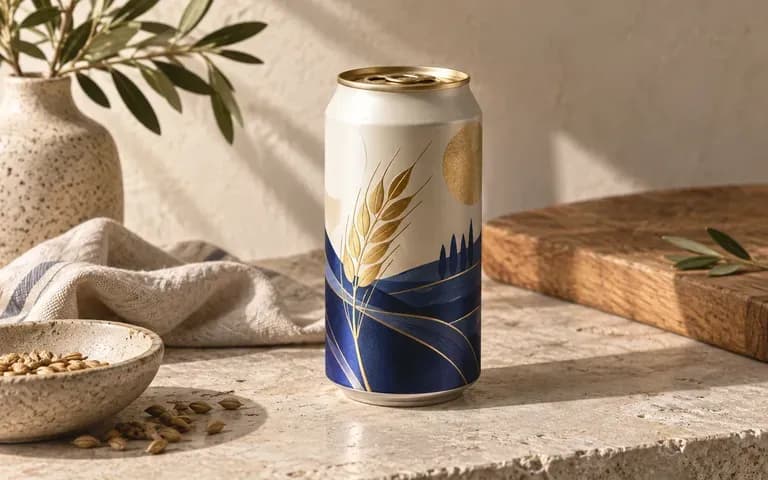
Describe a studio view, taproom counter, or chilled serving scene. Keep the artwork facing the viewer when the image is meant for a packaging discussion.

How to create a beer can mockup in four steps

  1. Add the can reference

    Supply a can photo or shape reference with the proportions you want to show.

  2. Upload the complete artwork

    Include the full can design. State which part should face the viewer and describe the top color.

  3. Describe the scene and generate

    Write the background and lighting requirements, then generate the beer can image.

  4. Check the wrap and details

    Review the visible artwork, lettering, rim, and pull tab. Compare the can shape and any seam area with your reference.
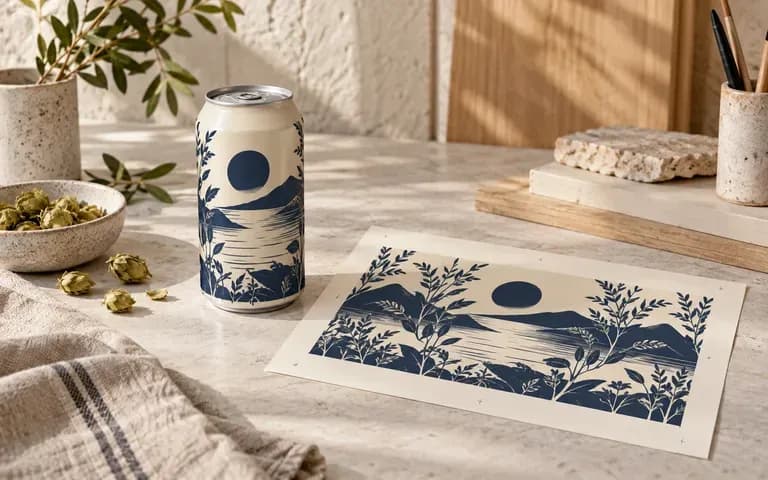
Who is this beer can mockup generator for?

A brewery's finished label shown on a can

Independent breweries

Present an existing can design for an upcoming release discussion.
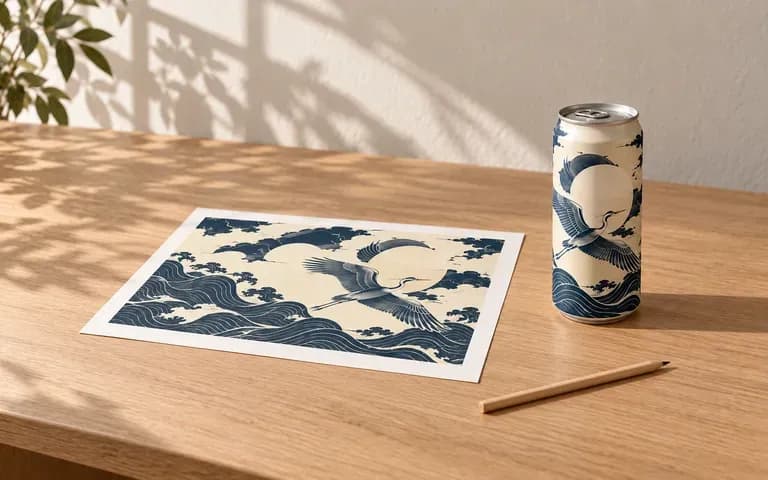
A designer's view of the curved edge of a beer can label

Beverage packaging designers

Review how the front design continues around the curved body.
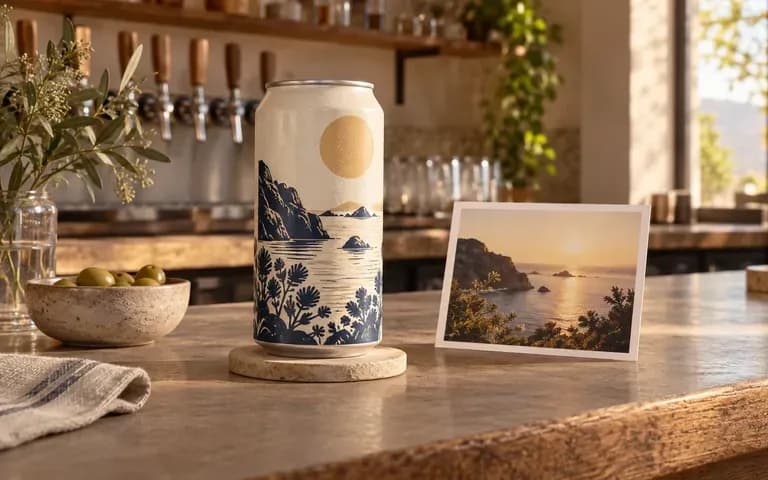
A beer can shown in a proposed taproom campaign setting

Brewery marketing teams

Develop visual concepts around approved packaging artwork.
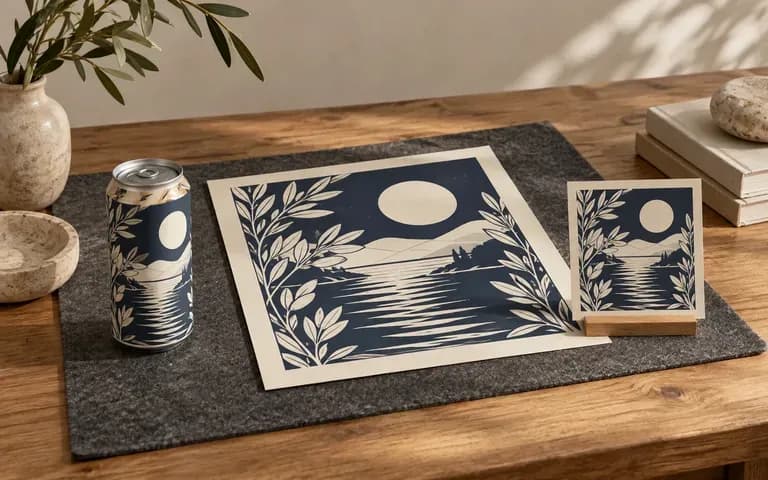
A client presentation focused on beer can artwork

Design studios

Prepare a can packaging presentation for brewery clients.
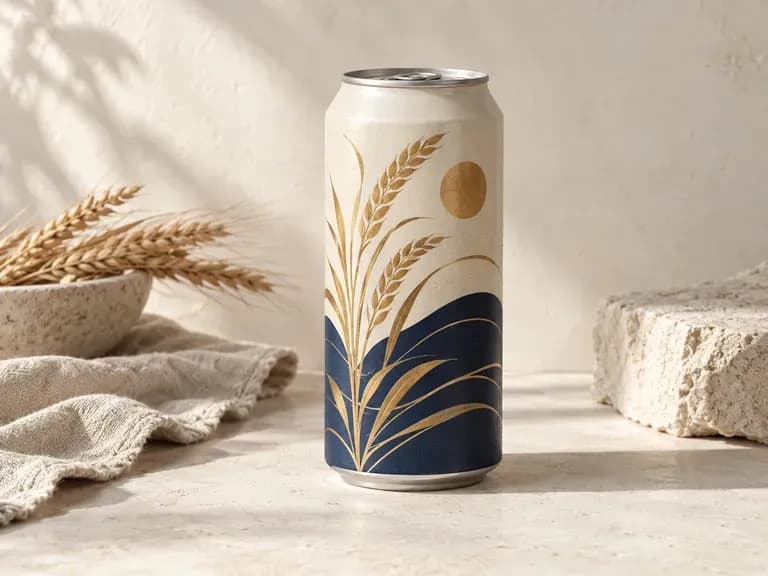
Beer Can Mockup use cases

Single-Can Packshots: the main artwork shown clearly against a simple background
Taproom Presentation Concepts: an existing beer can design placed on a bar counter
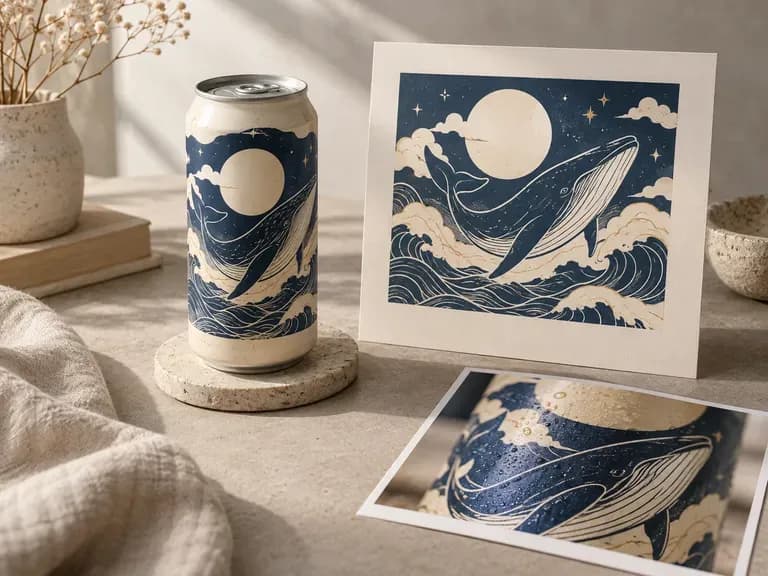
Chilled Serving Scenes: the packaging shown with requested condensation effects
Release Design Reviews: a finished release design evaluated on the can reference
Full-Wrap Artwork Studies: visible front and side graphics reviewed together
Brewery Portfolio Images: a completed can design presented as a packaging project

Frequently asked questions

Should I upload the full can artwork or just the logo?
Use the full artwork for a complete packaging preview. A logo alone does not describe the rest of the can design, especially the graphics that extend around the sides.
Can the artwork follow the curved can surface?
The preview shows your design around the can's curved body. Check the edges, lettering, and visible seam area because exact artwork mapping is not guaranteed.
Can I use my own can shape reference?
Yes. Add a can photo or shape reference. Review the height, width, rim, and top in the result against the intended can.
Can I request a different can-top color?
Yes. Include the top color in your brief with the can reference. Check the generated lid and rim before using the image.
Can I request condensation or a chilled setting?
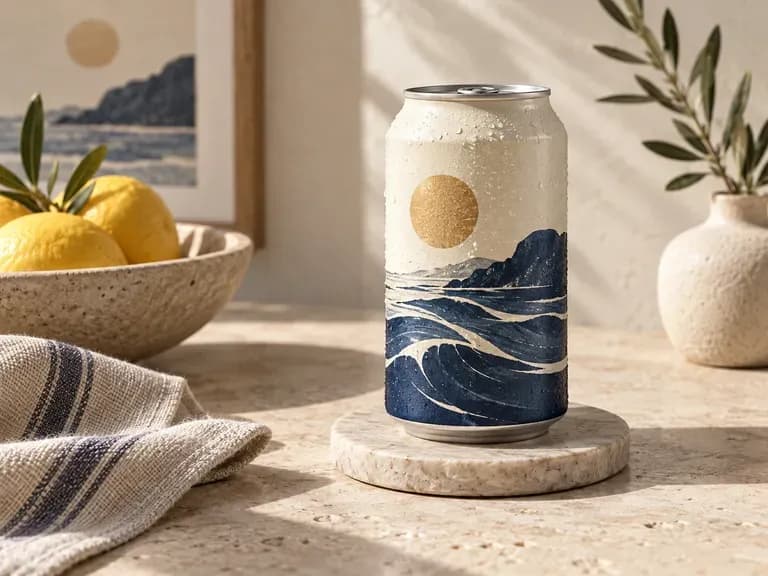
Yes. Describe that visual effect in the scene brief. It is a styling direction for the image and does not indicate the product's temperature or material performance.
Does this provide files for printing or making the can?
No. The output is a static packaging image. Can artwork preparation, printing, and manufacturing specifications remain separate tasks.

See your beer design around the can

Add the full artwork and can reference, then describe the view that will make the next packaging review clearer.