Flexible inputs
Solo and Two-Person Upload Modes
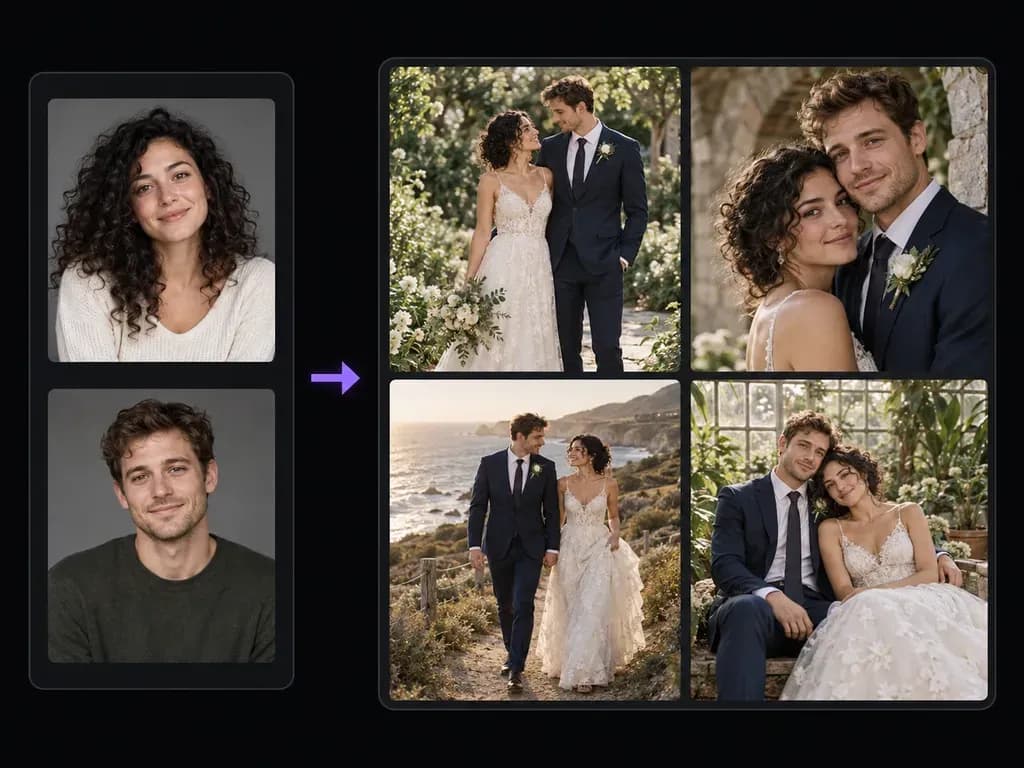
Run a solo bridal or groom portrait from one reference photo, or combine two separate individual portraits into a unified couple composition without needing an existing formal photo together.
Upload one portrait for a solo bridal or groom study, or two portraits for a couple concept, then describe your attire, venue, and posture. With this AI wedding photo generator, engaged couples and stylists can explore bridal and groom portraits on the canvas.
An AI wedding photo generator (or AI wedding portrait generator) synthesizes a solo bridal study or couple wedding concept from your uploaded reference faces and a brief covering attire, venue, and light. Customize three elements:
• Solo or couple modes: Upload one portrait for bridal gown or tuxedo styling, or supply two headshots to compose a couple frame.
• Attire and venue pairing: Describe fabrics and settings like an ivory silk gown in a greenhouse or a charcoal suit on a coastal cliff.
• Facial and hand review: Compare generated portraits beside casual uploads on the canvas to inspect likeness, hands, and lapels.
How engaged couples, bridal stylists, and photographers use an AI bridal photo generator to pitch gowns, suits, and ceremony backdrops.
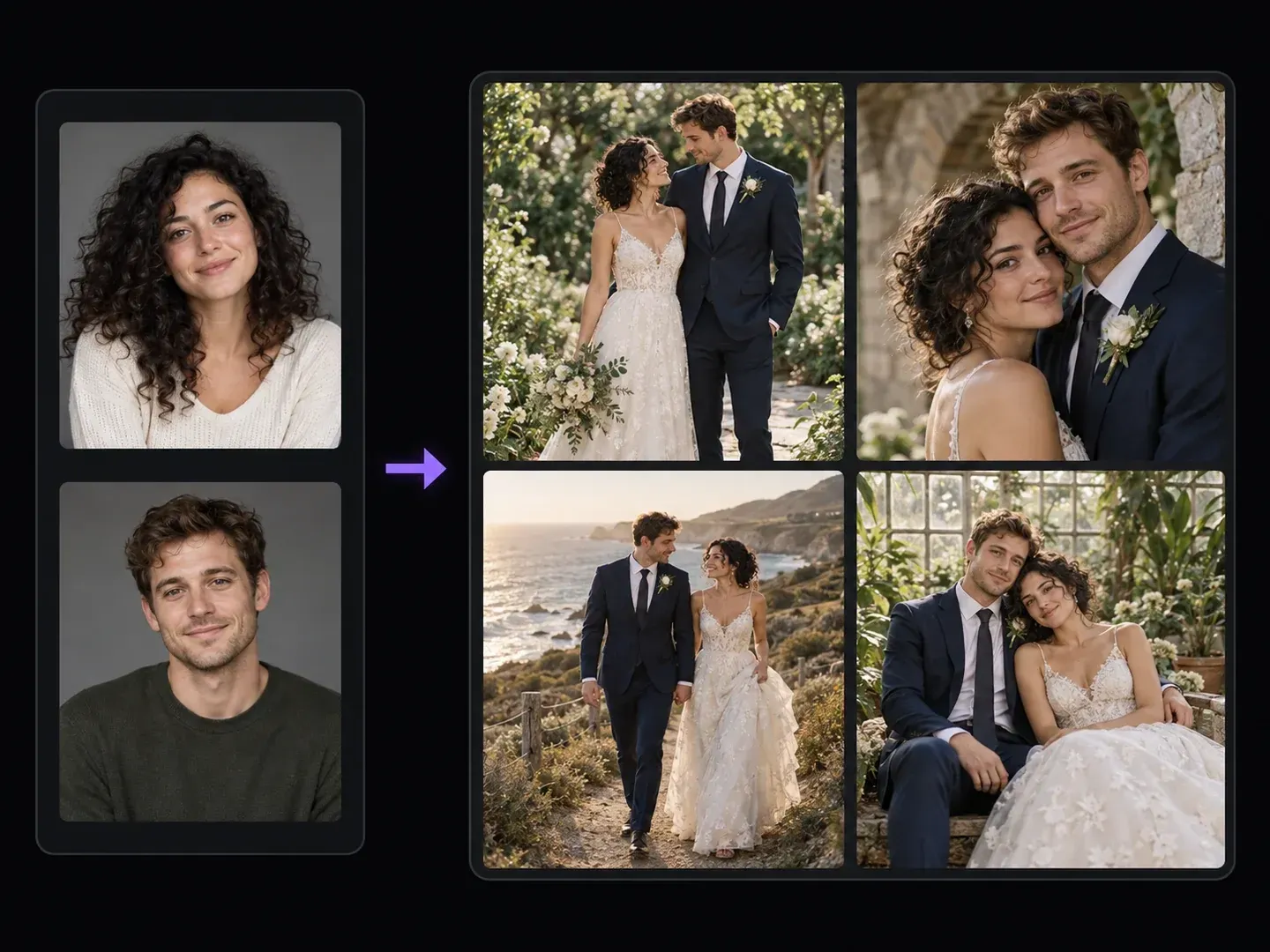
Run a solo bridal or groom portrait from one reference photo, or combine two separate individual portraits into a unified couple composition without needing an existing formal photo together.
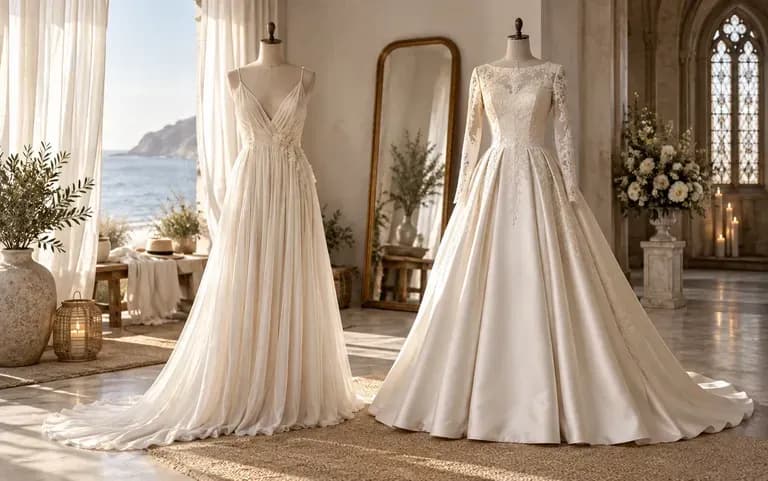
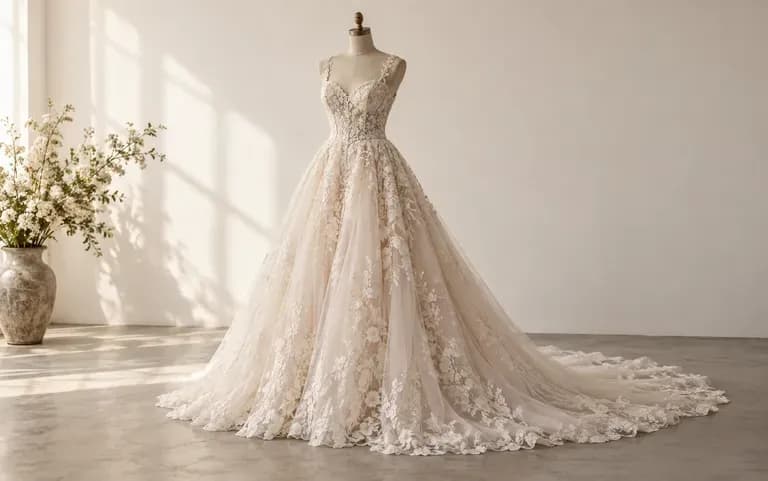
Specify gown necklines, suit colors, floral arrangements, and architectural backdrops like stone arches, botanical glasshouses, or golden-hour beaches in plain English.
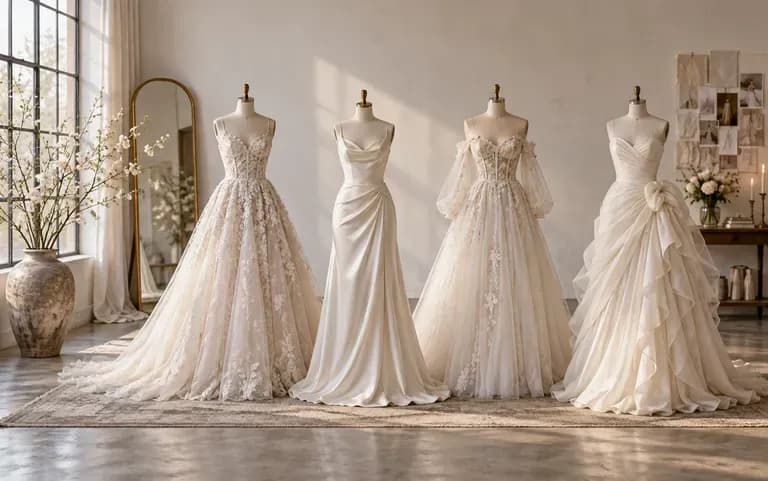
Assemble greenhouse, coastal cliff, and limestone arch bridal studies on a single ceremony board for easy comparison.
Why custom gown, suit, and venue prompts in a wedding concept photo generator beat rigid face-in-hole templates.
Rigid Face-Swap Templates
Virse AI Wedding Photo Generator
Supply one face card for solo attire previews or two portraits when you want to turn couple photo into wedding photo concepts.
Write the wedding attire, venue, posture, and lighting style you want, and note which reference photo matches the bride or groom.
Launch the wedding scene pass to build your bridal or couple concept portrait on the board.
Check both partners' facial likeness, finger counts, bouquet or lapel details, and dress seams against your reference photos prior to saving.
Specifying dress fabric, suit color, and venue lighting produces grounded bridal and couple portraits. Use any of these three AI wedding photo generator prompts:
• Garden couple portrait: "Using the two uploaded portraits, generate an editorial wedding photo in an ivory satin gown and navy suit in a sunlit garden."
• Stone arch crop: "Create a close three-quarter wedding portrait of the uploaded couple beside a weathered limestone arch in soft afternoon light."
• Bridal greenhouse study: "Using the uploaded solo portrait, generate an editorial bridal concept in a minimal ivory silk gown and veil inside a greenhouse."
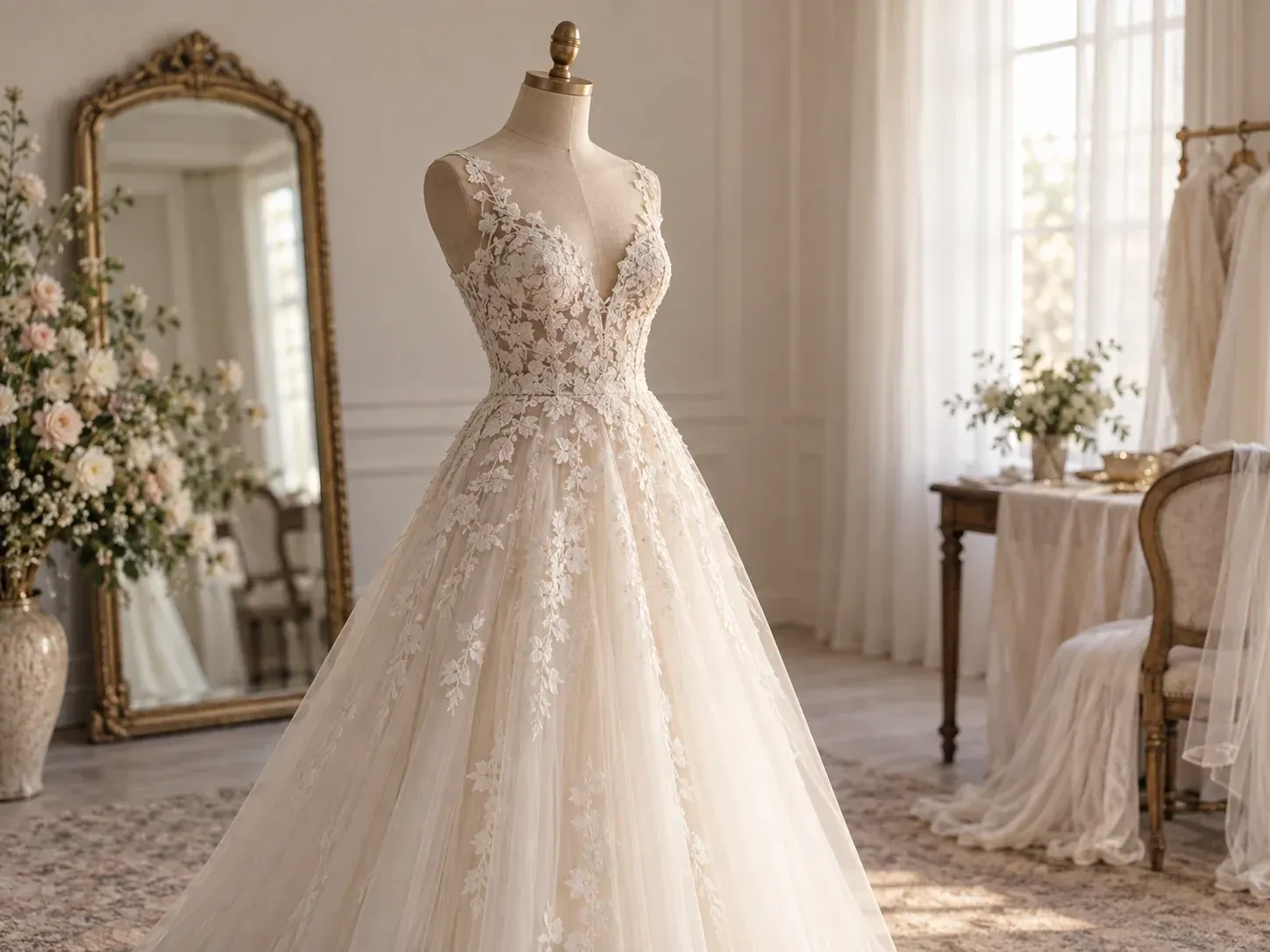
Four planning and creative scenarios where exploring AI pre wedding photoshoot ideas on a canvas helps visualize wardrobe and location choices.
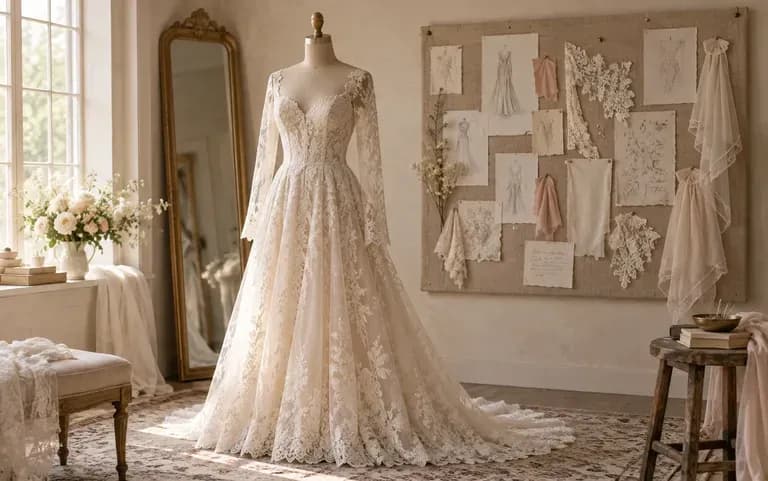
Compare how formal ballroom attire versus relaxed coastal linen or garden gowns look on both partners before booking a location photographer and stylist.
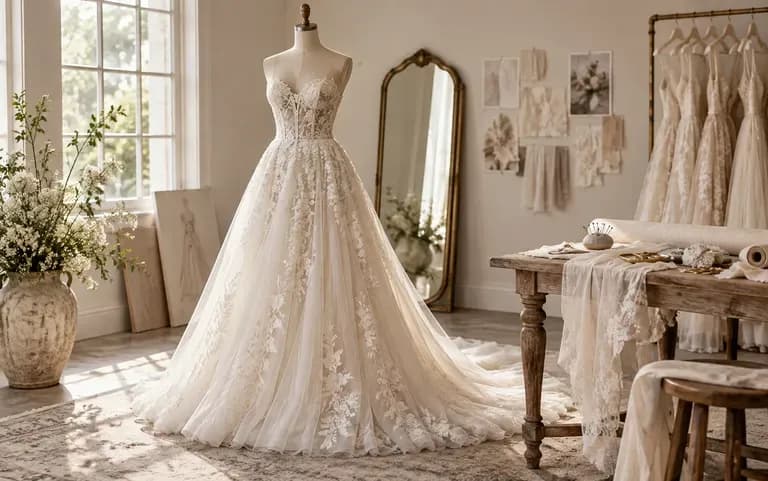
Build cohesive visual moodboards pairing specific dress silhouettes, suit colorways, and floral arch concepts tailored to a client couple's features.
Draft shot-list concept cards showing lighting moods, framing crops, and standing or seated poses during pre-shoot client consultations.
Create romantic formal concept portraits or fictional character wedding illustrations from everyday reference photos on one shared workspace.
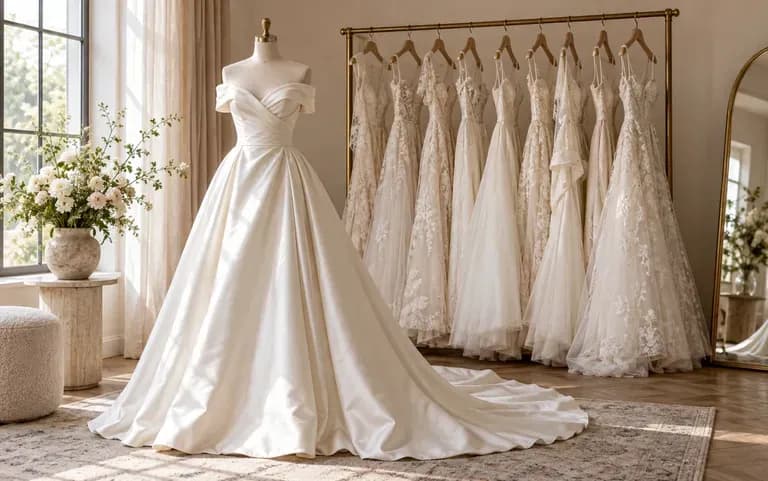
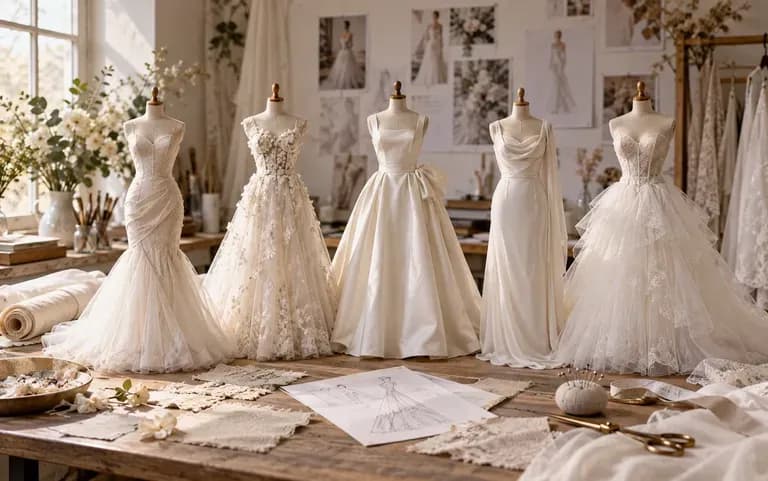
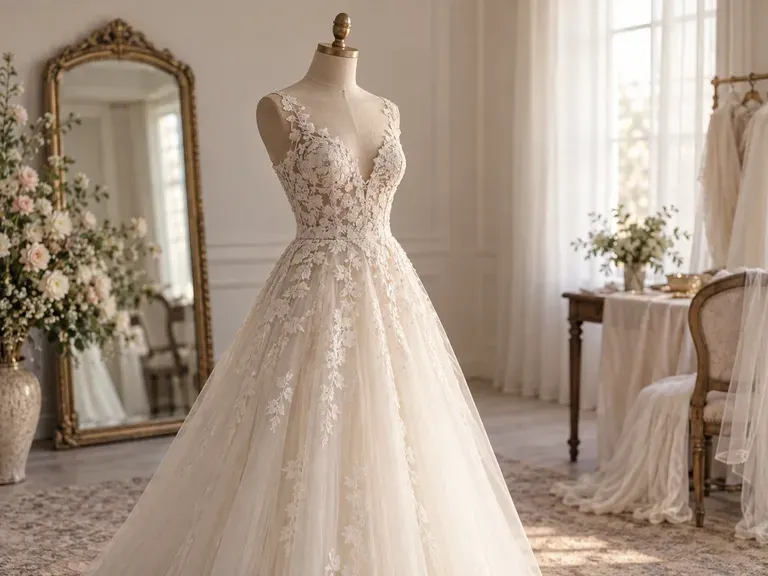
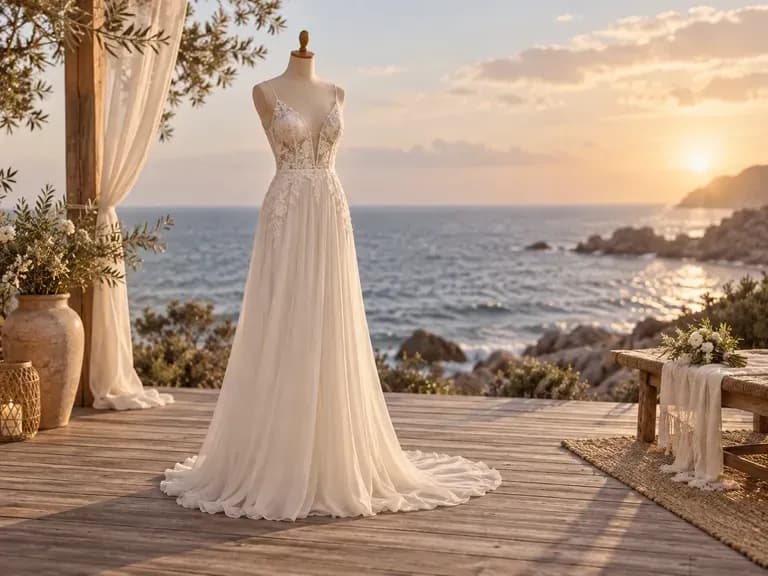
Six static wedding concept portraits illustrating solo bridal studies and two-person compositions across garden, coastal, and architectural settings.
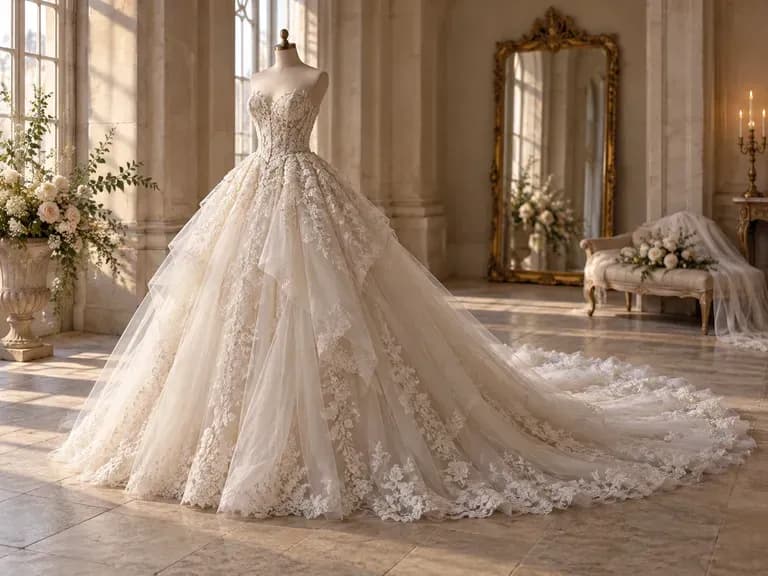
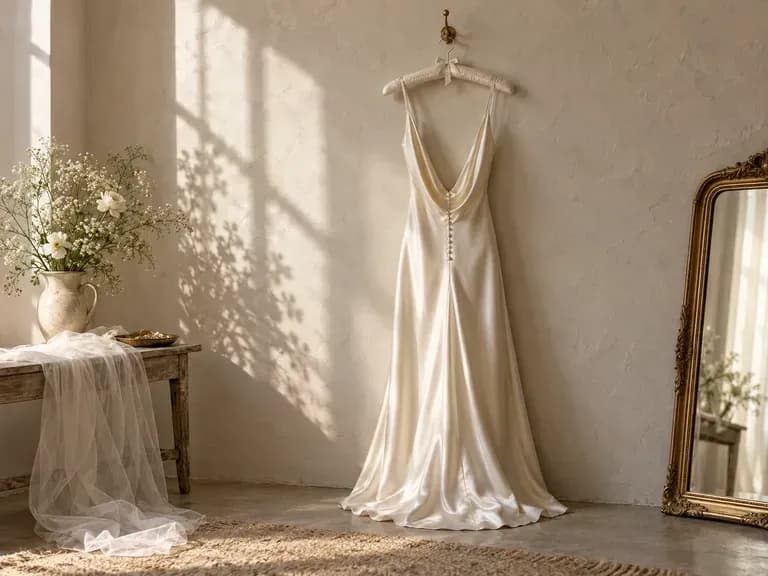
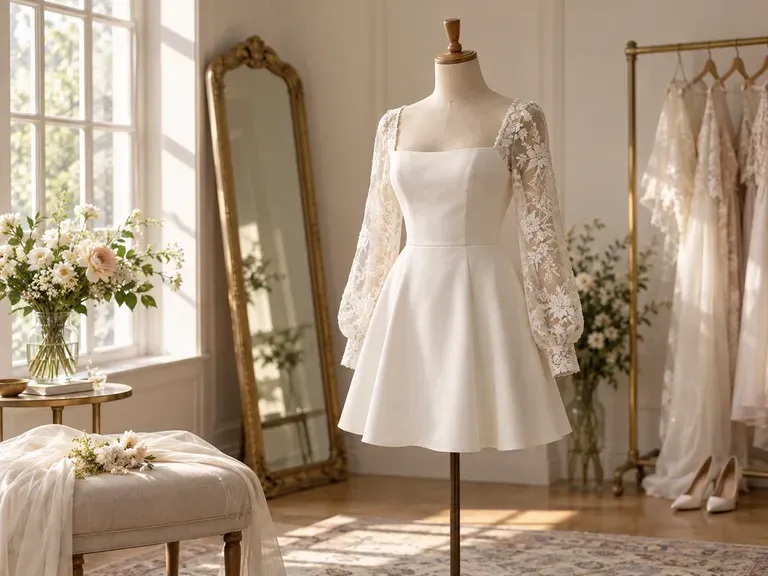
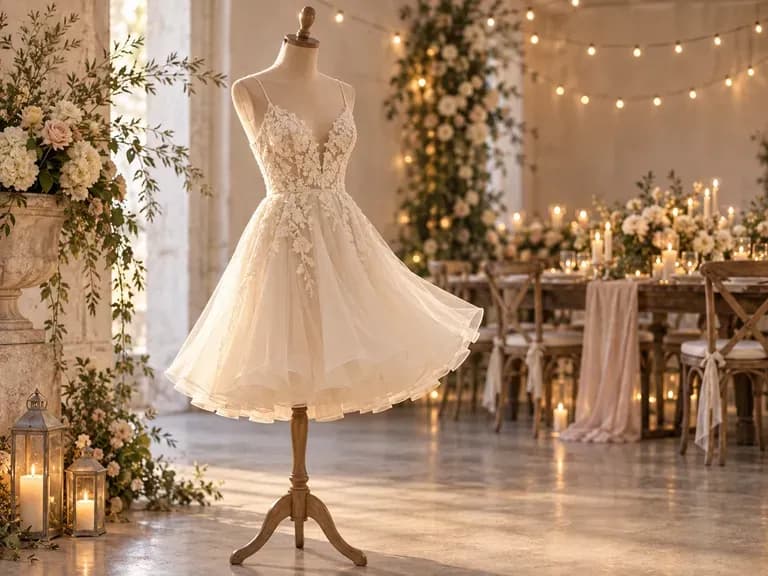
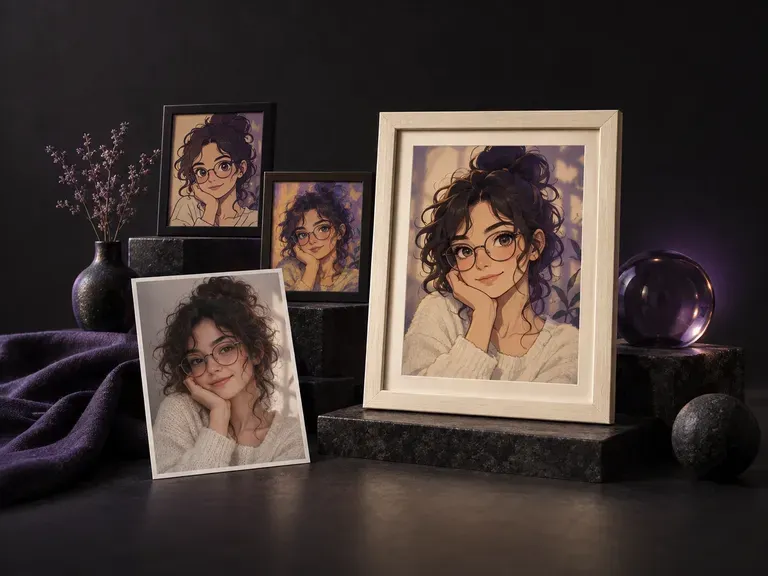
Restyle a solo snapshot into bridal, black-tie, or editorial portrait concepts.
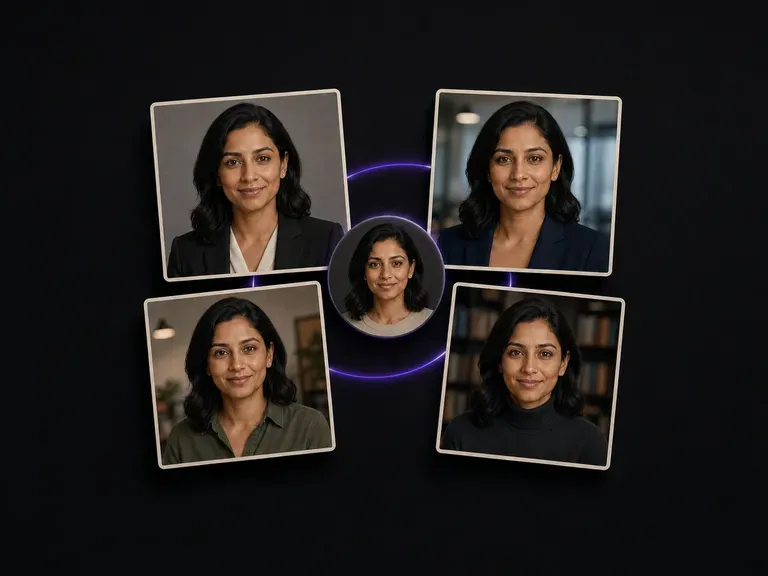
Build formal studio portraits in tailored suits and evening wear from casual selfies.
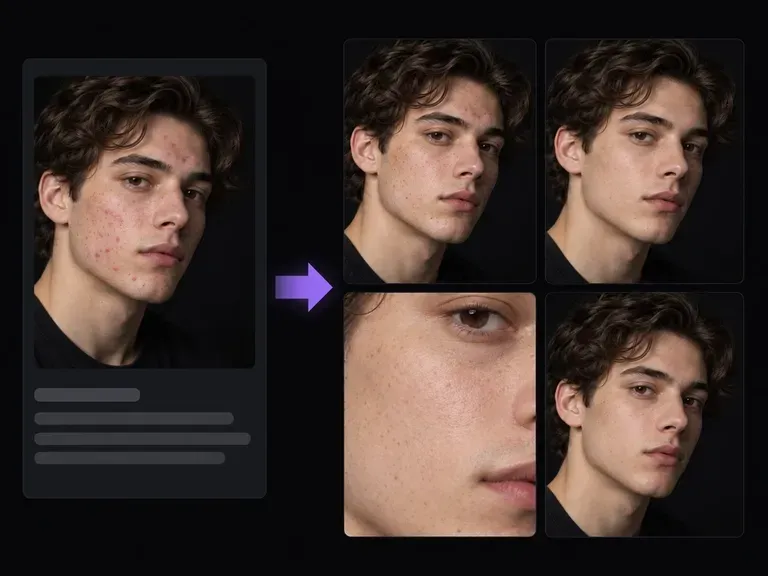
Retouch flyaway curls, skin shine, or minor blemishes on engagement photos before bridal styling.
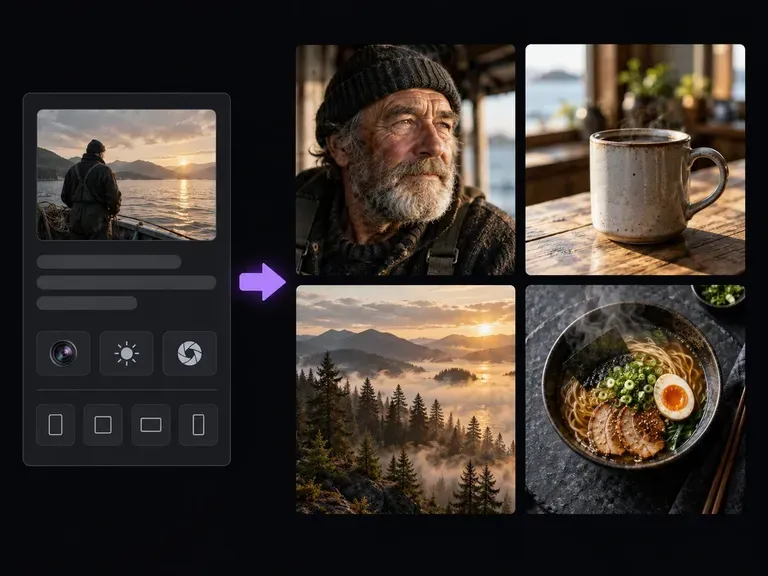
Design ceremony floral arches, reception tablescapes, and venue moodboards from text prompts.
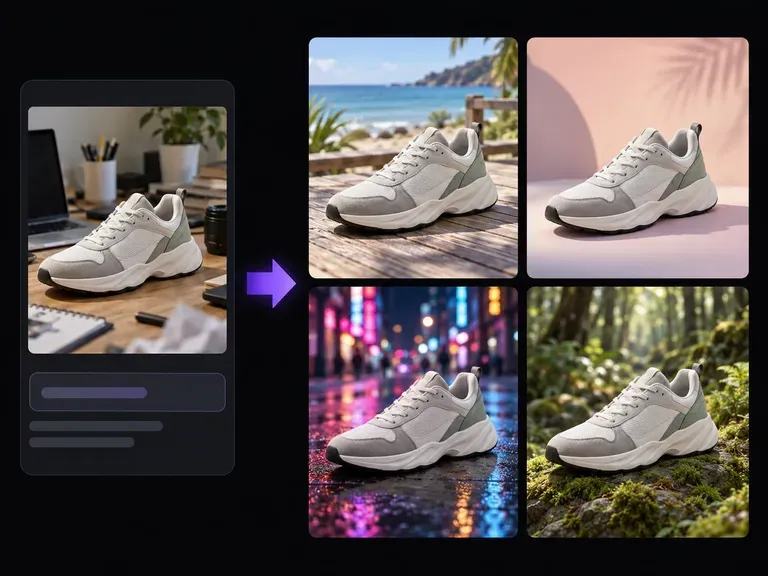
Move an existing couple photo into a botanical greenhouse, stone courtyard, or beach sunset.
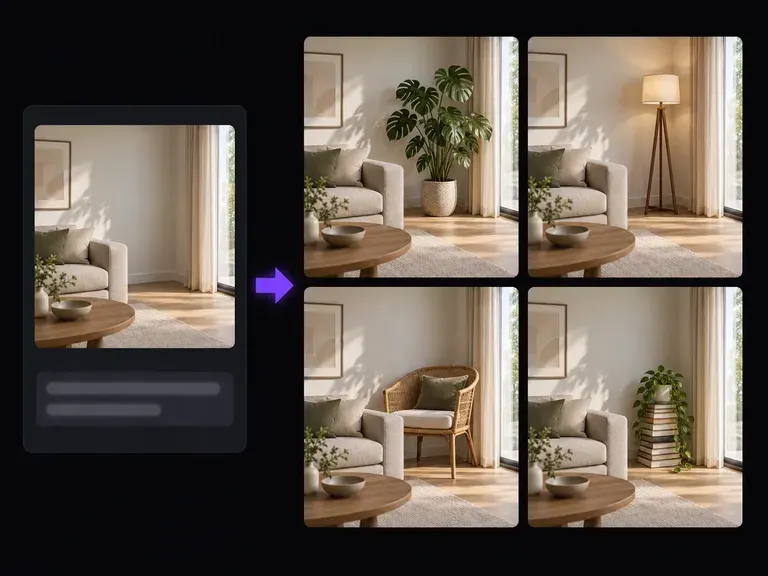
Inpaint cathedral-length veils, lapel boutonnieres, or rose bouquets onto a ceremony portrait.

Attach bridal gown swatches, floral references, and couple face cards together at 4K output detail.
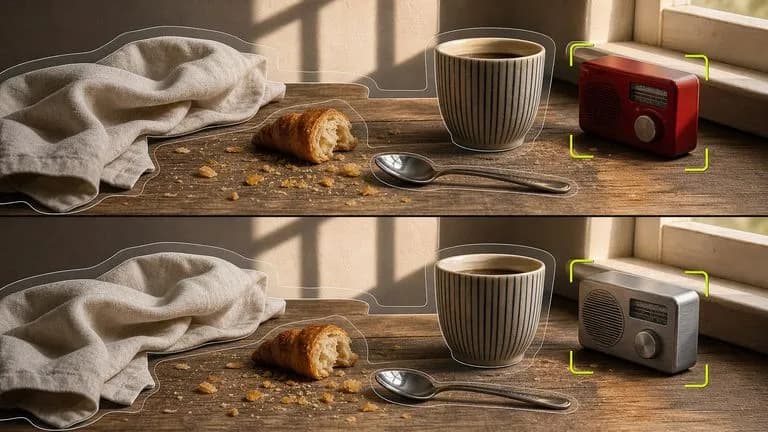
Synthesize formal wedding attire and ceremony lighting around uploaded reference faces.
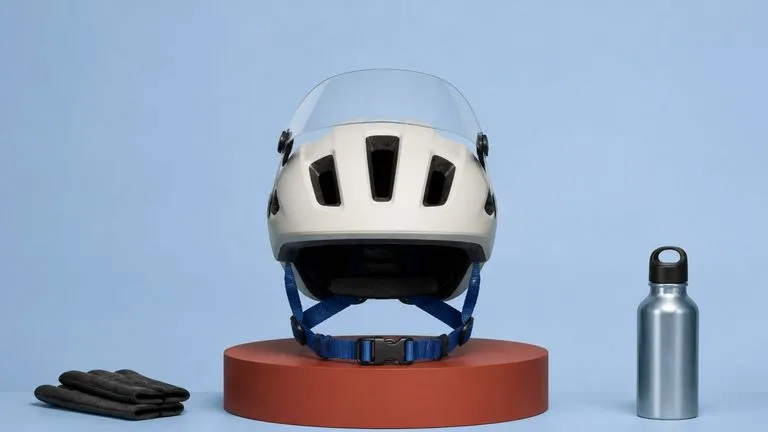
Capture silk satin drape, Chantilly lace detail, and tailored wool lapels in natural daylight.

Honor multi-person wedding briefs that assign bridal gown and groom suit details to separate uploads.
Preserve sheer bridal veils, boutonniere petals, and natural skin tones across venue comparisons.

Draft romantic fine-art bridal photography, soft film grain, and editorial ceremony scenes.
Upload your solo or two-person reference portraits to Virse, specify gown, suit, and ceremony venue details, and review bridal moodboard concepts side by side.