Single photo
One Photo of One Person
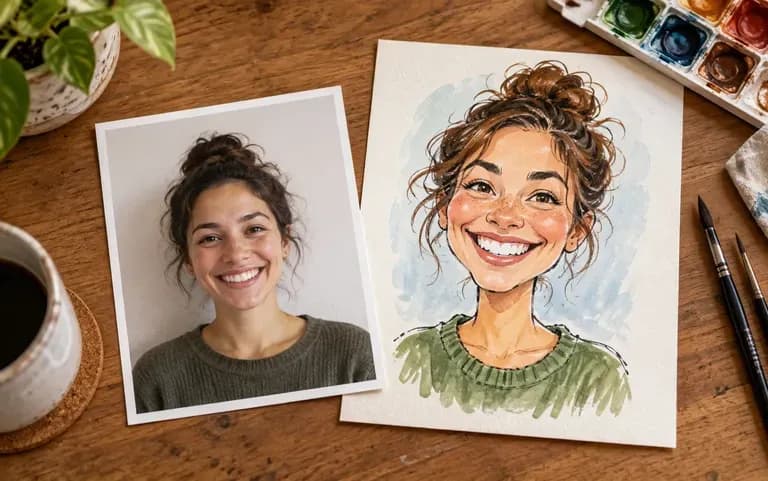
Skip sitting still in front of a street easel; one sharp, well-lit head-and-shoulders photo of a single subject is all you need to start.
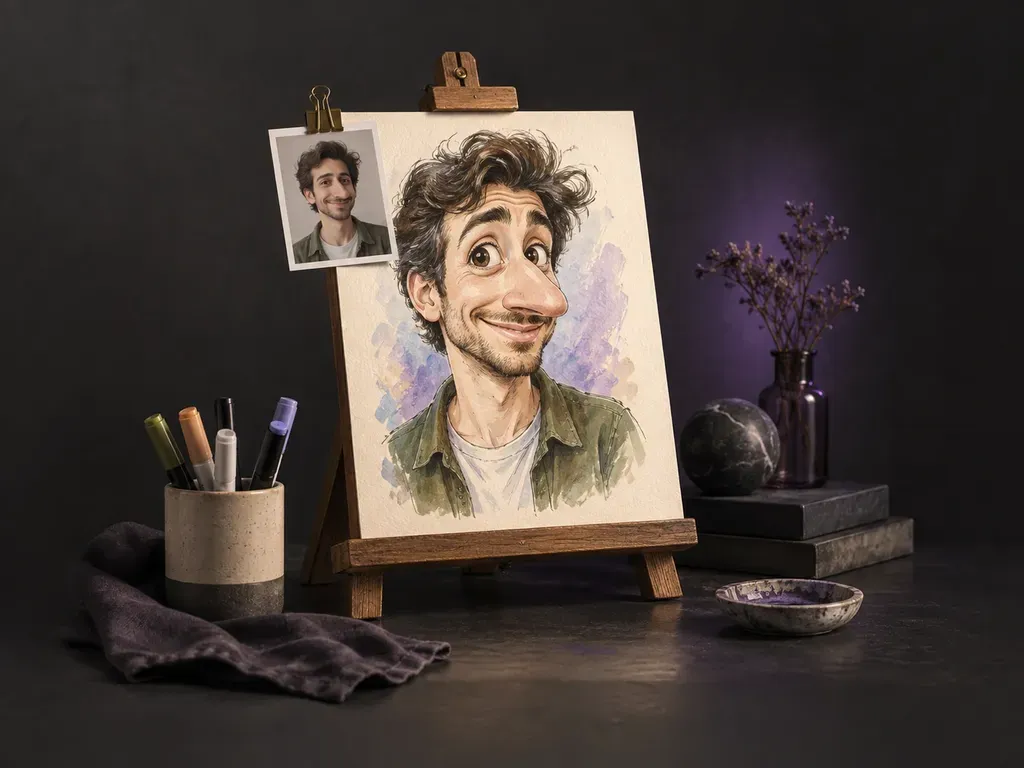
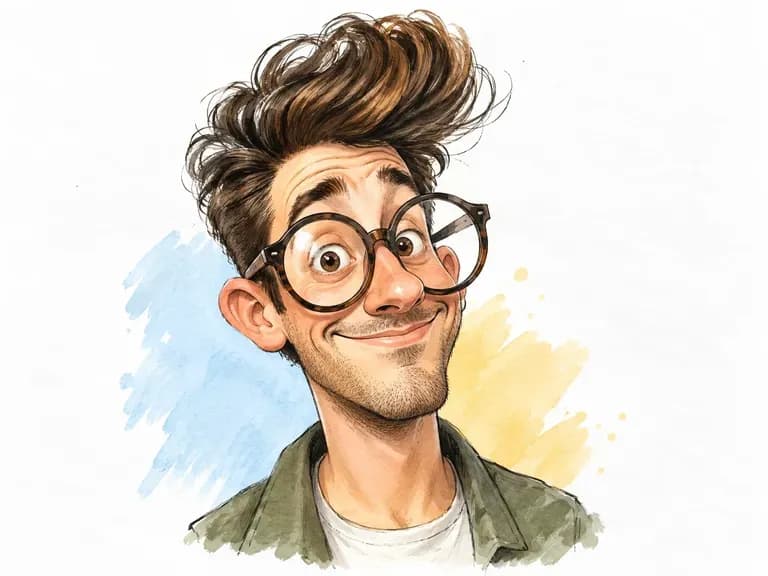
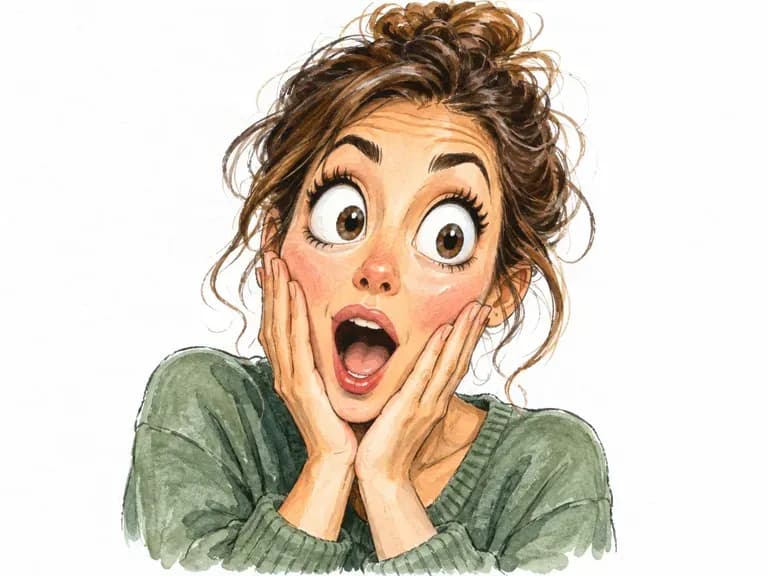
A great caricature amplifies the features friends recognize first while keeping the likeness clear. Upload a front-facing photo of one person, and this AI caricature generator pushes facial proportions across boardwalk marker, ink, watercolor, or 3D clay.
An AI caricature generator (also called a caricature AI generator or AI caricature maker) exaggerates distinctive facial landmarks from a photo rather than applying a flat cartoon filter. Virse stretches proportions for comic impact while keeping three visual anchors:
• Landmark amplification: Emphasize a wide grin, expressive eyebrows, prominent nose bridge, strong jawline, curls, or glasses.
• Caricature art mediums: Explore boardwalk marker and pastel, editorial pen-and-ink cross-hatching, watercolor, or 3D clay.
• Side-by-side selection: Compare generated takes beside your original photo on the canvas to pick the best balance of humor.
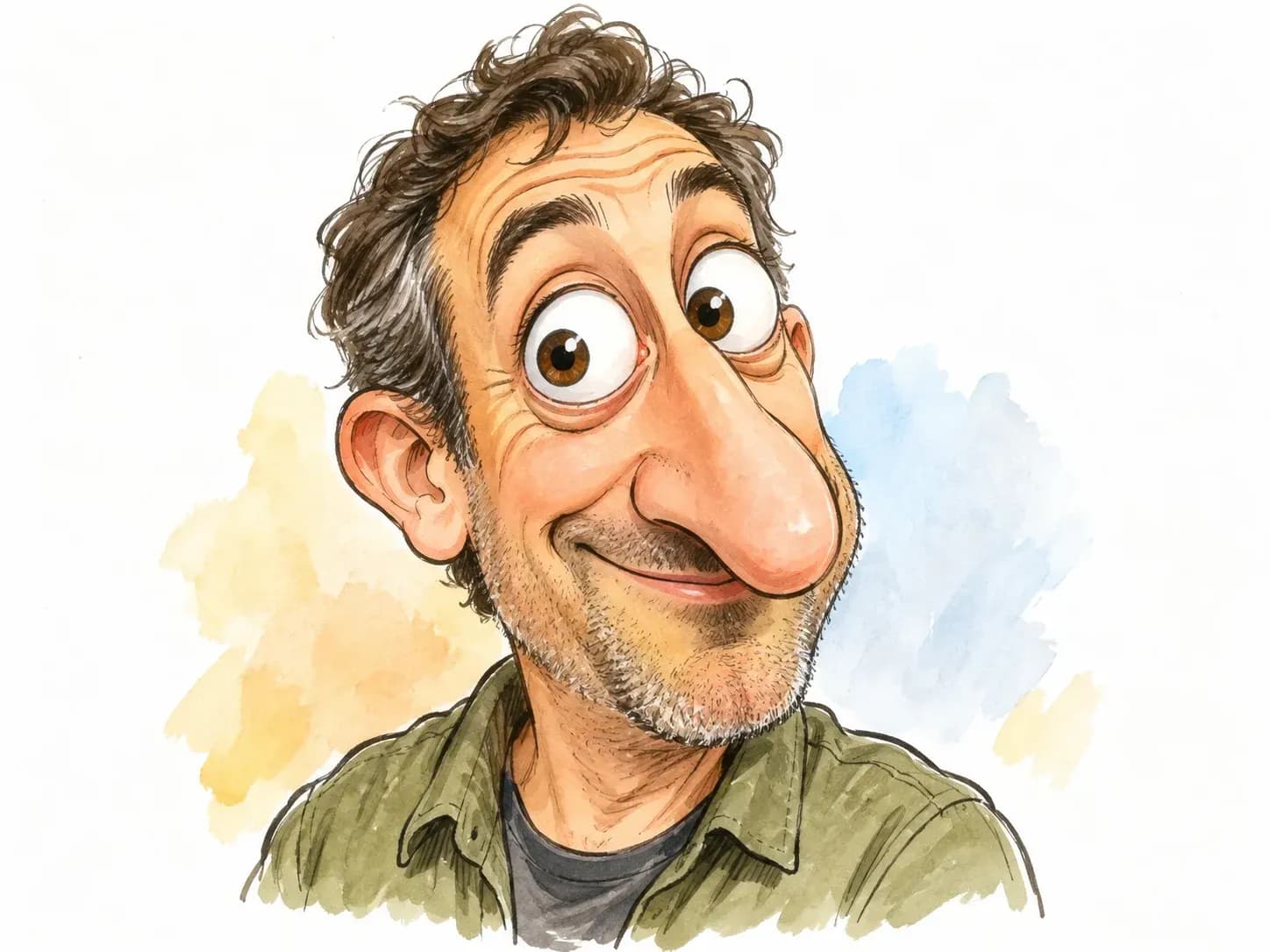
Three practical advantages of generating exaggerated portraits on a shared canvas.
Skip sitting still in front of a street easel; one sharp, well-lit head-and-shoulders photo of a single subject is all you need to start.
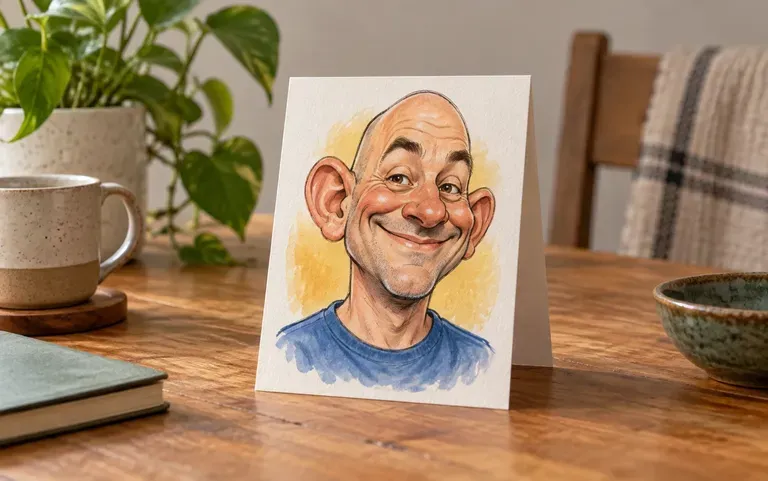
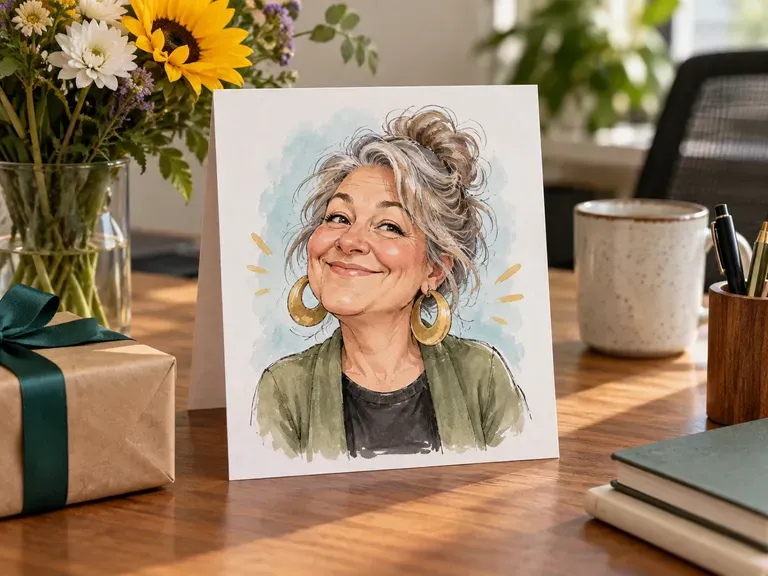
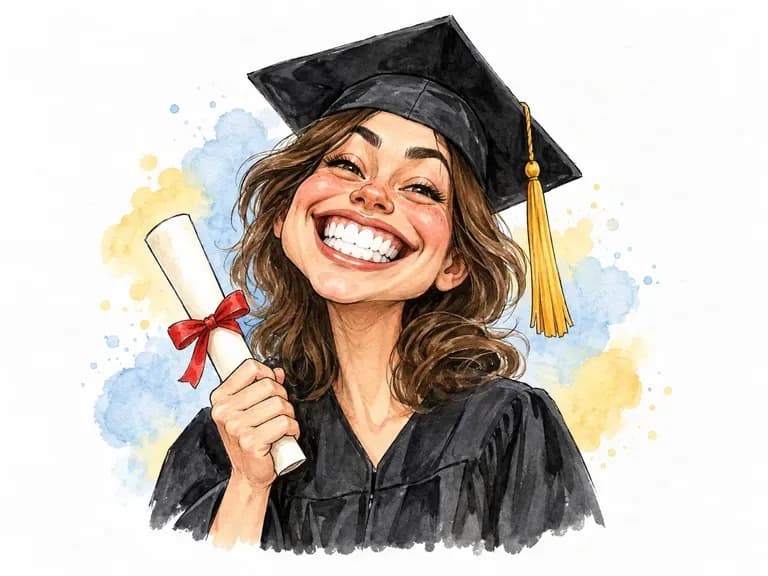
Create a custom humorous portrait for an office farewell card, graduation party banner, birthday roast, or wedding reception table sign.
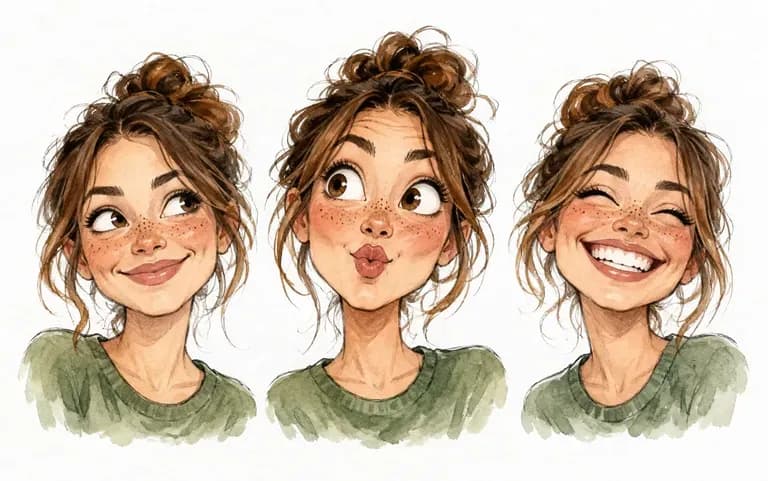
Every pass exaggerates facial proportions slightly differently, and your Virse canvas holds all variations together so you can keep the funniest take.
How true proportion exaggeration compares with one-click cartoon avatar apps.
Generic Cartoon Avatar Filters
Virse AI Caricature Generator
Choose a sharp, evenly lit photo where one person looks straight at the camera with both eyes visible and no sunglasses.
If your photo is a group shot, crop tightly around the subject's head and shoulders so only one person appears in the frame.
Upload the portrait to the AI caricature generator, select a preset, and optionally note a medium like editorial ink or pastel.
Run two or three variations on your Virse canvas, compare how each version stretches facial features, and save the funniest likeness.
Adding a short medium and landmark note guides how the portrait is stylized. Copy any of these three AI generated caricature briefs:
• Boardwalk marker & pastel: "Classic boardwalk caricature in black felt marker and warm chalk pastel on cream paper, exaggerating the toothy grin, brows, and round glasses."
• Editorial pen-and-ink: "Editorial caricature in dip-pen ink with fine cross-hatching and light watercolor wash, emphasizing the sharp jawline, nose bridge, and curls."
• 3D sculpted polymer clay: "Tactile 3D polymer clay caricature under soft studio lighting with oversized head proportions, cheerful cheeks, and a clean neutral backdrop."
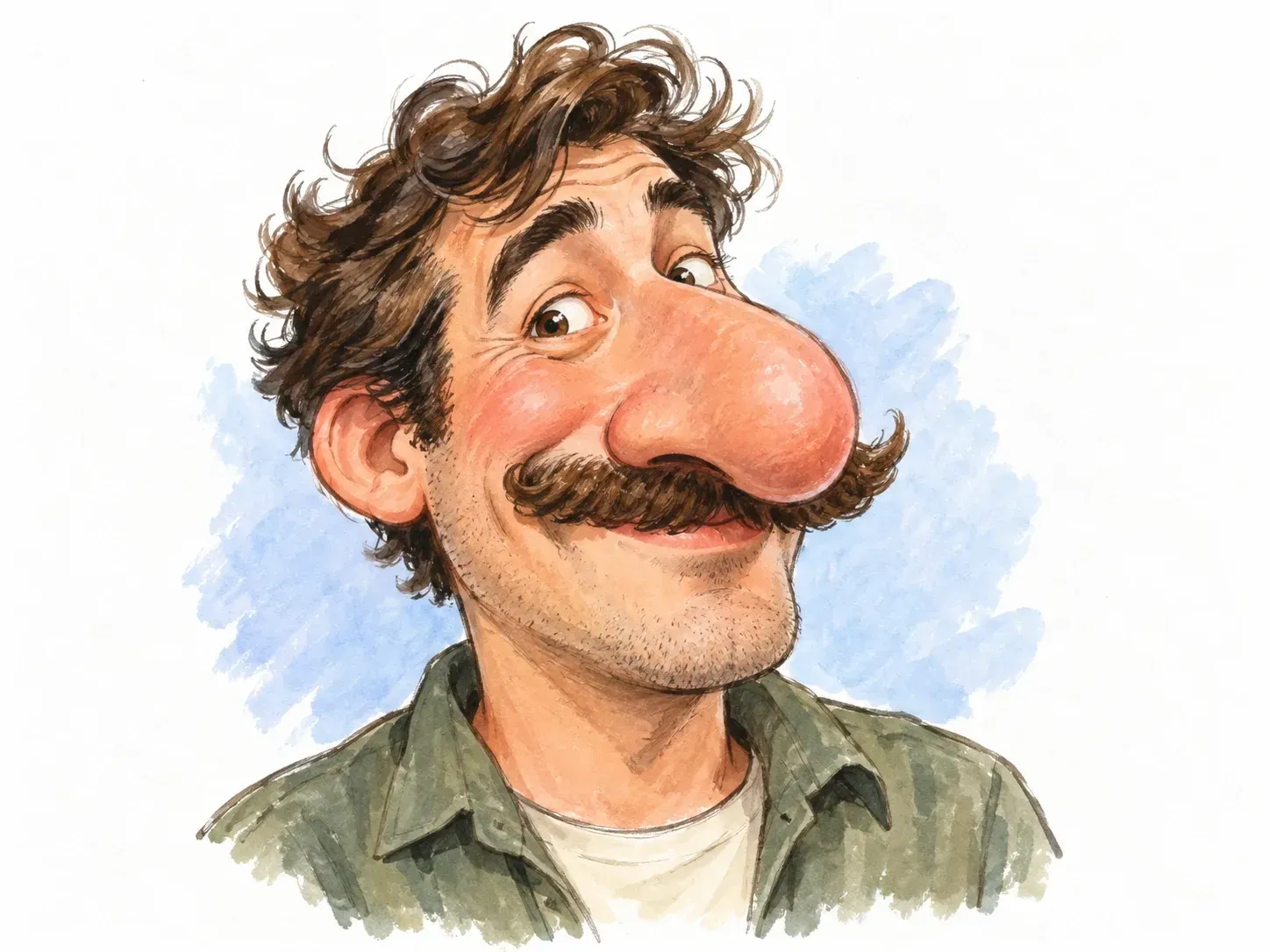
Four groups that turn everyday portraits into humorous, shareable illustrations.
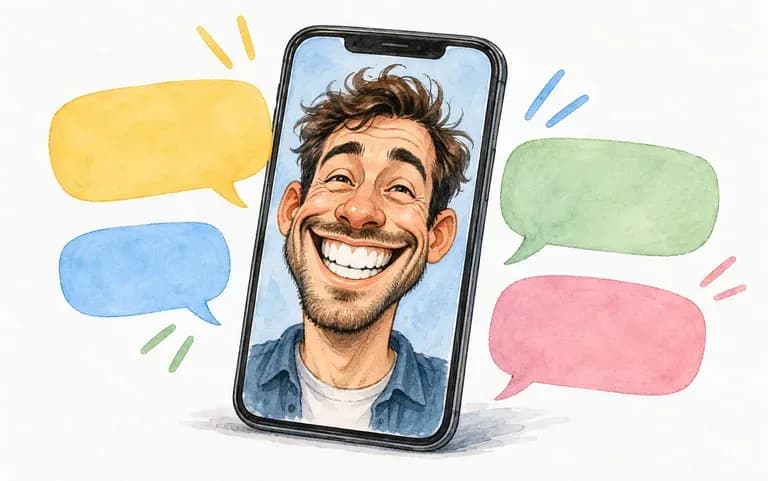
Surprise the friend who always dodges the camera or anchors the group chat with an exaggerated portrait for birthdays and inside jokes.
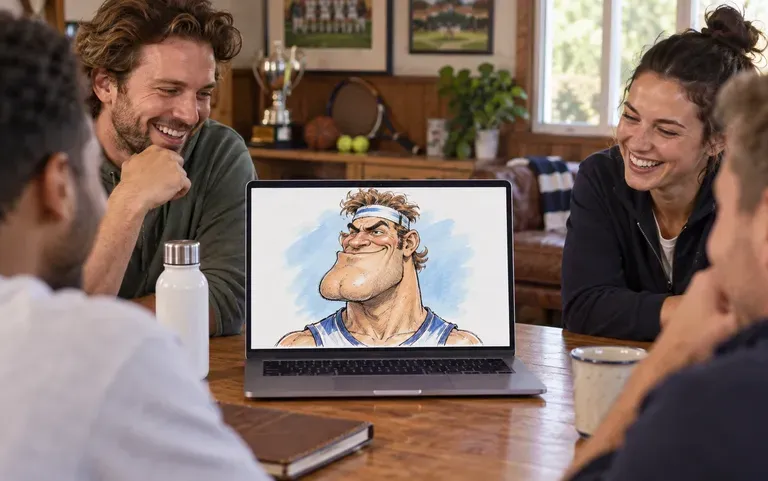
Build a lighthearted roster wall or end-of-season awards slideshow where every player and coach gets a recognizable comic portrait.
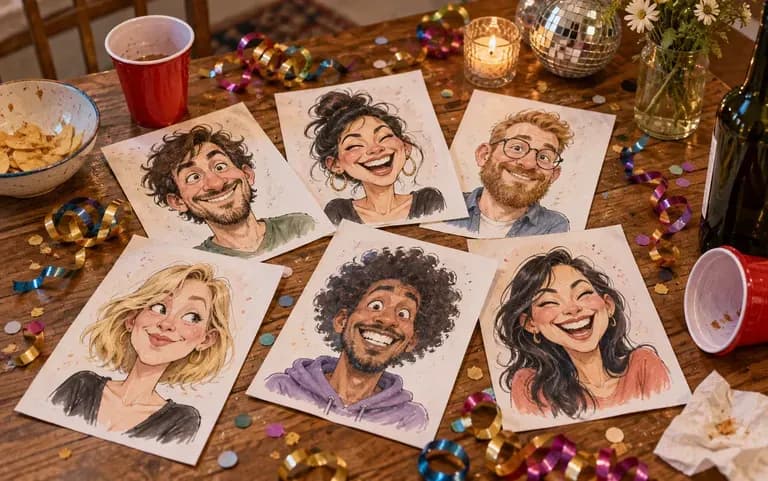
Turn guest selfies or speaker headshots into memorable keepsake cards after company offsites, retirement parties, and milestone celebrations.
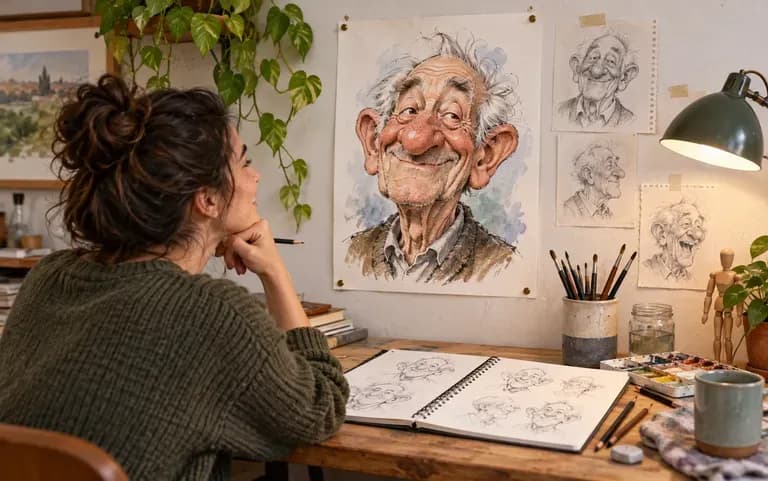
Test three or four proportion-stretching ideas from a reference photo on the canvas before sketching a hand-drawn caricature on paper.
Six exaggerated portrait concepts highlighting signature grins, eyewear, wide-eyed expressions, office farewells, and graduation milestones.
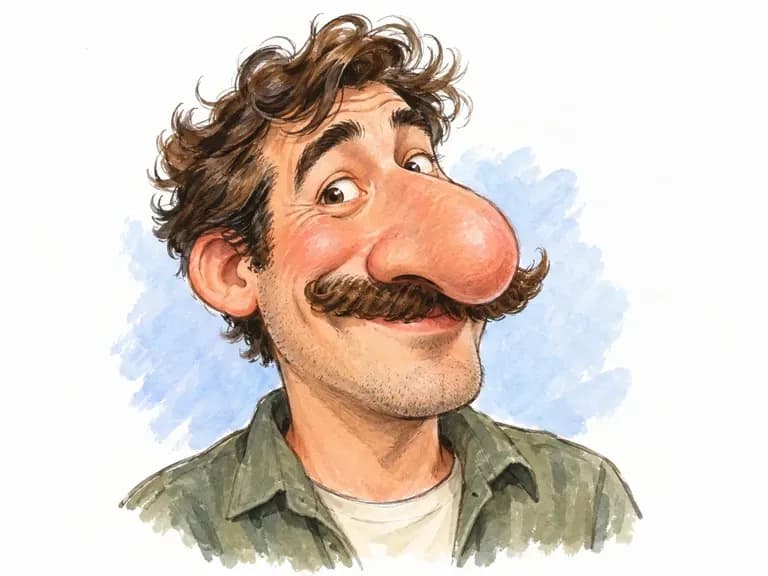
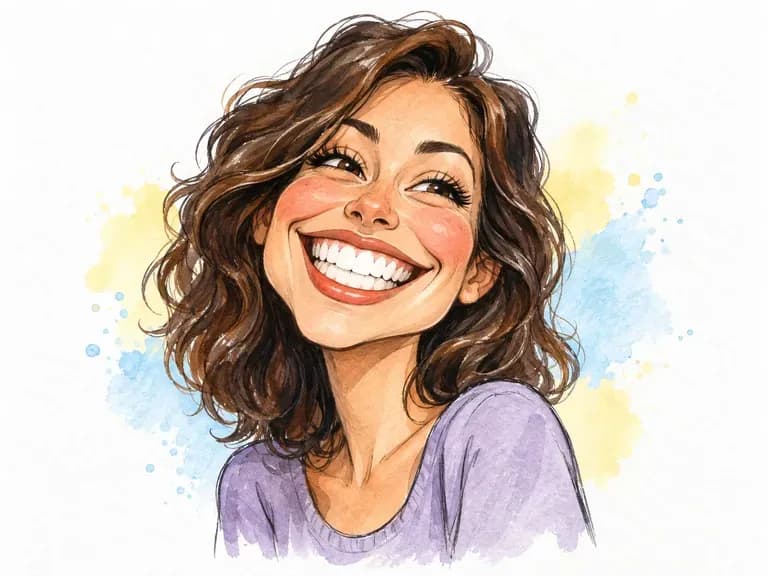
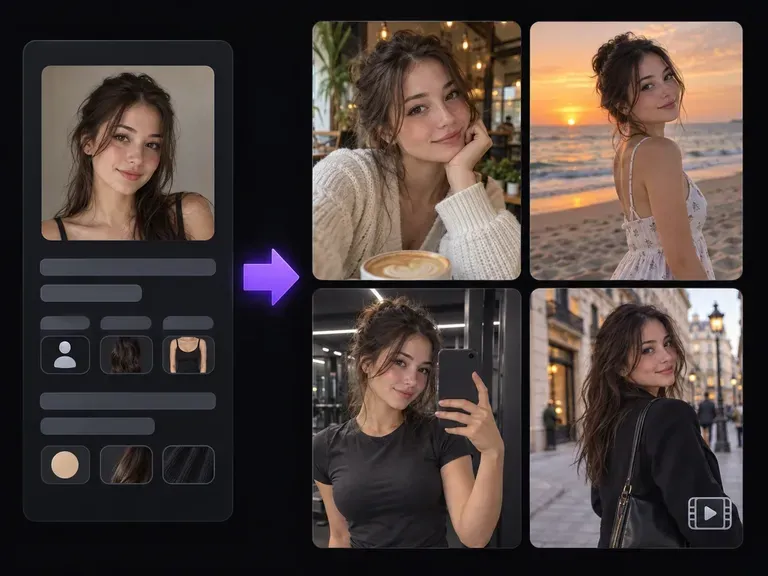
Explore the appearance, wardrobe, and visual world of an original virtual persona on the canvas.
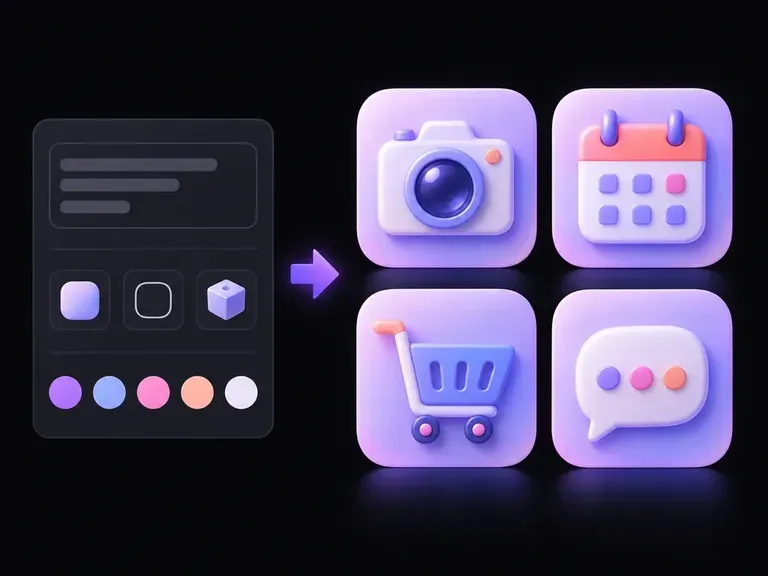
Turn everyday objects and metaphors into flat, line, or 3D symbol artwork for apps and decks.
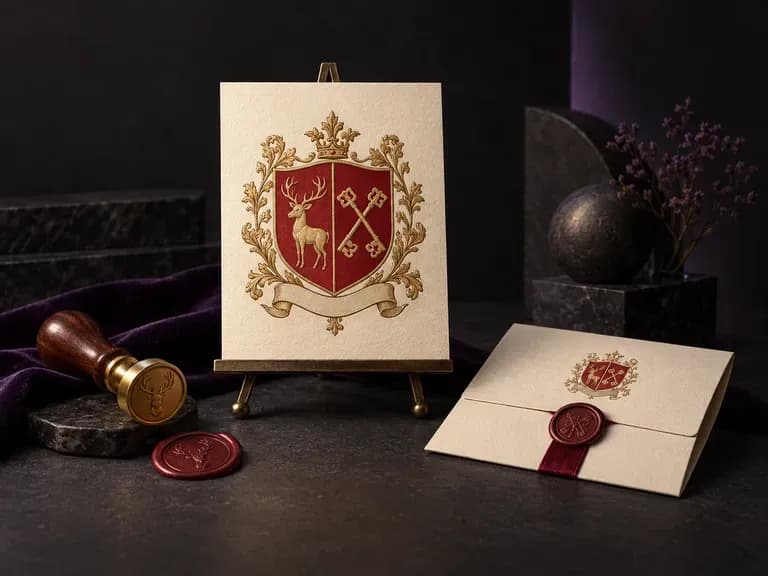
Draw an original heraldic crest on a clean white background from your family name and chosen motifs.
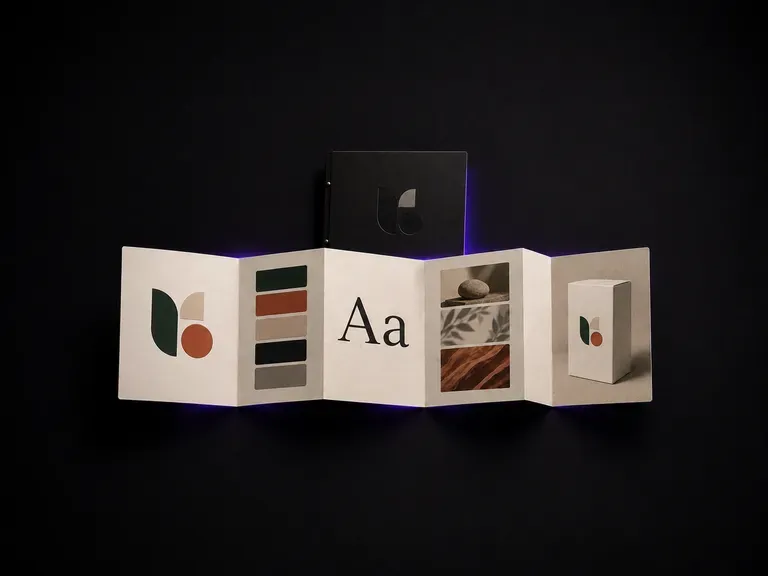
Compile typography rules, swatch proportions, and imagery standards into a clear style sheet.
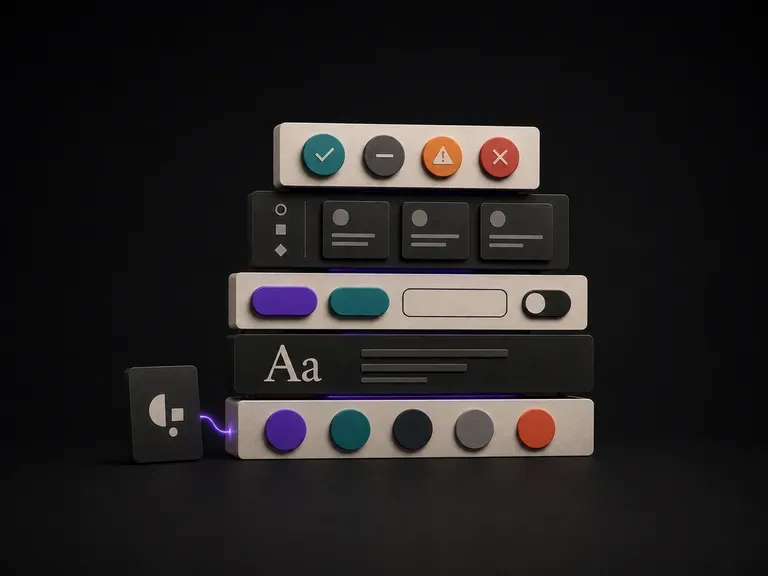
Map out UI color scales, button states, and component spacing for digital product teams.
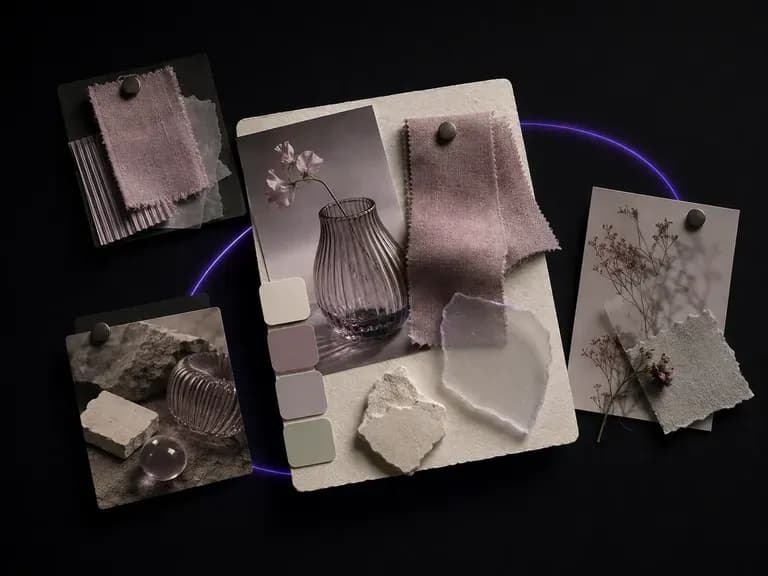
Collect material textures, lighting references, and color harmony on a single visual board.

Explore four distinct framing and styling variations side by side on the canvas in a single run.
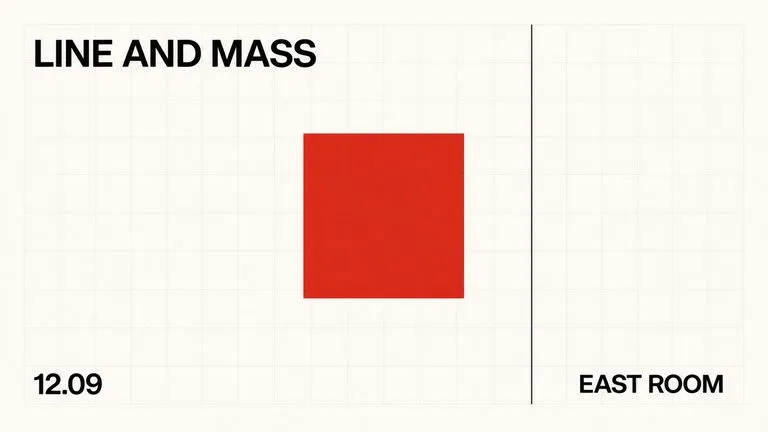
Keep display headlines, packaging wordmarks, and monogram badges sharp inside generated visuals.
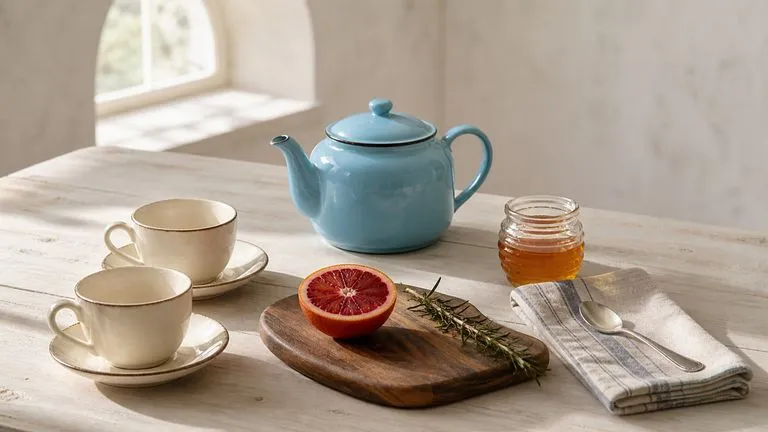
Translate detailed creative briefs into balanced compositions with reliable spatial relationships.
Render high-contrast metallic reflections, fabric weaves, and shallow depth of field.

Guide subject posture, materials, and lighting using up to 14 reference images at 1K to 4K.
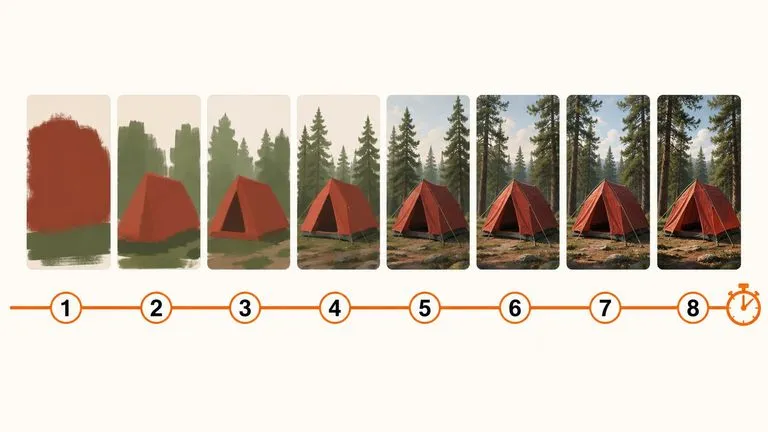
Draft rapid concept thumbnails and layout options before committing compute to final high-res renders.
Bring a selfie or head-and-shoulders snapshot into Virse to test boardwalk, editorial ink, and 3D clay styles side by side.