Brand Style Guide Generator

Brand Style Guide Generator

A style guide nobody opens might as well not exist. Upload your logo and whatever assets already exist, and get a draft back covering colour, type and application examples, written to be a document people actually reach for instead of guessing. Free credits are enough to see if the direction is right.

Entrada
Positioning & keywords · ObrigatórioBrand logo · OpcionalExisting visuals · OpcionalLayout reference · Opcional
Saída
品牌风格指南草案板 × 1
Brand logoOpcional

A imagem é carregada na tela; este formulário leva as definições.

Existing visualsOpcional

Layout referenceOpcional

What Is an AI Style Guide Generator?

An AI style guide generator turns a logo, a brand positioning and existing visual assets into a draft covering colour, type, image style and application examples. In Virse you upload what you have, generate a first pass, and refine the pages worth developing further.

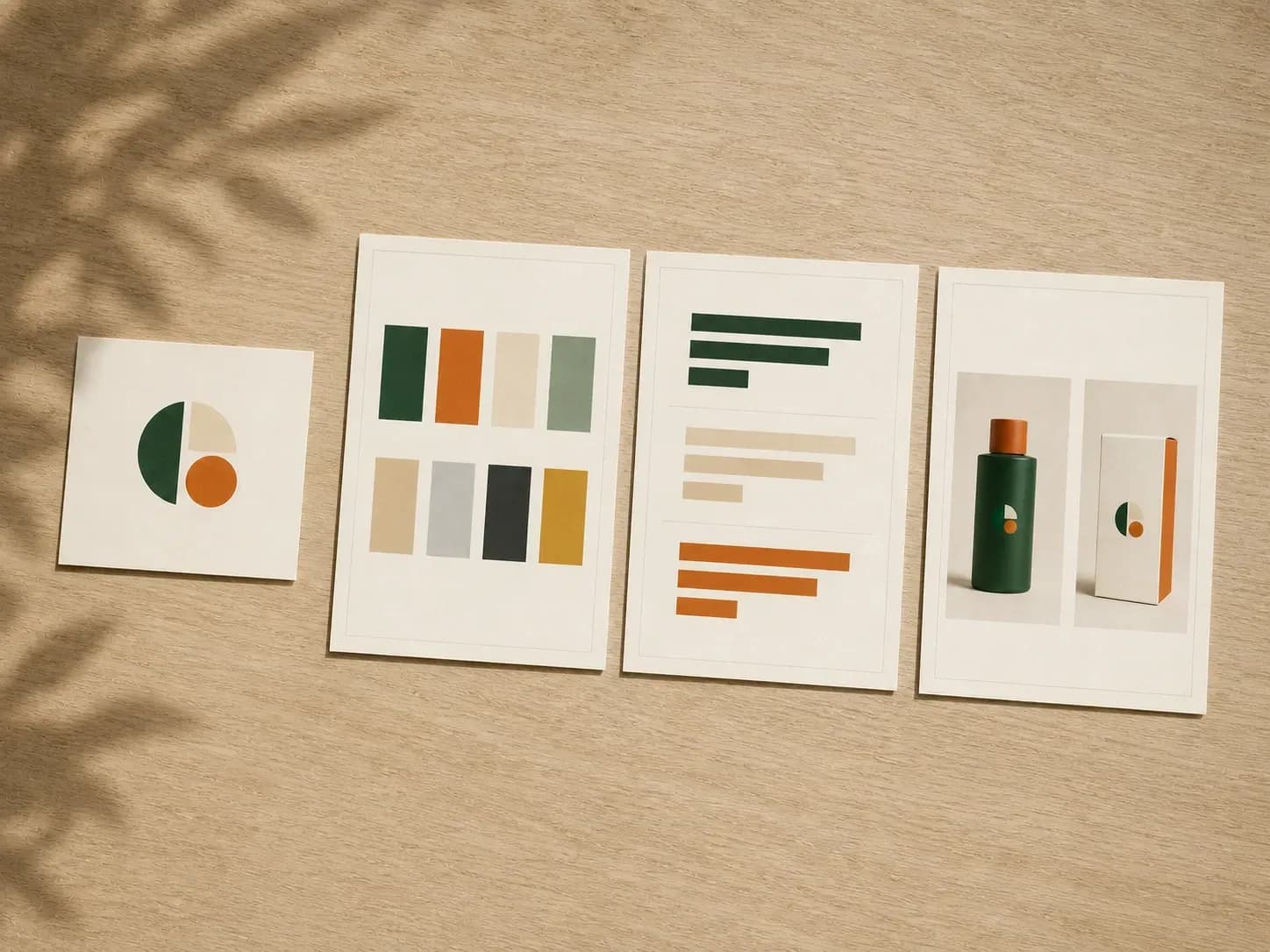
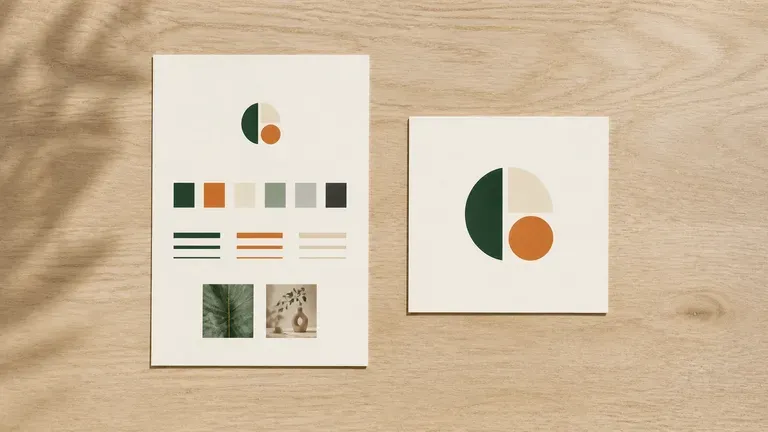
A logo card beside the style guide pages it produced: colour grid, type specimen and application
A logo and positioning turned into a style guide draft

Why Use Virse's Brand Style Guide Generator?

A style guide only works if people actually follow it. A clear first draft is what makes that likely.

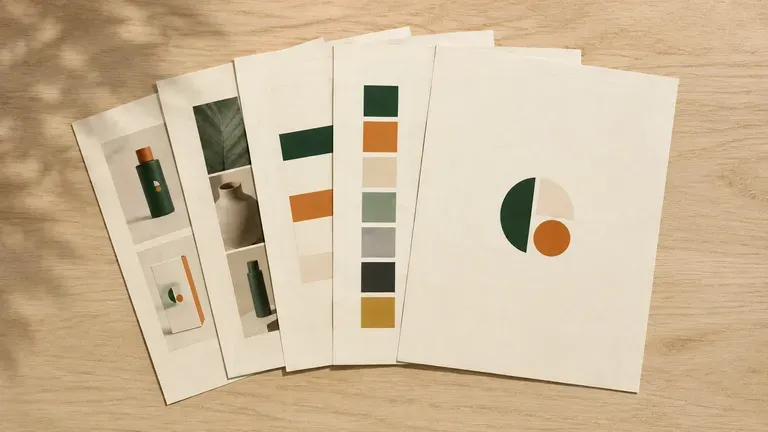
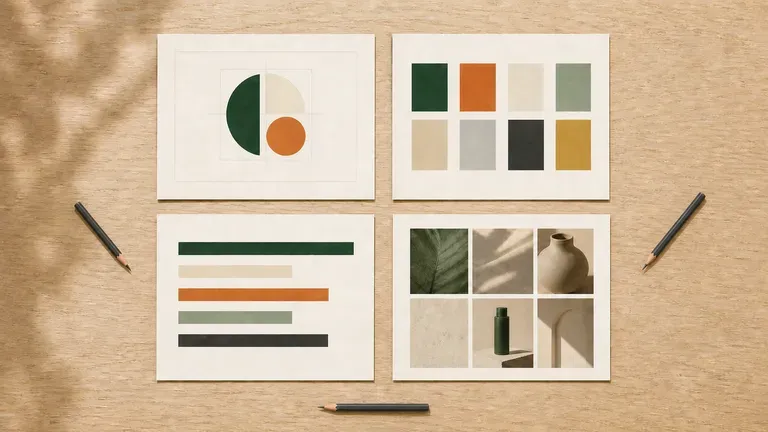
A freshly generated stack of style guide pages, clean and generously spaced
Free

Start with Free Generations

Try your first style guide draft on Virse credits. New users can generate up to 10 images, enough to see whether the direction fits before committing a full documentation project to it.

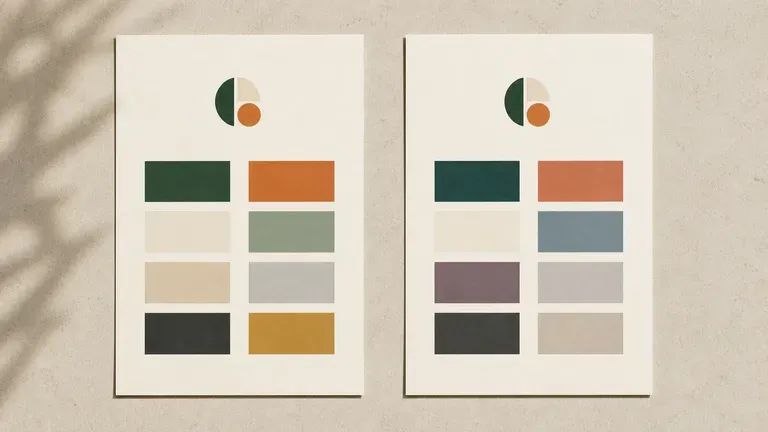
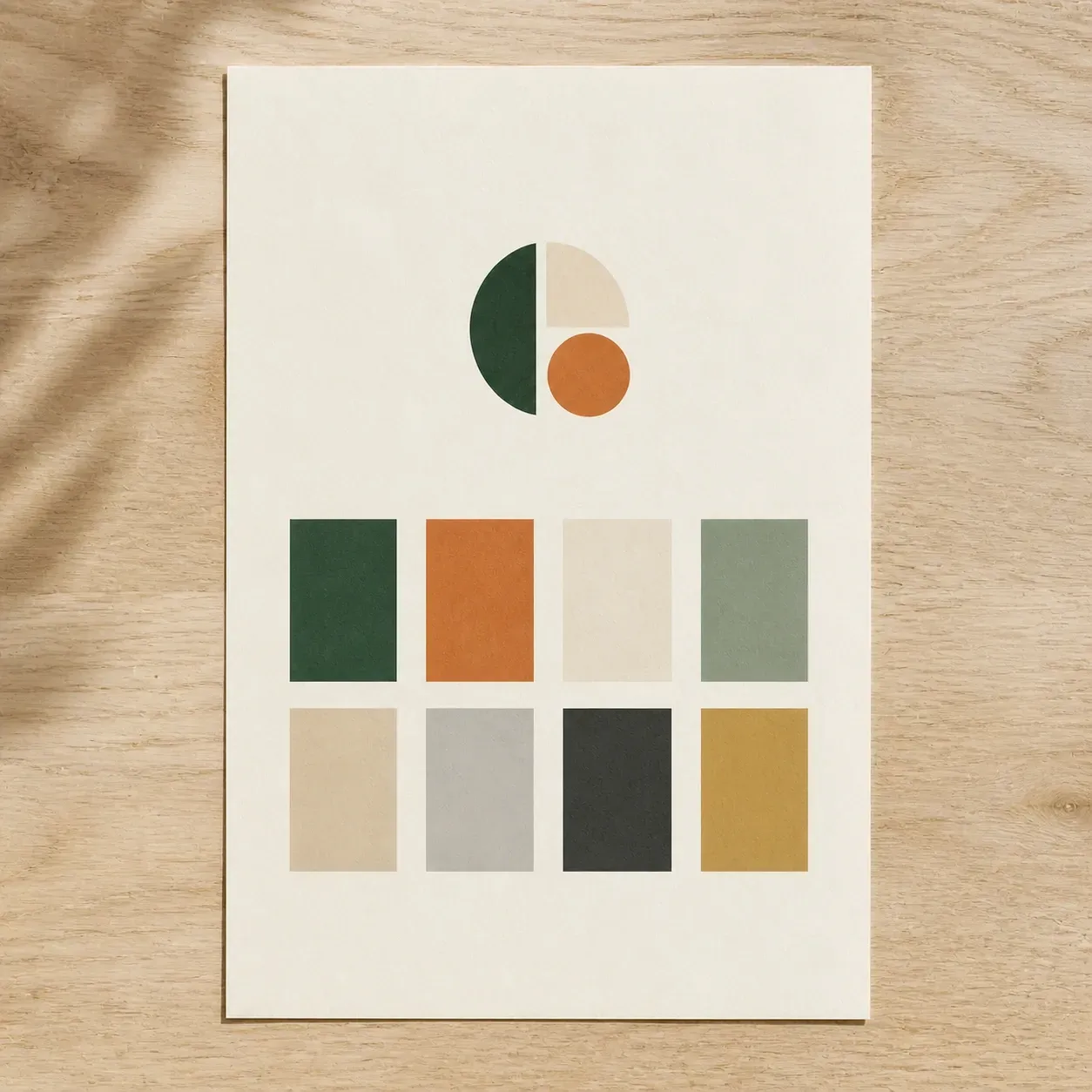
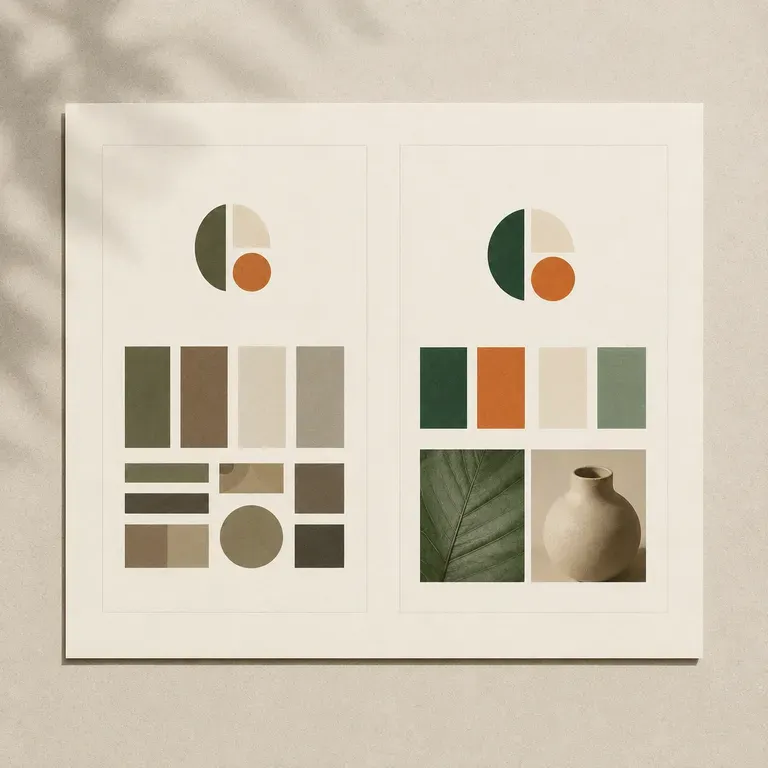
Two colour palette pages from the same logo in different tones
40+ models

Explore with Multiple AI Models

Virse brings 40+ AI models into one environment, and paid plans include unlimited model usage. You can see how different models extend the same logo and palette without rebuilding your brief for each one.

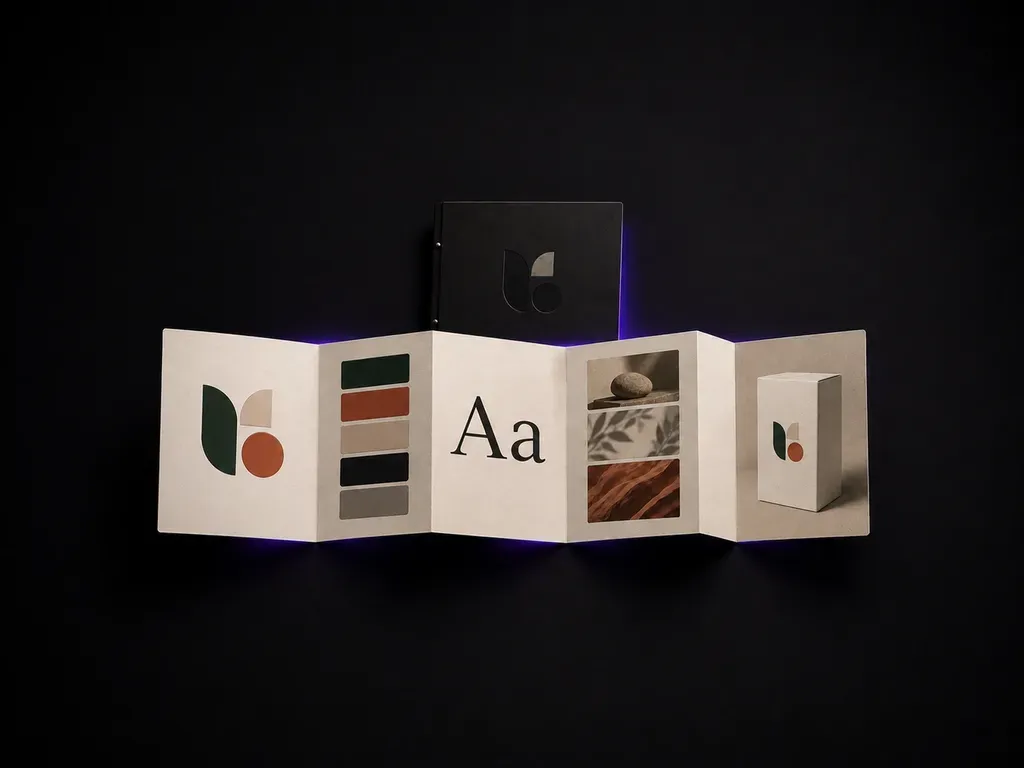
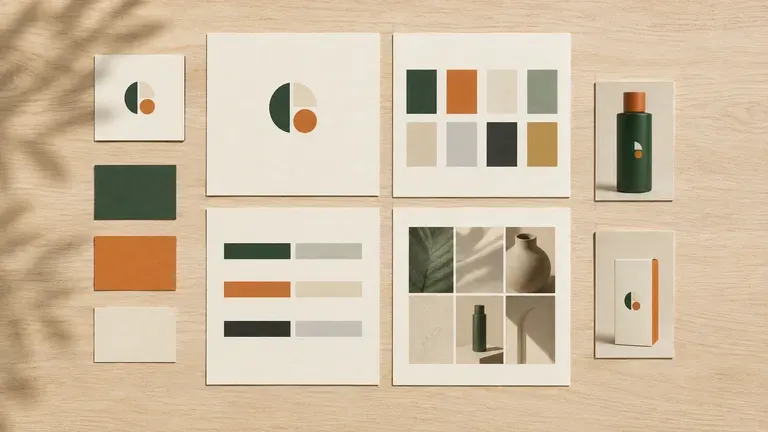
A complete style guide page set surrounded by a logo card, colour cards and application examples
Canvas

Compare Directions on One Canvas

Logos, references, generated pages and alternative directions stay together on an infinite canvas. Virse keeps the brand assets in context, so the next page builds on the direction already picked.

How to Generate a Brand Style Guide with AI in Four Steps

  1. Upload your logo and assets

    Add your existing logo and any visual assets you already have, then describe your brand positioning in a sentence or two.

  2. Choose the starting point

    Build a guide around the logo you uploaded, extend a reference image you like, or refresh an existing guide while keeping the core identity.

  3. Generate the draft

    Run an available AI image model and let it produce pages covering colour, type, image style and a few application examples.

  4. Refine what is worth keeping

    Adjust the pages that need work and keep the ones that already fit. The draft lands on a canvas, ready to become the reference document your team actually uses.

Who Is an AI Brand Style Guide Generator For?

People who need a brand's rules written down somewhere everyone can see them.

A style guide page beside a logo card on a clean startup office desk

Startup Founders

Turn a logo and a positioning line into a first style guide before hiring a design team.

Style guide pages spread across a meeting table for a marketing team to review

Marketing & Brand Managers

Document colour, type and imagery rules so a growing team stays consistent.

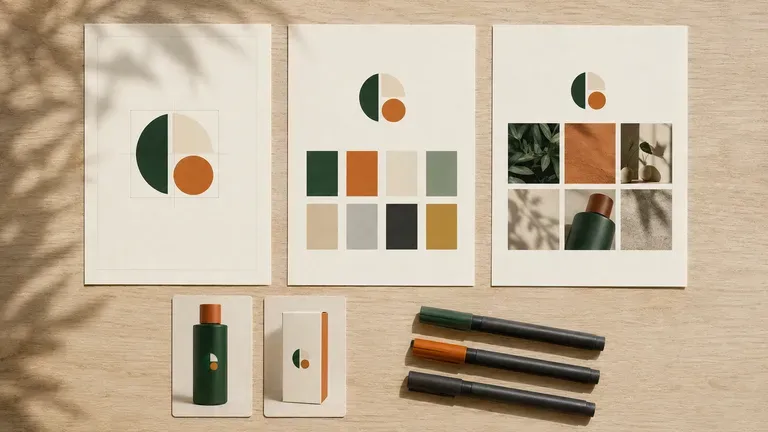
A designer's desk with style guide pages beside proof cards and marker pens

Brand & Identity Designers

Generate a fast first draft to react to, then take the promising pages into a full documentation pass.

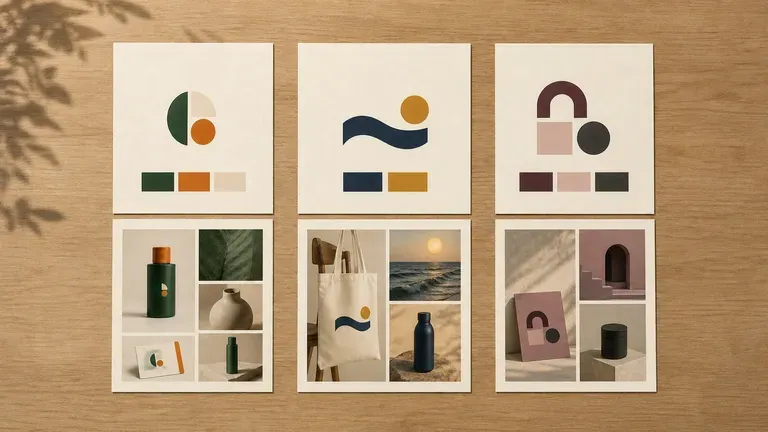
Several client style guide sets displayed side by side in an agency meeting room

Agencies Documenting Client Brands

Produce a style guide draft for a client whose identity was never formally written down.

AI Style Guide Generator Use Cases

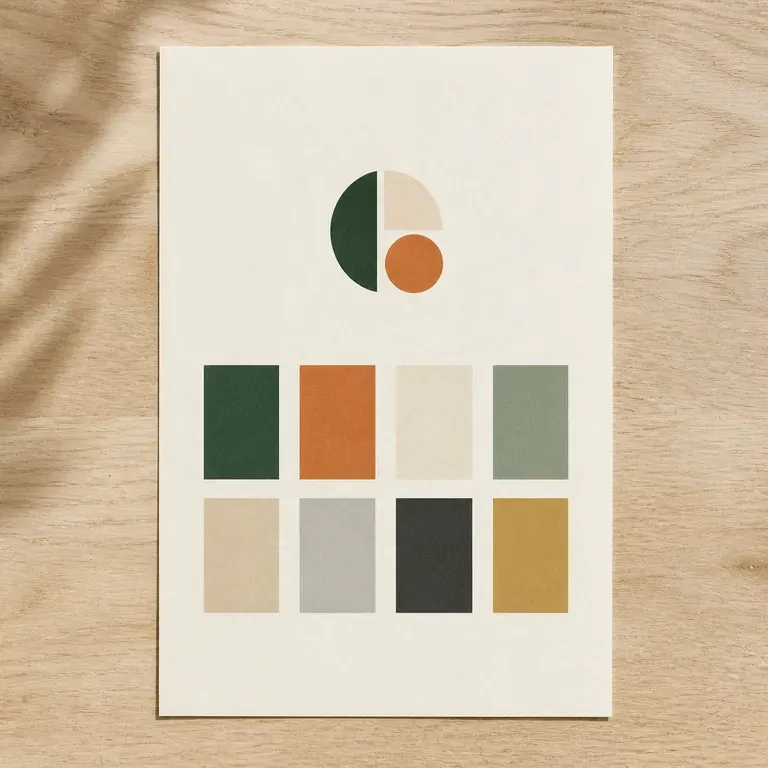
A colour system page with primary and secondary colours in a grid
Colour System Pages: primary and secondary palette with usage notes shown together
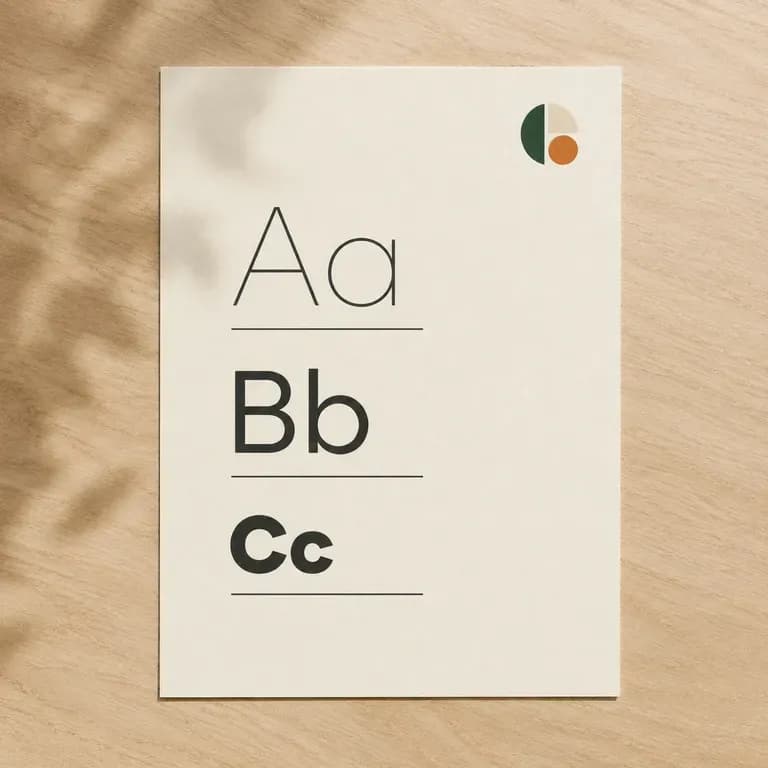
A typography specimen page with letterforms shown across several weights
Typography Pages: heading and body type shown at different sizes and weights
A logo usage page with geometric guide lines showing clear space around the mark
Logo Usage Pages: clear space, minimum size and misuse examples around a mark
An image style page with several photography or illustration texture samples
Image Style Pages: the photography or illustration direction a brand should use
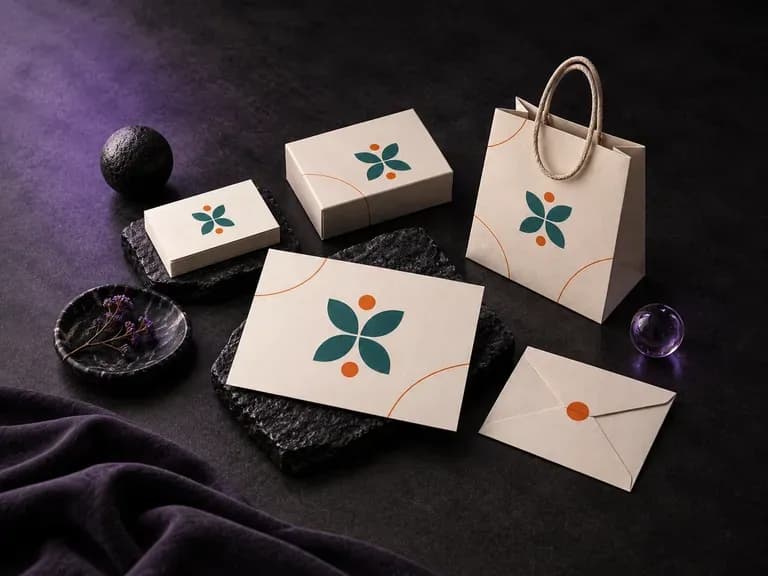
An application example page with a logo shown on packaging or letterhead mockups
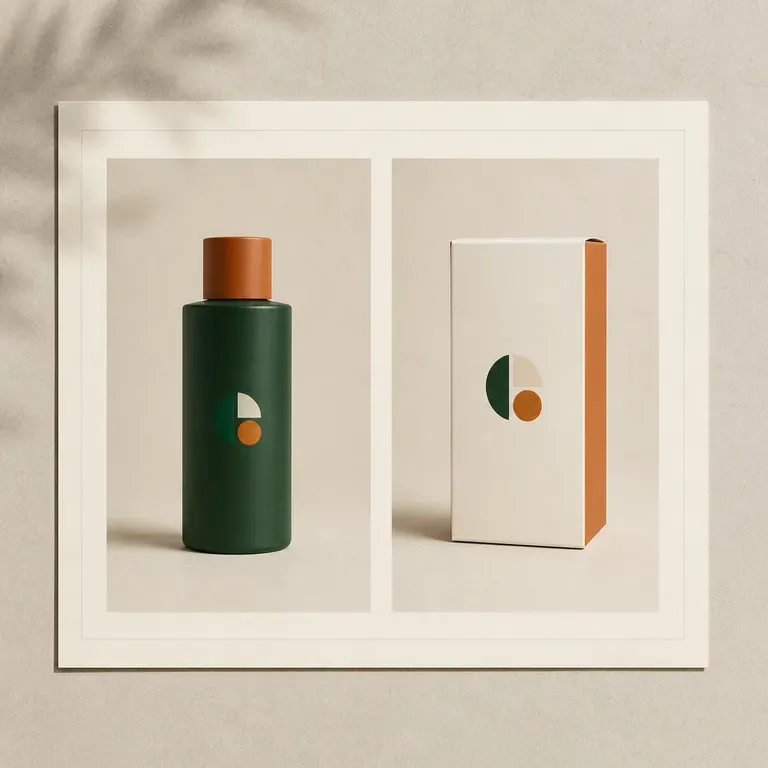
Application Examples: the identity shown on packaging, print or signage mockups
An old and a new style guide page placed side by side for a brand refresh
Refreshed Guide Drafts: an existing identity modernised while keeping its core
FAQ

Frequently Asked Questions

Is Virse's style guide generator free?
You can start on free Virse credits. New users can generate up to 10 images with Nano Banana 2, enough to test a draft before deciding whether you need a paid workflow. Free access is limited rather than unlimited.
Do I need a finished logo to use this?
A logo helps the generator anchor the rest of the guide, but you can also start from a reference image or a written brand description if a logo is not finished yet.
Can it work as an AI brand style guide generator for an existing brand, not just a new one?
Yes. Upload your existing logo and assets and choose the refresh preset to modernise the guide while keeping the identity recognisable.
Does it output a print-ready PDF document?
It produces a visual draft covering colour, type, image style and application examples. Turning that draft into a formatted, print-ready document is a separate step your team or an outside designer handles.
Can I generate more than one style direction?
Yes. You can run a few drafts from the same logo and brief and compare them side by side on the canvas before choosing one to finalise.
What do Virse paid plans include?
Paid plans include access to 40+ AI models with unlimited model usage and unlimited team seats, aimed at teams maintaining brand documentation on an ongoing basis.

Generate Your Brand Style Guide with AI

Upload your logo and assets, generate a style guide draft covering colour, type and application, and refine it into the document your team follows.