
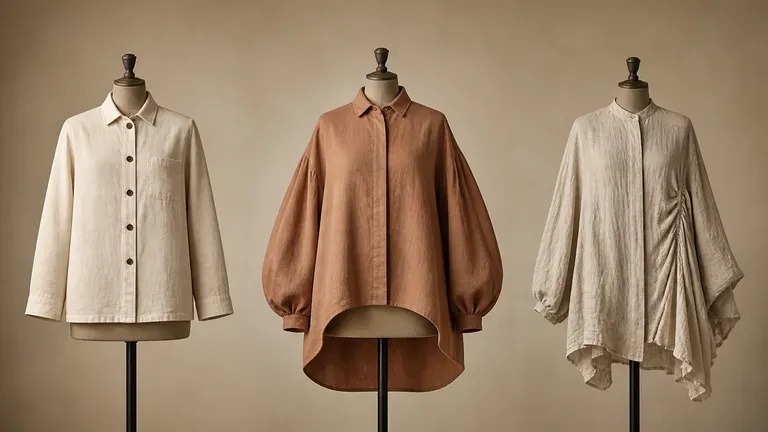
Free
Start with Free Generations
Try your first garment concept on Virse credits. New users can generate up to 10 images, enough to see whether a silhouette works before committing pattern-making time to it.
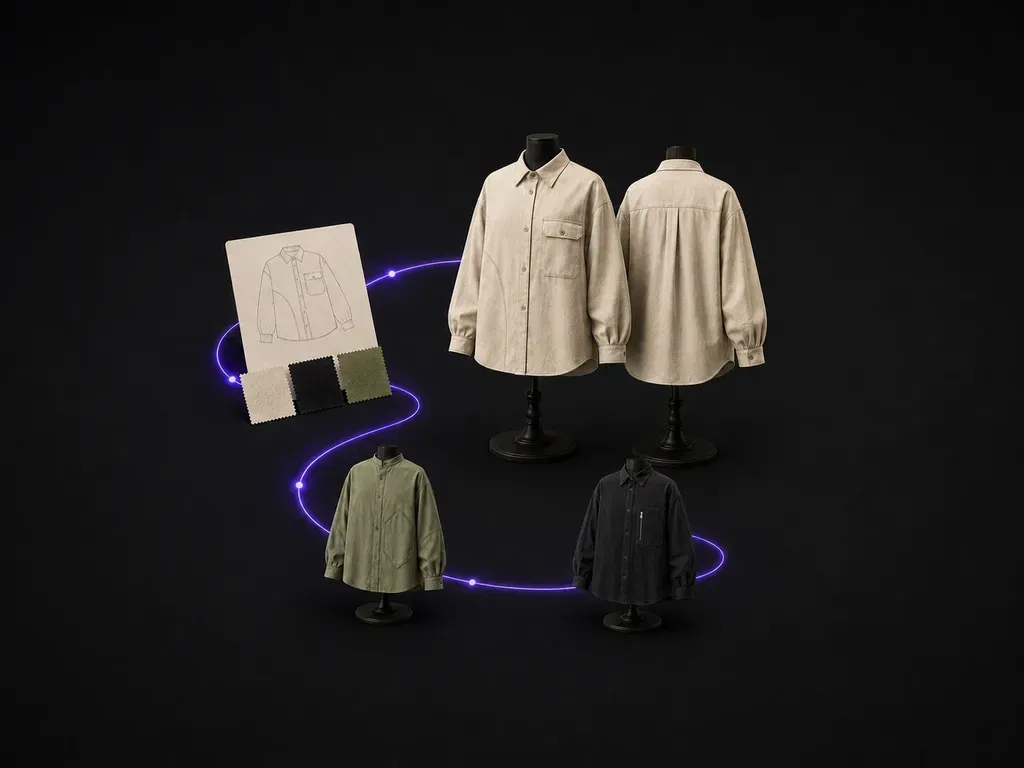
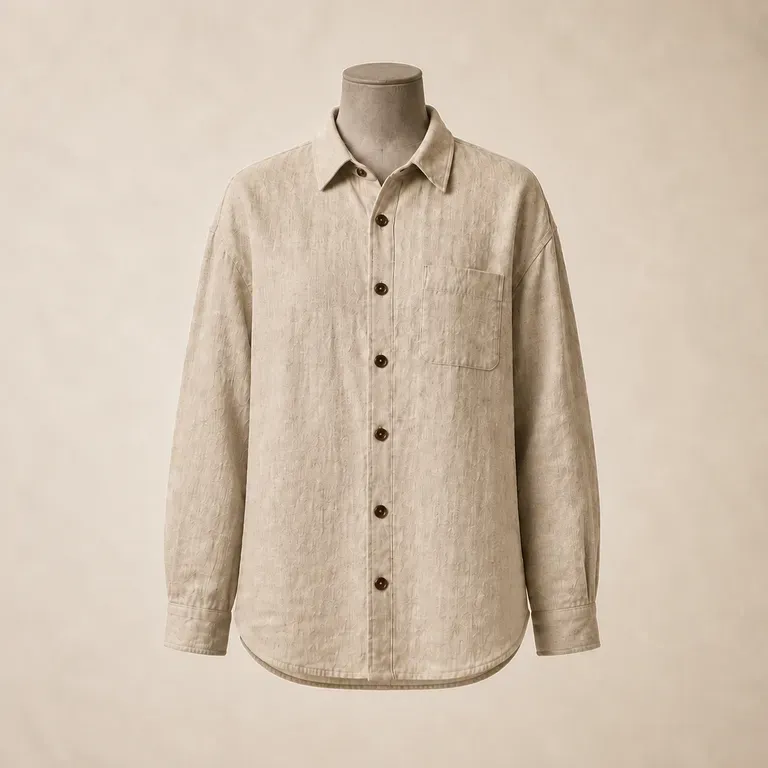
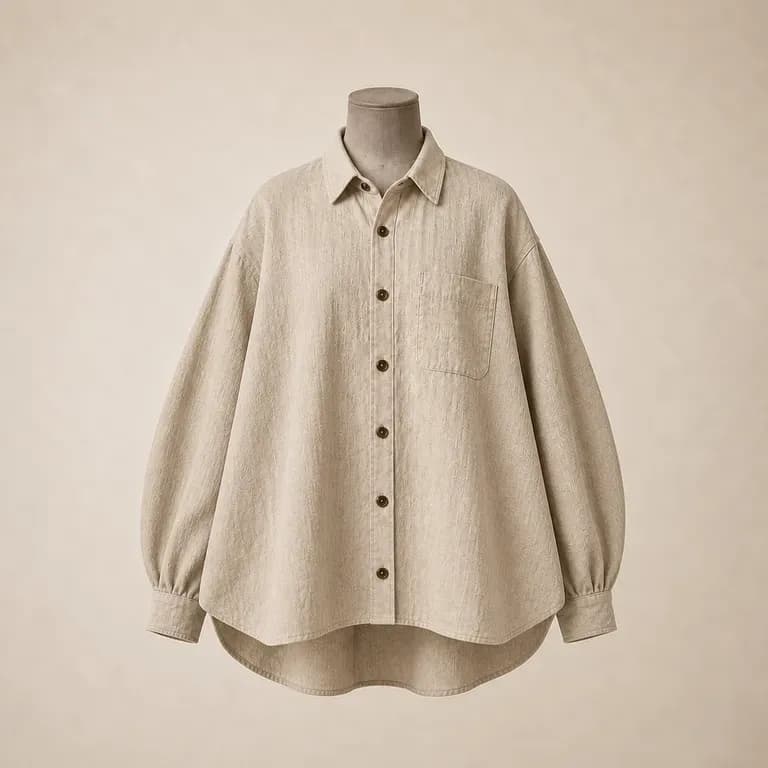
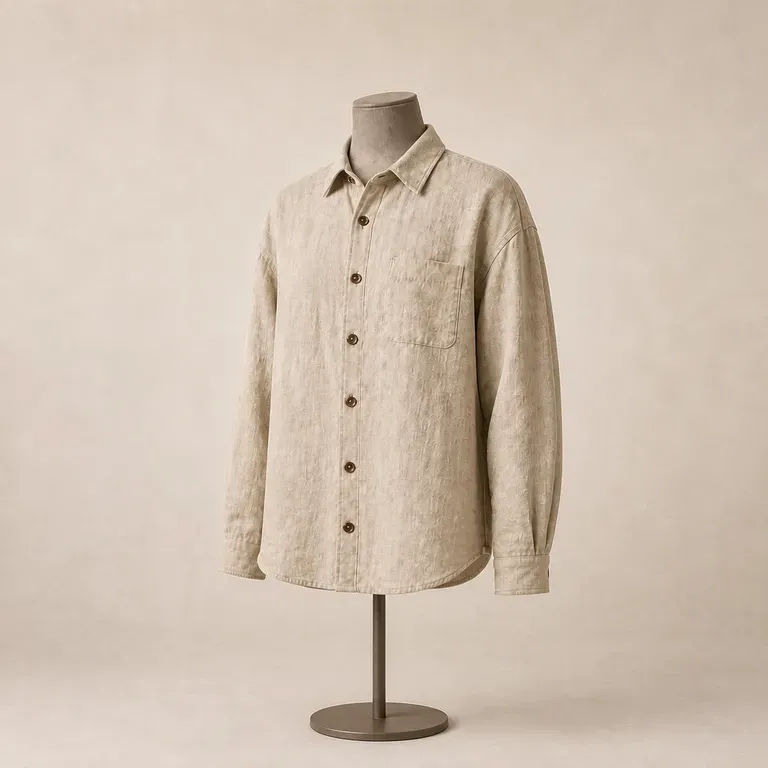
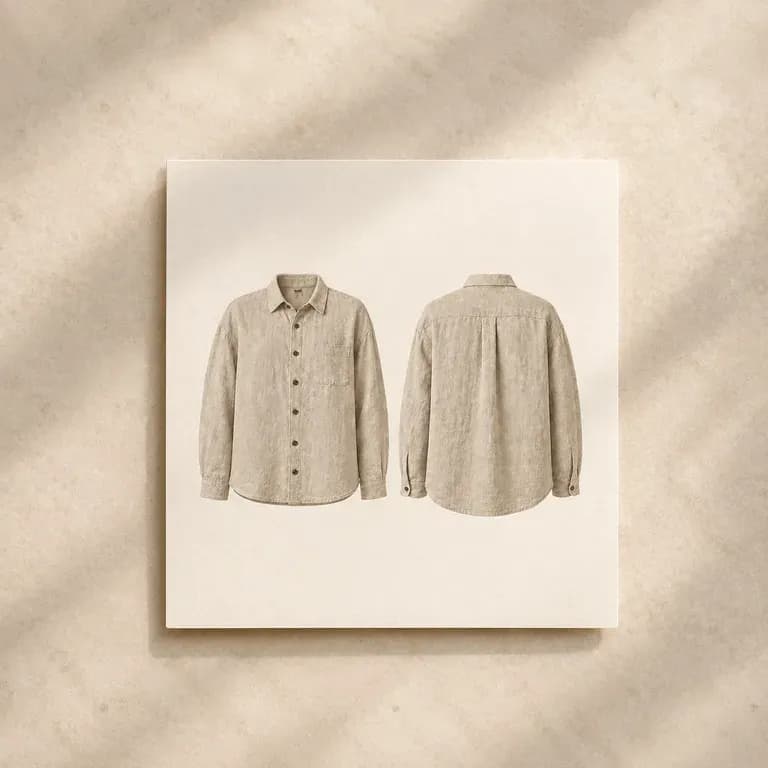
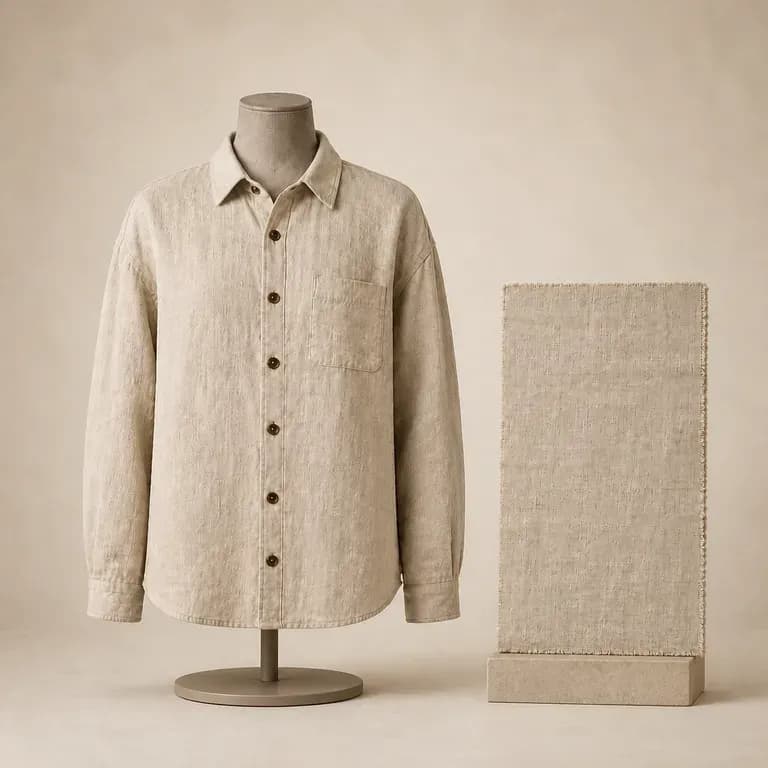
Describe the garment category, fit, fabric and colour, and get a concept back with matched front and back views, so nothing gets cut before both sides have been checked against each other. Free credits are enough to see whether the silhouette is worth taking further.
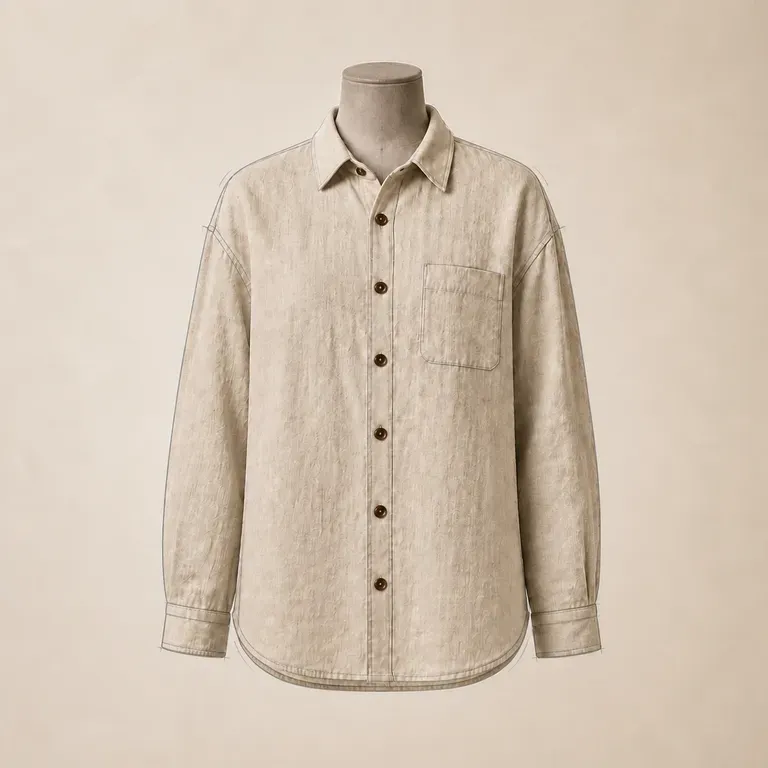
An AI clothes design generator turns a garment category, fabric and style brief into a single-piece design concept shown with front and back views. In Virse you describe the piece, add references, generate a few directions and compare them on one canvas before anything goes to a pattern maker—built around three core workflow advantages:
· Matched front and back views: Shows both sides of the garment together so seam lines, pockets, and back yokes align.
· Fabric & construction clarity: Renders realistic denim twill, heavy fleece, knit ribbing, hardware zips, and topstitching.
· Pre-pattern concept check: Evaluate silhouette proportions and pocket placement on one canvas before cutting a sample.
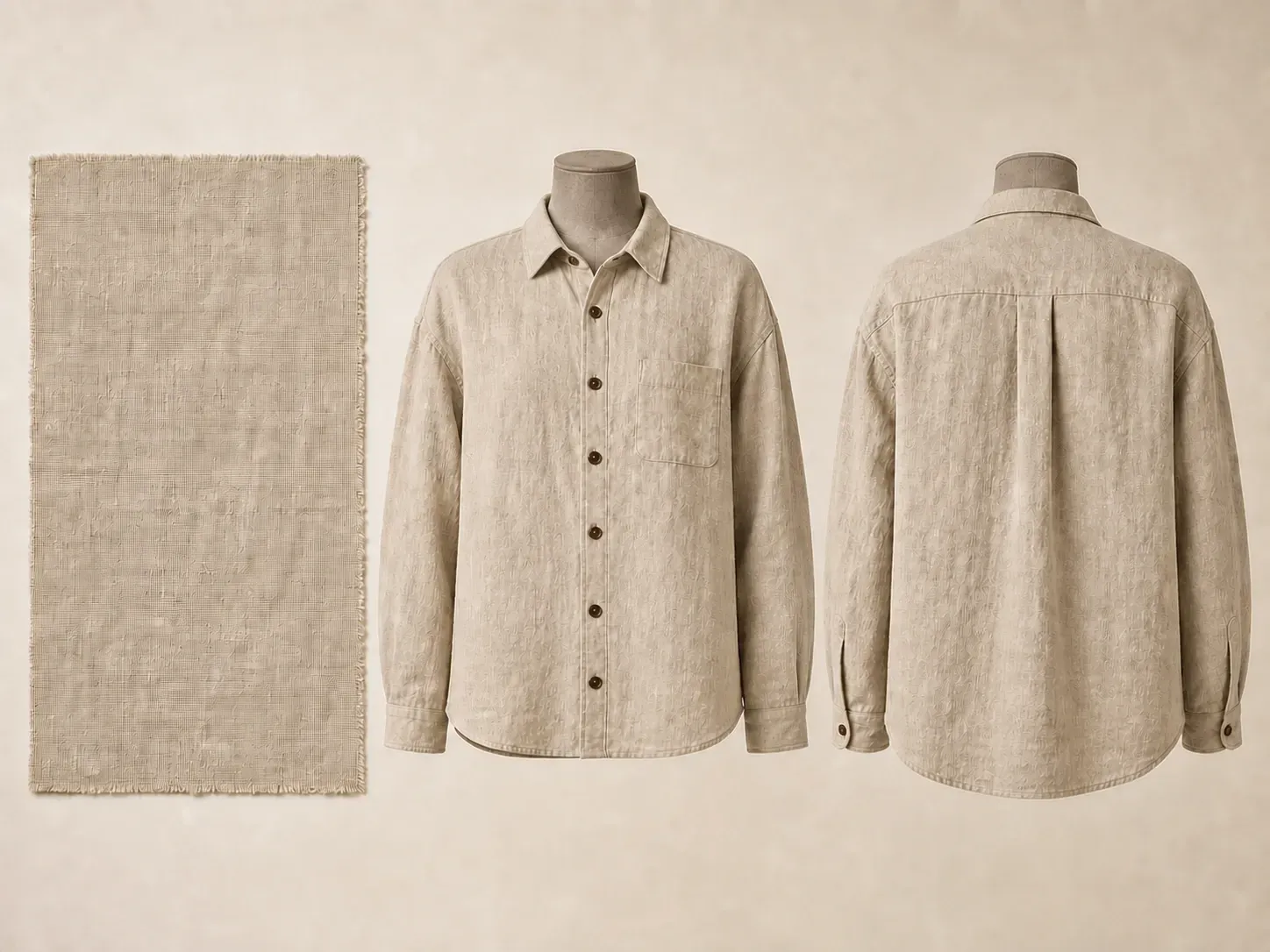
A garment has to read correctly from every angle, not just the one shown in a mood shot. Front and back views together are what catch that early.
Try your first garment concept on Virse credits. New users can generate up to 10 images, enough to see whether a silhouette works before committing pattern-making time to it.
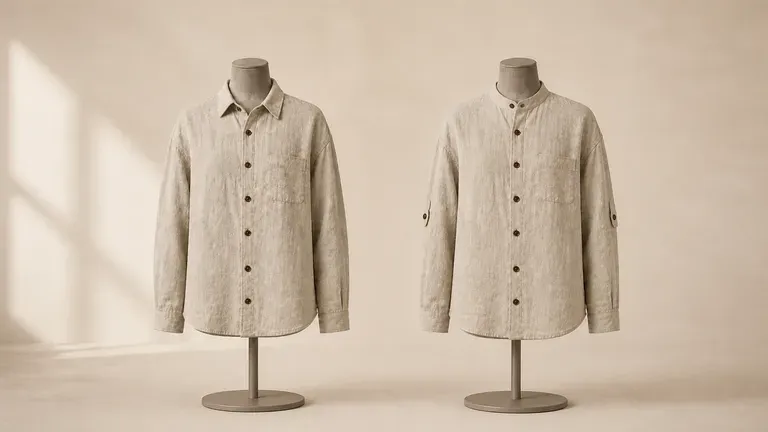
Virse brings 40+ AI models into one environment, and paid plans include unlimited model usage. You can see how different models handle the same brief without rebuilding it for each one.
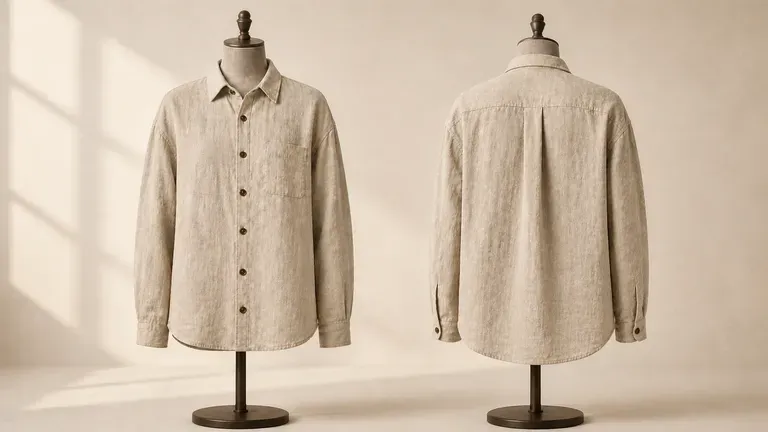
References, generated concepts and alternative details stay together on an infinite canvas. Virse keeps the fabric and fit brief in context, so the next round builds on the direction already picked.
Compare front-only fashion illustrations against matched front-and-back garment concepts on the Virse canvas.
Front-Only Sketches & Text Descriptions
Virse Clothes Design Generator
Write out the category, fit, fabric and colour, and add a style reference image if you have one.
Pick a preset such as a casual staple, a statement piece or a fabric-led design, matching how central the material should be to the look.
Run an available AI image model and let it produce a design concept shown from the front and the back.
Adjust seams, closures and proportions with updated notes, and keep working until the piece is ready to hand to a pattern maker.
Name the garment category, silhouette fit, shell fabric, trim details, and what sits on the front vs. back:
· Boxy cropped work jacket: Heavyweight 14oz washed indigo denim, corduroy collar, antique brass zip front, dual chest flap pockets, pleated action back.
· Technical panelled cargo pant: Relaxed articulated fit in olive cotton-nylon ripstop, gusseted knee darts, angled side bellow pockets, rear welt pockets.
· Structured half-zip knit pullover: Chunky 5-gauge fisherman rib in oatmeal merino wool, high funnel neck with silver ring zip, droppedraglan sleeves front & back.
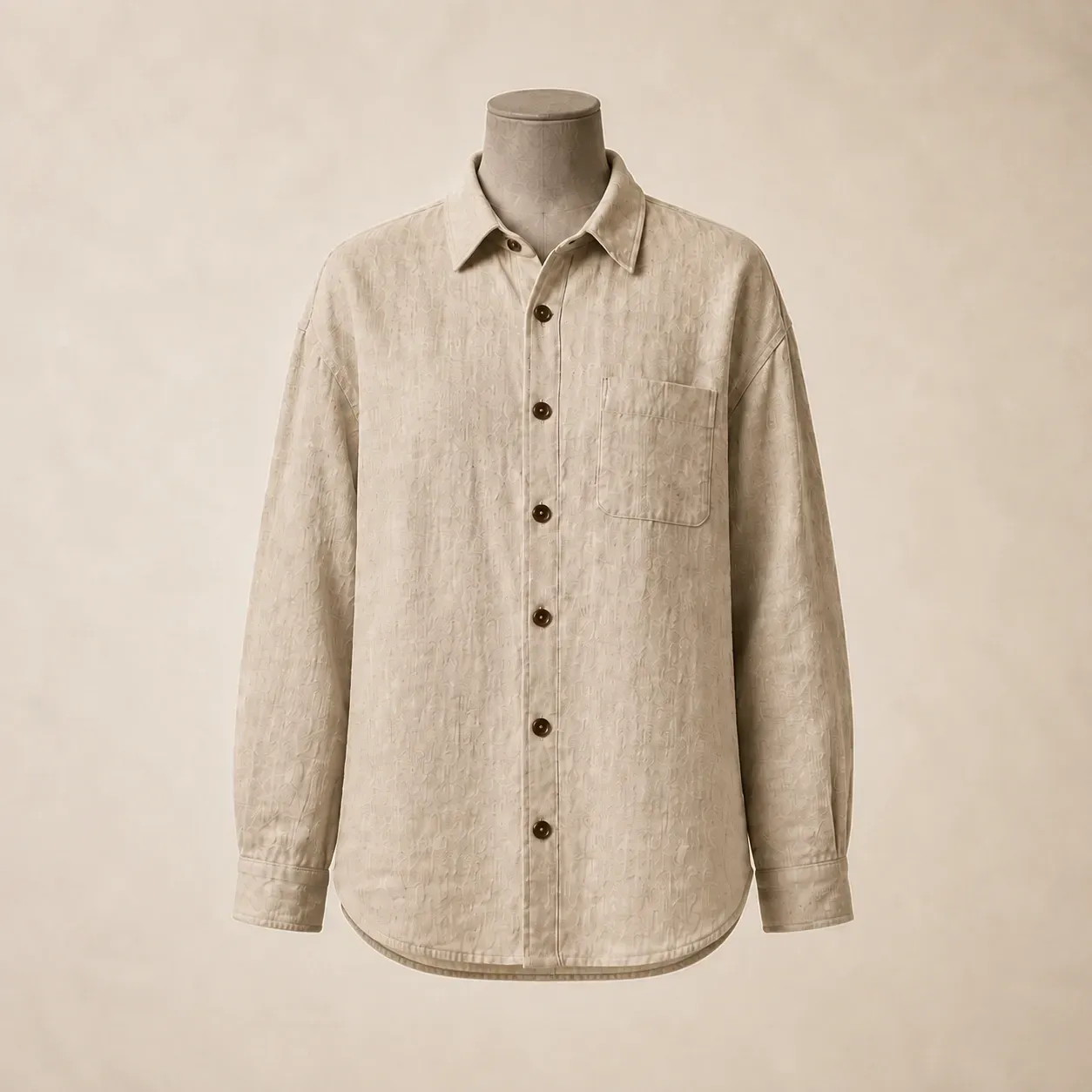
People designing one piece at a time, who need to see it before it gets cut.
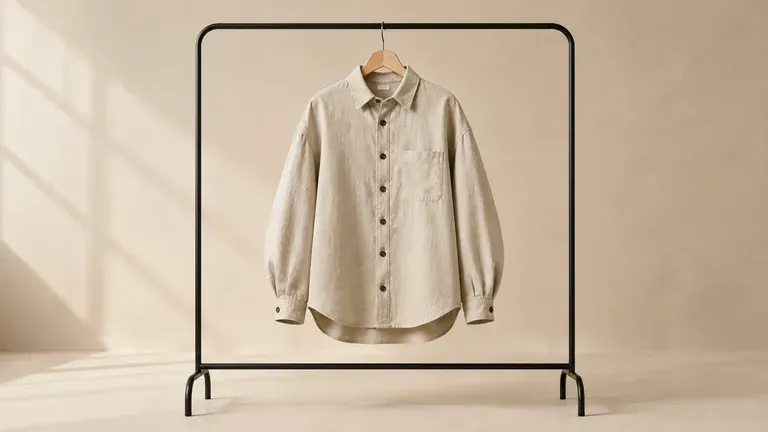
Explore a single garment's silhouette and detailing before committing to a sample.
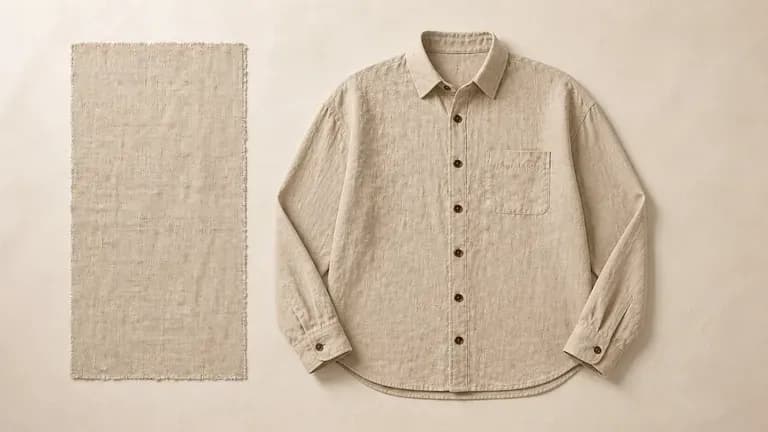
Develop a wardrobe staple or a signature piece without a full design team.
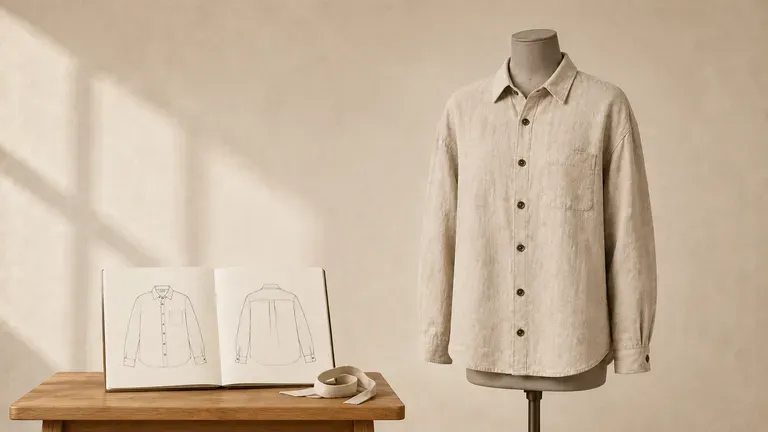
Practise translating a brief into a full garment concept as part of coursework.
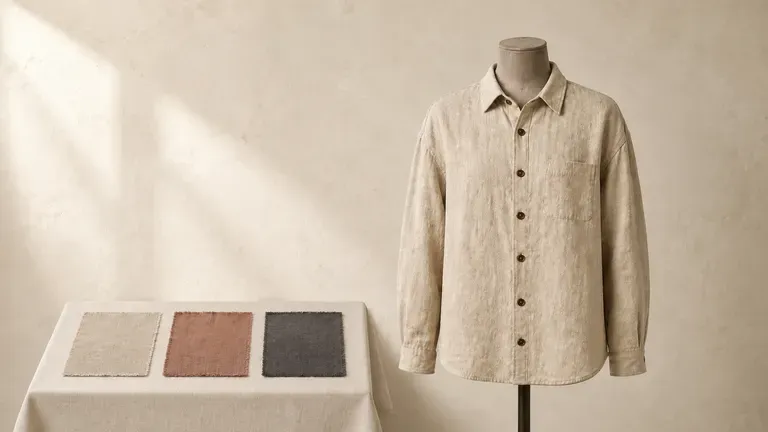
Show a client a design concept before cutting fabric for a custom piece.
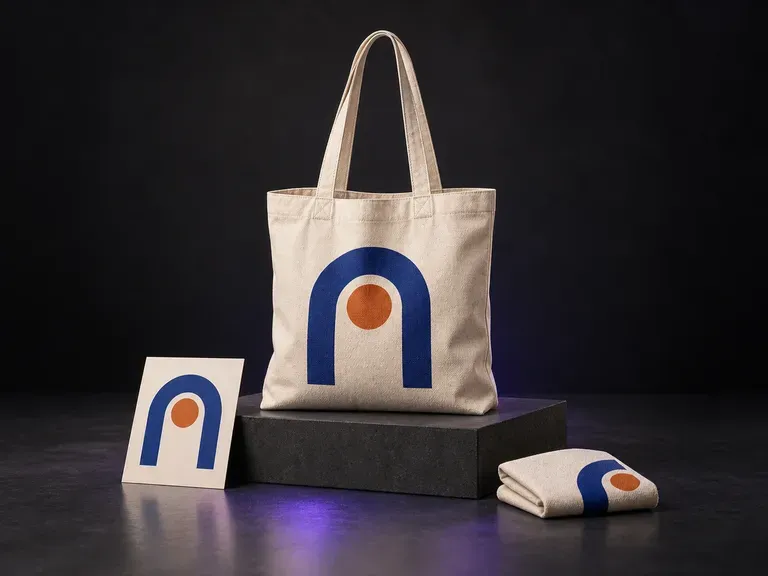
Add a canvas bag reference, your logo or illustration, and color and scene notes. Virse creates a canvas bag mockup that shows the artwork with the bag's texture and folds, ready for a merchandise design discussion.
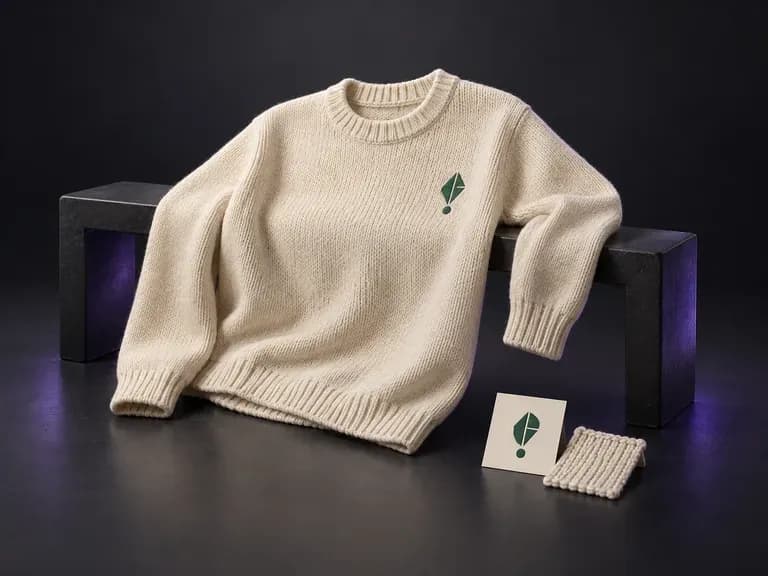
Upload a photo of your sweater or pullover with your logo or knit pattern, then note the yarn color and view. This sweater mockup generator places your artwork onto the knit silhouette in a flat lay, hanging, or worn scene.
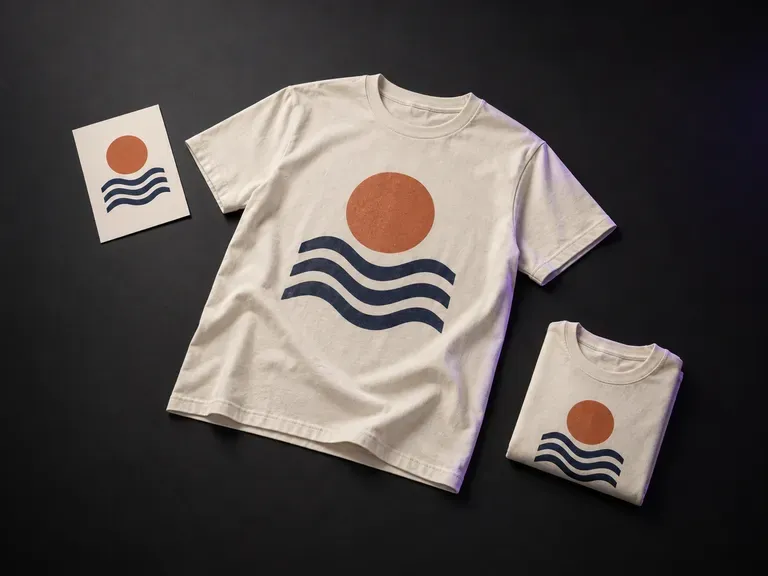
Add your finished print artwork and a T-shirt reference, then describe the color, graphic position and display style. Virse's T-shirt mockup generator shows your design in a flat lay, hanging or worn preview.
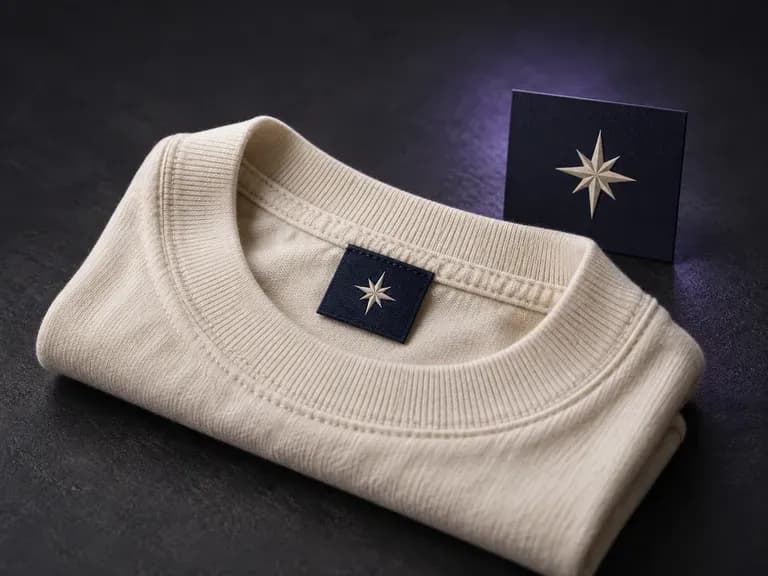
Add your label artwork, a neckline or seam reference, and the fabric and colors. Virse creates a clothing label mockup for a close look at how the branding sits on the garment.
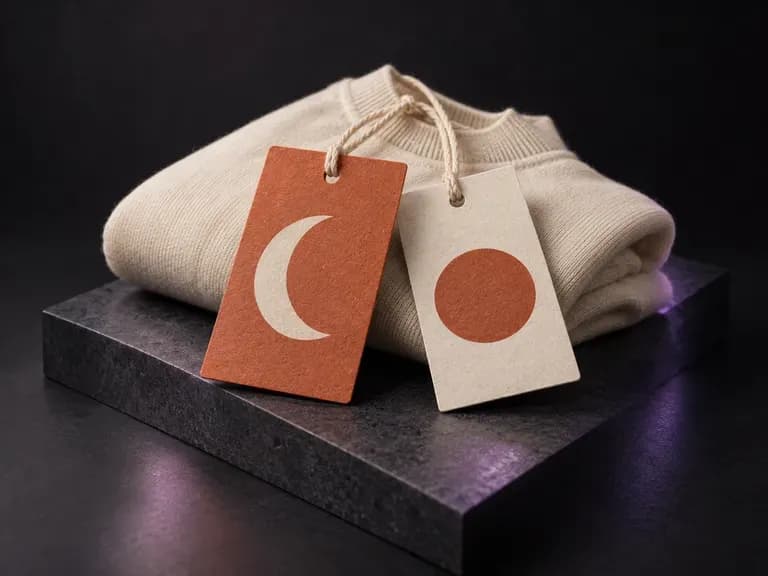
Add your tag's front and back artwork, paper appearance, cord details and a garment reference. Virse creates a clothing tag mockup with those details in one view for your apparel presentation.
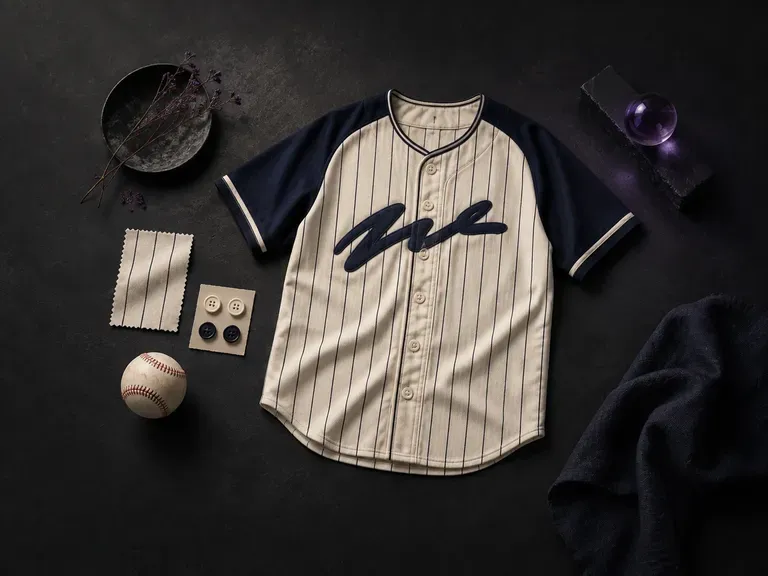
Start with your team name and colors, add a logo, and this AI baseball jersey designer draws a baseball jersey from the front and the back, ready to pass around the dugout.
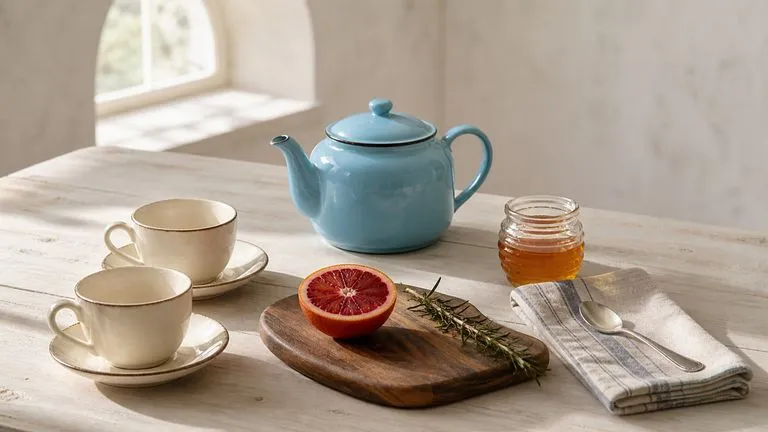
OpenAI's GPT Image 2.0 reads a hundred-word brief and attempts all of it, with independent quality and resolution controls from 1K to 4K.
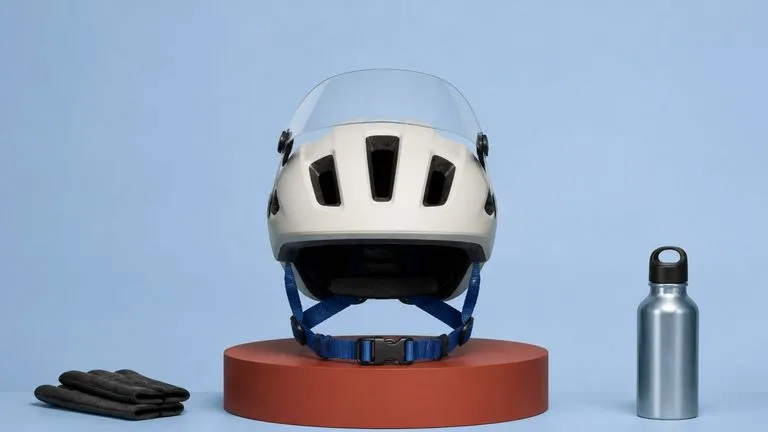
Black Forest Labs' production model reads briefs up to 32,000 tokens, so brand rules, colour values, and compositional constraints can all go in at once.
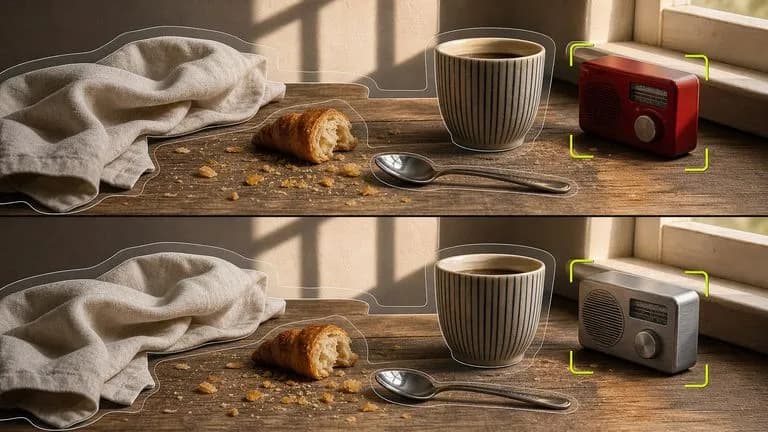
Black Forest Labs' editing models, FLUX Kontext Pro and Kontext Max, built to apply one described change while the rest of the frame survives untouched.

ByteDance's newest Seedream generation, available as Seedream 5.0 Pro and Seedream V5 Lite, both taking the same written brief.
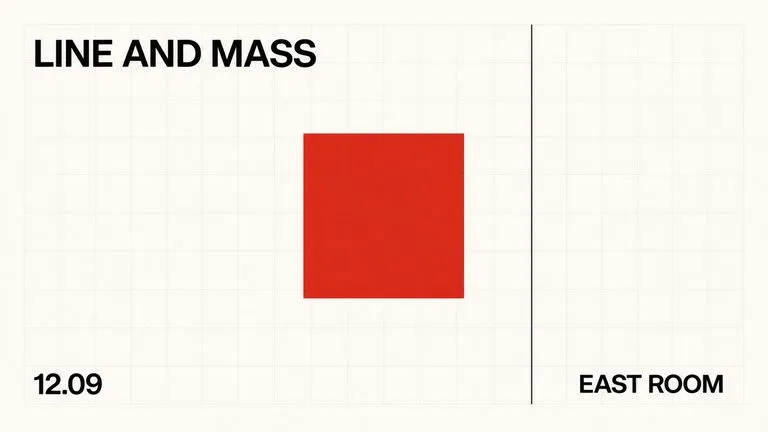
A text-to-image foundation model trained from scratch around layout, with bounding-box placement, hex colour conditioning, and native 2K output.
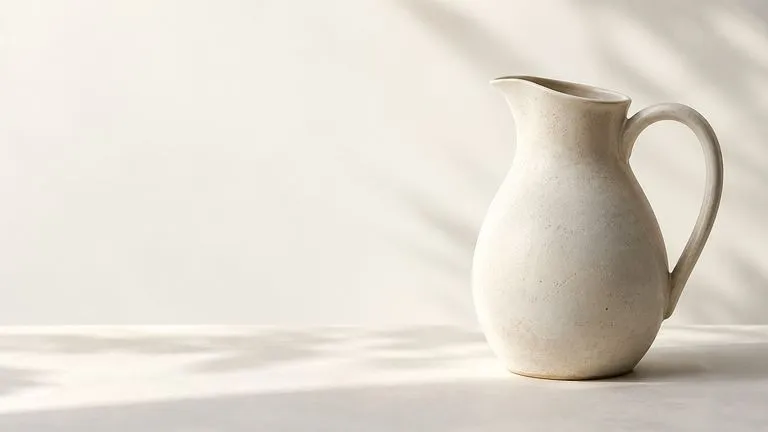
Create and edit stills with FLUX 3 Image at 1K, 2K or 4K. Switch to FLUX 3 Video for 5–20-second scenes at 720P or 1080P with native audio, on the same Virse canvas.
Describe your garment, generate a concept with front and back views, and refine the details worth taking into production.