AI Shoe Designer

AI Shoe Designer

Use Virse as a shoes designer for early concepts. Describe the shoe type, the style, the materials and the colors, and get a concept render to react to.

Entrée
Shoe type & design brief · ObligatoireStyle, colorway or silhouette reference · FacultatifYour logo or graphic · FacultatifMaterials & colorway · FacultatifView set · FacultatifPresentation · FacultatifNumber of designs · Facultatif
Sortie
Multiple shoe concept renders; views follow the selected view set (by default several angles of the same pair side by side in one image), count based on selection

Style, colorway or silhouette referenceFacultatif

L’image se téléverse sur le canevas ; ce formulaire transporte les réglages.

Your logo or graphicFacultatif

View setFacultatif
PresentationFacultatif
Number of designsFacultatif

What is an AI shoe designer?

An AI shoe designer, or AI shoe design generator, is image software for the concept stage of a new shoe. Virse returns still images of the design from more than one angle. It does not produce lasts or technical drawings.

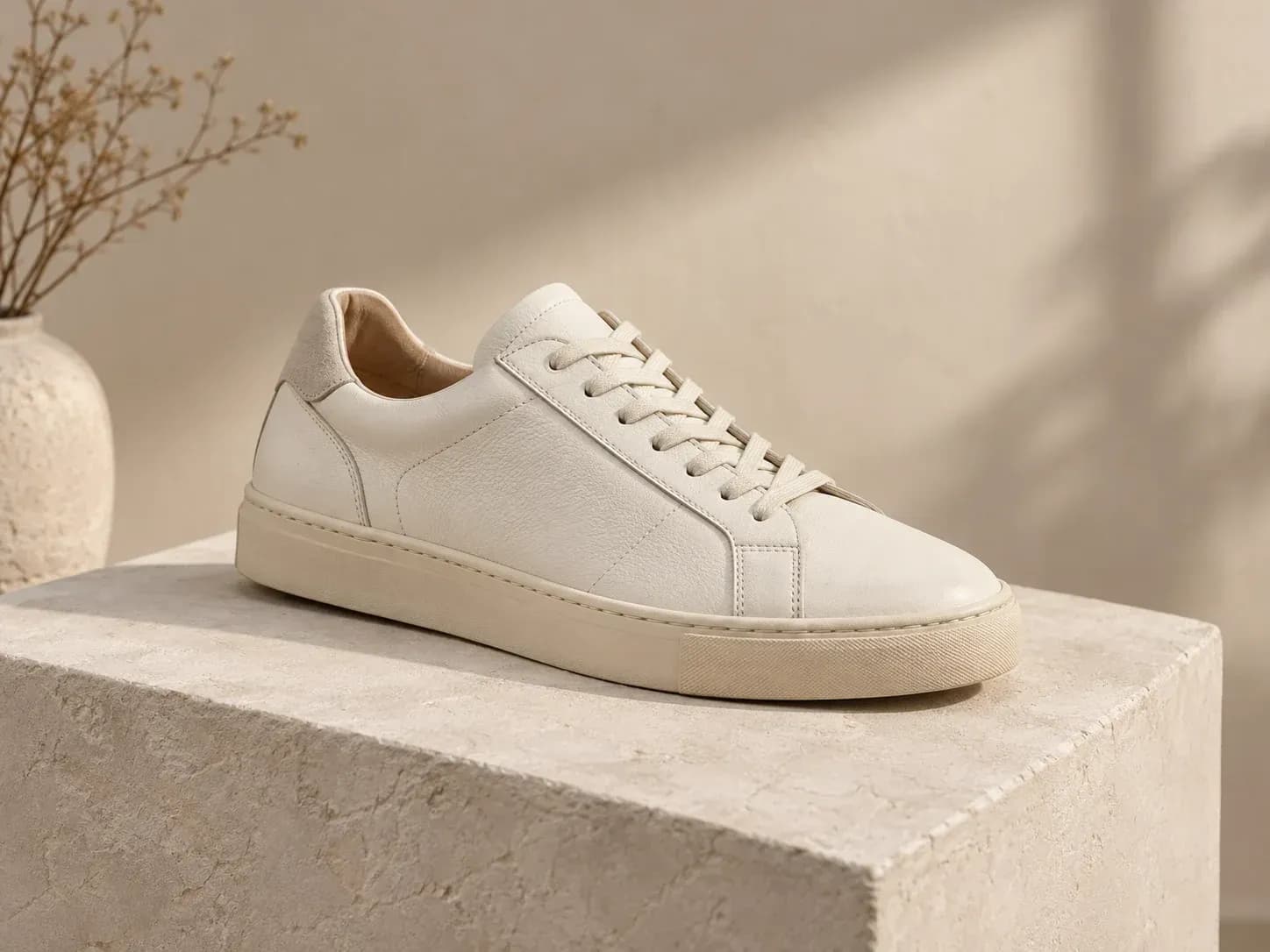
A leather sneaker concept rendered from a short written brief

Why use Virse as a sneaker design generator?

A shoe concept is judged on its shape and on how its materials meet, and both are set by what you write.

One sneaker concept shown from several angles
Multi-angle

Several angles, one shoe

One image leaves parts of a shoe out of sight. Each result shows the same concept from several angles, so more of the shape is visible before you settle on a direction.
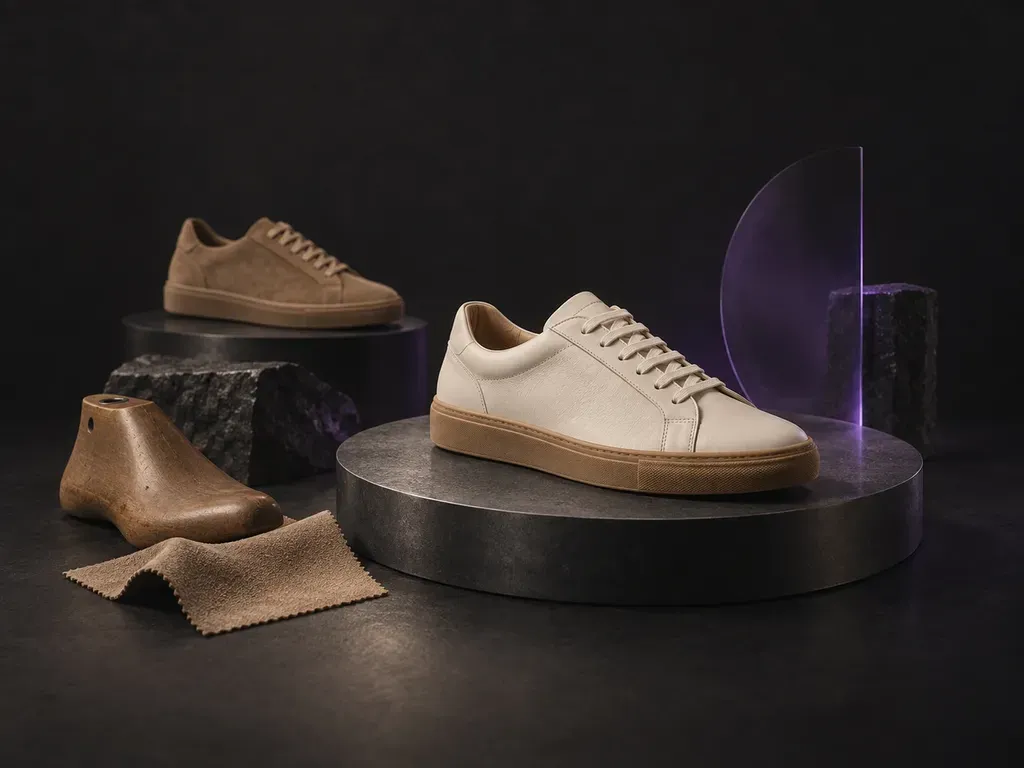
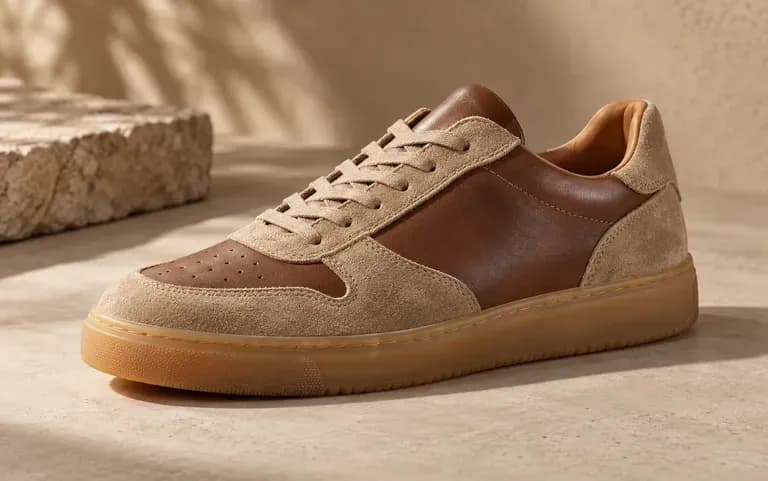
A suede and leather upper paired with a gum rubber sole
Materials

Materials part by part

In the description, give the upper, toe cap, heel counter and sole their own materials, for example a suede upper on a gum sole, and the render shows the combination.
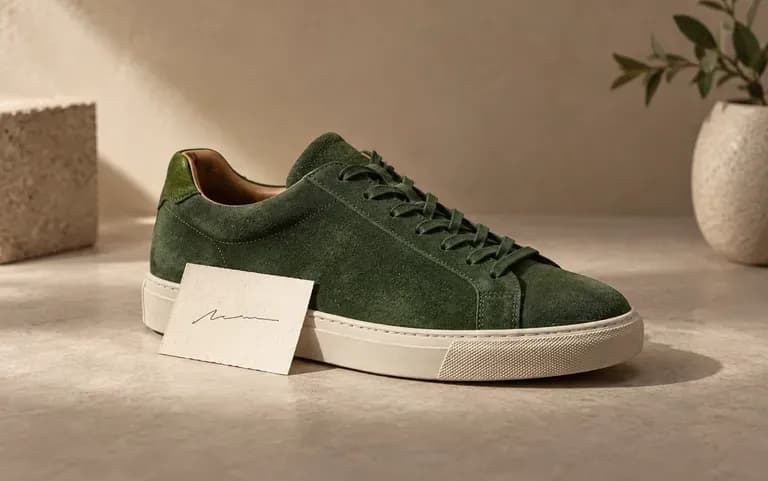
A one-line brief next to the concept it produced
Text input

Start with words

You do not need drawing skills to begin. Write the shoe up as you would for a colleague, then reword one detail, such as chunky sole to slim cupsole, for a new concept.

How to design custom shoes with AI

  1. Name the shoe type

    Start the description with the shoe type, such as a sneaker, pump, boot, sandal or loafer. The type sets the basic shape the rest of the brief builds on.

  2. Describe style and materials

    Name the upper and sole materials, the colors and the details that matter to you, such as contrast stitching or metal eyelets.

  3. Generate the concept

    Submit the form to generate the concept.

  4. Pick one to sample

    Run a few versions and brief a sample maker only on the one worth making.

Who uses an AI shoe designer for custom concepts?

It is for people who design, sell or customize shoes, and for students learning how.
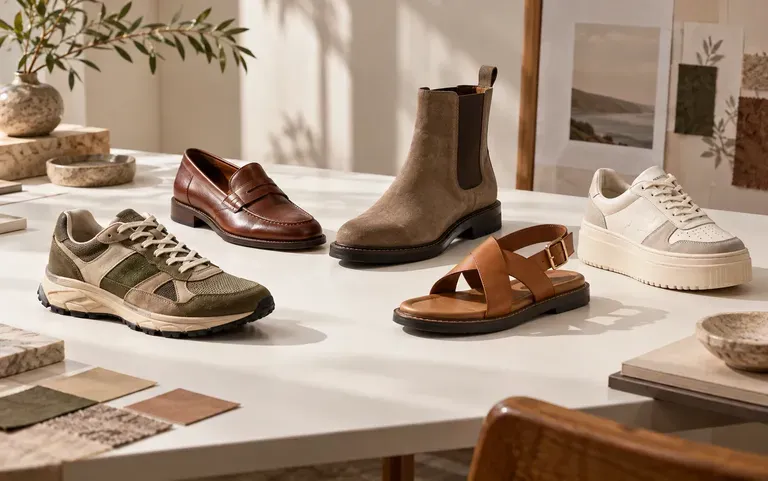
Seasonal footwear directions for a design review

Footwear designers

Turn a season's loose ideas into pictures the team can discuss at a line review.
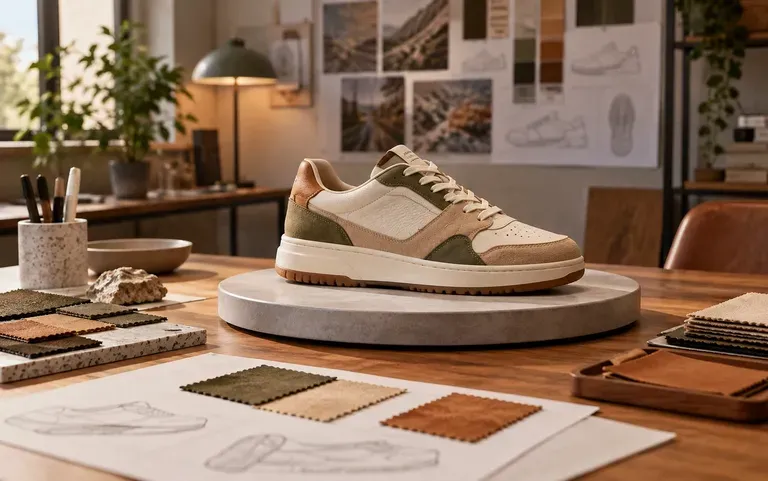
A new model concept prepared for a team review

Independent shoe brands

Show partners and early buyers what a proposed model looks like while it is still an idea.
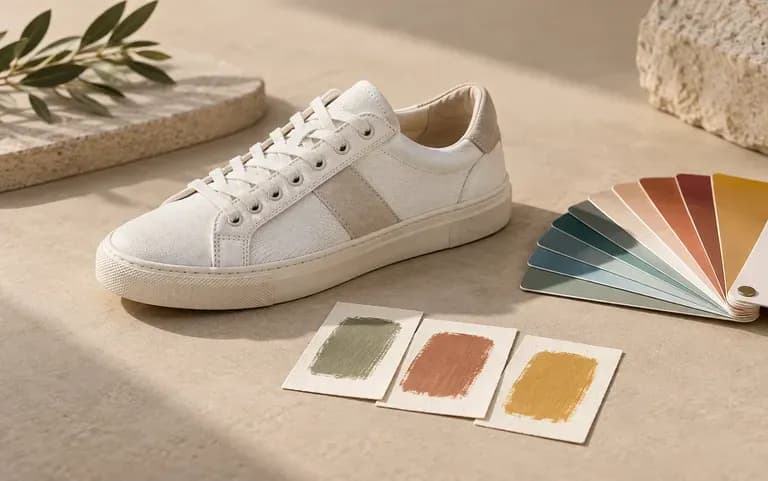
A custom sneaker color plan

Sneaker customizers

Try a one-off colorway on screen and show it to the client who commissioned the pair.
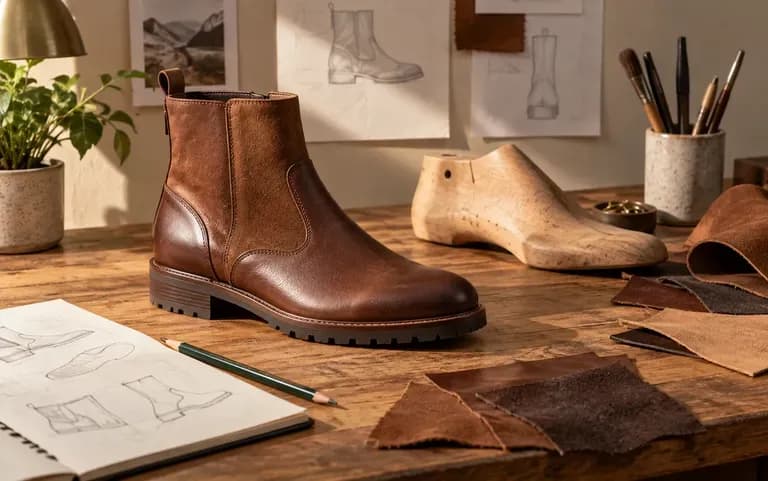
A student's boot concept for a portfolio

Fashion and design students

Turn a class brief into a footwear concept you can pin up for critique.
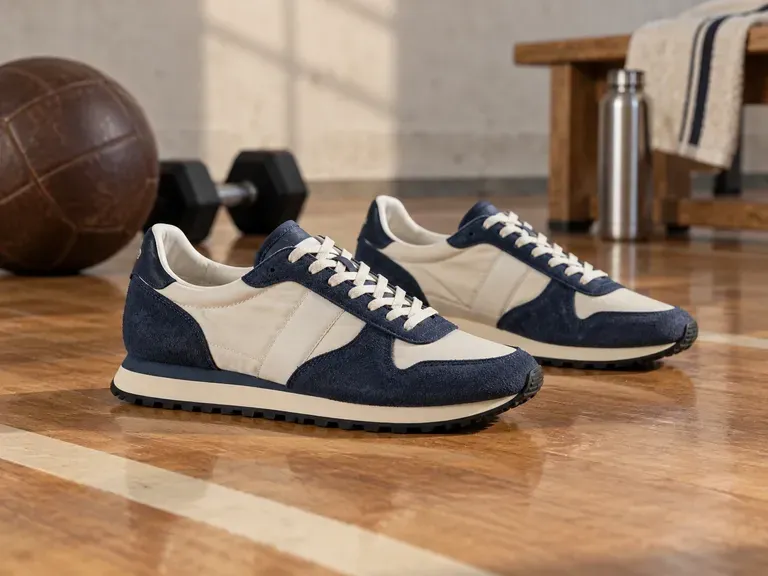
Ideas for the shoe concept generator

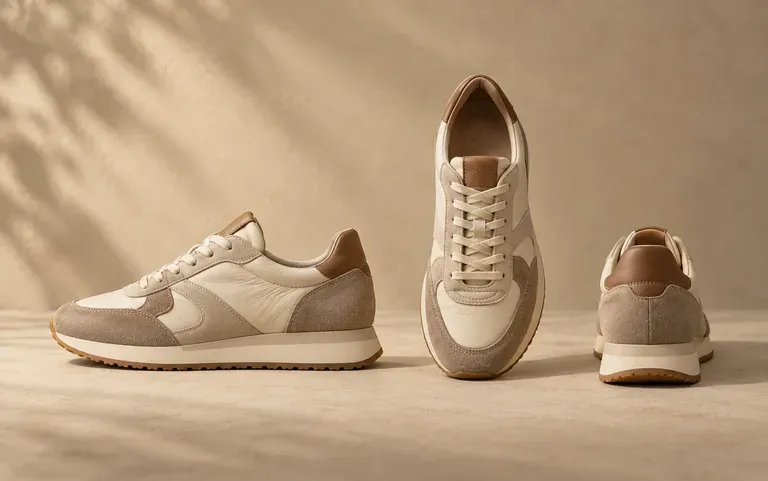
Retro Running Sneakers: suede overlays on a nylon upper
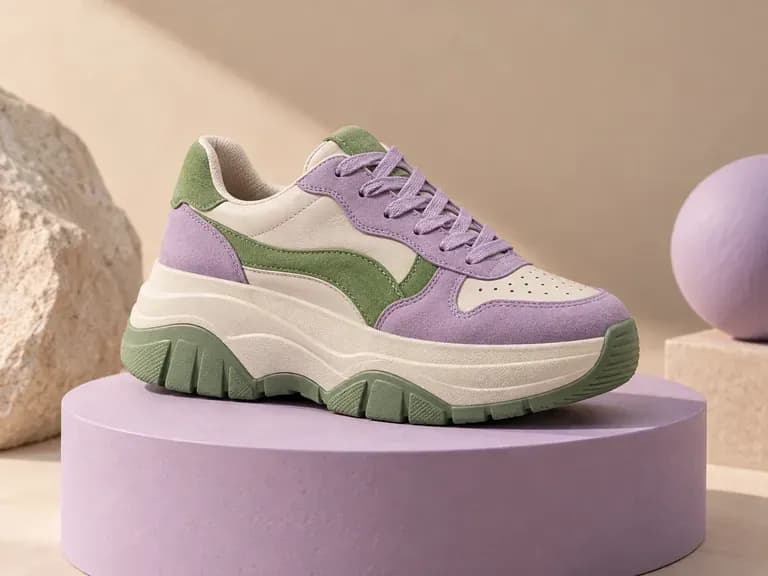
Chunky Platform Sneakers: thick midsoles with bold color blocking
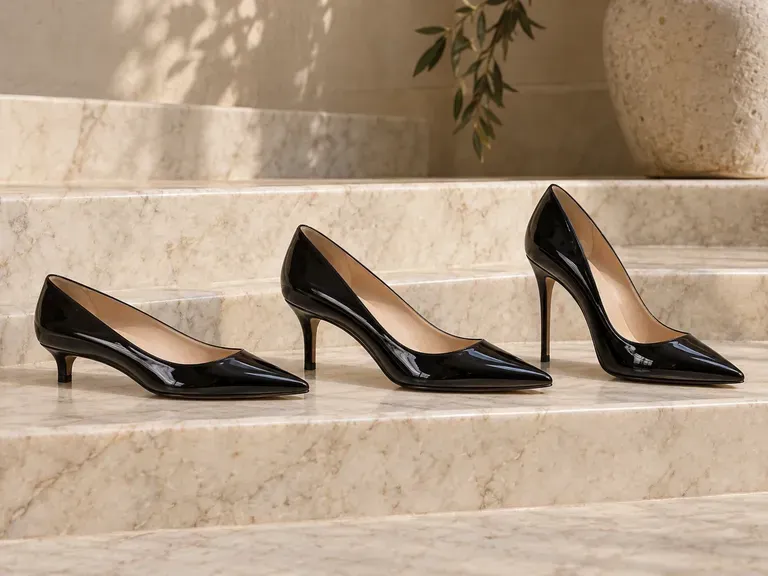
Pointed Heeled Pumps: patent leather at different heel heights
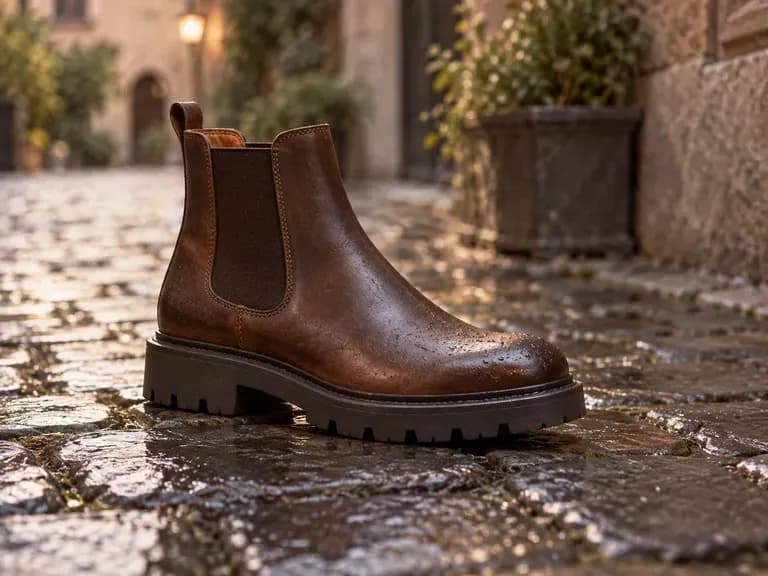
Chelsea Boots: elastic side panels on a lug sole
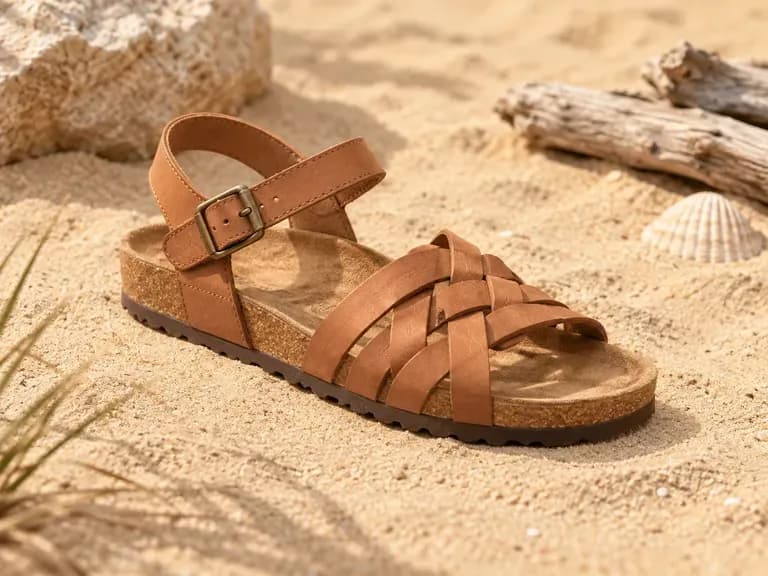
Summer Sandals: woven straps on a cork footbed
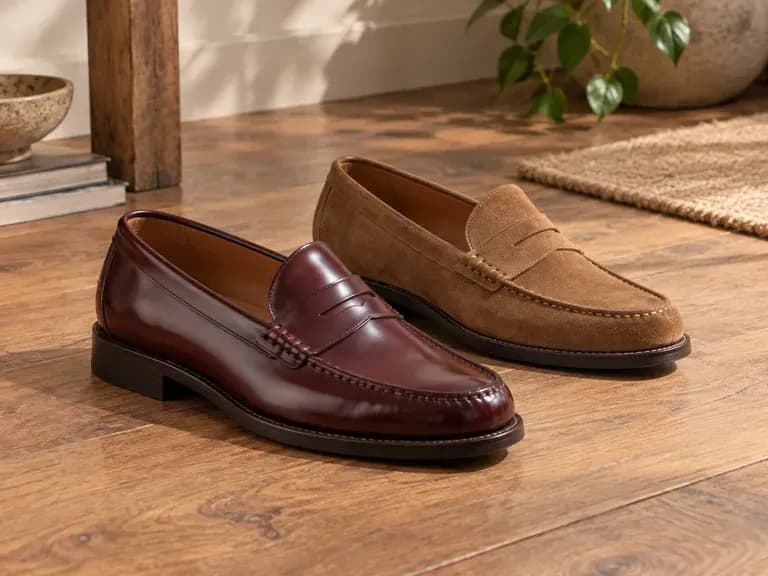
Penny Loafers: polished or brushed leather with a moc toe
FAQ

Frequently asked questions

Can AI design shoes?
Yes, at the concept stage. AI can draw how a described shoe might look, from a court sneaker to a knee-high boot, so an idea can be judged as a picture.
Can the AI shoe design generator work from text alone?
Yes. A written brief is all it needs: describe the silhouette, materials and colors, for example a high-top in white leather with a navy suede heel tab, and the tool renders the sneaker from that description.
Can I compare several concepts before sampling?
Yes. Each result stays on your Virse canvas, so you can generate more versions and review them together before you pay for a physical sample.
Can an AI shoe design be manufactured?
Not directly. The output is a concept image; a footwear developer still has to build the last, cut the pattern and make a sample before a factory can produce it.
Does the AI shoe designer check comfort or performance?
No. It does not test cushioning, fit or support, and it does not certify a design for sport. Those checks happen with physical samples.
Is Virse's AI shoe designer free?
Yes, within a free compute balance. New accounts receive 200 compute, and when the balance is below 200 the Free plan tops it up by 50 a day. Free output is 1K, and every image model is included.

Design your shoes with AI

Put the next shoe on your list into words and see the concept.