Film tones
Analog Emulsion Color Grading
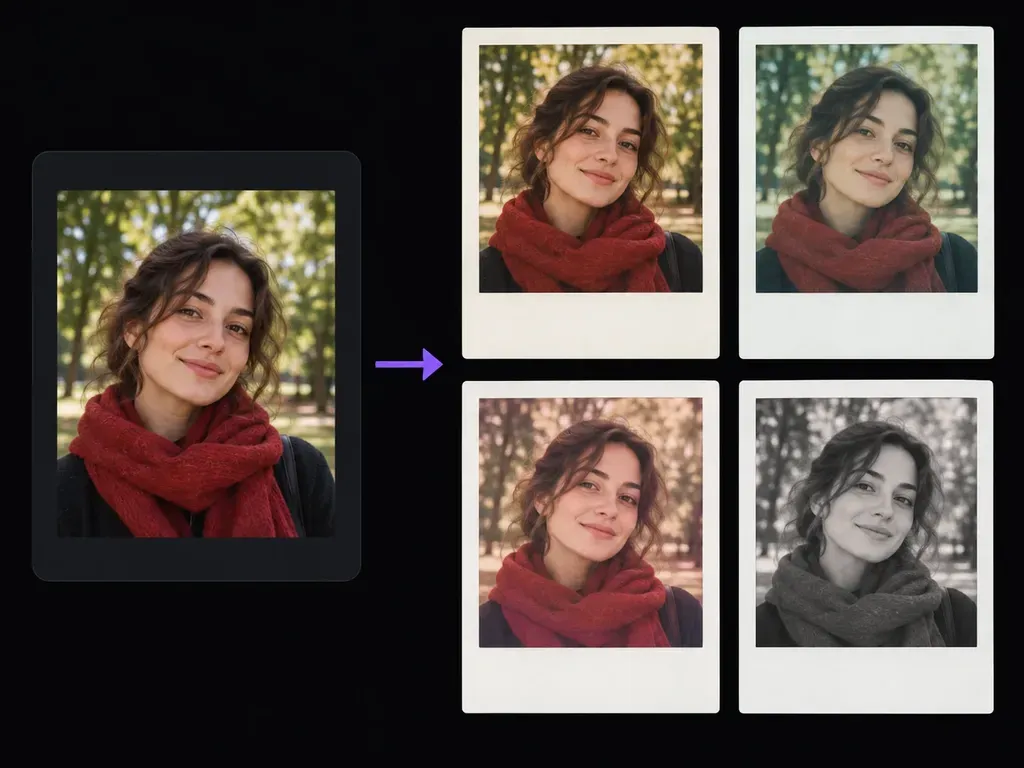
Specify warm cream, cool faded green, dusty rose, or gentle monochrome film palettes so the photo inside the frame shares the same nostalgic chemistry as the paper border.
Upload a portrait, travel snapshot, or everyday photo and describe the instant-film border, vintage color cast, and film grain you want. This AI polaroid generator renders a flat, front-facing instant-print effect with a clean blank lower margin or short caption.
An AI polaroid generator (or instant film photo effect tool) wraps an uploaded digital photo in a classic instant-print border with a deeper bottom margin while grading the image with analog warmth and fine grain. Control three details:
• Flat print geometry: Frame your photo inside an unbranded matte-white border with a wider bottom margin, presented straight-on.
• Chemical color casts: Test warm cream highlights, cool faded green shadows, muted rose tones, or silver monochrome grain.
• Clean blank margin: Leave the lower white border blank by default, or supply a short phrase or date and verify spelling.
Why photographers, journalers, and album designers use a polaroid frame generator instead of pasting a plain white CSS rectangle over an ungraded photo.
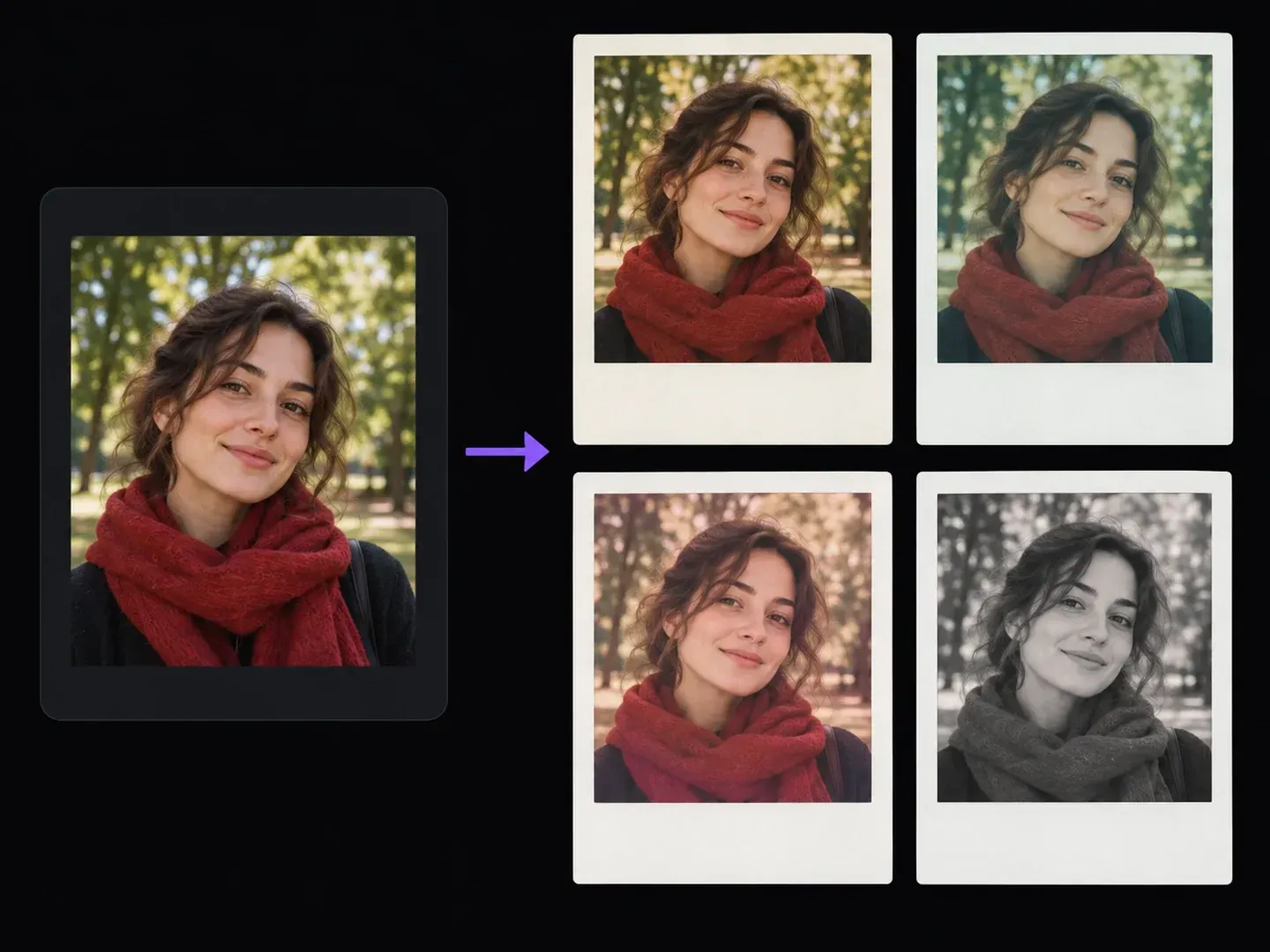
Specify warm cream, cool faded green, dusty rose, or gentle monochrome film palettes so the photo inside the frame shares the same nostalgic chemistry as the paper border.
Keep the signature wide bottom border clean and unmarked by default, or provide a short date or title in your prompt when you want text rendered on the margin.
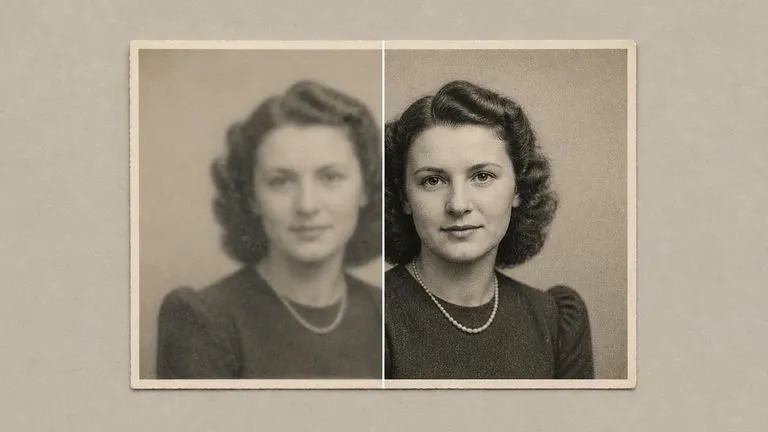
Test golden-cream, cyan-green, dusty rose, and silver monochrome instant film stocks in separate runs and group them on one Virse film board.
How using a generative vintage instant photo filter compares with basic rectangle frame tools or chaotic trend apps.
Plain CSS Borders and Trend Apps
Virse AI Polaroid Generator
Select a clear portrait, couple snapshot, pet photo, or travel scene when you want to turn photo into polaroid style artwork.
Write the film color cast, grain, and border style you want, and keep the lower margin blank or supply a short phrase.
Launch the generation to build your framed vintage photograph inside the workspace.
Check that facial features and framing match your source photo, and proofread any names or dates on the lower margin.
Requesting a straight-on matte border and an unmarked bottom margin keeps instant-film cards clean. Try these three AI polaroid generator prompts:
• Warm cream print: "Frame the uploaded portrait inside a flat instant-film print with matte-white borders and a blank lower margin; apply warm cream grain."
• Cool 1970s stock: "Turn the uploaded photo into a straight-on instant camera print with cool faded green shadows, soft highlights, and a blank bottom border."
• Monochrome print: "Render the uploaded portrait as a black-and-white instant-film print with an unbranded white frame, blank margin, and silver grain."
Four creative, social, and design workflows where being able to add instant camera border to photo uploads creates cohesive retro visuals.
Build nostalgic carousel posts, memory boards, and music-release teasers with consistent film grain and clean white instant-print margins.
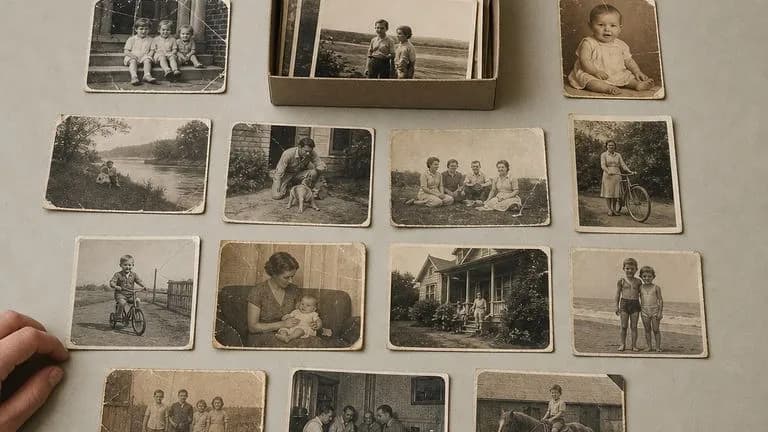
Transform smartphone travel and family snapshots into flat instant-film cards ready to drop into digital journals or anniversary collages.
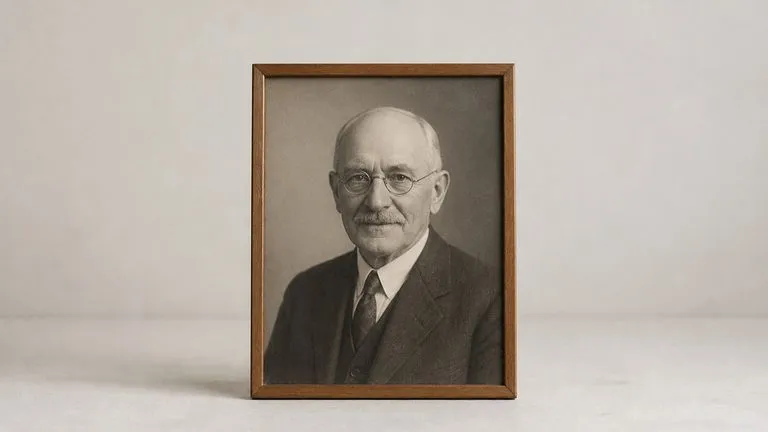
Test how album or single cover photography looks inside a weathered instant-film frame across warm, cool, and black-and-white emulsions.
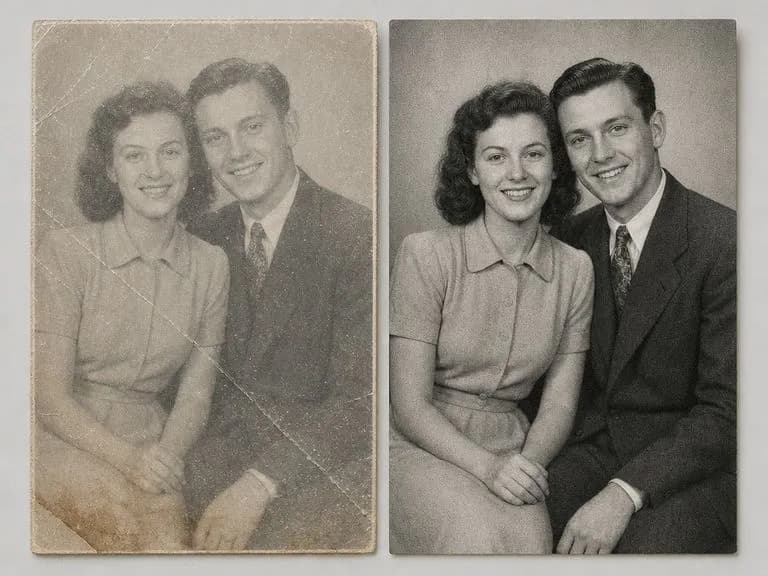
Create retro guestbook and save-the-date visual concepts from engagement portraits while keeping the bottom margin blank for clean desktop typesetting.
Six static instant-film print effects demonstrating how one uploaded photo or scene adapts to different vintage color casts and blank-margin frames.
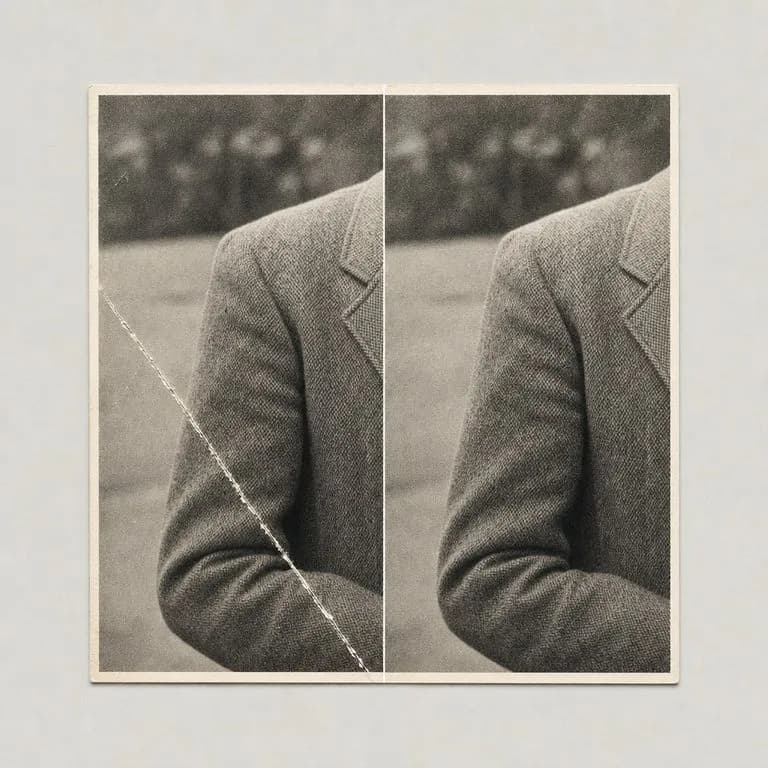
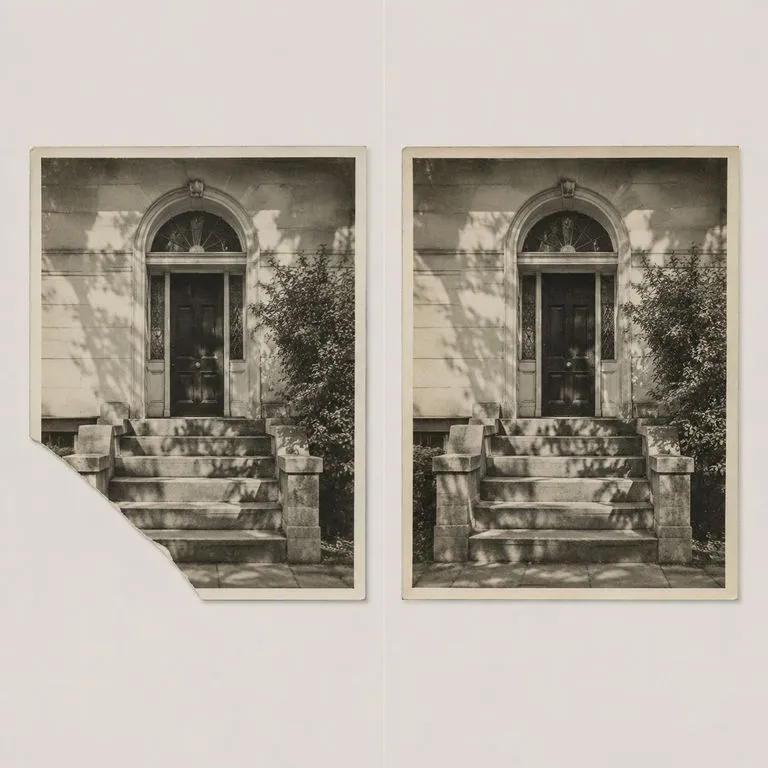
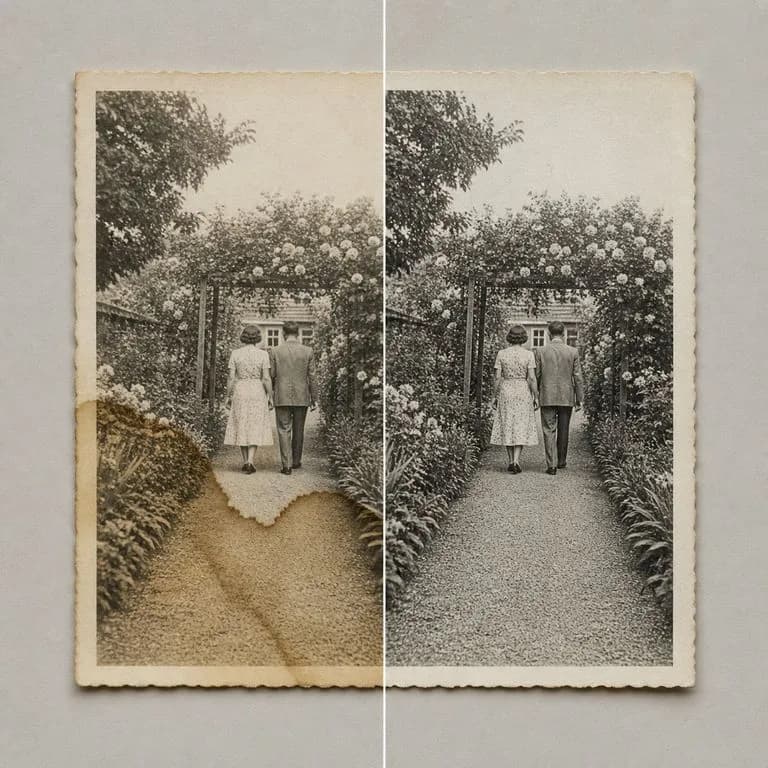
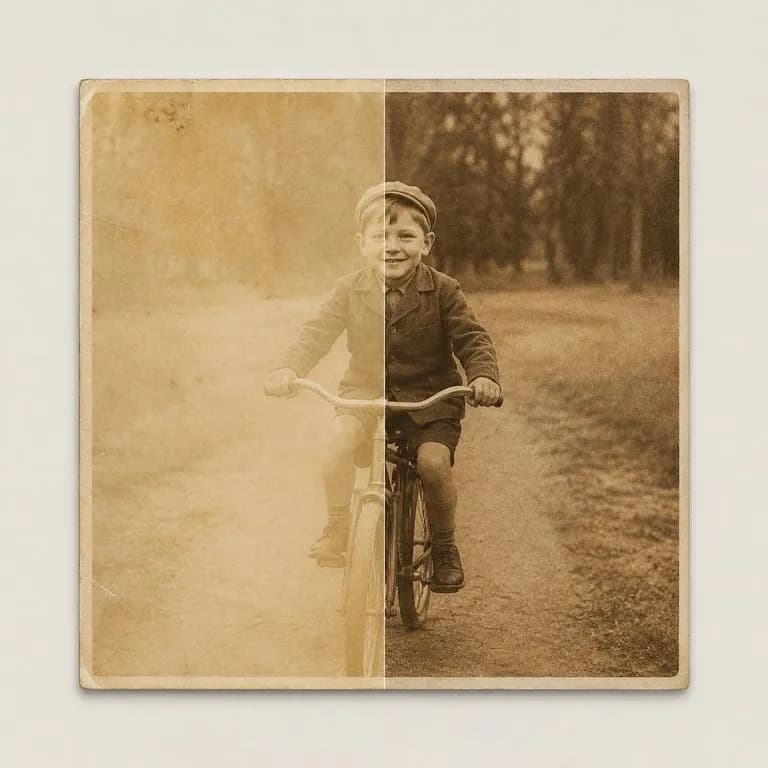
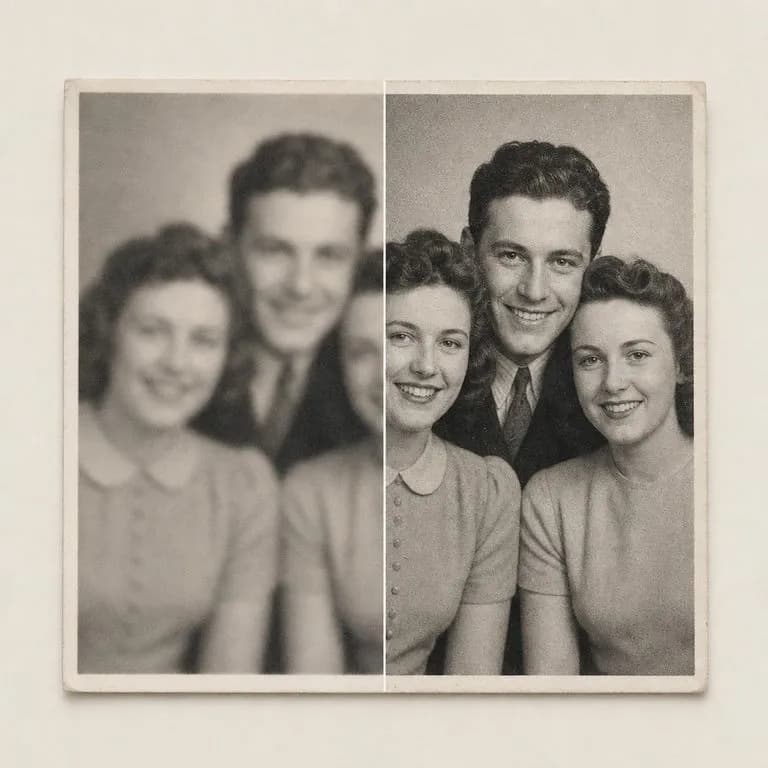
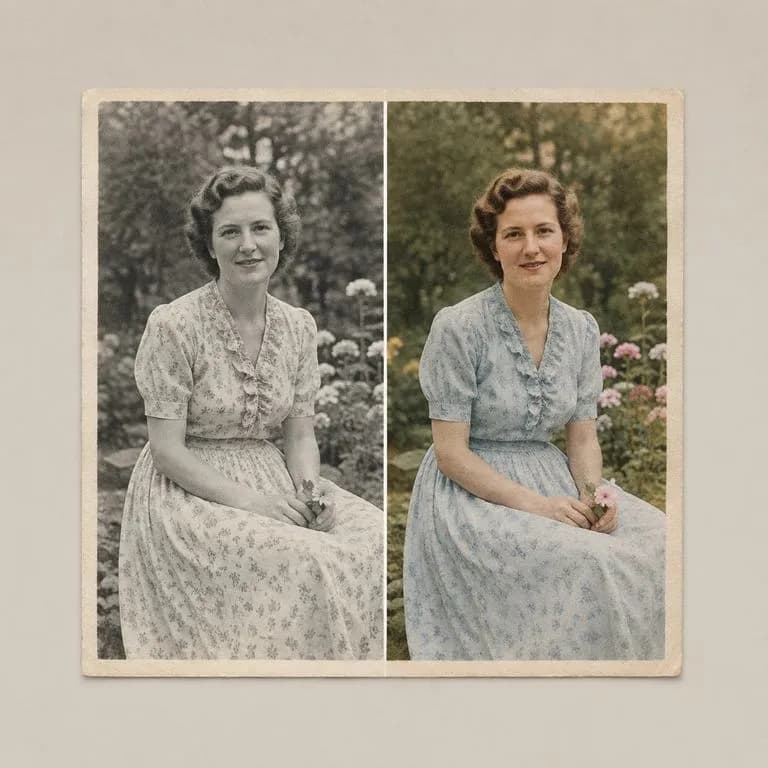
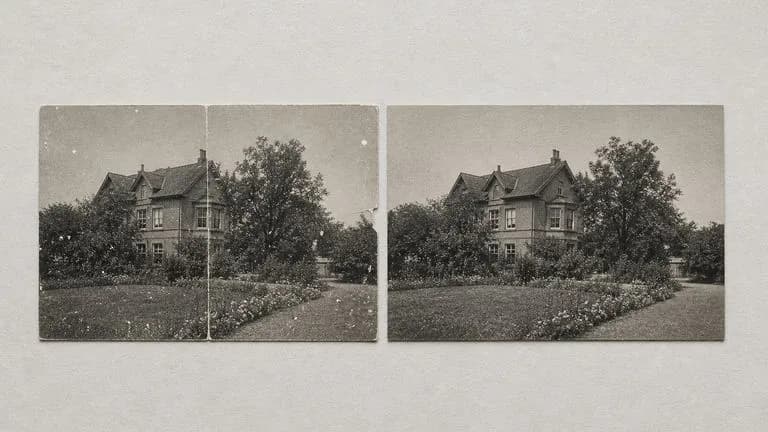
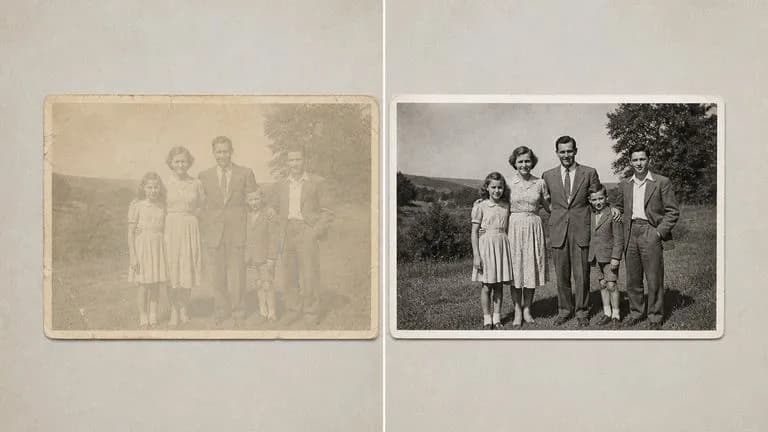
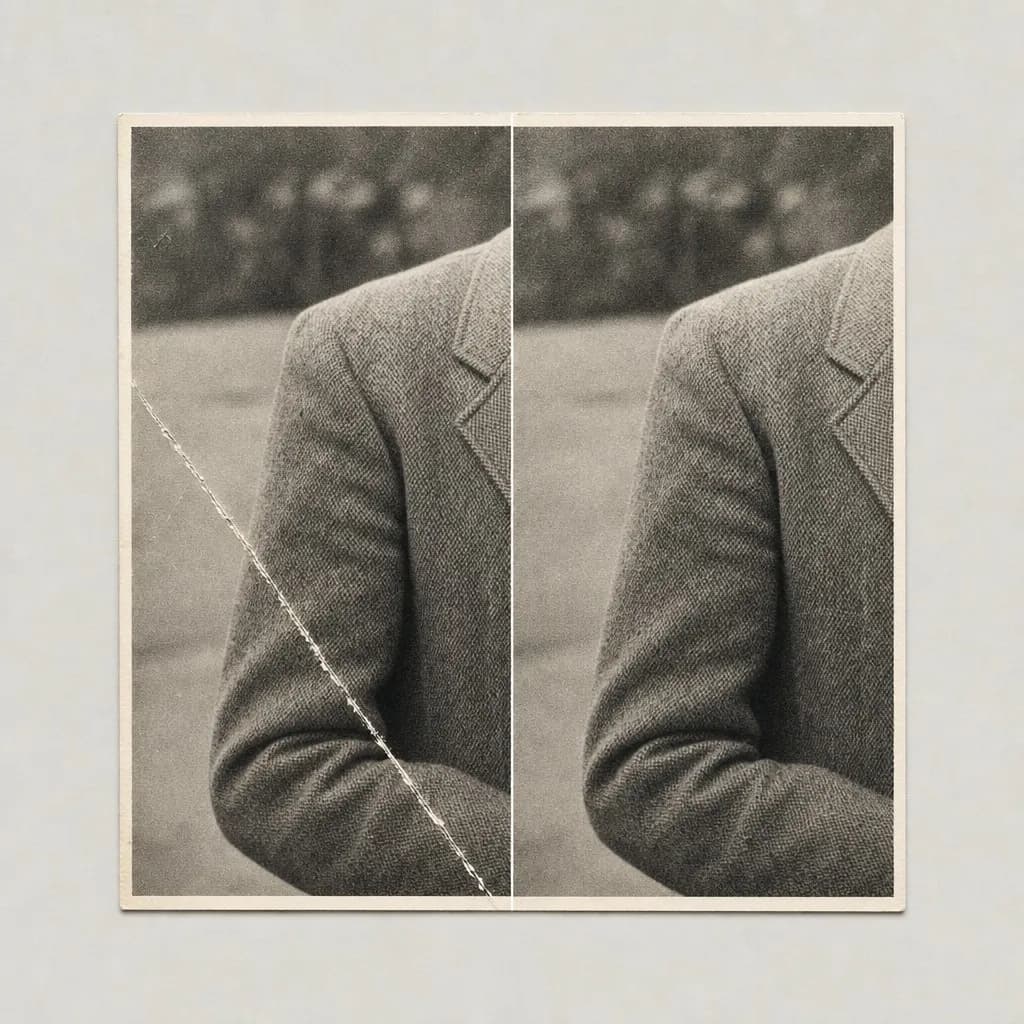
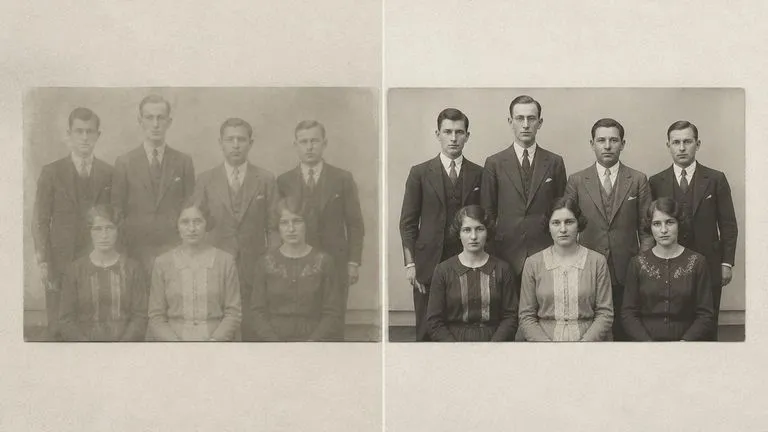
Revive yellowed album prints by fixing torn paper edges and washed-out darkroom contrast.
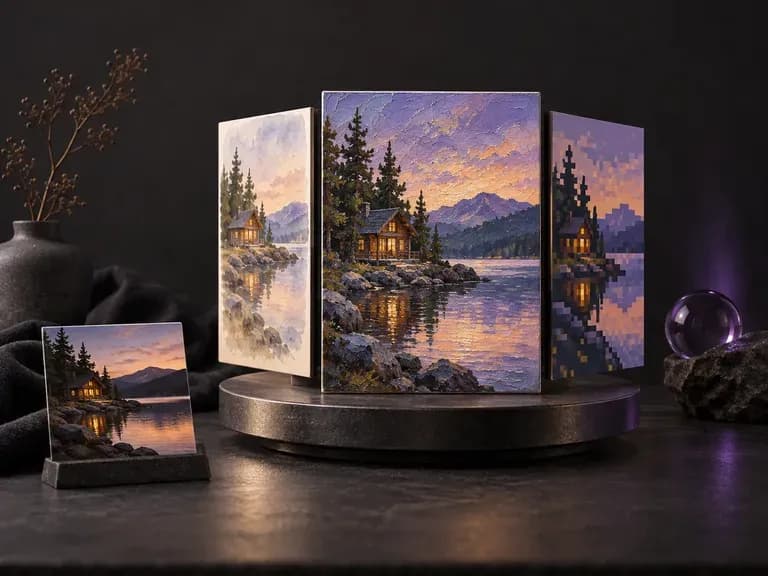
Explore painterly, retro, cinematic, or illustrative visual treatments across an uploaded photograph.
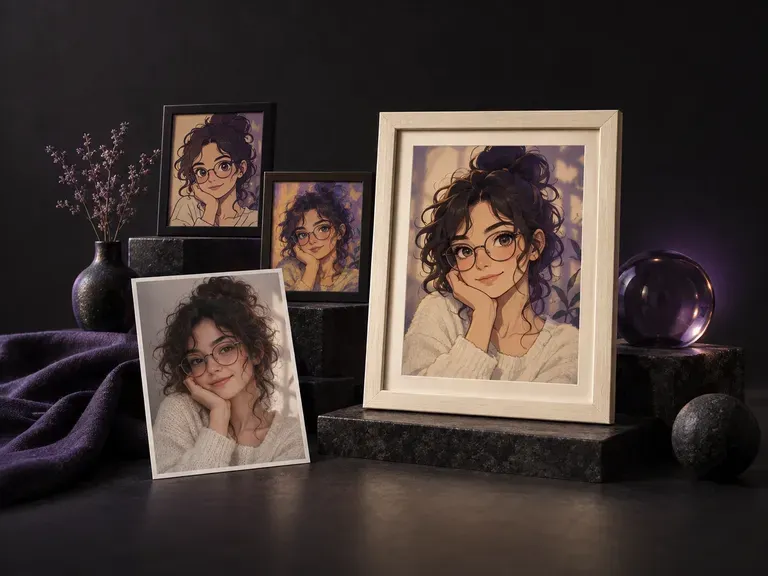
Turn a smartphone selfie into a styled studio portrait before wrapping it in an instant frame.
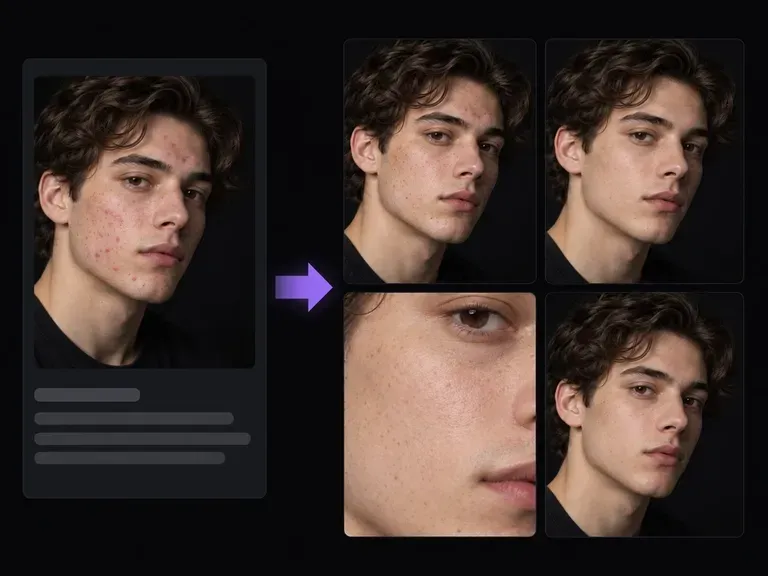
Clean up sensor dust, glare, or blemishes on a portrait before applying an instant-film frame.
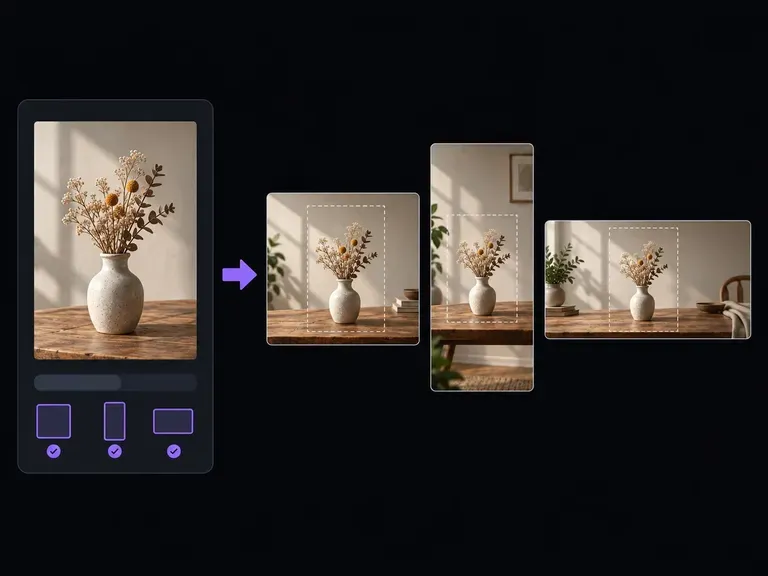
Reframe horizontal or vertical photos into square or portrait proportions for instant prints.
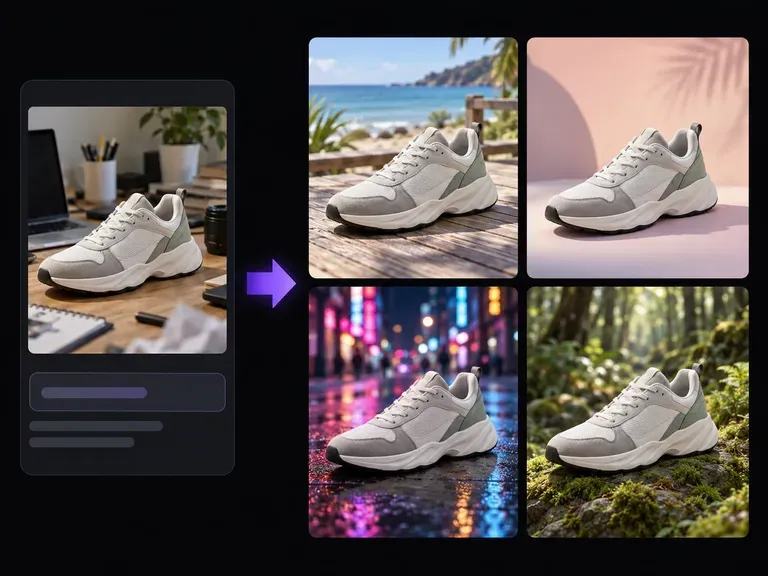
Swap a cluttered background behind your subject for a leafy park, retro living room, or studio sweep.
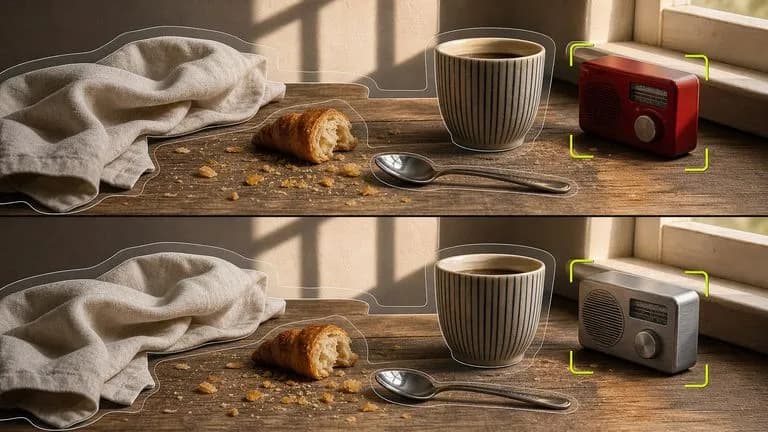
Wrap an uploaded photo in an instant-film border and vintage grade while locking subject identity.

Combine a snapshot with up to 14 vintage emulsion and paper-border references at 4K detail.
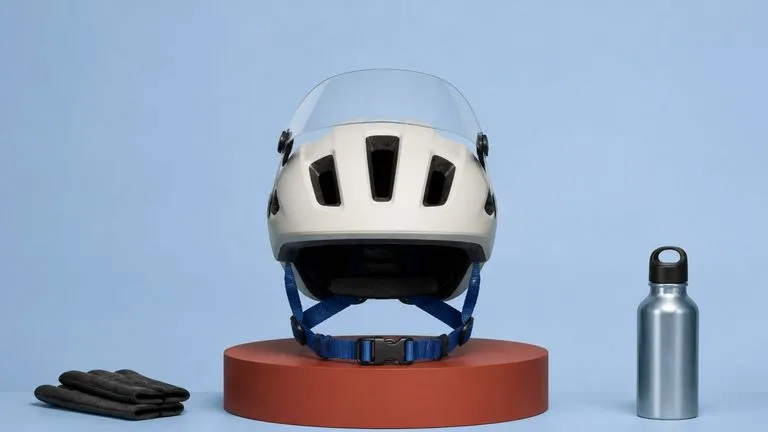
Render matte paper borders, subtle halation, and fine analog grain without muddying faces.

Follow prompts for flat front-facing borders, blank lower margins, or short user captions.
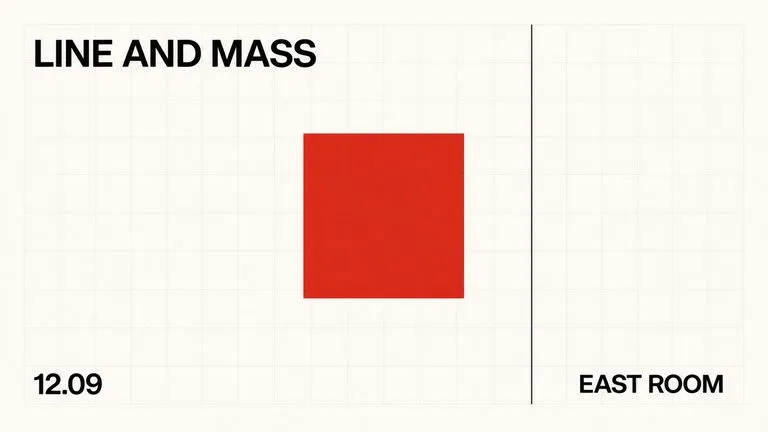
Handle optional short dates or titles on the lower margin when you choose to include user-specified text.
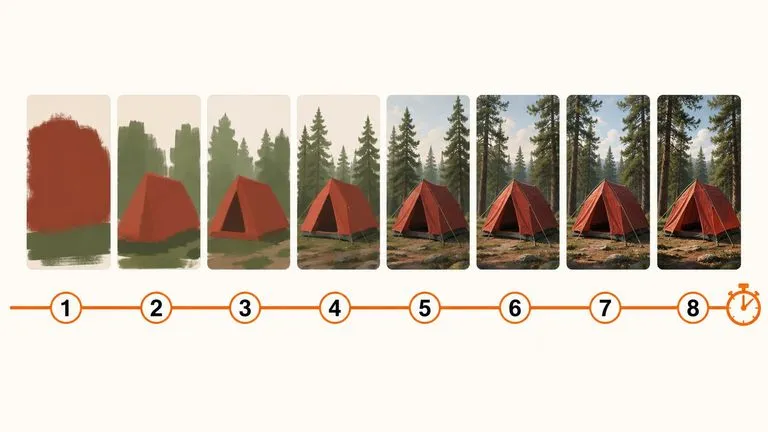
Compare warm cream, cool green, and monochrome film casts quickly before final high-res export.
Drop any portrait or travel snapshot into the Virse workspace, select a warm cream, cool green, or monochrome emulsion cast, and review your instant-print cards side by side.