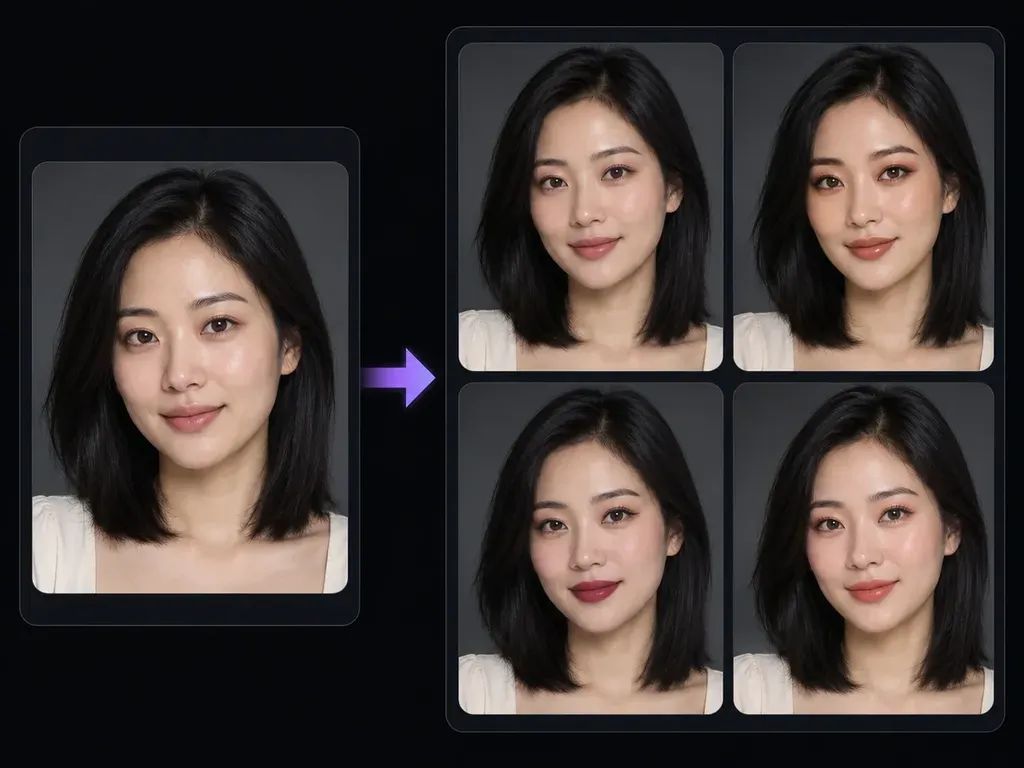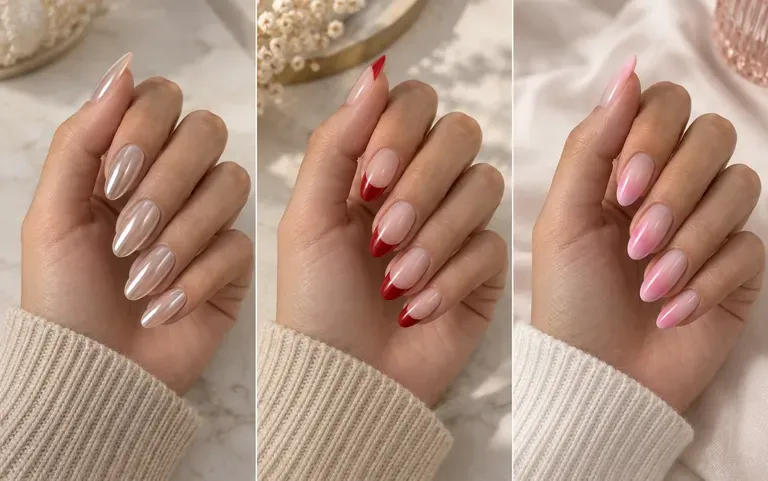
Palette brief
Written Palette and Occasion Control
Specify lip finish, eyeshadow warmth, blush placement, and event context in plain English instead of cycling through rigid preset masks.
Upload a clear portrait and describe the makeup style, color palette, and occasion you want to explore, or attach a makeup reference image. This AI makeup generator produces a static portrait preview so you can compare daytime, bronze, or bridal cosmetics.
An AI makeup generator (or prompt-guided makeup photo editor) applies described eyeshadow, eyeliner, blush, and lip color to an uploaded portrait while keeping facial geometry and lighting recognizable. Check three beauty details without plastic smoothing:
• Targeted color placement: Direct pigment to eyelids, lash lines, cheeks, and lips without tinting the forehead or neck.
• Natural skin grain: Request satin, matte, or dewy cosmetic textures that leave pores, beauty marks, and bone structure unwarped.
• Undertone continuity: Keep the original window or studio light, hairstyle, and expression stable to judge how shades suit your skin.
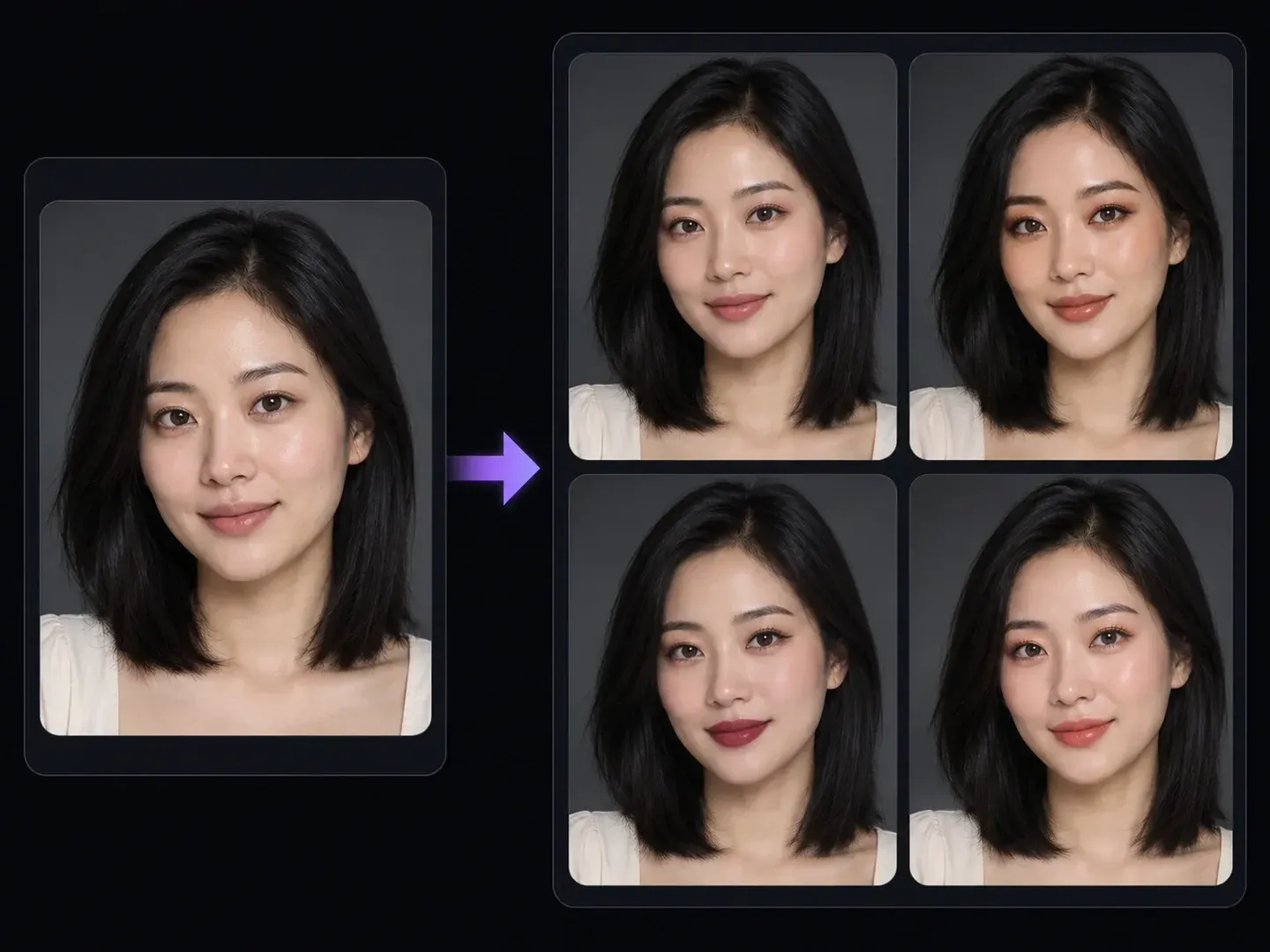
Three practical controls when you want to test makeup looks on my photo uploads without generic beauty-app distortion.
Specify lip finish, eyeshadow warmth, blush placement, and event context in plain English instead of cycling through rigid preset masks.
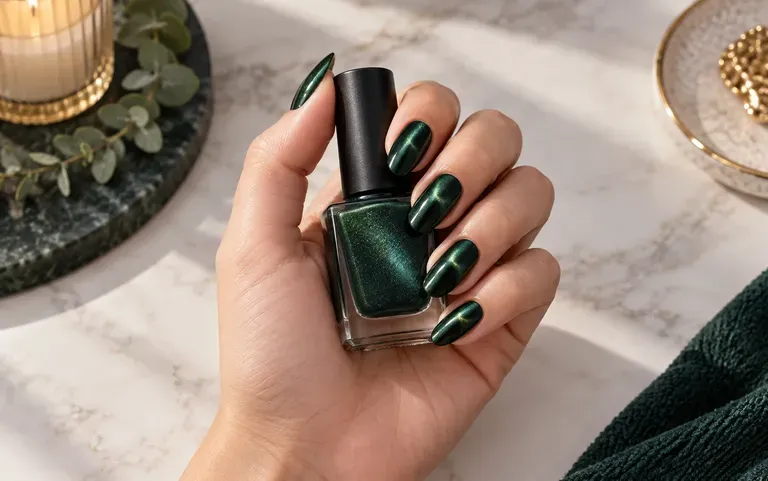
Upload an editorial beauty reference photo alongside your portrait to guide color harmony and eye-to-lip balance while keeping your own facial features.
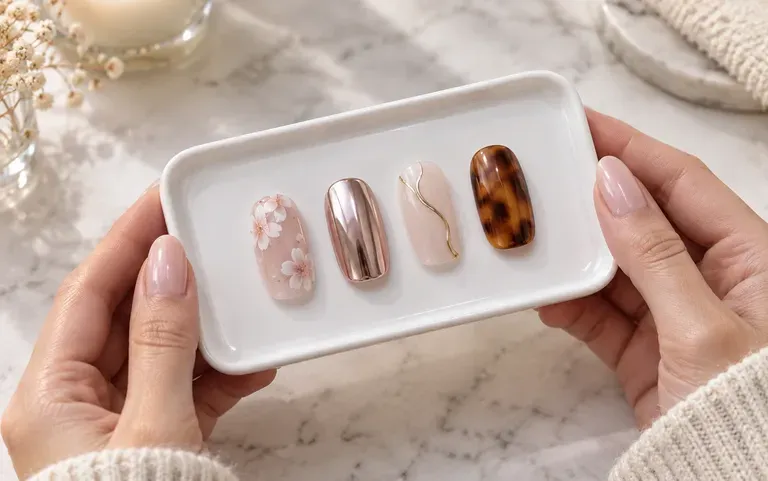
Render rosy daytime, copper evening, and peach bridal cosmetic previews in separate runs and group them on one Virse beauty board.
Why written lip, cheek, and lid notes outperform one-click AI makeup filter beauty apps.
Heavy AI Makeup Filter Presets
Virse AI Makeup Generator
Attach a bare-faced headshot with even daylight across the lids, cheekbones, and lips when you want to add makeup to photo files.
Write the makeup style, color palette, and occasion, or attach a reference photo, noting that skin tone and face shape stay unchanged.
Trigger the cosmetic synthesis to produce your styled beauty preview on the canvas.
Verify lip edges, eyeliner alignment, complexion warmth, and facial identity against your bare-faced upload before exporting.
Naming exact lip finishes, lid shades, and anti-airbrushing rules keeps cosmetic previews believable. Try these three AI makeup generator prompts:
• Rosy daytime makeup: "Apply a fresh daytime look with soft rose cream blush, neutral taupe lids, light mascara, and a sheer satin lip; keep natural pores."
• Bronze evening look: "Add warm bronze and copper eyeshadow with blended outer corners, subtle bronzer, and a nude-peach lip; preserve facial features."
• Berry lip and liner: "Apply a satin berry lipstick with crisp lip edges and thin dark-brown eyeliner; keep complexion natural without plastic smoothing."
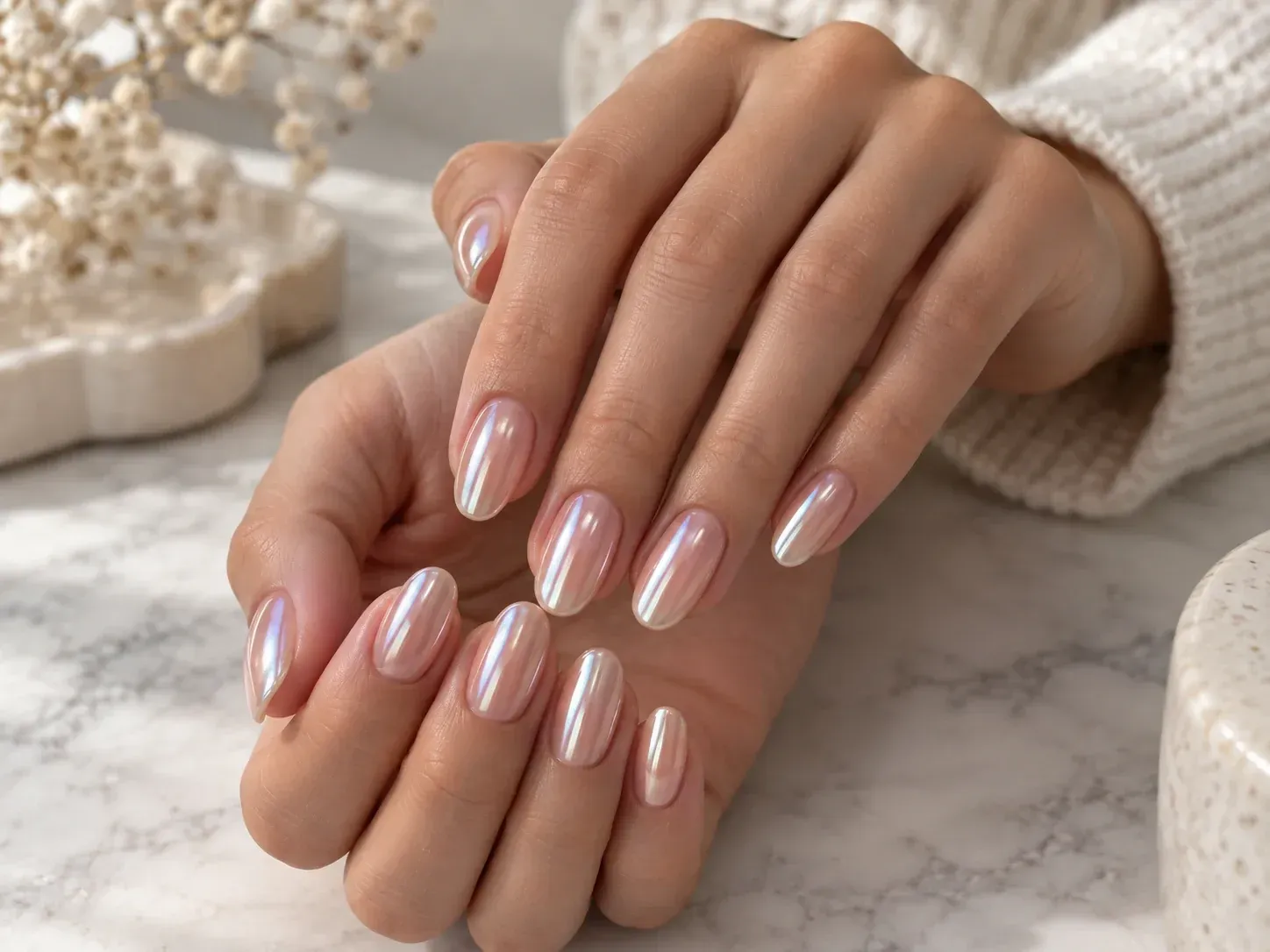
Four beauty, bridal, and portrait workflows where running a static virtual makeup try on photo preview helps narrow down color choices before applying physical cosmetics.
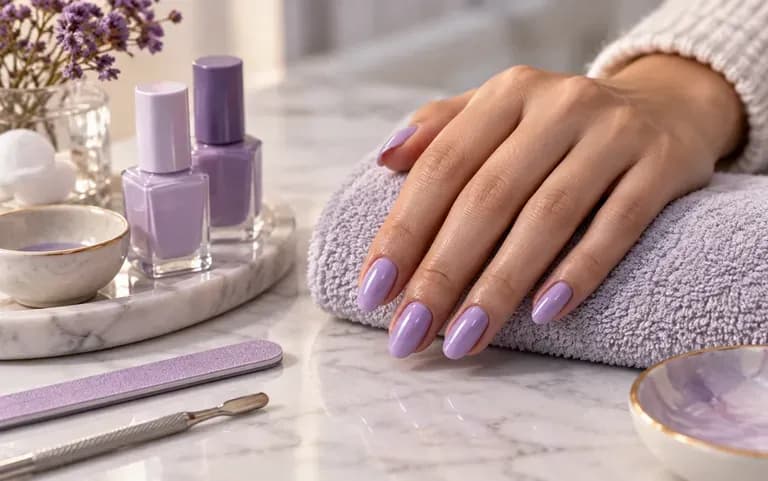
Compare soft peach bridal makeup, rosy garden-party tones, and warm evening bronze on your own portrait before booking a trial session with a stylist.
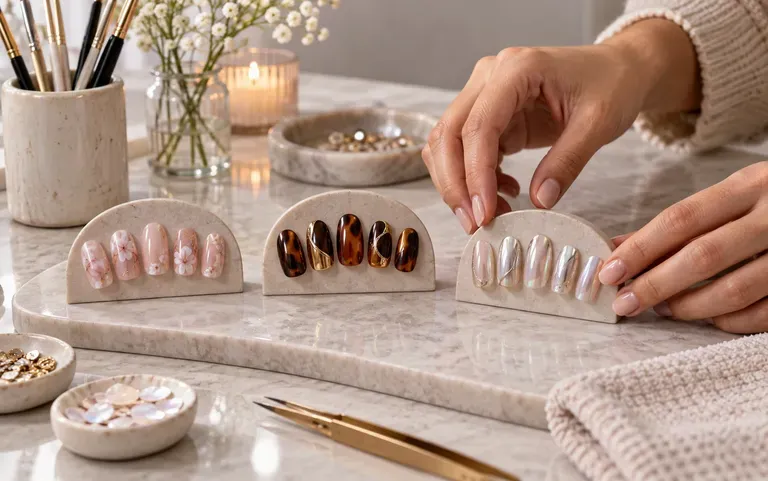
Build visual moodboards from a client's bare-faced reference photo to align on lip intensity and eyeshadow warmth prior to event day.
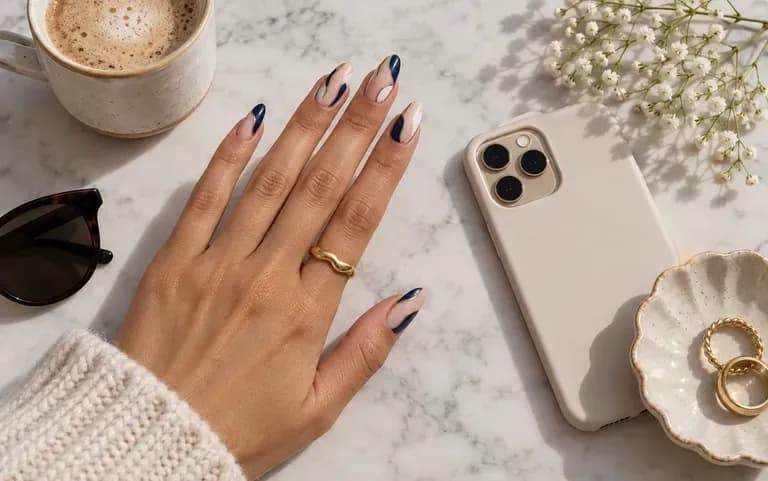
Test how a warmer lip tint or subtle eye definition balances studio key lighting on a headshot without painting manual frequency-separation layers first.
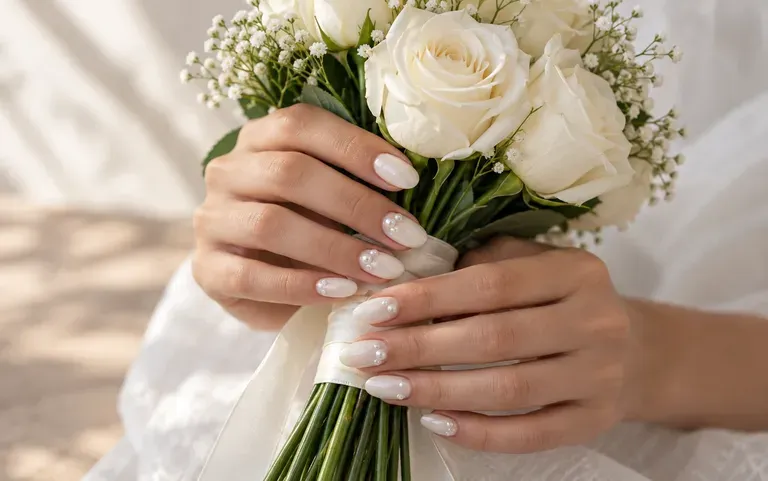
Create cohesive thumbnail and lookbook concept cards illustrating seasonal color palettes across a consistent portrait pose.
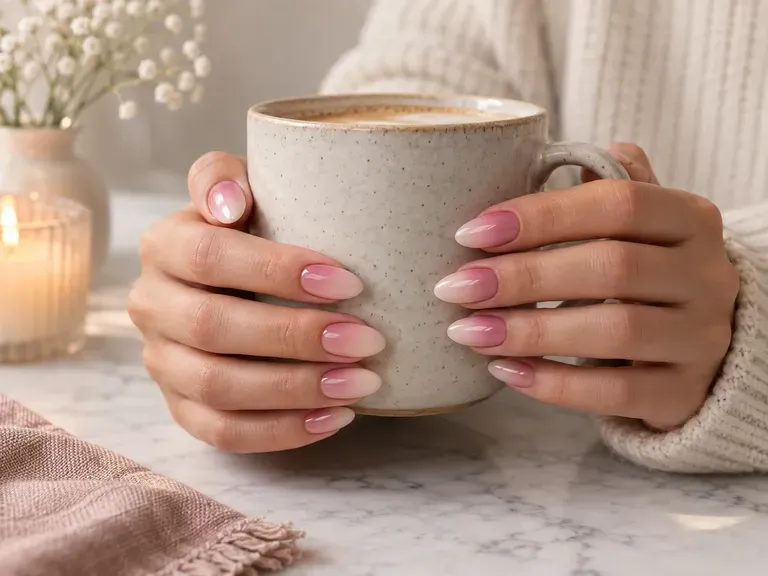
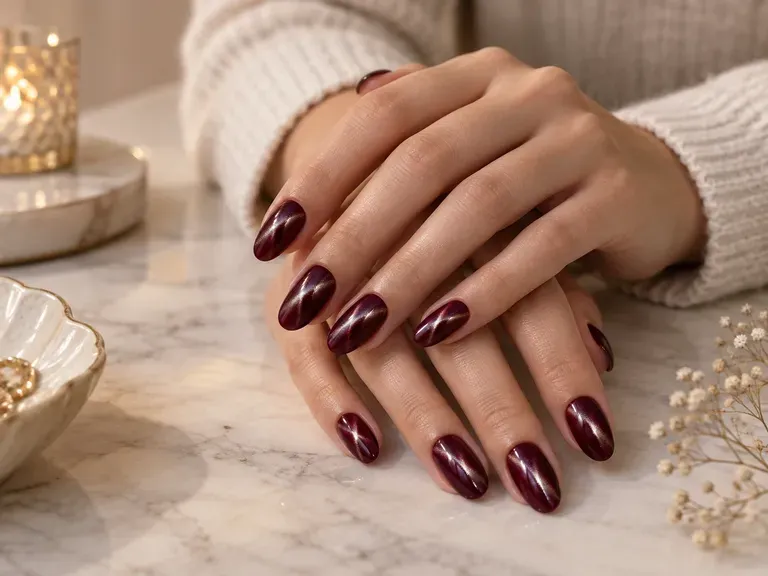
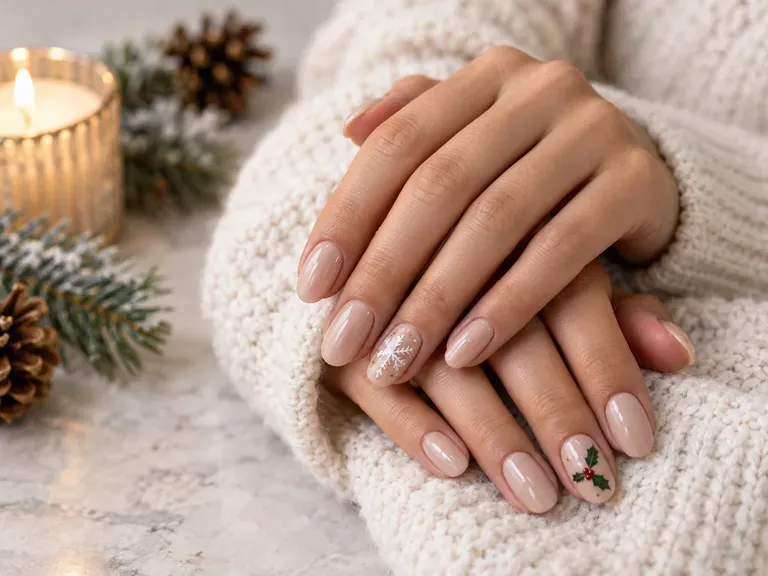
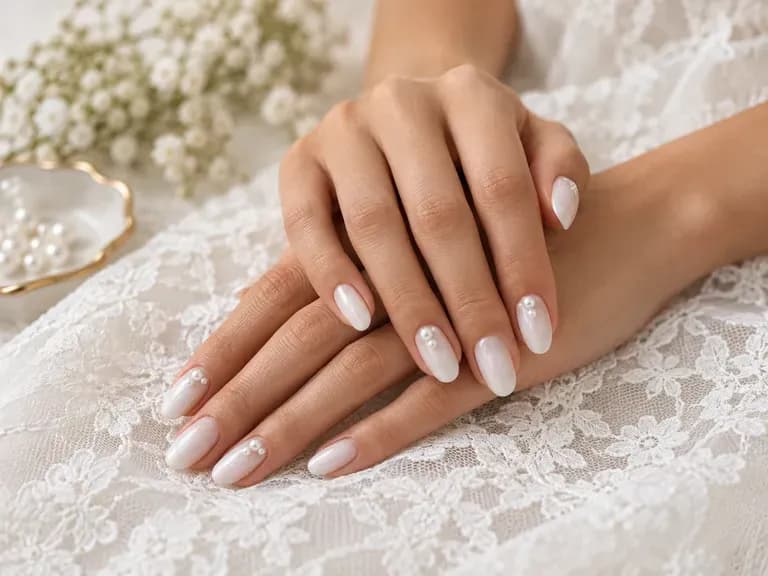
Six static portrait previews illustrating how different cosmetic palettes and finishes read while preserving natural skin texture and facial identity.
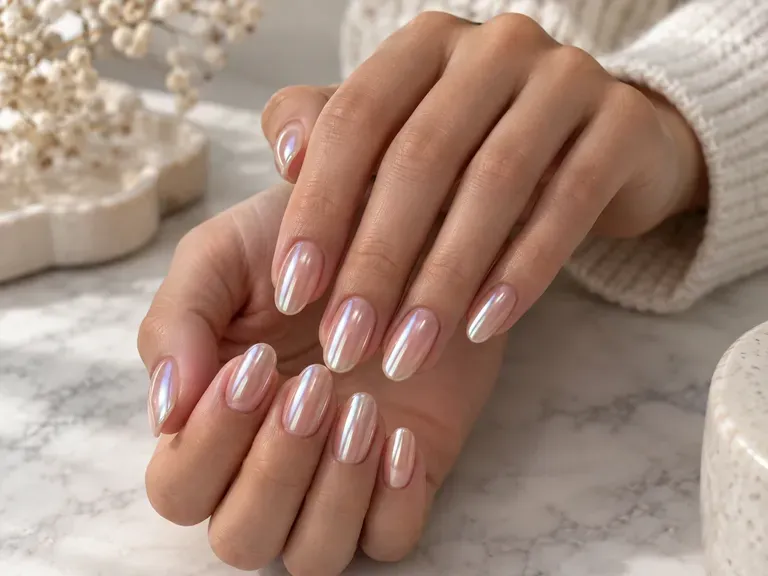
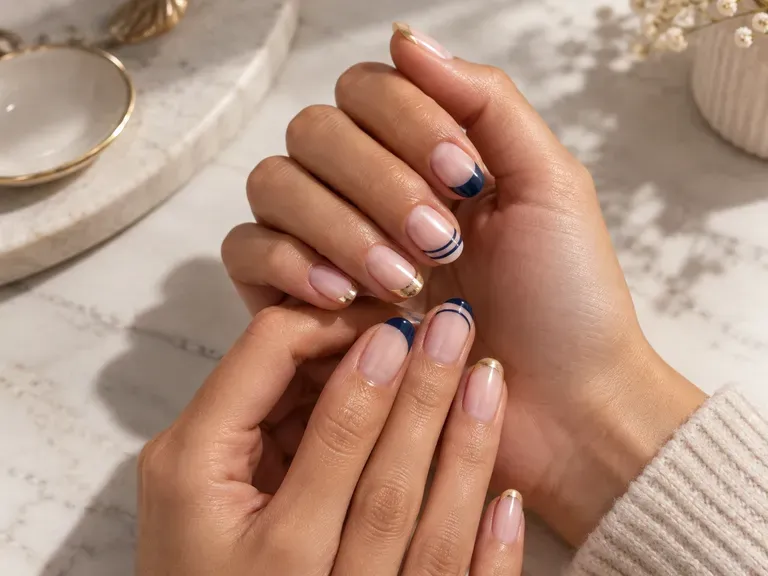
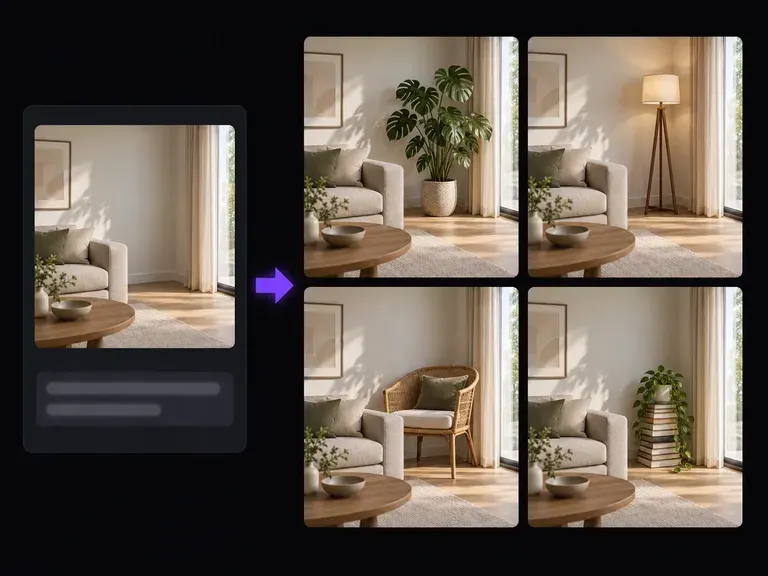
Experiment with pearl hairpins, stud earrings, or satin necklines on a portrait using written prompts.
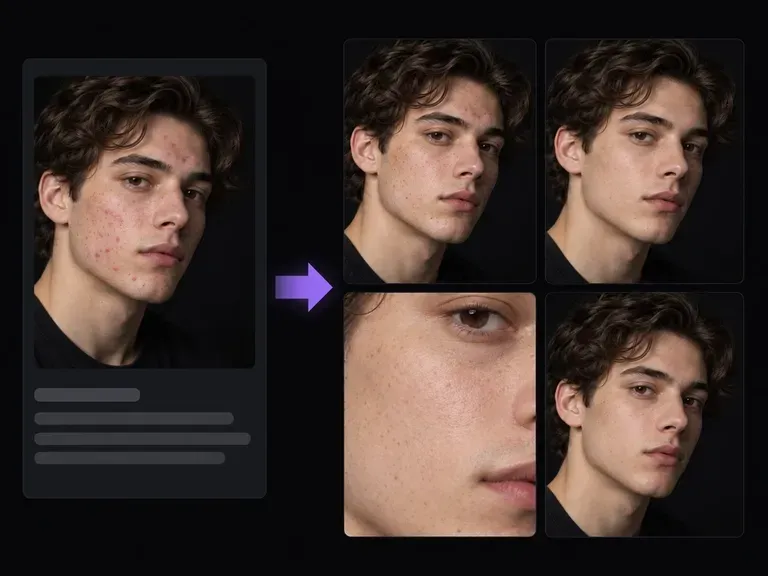
Retouch isolated breakouts or T-zone shine on a bare-faced selfie before testing makeup shades.
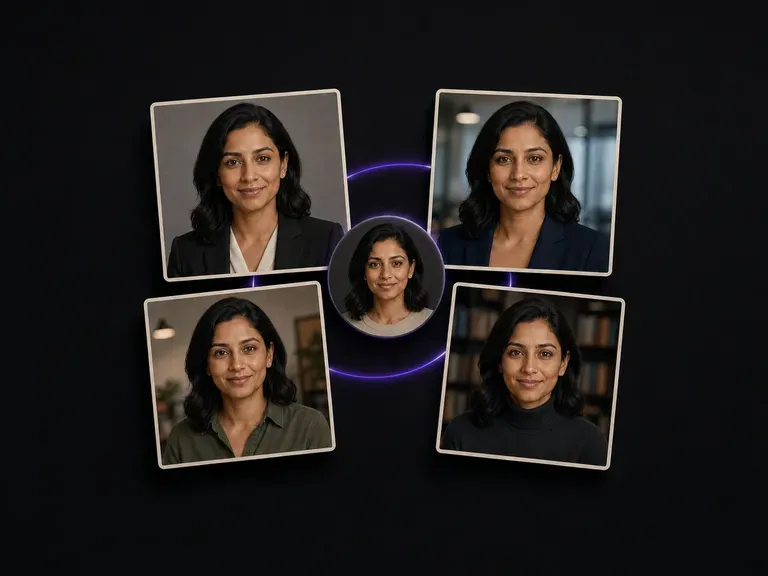
Prepare polished corporate and press headshots after choosing a subtle daytime cosmetic palette.
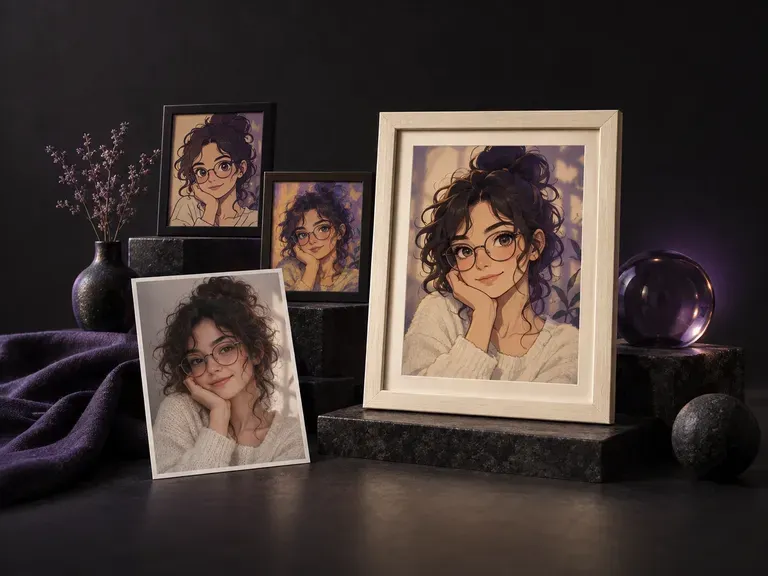
Explore studio beauty lighting setups, editorial angles, and wardrobe colors from one selfie.
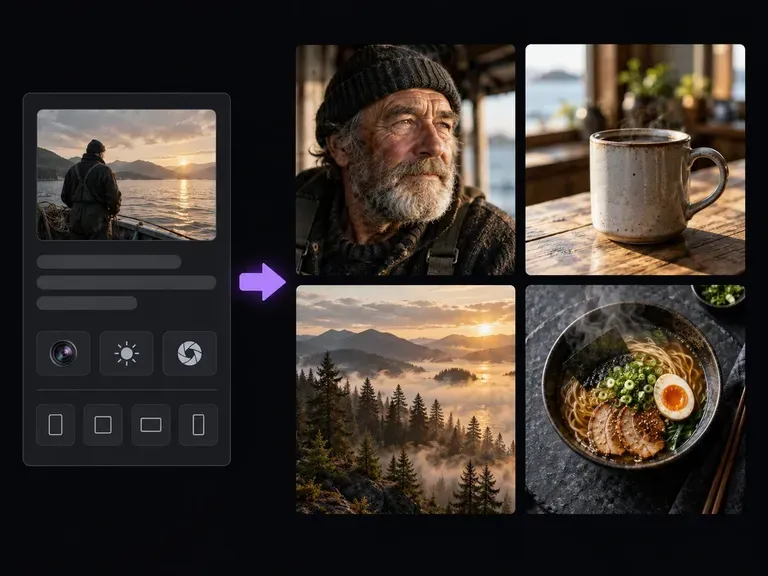
Create cosmetic product flat-lays and editorial beauty campaign concepts from text briefs.
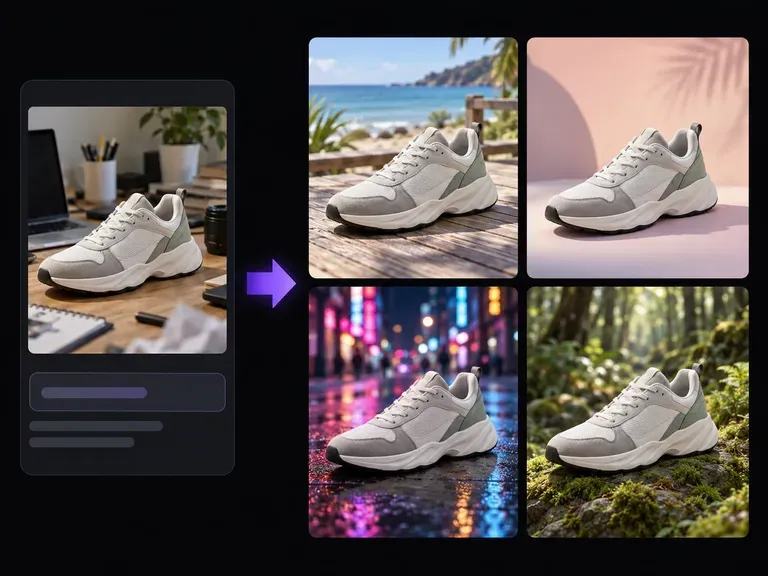
Place your finished beauty portrait in front of a velvet studio curtain or sunlit conservatory.
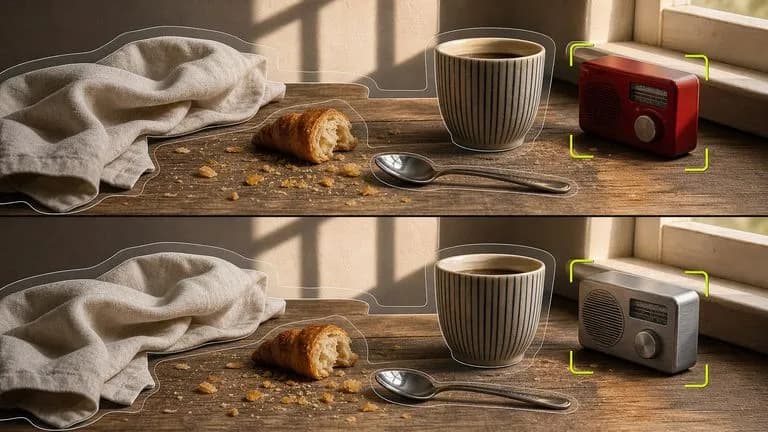
Layer eyeshadow, blush, and lip color onto an uploaded face card without shifting head tilt or hair.

Pair your portrait with beauty swatch photos at up to 4K resolution to guide satin and matte finishes.
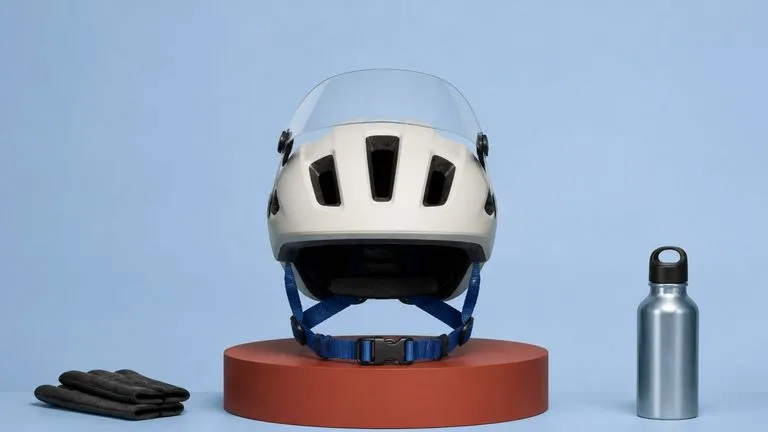
Render natural skin grain, crisp winged liner, and realistic lip sheen under studio softboxes.

Honor cosmetic briefs that specify blush placement, lip shade, and strict no-airbrushing rules.
Preserve sharp winged-liner flicks, lip border symmetry, and natural cheek pores across 4K beauty tests.

Draft bridal beauty moodboards, editorial cosmetic studies, and seasonal color palettes.
Bring a clear portrait to the Virse canvas, describe your target lip, cheek, and eye palette, and inspect every cosmetic detail beside your original photo.